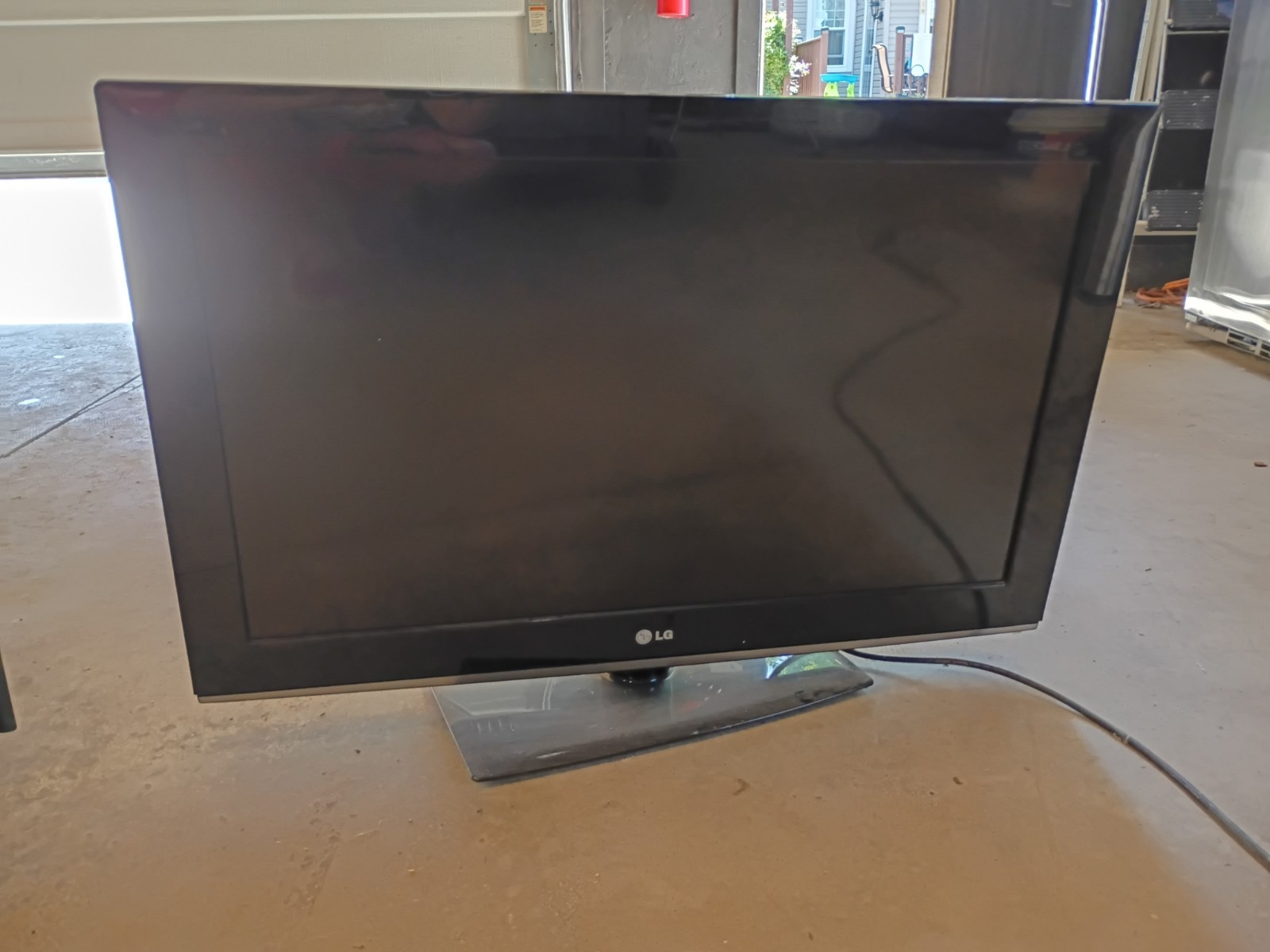

Photos from current listings. Actual item, color, and included accessories may vary.
LG TV Buying Guide
LG TVs span two core panel architectures: OLED (self-emissive, perfect blacks, wide viewing angles) and LED/LCD (higher peak brightness, no burn-in risk). The primary trade-off is OLED's contrast and motion clarity versus LED's brightness and durability for static content. Decision rule: buy OLED for dark-room cinema and mixed viewing, or a Mini-LED/QNED LED for bright rooms and static UI/scoreboard content.
Key takeaways
- OLED evo panels (G4/C4) use a microlens array and brighter alpha-9 processor; A-series and B-series use standard OLED panels with lower peak brightness.
- LG OLED tiers differ by refresh rate: A-series is 60Hz, B-series is 120Hz, C/G-series add 144Hz gaming and four HDMI 2.1 ports.
- LED models split into QNED (quantum dot + NanoCell) and entry UHD; only QNED Mini-LED delivers meaningful local dimming for HDR contrast.
At a glance
- Category
- TVs & Display Panels
- Last updated
- Nov 24, 2026
Current offers
Highlights
- OLED evo panels (G4/C4) use a microlens array and brighter alpha-9 processor; A-series and B-series use standard OLED panels with lower peak brightness.
- LG OLED tiers differ by refresh rate: A-series is 60Hz, B-series is 120Hz, C/G-series add 144Hz gaming and four HDMI 2.1 ports.
- LED models split into QNED (quantum dot + NanoCell) and entry UHD; only QNED Mini-LED delivers meaningful local dimming for HDR contrast.
- All modern LG smart TVs run webOS with ThinQ AI, Magic Remote voice control, and support AirPlay 2 and major HDR formats (Dolby Vision on OLED and QNED).
Best use cases
- Dark-room movie watchers: pick an OLED C-series or above for per-pixel contrast; skip entry LED UHD models that wash out blacks.
- Bright living rooms with windows: choose a QNED Mini-LED for higher sustained brightness; skip A-series OLED if daytime glare is heavy.
- PC and console gamers: select B-series or higher for HDMI 2.1 and 120Hz; skip A-series and entry LED, which cap at 60Hz.
- Static-content users (news tickers, sports scores, PC taskbars): choose LED/QNED to avoid burn-in risk; skip OLED unless you vary content.
Buying tips
- Size by viewing distance: for 4K, sit 1.0–1.5× the screen diagonal away; a 55-inch suits 5–7 ft, a 65-inch suits 6–8 ft, a 77-inch suits 7–10 ft.
- Match refresh rate to use: 60Hz is fine for movies and casual TV; 120Hz is required for smooth console gaming and sports motion.
- Check HDMI 2.1 port count: only C/G-series and some B-series offer four full 48Gbps ports; A-series lacks HDMI 2.1 entirely.
- Choose OLED evo (C4/G4) over standard OLED (A4/B4) when peak brightness matters; evo panels are measurably brighter in HDR highlights.
Specs
| Panel Type | OLED vs QNED Mini-LED vs LED |
|---|---|
| Refresh Rate | 60Hz / 120Hz / 144Hz |
| HDMI 2.1 Ports | 0 (A) to 4 (C/G) |
| HDR Support | Dolby Vision, HDR10, HLG |
Related searches
What to check before buying
- Measure your wall or stand width and confirm the TV's stand footprint; LG OLED stands are wide and need a deep console.
- Check room light: OLED excels in controlled light; if direct sun hits the screen, prioritize a QNED Mini-LED.
- Confirm voltage and plug: LG TVs sold in North America are 120V with Type B plug; verify region before importing.
- Plan companion parts: a soundbar or AV receiver, an HDMI 2.1 cable for 4K120, and a wall mount rated for the TV's VESA pattern and weight.
FAQ
Data sources: eBay / Amazon listings and product attribute feeds. Updated Nov 24, 2026.
Some links on this page are affiliate links. If you buy after clicking one, we may earn a commission at no extra cost to you. This does not change which products appear here or their order. Affiliate disclosure.