
Photos from current listings. Actual item, color, and included accessories may vary.
Smart TV OLED Buying Guide
OLED smart TVs use self-emissive pixels for infinite contrast, but panel generation and processor tier determine brightness and longevity. The key trade-off is peak brightness versus burn-in risk: budget OLEDs suit dark rooms, while premium OLED evo panels handle brighter spaces. Choose by panel type and HDMI 2.1 support, not by brand alone.
Panel Technology:OLED (WOLED) vs QD-OLEDRefresh Rate:60Hz or 120Hz nativeHDMI 2.1 Ports:0-2 (60Hz) or 4 (120Hz)Peak Brightness:500-1,500 nits (panel-dependent)
Typical price range$179.99 – $2,838.26
Median $699.80
Key takeaways
- OLED panel types differ: entry 'A' series use standard OLED (~500-600 nits), 'B' series add better processing, 'C/G' use OLED evo with brighter MLA or heatsink for 1,000+ nits.
- Refresh rate split: 60Hz on budget A/B models, 120Hz on C-series and up, with HDMI 2.1 (4K120, VRR, ALLM) only on 120Hz tiers for console gaming.
- Processor matters: entry models use basic image processors with fewer HDMI 2.1 ports; premium tiers add AI upscaling and four full-bandwidth HDMI 2.1 inputs.
At a glance
- Category
- TVs & Display Panels
- Last updated
- Nov 24, 2026
Current offers
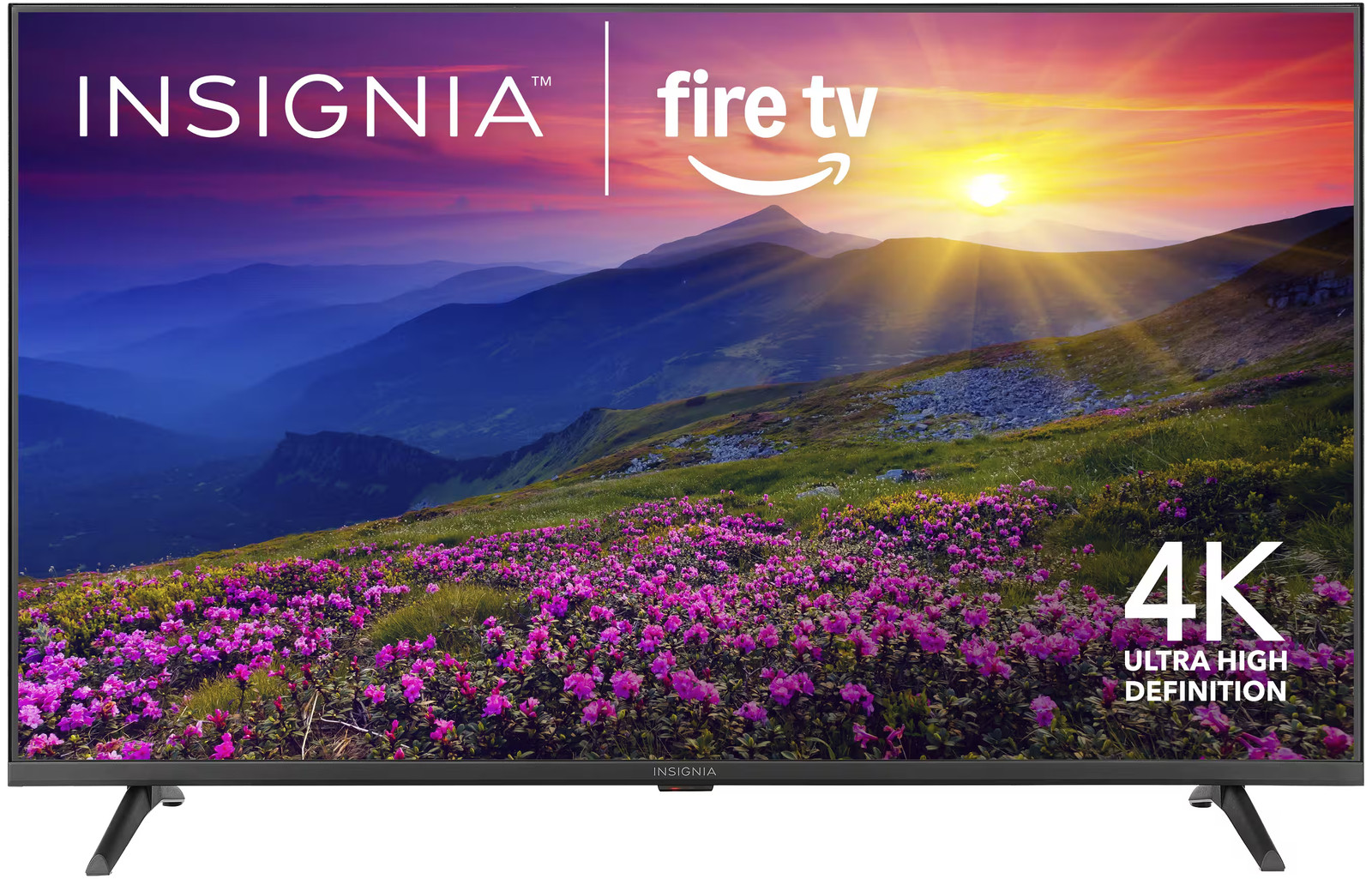 Insignia- 50" Class F50 Series LED 4K UHD Smart Fire TV$179.99View on eBay
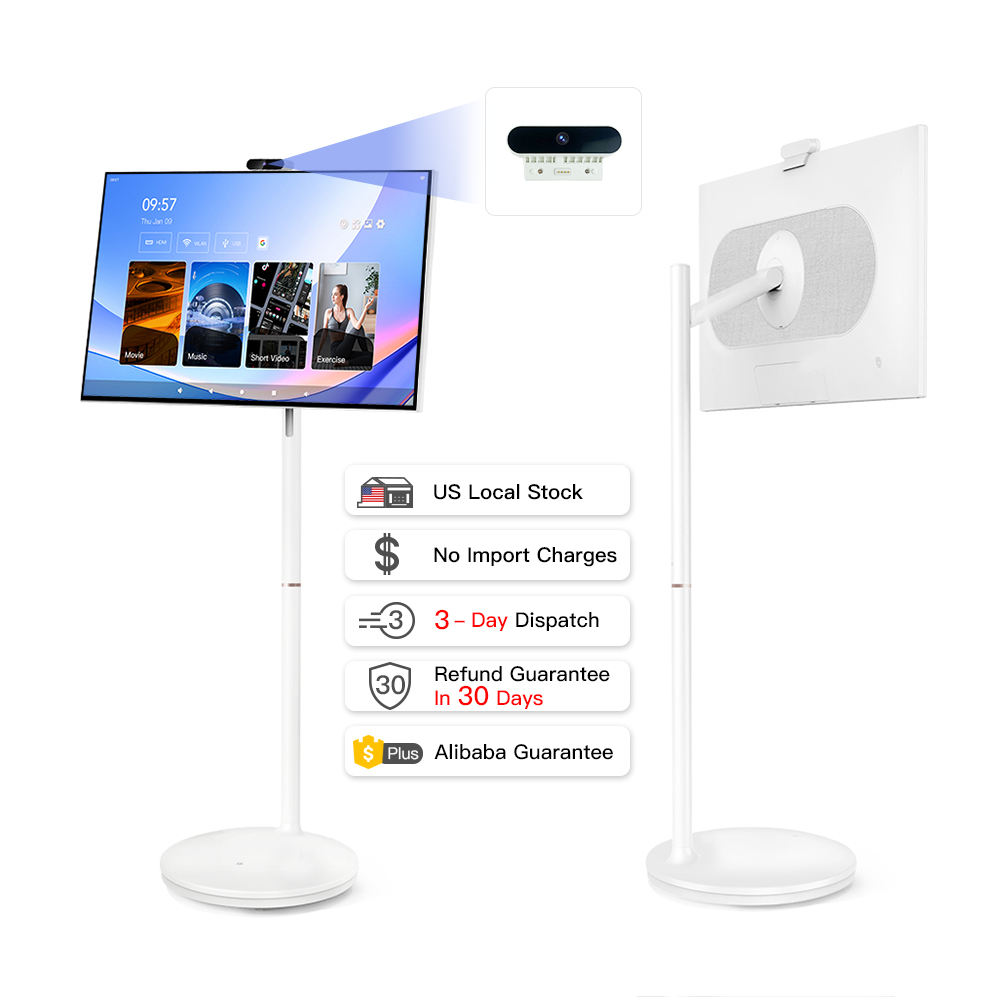 32 Inch 128GB Smart Portable TV Android OS 1080P 13MP Camera Remote Control Home Office Entertainment Tv$1,101.99View on Mallflare
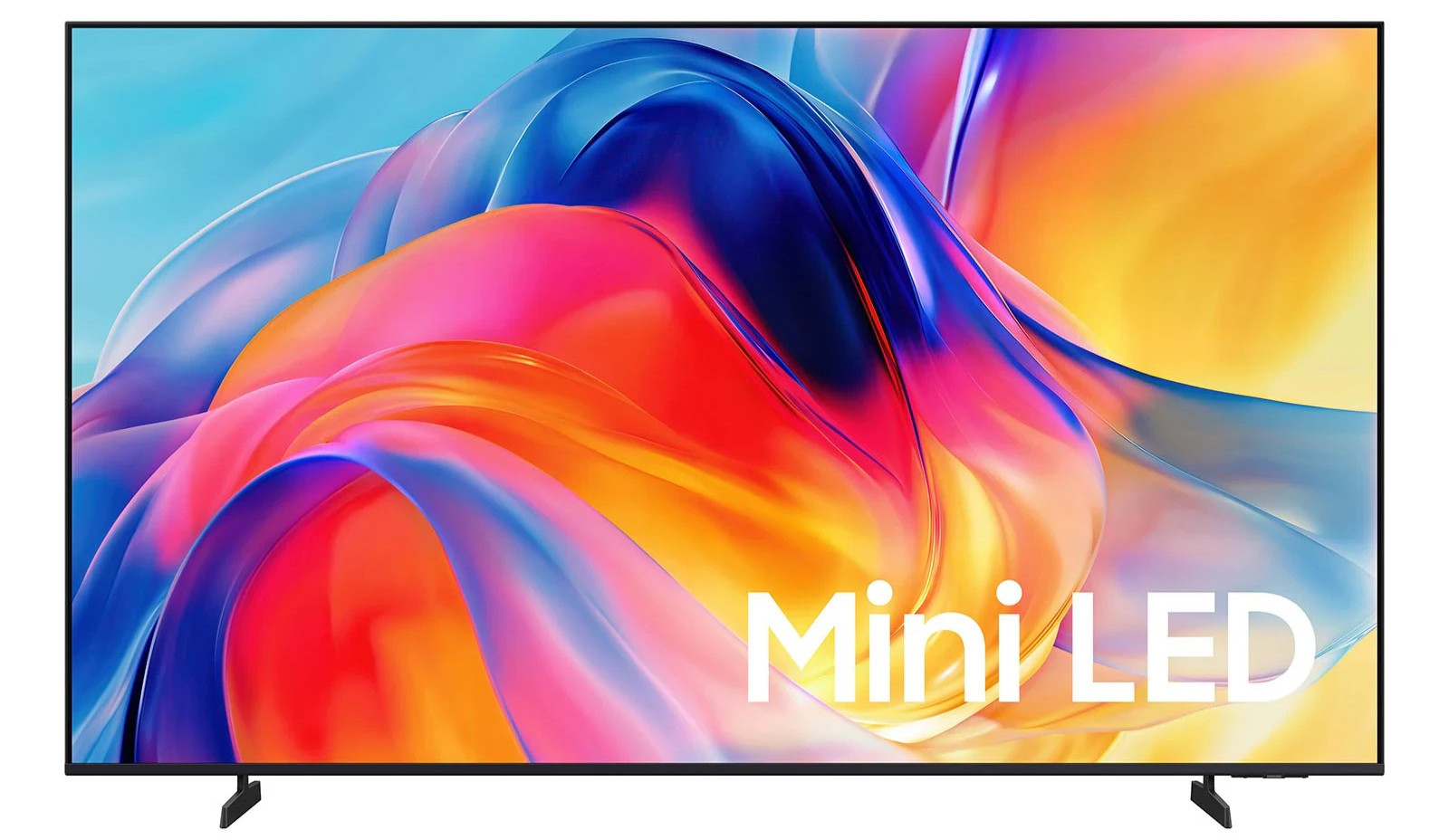 Samsung M70H 43" Class 4K Mini LED HDR Smart TV (2026)$297.60Last checked Nov 18, 2026View on eBay
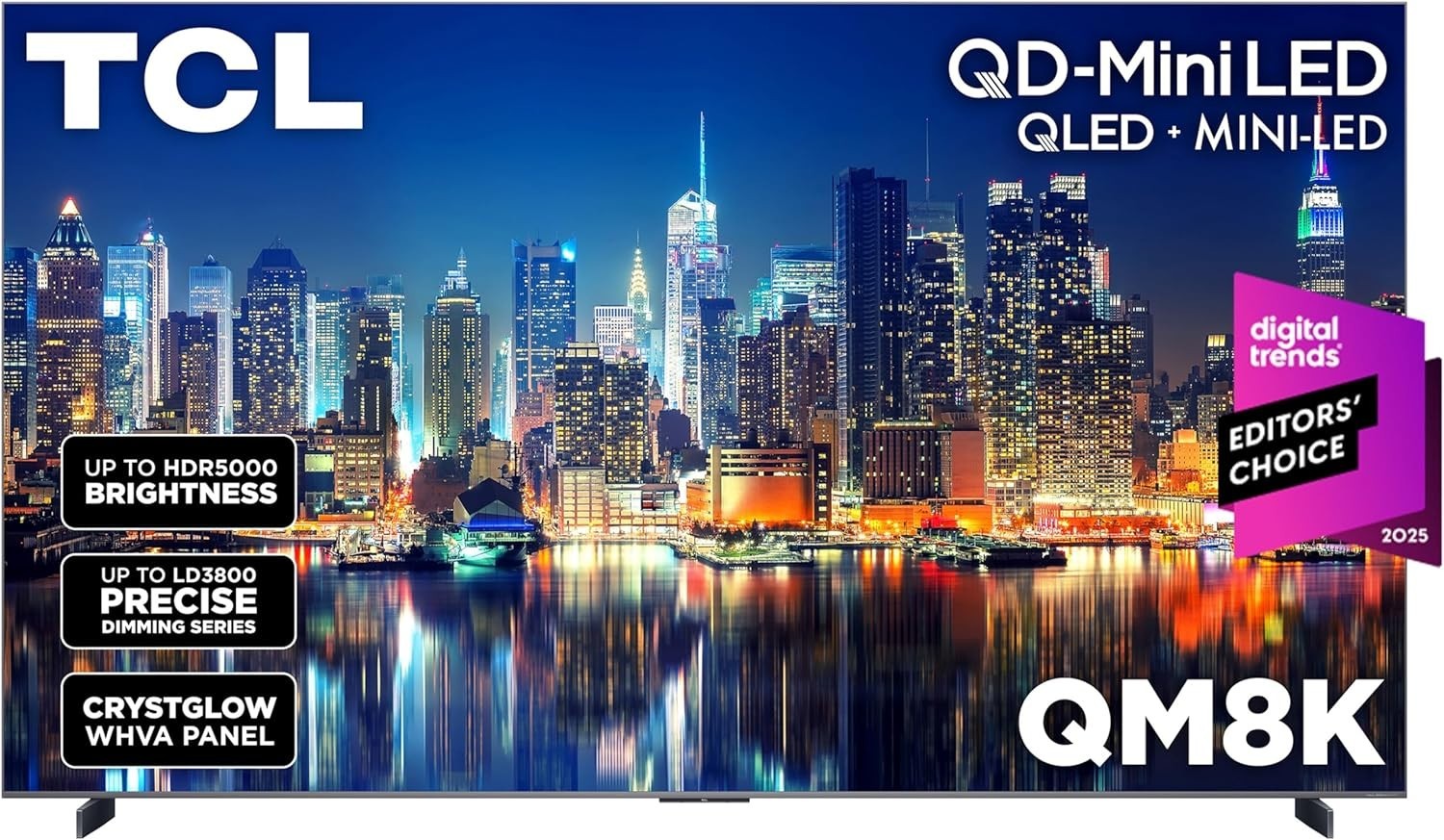 TCL 98" QM8K Series 4K Mini-LED Smart TV (2025)$2,838.26Last checked Nov 18, 2026View on eBay
Highlights
- OLED panel types differ: entry 'A' series use standard OLED (~500-600 nits), 'B' series add better processing, 'C/G' use OLED evo with brighter MLA or heatsink for 1,000+ nits.
- Refresh rate split: 60Hz on budget A/B models, 120Hz on C-series and up, with HDMI 2.1 (4K120, VRR, ALLM) only on 120Hz tiers for console gaming.
- Processor matters: entry models use basic image processors with fewer HDMI 2.1 ports; premium tiers add AI upscaling and four full-bandwidth HDMI 2.1 inputs.
Best use cases
- Dark-room movie watchers: pick any OLED tier (A/B/C) for perfect blacks; skip Mini-LED which has blooming halos in dark scenes.
- Bright living-room gamers: choose C-series or higher with OLED evo and 120Hz HDMI 2.1; skip 60Hz A/B series which dim aggressively in HDR game mode.
- Sports and news viewers worried about burn-in: select OLED with heatsink (G-series) or consider QD-Mini LED like TCL QM8K; skip static-logo-heavy use on entry OLEDs.
Buying tips
- Match size to viewing distance: 55" for 6-8 ft, 65" for 8-10 ft, 77" for 10-12 ft; OLED brightness drops with larger panels, so bigger rooms need brighter evo panels.
- Insist on HDMI 2.1 (48Gbps) if buying for PS5/Xbox Series X; 60Hz OLEDs limit 4K games to 60fps and lack VRR.
- Check panel generation: LG B4 uses OLED evo (brighter than A-series), C4 adds four HDMI 2.1 ports; Samsung S90F uses QD-OLED for higher color volume than WOLED.
- For burn-in-prone content (news tickers, HUDs), choose models with heatsink (LG G-series) or enable pixel shift and logo dimming; QD-OLED has better burn-in resistance than early WOLED.
Specs
| Panel Technology | OLED (WOLED) vs QD-OLED |
|---|---|
| Refresh Rate | 60Hz or 120Hz native |
| HDMI 2.1 Ports | 0-2 (60Hz) or 4 (120Hz) |
| Peak Brightness | 500-1,500 nits (panel-dependent) |
Related searches
What to check before buying
- Measure TV stand width and wall space: 65" OLED is ~57" wide; ensure furniture or wall mount supports 50-80 lbs.
- Check room light: OLED peak brightness (500-1,000 nits) struggles in direct sunlight; use blackout curtains or choose OLED evo for brighter rooms.
- Confirm voltage and plug: all modern OLEDs are 120V US standard; avoid grey-market imports with 220V-only plugs.
- Verify HDMI cable: use certified Ultra High Speed (48Gbps) cables for 4K120 HDR; older cables cause dropouts.
FAQ
Data sources: eBay / Amazon listings and product attribute feeds. Updated Nov 24, 2026.
Some links on this page are affiliate links. If you buy after clicking one, we may earn a commission at no extra cost to you. This does not change which products appear here or their order. Affiliate disclosure.