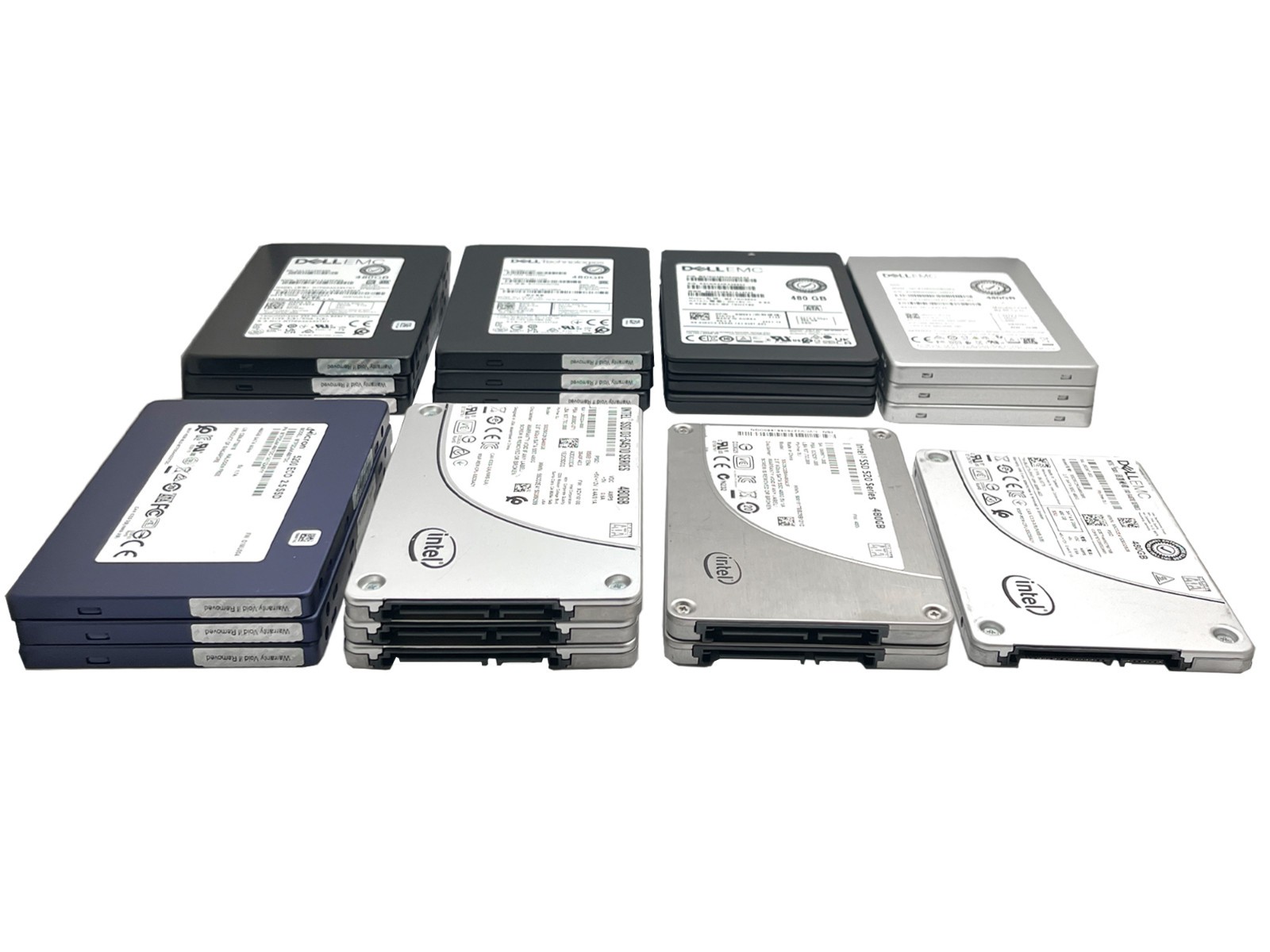

Photos from current listings. Actual item, color, and included accessories may vary.
SSD PC Storage Buying Guide
SSD PC storage upgrades span three physical form factors—2.5-inch SATA, M.2 SATA, and M.2 NVMe—each defined by interface bandwidth and controller architecture. The core trade-off is sequential speed versus sustained write consistency and thermal headroom: DRAM-less QLC drives peak fast but throttle, while DRAM-cached TLC drives hold speed. Buy the interface your motherboard slot accepts and the endurance tier matching your write workload; skip SATA in any system with a free NVMe M.2 slot.
Key takeaways
- SATA III caps all 2.5-inch and M.2 SATA drives at 6 Gb/s (~560 MB/s); NVMe PCIe 4.0 x4 reaches ~7,400 MB/s—a 13x ceiling difference.
- M.2 slot keying is decisive: B+M key accepts SATA or PCIe x2, M key accepts PCIe x4 NVMe only—mixing them physically fits but fails to boot.
- DRAM-less QLC drives rely on SLC cache; once exhausted, sustained writes fall to 100–300 MB/s, while DRAM-cached TLC holds rated speed.
At a glance
- Category
- PC Storage Upgrades
- Last updated
- Nov 28, 2026
Current offers
Highlights
- SATA III caps all 2.5-inch and M.2 SATA drives at 6 Gb/s (~560 MB/s); NVMe PCIe 4.0 x4 reaches ~7,400 MB/s—a 13x ceiling difference.
- M.2 slot keying is decisive: B+M key accepts SATA or PCIe x2, M key accepts PCIe x4 NVMe only—mixing them physically fits but fails to boot.
- DRAM-less QLC drives rely on SLC cache; once exhausted, sustained writes fall to 100–300 MB/s, while DRAM-cached TLC holds rated speed.
- PCIe 4.0 drives run hot under sustained load; a heatsink is mandatory in PS5 and recommended in cramped laptop or mini-PC chassis.
Best use cases
- Best fit: Boot drive for a desktop with a free M.2 M-key slot—pick a DRAM-cached PCIe 4.0 NVMe 1TB or larger for OS and applications.
- Best fit: Older laptop or desktop with only 2.5-inch bays—choose a 2.5-inch SATA SSD (480GB–1TB) as a direct drop-in replacement for a hard drive.
- Wrong fit: Buying an NVMe drive for a machine whose M.2 slot is B+M keyed SATA-only—it will not detect; use an M.2 SATA or 2.5-inch SATA drive instead.
- Wrong fit: Using a dual-bay M.2 cloner dock as permanent storage—it is an offline duplication tool, not an enclosure or boot drive.
Buying tips
- Match the slot, not the label: confirm M-key (NVMe PCIe x4) versus B+M key (SATA/PCIe x2) before buying any M.2 drive.
- For sustained writes above 50GB—video editing, large game installs—choose TLC with DRAM cache over QLC DRAM-less; check the sustained write rating, not just peak.
- Size the drive at 1TB or larger for NVMe: smaller capacities often ship with fewer NAND channels and lower sustained write speed.
- PCIe 3.0 systems cannot use PCIe 4.0 bandwidth; a Gen 3 drive runs at full speed and costs less—do not pay for Gen 4 in a Gen 3 slot.
Specs
| Interface | SATA III 6Gb/s vs NVMe PCIe 3.0/4.0 |
|---|---|
| Form Factor | 2.5-inch / M.2 2280 (M or B+M key) |
| NAND & Cache | TLC + DRAM vs QLC DRAM-less |
| Seq. Read Ceiling | ~560 MB/s SATA vs ~7,400 MB/s PCIe 4.0 |
Related searches
What to check before buying
- Verify motherboard M.2 slot key (M vs B+M) and supported PCIe generation from the board manual before ordering.
- Measure 2.5-inch bay depth and confirm SATA data and power cable availability for desktop 2.5-inch installs.
- Confirm physical M.2 length (2280 most common; 2242/2230 in compact laptops) and whether a heatsink fits under the chassis cover.
- Check free drive bay or M.2 slot count and SATA port availability—cloning requires both source and destination connected simultaneously.
FAQ
Data sources: eBay / Amazon listings and product attribute feeds. Updated Nov 28, 2026.
Some links on this page are affiliate links. If you buy after clicking one, we may earn a commission at no extra cost to you. This does not change which products appear here or their order. Affiliate disclosure.