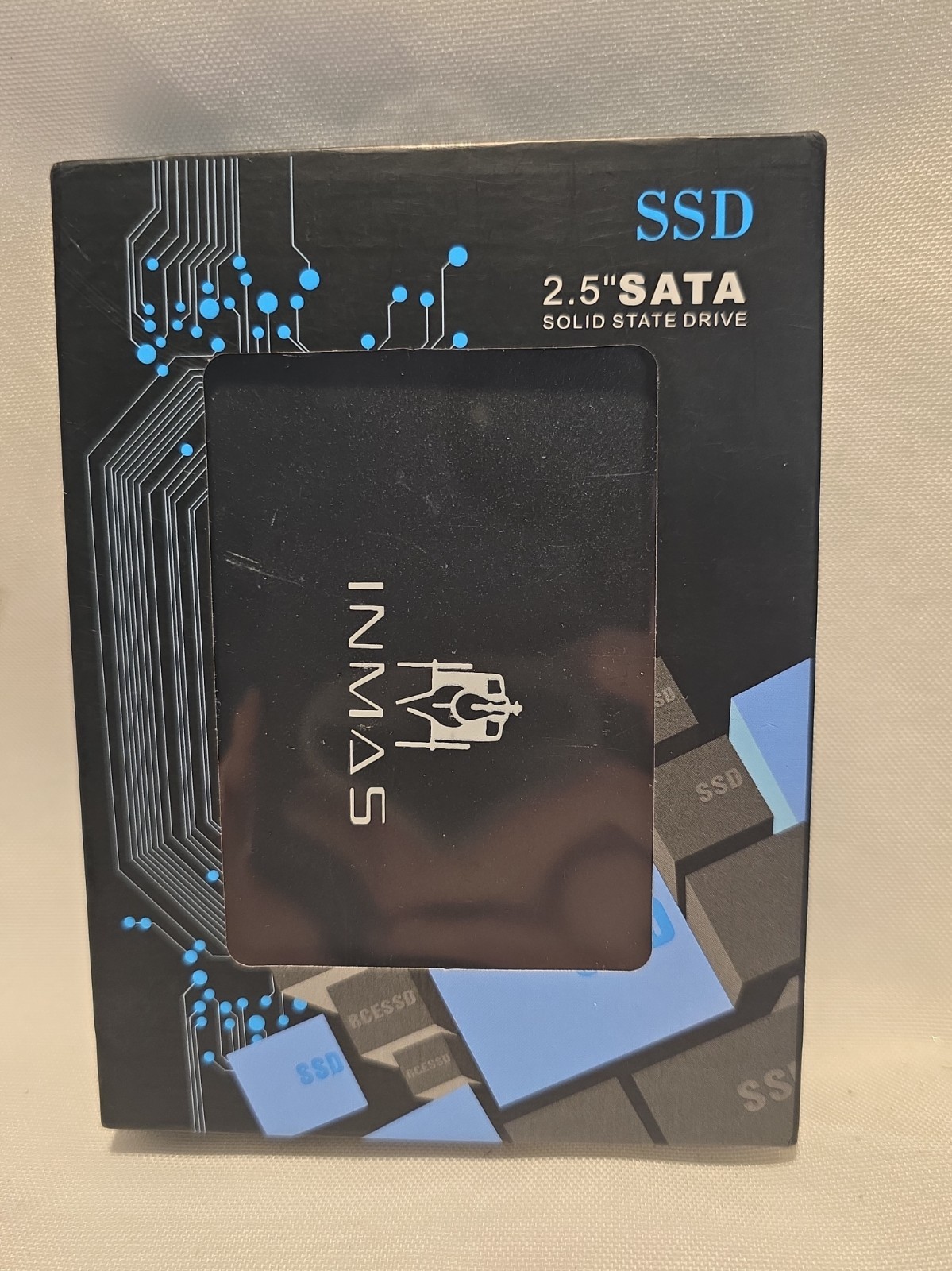

Photos from current listings. Actual item, color, and included accessories may vary.
SSD Drive PC Desktop Buying Guide
A desktop SSD upgrade replaces a slow hard drive or small boot SSD with a modern drive that improves boot times, app launches, and file transfer speeds. The core trade-off is between SATA 2.5-inch drives (universal compatibility, capped around 550 MB/s) and NVMe M.2 drives (5–14 GB/s, but dependent on motherboard generation and slot support). The decision rule: check your motherboard's M.2 slot and PCIe generation first—if you have a free PCIe 3.0/4.0/5.0 M.2 slot, buy NVMe; if not, a 2.5-inch SATA SSD is the correct universal fallback.
Median $144.99
Key takeaways
- M.2 NVMe drives use the PCIe bus directly: PCIe 3.0 x4 caps near 3,500 MB/s, PCIe 4.0 x4 near 7,000 MB/s, and PCIe 5.0 x4 near 14,000 MB/s—a PCIe 4.0 drive in a 3.0 slot runs at 3.0 speed.
- 2.5-inch SATA III (6 Gb/s) SSDs top out around 550 MB/s regardless of NAND quality; SATA II (3 Gb/s) ports halve that to about 275 MB/s on older desktops.
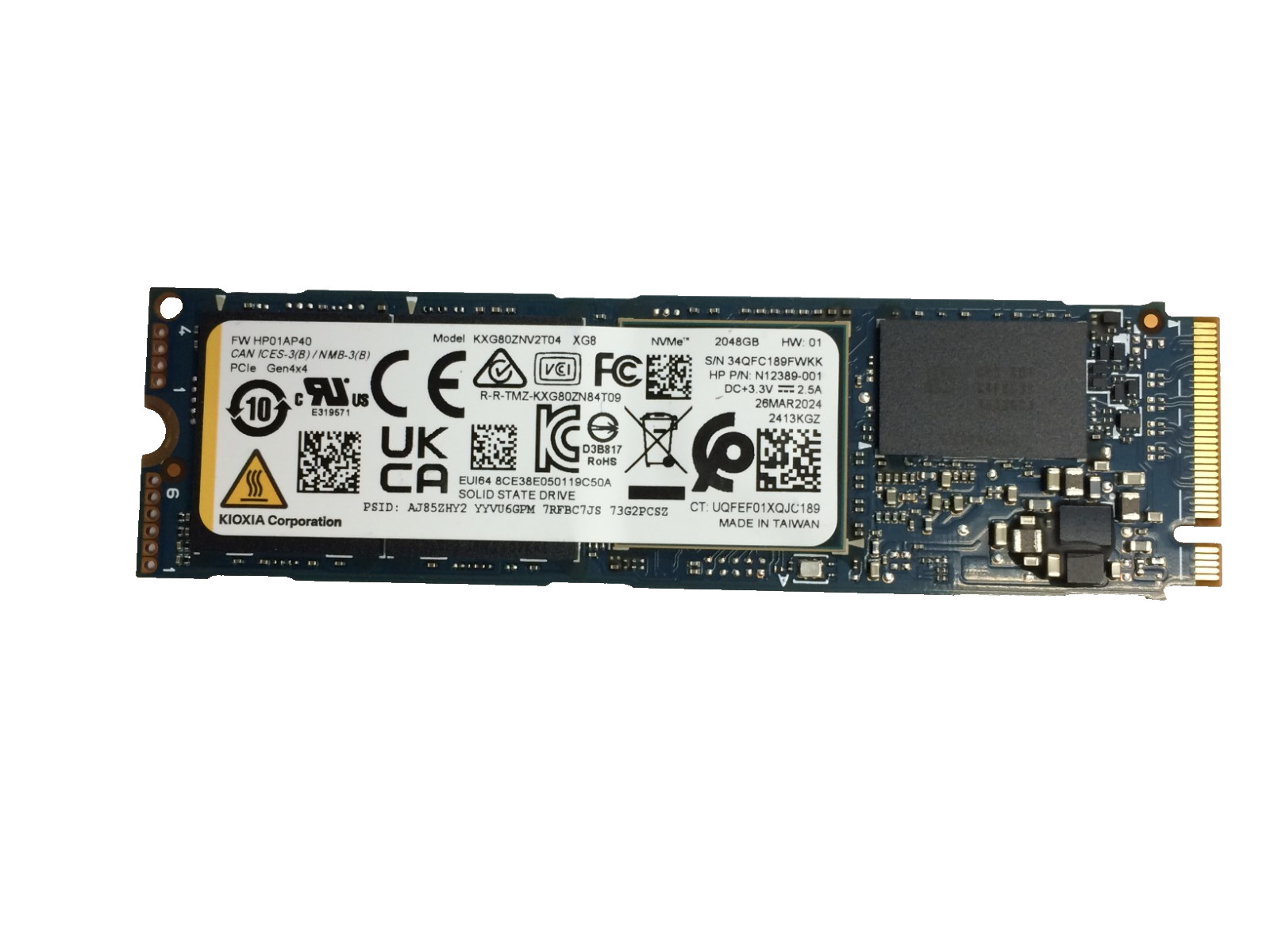
- M.2 form factor matters: 2280 (22mm wide, 80mm long) is the desktop standard; 2242 and 2230 are shorter and require a matching standoff or adapter.
At a glance
- Category
- PC Storage Upgrades
- Last updated
- Nov 28, 2026
Current offers
Highlights
- M.2 NVMe drives use the PCIe bus directly: PCIe 3.0 x4 caps near 3,500 MB/s, PCIe 4.0 x4 near 7,000 MB/s, and PCIe 5.0 x4 near 14,000 MB/s—a PCIe 4.0 drive in a 3.0 slot runs at 3.0 speed.
- 2.5-inch SATA III (6 Gb/s) SSDs top out around 550 MB/s regardless of NAND quality; SATA II (3 Gb/s) ports halve that to about 275 MB/s on older desktops.
- M.2 form factor matters: 2280 (22mm wide, 80mm long) is the desktop standard; 2242 and 2230 are shorter and require a matching standoff or adapter.
- NAND type and DRAM cache separate tiers: DRAM-less QLC drives slow sharply on sustained writes, while TLC with DRAM or HMB maintains speed—critical for large game and video files.
Best use cases
- Best fit: a desktop with a free PCIe 3.0 or 4.0 M.2 slot and a modern CPU—pick a 2280 NVMe drive (PCIe 4.0 for current boards, 3.0 for older ones) for the fastest boot and load times.
- Best fit: a pre-2015 desktop or one with no M.2 slot—choose a 2.5-inch SATA III SSD and connect to a 6 Gb/s SATA port; skip NVMe entirely because there is no slot.
- Wrong fit: buying a PCIe 5.0 drive for a PCIe 3.0 board—it works but runs at 3.0 speed; spend the savings on higher capacity or a DRAM-equipped 3.0/4.0 drive instead.
- Wrong fit: a 2242 or 2230 M.2 drive for a standard desktop 2280 slot without an adapter—the drive will not secure properly; match the 2280 length.
Buying tips
- Match the M.2 key and length: desktop boards use M-key 2280 slots; confirm the slot supports NVMe (PCIe) rather than SATA-only M.2 before buying an NVMe drive.
- Check PCIe generation: a PCIe 4.0 x4 drive delivers full speed only on a 4.0 slot; on 3.0 it caps near 3,500 MB/s, so buy the generation your board supports.
- Prioritize DRAM cache or HMB and TLC NAND over DRAM-less QLC for sustained writes—important when copying large game or video files.
- For SATA upgrades, confirm a free SATA III (6 Gb/s) port and both a data cable and power connector; SATA II ports limit speed to about 275 MB/s.
Specs
| Interface | SATA III 6Gb/s vs NVMe PCIe |
|---|---|
| Form Factor | 2.5-inch vs M.2 2280 |
| PCIe Generation | 3.0 / 4.0 / 5.0 x4 |
| NAND & Cache | TLC+DRAM vs QLC DRAM-less |
Related searches
What to check before buying
- Open the case and identify free M.2 slots: note the key (M-key), length (2280), and whether the slot is PCIe 3.0, 4.0, or 5.0.
- Confirm SATA ports and cabling if going 2.5-inch: one SATA data cable to the motherboard and one SATA power lead from the PSU.
- Check motherboard BIOS/UEFI boot support: NVMe boot requires UEFI with NVMe support; very old boards may need a BIOS update.
- Verify physical clearance: M.2 drives sit under the GPU on many boards—ensure the slot is accessible and has a heatsink if the drive runs hot.
FAQ
Data sources: eBay / Amazon listings and product attribute feeds. Updated Nov 28, 2026.
Some links on this page are affiliate links. If you buy after clicking one, we may earn a commission at no extra cost to you. This does not change which products appear here or their order. Affiliate disclosure.