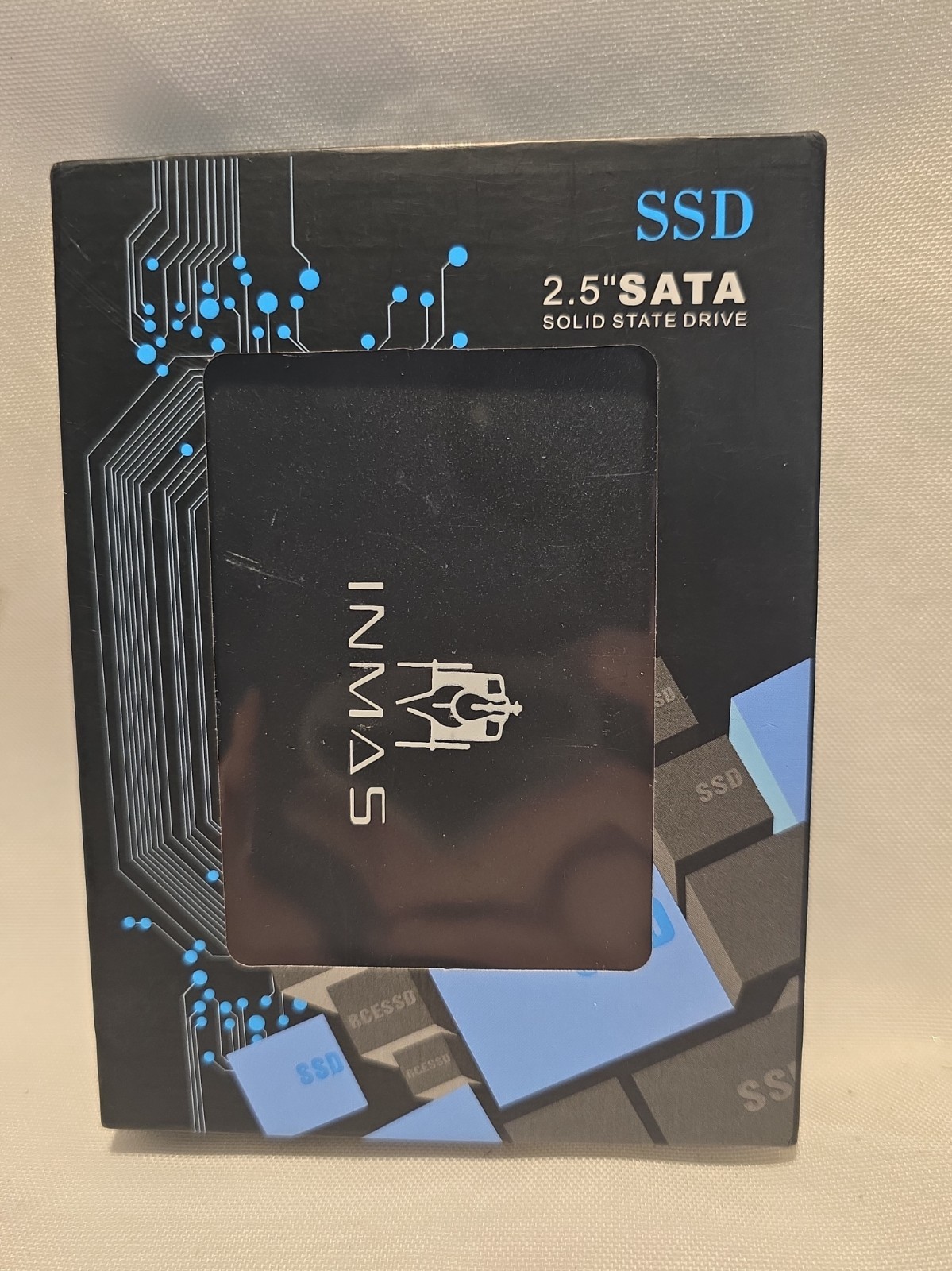

Photos from current listings. Actual item, color, and included accessories may vary.
SSD Drive Mac Mini Buying Guide
Mac mini storage upgrades split into two architectures: internal blade SSDs (proprietary or M.2 depending on generation) and external USB/Thunderbolt enclosures, with the key trade-off being speed/expansion versus compatibility and macOS boot support. Durable options use NVMe with DRAM or high-end TLC NAND and a USB 3.2 Gen 2 or Thunderbolt bridge; compromises are SATA III 2.5-inch drives and DRAM-less QLC blades.
Median $144.99
Key takeaways
- Intel Mac mini 2014 uses PCIe 2.0 x2 internal SSD; 2018+ uses soldered or proprietary modules, so external USB-C/Thunderbolt is the practical upgrade path.
- SATA III 2.5-inch SSDs cap at ~550 MB/s and require a separate USB 3.0/3.2 enclosure; they are the slowest but most universally compatible option.
- M.2 NVMe 2280 blades in a USB 3.2 Gen 2 enclosure deliver ~900-1050 MB/s; Thunderbolt 3/4 enclosures reach 2400-2800 MB/s but cost more and run hotter.
At a glance
- Category
- PC Storage Upgrades
- Last updated
- Nov 28, 2026
Current offers
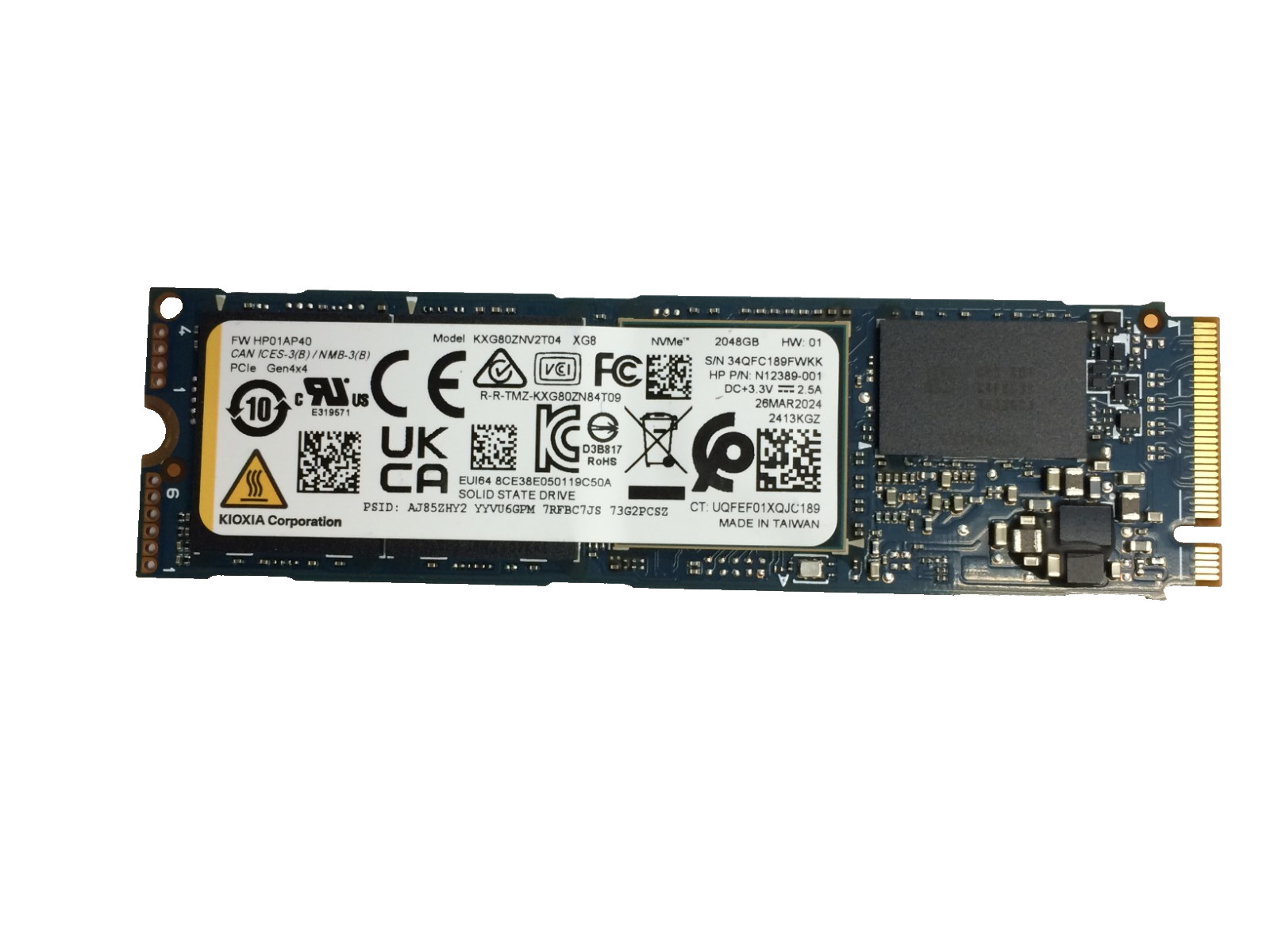
Highlights
- Intel Mac mini 2014 uses PCIe 2.0 x2 internal SSD; 2018+ uses soldered or proprietary modules, so external USB-C/Thunderbolt is the practical upgrade path.
- SATA III 2.5-inch SSDs cap at ~550 MB/s and require a separate USB 3.0/3.2 enclosure; they are the slowest but most universally compatible option.
- M.2 NVMe 2280 blades in a USB 3.2 Gen 2 enclosure deliver ~900-1050 MB/s; Thunderbolt 3/4 enclosures reach 2400-2800 MB/s but cost more and run hotter.
- For macOS boot drives, use TLC NAND with DRAM cache; DRAM-less QLC drives slow sharply on sustained writes and are better as secondary storage.
Best use cases
- Best fit for a 2014 Intel Mac mini internal upgrade: a PCIe AHCI blade matched to the exact model year; skip M.2 NVMe blades because they are not electrically compatible.
- Best fit for 2018+ Apple Silicon or Intel Mac mini: a USB 3.2 Gen 2 NVMe enclosure with a TLC 1-2TB blade for fast external boot and project storage; skip SATA 2.5-inch drives unless capacity per dollar is the only goal.
- Best fit for video editors and large libraries: a Thunderbolt 3/4 NVMe enclosure with a 2-4TB Gen3/Gen4 blade for 2400+ MB/s; skip USB 3.2 Gen 1 enclosures that cap at ~450 MB/s.
- Wrong fit: buying a bare M.2 2280 NVMe drive expecting to install it inside any Mac mini—only specific Intel 2014 modules are user-replaceable; all others need an external enclosure.
Buying tips
- Match the interface to the Mac mini generation: 2014 Intel needs a PCIe AHCI blade (not NVMe); 2018+ needs an external USB-C or Thunderbolt enclosure with an NVMe 2280 blade.
- For external enclosures, choose USB 3.2 Gen 2 (10 Gbps) or Thunderbolt 3/4 (40 Gbps); USB 3.2 Gen 1 (5 Gbps) halves real-world throughput to ~450 MB/s.
- Prefer TLC NAND with DRAM cache for boot and sustained-write workloads; DRAM-less QLC is acceptable only for cold backup or media library storage.
- Size the blade at 1TB or larger for macOS boot use—smaller drives have fewer NAND channels and lower sustained write speed, and macOS needs free space for swap and snapshots.
Specs
| Internal Bay | 2014 Intel: PCIe AHCI blade; 2018+: soldered |
|---|---|
| External Interface | USB 3.2 Gen 2 / Thunderbolt 3-4 |
| Blade Form Factor | M.2 2280 NVMe (external use) |
| NAND Type | TLC with DRAM vs QLC DRAM-less |
Related searches
What to check before buying
- Identify your Mac mini model year and internal SSD type: 2014 Intel uses a replaceable PCIe AHCI blade; 2018 and later use soldered or proprietary storage and require external expansion.
- Confirm available ports: Thunderbolt 3/4 for 2400+ MB/s enclosures, USB-C 10 Gbps for ~1000 MB/s, USB-A 5 Gbps for ~450 MB/s.
- Check physical clearance and power: bus-powered 2.5-inch and M.2 enclosures draw under 5W; dual-bay or Thunderbolt enclosures may need a powered hub.
- For boot drives, format as APFS and keep at least 15-20% free space; verify the enclosure supports UASP and TRIM passthrough for sustained performance.
FAQ
Data sources: eBay / Amazon listings and product attribute feeds. Updated Nov 28, 2026.
Some links on this page are affiliate links. If you buy after clicking one, we may earn a commission at no extra cost to you. This does not change which products appear here or their order. Affiliate disclosure.