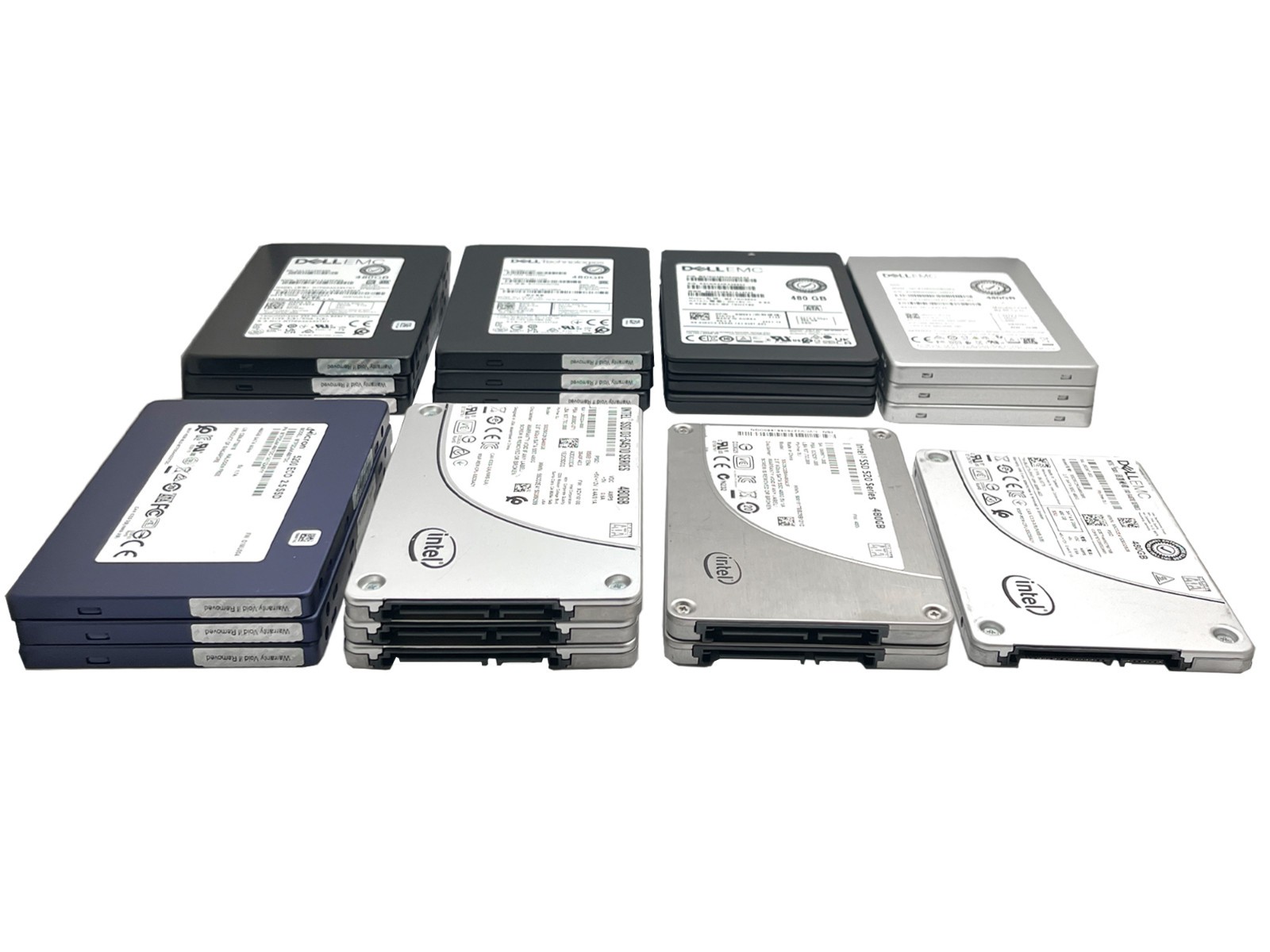

Photos from current listings. Actual item, color, and included accessories may vary.
SATA SSD Desktop Buying Guide
A SATA SSD desktop upgrade replaces a spinning hard drive or older small SSD with a 2.5-inch or DOM flash drive on the 6 Gb/s SATA III interface, trading peak speed for plug-and-play compatibility with almost any desktop built in the last 15 years. The core trade-off is controller and NAND quality versus headline capacity: DRAM-less QLC drives and surplus data-center units both hit the same SATA ceiling, but differ sharply in sustained write endurance and power-loss behavior. The decision rule is simple: buy a 2.5-inch SATA III drive with a stated endurance rating (TBW) and DRAM or HMB support for an OS drive; reserve DOM, surplus enterprise, and mystery-brand 480GB units for secondary or legacy roles.
Median $84.99
Key takeaways
- SATA III caps every 2.5-inch SSD at roughly 550 MB/s sequential read and 500-530 MB/s write, so differences between drives show up in sustained writes, random 4K IOPS, and endurance, not peak speed.
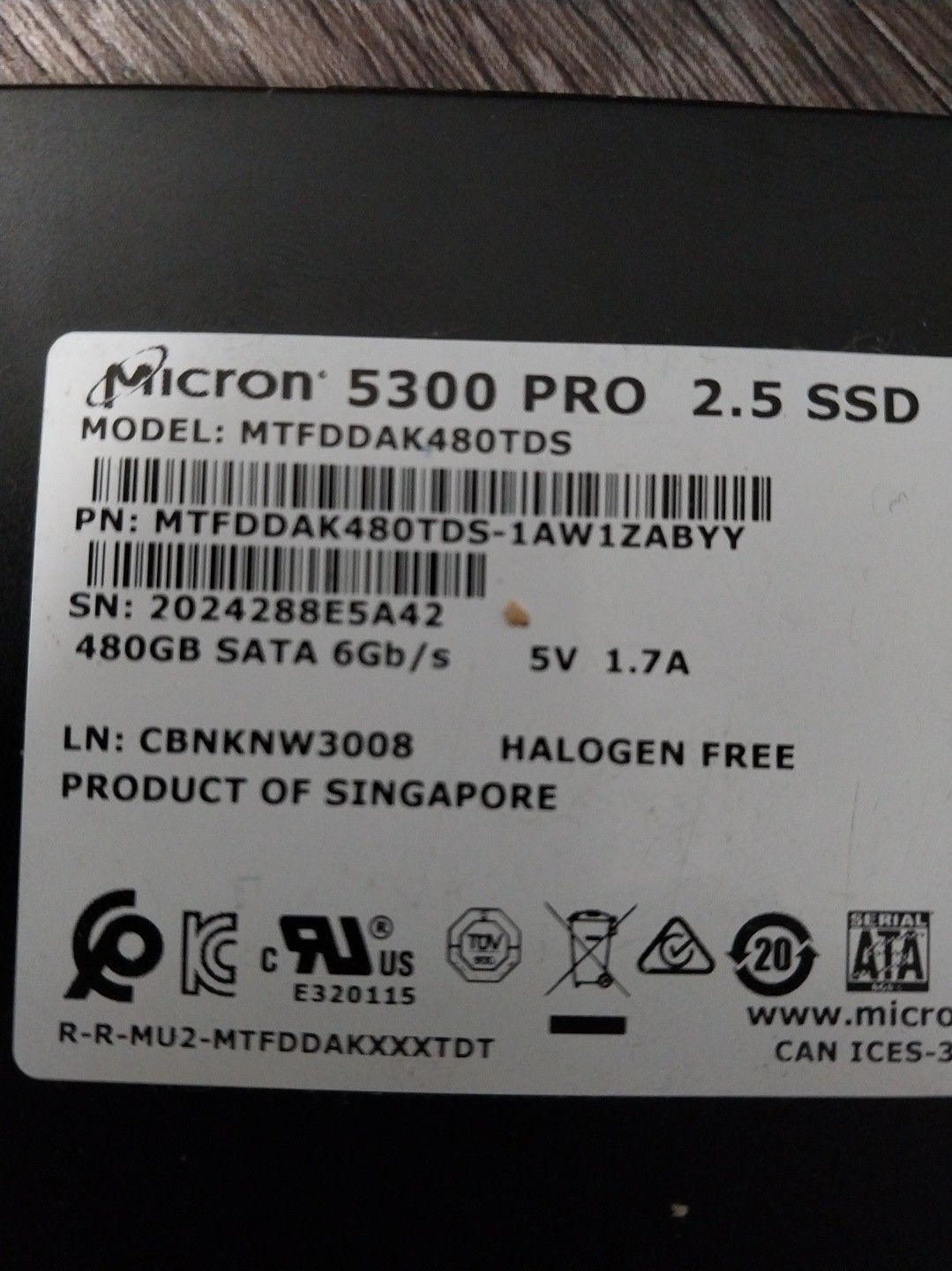
- Drive endurance is published as TBW: consumer TLC 2.5-inch drives typically rate 0.3-0.6 drive writes per day, enterprise SATA (e.g., Micron 5300 PRO) rates 1-3 DWPD, and DRAM-less QLC parts sit at the bottom.
- The Micron 5300 PRO is an enterprise SATA drive with power-loss protection and high DWPD, but its 480GB class capacity and surplus firmware mean it is a poor value as a primary OS drive versus a current consumer TLC unit.
At a glance
- Category
- PC Storage Upgrades
- Last updated
- Nov 24, 2026
Current offers
Highlights
- SATA III caps every 2.5-inch SSD at roughly 550 MB/s sequential read and 500-530 MB/s write, so differences between drives show up in sustained writes, random 4K IOPS, and endurance, not peak speed.
- Drive endurance is published as TBW: consumer TLC 2.5-inch drives typically rate 0.3-0.6 drive writes per day, enterprise SATA (e.g., Micron 5300 PRO) rates 1-3 DWPD, and DRAM-less QLC parts sit at the bottom.
- The Micron 5300 PRO is an enterprise SATA drive with power-loss protection and high DWPD, but its 480GB class capacity and surplus firmware mean it is a poor value as a primary OS drive versus a current consumer TLC unit.
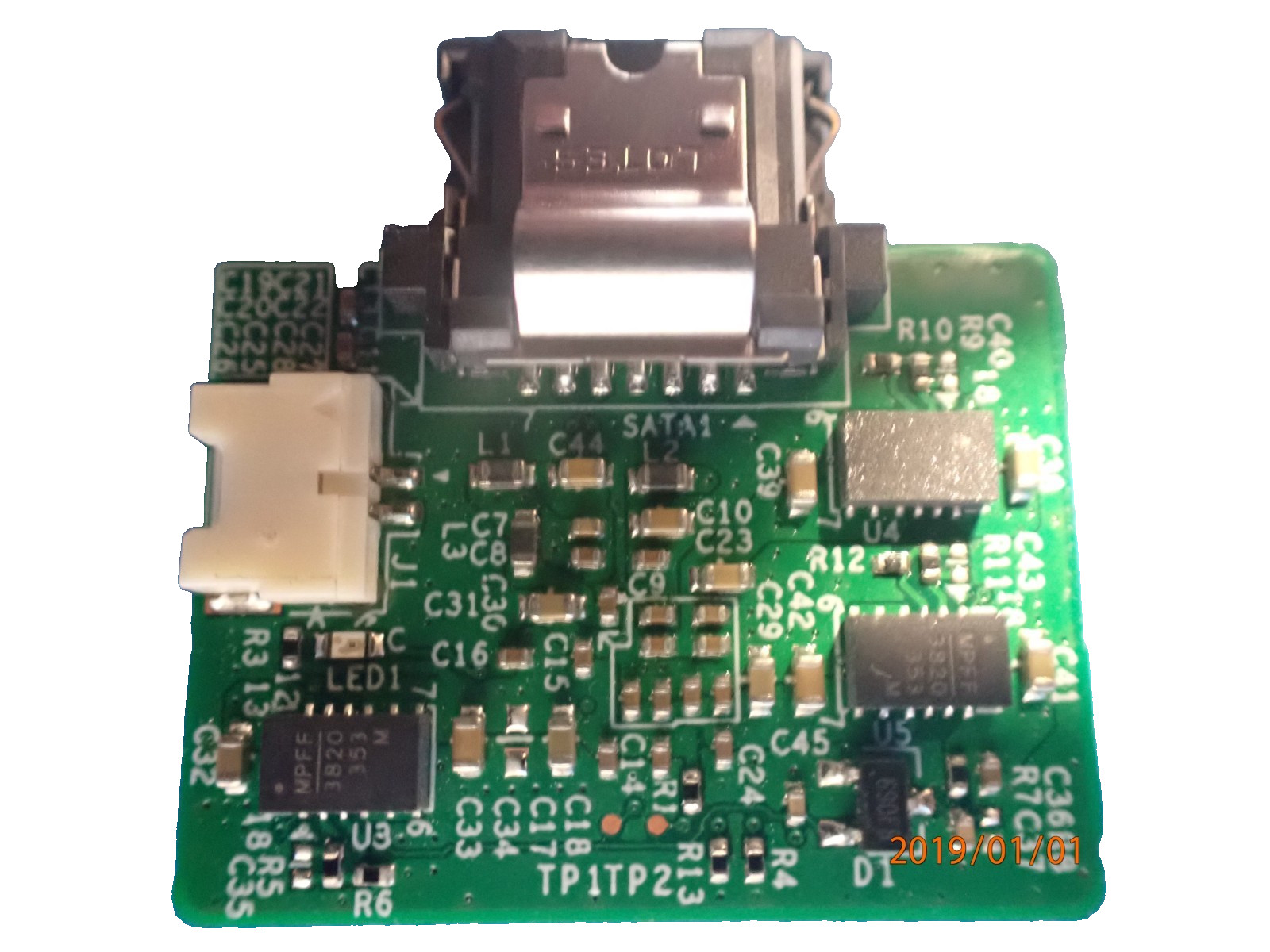
- SATA DOM (disk-on-module) drives like the Supermicro 64GB unit plug directly into a 7-pin SATA port and draw power from it, designed for boot images and embedded systems, not for desktop storage expansion.
Best use cases
- Best fit: a desktop with a free 2.5-inch bay and SATA III port that needs a faster boot drive — pick a current consumer TLC 2.5-inch SSD with DRAM or HMB and a published TBW.
- Best fit: an older desktop or laptop used as a secondary/scratch machine — a 480GB major-brand SATA SSD is the right capacity tier and form factor for a low-cost refresh.
- Wrong fit: buying an enterprise surplus drive like the Micron 5300 PRO for a gaming or general desktop — you pay for power-loss protection and DWPD you will not use, and firmware/health reporting may be locked to vendor tools.
- Wrong fit: buying a SATA DOM for desktop storage — 64GB and port-powered design make it a boot/embedded part, not a data drive; skip it unless you are building a firewall or appliance.
Buying tips
- Match the form factor to the bay: 2.5-inch 7mm drives fit desktops and most laptops; 9.5mm and 15mm enterprise drives need a bay that clears the thicker body, and DOM drives need a bare SATA port, not a bay.
- Check the interface generation: SATA III (6 Gb/s) is backward compatible with SATA II (3 Gb/s), but a SATA II port caps the drive near 300 MB/s — confirm the board spec before expecting full speed.
- Pick capacity by workload: 480-512GB is the minimum sensible OS tier, 1TB gives breathing room for games and scratch files, and 2TB+ only makes sense if the desktop has a second storage tier for bulk data.
- Treat surplus enterprise SATA as a niche buy: confirm the drive reports SMART health and is not vendor-locked, and accept that 480GB enterprise units cost more per GB than current consumer TLC.
Specs
| Form Factor | 2.5-inch 7mm / 9.5mm / SATA DOM |
|---|---|
| Interface | SATA III 6 Gb/s (backward 3 Gb/s) |
| Endurance Rating | 0.3-0.6 DWPD consumer / 1-3 DWPD enterprise |
| Capacity Tier | 480GB-512GB OS min / 1TB-2TB bulk |
Related searches
What to check before buying
- Measure the drive bay: confirm a 2.5-inch bay or mounting bracket exists and that the bay depth clears 7mm (standard) or 9.5mm (thicker) drives.
- Confirm an available SATA III port and a free SATA power connector on the PSU — 2.5-inch SSDs use standard 15-pin SATA power, not Molex.
- Check the motherboard chipset: older boards may run some SATA ports at 3 Gb/s or share bandwidth with M.2 slots; use a native 6 Gb/s port for the boot drive.
- Verify the desktop OS and BIOS support the drive: any SATA SSD works with Windows, Linux, and macOS, but DOM and enterprise drives may need legacy boot or vendor firmware tools.
FAQ
Data sources: eBay / Amazon listings and product attribute feeds. Updated Nov 24, 2026.
Some links on this page are affiliate links. If you buy after clicking one, we may earn a commission at no extra cost to you. This does not change which products appear here or their order. Affiliate disclosure.