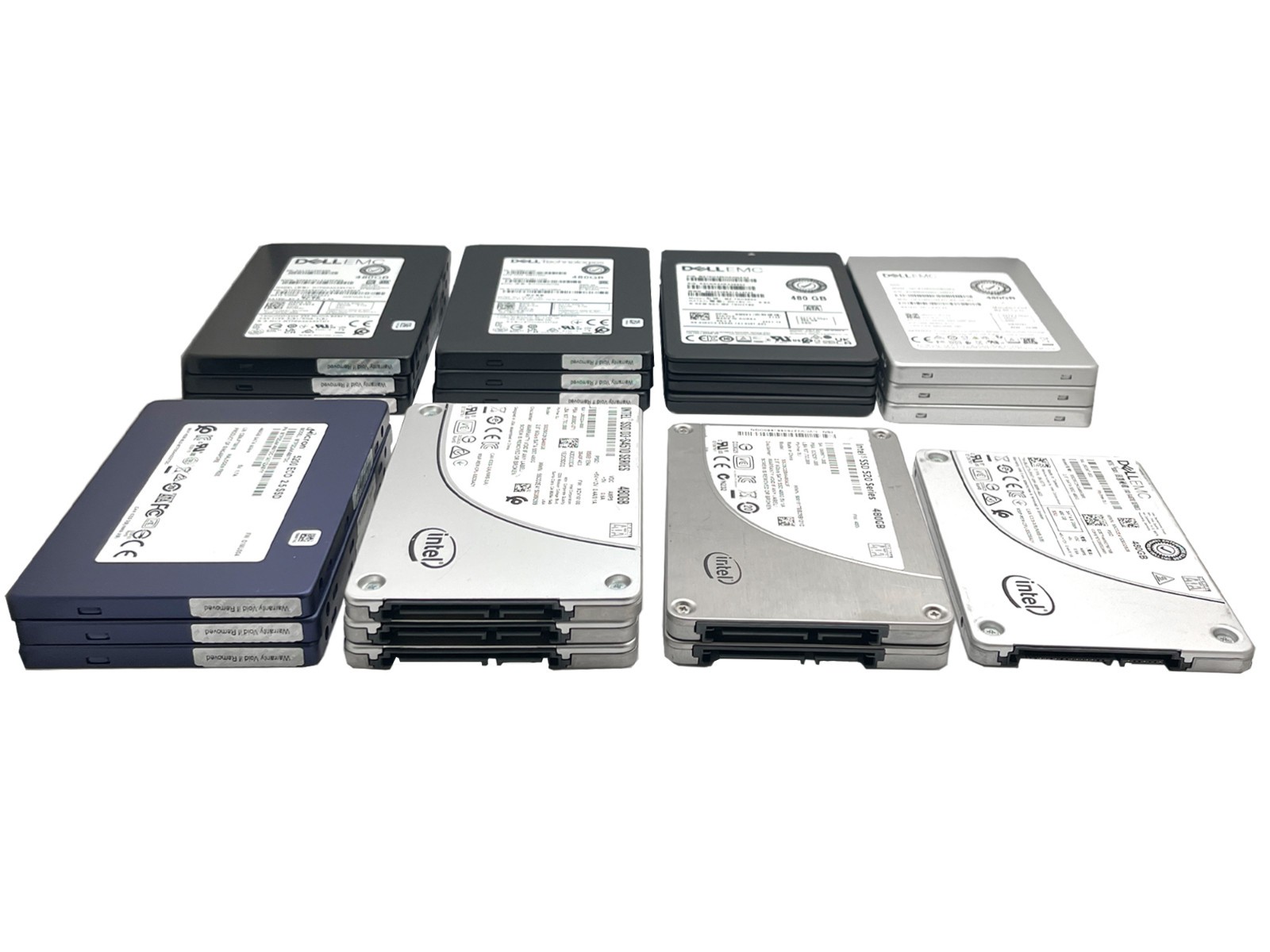

Photos from current listings. Actual item, color, and included accessories may vary.
SATA SSD Buying Guide
SATA SSDs are 2.5-inch or M.2 drives using the AHCI protocol over a 6 Gb/s SATA link, topping out around 550 MB/s regardless of price. The core trade-off is controller quality and NAND endurance versus raw capacity, because DRAM-less QLC drives stutter under sustained writes while DRAM-cached TLC drives hold speed. The decision rule: buy a DRAM-equipped TLC drive with a 5-year warranty for boot and game libraries, and only accept DRAM-less QLC when the drive is a read-mostly secondary volume.
Median $84.99
Key takeaways
- SATA III caps all 2.5-inch and M.2 SATA drives at ~550 MB/s sequential read and ~520 MB/s write; no model exceeds the interface.
- DRAM-cached TLC (e.g., Samsung 870 EVO, Crucial MX500, WD Red SA500) sustains write speed; DRAM-less QLC drops to triple-digit MB/s once SLC cache empties.
- Endurance is rated in TBW: 500GB TLC drives typically carry 300-600 TBW versus 100-200 TBW for same-capacity QLC.
At a glance
- Category
- PC Storage Upgrades
- Last updated
- Nov 24, 2026
Current offers
Highlights
- SATA III caps all 2.5-inch and M.2 SATA drives at ~550 MB/s sequential read and ~520 MB/s write; no model exceeds the interface.
- DRAM-cached TLC (e.g., Samsung 870 EVO, Crucial MX500, WD Red SA500) sustains write speed; DRAM-less QLC drops to triple-digit MB/s once SLC cache empties.
- Endurance is rated in TBW: 500GB TLC drives typically carry 300-600 TBW versus 100-200 TBW for same-capacity QLC.
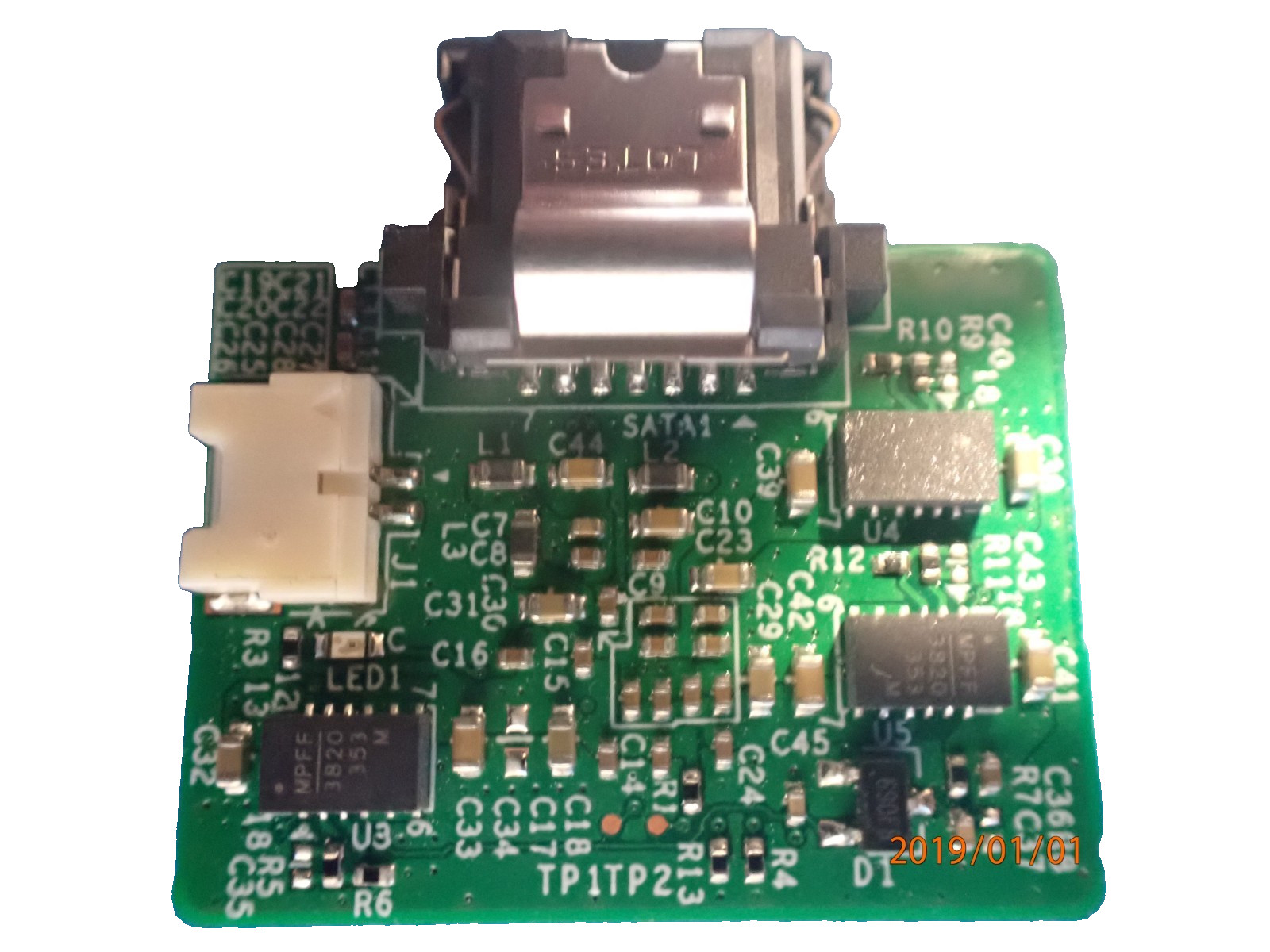
- SATA DOM (disk-on-module) drives are 3.3V embedded boot devices for appliances and industrial boards, not desktop storage upgrades.
Best use cases
- Best fit: reviving an older laptop or desktop with a 2.5-inch bay — pick a 480GB-1TB DRAM-cached TLC drive for OS and games; skip QLC if the drive will hold active game installs.
- Best fit: secondary game library on a desktop that already boots from NVMe — a high-capacity SATA TLC drive is cost-effective; skip SATA entirely if the board has a free M.2 NVMe slot.
- Wrong fit: buying a SATA DOM 64GB module for a laptop or desktop — it will not fit or boot; DOMs are for embedded appliances with a dedicated SATA DOM header.
- Wrong fit: expecting NVMe-level load times or DirectStorage benefits — SATA's 6 Gb/s ceiling makes it a capacity play, not a speed upgrade.
Buying tips
- Match form factor to the slot: 2.5-inch 7mm for laptop bays and desktop mounts, M.2 2280 SATA only if the board's M.2 slot supports SATA (B-key or B+M-key).
- For gaming libraries, target 1TB or larger TLC with DRAM; 500GB drives fill fast and small SLC caches slow large game updates.
- Check TBW against workload: 1TB TLC drives commonly rate 600 TBW, adequate for years of consumer use; QLC at 200 TBW suits read-mostly archival.
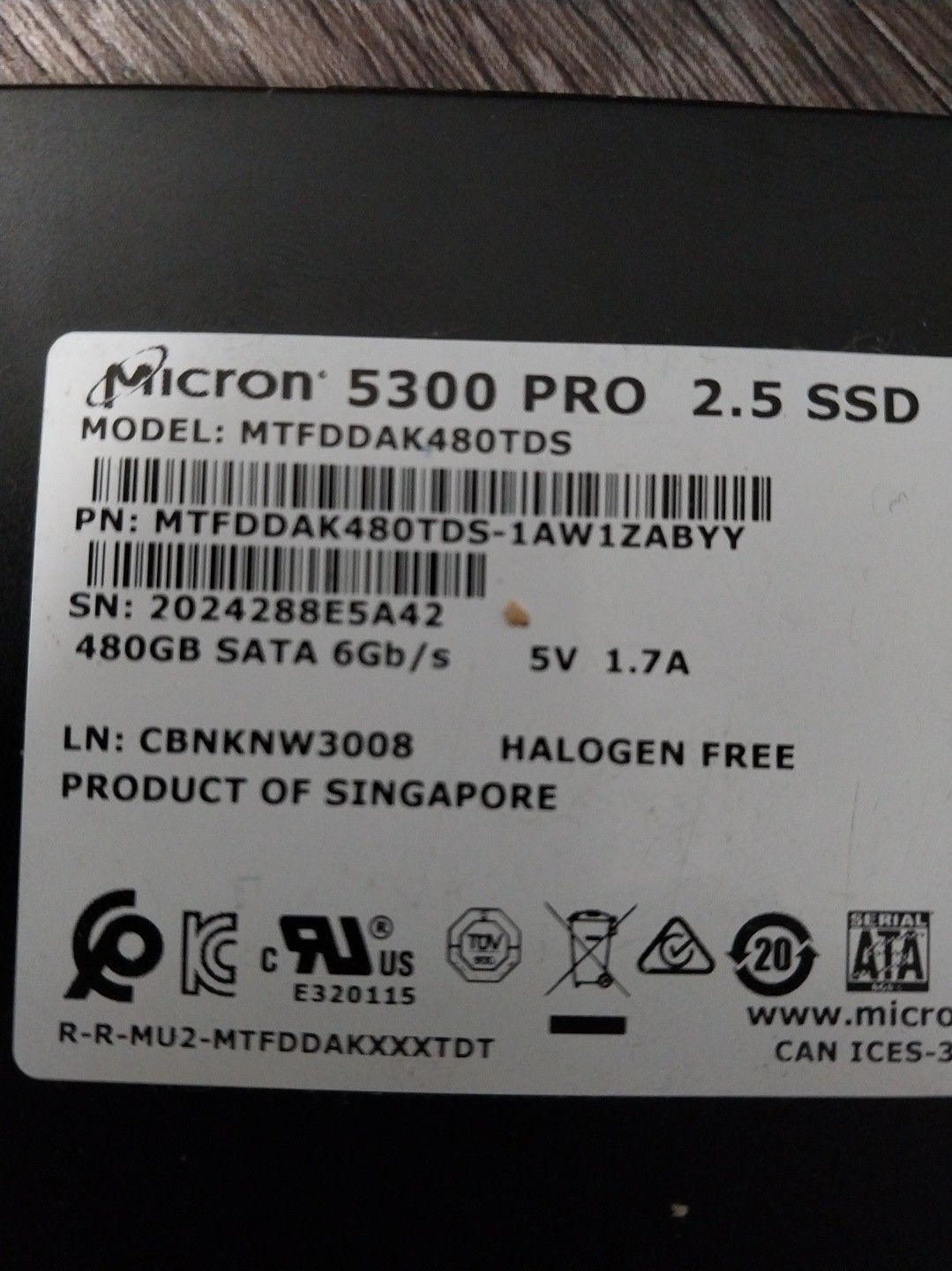
- Confirm the drive is genuine retail or OEM-pull with SMART data; OEM pulls like the Micron 5300 PRO carry enterprise endurance but may ship without warranty.
Specs
| Interface | SATA III 6 Gb/s (550 MB/s cap) |
|---|---|
| NAND & DRAM | TLC + DRAM vs QLC DRAM-less |
| Endurance | 300-600 TBW (1TB TLC) vs 200 TBW QLC |
| Form Factor | 2.5-inch 7mm / M.2 2280 SATA |
Related searches
What to check before buying
- Measure the bay: 2.5-inch drives are 7mm or 9.5mm thick — most laptops take 7mm, and 9.5mm drives can foul slim chassis.
- Verify the M.2 slot key and protocol: B+M-key slots accept SATA M.2, while M-key slots are usually NVMe-only.
- Confirm SATA power and data cables are available for desktop 2.5-inch installs; laptops use a direct SATA connector.
- Check host SATA generation: a SATA II (3 Gb/s) port limits any SSD to ~300 MB/s, so a premium drive gains nothing there.
FAQ
Data sources: eBay / Amazon listings and product attribute feeds. Updated Nov 24, 2026.
Some links on this page are affiliate links. If you buy after clicking one, we may earn a commission at no extra cost to you. This does not change which products appear here or their order. Affiliate disclosure.