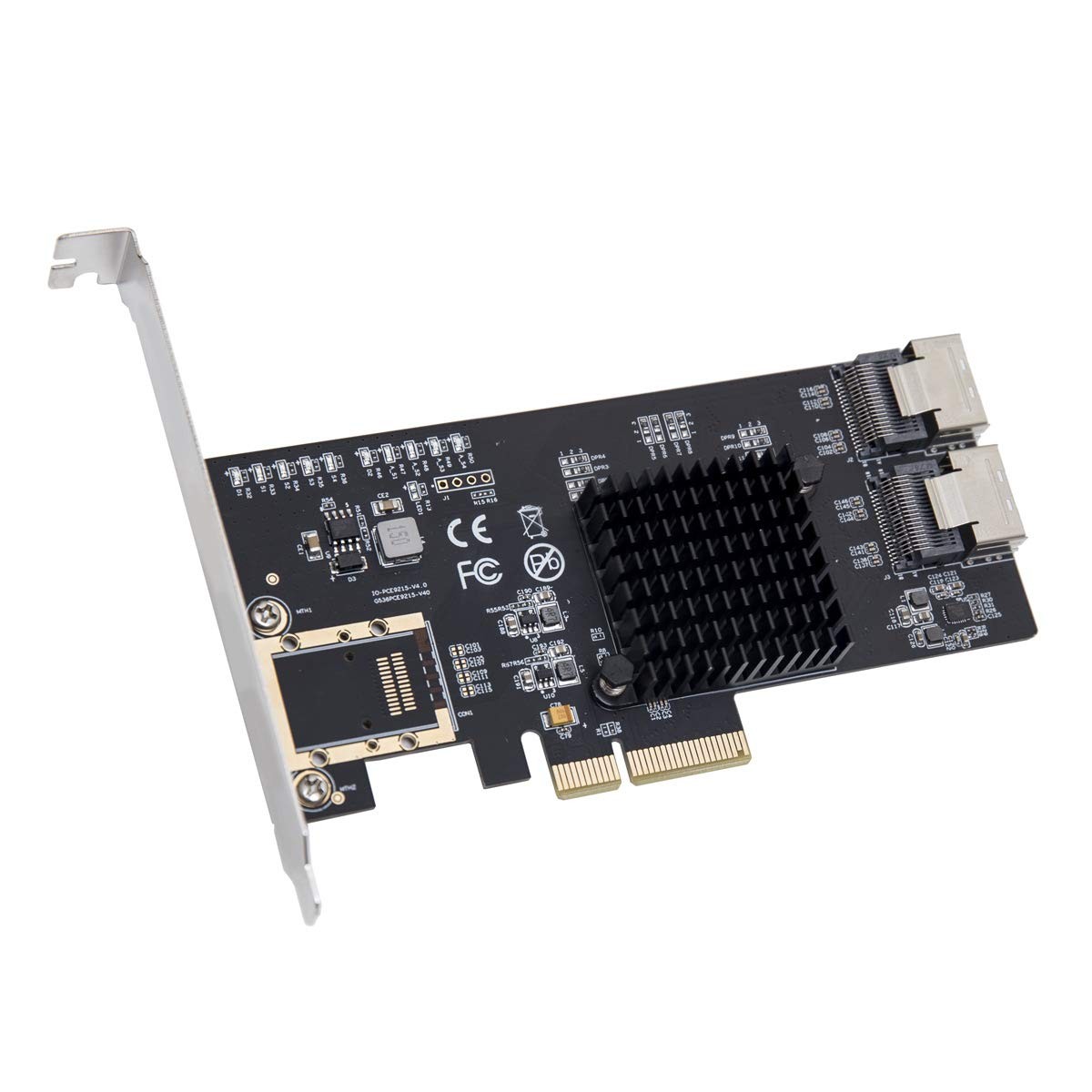

Photos from current listings. Actual item, color, and included accessories may vary.
SATA Controller Card Buying Guide
A SATA controller card adds internal or external SATA ports to a PC via a PCIe slot, bypassing chipset port limits or replacing failed motherboard controllers. The primary trade-off is host interface bandwidth versus port count: PCIe x1 Gen2 caps near 500 MB/s total, while x4 Gen2 or x4 Gen3 cards sustain full SATA III speeds across multiple drives. The decision rule is simple: buy a PCIe x4 card with a native PCIe-to-SATA bridge for multi-drive arrays, and only accept x1 cards for single-drive optical or backup use.
Median $45.48
Key takeaways
- PCIe x1 Gen2 provides ~500 MB/s total bandwidth, so a 4-port x1 card cannot run four SATA III SSDs at full speed concurrently.
- Native PCIe bridge chips (e.g., ASM1064, JMB582) deliver lower latency and better port multiplication than PCIe-to-PCIe packet-switch designs.
- Non-RAID cards pass drives directly to the OS, making them ideal for ZFS, unRAID, or JBOD; hardware RAID cards add firmware complexity and vendor lock-in.
At a glance
- Category
- PC Storage Upgrades
- Last updated
- Nov 28, 2026
Current offers
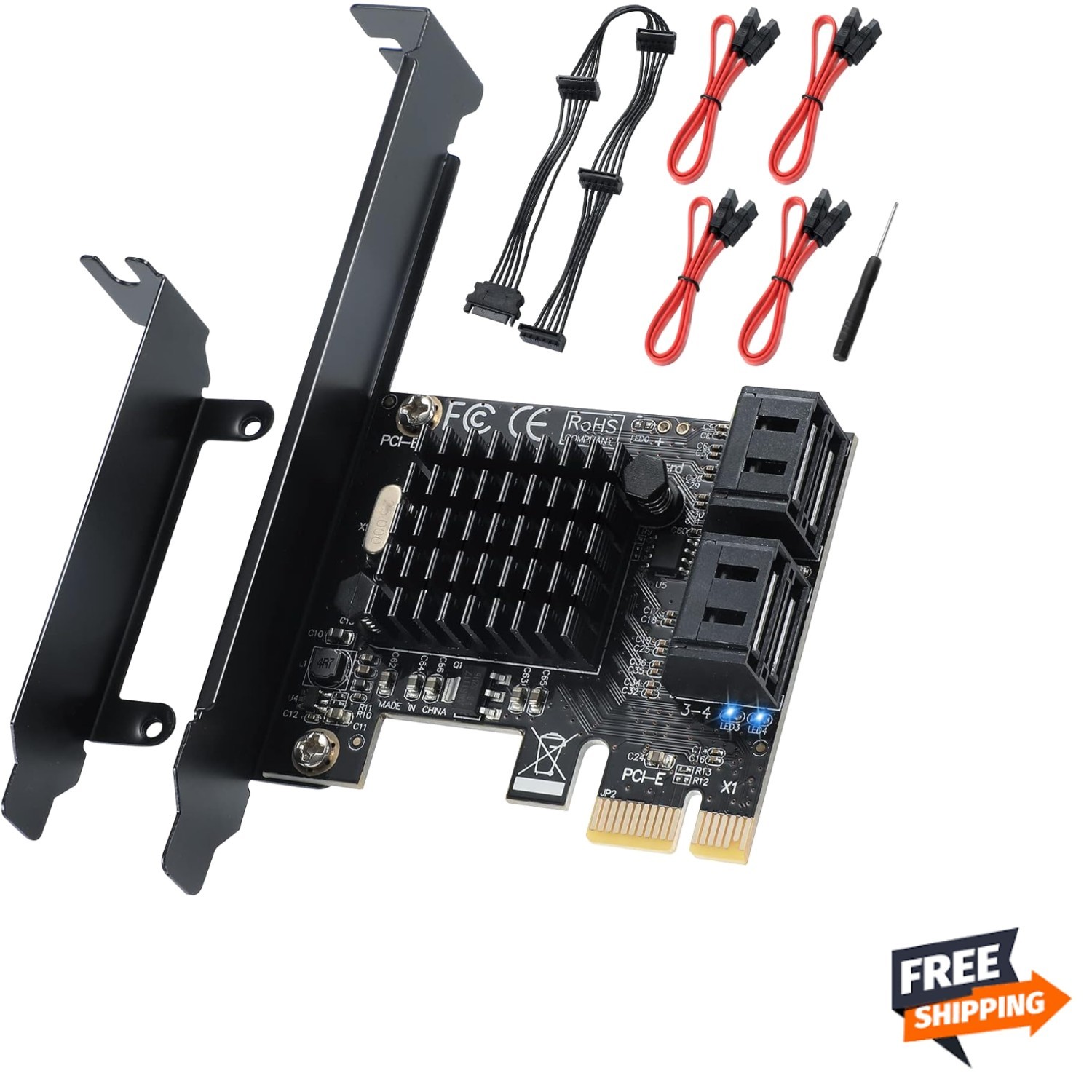
Highlights
- PCIe x1 Gen2 provides ~500 MB/s total bandwidth, so a 4-port x1 card cannot run four SATA III SSDs at full speed concurrently.
- Native PCIe bridge chips (e.g., ASM1064, JMB582) deliver lower latency and better port multiplication than PCIe-to-PCIe packet-switch designs.
- Non-RAID cards pass drives directly to the OS, making them ideal for ZFS, unRAID, or JBOD; hardware RAID cards add firmware complexity and vendor lock-in.
- SATA III (6 Gb/s) ports are backward compatible with SATA II drives, but port multipliers on cheap cards often drop all attached drives to 3 Gb/s or less.
Best use cases
- Best fit: Adding 4–8 internal SATA drives to a NAS or media server — pick a PCIe x4 non-RAID card with a native bridge chip and no port multipliers.
- Best fit: Replacing a dead motherboard SATA controller for a single boot SSD or optical drive — a PCIe x1 2-port card is sufficient and cheapest.
- Wrong fit: Running a 4-drive RAID 5 array on a PCIe x1 card — total bandwidth chokes rebuilds and parity writes; step up to x4.
- Wrong fit: Using a SATA controller card for external eSATA enclosures without confirming the card exposes eSATA ports or includes a bracket — internal-only cards waste the slot.
Buying tips
- Match card bandwidth to drive count: one SATA III SSD saturates ~550 MB/s, so a PCIe x1 Gen2 slot (~500 MB/s) is already a bottleneck for a single fast SSD.
- Choose a PCIe x4 (or wider) card for 4+ drives; x4 Gen2 delivers ~2 GB/s, enough for four SATA III SSDs or eight HDDs at ~200 MB/s each.
- Confirm the card uses a native PCIe-to-SATA controller (ASM1064, JMB585, Marvell 88SE92xx) rather than a PCIe bridge plus port multiplier, which shares one 3 Gb/s lane.
- For NAS/FreeNAS/ZFS builds, select a non-RAID (HBA-style) card so the OS sees each drive individually; hardware RAID cards hide drives behind firmware and break ZFS.
Specs
| Host Interface | PCIe x1 / x4 / x8 (Gen2–Gen3) |
|---|---|
| SATA Ports | 2 / 4 / 6 / 8 internal + eSATA variants |
| Controller Type | Native AHCI vs port-multiplier bridge |
| RAID Support | Non-RAID HBA vs hardware RAID |
Related searches
What to check before buying
- Measure your case for 4-port cards: most are low-profile, but full-height brackets and SATA cable clearance require ~15 cm of free space behind the slot.
- Verify a free PCIe slot of the right generation and lane width — a x4 card fits a x16 slot, but a x1 card in a x1 slot caps total throughput.
- Confirm your power supply has spare SATA power connectors for the added drives; controller cards do not supply drive power.
- Check OS driver support: modern Linux and Windows 10/11 include native AHCI drivers for ASM1064 and JMB585, but older Marvell chips may need vendor drivers.
FAQ
Data sources: eBay / Amazon listings and product attribute feeds. Updated Nov 28, 2026.
Some links on this page are affiliate links. If you buy after clicking one, we may earn a commission at no extra cost to you. This does not change which products appear here or their order. Affiliate disclosure.