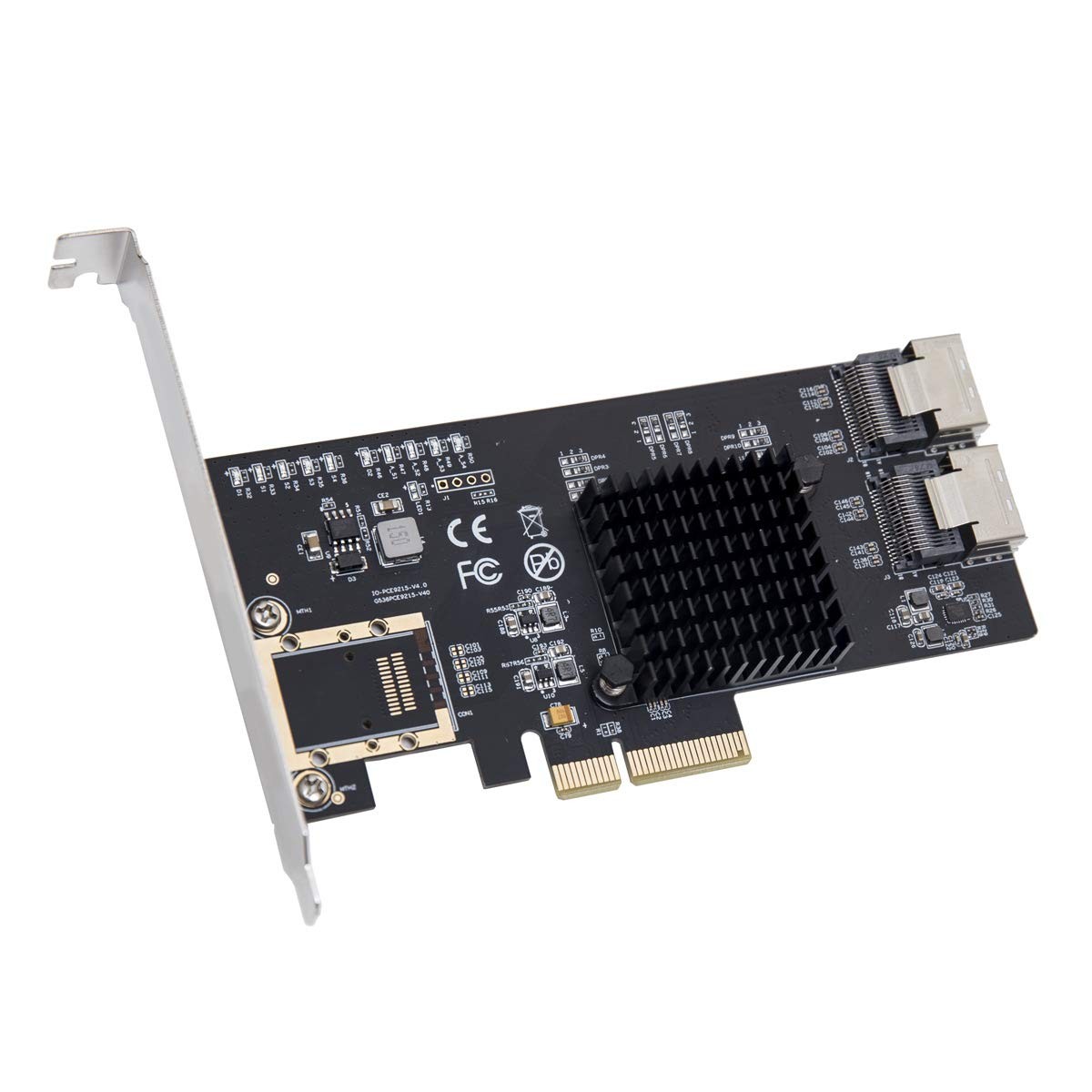

Photos from current listings. Actual item, color, and included accessories may vary.
SATA Card Buying Guide
A SATA card is a PCIe expansion card that adds extra SATA III ports when your motherboard's native headers are exhausted. The core trade-off is host controller architecture: native PCIe controllers (ASMedia, Marvell, JMicron) deliver full 6 Gb/s per port, while PCIe-to-SATA bridge chips and port multipliers share bandwidth and bottleneck under load. The decision rule: buy a native PCIe x2/x4 controller with individual per-port lanes and heatsink for durable multi-drive use; skip x1 bridge cards and port multipliers for anything beyond optical drives or single archival HDDs.
Median $45.48
Key takeaways
- Native PCIe controllers (e.g., ASM1166, Marvell 88SE9215) provide true 6 Gb/s per port; PCIe x1 bridge cards share roughly 500 MB/s across all ports and throttle multi-drive transfers.
- PCIe x4 slot cards (like Syba SI-PEX40137) require an open-ended x4 or larger slot; x1 cards fit any slot but cap total bandwidth at about 1 GB/s PCIe 3.0.
- Port multipliers let one controller feed 4+ drives but split that single lane's bandwidth, halving effective throughput per drive versus native per-port controllers.
At a glance
- Category
- PC Storage Upgrades
- Last updated
- Nov 28, 2026
Current offers
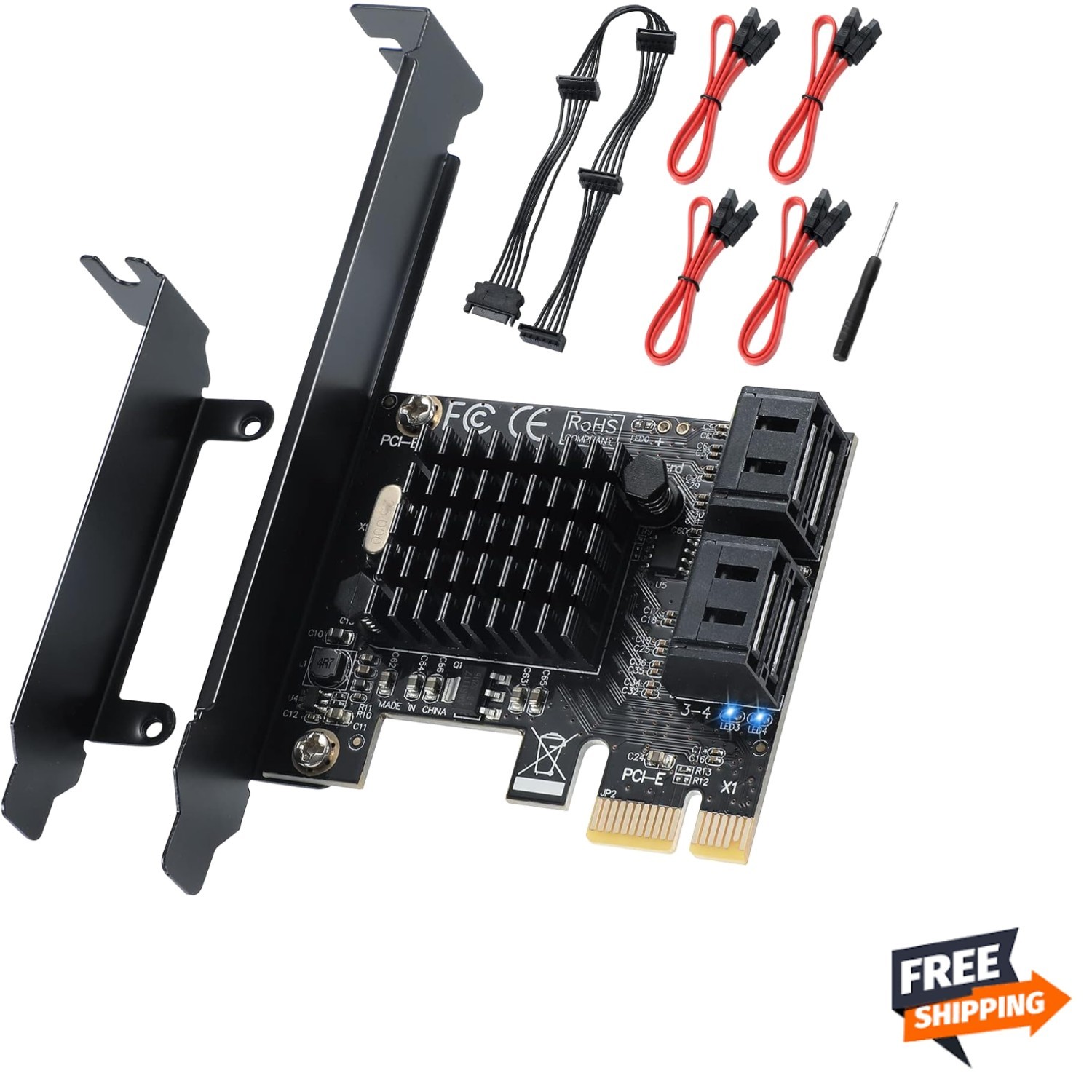
Highlights
- Native PCIe controllers (e.g., ASM1166, Marvell 88SE9215) provide true 6 Gb/s per port; PCIe x1 bridge cards share roughly 500 MB/s across all ports and throttle multi-drive transfers.
- PCIe x4 slot cards (like Syba SI-PEX40137) require an open-ended x4 or larger slot; x1 cards fit any slot but cap total bandwidth at about 1 GB/s PCIe 3.0.
- Port multipliers let one controller feed 4+ drives but split that single lane's bandwidth, halving effective throughput per drive versus native per-port controllers.
- Non-RAID cards (JBOD/HBA mode) pass drives directly to the OS for software RAID (ZFS, Storage Spaces); hardware RAID cards add cache and battery but lock you to vendor firmware.
Best use cases
- Best fit: adding 4–8 SATA HDDs/SSDs for NAS or media server—pick a native PCIe x4 non-RAID card with heatsink and per-port lanes; skip x1 bridge cards.
- Best fit: one or two extra optical/archive drives in a standard desktop—a PCIe x1 2-port card suffices; skip expensive x4 RAID cards for this light duty.
- Wrong fit: booting an OS from a SATA card without UEFI option ROM support—use motherboard native ports for boot drives; cards are for data expansion.
- Wrong fit: port multipliers for parity RAID or ZFS—bandwidth sharing causes resilver timeouts; use a native HBA with individual lanes instead.
Buying tips
- Match slot bandwidth: PCIe x4 card needs an open x4/x8/x16 slot; PCIe x1 fits any slot but caps aggregate throughput near 1 GB/s—size ports to drives accordingly.
- Choose native PCIe controllers (ASM1166, Marvell 88SE9215) over PCIe-to-SATA bridge chips for full 6 Gb/s per port and lower latency.
- For 4+ drives, select a card with a heatsink and non-RAID (HBA) firmware; passive cooling is mandatory in cramped cases with poor airflow.
- Confirm UEFI/Legacy option ROM support if the card must be visible at boot; data-only cards need only OS driver support (Windows, Linux, FreeNAS).
Specs
| Controller Type | Native PCIe vs bridge chip |
|---|---|
| Interface | PCIe x1 / x2 / x4 |
| Ports | 2 / 4 / 6 / 8 SATA III |
| RAID Mode | Non-RAID HBA vs hardware RAID |
Related searches
What to check before buying
- Measure free PCIe slot: x4 card requires open-ended x4 or larger; x1 card fits any slot—verify physical clearance for heatsink and cables.
- Count available SATA data cables and power leads (Molex/SATA) for every drive you plan to attach; cards do not include PSU connectors.
- Check case airflow and drive bay space: 8-port cards with heatsink need 2–3 cm clearance and active case ventilation for 24/7 loads.
- Confirm OS driver availability (Windows 10/11, Linux kernel, FreeNAS/TrueNAS) for the specific controller chip before purchase.
FAQ
Data sources: eBay / Amazon listings and product attribute feeds. Updated Nov 28, 2026.
Some links on this page are affiliate links. If you buy after clicking one, we may earn a commission at no extra cost to you. This does not change which products appear here or their order. Affiliate disclosure.