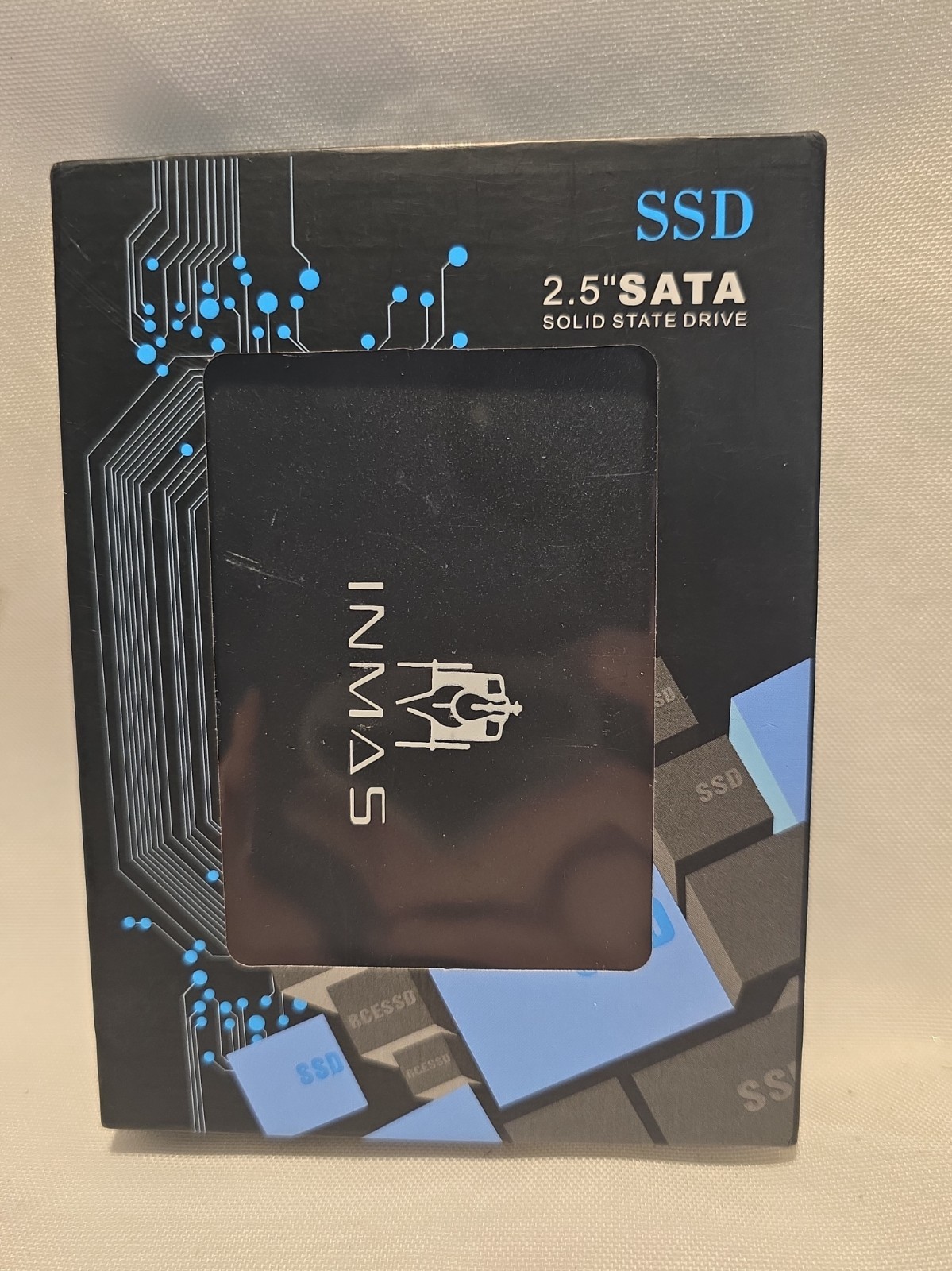

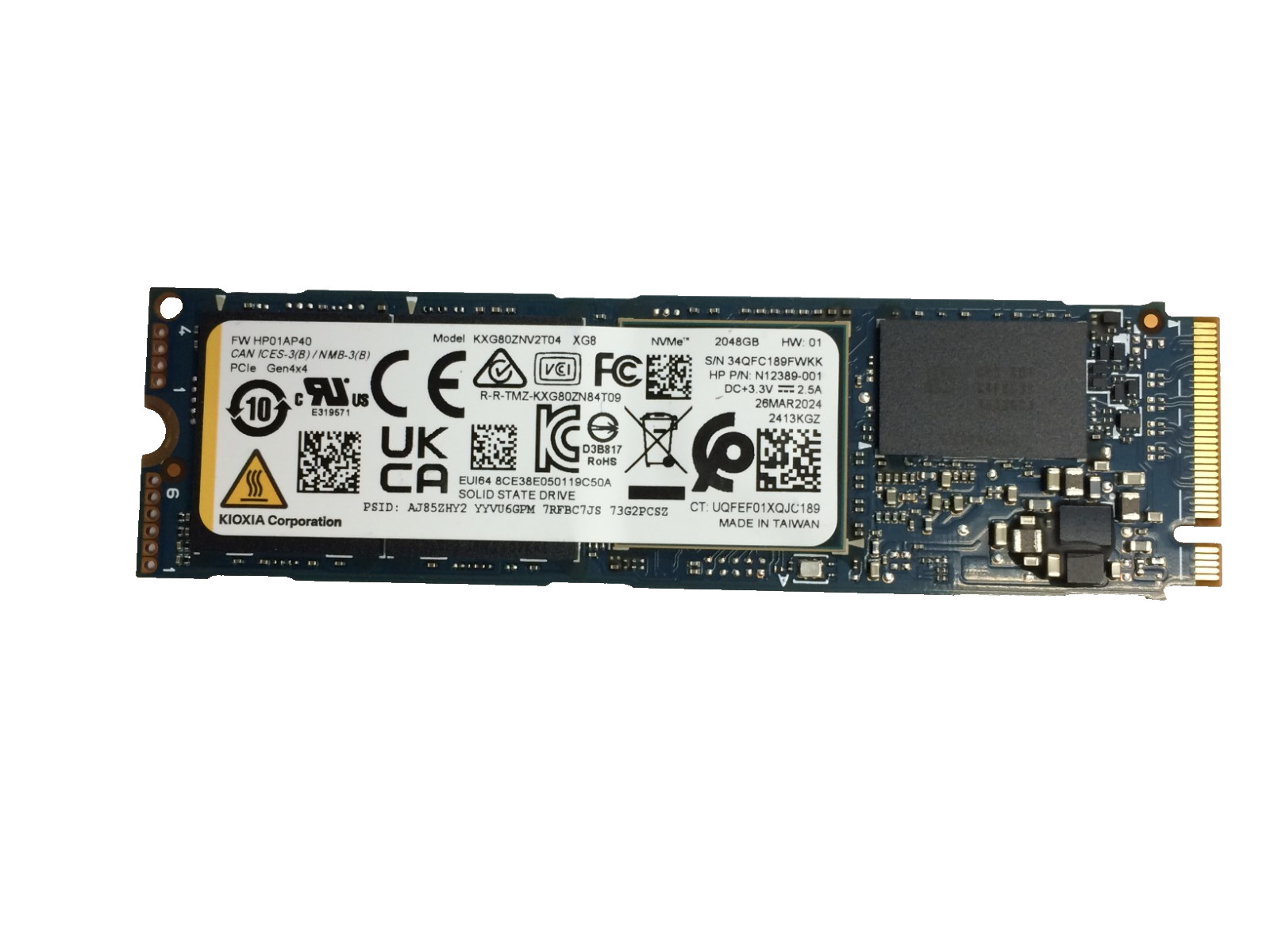
Photos from current listings. Actual item, color, and included accessories may vary.
Portable SSD Drive Buying Guide
A portable SSD is a bus-powered external drive using NAND flash and a USB bridge, where the real trade-off is sustained write speed and thermal throttling versus peak burst speed and price. The decision rule: buy a USB 3.2 Gen 2 (10 Gbps) or Gen 2x2 (20 Gbps) drive with DRAM or dynamic SLC cache and a metal housing if you move large files daily; accept a plastic USB 3.2 Gen 1 (5 Gbps) unit only for backup and media library duty.
Median $144.99
Key takeaways
- Interface tier governs ceiling speed: USB 3.2 Gen 2 (10 Gbps) caps near 1,000 MB/s, Gen 2x2 (20 Gbps) near 2,000 MB/s, and Thunderbolt 3/4/USB4 near 2,800-3,000 MB/s—but only with a matching host port and cable.
- Sustained write speed collapses once SLC cache drains: DRAM-less QLC drives can fall to 100-300 MB/s on long transfers, while TLC with DRAM holds 800-1,600 MB/s.
- USB-C is mandatory on the drive end; USB-A compatibility requires a bundled USB-C-to-A cable or adapter, and USB 3.2 Gen 2x2 is not supported on most Macs or AMD desktop boards.
At a glance
- Category
- PC Storage Upgrades
- Last updated
- Nov 28, 2026
Current offers
Highlights
- Interface tier governs ceiling speed: USB 3.2 Gen 2 (10 Gbps) caps near 1,000 MB/s, Gen 2x2 (20 Gbps) near 2,000 MB/s, and Thunderbolt 3/4/USB4 near 2,800-3,000 MB/s—but only with a matching host port and cable.
- Sustained write speed collapses once SLC cache drains: DRAM-less QLC drives can fall to 100-300 MB/s on long transfers, while TLC with DRAM holds 800-1,600 MB/s.
- USB-C is mandatory on the drive end; USB-A compatibility requires a bundled USB-C-to-A cable or adapter, and USB 3.2 Gen 2x2 is not supported on most Macs or AMD desktop boards.
- Housing material drives thermal throttling: aluminum or magnesium bodies shed heat from the controller and NAND, while sealed plastic enclosures heat-soak and cut speed during 100 GB+ writes.
Best use cases
- Best fit: choose a USB 3.2 Gen 2 1 TB TLC drive with a metal body for daily laptop-to-drive transfers of photo catalogs, code repos, and 4K footage under 50 GB.
- Best fit: choose a Thunderbolt 3/4 or USB4 NVMe enclosure plus a bare M.2 drive when you edit 4K/8K multicam directly off the SSD and need 2,500 MB/s+ sustained reads.
- Wrong fit: skip USB 3.2 Gen 2x2 20 Gbps drives for Mac or most AMD systems—they fall back to 10 Gbps, so pay for Gen 2 instead.
- Wrong fit: skip QLC or DRAM-less plastic drives for repeated 100 GB+ writes; they throttle to HDD-like speeds and wear faster, so use them only for cold backup.
Buying tips
- Match the drive to the host port: a 10 Gbps port wastes money on a 20 Gbps drive, and a Thunderbolt-only drive on a USB 3.2 Gen 1 port runs at 5 Gbps.
- Insist on USB-C 3.2 Gen 2 (10 Gbps) or better on the drive end; USB 3.2 Gen 1 (5 Gbps) tops out near 450-550 MB/s and is backup-only.
- Check NAND and controller tier: TLC with DRAM or a large dynamic SLC cache sustains 800 MB/s+; QLC DRAM-less drops to 100-300 MB/s after cache exhaustion.
- Size for endurance: 1 TB is the minimum for daily writing, 2 TB for video; TBW ratings double with capacity, and 5-year warranties are standard on tier-one drives.
Specs
| Interface Speed | USB 3.2 Gen 1 / Gen 2 / Gen 2x2 / TB3-4 |
|---|---|
| NAND & Cache | TLC w/ DRAM vs QLC DRAM-less |
| Sustained Write | 100-300 MB/s (QLC) vs 800-1,600 (TLC) |
| Capacity & TBW | 1-4 TB; 300-600 TBW per 1 TB |
Related searches
What to check before buying
- Measure your free workspace and cable run: most portable SSDs are 100 x 50 x 10 mm and weigh 40-90 g; confirm the USB-C port is reachable and not blocked by a case.
- Verify your host port generation in the OS or spec sheet: USB 3.2 Gen 2 (10 Gbps), Gen 2x2 (20 Gbps), Thunderbolt 3/4, or USB4, and confirm the bundled cable is rated for that speed.
- Confirm exFAT or APFS/HFS+ formatting need for cross-platform use, and check the drive's included cable type (USB-C-to-C vs USB-C-to-A) before relying on USB-A laptops.
- Check operating temperature and shock rating: metal-bodied drives rated 0-45°C operating and 1,500 G shock suit travel; plastic sealed units heat-soak under sustained writes.
FAQ
Data sources: eBay / Amazon listings and product attribute feeds. Updated Nov 28, 2026.
Some links on this page are affiliate links. If you buy after clicking one, we may earn a commission at no extra cost to you. This does not change which products appear here or their order. Affiliate disclosure.