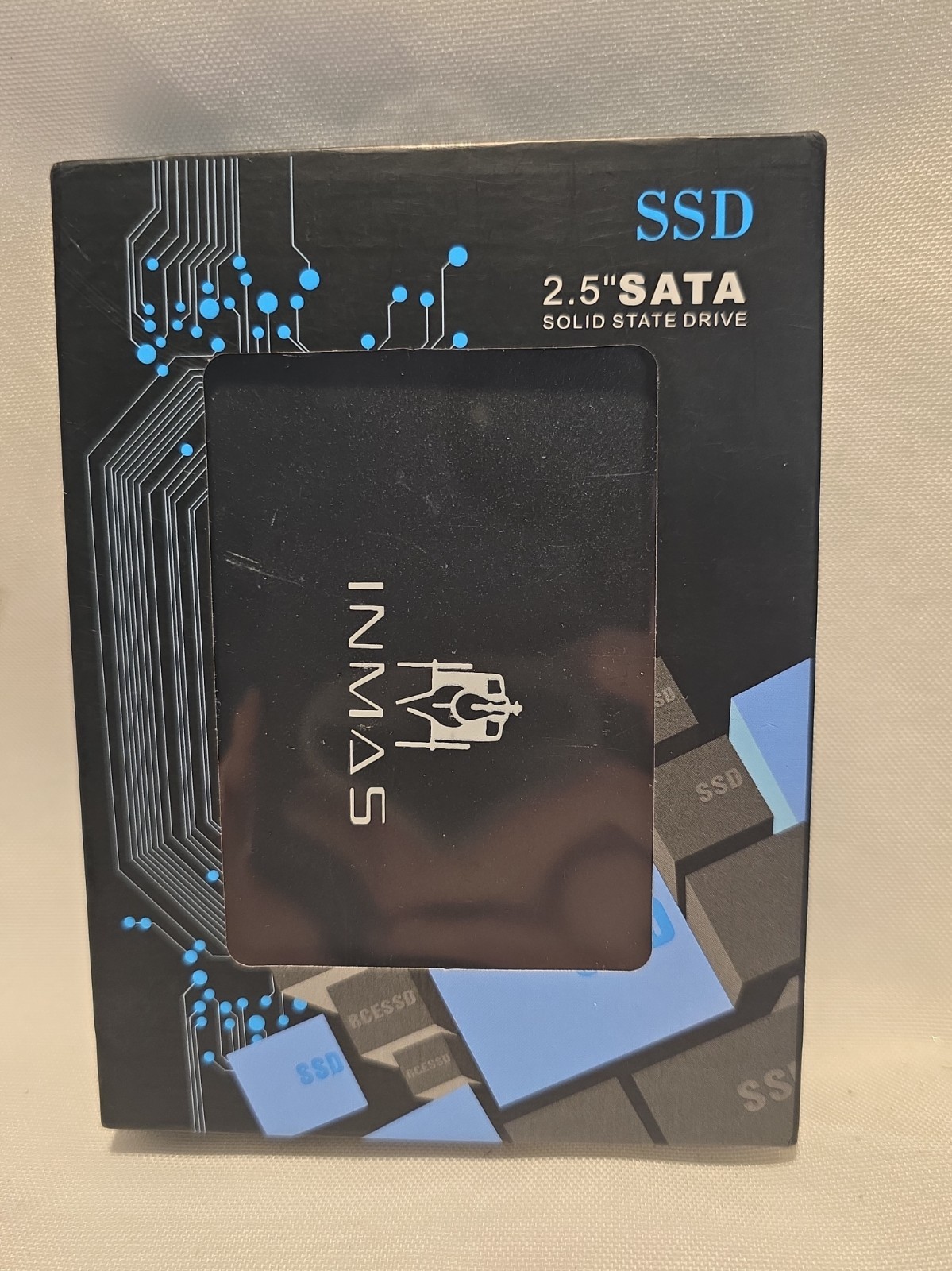

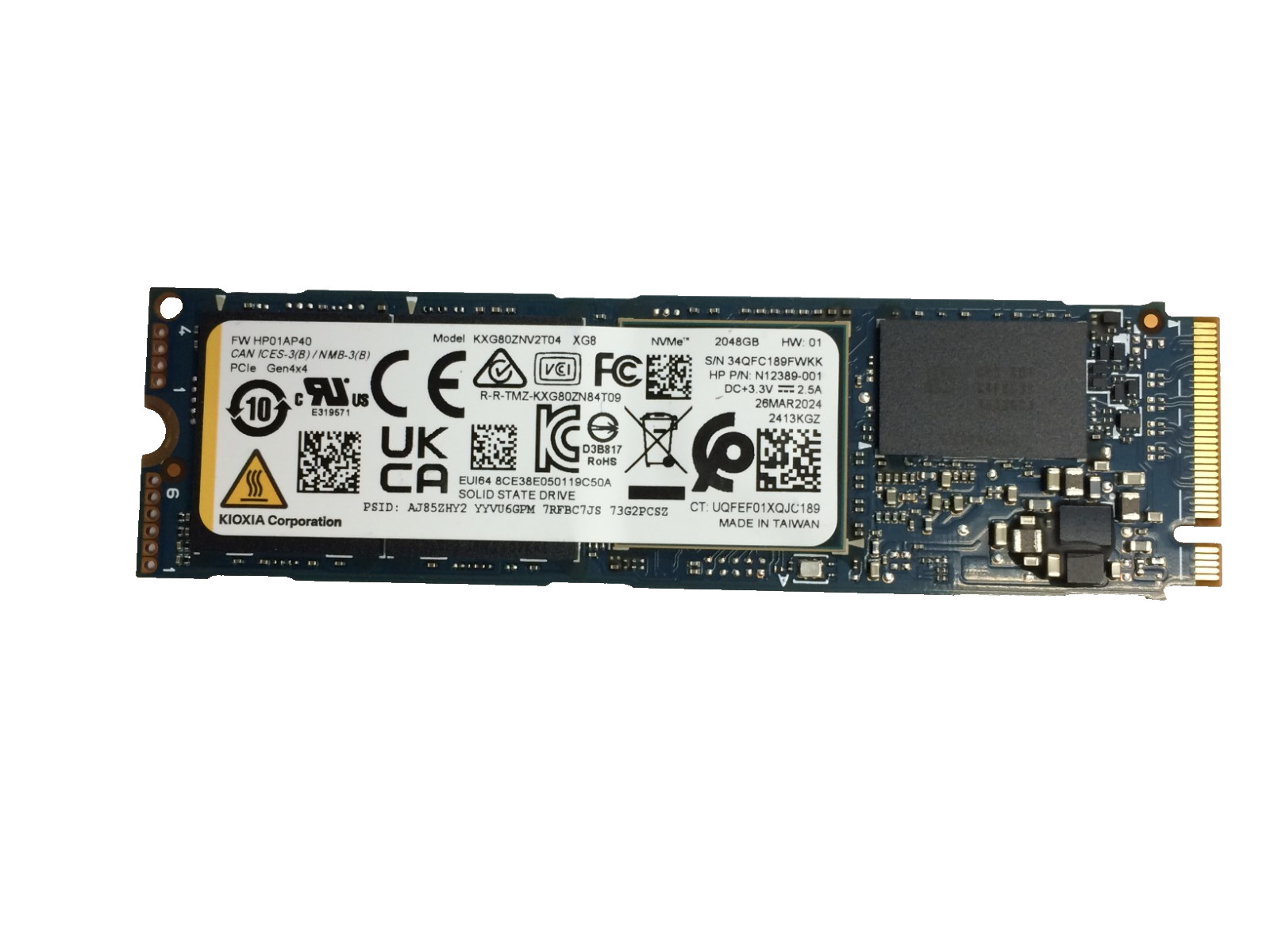
Photos from current listings. Actual item, color, and included accessories may vary.
Portable Solid State Drive Buying Guide
A portable SSD is an external USB drive using NAND flash for shock-resistant, high-speed transfers versus a mechanical portable HDD. The core trade-off is interface speed and sustained-write durability: USB 3.2 Gen 2 (10 Gbps) and Gen 2x2 (20 Gbps) units deliver 1,000–2,000 MB/s but throttle on long writes to SLC cache exhaustion, while DRAM-less budget models drop to HDD-like speeds once cache fills. Choose a Gen 2 drive with TLC NAND and at least 500 GB for real work; skip DRAM-less QLC sticks under 512 GB for anything beyond document backup.
Median $144.99
Key takeaways
- USB 3.2 Gen 2 (10 Gbps) tops out near 1,000 MB/s; Gen 2x2 (20 Gbps) needs a matching host port and reaches ~2,000 MB/s sequential.
- TLC NAND sustains 300–800 MB/s after SLC cache exhaustion; QLC and DRAM-less designs can collapse to 100–200 MB/s on large single-file writes.
- USB-C 3.2 Gen 2 cables are required for full speed—many bundled cables are Gen 1 (5 Gbps) and cap throughput at ~450 MB/s.
At a glance
- Category
- PC Storage Upgrades
- Last updated
- Nov 28, 2026
Current offers
Highlights
- USB 3.2 Gen 2 (10 Gbps) tops out near 1,000 MB/s; Gen 2x2 (20 Gbps) needs a matching host port and reaches ~2,000 MB/s sequential.
- TLC NAND sustains 300–800 MB/s after SLC cache exhaustion; QLC and DRAM-less designs can collapse to 100–200 MB/s on large single-file writes.
- USB-C 3.2 Gen 2 cables are required for full speed—many bundled cables are Gen 1 (5 Gbps) and cap throughput at ~450 MB/s.
- IP55/IP65 ratings and 2-meter drop specs separate ruggedized models from bare aluminum enclosures; hardware AES-256 encryption is a model-tier differentiator.
Best use cases
- Best fit: 4K video editing or large project files—pick a 1 TB+ USB 3.2 Gen 2x2 TLC drive; skip Gen 1 and QLC models that stall during sustained writes.
- Best fit: Laptop/phone photo backup and travel—choose a bus-powered USB-C Gen 2 500 GB–1 TB unit with IP55 rating; skip bus-powered HDDs and drives requiring a Y-cable.
- Best fit: Console game storage (PS5/Xbox)—use a USB 3.2 Gen 2 SSD rated for sustained reads; skip DRAM-less budget sticks that slow game load times.
- Wrong fit: Cold archival of terabytes of media—a portable SSD is costly and unpowered for years-long retention; use an external HDD or NAS instead.
Buying tips
- Match interface to host: USB 3.2 Gen 2 (10 Gbps) is the practical floor; Gen 2x2 only pays off if your laptop/desktop has a 20 Gbps USB-C port.
- For writes over ~100 GB, prioritize TLC NAND with DRAM cache or a known high-SLC-cache ratio; QLC/DRAM-less models slow to HDD speeds after cache exhaustion.
- Confirm the bundled cable is USB 3.2 Gen 2 (10 Gbps) or Gen 2x2 rated—a Gen 1 cable limits any drive to ~450 MB/s regardless of the SSD inside.
- Capacity math: reserve 15–20% free space for SLC cache and wear leveling; a 1 TB drive is the practical minimum for video work, 500 GB for documents/photos.
Specs
| Interface | USB 3.2 Gen 2 (10 Gbps) / Gen 2x2 (20 Gbps) |
|---|---|
| NAND Type | TLC (sustained) vs QLC (cache-dependent) |
| Sequential Speed | ~1,000 MB/s Gen 2; ~2,000 MB/s Gen 2x2 |
| Rugged Rating | IP55/IP65, 2 m drop, AES-256 |
Related searches
What to check before buying
- Verify your computer's USB-C port supports 10 Gbps or 20 Gbps (USB 3.2 Gen 2/Gen 2x2); a 5 Gbps Gen 1 port caps any drive at ~450 MB/s.
- Measure the drive's physical dimensions and cable length against your laptop sleeve, camera bag, or console USB port clearance.
- For phone/tablet use, confirm exFAT or APFS formatting and OTG/USB host support—iPhones need a USB-C (or Lightning adapter) file-transfer capable setup.
- Check power draw: bus-powered drives should run from a single USB-C port; avoid models that require a Y-cable or external power for mobile use.
FAQ
Data sources: eBay / Amazon listings and product attribute feeds. Updated Nov 28, 2026.
Some links on this page are affiliate links. If you buy after clicking one, we may earn a commission at no extra cost to you. This does not change which products appear here or their order. Affiliate disclosure.