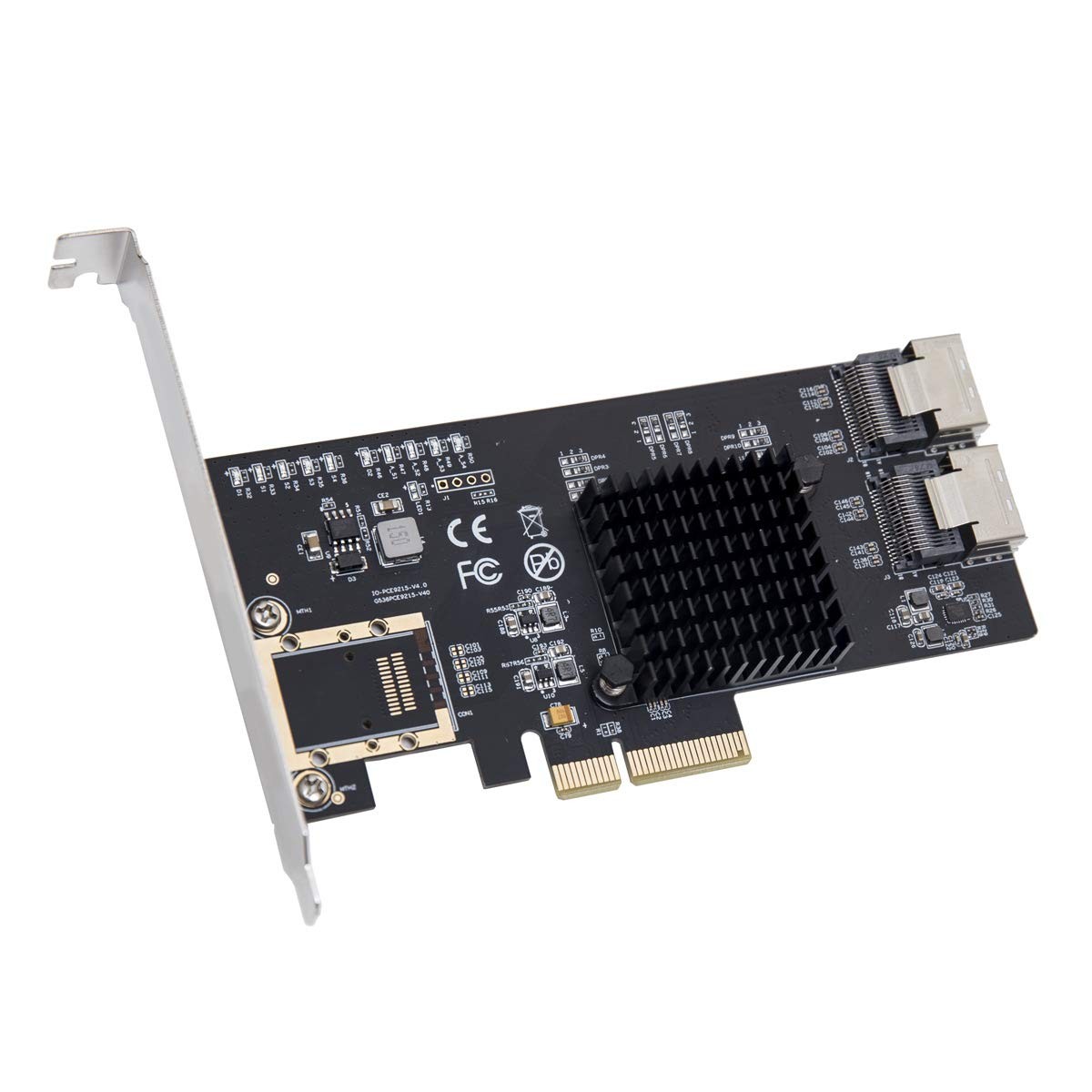

Photos from current listings. Actual item, color, and included accessories may vary.
Pci SATA Controller Buying Guide
A PCI SATA controller adds internal SATA ports to a desktop via a PCIe slot, typically to expand storage beyond motherboard headers or to run a NAS/FreeNAS build. The core trade-off is chipset architecture: native PCIe controllers with dedicated lanes and proper port multiplication deliver full SATA III throughput across all drives, while cheap bridge-based cards share bandwidth and bottleneck multi-drive arrays. Buy a native PCIe x4 card if you run more than two drives concurrently; skip x1 bridge cards for parity/RAID or ZFS workloads.
Median $45.48
Key takeaways
- Native PCIe x4 controllers (e.g., Marvell 88SE92xx, ASMedia ASM1166) provide 6 Gbps per port; PCIe x1 bridge cards cap total bandwidth near 1 Gbps shared across all ports.
- Port multiplication via SATA port multipliers lets one controller host 4-8 drives, but multipliers without FIS-based switching cut per-drive throughput and break ZFS/RAID reliability.
- Non-RAID (HBA) cards pass drives directly to the OS for software RAID or ZFS; hardware RAID cards add onboard cache and BBU but lock you into vendor firmware and battery replacement cycles.
At a glance
- Category
- PC Storage Upgrades
- Last updated
- Nov 28, 2026
Current offers
Highlights
- Native PCIe x4 controllers (e.g., Marvell 88SE92xx, ASMedia ASM1166) provide 6 Gbps per port; PCIe x1 bridge cards cap total bandwidth near 1 Gbps shared across all ports.
- Port multiplication via SATA port multipliers lets one controller host 4-8 drives, but multipliers without FIS-based switching cut per-drive throughput and break ZFS/RAID reliability.
- Non-RAID (HBA) cards pass drives directly to the OS for software RAID or ZFS; hardware RAID cards add onboard cache and BBU but lock you into vendor firmware and battery replacement cycles.
- Marvell 9230/9235 and ASM1166 chipsets are native PCIe 2.0 x2/x4 designs; older SIL3132/JMicron JMB585 use x1 links and are unsuitable for >2 simultaneous SSDs.
Best use cases
- Best fit: FreeNAS/TrueNAS or ZFS build — pick a native PCIe x4 non-RAID HBA (Marvell 92xx or ASM1166) with 4-8 ports; skip x1 bridge cards and hardware RAID cards that obscure drive access.
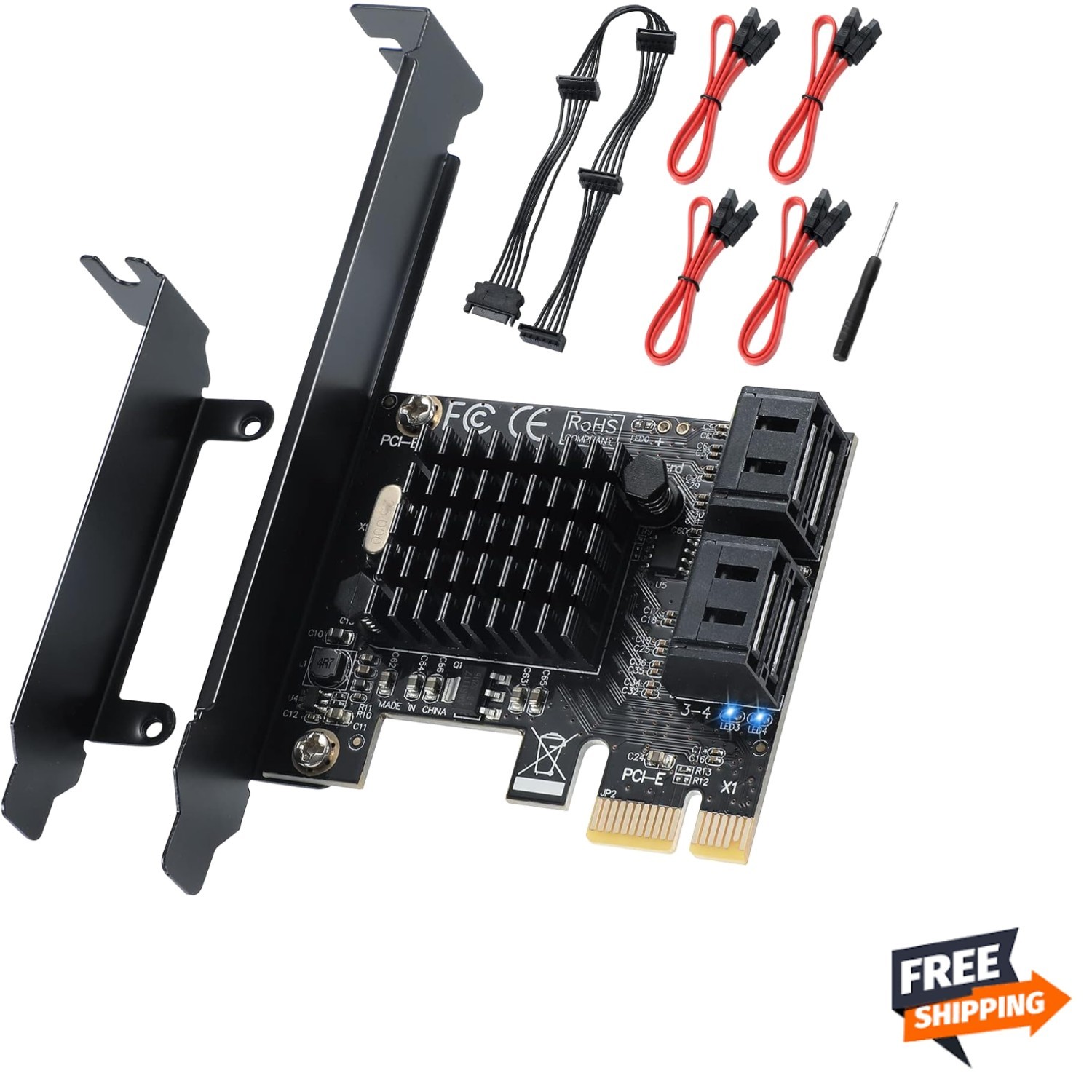
- Best fit: Adding 2-4 SATA SSDs/HDDs to a standard desktop — a 4-port PCIe x2/x4 non-RAID card suffices; skip 8-port multipliers unless the case and PSU can support that many drives.
- Best fit: Optical drive or legacy HDD expansion on an older board — a basic 2-port PCIe x1 card with AHCI support works; skip it for any SSD array due to shared bandwidth.
- Wrong fit: External enclosure or laptop expansion — PCI SATA controllers are internal-only; use USB or Thunderbolt enclosures instead.
Buying tips
- Match lane width to drive count: PCIe x1 (~1 GB/s shared) for 1-2 HDDs, PCIe x2/x4 for 4+ drives or any SSD array; confirm the slot is not shared with GPU lanes.
- Choose AHCI/non-RAID firmware for ZFS, Unraid, or mdadm; hardware RAID (e.g., LSI MegaRAID) only if you need bootable arrays and will maintain the BBU.
- Check chipset native support: Marvell 9230/9235 and ASM1166 are mainline Linux/FreeBSD-friendly; JMicron and SIL chips often need out-of-tree drivers or have port multiplier bugs.
- Verify port count includes internal vs external: 4-port cards may offer 2 internal + 2 eSATA; confirm all ports are internal SATA headers for drive bays.
Specs
| Host Interface | PCIe x1 / x2 / x4 (lane width) |
|---|---|
| Controller Mode | AHCI HBA vs Hardware RAID |
| Chipset Class | Native PCIe vs bridge/multiplier |
| Port Count | 2 / 4 / 8 internal SATA III |
Related searches
What to check before buying
- Measure free PCIe slot length and available lanes: x4 card needs an open-ended or x4+ slot; x1 card fits any slot but throttles multi-drive throughput.
- Count free SATA power connectors and drive bays: an 8-port card needs 8 SATA power leads and physical mounting for 8 drives.
- Confirm OS driver support (Linux kernel version, FreeBSD, Windows AHCI) for the specific chipset before purchase; older kernels may lack ASM1166 support.
- Check case airflow and PSU headroom: each HDD adds ~10W spin-up and heat; 8 drives require a PSU with sufficient SATA rails and a case with drive cages.
FAQ
Data sources: eBay / Amazon listings and product attribute feeds. Updated Nov 28, 2026.
Some links on this page are affiliate links. If you buy after clicking one, we may earn a commission at no extra cost to you. This does not change which products appear here or their order. Affiliate disclosure.