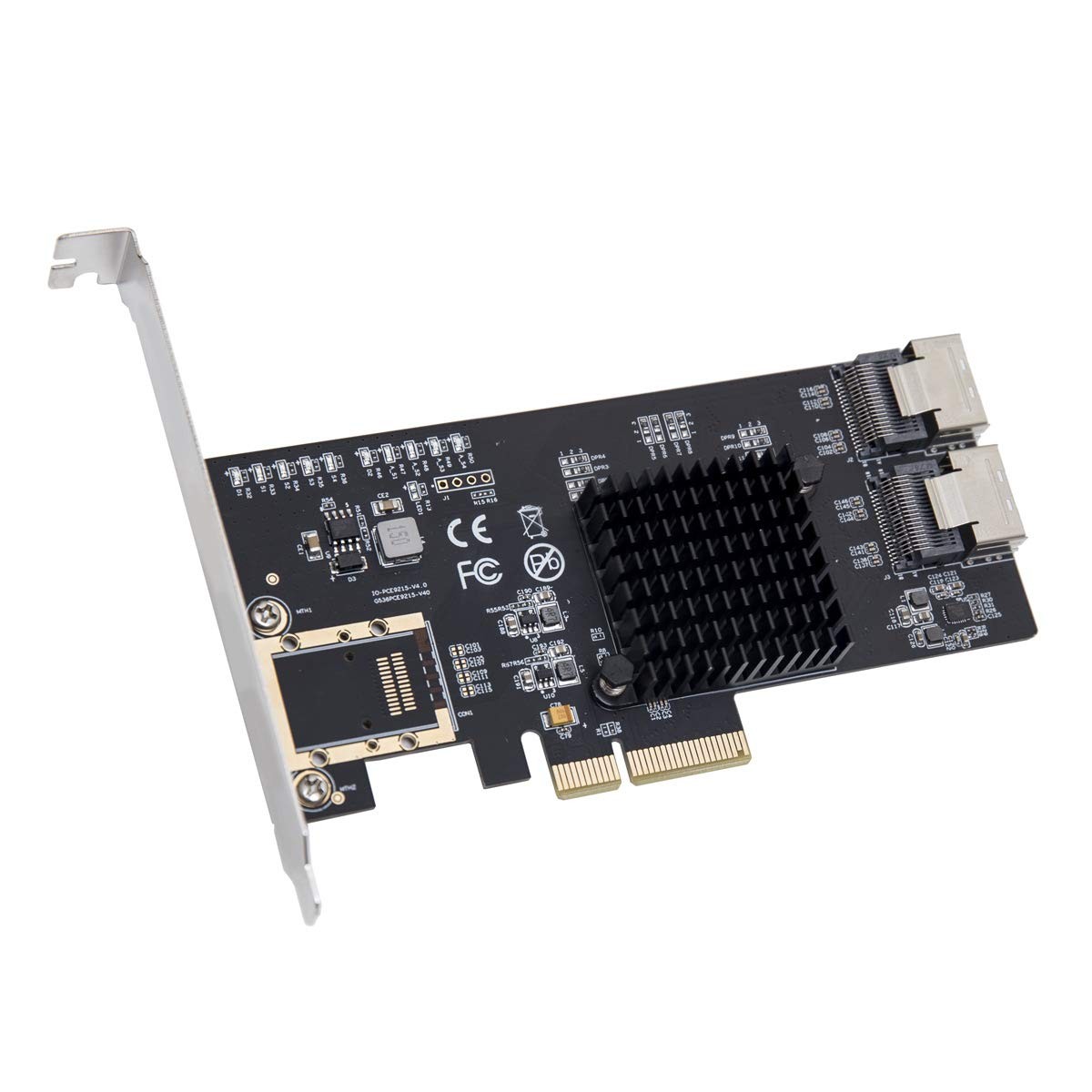

Photos from current listings. Actual item, color, and included accessories may vary.
Pci SATA Card Buying Guide
A PCI SATA card adds internal SATA ports to a PC through a PCIe slot, letting you attach more HDDs, SSDs, or optical drives when the motherboard's native ports are full. The core trade-off is chipset quality and lane allocation: cards using a true PCIe 3.0 x4 interface with a native controller (e.g., Marvell 88SE9235, ASMedia ASM1166) deliver full SATA III bandwidth across all ports, while cheap PCIe x1 bridge-chip cards share a single 5 Gbps lane and bottleneck multiple drives. The decision rule: buy a native multi-lane controller if you run more than two drives concurrently or use ZFS/RAID; choose a basic 2-port x1 card only for a single optical drive or secondary backup disk.
Median $45.48
Key takeaways
- Interface bandwidth: PCIe x1 Gen2 (5 Gbps) cards share one lane across all SATA ports, capping total throughput well below 6 Gbps per drive; PCIe x4 Gen3 cards provide ~32 Gbps aggregate, enough for 4+ SATA III SSDs.
- Controller architecture: native multi-port controllers (ASMedia ASM1166, Marvell 88SE9235) handle 4–8 SATA III ports independently; port-multiplier bridge chips (JMB585, ASM1061) split one lane and degrade performance under concurrent load.
- SATA revision support: true SATA III (6 Gbps) per port requires a native controller; many budget cards advertise SATA III but deliver SATA II (3 Gbps) speeds on secondary ports through a shared bridge.
At a glance
- Category
- PC Storage Upgrades
- Last updated
- Nov 28, 2026
Current offers
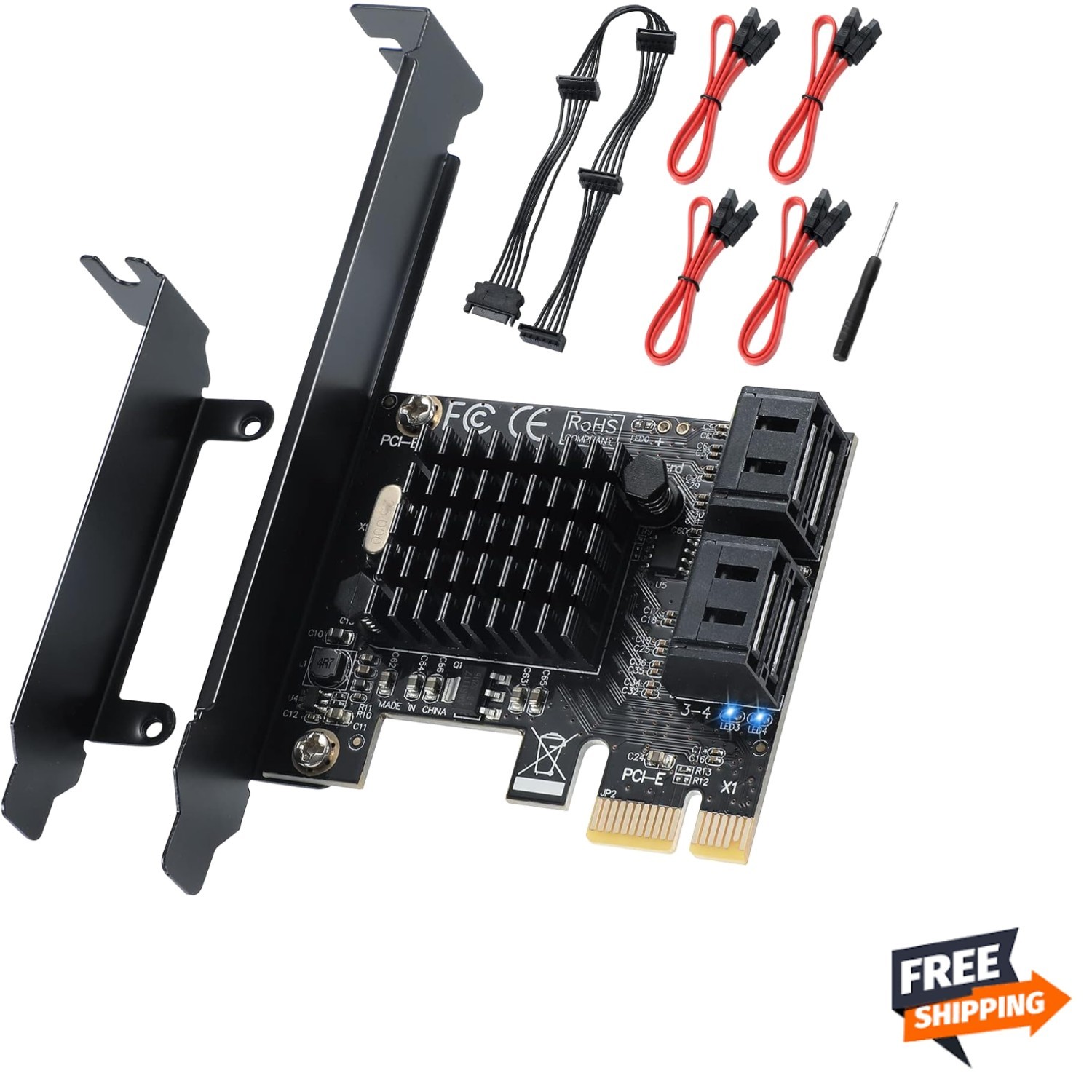
Highlights
- Interface bandwidth: PCIe x1 Gen2 (5 Gbps) cards share one lane across all SATA ports, capping total throughput well below 6 Gbps per drive; PCIe x4 Gen3 cards provide ~32 Gbps aggregate, enough for 4+ SATA III SSDs.
- Controller architecture: native multi-port controllers (ASMedia ASM1166, Marvell 88SE9235) handle 4–8 SATA III ports independently; port-multiplier bridge chips (JMB585, ASM1061) split one lane and degrade performance under concurrent load.
- SATA revision support: true SATA III (6 Gbps) per port requires a native controller; many budget cards advertise SATA III but deliver SATA II (3 Gbps) speeds on secondary ports through a shared bridge.
- RAID vs non-RAID: hardware RAID cards (e.g., LSI/Broadcom 92xx series) offload parity and striping; non-RAID HBAs pass drives directly to the OS for software RAID (ZFS, Storage Spaces), which is preferred for FreeNAS/TrueNAS builds.
Best use cases
- Best fit: a NAS or home-server build needing 4–8 SATA III drives with ZFS — pick a PCIe x4 non-RAID HBA (e.g., ASMedia ASM1166 or Marvell 88SE9235 based) and pair with a motherboard that supports PCIe bifurcation if required.
- Best fit: a desktop with two spare HDDs for media storage and one optical drive — a 2-port or 4-port PCIe x1 card with a native SATA III controller is sufficient if drives are not accessed simultaneously at full speed.
- Wrong fit: a gaming PC where you plan to run four SATA SSDs in a RAID 0 array — a PCIe x1 bridge card will bottleneck writes; instead use native motherboard M.2/SATA ports or a PCIe x4 NVMe adapter.
- Skip: hardware RAID cards with battery backup for a simple home NAS running TrueNAS or Unraid — software RAID is more flexible, and hardware RAID locks you into a specific controller model for array recovery.
Buying tips
- Match the card's PCIe interface to an available slot: x4 cards require an open-ended x4 or x16 slot; x1 cards fit any x1 slot but cap total bandwidth at ~500 MB/s shared across all ports.
- Choose a native controller chipset: ASMedia ASM1166 (6 ports, PCIe Gen3 x2) and Marvell 88SE9235 (4 ports, PCIe Gen2 x2) handle concurrent drives; avoid JMB585-based cards for multi-drive arrays due to shared lane bottleneck.
- For FreeNAS/TrueNAS/ZFS, select a non-RAID HBA with IT-mode firmware (e.g., LSI 9211-8i crossflashed) — RAID cards must be set to JBOD/passthrough or they hide SMART data and prevent ZFS from managing drives directly.
- Count required ports against drive count: a 4-port card supports four drives plus port multipliers, but port multipliers halve per-drive bandwidth; buy an 8-port native card (e.g., Syba SI-PEX40137) if you plan to expand beyond four drives.
Specs
| PCIe Interface | x1 Gen2 / x4 Gen3 (lane-dependent) |
|---|---|
| Controller Type | Native HBA vs port-multiplier bridge |
| SATA Ports | 2 / 4 / 6 / 8 ports |
| RAID Support | Non-RAID HBA vs hardware RAID |
Related searches
What to check before buying
- Verify motherboard slot availability and generation: a PCIe x4 card needs an x4 or x16 slot physically open; confirm the slot is wired for at least Gen2 x4 to avoid bandwidth starvation.
- Measure case clearance: full-height PCIe cards with heatsinks or 8-port connectors may conflict with GPU or RAM coolers; low-profile brackets are required for slim/SFF cases.
- Confirm power: SATA controller cards draw power from the PCIe slot (typically under 10W), but 8-port cards with drives may need a PSU with enough SATA power connectors — plan one connector per drive plus the card if it has a power header.
- Check OS driver support: Windows 10/11 includes drivers for ASMedia and Marvell chipsets; Linux kernels 5.x+ support ASM1166 natively, but older kernels may need a driver update for full SATA III speed.
FAQ
Data sources: eBay / Amazon listings and product attribute feeds. Updated Nov 28, 2026.
Some links on this page are affiliate links. If you buy after clicking one, we may earn a commission at no extra cost to you. This does not change which products appear here or their order. Affiliate disclosure.