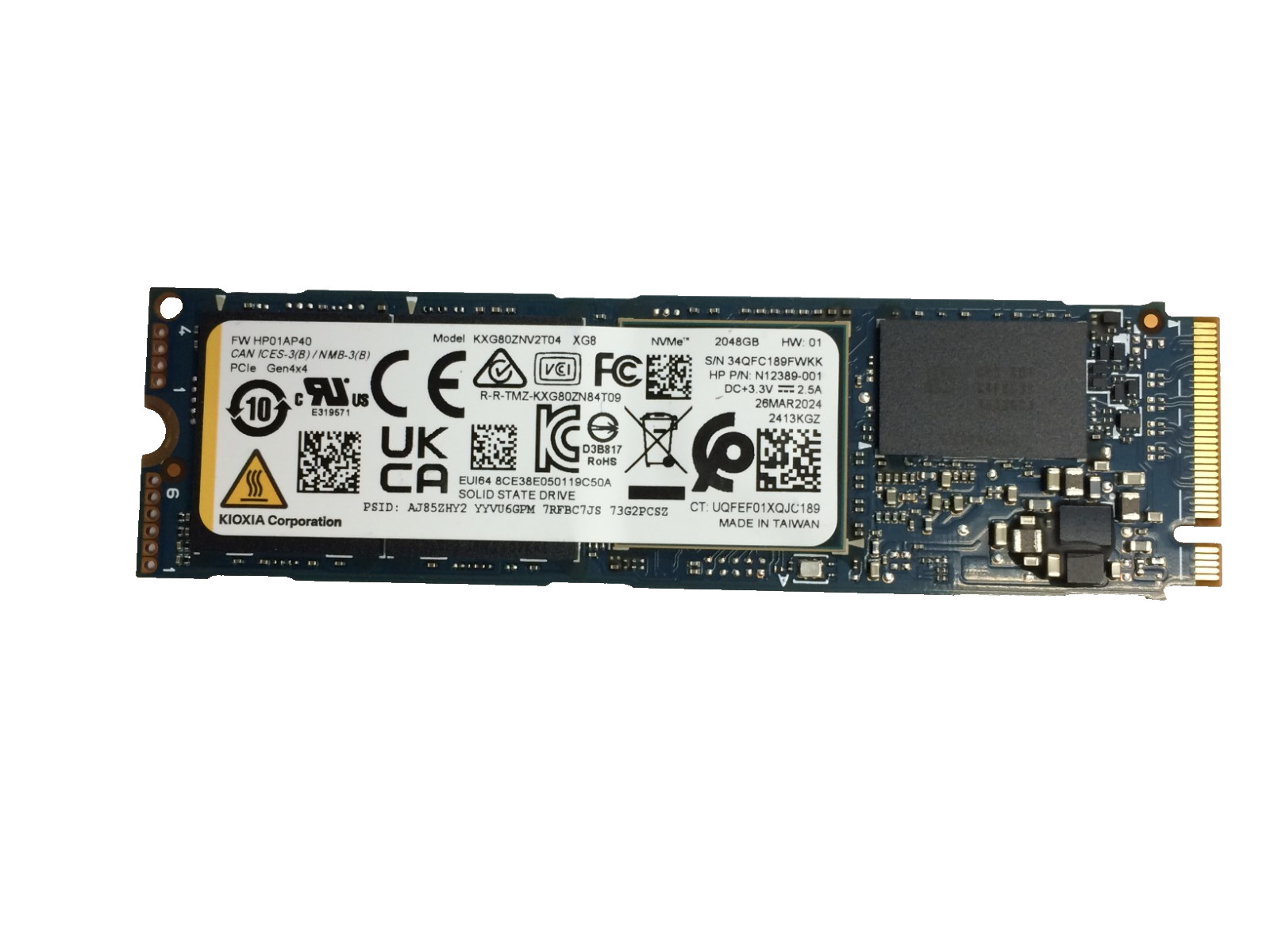

Photos from current listings. Actual item, color, and included accessories may vary.
NVMe M 2 Solid State Drive Buying Guide
An NVMe M.2 SSD is a compact, bus-mounted flash drive that plugs directly into a PCIe lane on your motherboard, delivering far higher throughput than SATA drives. The core trade-off is between peak PCIe generation (Gen3/Gen4/Gen5) and sustained write endurance plus DRAM caching, where cheap DRAM-less QLC drives collapse under heavy writes. The decision rule: buy a Gen4 TLC drive with DRAM or HMB for boot/OS and sustained workloads, and only step to Gen5 or high-endurance TLC for professional sequential transfer or heavy write duty.
Key takeaways
- PCIe generation caps real speed: Gen3 x4 tops ~3.5 GB/s, Gen4 x4 ~7 GB/s, Gen5 x4 ~14 GB/s — the drive cannot exceed the slot's lane generation.
- M.2 2280 is the dominant 80mm form factor; 2230 and 2242 lengths suit handhelds and compact laptops and require exact length matching.
- DRAM-less drives rely on HMB (Host Memory Buffer) and SLC caching; sustained writes fall sharply once the cache exhausts, especially on QLC NAND.
At a glance
- Category
- PC Storage Upgrades
- Last updated
- Nov 28, 2026
Current offers
Highlights
- PCIe generation caps real speed: Gen3 x4 tops ~3.5 GB/s, Gen4 x4 ~7 GB/s, Gen5 x4 ~14 GB/s — the drive cannot exceed the slot's lane generation.
- M.2 2280 is the dominant 80mm form factor; 2230 and 2242 lengths suit handhelds and compact laptops and require exact length matching.
- DRAM-less drives rely on HMB (Host Memory Buffer) and SLC caching; sustained writes fall sharply once the cache exhausts, especially on QLC NAND.
- Endurance is rated in TBW (Total Bytes Written): high-capacity TLC drives typically offer roughly 600 TBW per 1TB, while QLC sits markedly lower.
Best use cases
- Best fit: OS, game, and application boot drives — pick a Gen4 x4 TLC drive with DRAM or HMB for consistent load times; skip Gen5 unless your platform supports it and you move huge files.
- Best fit: PS5 expansion — use a Gen4 x4 M.2 2280 drive with a heatsink that meets Sony's dimensional and speed requirements; skip Gen3 drives and bare drives without a heatsink.
- Best fit: Laptop or handheld upgrade — match the exact M.2 length (2230 for Steam Deck/ROG Ally, 2280 for most laptops) and prefer low-power drives; skip full-size 2280 drives in 2230-only slots.
- Wrong fit: RAID/NAS or write-heavy workstation use with a DRAM-less QLC drive — choose high-TBW TLC or enterprise-class drives instead to avoid cache collapse and premature wear.
Buying tips
- Match the M.2 length exactly: 2280 (80mm) for desktops and most laptops, 2230 (30mm) for handhelds and compact ultrabooks, 2242 (42mm) for select thin laptops.
- Confirm the slot's PCIe generation and lane count; a Gen4 drive in a Gen3 slot runs at Gen3 speed, and a Gen5 drive needs CPU-attached Gen5 lanes to reach full throughput.
- Prioritize TLC NAND with DRAM (or HMB) over QLC DRAM-less for boot and sustained-write workloads; QLC is acceptable only for read-mostly game libraries.
- Check TBW endurance and warranty terms relative to your write volume; higher-capacity drives generally offer proportionally higher TBW and better sustained performance.
Specs
| Interface | PCIe Gen3/Gen4/Gen5 x4 NVMe |
|---|---|
| Form Factor | M.2 2280 / 2242 / 2230 |
| NAND & Cache | TLC vs QLC; DRAM/HMB vs DRAM-less |
| Endurance | TBW rating; higher capacity = higher TBW |
Related searches
What to check before buying
- Measure or look up your slot's supported M.2 length (2230/2242/2280) and keying (M-key for NVMe) before ordering.
- Verify your motherboard or device supports PCIe NVMe boot and has an available M.2 slot not shared/disabled by SATA ports.
- For PS5, confirm the drive meets Sony's heatsink dimension limits and minimum sequential read speed requirement.
- Check clearance for a heatsink in laptops and compact cases; many thin laptops require a bare or low-profile drive.
FAQ
Data sources: eBay / Amazon listings and product attribute feeds. Updated Nov 28, 2026.
Some links on this page are affiliate links. If you buy after clicking one, we may earn a commission at no extra cost to you. This does not change which products appear here or their order. Affiliate disclosure.