
Photos from current listings. Actual item, color, and included accessories may vary.
M 2 SSD Buying Guide
M.2 SSDs are compact, slot-mounted drives (mostly NVMe PCIe) that replace 2.5-inch SATA drives for faster boot and load times. The key trade-off is PCIe generation and lane count (Gen3 x4 vs Gen4 x4 vs Gen5) plus DRAM/HMB architecture, which determine real-world sustained speed and lifespan. Buy Gen4 x4 with DRAM or HMB for modern PCs; skip DRAM-less Gen3 drives for heavy writes or long-term OS use.
Median $121.39
Key takeaways
- PCIe Gen4 x4 delivers up to ~7,400 MB/s sequential read vs ~3,500 MB/s for Gen3 x4; Gen5 doubles again but needs heatsink and CPU lane support.
- DRAM-equipped drives sustain write speeds under load; DRAM-less models rely on HMB and slow sharply during large file transfers.
- M.2 2280 is the dominant size (22mm wide, 80mm long); 2242 and 2230 fit handhelds and compact laptops but have fewer high-capacity options.
At a glance
- Category
- PC Storage Upgrades
- Last updated
- Nov 24, 2026
Current offers
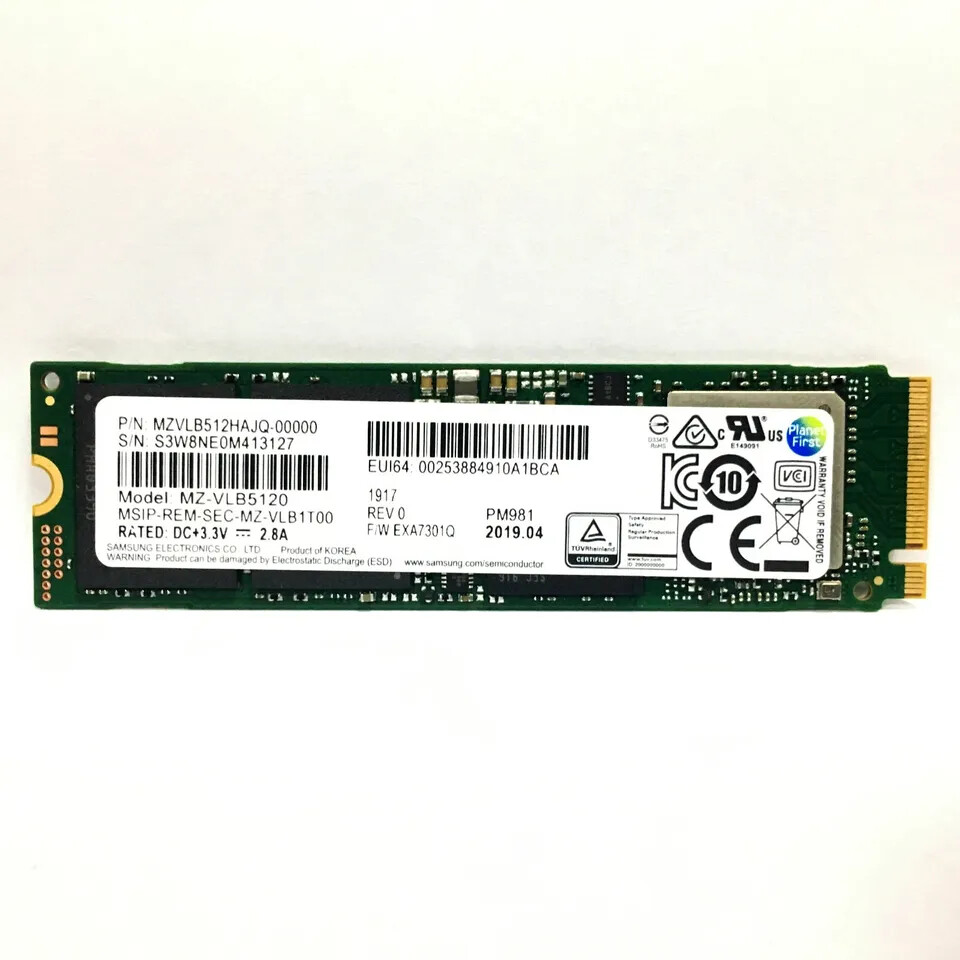 M.2 NVMe SSD Single Notch 128GB 256GB 512GB with Windows 10/Windows 11 Installed$43.00View on eBay
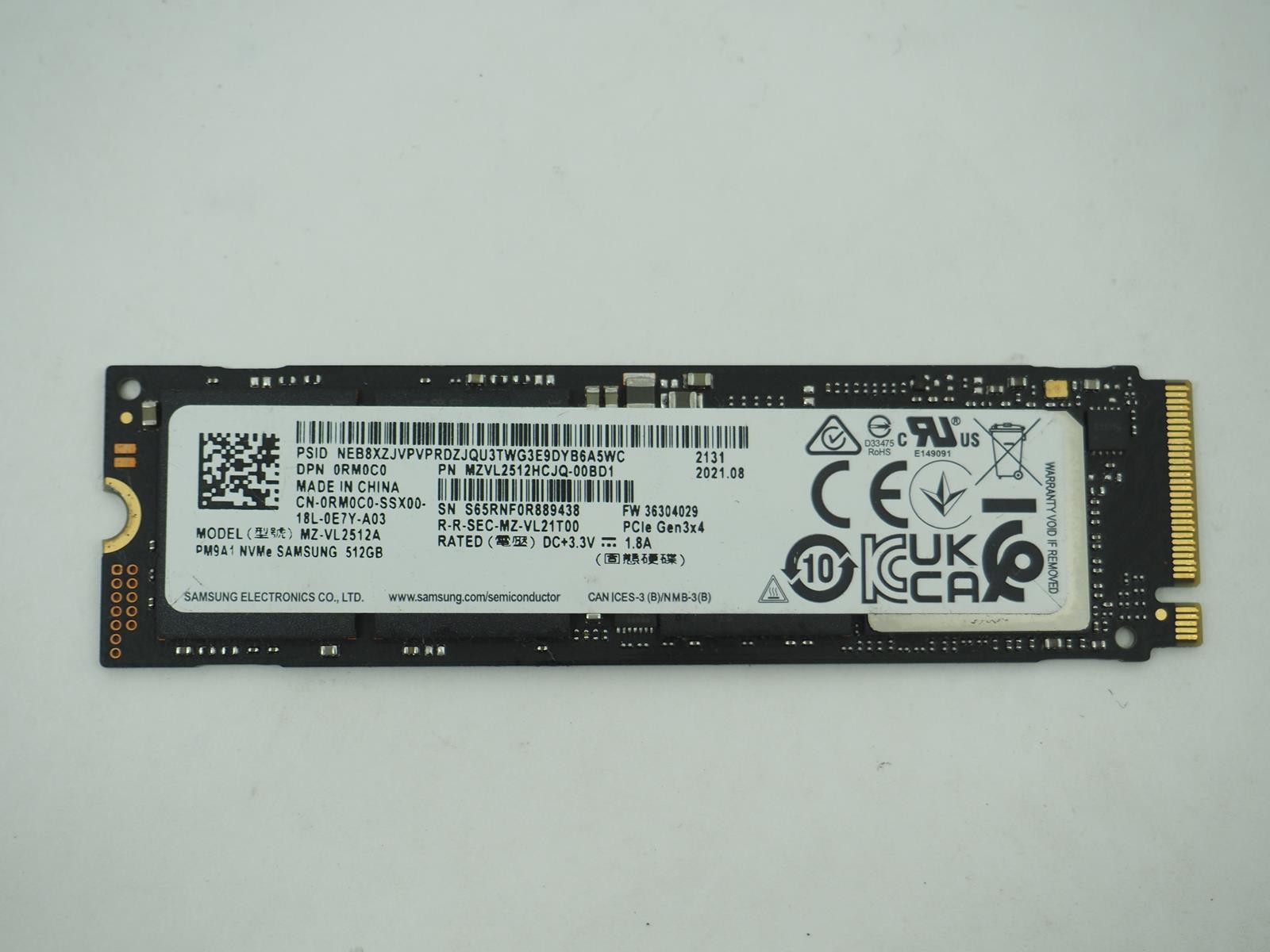 Samsung PM9A1 512GB NVMe M.2 SSD Tested, Wiped - MZ-VL2512A$65.00View on eBay
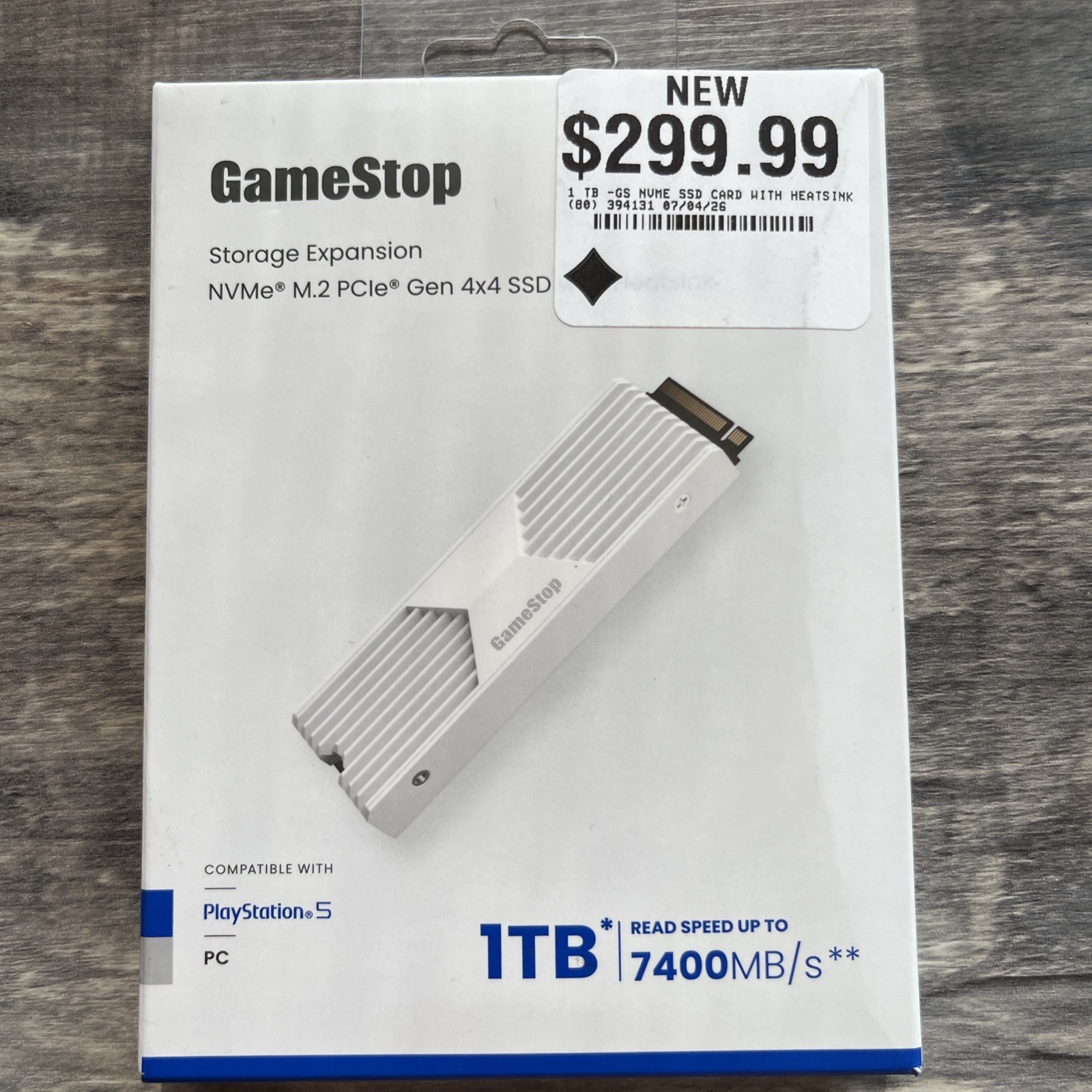 1TB NVMe M.2 PCIe Gen 4x4 SSD w/ Heatsink for PS5/PC 7400MB/s GAMESTOP NEW 🆕$177.77View on eBay
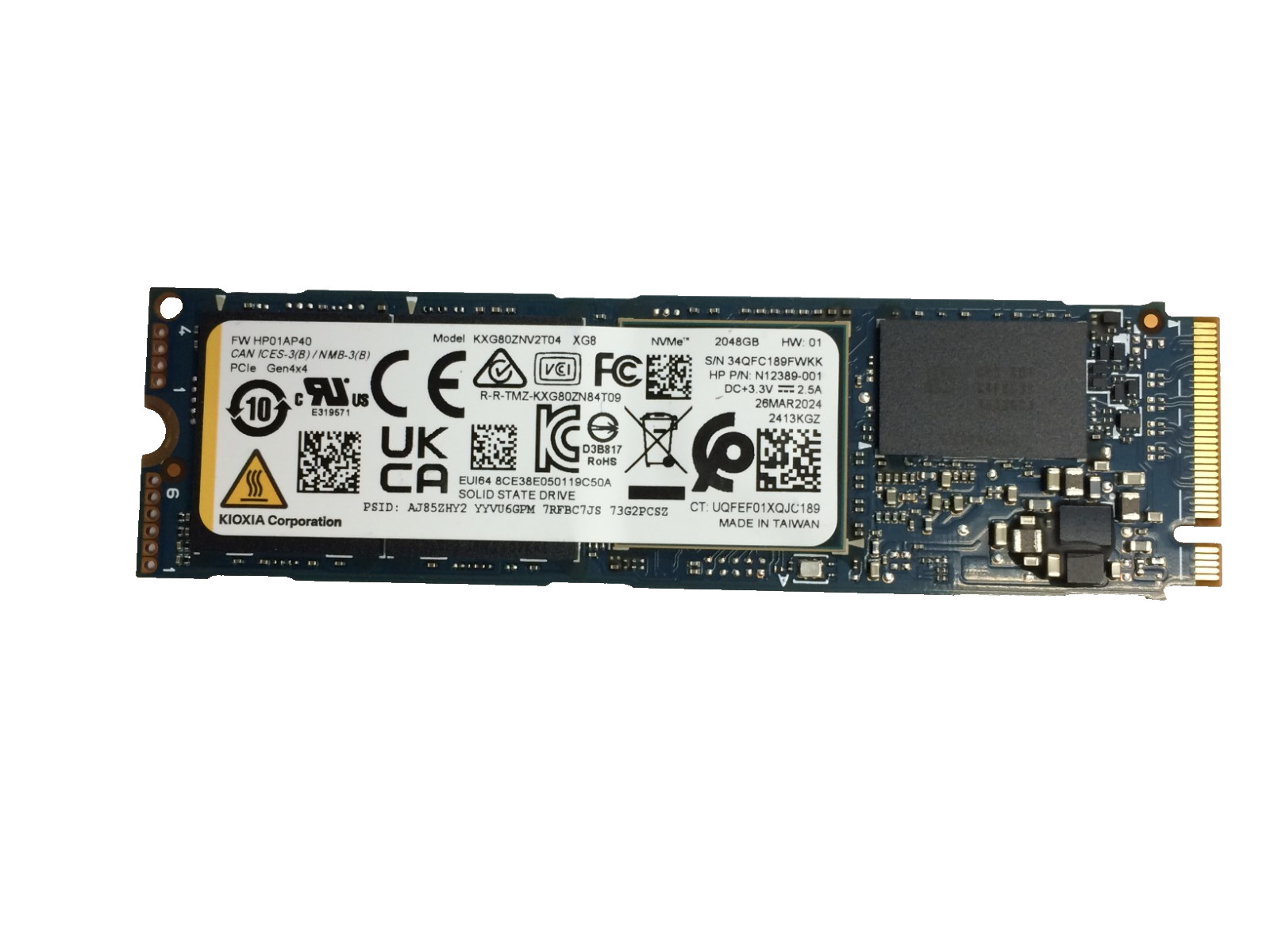 2TB M.2 NVMe SSD Internal Solid State Drive 2280 Major brands | Very Good Health$189.99View on eBay
Highlights
- PCIe Gen4 x4 delivers up to ~7,400 MB/s sequential read vs ~3,500 MB/s for Gen3 x4; Gen5 doubles again but needs heatsink and CPU lane support.
- DRAM-equipped drives sustain write speeds under load; DRAM-less models rely on HMB and slow sharply during large file transfers.
- M.2 2280 is the dominant size (22mm wide, 80mm long); 2242 and 2230 fit handhelds and compact laptops but have fewer high-capacity options.
- NVMe requires an M-key slot; B+M key SATA M.2 drives fit both but cap at ~550 MB/s and waste an NVMe-capable slot.
Best use cases
- Best fit: PS5 expansion requires Gen4 x4 NVMe with heatsink and 250GB–8TB capacity; pick a 2280 model with read ≥5,500 MB/s.
- Best fit: Windows OS drive in a desktop or laptop with Gen4 support — choose 1TB–2TB DRAM or HMB drive for sustained writes.
- Wrong fit: Older systems with only SATA M.2 slots (B+M key) — an NVMe drive won't boot; use a SATA M.2 or 2.5-inch SSD instead.
- Wrong fit: Cloning a drive without a second M.2 slot — a dual-bay cloner dock is needed, but buying it instead of a drive solves nothing.
Buying tips
- Match the slot: confirm M-key (NVMe) vs B+M key (SATA) before buying; a Gen4 drive in a Gen3 slot runs at Gen3 speeds but works.
- For OS drives, prioritize DRAM cache or HMB and TBW rating over peak sequential speed; 1TB drives typically offer 600 TBW, 2TB ~1,200 TBW.
- PS5 requires Gen4 x4, 250GB–8TB, and a heatsink; without a heatsink the drive throttles and may fail Sony's speed check.
- Avoid unknown-brand drives for critical data; major brands (Samsung, WD, Crucial, SK hynix) publish endurance ratings and firmware support.
Specs
| Interface | PCIe Gen3/Gen4/Gen5 x4 NVMe |
|---|---|
| Form Factor | M.2 2280 / 2242 / 2230 |
| Keying | M-key NVMe / B+M SATA |
| DRAM Cache | DRAM vs HMB DRAM-less |
Related searches
What to check before buying
- Measure your M.2 slot length (2280, 2242, 2230) and confirm the keying (M-key for NVMe, B+M for SATA) from the motherboard manual.
- Check PCIe generation and lane allocation: Gen4 x4 needs CPU/chipset lanes; sharing with GPU can drop to x2 or Gen3.
- For laptops, confirm clearance for a heatsink; many thin laptops require a bare drive or thin graphene pad.
- For PS5, verify the drive has a heatsink ≤11.25mm thick and meets Sony's 5,500 MB/s read requirement.
FAQ
Data sources: eBay / Amazon listings and product attribute feeds. Updated Nov 24, 2026.
Some links on this page are affiliate links. If you buy after clicking one, we may earn a commission at no extra cost to you. This does not change which products appear here or their order. Affiliate disclosure.