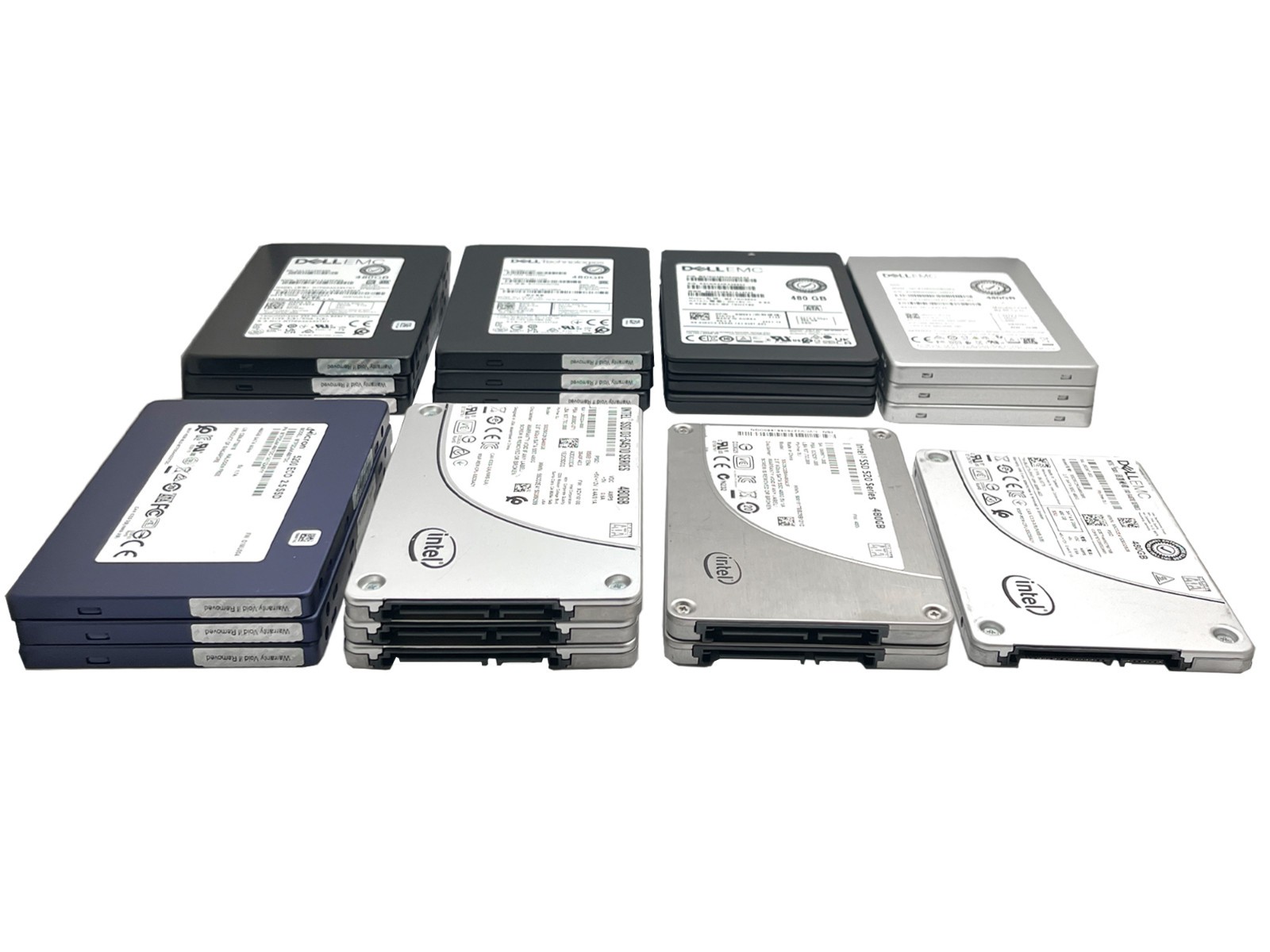

Photos from current listings. Actual item, color, and included accessories may vary.
Laptop SSD Buying Guide
A laptop SSD is the internal solid-state drive that replaces a mechanical hard drive to cut boot times, app load latency, and power draw. The decisive trade-off is legacy 2.5-inch SATA (plug-compatible, capped near 550 MB/s) versus M.2 NVMe (direct PCIe lanes, 3–7 GB/s) — plus DRAM-cache and NAND grade, which dictate sustained writes and endurance. Buy SATA only when the bay is 2.5-inch-only; otherwise buy NVMe with TLC NAND and a DRAM cache or HMB support.
Median $74.99
Key takeaways
- 2.5-inch SATA III tops out at ~550 MB/s read / ~520 MB/s write due to the 6 Gb/s interface, regardless of controller quality.
- M.2 NVMe PCIe 3.0 x4 delivers ~3,500 MB/s; PCIe 4.0 x4 reaches ~7,000 MB/s — but only if the laptop slot and CPU support that generation.
- DRAM-less drives rely on Host Memory Buffer (HMB) and slow sharply on sustained writes; DRAM-cached TLC drives hold consistent speed and higher TBW endurance.
At a glance
- Category
- PC Storage Upgrades
- Last updated
- Nov 28, 2026
Current offers
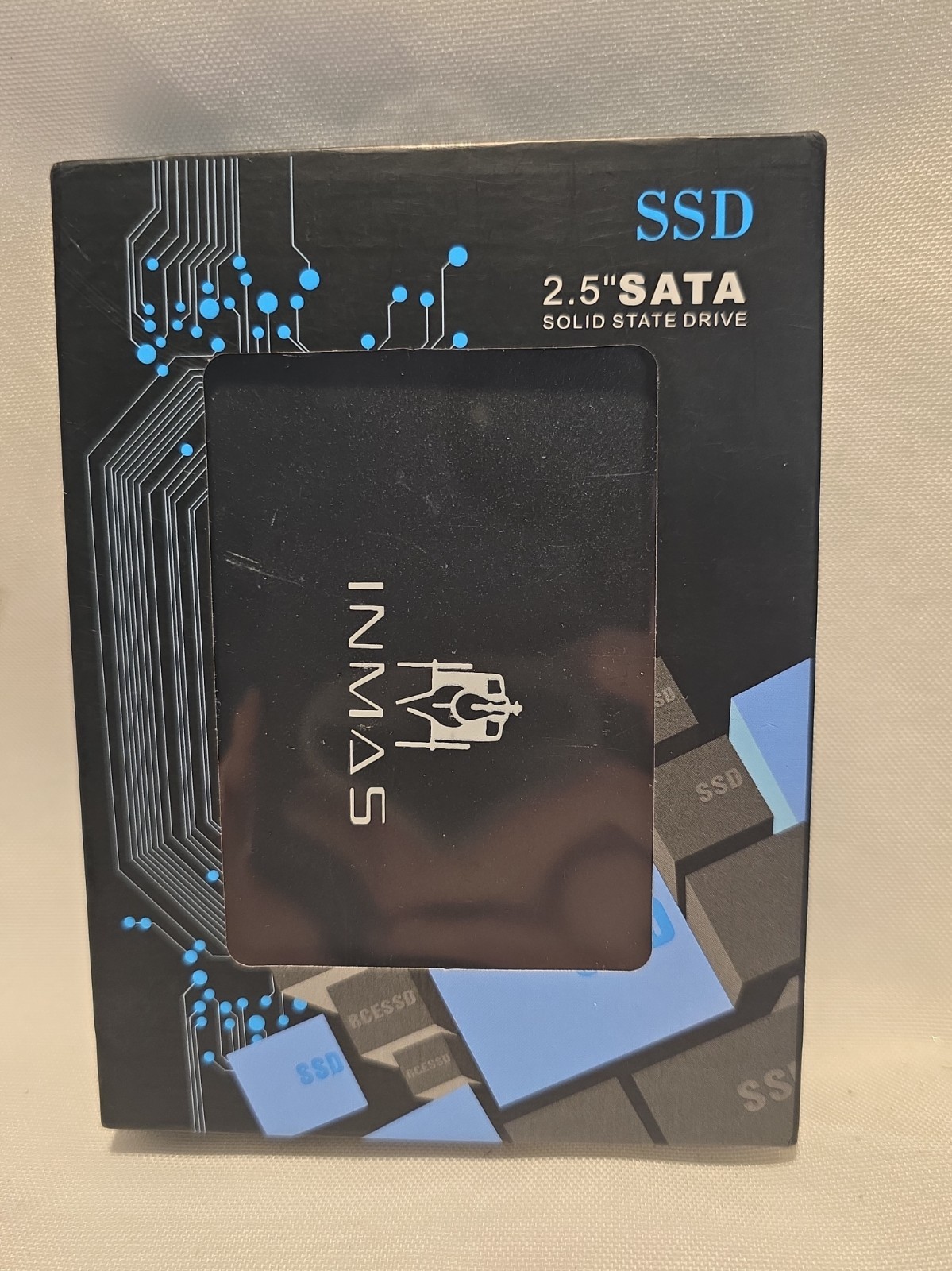
Highlights
- 2.5-inch SATA III tops out at ~550 MB/s read / ~520 MB/s write due to the 6 Gb/s interface, regardless of controller quality.
- M.2 NVMe PCIe 3.0 x4 delivers ~3,500 MB/s; PCIe 4.0 x4 reaches ~7,000 MB/s — but only if the laptop slot and CPU support that generation.
- DRAM-less drives rely on Host Memory Buffer (HMB) and slow sharply on sustained writes; DRAM-cached TLC drives hold consistent speed and higher TBW endurance.
- M.2 sizing is fixed at 2280 (22×80 mm), 2242, or 2230; 2230 is common in thin laptops and Steam Deck-style handhelds, and 2280 drives physically will not fit 2230 slots.
Best use cases
- Best fit: an older laptop with a 2.5-inch bay — pick a 480–512 GB SATA III SSD with TLC NAND; skip NVMe, which will not fit the connector.
- Best fit: a modern laptop with an empty M.2 2280 slot — pick a PCIe 3.0 or 4.0 NVMe drive matching the slot's generation; skip SATA M.2 drives that waste the slot's bandwidth.
- Best fit: a thin ultrabook or handheld with a 2230 slot — pick a single-sided 2230 NVMe drive; skip 2280 drives and double-sided heatsinked models that won't close the chassis.
- Wrong fit: buying a 2.5-inch SSD for a laptop that only has M.2 slots — there is no adapter space inside; choose the correct form factor first.
Buying tips
- Measure the slot before buying: 2.5-inch bays need 7mm height and SATA data+power; M.2 slots are keyed M (NVMe) or B+M (SATA/NVMe) — match the key.
- Match PCIe generation: a PCIe 4.0 drive works in a 3.0 slot but runs at 3.0 speeds; a 3.0 drive in a 4.0 slot leaves performance unused.
- Choose TLC NAND over QLC for sustained writes and endurance; QLC drives slow dramatically once the SLC cache is exhausted.
- For capacities, 480–512 GB is the entry tier; 1 TB doubles endurance (TBW) and is the practical sweet spot for OS plus applications.
Specs
| Form Factor | 2.5-inch SATA / M.2 2280 / 2242 / 2230 |
|---|---|
| Interface | SATA III 6 Gb/s vs NVMe PCIe 3.0/4.0 x4 |
| NAND & Cache | TLC vs QLC; DRAM-cached vs HMB |
| Capacity Tier | 480–512 GB / 1 TB / 2 TB |
Related searches
What to check before buying
- Confirm the laptop's storage interface: 2.5-inch SATA bay, M.2 SATA, or M.2 NVMe — check the service manual or open the bottom panel.
- For M.2, measure available length (2280/2242/2230) and check whether the slot sits above or below the battery and whether a heat spreader fits.
- Verify SATA power and data connectors exist for 2.5-inch drives; some slim laptops omit the SATA cable and caddy.
- Check the laptop's maximum supported capacity and NVMe generation in the manufacturer spec sheet before buying a larger or faster drive.
FAQ
Data sources: eBay / Amazon listings and product attribute feeds. Updated Nov 28, 2026.
Some links on this page are affiliate links. If you buy after clicking one, we may earn a commission at no extra cost to you. This does not change which products appear here or their order. Affiliate disclosure.