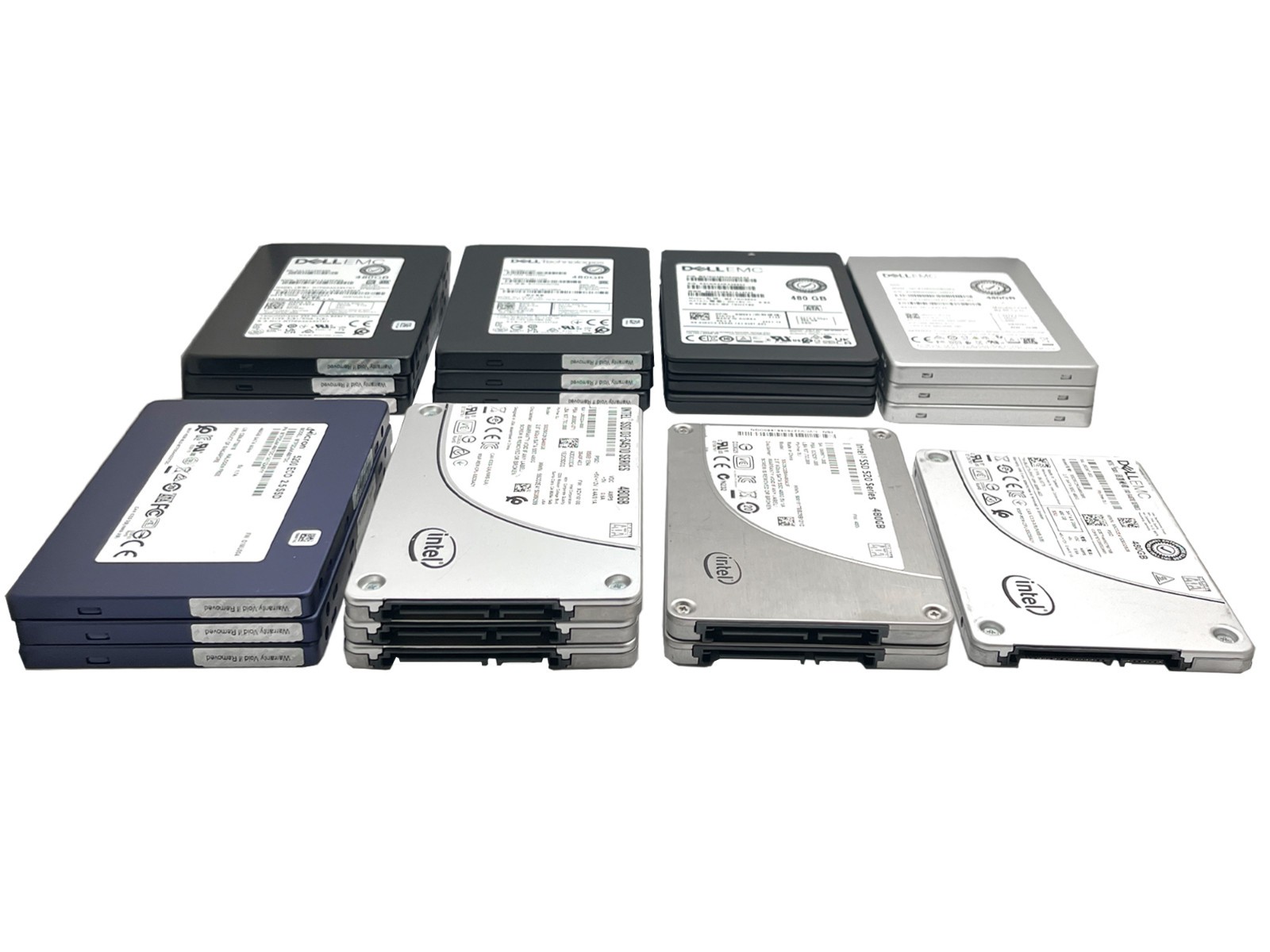

Photos from current listings. Actual item, color, and included accessories may vary.
Desktop SSD Buying Guide
Desktop SSDs are 2.5-inch SATA or M.2 NVMe drives used to replace boot HDDs or expand storage in tower PCs. The core trade-off is interface and NAND quality: SATA caps at ~550 MB/s while NVMe Gen3/Gen4 reaches 3,500–7,400 MB/s, and DRAM-less QLC drives throttle hard under sustained writes. Buy SATA only for legacy boards without M.2 slots; for any modern desktop, pick an NVMe drive with TLC NAND and a DRAM cache or HMB.
Median $74.99
Key takeaways
- SATA III 2.5-inch drives top out at ~550 MB/s read/write due to the 6 Gb/s interface, making them best for older desktops lacking M.2 slots.
- NVMe PCIe Gen3 x4 reaches ~3,500 MB/s; Gen4 x4 reaches ~7,000 MB/s, but real gains over Gen3 appear mainly in large sequential transfers, not boot times.
- DRAM-less drives rely on Host Memory Buffer (HMB); sustained writes can drop below 100 MB/s once the SLC cache fills, especially on QLC NAND.
At a glance
- Category
- PC Storage Upgrades
- Last updated
- Nov 28, 2026
Current offers
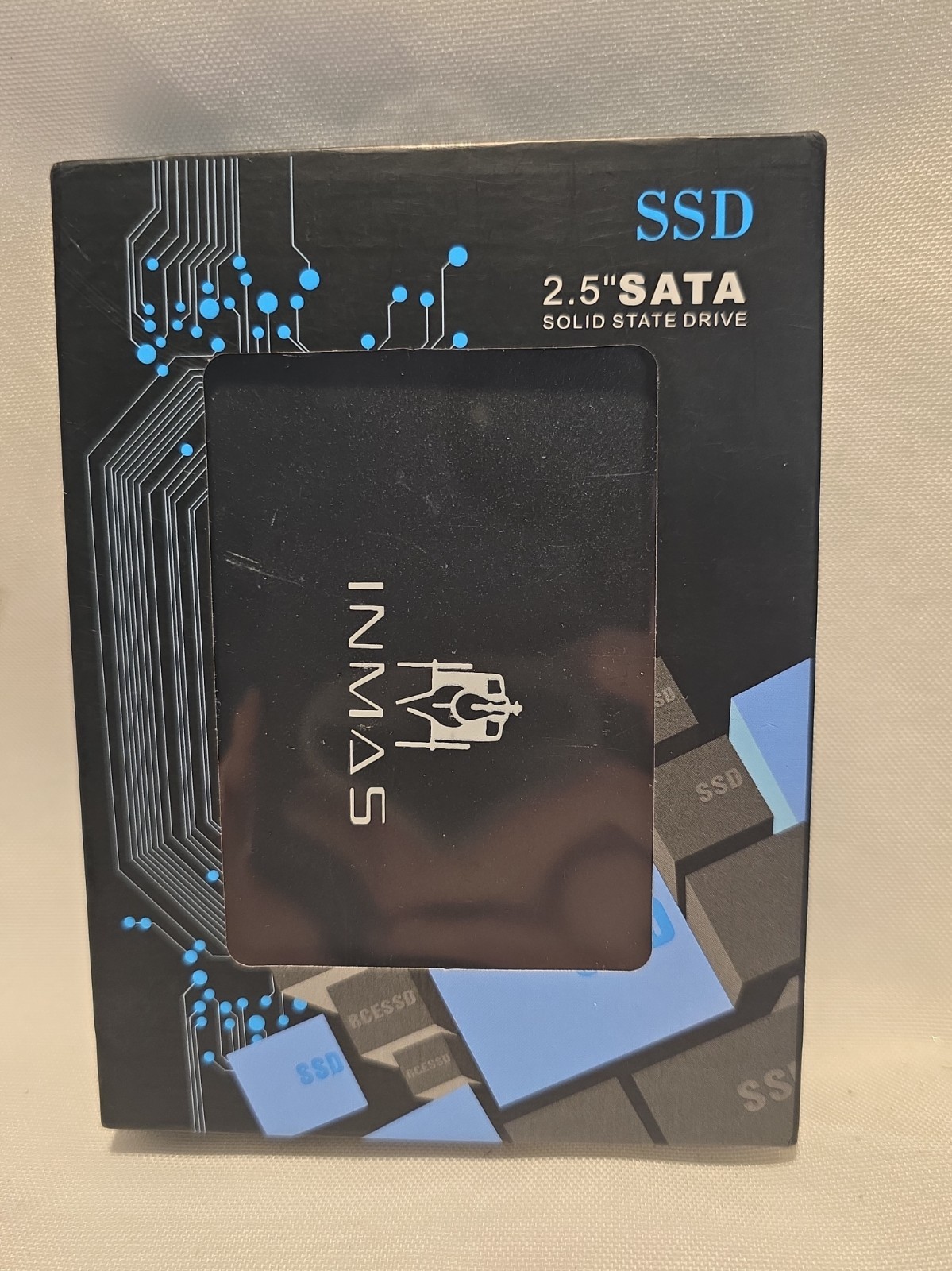
Highlights
- SATA III 2.5-inch drives top out at ~550 MB/s read/write due to the 6 Gb/s interface, making them best for older desktops lacking M.2 slots.
- NVMe PCIe Gen3 x4 reaches ~3,500 MB/s; Gen4 x4 reaches ~7,000 MB/s, but real gains over Gen3 appear mainly in large sequential transfers, not boot times.
- DRAM-less drives rely on Host Memory Buffer (HMB); sustained writes can drop below 100 MB/s once the SLC cache fills, especially on QLC NAND.
- TLC NAND with a dedicated DRAM cache sustains write speeds 3–5x longer than QLC DRAM-less designs under continuous large-file workloads.
Best use cases
- Boot drive for a modern desktop: choose an NVMe Gen3 or Gen4 M.2 2280 TLC drive with DRAM or HMB; skip SATA unless the board has no M.2 slot.
- Legacy tower or office PC upgrade: a 2.5-inch SATA III SSD (480GB–1TB) is the correct drop-in replacement for a 3.5-inch HDD; skip NVMe if there is no M.2 keying.
- Scratch or game library drive: a 1–2TB NVMe TLC drive handles large installs; avoid QLC DRAM-less models for constant patching or video scrubbing.
Buying tips
- Measure the M.2 slot: 2280 (22mm x 80mm) is standard; confirm key M for NVMe and check whether the slot shares lanes with SATA ports.
- Match the interface to the board: SATA III needs a free 2.5-inch bay and SATA data plus power cable; NVMe needs PCIe Gen3/Gen4 lane support from the CPU or chipset.
- Prefer TLC over QLC and DRAM over DRAM-less for a primary drive; HMB is acceptable for secondary storage but not for sustained heavy writes.
- For cloning, the target SSD must equal or exceed the used capacity of the source drive; a 480GB drive cannot clone a 500GB drive with more than 480GB used.
Specs
| Interface | SATA III 6 Gb/s vs NVMe PCIe Gen3/Gen4 |
|---|---|
| Form Factor | 2.5-inch 7mm vs M.2 2280 |
| NAND Type | TLC vs QLC |
| Cache | DRAM vs DRAM-less (HMB) |
Related searches
What to check before buying
- Confirm the desktop has a free 2.5-inch bay or 3.5-inch adapter plus an unused SATA power lead for 2.5-inch SATA drives.
- Verify the motherboard M.2 slot length (2280) and PCIe generation before buying an NVMe drive; Gen4 drives run at Gen3 speed on older boards.
- Check PSU SATA power connectors: most towers provide 2–4; splitters are needed only when adding multiple 2.5-inch drives.
- Ensure the OS supports the drive: Windows 10/11 and modern Linux natively handle NVMe; very old boards may need a BIOS update for NVMe boot.
FAQ
Data sources: eBay / Amazon listings and product attribute feeds. Updated Nov 28, 2026.
Some links on this page are affiliate links. If you buy after clicking one, we may earn a commission at no extra cost to you. This does not change which products appear here or their order. Affiliate disclosure.