
Photos from current listings. Actual item, color, and included accessories may vary.
Smart Projector Buying Guide
A smart projector integrates a streaming OS (Google TV, Android TV, or a branded smart system) directly into the projector, eliminating the need for an external stick or box. The core trade-off is between native resolution and brightness versus 'support' resolutions and inflated ANSI claims—many budget units list 4K/8K support but deliver only 1080p or 720p native output with 200–400 real ANSI lumens. The clear decision rule: buy only when the listing states native resolution, true ANSI lumens, and the exact smart OS version; skip any unit that hides native resolution behind 'support' language or omits ANSI brightness entirely.
Median $162.01
Key takeaways
- Native resolution is the only meaningful metric—'4K support' or '8K support' means the projector accepts a signal but downscales it to its native 1080p or 720p panel.
- True brightness is measured in ANSI lumens; a legitimately bright portable smart projector delivers 400–800 ANSI, while budget units often claim 3000–8000 'lumens' that are peak LED output, not ANSI.
- Smart OS generation matters: Google TV (Android 12+) supports modern apps and WiFi 6, while older Android 9 units may lack current Netflix/Disney+ certification and WiFi 5 only.
At a glance
- Category
- Projectors & Screens
- Last updated
- Nov 27, 2026
Current offers
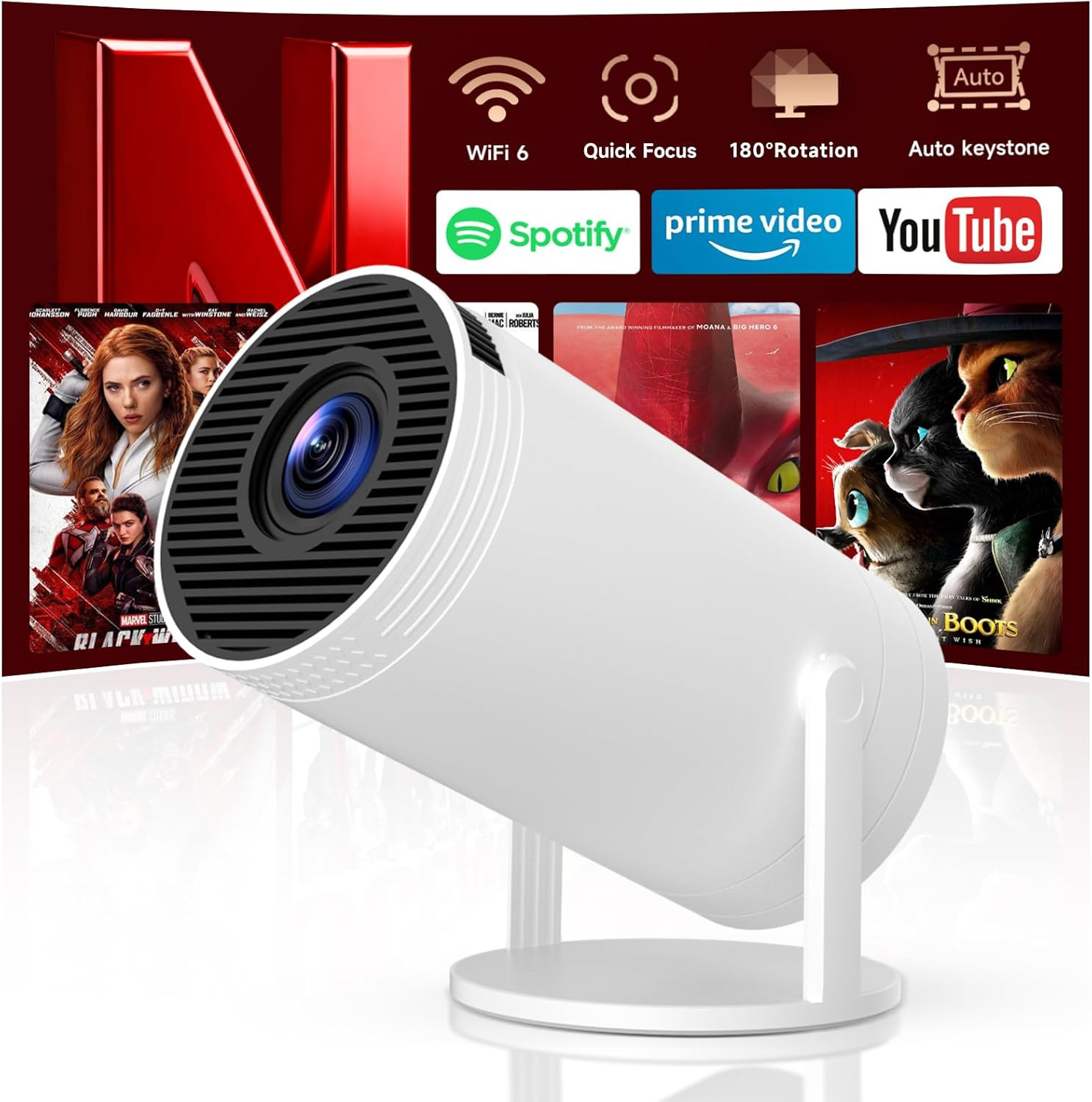 Mini Projector with WiFi 6 and Smart TV OS, Portable Projector 4K support, Home$60.79View on eBay
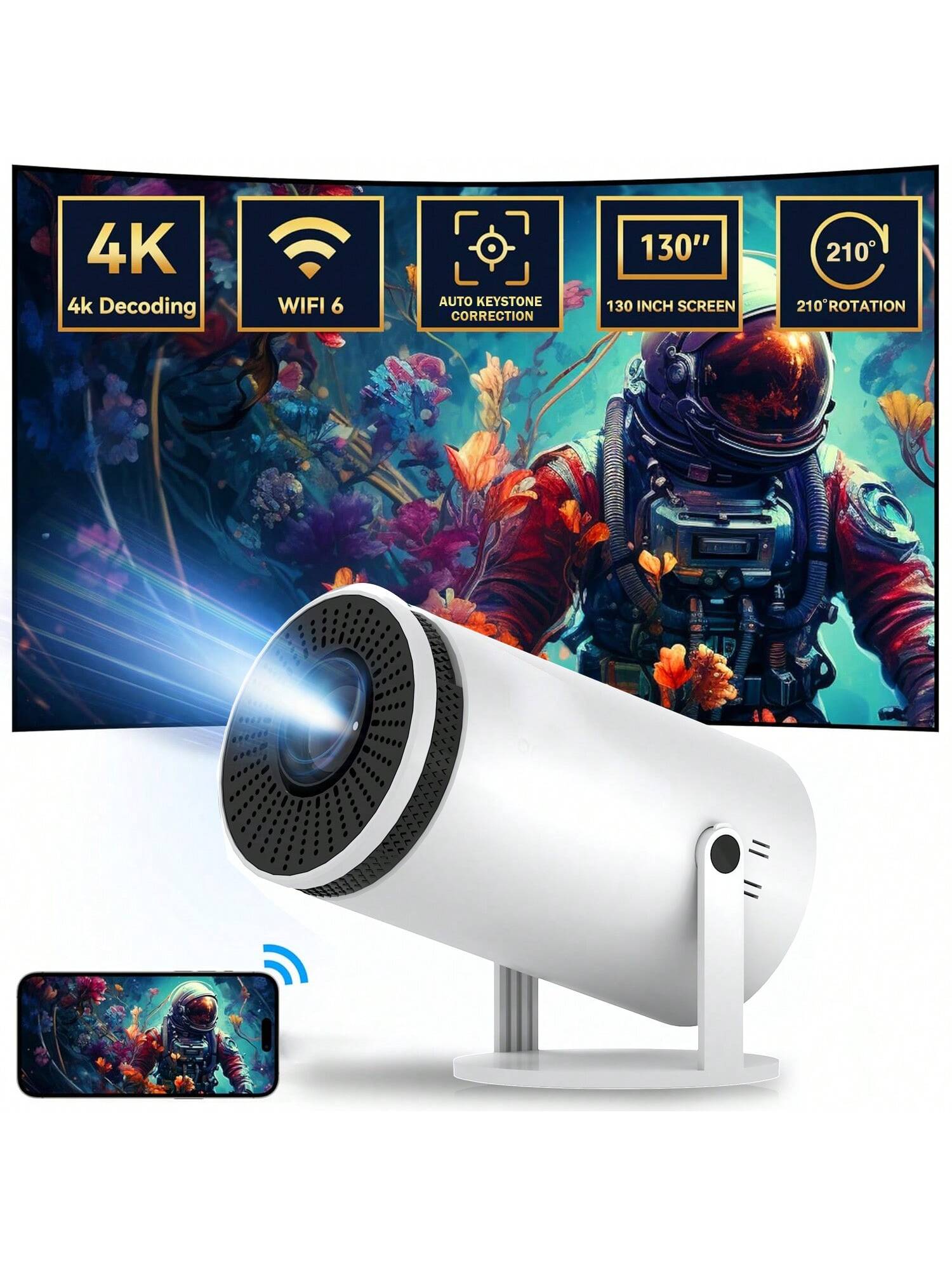 Smart Portable Theater Projector With Trapezoidal Image Correction, Wifi 6 Support, Android 12 And Multiple Ports, Mini Size For Phone And Laptop$88.99View on Mallflare
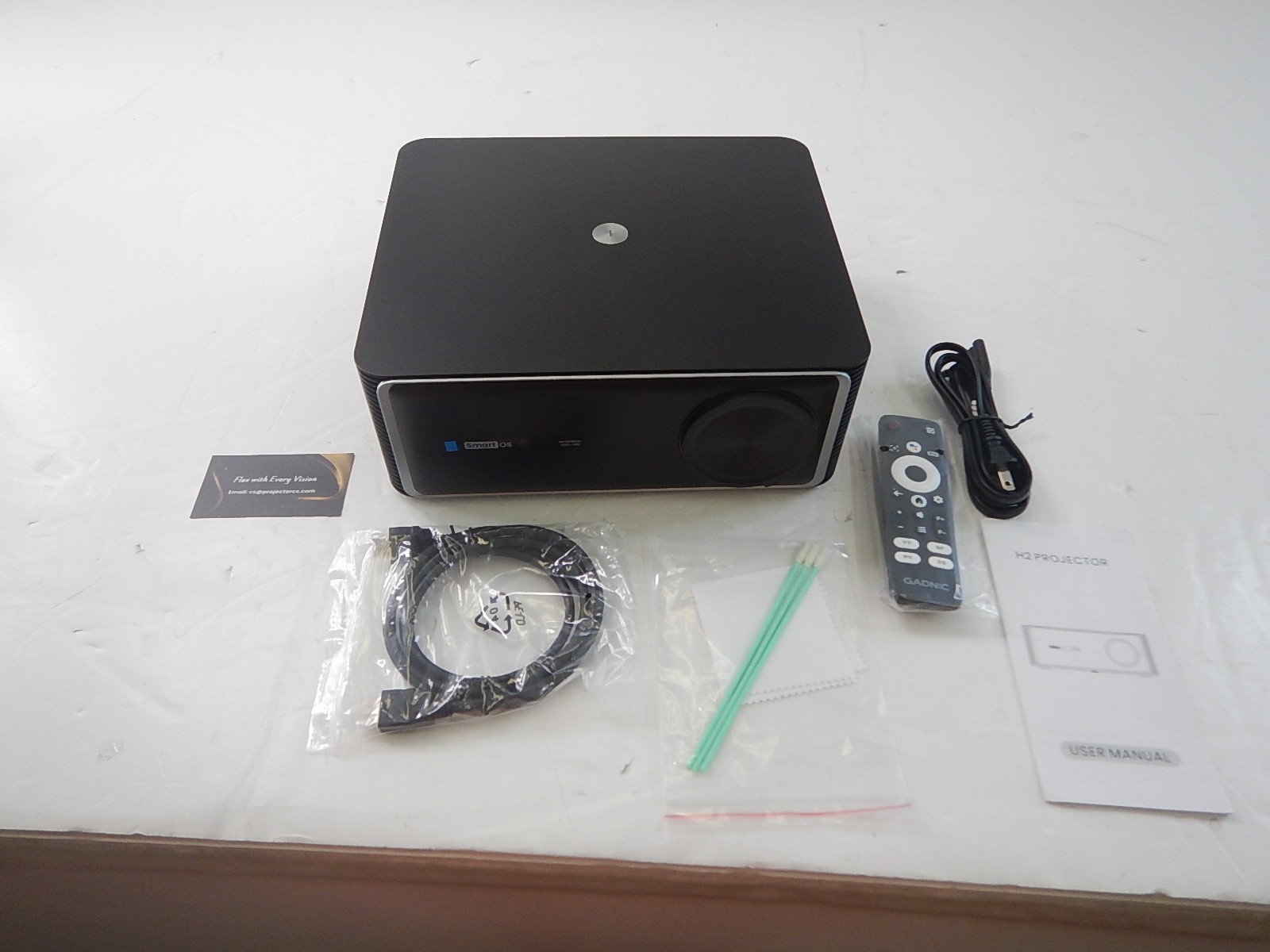 Boldever E22 3000 ANSI Google TV Smart Projector w/ WiFi - TESTED/NEW$126.02View on eBay
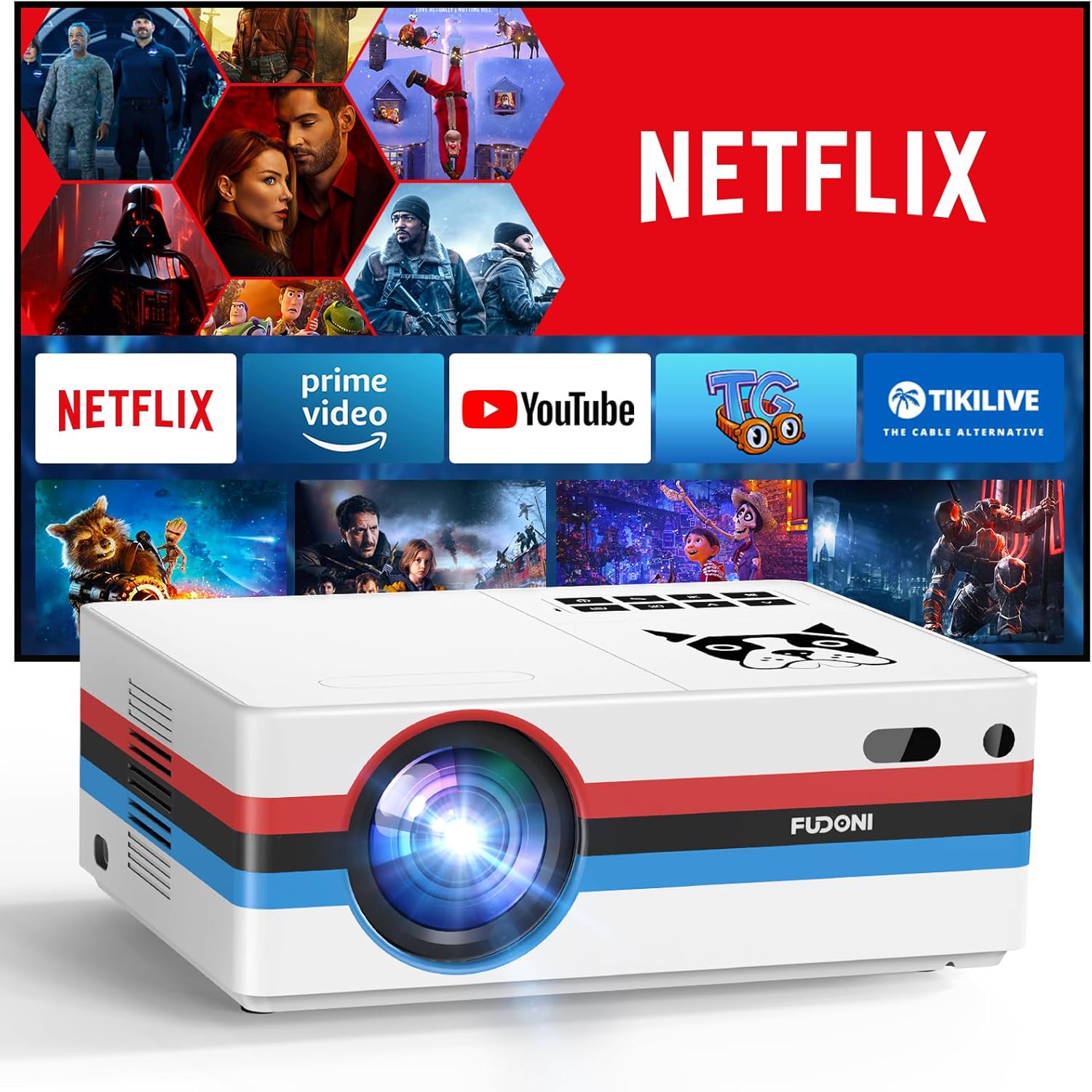 FUDONI Smart Projector with WiFi and Bluetooth, Native 1080P 4K Decoding for Home Cinema, Outdoor Movie Apps, Built-in Netflix/YouTube/Prime Video$197.99View on Mallflare
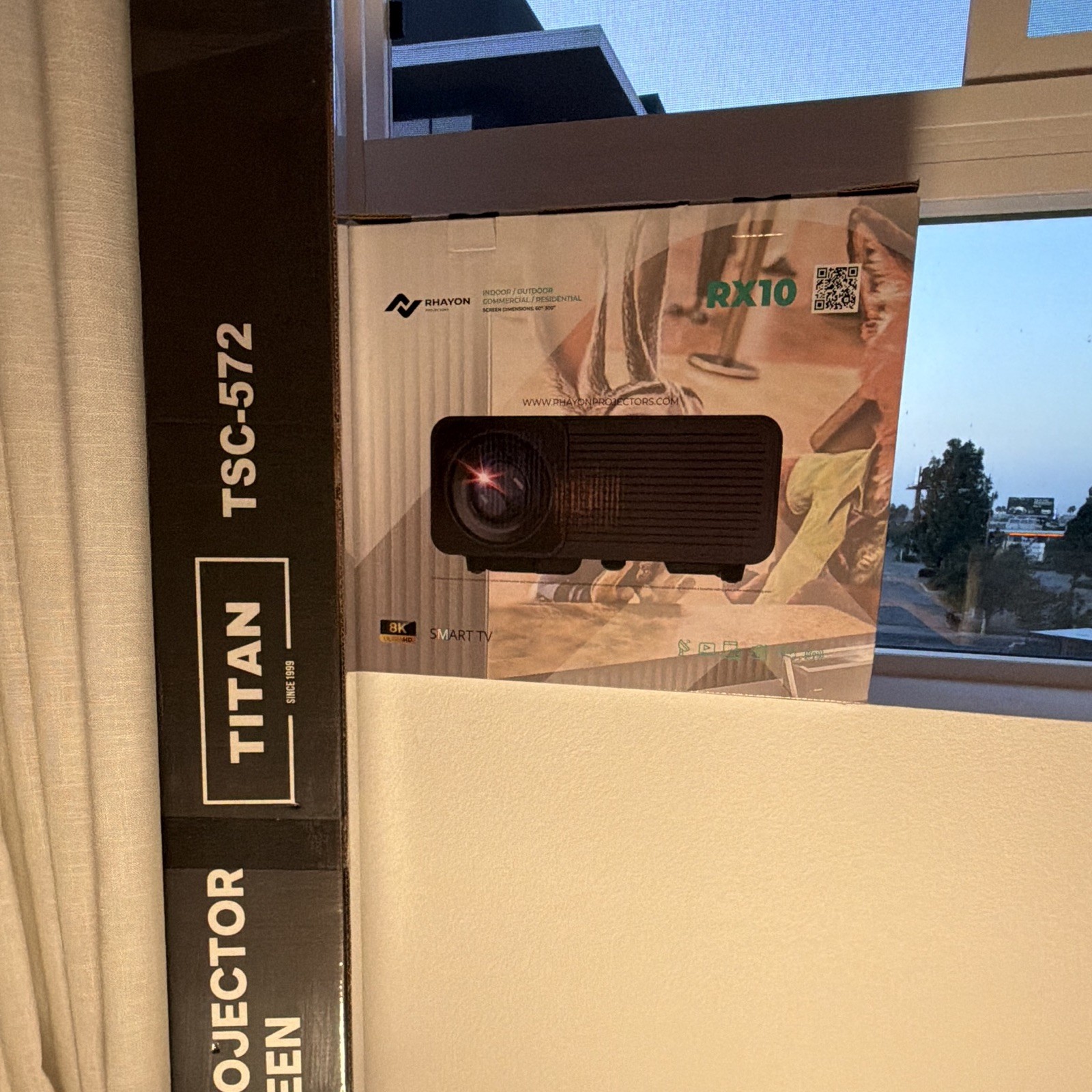 Rhayon RX10 8K Smart Laser Projector + Titan TSC-572 Screen MSRP $8,750 NEW$399.99Last checked Nov 18, 2026View on eBay
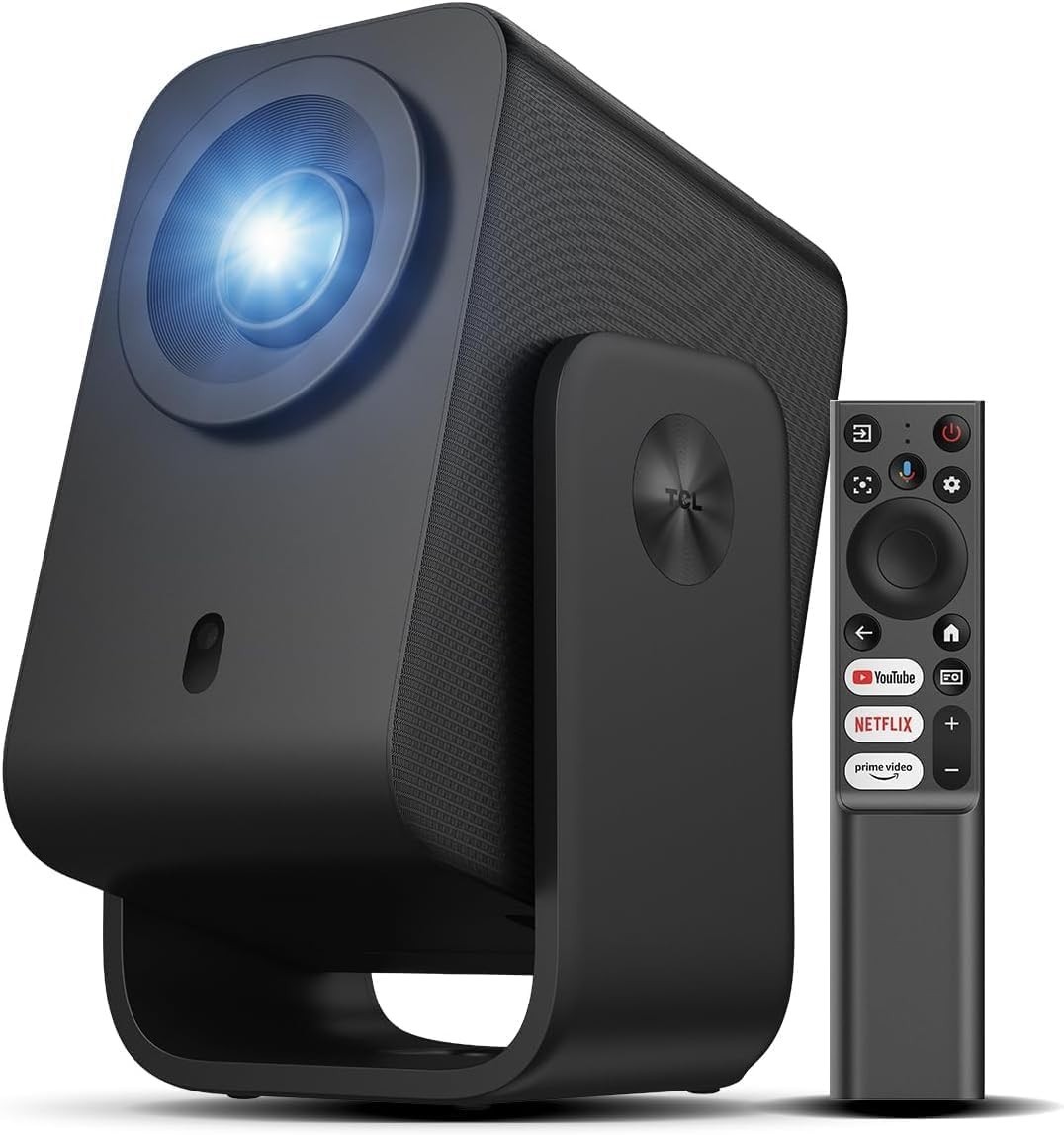 C1 Smart Projector 4K Support, Compatible with Google TV, WiFi and Bluetooth,...$416.09Last checked Nov 18, 2026View on eBay
Highlights
- Native resolution is the only meaningful metric—'4K support' or '8K support' means the projector accepts a signal but downscales it to its native 1080p or 720p panel.
- True brightness is measured in ANSI lumens; a legitimately bright portable smart projector delivers 400–800 ANSI, while budget units often claim 3000–8000 'lumens' that are peak LED output, not ANSI.
- Smart OS generation matters: Google TV (Android 12+) supports modern apps and WiFi 6, while older Android 9 units may lack current Netflix/Disney+ certification and WiFi 5 only.
- Keystone correction ranges from basic vertical ±15° to 4D/auto keystone with autofocus—4D auto keystone is essential for side placement and ceiling projection without manual distortion.
Best use cases
- Best fit: dim or blackout room home theater—choose a native 1080p (or true 4K) smart projector with 800+ ANSI lumens, auto keystone, and Google TV for streaming apps without a stick; skip 300-lumen mini units for this room.
- Wrong fit: daytime living room with windows—budget smart projectors under 500 ANSI wash out completely; you need 2000+ ANSI (typically a lamp/laser home theater model) or a high-gain ALR screen, not a portable smart unit.
- Best fit: bedroom or apartment portable use—pick a mini smart projector with WiFi 6, auto keystone, built-in battery (or USB-C PD), and native 1080p; skip bulky fixed-install units and models lacking auto keystone for quick repositioning.
- Wrong fit: outdoor movie night with ambient light—choose a 500+ ANSI native 1080p unit with horizontal/4D keystone and a portable screen; skip 720p mini projectors and any unit with only vertical keystone for angled setups.
Buying tips
- Demand the native resolution on the spec sheet: 1920×1080 is the minimum for a sharp 100-inch image; 1280×720 shows visible pixel structure above 60 inches, and '4K support' alone is not native 4K.
- Check the smart OS version and certifications: Google TV/Android TV 11+ with WiFi 6 and official Netflix/Prime Video apps is current; Android 9 or 'Android TV box included' units may lack HDCP 2.2 and modern app support.
- Verify keystone and focus: auto keystone (vertical + horizontal, often marketed as 4D) plus autofocus is the practical minimum for shelf or side placement; manual-only vertical keystone limits you to centered, level setups.
- Match throw ratio to room depth: a 1.2:1 throw ratio needs about 2.6 m for a 100-inch image, while short-throw (0.5:1) needs only ~1.1 m—measure your wall-to-seat distance before choosing, since most smart portables are standard throw.
Specs
| Native Resolution | 720p / 1080p / true 4K |
|---|---|
| Brightness (ANSI) | 200–500 / 800–1500 / 2000+ ANSI |
| Smart OS | Google TV / Android TV / branded |
| Keystone & Focus | Manual vert. / 4D auto + autofocus |
Related searches
What to check before buying
- Measure the projection wall width and seating distance, then calculate screen size using the listed throw ratio (e.g., 1.2:1 → 100-inch needs ~2.65 m throw) before committing to a portable or standard-throw model.
- Confirm room light control: blackout curtains for a 300–500 ANSI unit, or plan for 1500+ ANSI if the room has windows or daytime use—no smart mini projector overcomes ambient light.
- Check voltage and plug standard: most smart projectors are 100–240 V with regional plugs, but verify the included adapter type (US/UK/EU) and whether the internal power supply accepts your mains voltage.
- Verify companion parts: a projector screen (or white wall) with 16:9 aspect, an HDMI 2.0 cable for consoles/PC, and stable WiFi 5/6 at the projector location—built-in apps need 15–25 Mbps for 4K streaming.
FAQ
Data sources: eBay / Amazon listings and product attribute feeds. Updated Nov 27, 2026.
Some links on this page are affiliate links. If you buy after clicking one, we may earn a commission at no extra cost to you. This does not change which products appear here or their order. Affiliate disclosure.