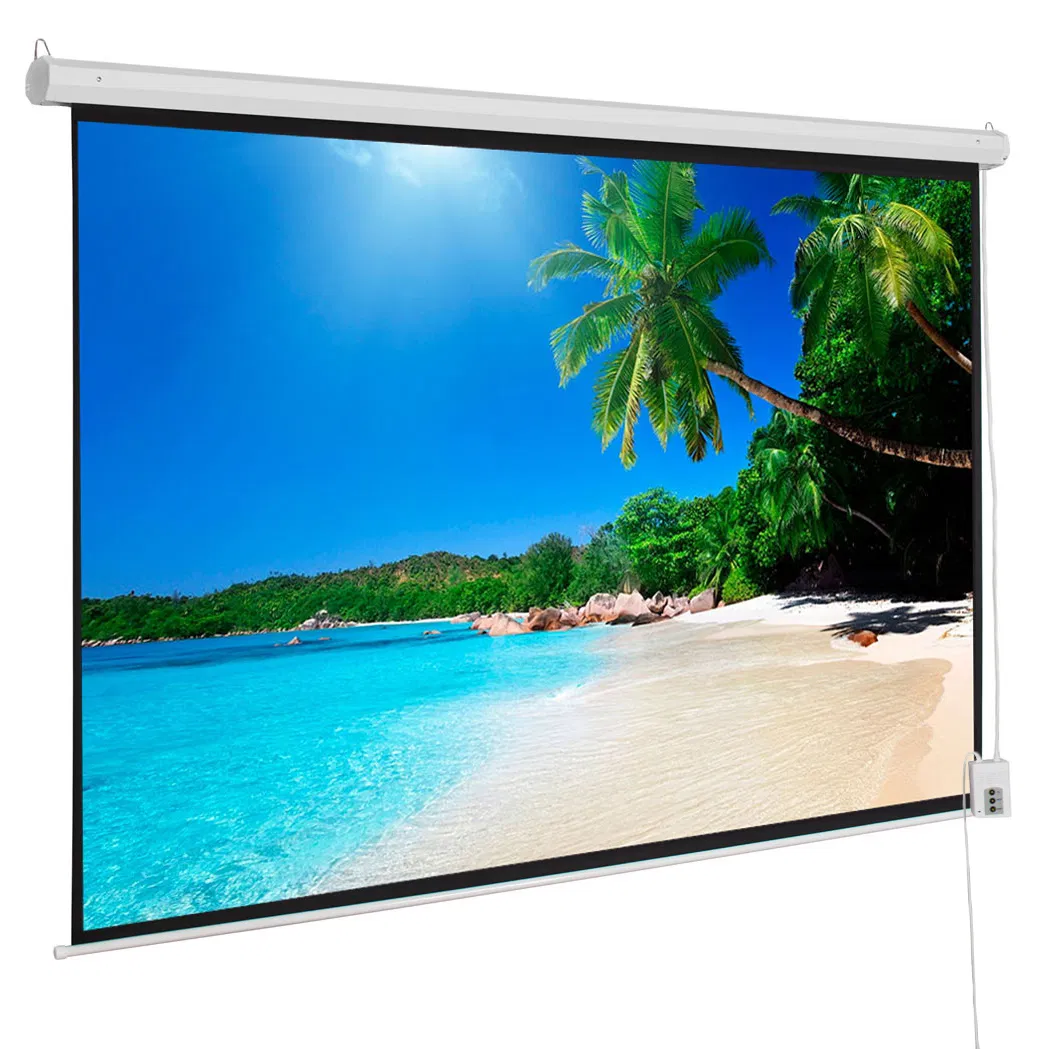

Photos from current listings. Actual item, color, and included accessories may vary.
Remote Control Projector Screen Buying Guide
A remote control projector screen is a motorized viewing surface that deploys via handset or trigger, and the core trade-off is between smooth, quiet motorized operation with durable tensioning versus manual pull-down or fixed-frame screens. Buyers must separate true tensioned motorized units with quality motors and IR/RF remotes from entry-level motorized screens that wrinkle or fail at the motor. The decision rule: choose a tensioned motorized screen with a name-brand or high-cycle motor and matte white gain 1.0-1.1 fabric for long-term flatness; skip non-tensioned motorized screens if image uniformity matters.
Key takeaways
- Motorized screens use tubular AC motors (common 40-50mm diameter) rated by duty cycle; cheaper units lack thermal cutoffs and fail under repeated daily use.
- Tensioning systems (tab-tensioned side cables or bottom bar tension) keep the 16:9 surface flat; non-tensioned motorized screens develop edge curl and wrinkles over time.
- Matte white fabric with gain 1.0-1.1 and 160° viewing angle suits dark-room and low-light use; grey fabric (gain 0.8-0.9) improves contrast in rooms with ambient light.
At a glance
- Category
- Projectors & Screens
- Last updated
- Nov 28, 2026
Current offers
Highlights
- Motorized screens use tubular AC motors (common 40-50mm diameter) rated by duty cycle; cheaper units lack thermal cutoffs and fail under repeated daily use.
- Tensioning systems (tab-tensioned side cables or bottom bar tension) keep the 16:9 surface flat; non-tensioned motorized screens develop edge curl and wrinkles over time.
- Matte white fabric with gain 1.0-1.1 and 160° viewing angle suits dark-room and low-light use; grey fabric (gain 0.8-0.9) improves contrast in rooms with ambient light.
- Remote control is typically IR line-of-sight or RF (433MHz) through-obstacle; some units add 12V trigger, RS-485, or dry-contact for projector/automation integration.
Best use cases
- Best fit: Dedicated dark media room with a ceiling-mounted projector — pick a tab-tensioned motorized screen with RF remote and 12V trigger for seamless power-on deploy.
- Best fit: Living room with moderate ambient light — choose a grey-tensioned motorized screen (gain 0.8-0.9) over matte white to preserve black levels.
- Wrong fit: Portable or outdoor use — skip motorized screens (heavy, need AC power); use a lightweight tripod or inflatable screen instead.
- Wrong fit: Tight budget or occasional use — a manual pull-down or fixed-frame screen delivers better flatness per cost than a non-tensioned motorized unit.
Buying tips
- Match screen size to throw distance: for 16:9, image width ≈ throw distance × (screen width / projector throw ratio); verify projector lumens and throw before sizing the screen.
- Choose tab-tensioned over non-tensioned if the screen is wider than 100 inches diagonal; tensioning prevents edge curl and wrinkles that degrade uniformity.
- Confirm motor duty cycle and thermal protection; prefer motors rated for continuous operation or with built-in limit switches to avoid over-travel damage.
- Check control compatibility: IR remotes need line-of-sight, RF works through cabinets, and 12V trigger or RS-485 enables projector/automation sync — match to your control ecosystem.
Specs
| Tensioning | Tab-tensioned vs non-tensioned |
|---|---|
| Fabric Gain | Matte white 1.0-1.1 / Grey 0.8-0.9 |
| Remote Protocol | IR line-of-sight vs RF 433MHz |
| Motor Type | Tubular AC with limit switches |
Related searches
What to check before buying
- Measure ceiling or wall space for the screen housing (case length = image width + border + motor housing) and confirm mounting clearance above the image area.
- Verify projector throw ratio and lens shift to ensure the desired 16:9 image fills the screen from your mounting distance.
- Confirm room lighting: dark room favors matte white gain 1.0-1.1; ambient light favors grey gain 0.8-0.9 for contrast.
- Check power availability at the mounting location (standard AC outlet or hardwired) and remote control protocol (IR vs RF) compatibility with your projector or smart home system.
FAQ
Data sources: eBay / Amazon listings and product attribute feeds. Updated Nov 28, 2026.
Some links on this page are affiliate links. If you buy after clicking one, we may earn a commission at no extra cost to you. This does not change which products appear here or their order. Affiliate disclosure.