
Photos from current listings. Actual item, color, and included accessories may vary.
Projector With WiFi And Bluetooth Buying Guide
A projector with WiFi and Bluetooth integrates wireless screen mirroring, streaming apps, and audio output, but the core trade-off is between brightness (ANSI lumens) and true native resolution—many budget models claim 4K support while delivering only 1080p or 720p. The decision rule: prioritize a native 1080p panel with at least 300 ANSI lumens and dual-band WiFi for a dark room, or step up to 800+ ANSI lumens and WiFi 6 for ambient light and gaming.
Median $103.50
Key takeaways
- Brightness tiers: 100–300 ANSI lumens suits dark rooms up to 80 inches; 300–800 ANSI lumens handles dim ambient light; 800+ ANSI lumens is needed for daytime viewing or screens over 100 inches.
- WiFi generations: WiFi 5 (802.11ac) supports 1080p streaming; WiFi 6 (802.11ax) reduces latency for gaming and handles 4K streams more reliably, but only if the source and router also support it.
- Bluetooth versions: Bluetooth 4.2 is fine for audio output to speakers; Bluetooth 5.0+ offers lower latency and better range, critical for lip-sync when using wireless headphones.
At a glance
- Category
- Projectors & Screens
- Last updated
- Nov 27, 2026
Current offers
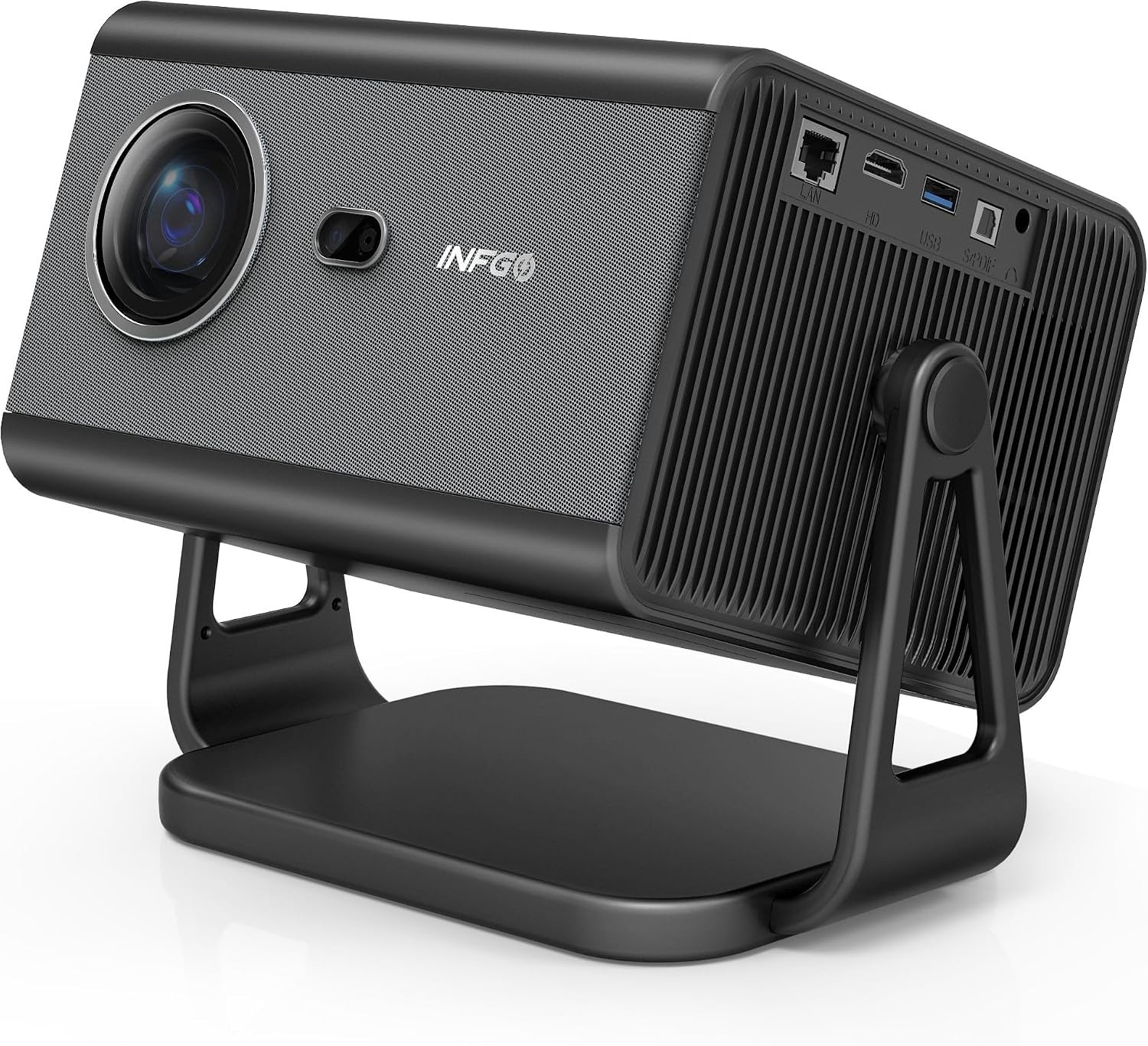 4K Projector with Wifi and Bluetooth 800ANSI, INFGO Movie Theater Projector with$29.99View on eBay
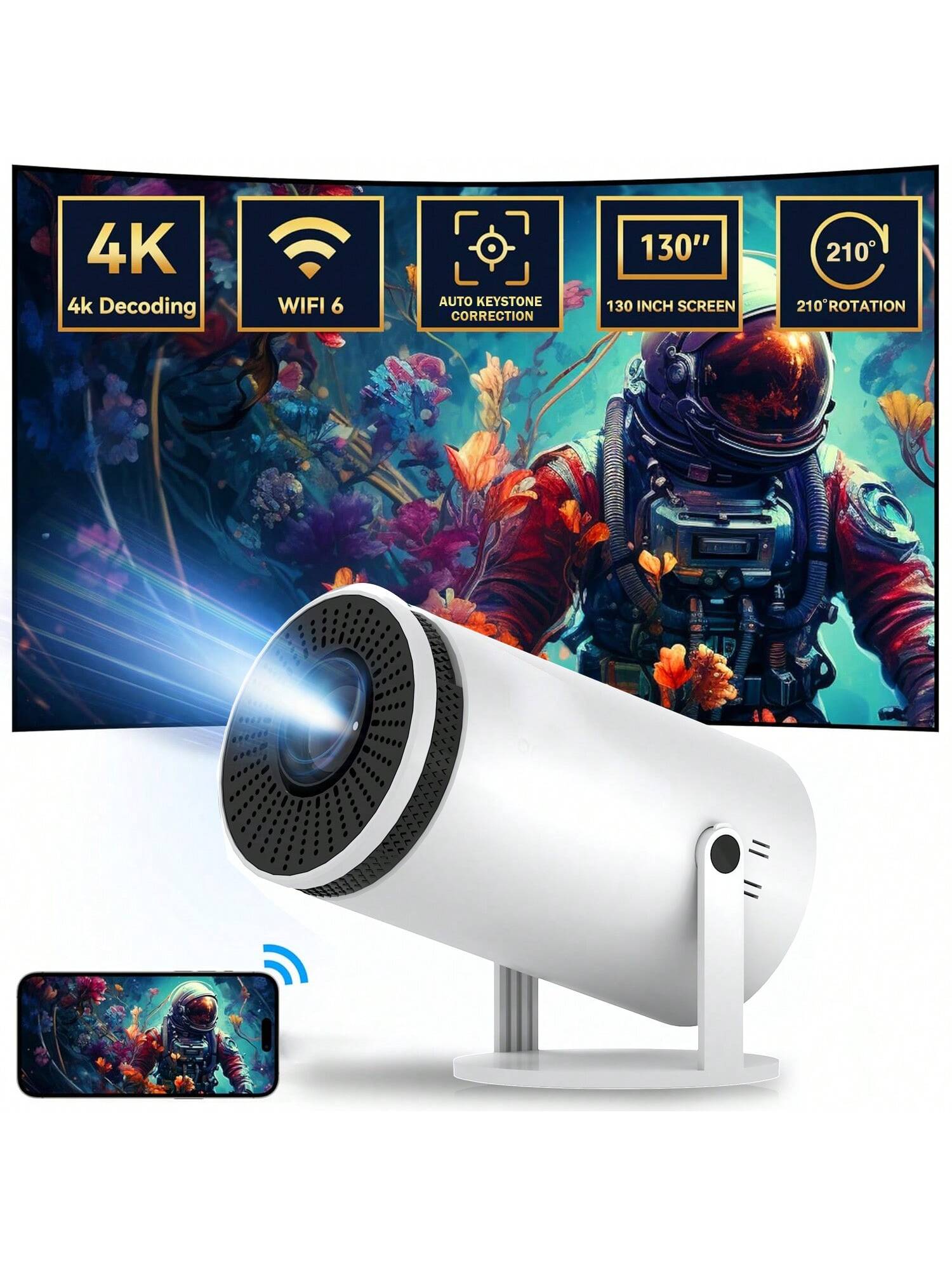 Smart Portable Theater Projector With Trapezoidal Image Correction, Wifi 6 Support, Android 12 And Multiple Ports, Mini Size For Phone And Laptop$88.99View on Mallflare
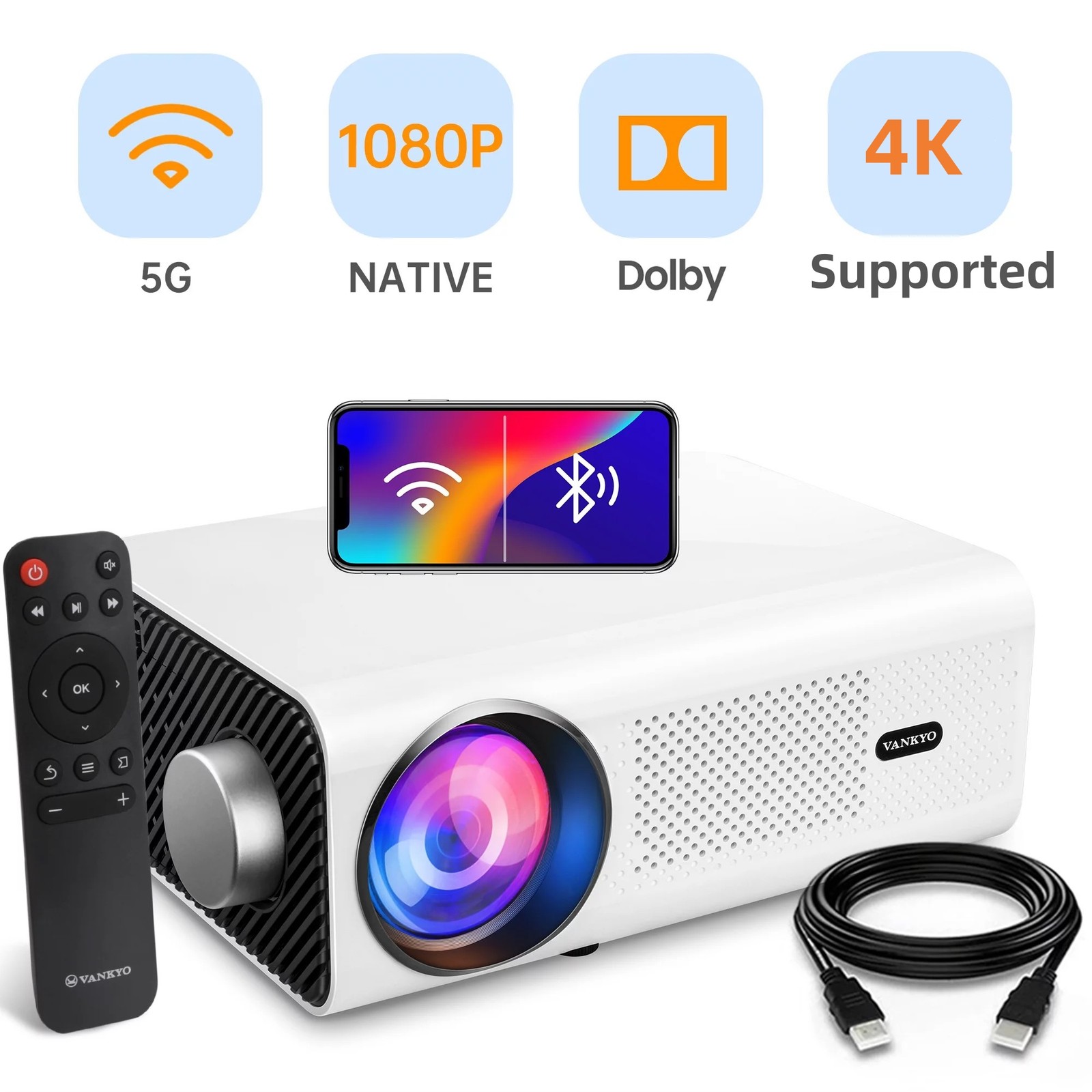 4K Projector Dolby 45000 Lumen LED 1080P 5G WiFi Bluetooth Portable Home Theater$31.69View on eBay
 Projector With WiFi & Bluetooth, Upgraded 5G Portable Support 4K, Native 1080P, 12000 Lumens, Outdoor LED Movie Projector,Selling On The Amazon Platform Is Prohibited$152.99View on Mallflare
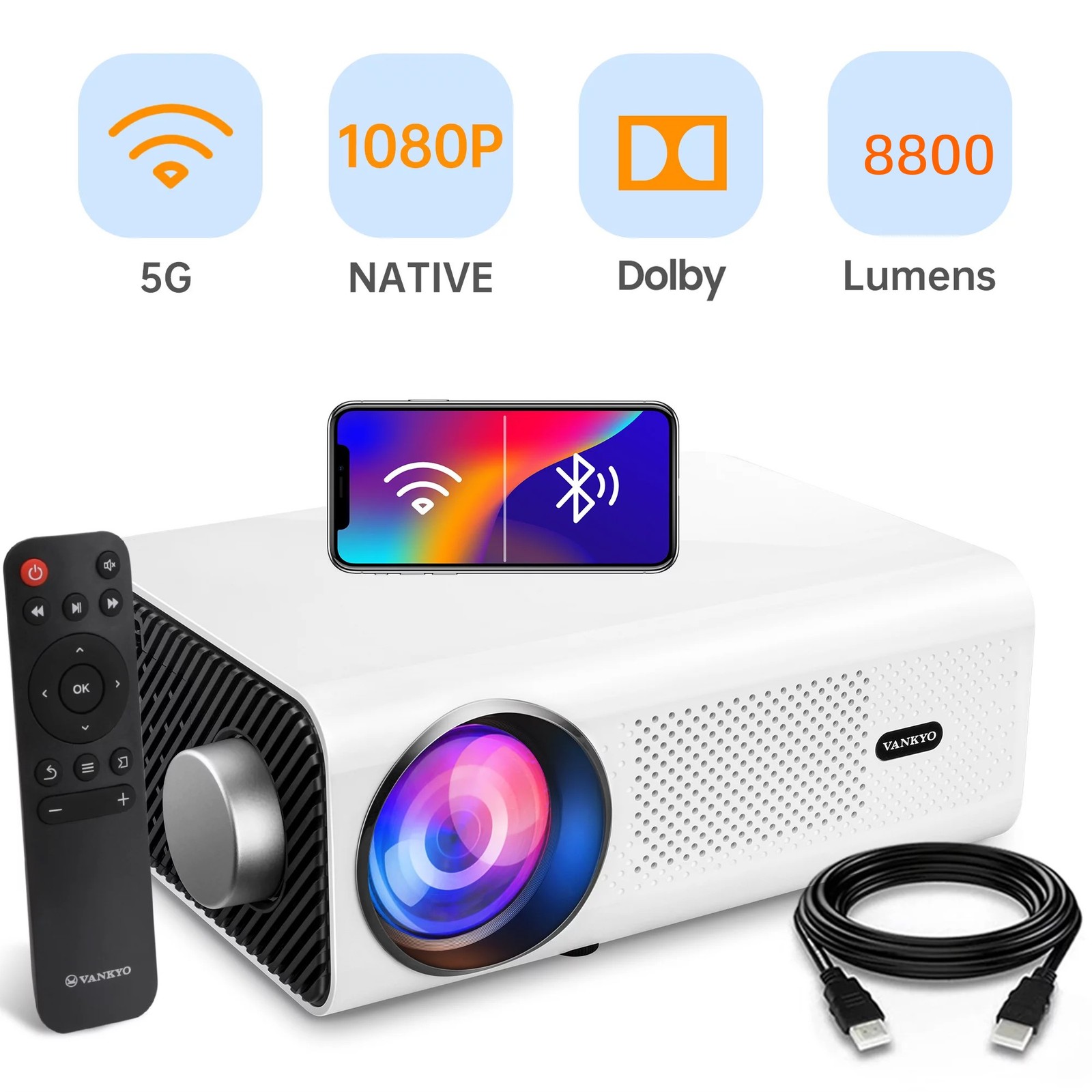 VANKYO 4K Projector DoIby 45000LMS 1080P HD 5G WiFi Bluetooth Video Home Theater$32.69View on eBay
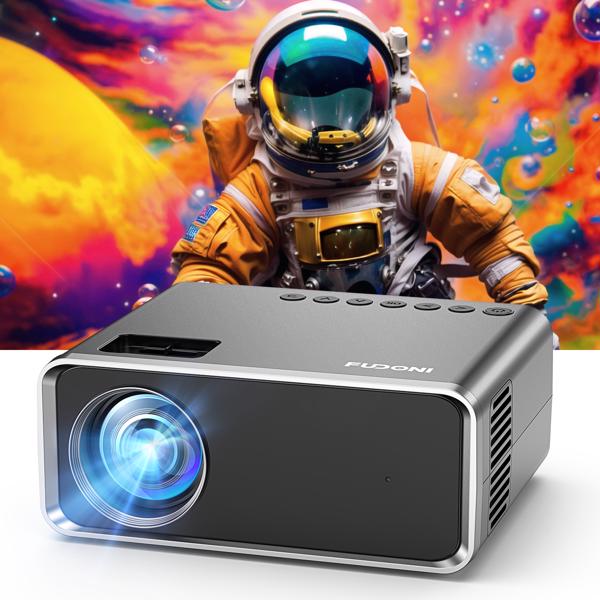
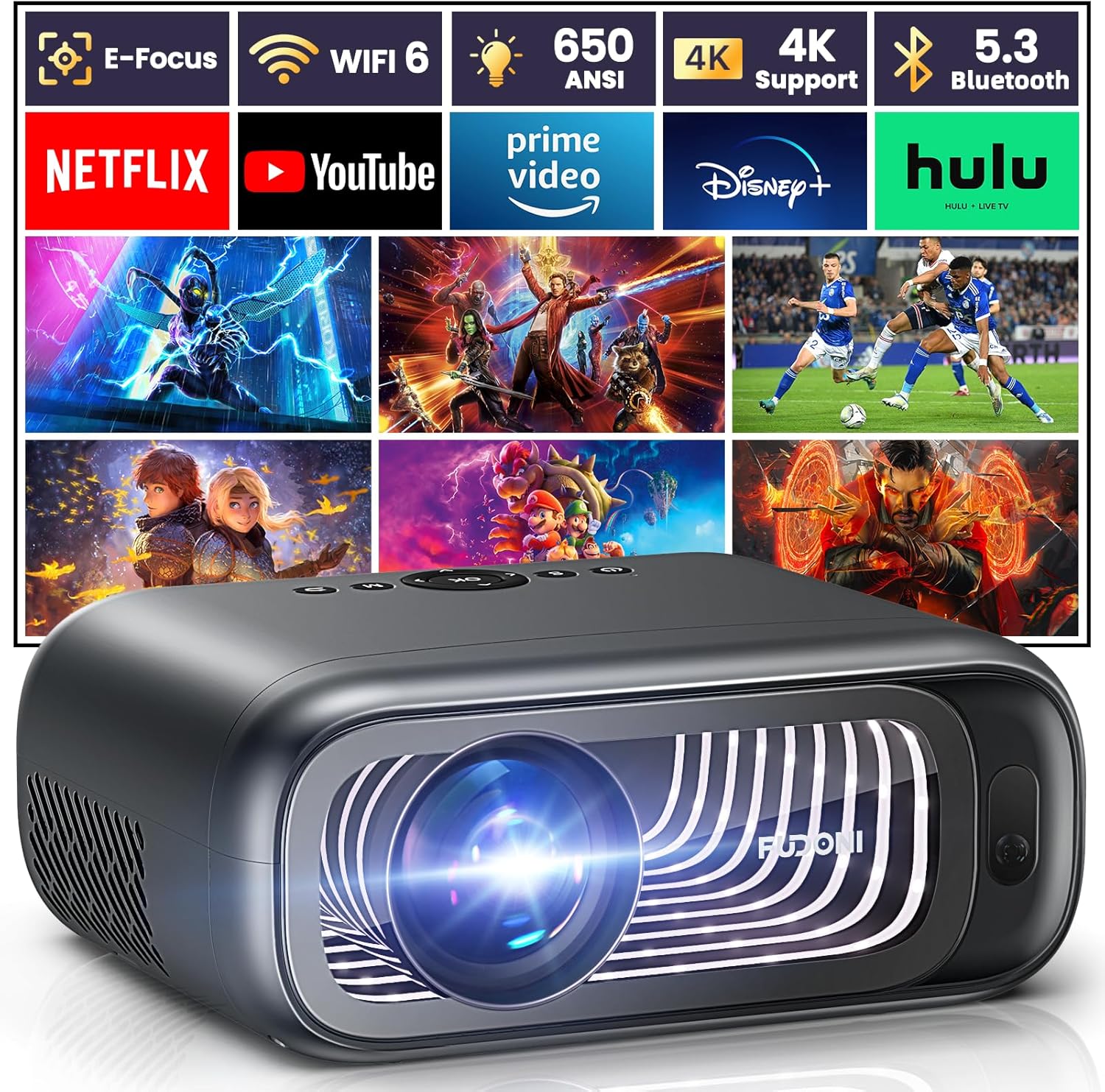 FUDONI Projector with WiFi 6 and Bluetooth Dual-way, Native 1080P 4K Support Outdoor Movie Max 300'' Display, for iOS/Android/TV Stick/HDMI/USB/Laptop$180.99View on Mallflare
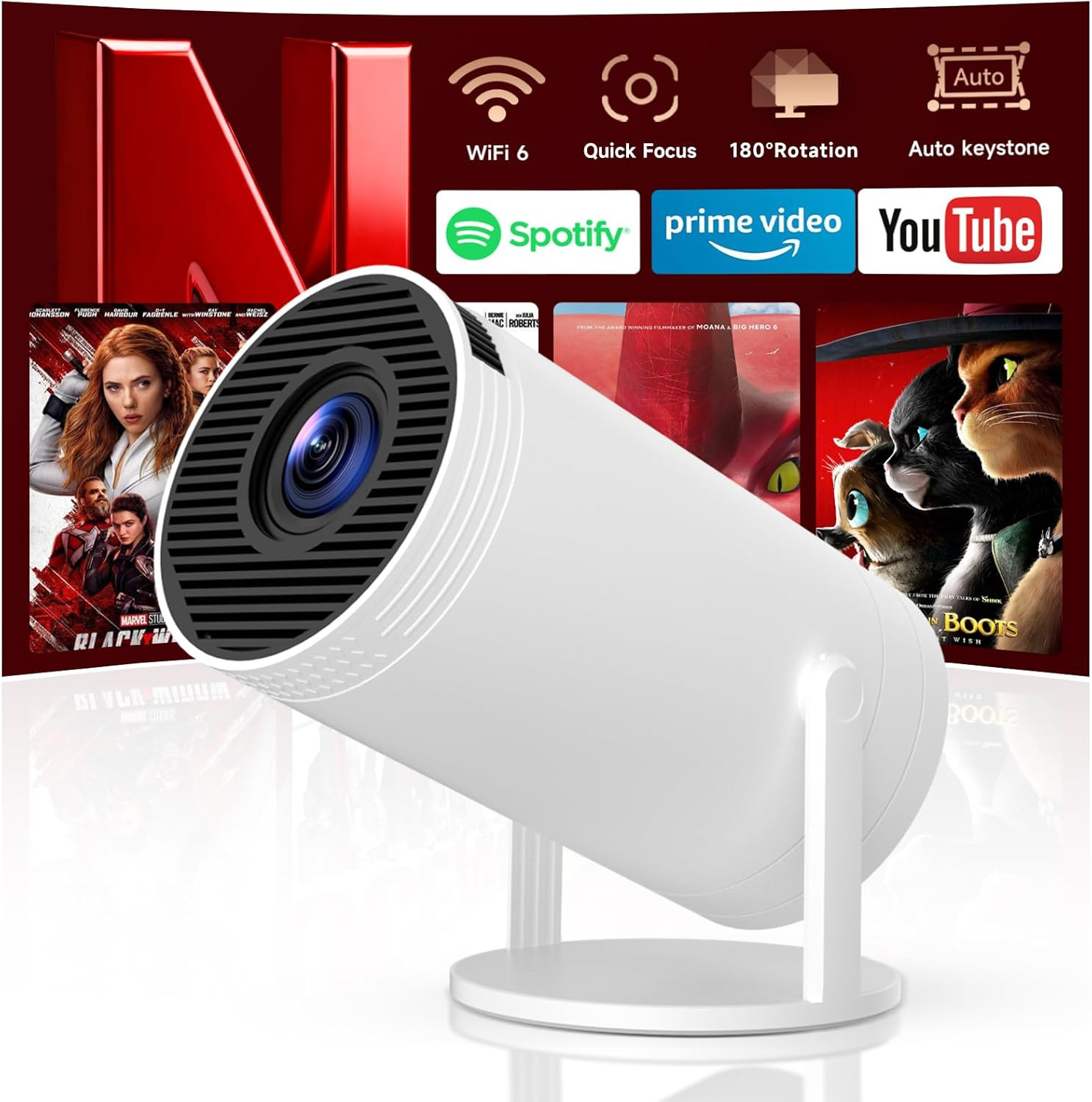 Mini Projector with WiFi 6 and Smart TV OS, Portable Projector 4K support, Home$60.79View on eBay
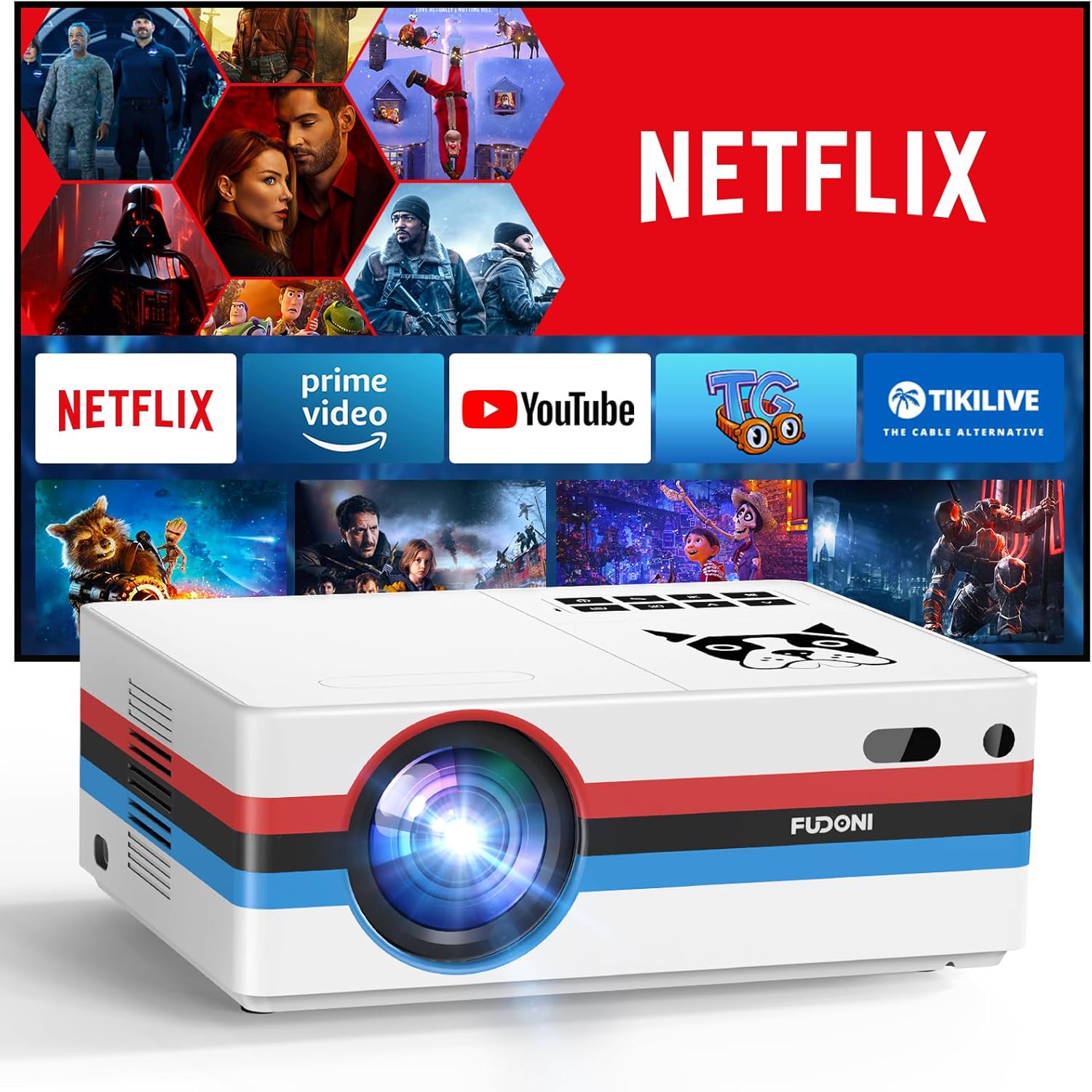 FUDONI Smart Projector with WiFi and Bluetooth, Native 1080P 4K Decoding for Home Cinema, Outdoor Movie Apps, Built-in Netflix/YouTube/Prime Video$197.99View on Mallflare
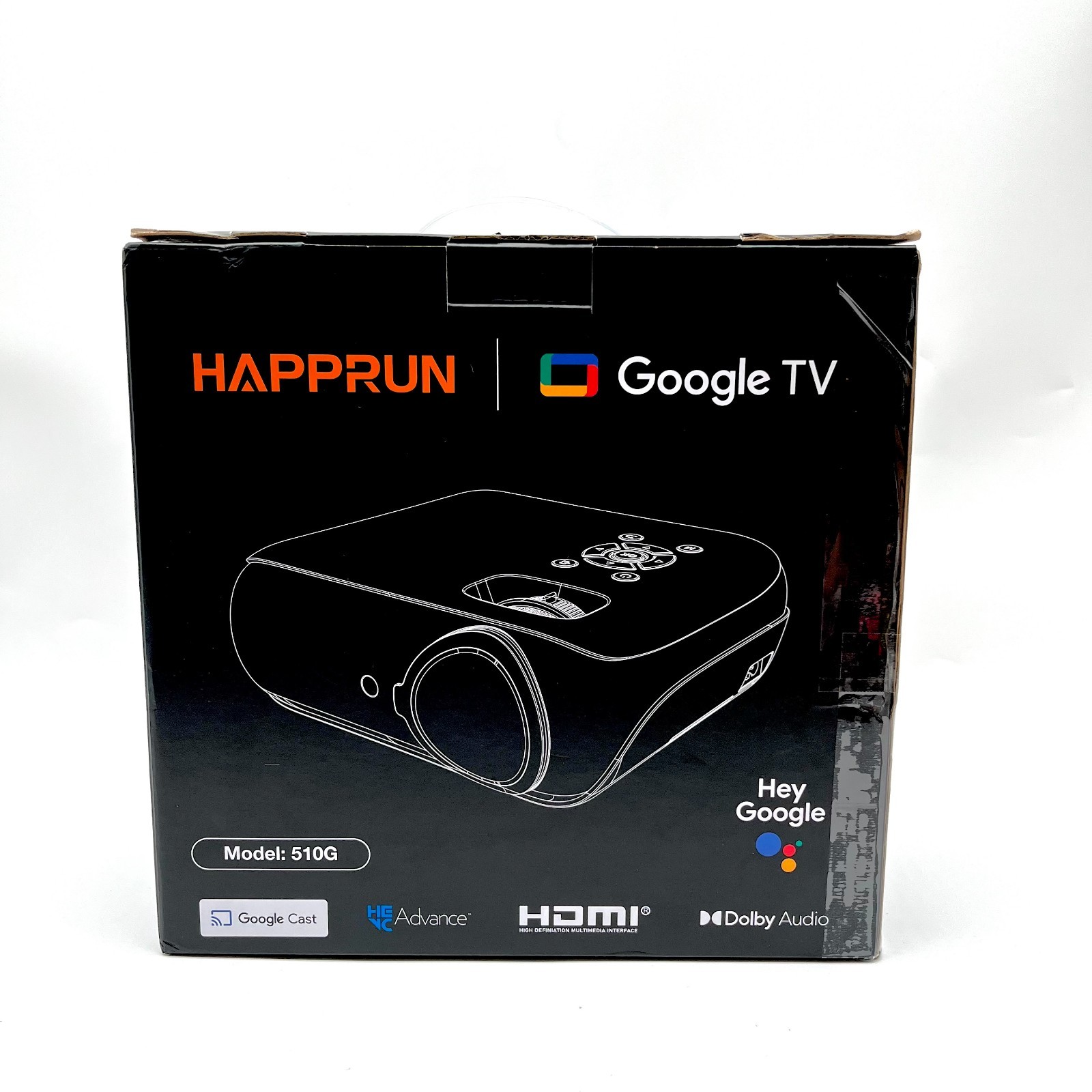 Happrun 4K Google TV White Projector with WiFi and Bluetooth Connectivity 510G$103.50View on eBay
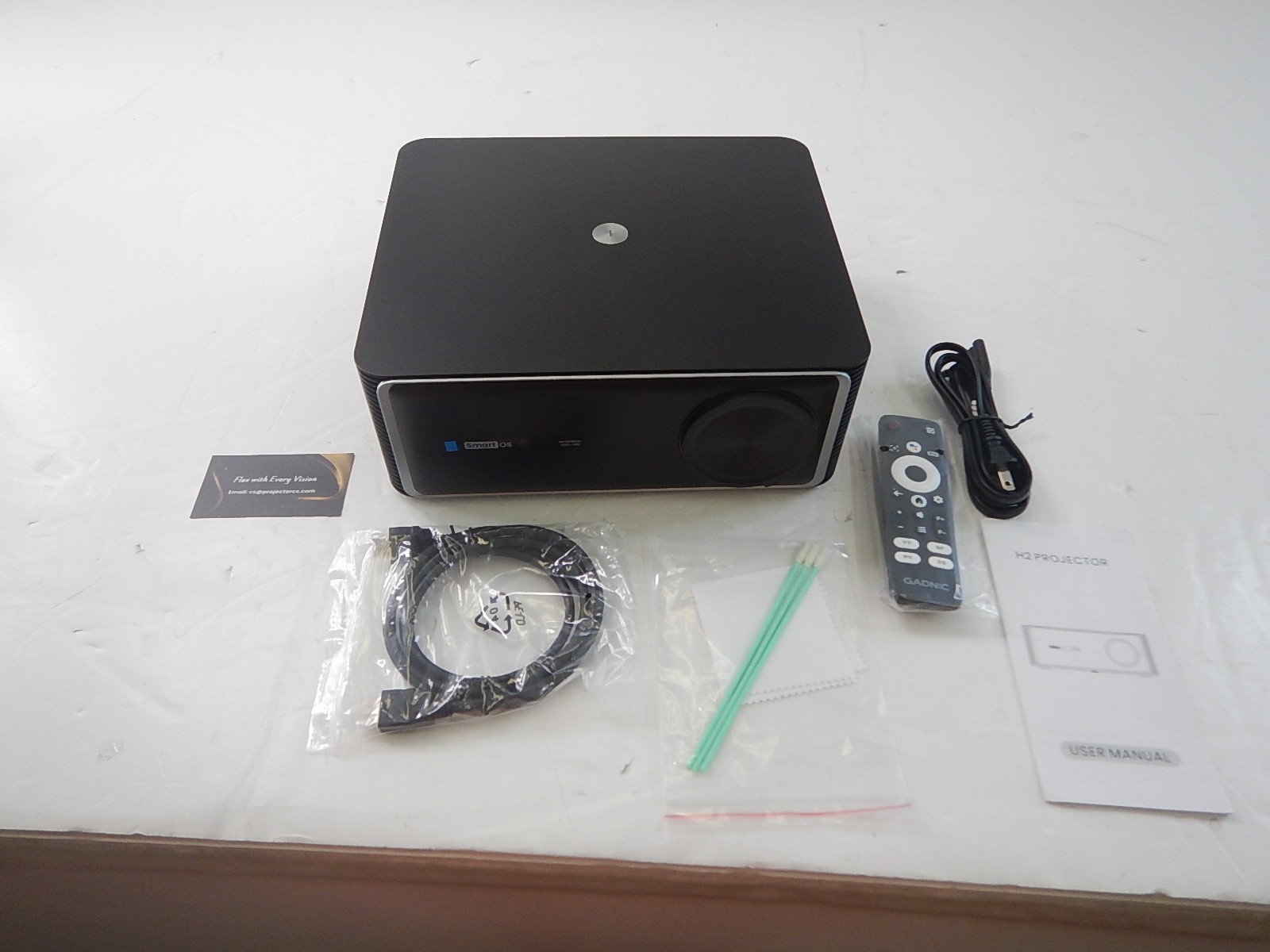 Boldever E22 3000 ANSI Google TV Smart Projector w/ WiFi - TESTED/NEW$126.02View on eBay
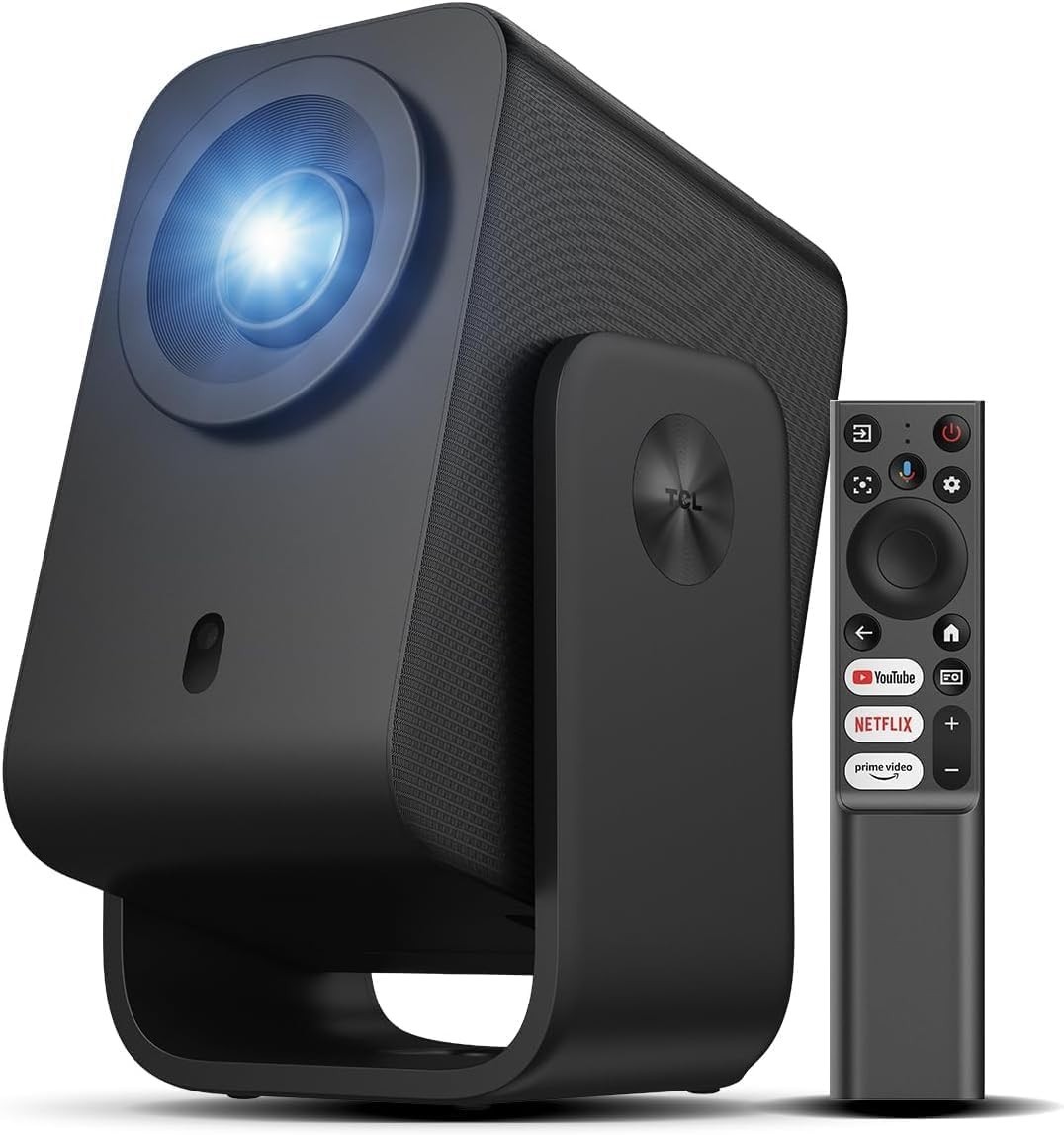 C1 Smart Projector 4K Support, Compatible with Google TV, WiFi and Bluetooth,...$416.09Last checked Nov 18, 2026View on eBay
Highlights
- Brightness tiers: 100–300 ANSI lumens suits dark rooms up to 80 inches; 300–800 ANSI lumens handles dim ambient light; 800+ ANSI lumens is needed for daytime viewing or screens over 100 inches.
- WiFi generations: WiFi 5 (802.11ac) supports 1080p streaming; WiFi 6 (802.11ax) reduces latency for gaming and handles 4K streams more reliably, but only if the source and router also support it.
- Bluetooth versions: Bluetooth 4.2 is fine for audio output to speakers; Bluetooth 5.0+ offers lower latency and better range, critical for lip-sync when using wireless headphones.
Best use cases
- Best fit: Dedicated dark home theater—choose a native 1080p projector with 300+ ANSI lumens, WiFi 5, and Bluetooth 5.0 for reliable 100-inch viewing; skip 4K 'support' models under 300 ANSI lumens.
- Best fit: Portable outdoor movie nights—pick a mini projector under 3 lbs with 200+ ANSI lumens, built-in battery (or USB-C PD input), and Bluetooth audio out; skip models without keystone correction or with only 100 ANSI lumens.
- Best fit: Gaming and sports—require WiFi 6, Bluetooth 5.0, and input lag under 40ms (check specs for 'game mode'); skip Android TV models with high lag unless they have a dedicated game mode.
- Wrong fit: Daylight living room without blinds—any projector under 800 ANSI lumens will wash out; choose a high-brightness model or an ALR screen, not a budget WiFi projector.
Buying tips
- Calculate required brightness: For a 100-inch screen in a dark room, aim for 300+ ANSI lumens; for 120 inches in dim light, 600+ ANSI lumens; for daytime, 1500+ ANSI lumens (and consider an ALR screen).
- Check native resolution, not 'supported': Look for 'native 1080p' or 'native 4K' in specs; '4K support' or '4K decoding' means the projector accepts a 4K signal but displays at 1080p or lower.
- Match WiFi to streaming needs: WiFi 5 is sufficient for 1080p Netflix; WiFi 6 is necessary for 4K streaming and cloud gaming, but only if your router supports it.
- Verify Bluetooth audio latency: For lip-sync, choose Bluetooth 5.0+ with aptX or AAC codecs; Bluetooth 4.2 can introduce 100–200ms delay, noticeable in movies.
Specs
| Native Resolution | 720p / 1080p / 4K UHD |
|---|---|
| Brightness (ANSI Lumens) | 100–300 / 300–800 / 800+ |
| WiFi Standard | WiFi 5 (ac) / WiFi 6 (ax) |
| Bluetooth Version | 4.2 / 5.0+ with aptX/AAC |
Related searches
What to check before buying
- Room size and screen: Measure throw distance—most budget projectors need 8–10 feet for a 100-inch image; confirm the projector's throw ratio fits your room.
- Mounting and power: Ensure a nearby power outlet (most projectors use AC adapters, not USB-C) and plan for ceiling mount or shelf placement with cable management.
- Audio setup: Built-in speakers are typically 5–10W and adequate for casual use; for home theater, confirm Bluetooth output or 3.5mm/AUX out to connect to a soundbar or receiver.
- Source compatibility: Check HDMI version (HDMI 2.0 needed for 4K60) and whether you need Android TV built-in or will use a streaming stick; some smart projectors have limited app stores.
FAQ
Data sources: eBay / Amazon listings and product attribute feeds. Updated Nov 27, 2026.
Some links on this page are affiliate links. If you buy after clicking one, we may earn a commission at no extra cost to you. This does not change which products appear here or their order. Affiliate disclosure.