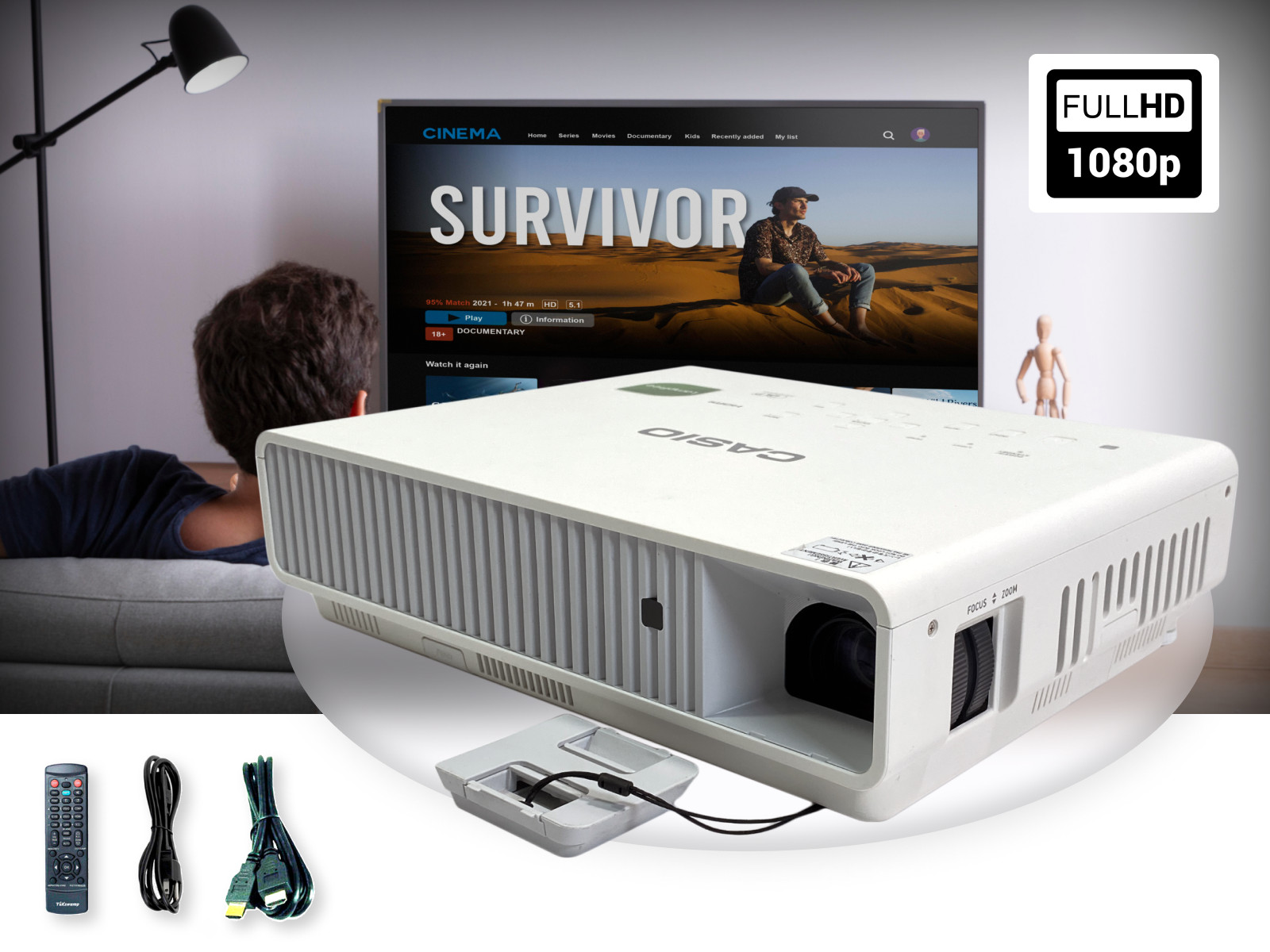

Photos from current listings. Actual item, color, and included accessories may vary.
Home Cinema Projector Buying Guide
A home cinema projector is a display device that throws a 100–150 inch image onto a screen or wall, and the core trade-off is between light output (ANSI lumens) for daytime or ambient-light viewing and contrast/color accuracy for dark-room movie nights. Durable options pair a true-spec imaging engine (DLP or 3LCD from an established optical brand) with a fixed-frame or tensioned screen, while compromises rely on inflated lumen claims and untensioned fabric that wrinkles. The decision rule: buy by measured ANSI lumens and native resolution first, then match screen type and size to your room's light control and throw distance.
Key takeaways
- Imaging engine determines motion and color: single-chip DLP delivers sharp, high-contrast images with fast pixel response, while 3LCD produces equal white and color brightness with no rainbow effect.
- Lumen tiers map directly to room conditions: 2,000–3,000 ANSI lumens suits light-controlled rooms, 3,000–5,000 handles moderate ambient light, and 5,000+ is needed for daytime living rooms.
- Native resolution beats input compatibility: a true 1920x1080 or 3840x2160 panel resolves detail, whereas '4K supported' models accept a 4K signal but downscale to 1080p or lower.
At a glance
- Category
- Projectors & Screens
- Last updated
- Nov 28, 2026
Current offers
Highlights
- Imaging engine determines motion and color: single-chip DLP delivers sharp, high-contrast images with fast pixel response, while 3LCD produces equal white and color brightness with no rainbow effect.
- Lumen tiers map directly to room conditions: 2,000–3,000 ANSI lumens suits light-controlled rooms, 3,000–5,000 handles moderate ambient light, and 5,000+ is needed for daytime living rooms.
- Native resolution beats input compatibility: a true 1920x1080 or 3840x2160 panel resolves detail, whereas '4K supported' models accept a 4K signal but downscale to 1080p or lower.
- Screen material and tensioning control image quality: tensioned or fixed-frame screens stay flat and wrinkle-free, while untensioned fabric sags and creates visible shadows and distortion.
Best use cases
- Dedicated dark media room: choose a 2,000–3,000 ANSI lumen DLP or 3LCD projector with a fixed-frame tensioned screen in matte white for maximum contrast and color accuracy.
- Multi-purpose living room with windows: step up to 3,000–5,000 ANSI lumens and pair with an ALR (ambient light rejecting) screen; skip low-lumen cinema projectors that wash out in daylight.
- Backyard or outdoor movie nights: pick a 3,000+ lumen projector with a portable tripod screen and carry bag, and skip fixed-frame screens that cannot be moved or stored.
- Small apartment or bedroom: use a short-throw or ultra-short-throw projector with a 100-inch foldable screen; skip long-throw models that need 3+ meters of mounting distance.
Buying tips
- Calculate throw distance before buying: throw ratio = distance ÷ screen width; a 1.5:1 ratio needs 3.3 m for a 100-inch (2.2 m wide) image, so measure your room first.
- Match ANSI lumens to light conditions: 2,000–3,000 for dark rooms, 3,000–5,000 for dim rooms, and 5,000+ for rooms with uncontrolled daylight.
- Choose screen size by viewing distance: for immersive cinema, screen width should be about 0.6–0.8× the seating distance; a 100-inch screen (2.2 m wide) suits 2.8–3.7 m seating.
- Verify native resolution, not input support: confirm 1920x1080 or 3840x2160 native panels; '4K supported' or '1080p supported' labels often mean lower native resolution with downscaling.
Specs
| Imaging Engine | DLP vs 3LCD vs Laser |
|---|---|
| Brightness Tier | 2,000–5,000+ ANSI lumens |
| Native Resolution | 1080p vs 4K UHD |
| Screen Type | Fixed-frame / Tensioned / Tripod |
Related searches
What to check before buying
- Measure the room's throw distance from the planned projector position to the screen wall and confirm it falls within the projector's throw ratio range for your target screen size.
- Assess light control: count windows and note whether blackout curtains are installed, since ambient light dictates the minimum ANSI lumen tier you need.
- Check ceiling height and mounting: verify a ceiling mount, shelf, or tripod fits the projector's weight and that the lens aligns with the screen's top or center.
- Confirm screen type matches placement: fixed-frame for permanent walls, tensioned roll-up for dual-use rooms, and tripod or foldable for portable and outdoor setups.
FAQ
Data sources: eBay / Amazon listings and product attribute feeds. Updated Nov 28, 2026.
Some links on this page are affiliate links. If you buy after clicking one, we may earn a commission at no extra cost to you. This does not change which products appear here or their order. Affiliate disclosure.