
Photos from current listings. Actual item, color, and included accessories may vary.
Budget Projector Buying Guide
A budget projector is an entry-tier LCD or DLP projector typically using a single native panel or color wheel, where the core trade-off is brightness and resolution authenticity versus price. Durable options specify native 1080p, honest 200-500 ANSI lumens, and physical lens focusing; compromises rely on inflated 'supported 4K' claims and digital keystone alone. The decision rule: buy only units stating native resolution, ANSI lumens, and lamp/LED type — skip any listing lacking all three.
Median $147.90
Key takeaways
- Native resolution is the true pixel grid: 1920x1080 LCD/DLP panels render sharp 1080p; 'supported 4K' on budget units means downscaled input, not 4K output.
- Brightness must be ANSI lumens measured to a standard; budget units claiming 5,000-10,000 'lumens' are usually peak LED lumens, with real output near 150-400 ANSI.
- Light engines split into LED (20,000-30,000 hour life, lower heat) and metal-halide lamp (3,000-6,000 hours, replacement cost); DLP uses a spinning color wheel with potential rainbow artifacts.
At a glance
- Category
- Projectors & Screens
- Last updated
- Nov 28, 2026
Current offers
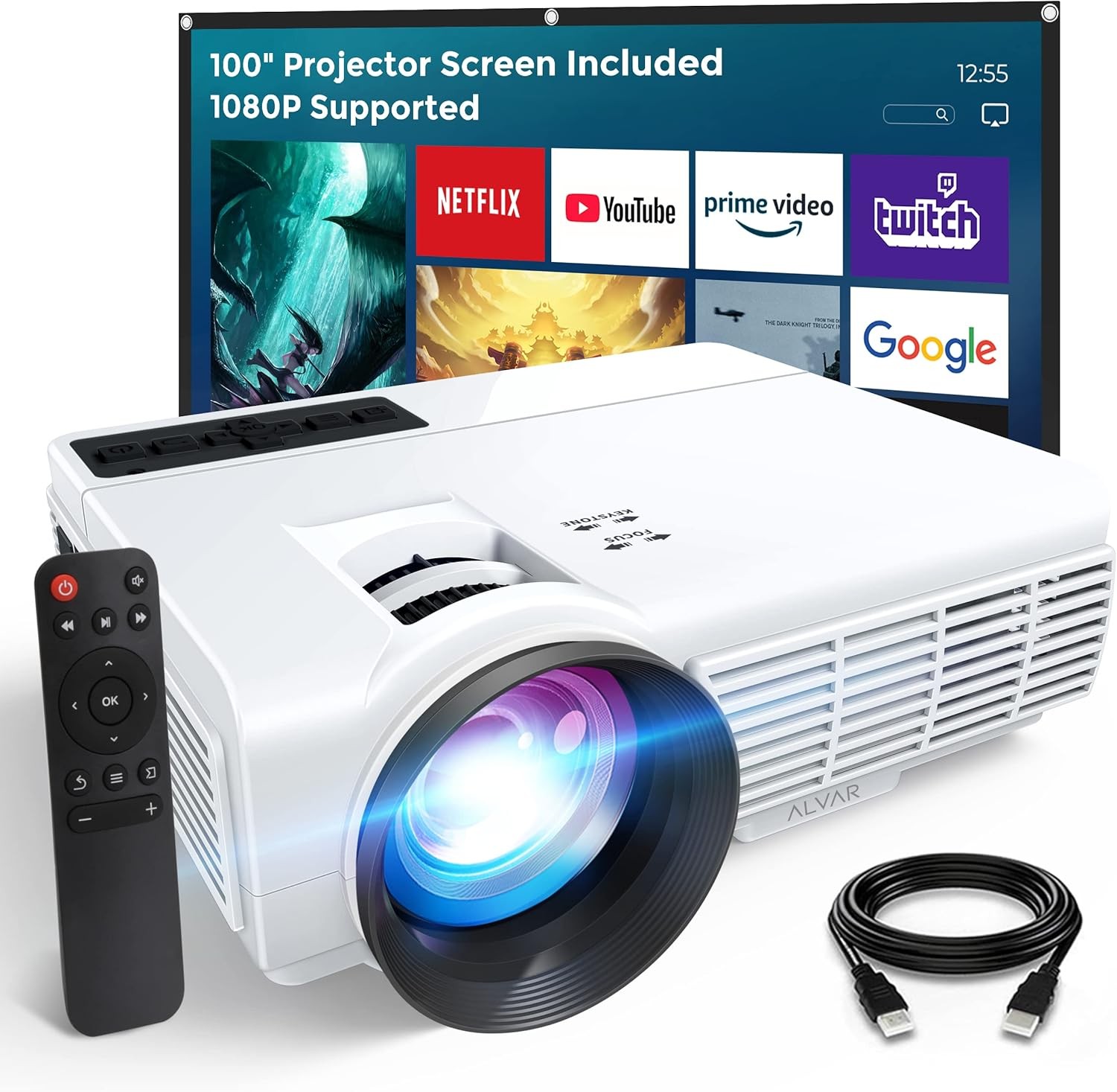 1080P HD Bluetooth Video Projector 8000Lumens Movie Home Theater w/ 100'' Screen$21.89View on eBay
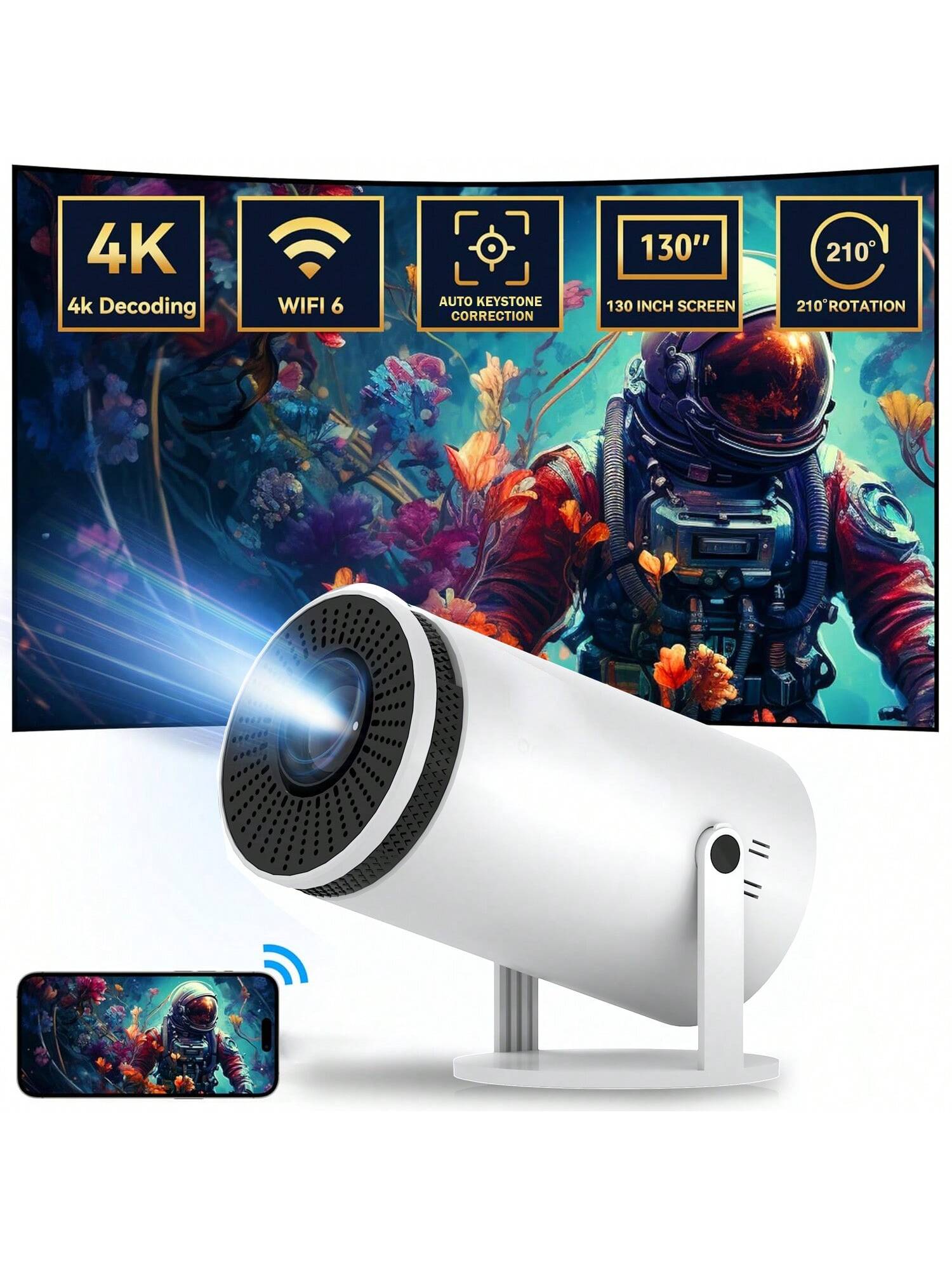 Smart Portable Theater Projector With Trapezoidal Image Correction, Wifi 6 Support, Android 12 And Multiple Ports, Mini Size For Phone And Laptop$88.99View on Mallflare
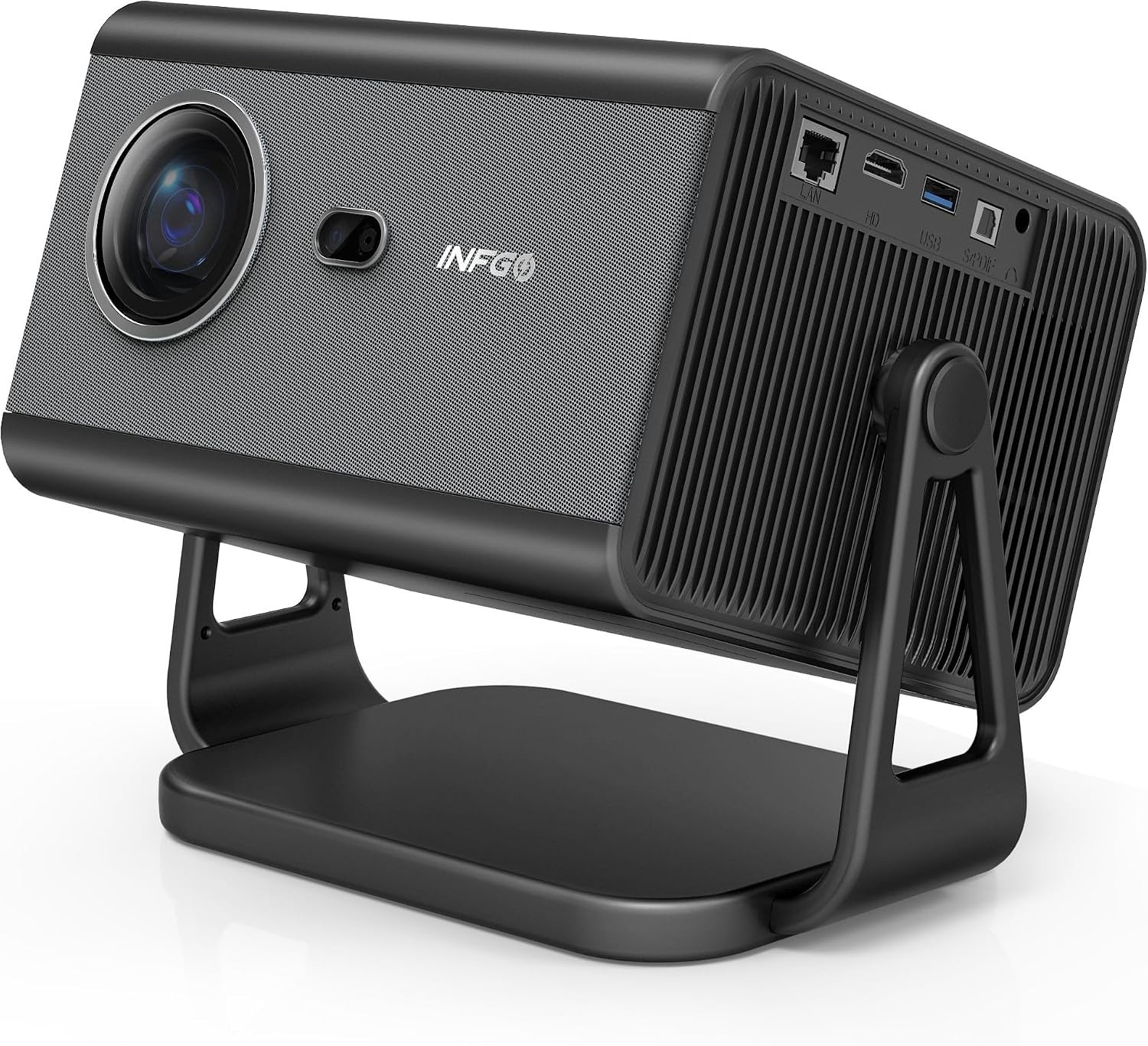 4K Projector with Wifi and Bluetooth 800ANSI, INFGO Movie Theater Projector with$29.99View on eBay
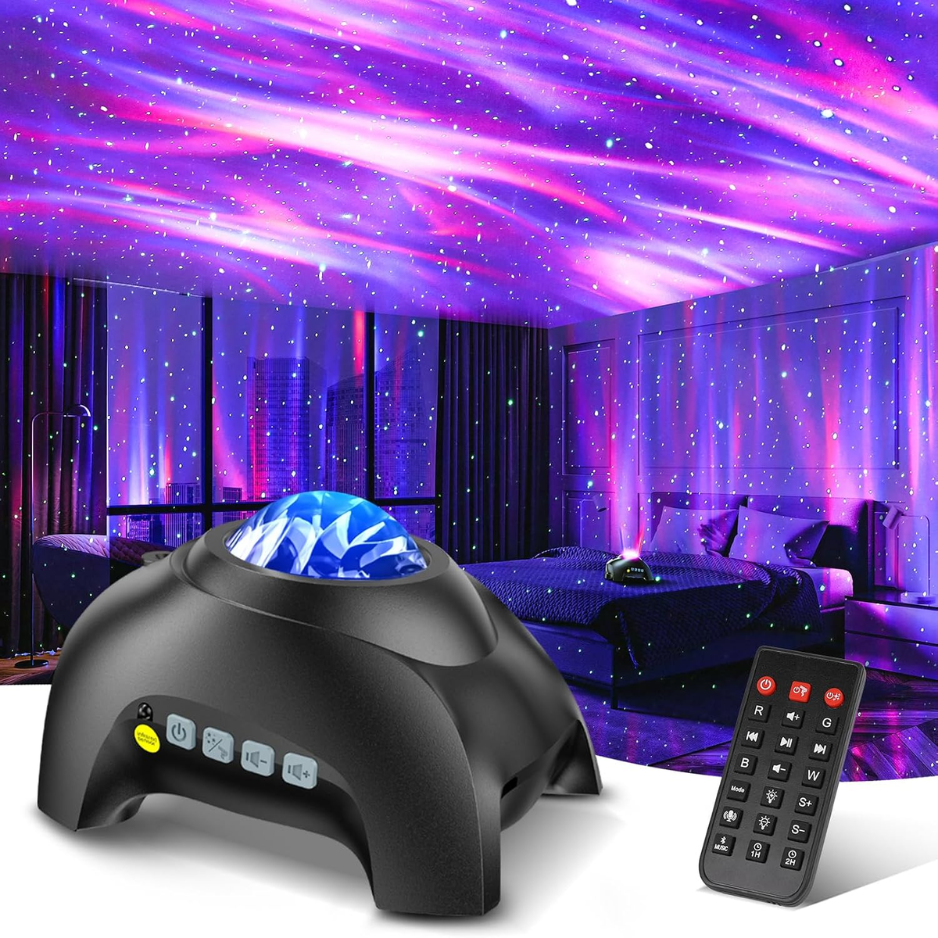 Northern Galaxy Aurora Projector, 33 Light Effects LED Star & Nebula Night Bluetooth Speaker With Remote Control & White Noise$128.99View on Mallflare
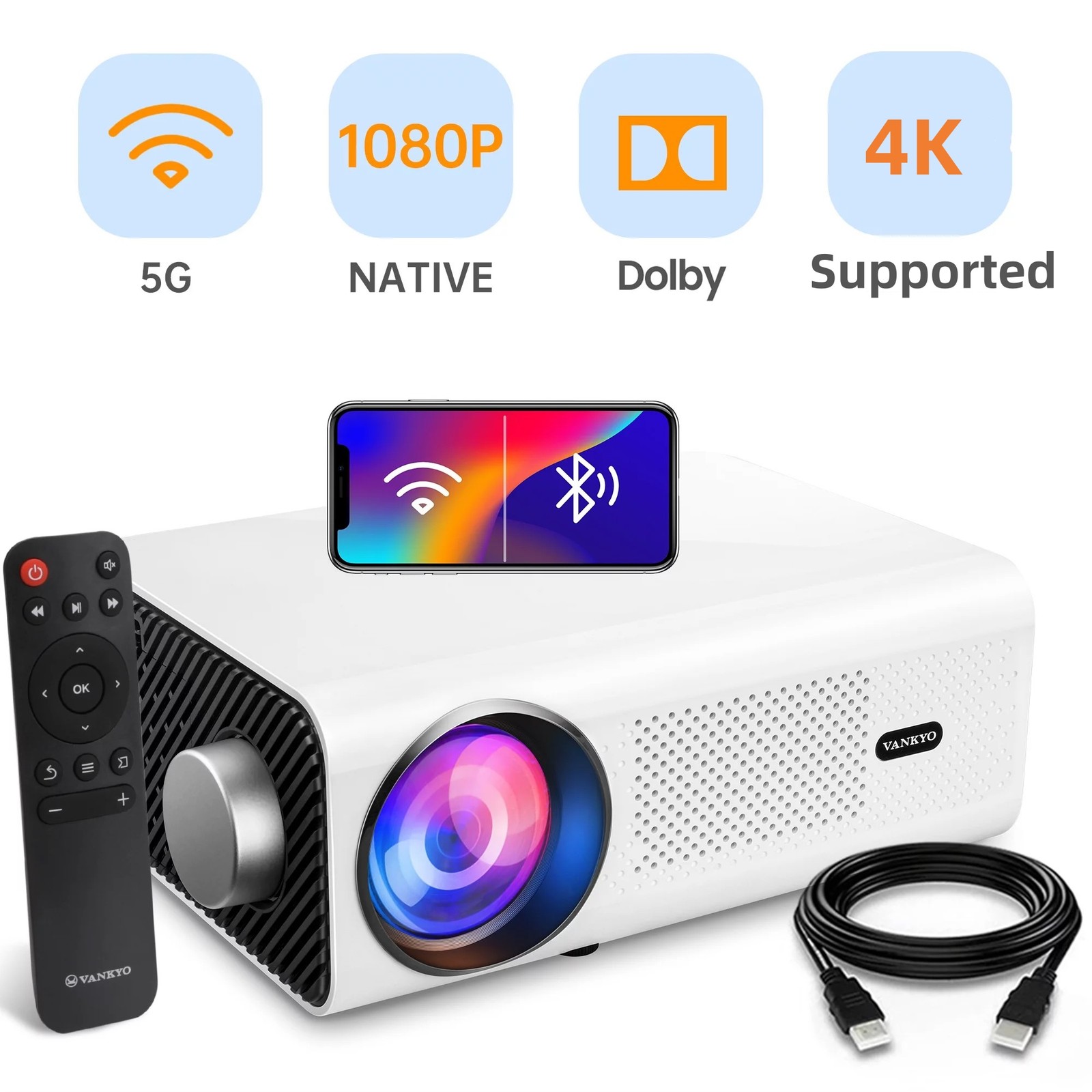 4K Projector Dolby 45000 Lumen LED 1080P 5G WiFi Bluetooth Portable Home Theater$31.69View on eBay
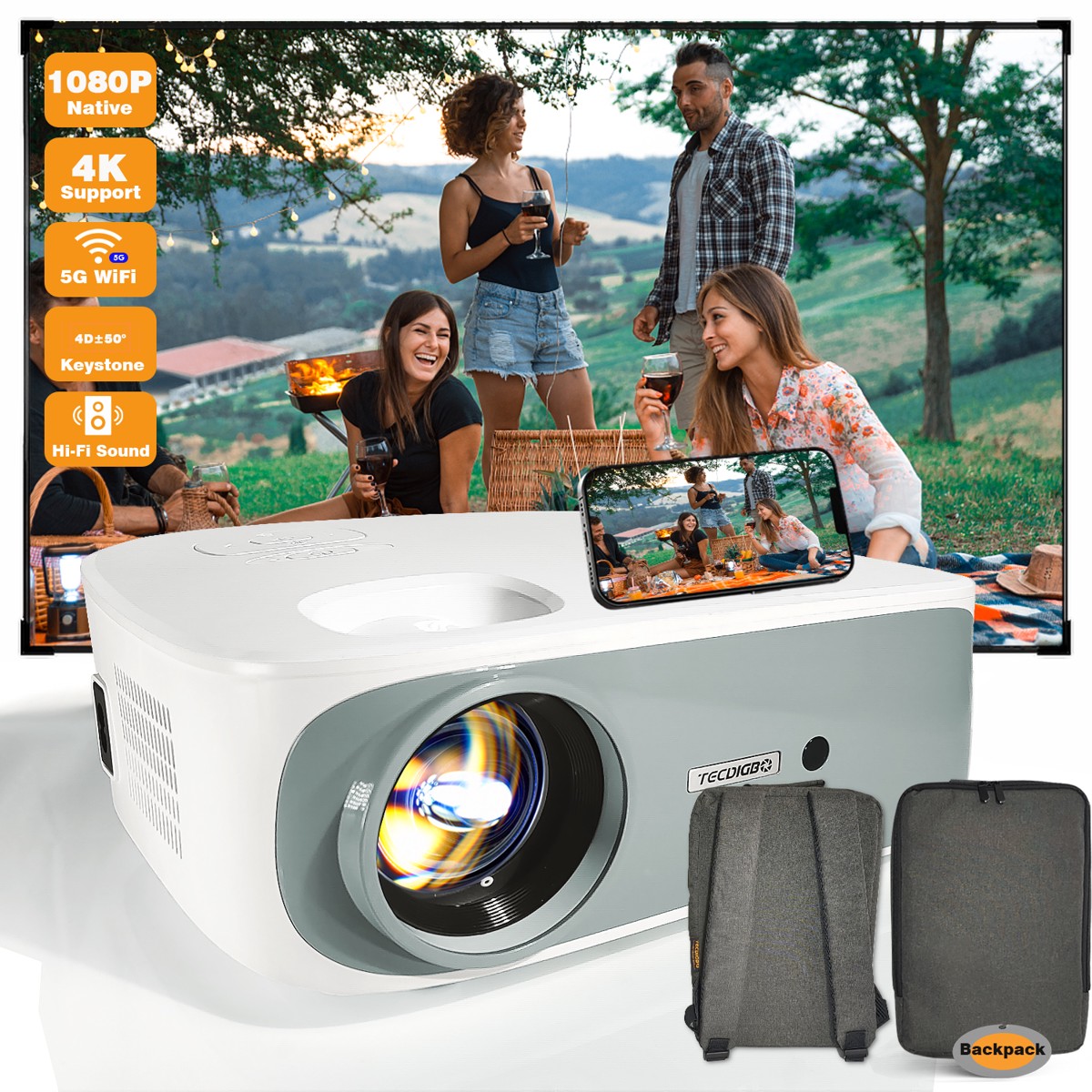 4K 5G Bluetooth Projector 4D Keystone Correction Native 1080P Full HD Outdoor Movie For Smart Phone Laptop PC DVD TV PS4$136.99View on Mallflare
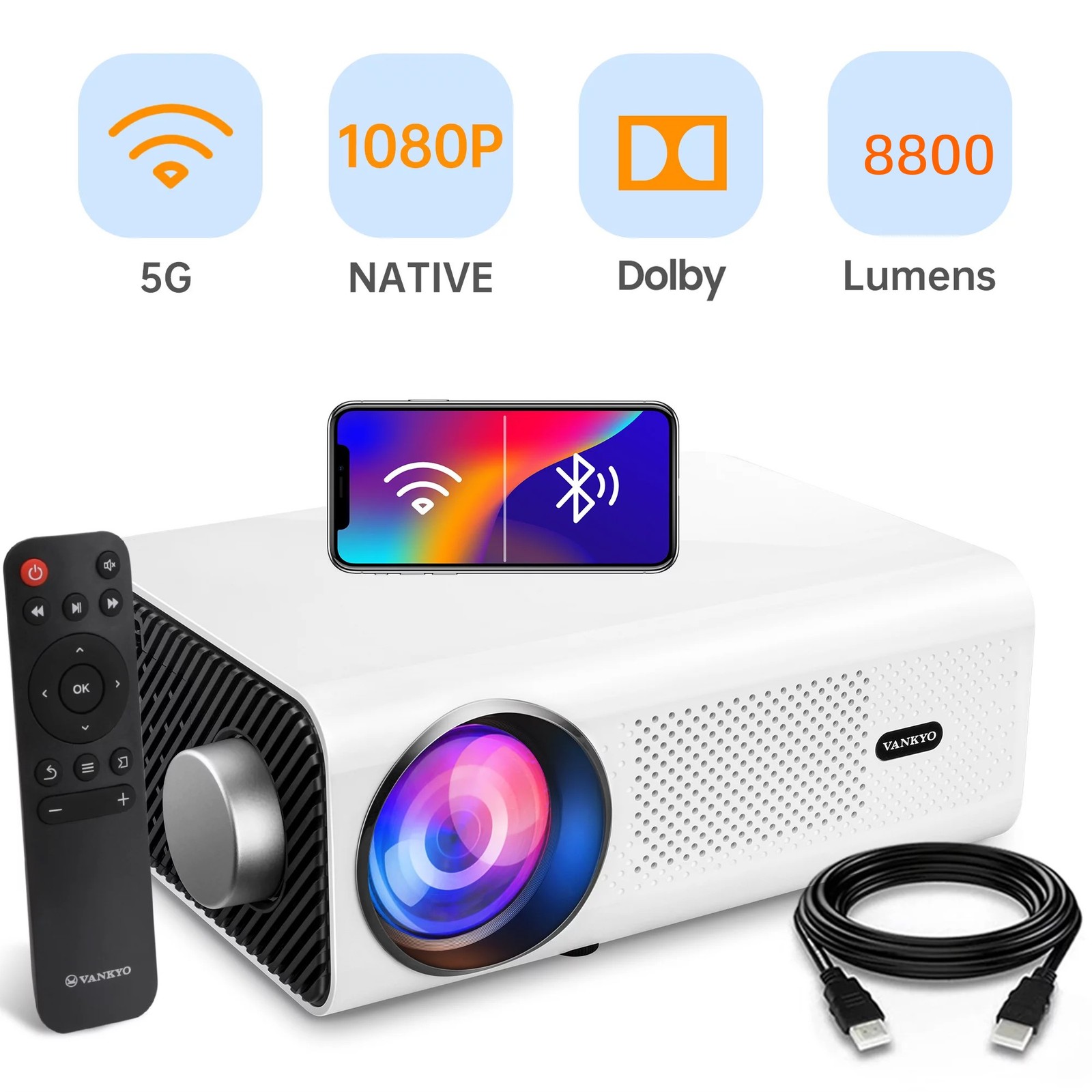 VANKYO 4K Projector DoIby 45000LMS 1080P HD 5G WiFi Bluetooth Video Home Theater$32.69View on eBay
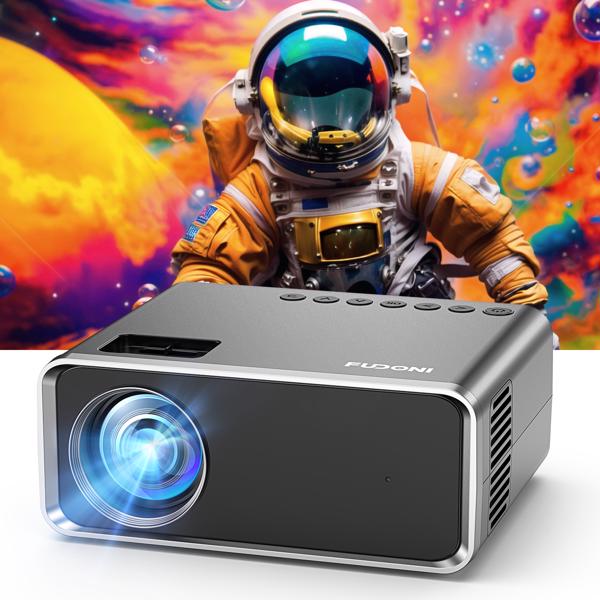 Projector With WiFi & Bluetooth, Upgraded 5G Portable Support 4K, Native 1080P, 12000 Lumens, Outdoor LED Movie Projector,Selling On The Amazon Platform Is Prohibited$152.99View on Mallflare
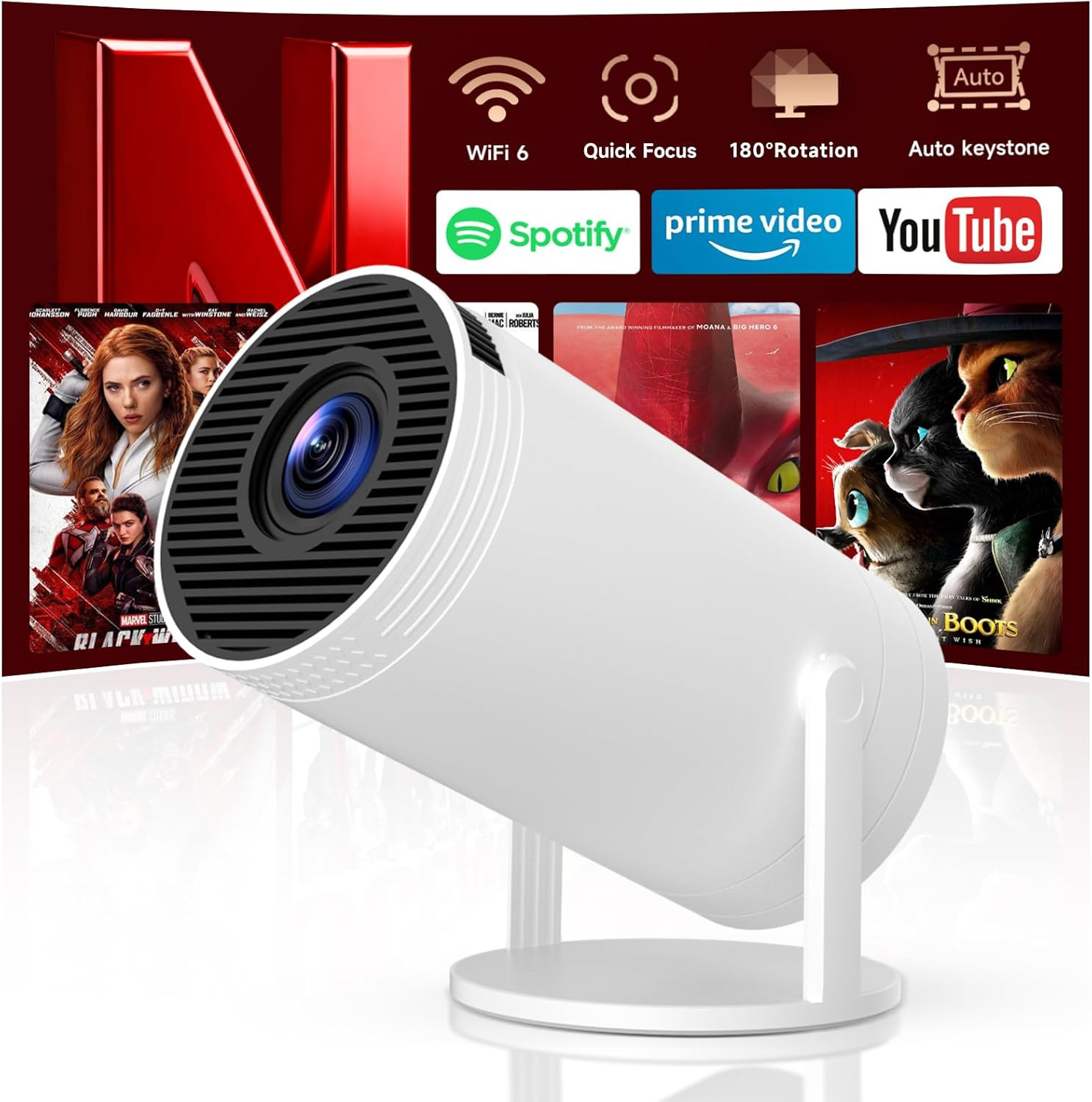 Mini Projector with WiFi 6 and Smart TV OS, Portable Projector 4K support, Home$60.79View on eBay
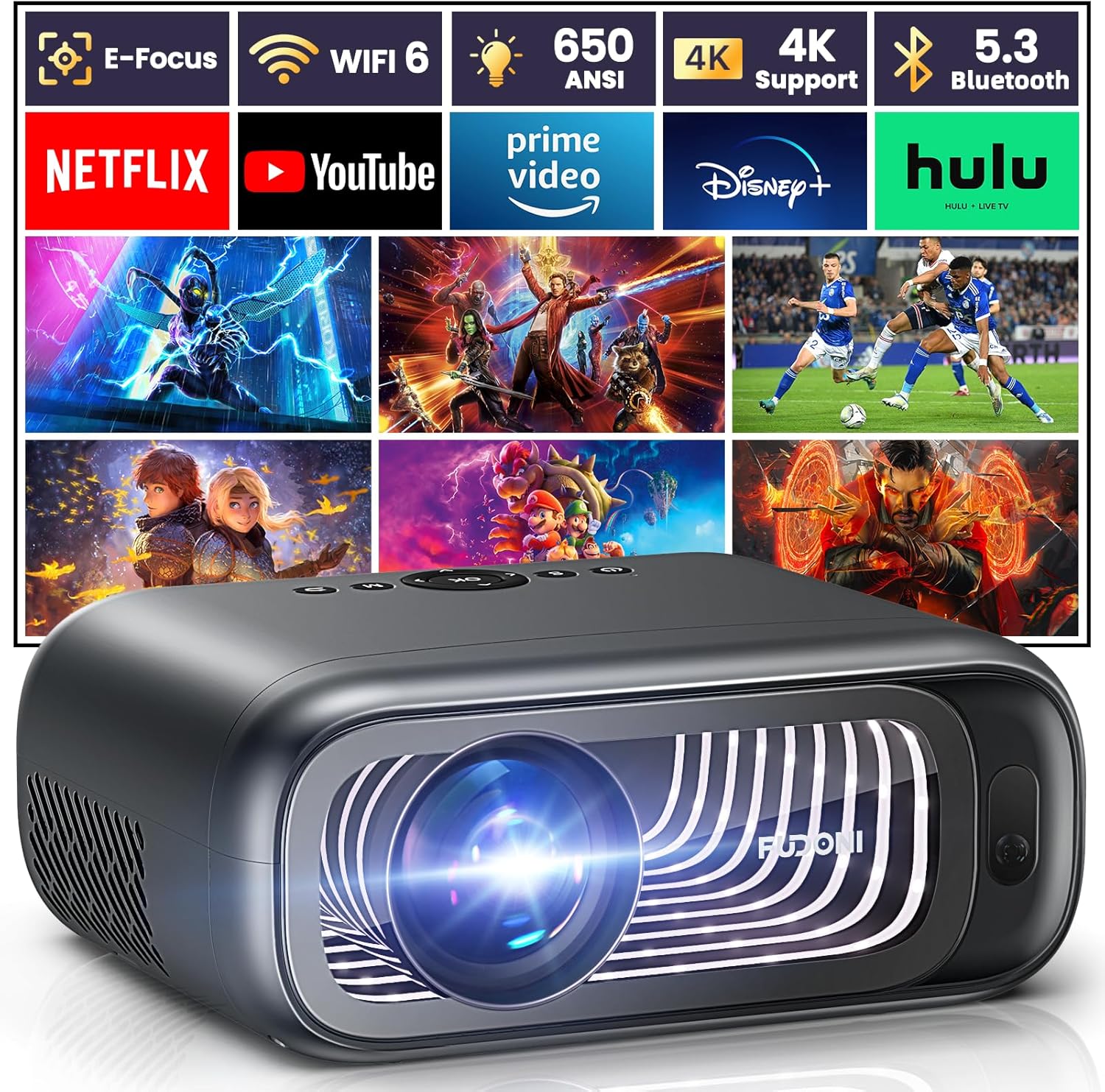 FUDONI Projector with WiFi 6 and Bluetooth Dual-way, Native 1080P 4K Support Outdoor Movie Max 300'' Display, for iOS/Android/TV Stick/HDMI/USB/Laptop$180.99View on Mallflare
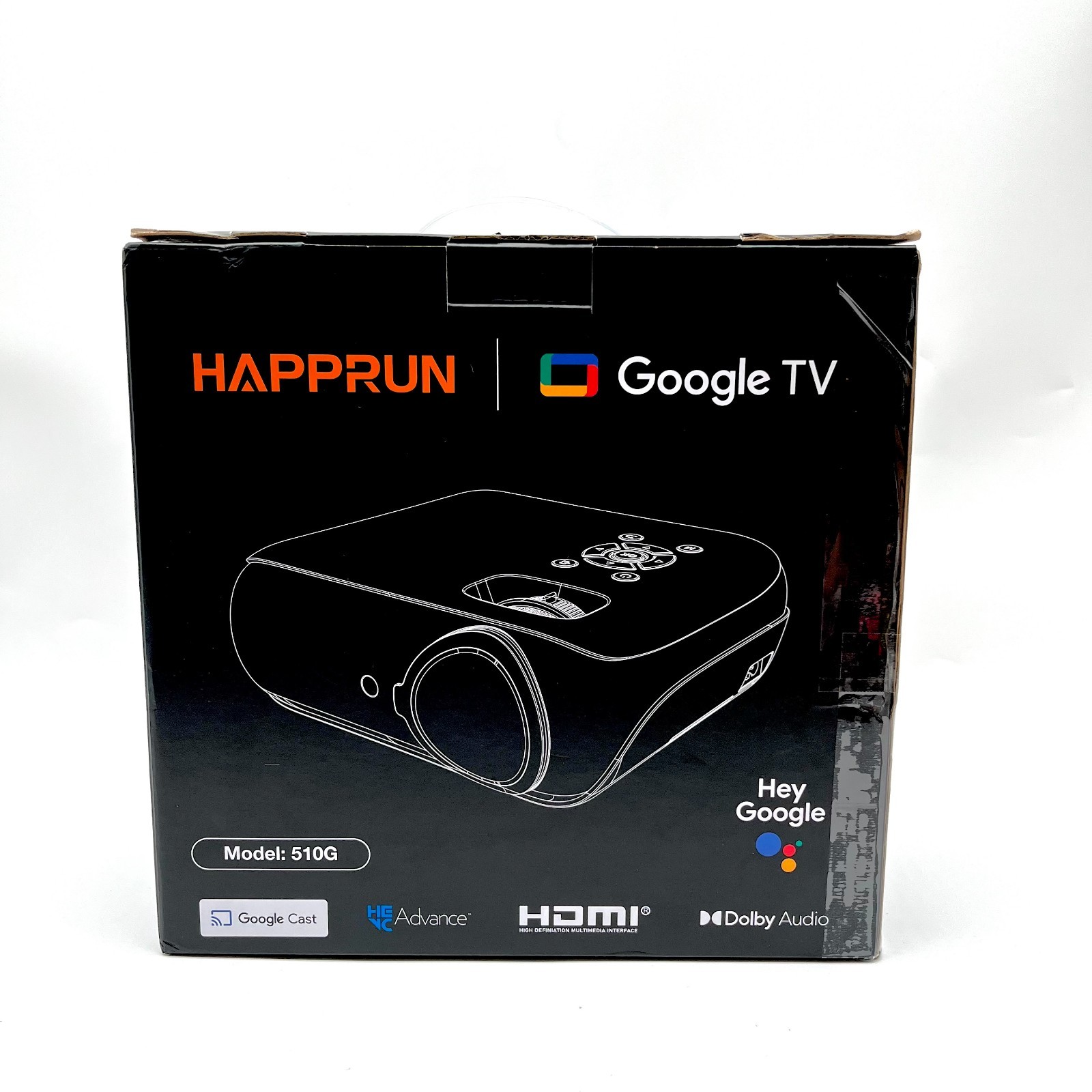 Happrun 4K Google TV White Projector with WiFi and Bluetooth Connectivity 510G$103.50View on eBay
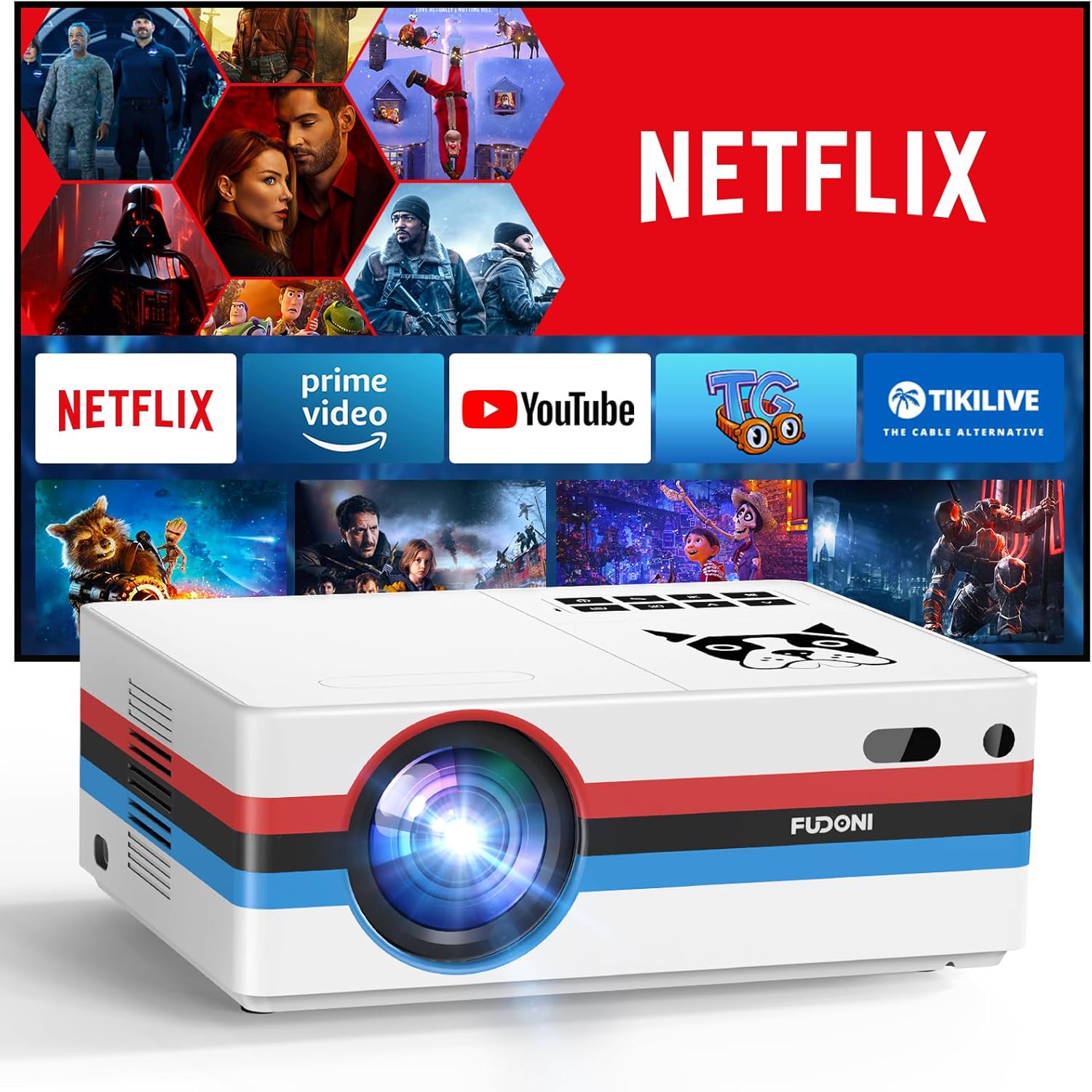 FUDONI Smart Projector with WiFi and Bluetooth, Native 1080P 4K Decoding for Home Cinema, Outdoor Movie Apps, Built-in Netflix/YouTube/Prime Video$197.99View on Mallflare
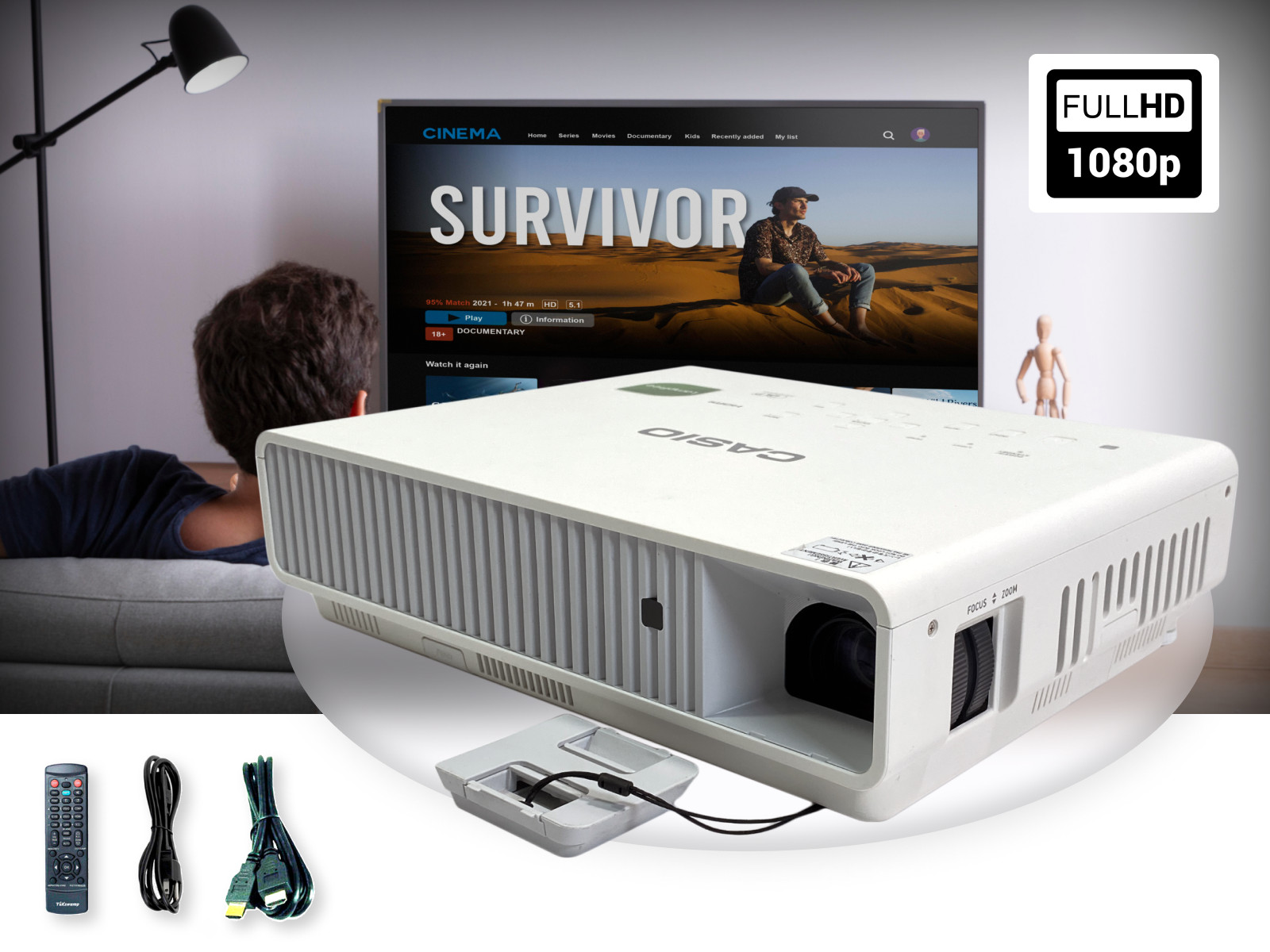 2500 ANSI DLP Projector for Home Theater Movie Lovers Cinema TV Video Full HD 3D$109.23Last checked Nov 28, 2026View on eBay
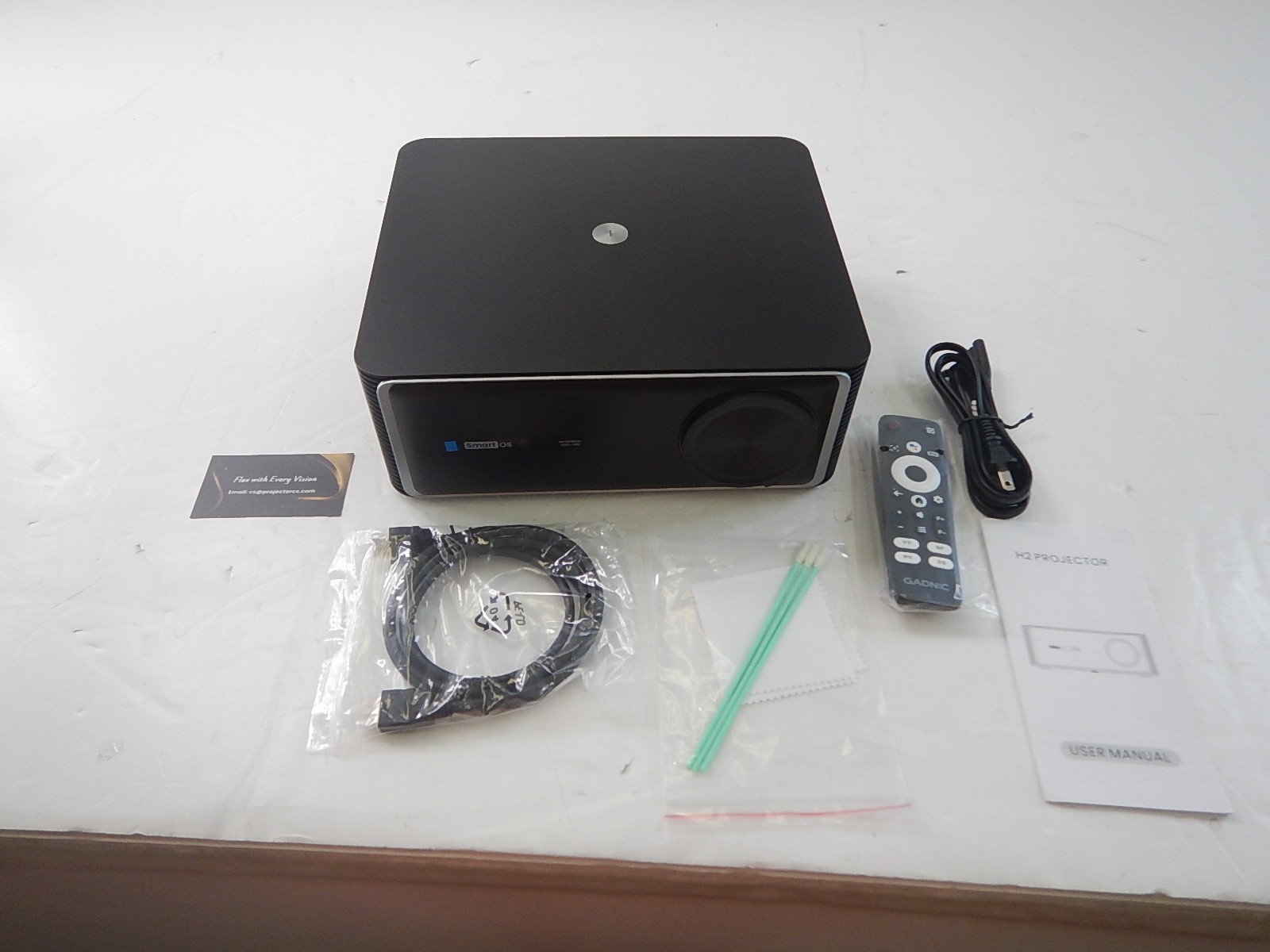 Boldever E22 3000 ANSI Google TV Smart Projector w/ WiFi - TESTED/NEW$126.02View on eBay
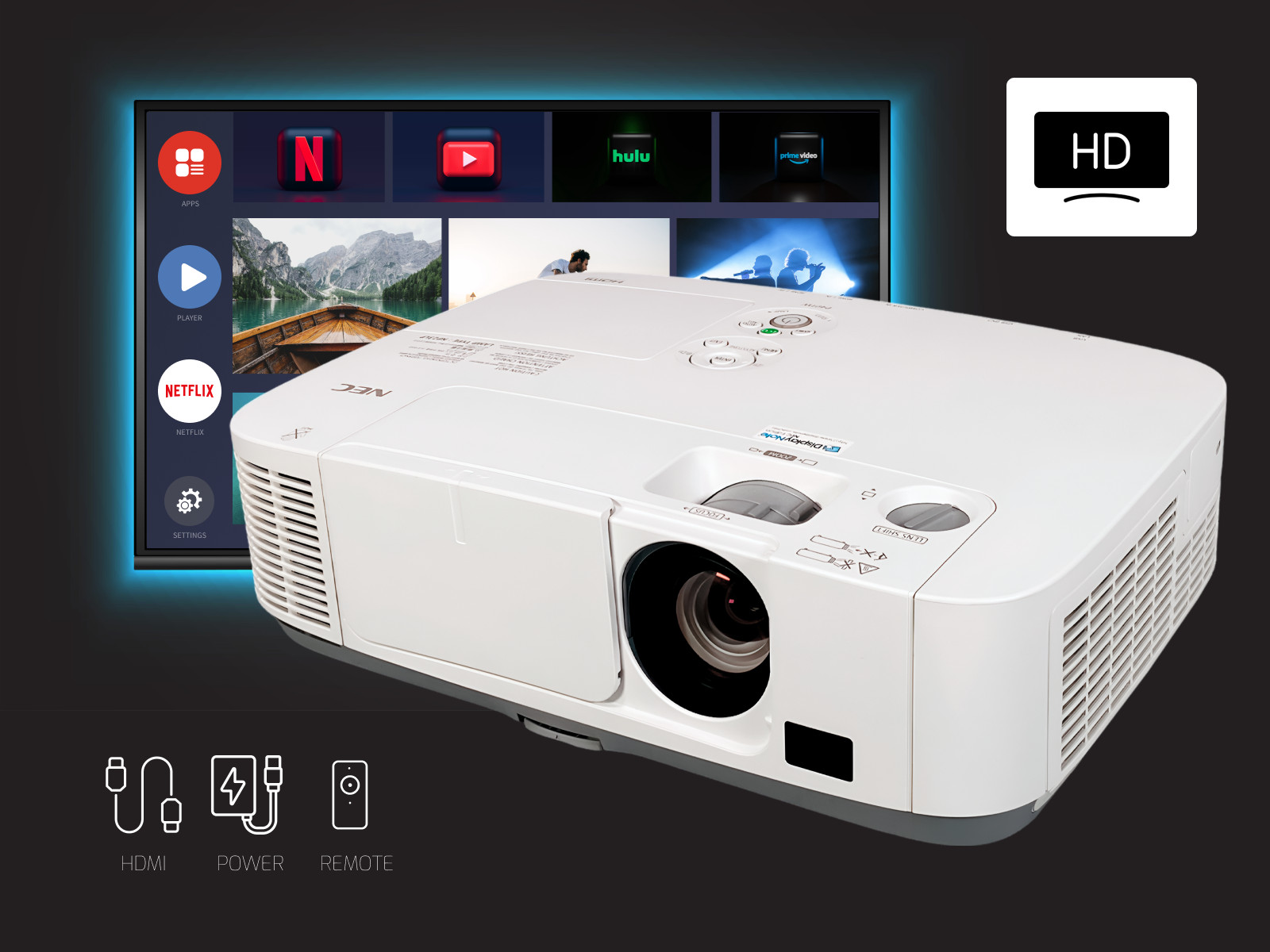 4000 ANSI 3LCD Projector Cinema Movie Supports 4K Input HDMI USB w/Remote$134.83View on eBay
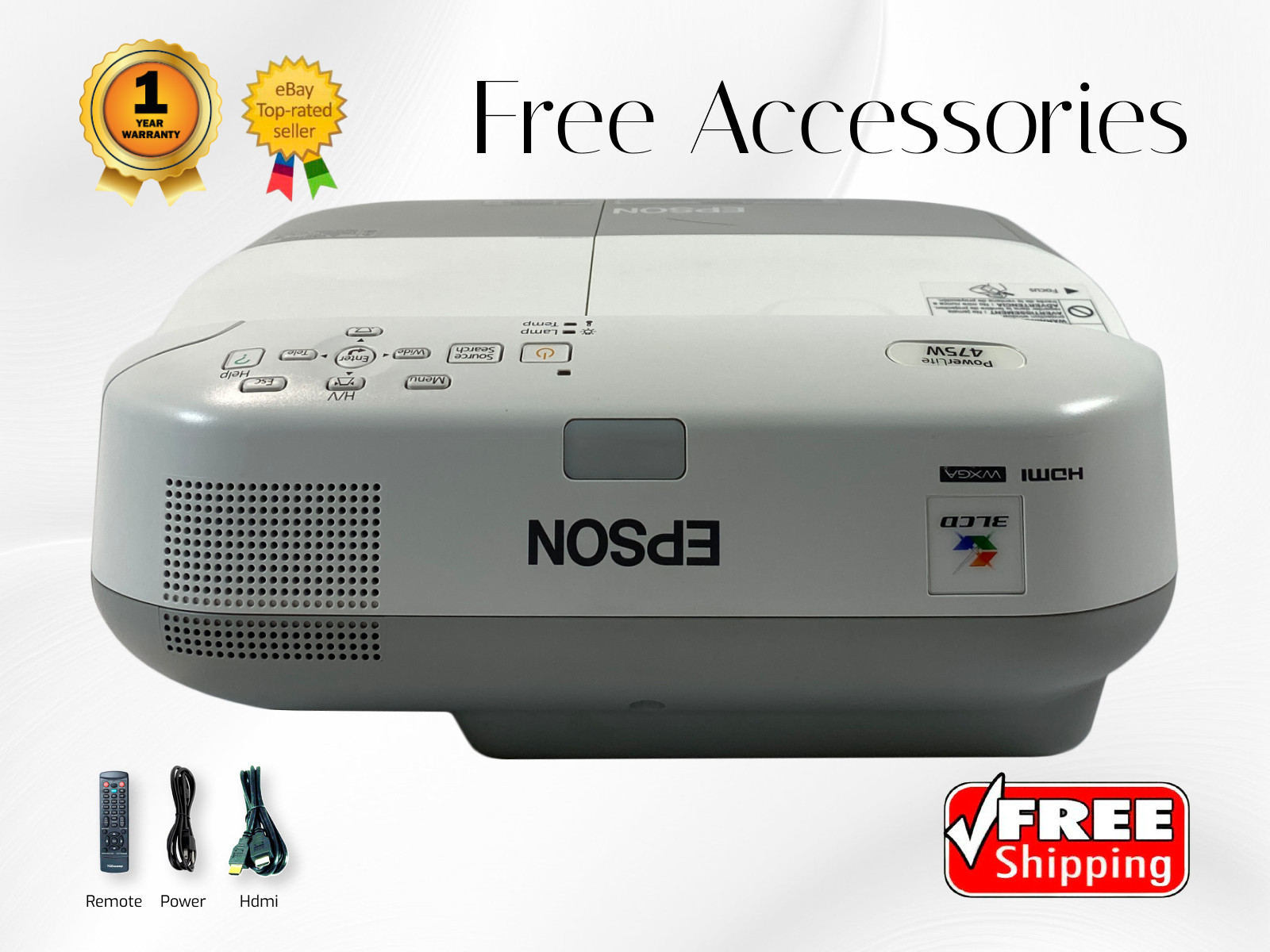 REFURBISHED Epson PowerLite 475W 3LCD 4K Projector Ultra Short Throw 2600 Lumens$147.90View on eBay
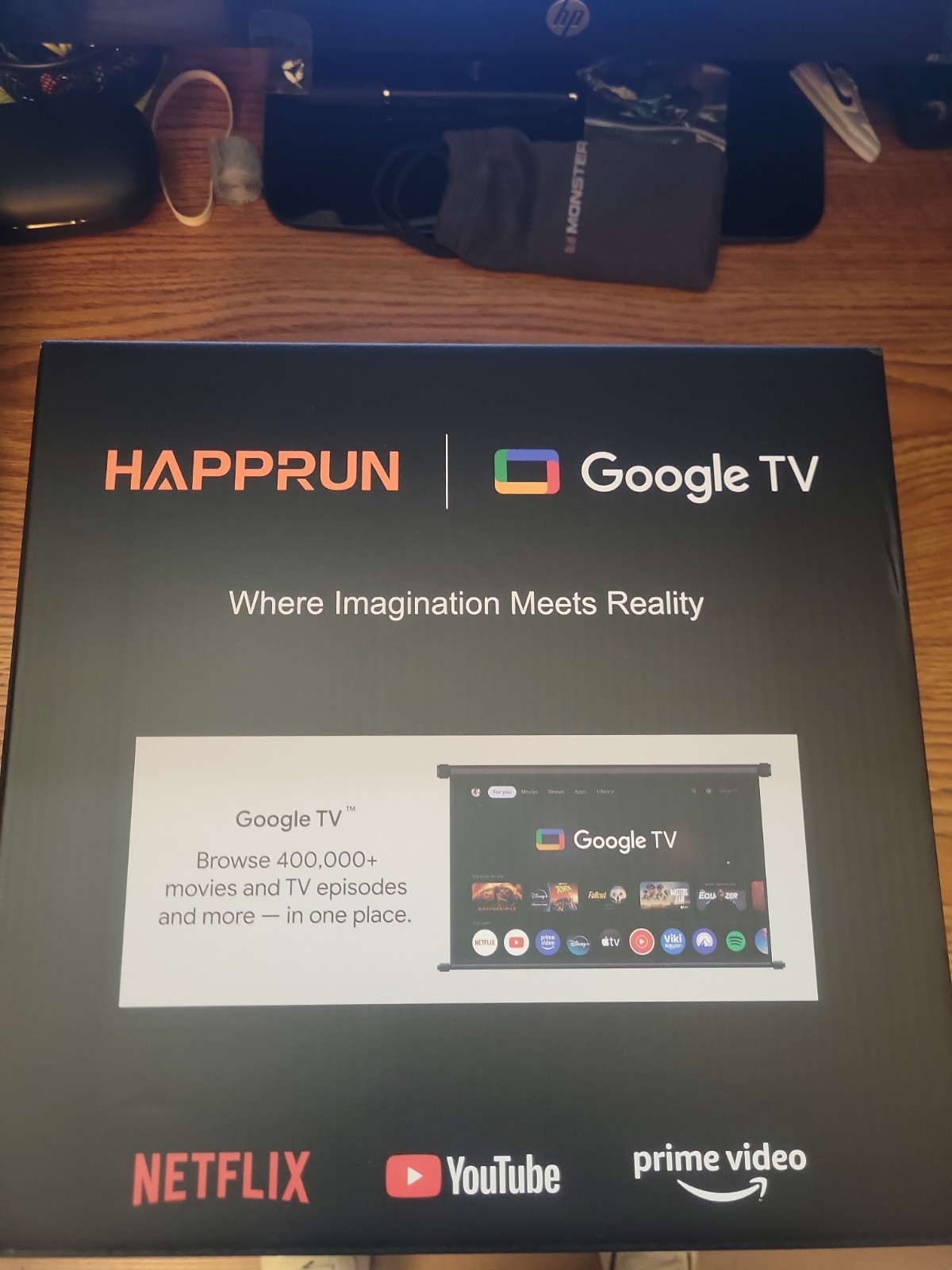 HAPPRUN Google TV Video Projector$149.99View on eBay
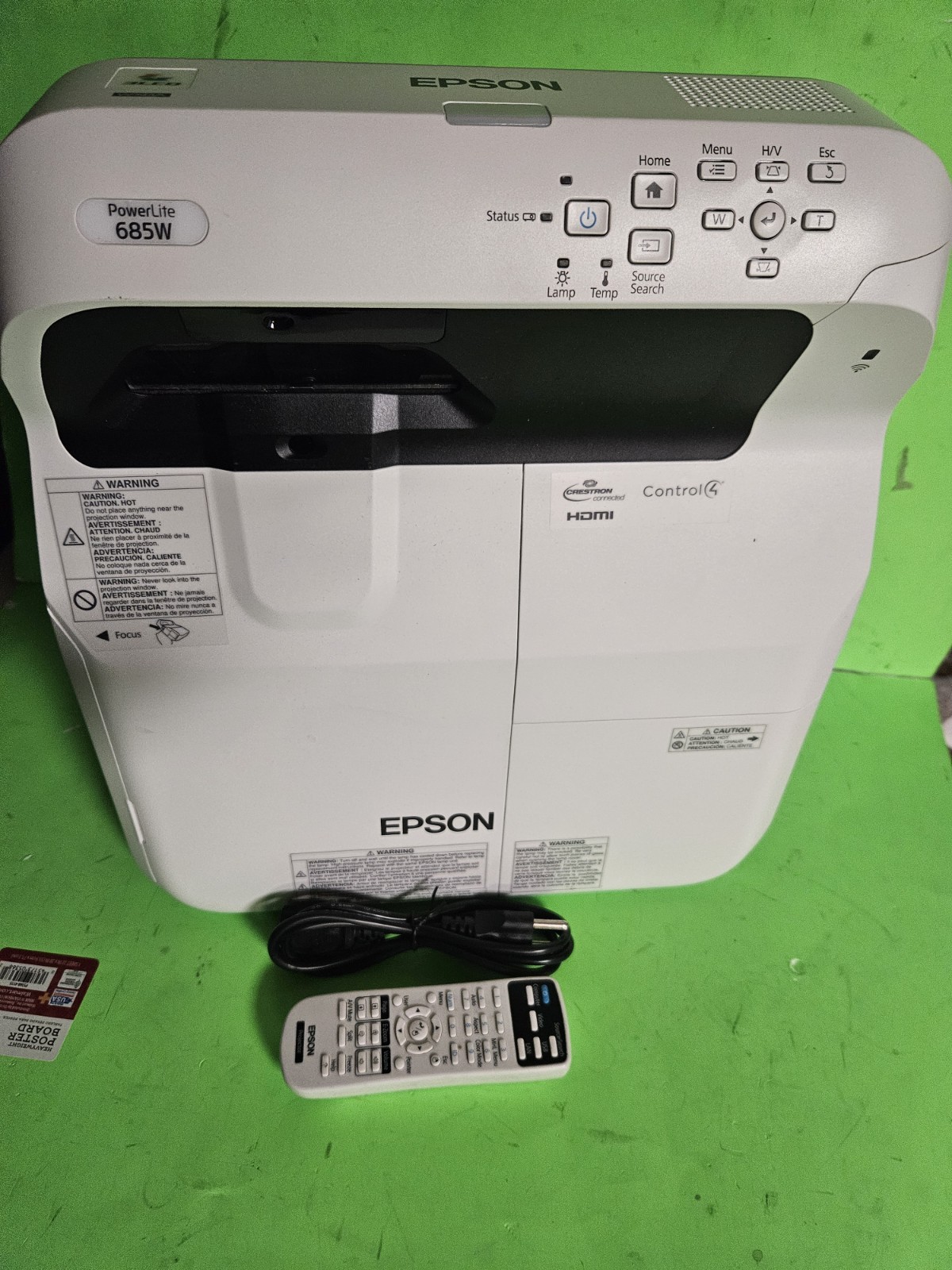 Sewing EPSON POWERLITE 685W Ultra SHORT-THROW PROJECTOR new lamp$174.97View on eBay
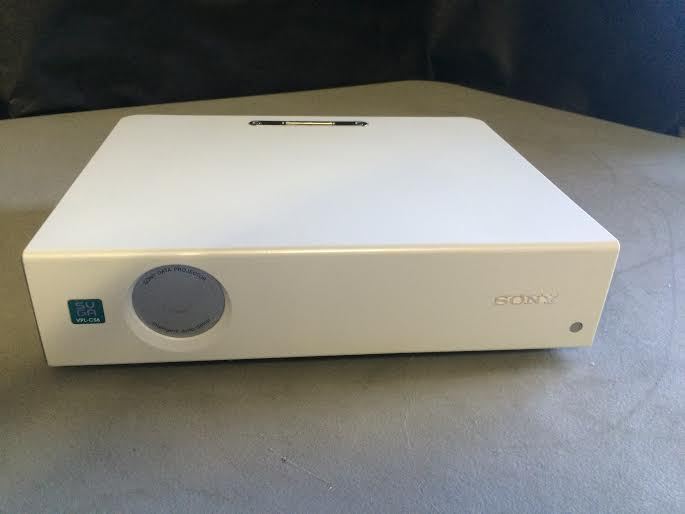 SONY VPL-CS6 LCD PROJECTOR, WORKS GREAT!! NEW FACTORY LAMP!$175.00View on eBay
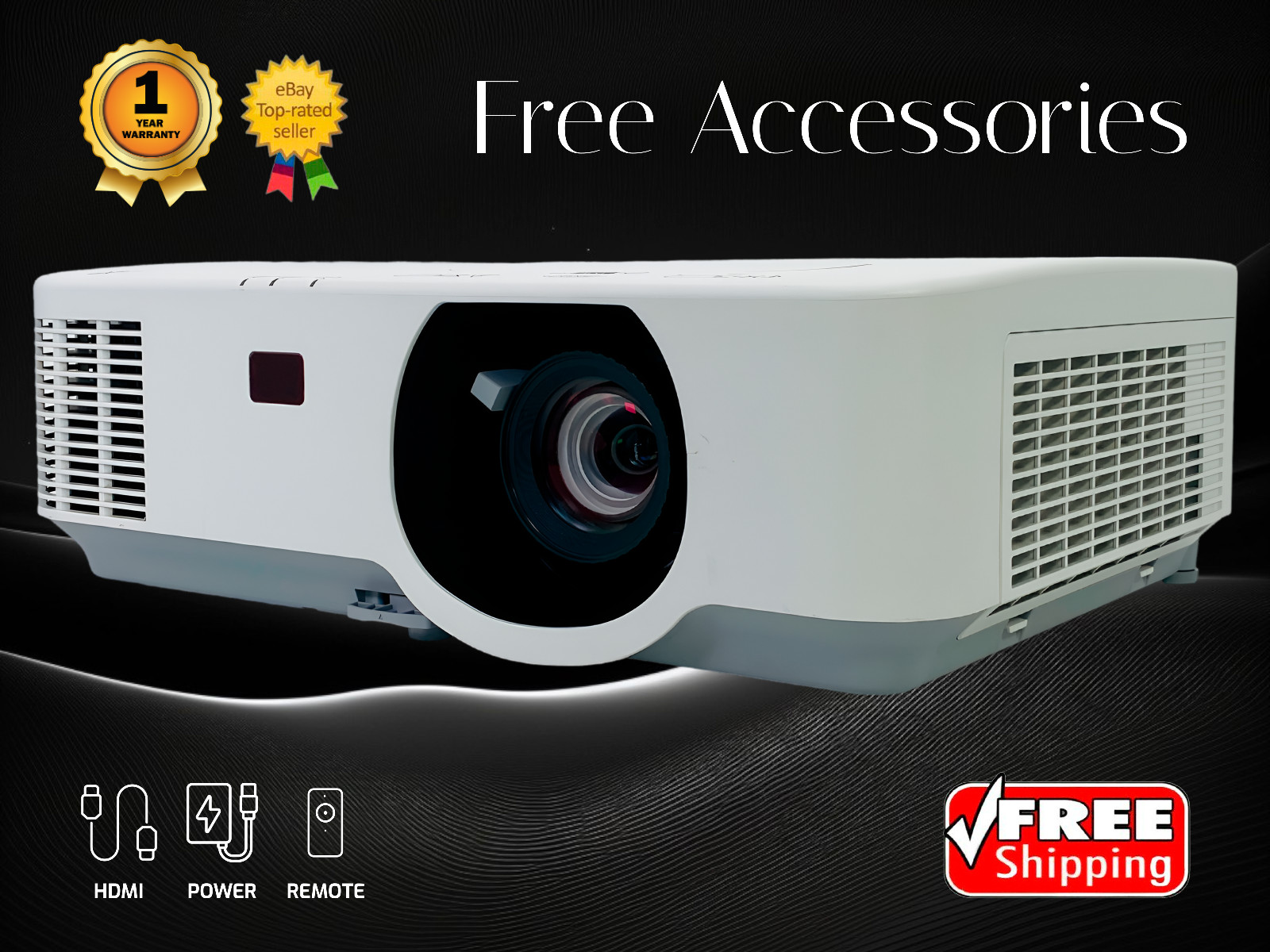 NEC P474W 3LCD Projector 4K 4700 Lumens 2160p 20W Speaker + 1 Year Warranty 🔥$293.25Last checked Nov 18, 2026View on eBay
Highlights
- Native resolution is the true pixel grid: 1920x1080 LCD/DLP panels render sharp 1080p; 'supported 4K' on budget units means downscaled input, not 4K output.
- Brightness must be ANSI lumens measured to a standard; budget units claiming 5,000-10,000 'lumens' are usually peak LED lumens, with real output near 150-400 ANSI.
- Light engines split into LED (20,000-30,000 hour life, lower heat) and metal-halide lamp (3,000-6,000 hours, replacement cost); DLP uses a spinning color wheel with potential rainbow artifacts.
- Physical lens focus and zoom outperform digital keystone: optical adjustment keeps full pixel resolution, while digital keystone crops and softens the image.
Best use cases
- Dark bedroom movie nights: pick a native 1080p LCD or DLP unit at 200+ ANSI lumens with HDMI and a 40-100 inch throw — skip battery-powered pico models under 100 ANSI.
- Living room with ambient light: choose a 500+ ANSI lumen LED projector with a matte grey or ALR screen; skip any budget unit below 300 ANSI, which washes out in daylight.
- Portable/outdoor use: select a sealed LED engine with built-in battery rated 2+ hours and USB-C or DC input; skip lamp-based units that need AC power and cool-down cycles.
- Gaming: require a model with stated input lag under 50 ms and 60 Hz HDMI; skip budget projectors with unlisted lag or 30 Hz-only processing, which feel sluggish.
Buying tips
- Match throw ratio to room: throw distance ÷ screen width = ratio; a 1.2:1 ratio gives a 100-inch image from about 2.6 m (8.7 ft), so measure wall-to-seat before choosing.
- Demand native 1080p (1920x1080) on the spec sheet; 720p or '1080p supported' panels deliver visibly softer text and scaling artifacts on a 100-inch screen.
- Prefer LED or laser light sources rated 20,000+ hours over lamps; a 5,000-hour lamp at 3 hours/day needs replacement in under five years.
- Check connectivity before buying: one HDMI plus USB is the minimum; for streaming sticks choose a model with HDMI input (not output-only) and at least 1 GB RAM if smart.
Specs
| Native Resolution | 1080p (1920x1080) vs 720p |
|---|---|
| Brightness | 200-500 ANSI lumens (budget tier) |
| Light Source | LED 20k-30k hr / lamp 3k-6k hr |
| Throw Ratio | 1.2:1 to 1.5:1 typical |
Related searches
What to check before buying
- Measure the projection wall width and seating distance to compute required throw ratio and confirm the image fits without digital keystone cropping.
- Verify room light control: budget projectors need dim or blackout conditions unless rated 500+ ANSI lumens for daytime viewing.
- Confirm voltage and plug standard (100-240 V or regional plug) plus included cables; many budget units ship without an HDMI cable.
- Check mounting or shelf space and whether the unit has bottom-thread tripod mount or front adjustable feet for leveling.
FAQ
Data sources: eBay / Amazon listings and product attribute feeds. Updated Nov 28, 2026.
Some links on this page are affiliate links. If you buy after clicking one, we may earn a commission at no extra cost to you. This does not change which products appear here or their order. Affiliate disclosure.