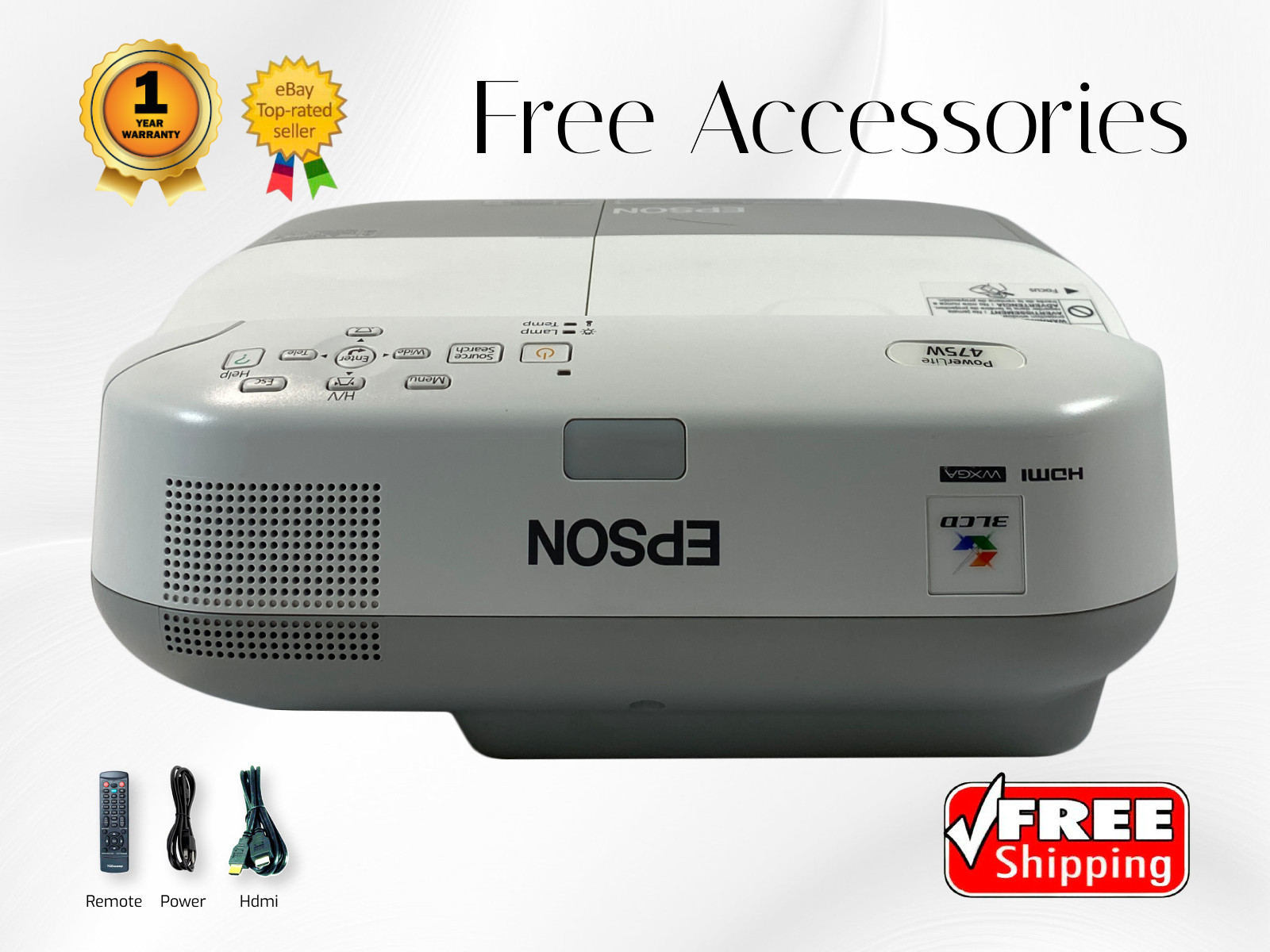

Photos from current listings. Actual item, color, and included accessories may vary.
4K Short Throw Projector Buying Guide
A 4K short throw projector uses a large-aperture lens to fill a 100-inch screen from roughly 3–5 feet, trading extreme placement flexibility for a higher optical build cost than long-throw models. The core trade-off is native 4K resolution and short-throw lens quality versus brightness, input latency, and lamp/laser lifespan. Buy only native 4K (or proven pixel-shift 4K) with a throw ratio matched to your room; skip 1080p-upscaled '4K supported' models and lamp-based units with high replacement costs.
Key takeaways
- Throw ratio defines placement: 0.25–0.4:1 ultra-short-throw sits inches from the wall; 0.5–0.9:1 short-throw needs 3–5 ft for 100 inches.
- Native 4K uses true 3840x2160 panels or DLP 0.66-inch chips; pixel-shift 4K (e.g., 1920x1080 x4) is acceptable but softer on fine text and HUD elements.
- 3LCD (Epson) delivers equal color brightness and no rainbow artifacts; single-chip DLP offers sharper pixel edges but can show RBE and lower color lumens.
At a glance
- Category
- Projectors & Screens
- Last updated
- Nov 28, 2026
Current offers
Highlights
- Throw ratio defines placement: 0.25–0.4:1 ultra-short-throw sits inches from the wall; 0.5–0.9:1 short-throw needs 3–5 ft for 100 inches.
- Native 4K uses true 3840x2160 panels or DLP 0.66-inch chips; pixel-shift 4K (e.g., 1920x1080 x4) is acceptable but softer on fine text and HUD elements.
- 3LCD (Epson) delivers equal color brightness and no rainbow artifacts; single-chip DLP offers sharper pixel edges but can show RBE and lower color lumens.
Best use cases
- Best fit: living room with 10–12 ft wall distance and ambient light — pick 0.4:1 ultra-short-throw laser at 3,000+ lumens and 4K pixel shift or native.
- Best fit: dedicated dark theater with 12–15 ft throw — pick 0.5–0.9:1 short-throw native 4K DLP with low input lag for gaming and HDR10.
- Wrong fit: small bedroom with 6 ft wall — a 0.25:1 UST is required; standard short-throw at 0.8:1 cannot fill 100 inches without sitting mid-room.
- Skip: lamp-based refurbished 4K units with unknown lamp hours unless lamp cost and replacement interval are confirmed and acceptable.
Buying tips
- Calculate throw distance: for a 100-inch diagonal (87-inch width), divide width by throw ratio — 0.4:1 needs 34.8 inches; 0.8:1 needs 69.6 inches from lens to screen.
- Choose 3,000+ ANSI lumens for rooms with windows; 2,000–2,500 lumens suits light-controlled spaces. Color brightness (CLO) matters more than white lumens for 3LCD.
- Verify native resolution in the spec sheet: '4K supported' or '4K input' often means 1080p panel with downscaling; look for 3840x2160 native or 'pixel shift 4K'.
- Match inputs to sources: HDMI 2.0/2.1 with HDCP 2.2 is required for 4K60 HDR from consoles and streaming sticks; older HDMI 1.4 caps at 4K30.
Specs
| Throw Ratio | 0.25–0.4:1 UST / 0.5–0.9:1 short |
|---|---|
| Native Resolution | 3840x2160 native or pixel-shift 4K |
| Light Source | Laser 20,000+ hr / Lamp 4,000–5,000 hr |
| Brightness | 2,000–3,500 ANSI lumens |
Related searches
What to check before buying
- Measure lens-to-screen distance and ceiling/wall mount clearance; confirm the projector's throw ratio fills your target screen size from that exact distance.
- Check room ambient light and screen gain — UST models need an ALR screen for daytime viewing; standard matte white suits dark rooms.
- Confirm voltage (120V vs 220V) and plug type for your region; most projectors are region-specific and lack universal power supplies.
- Verify included accessories: power cable, remote, and whether a mount or screen is required separately; UST units often need a dedicated low-profile mount.
FAQ
Data sources: eBay / Amazon listings and product attribute feeds. Updated Nov 28, 2026.
Some links on this page are affiliate links. If you buy after clicking one, we may earn a commission at no extra cost to you. This does not change which products appear here or their order. Affiliate disclosure.