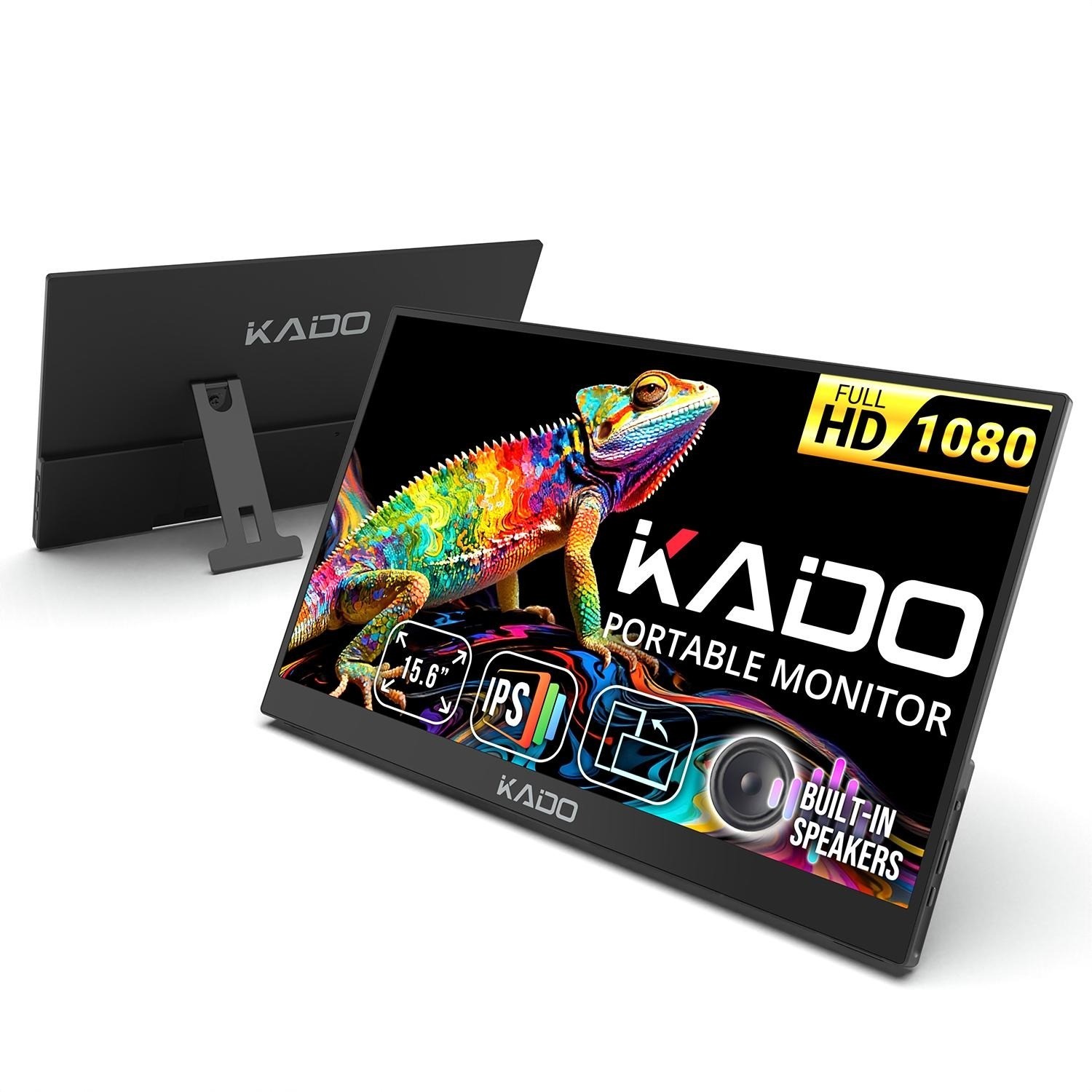

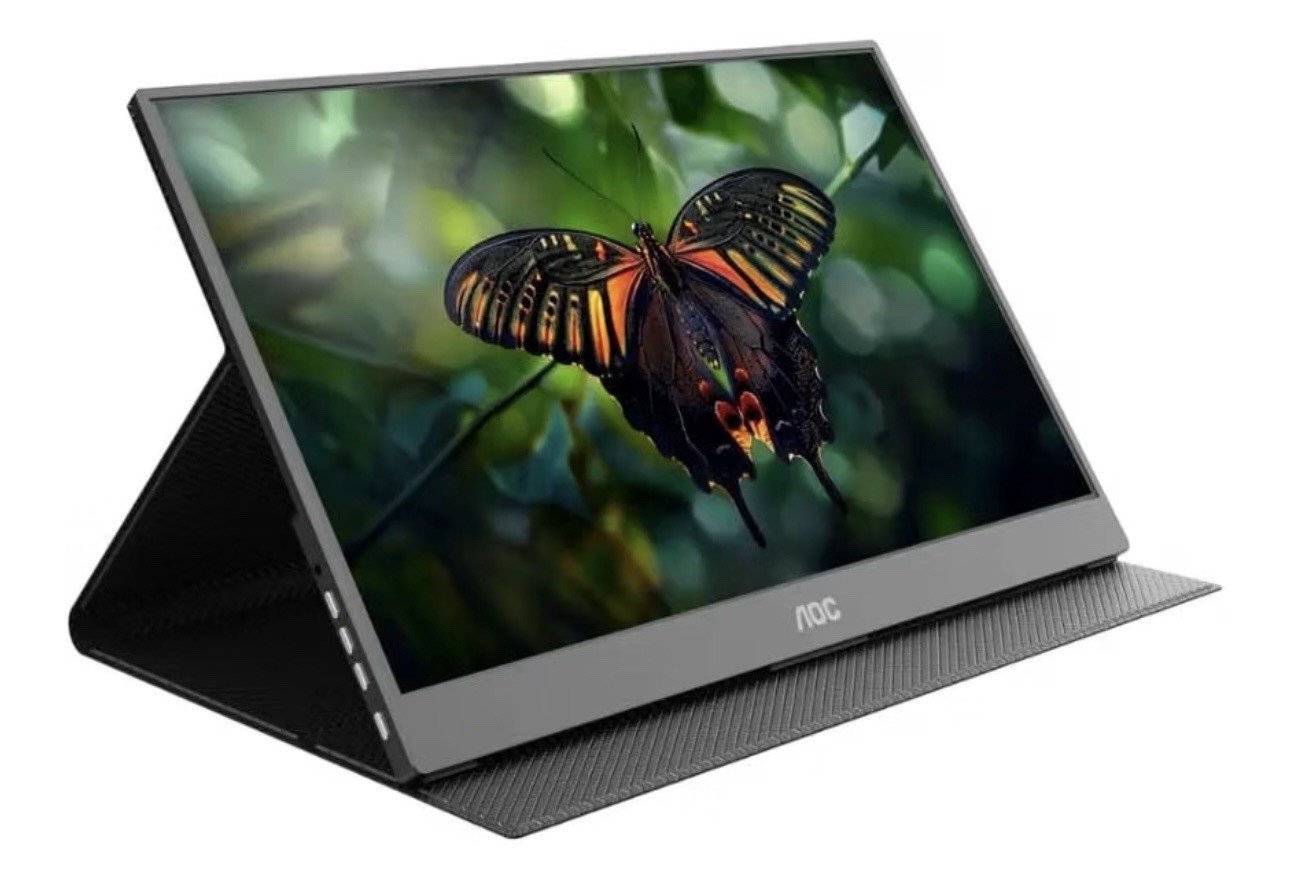
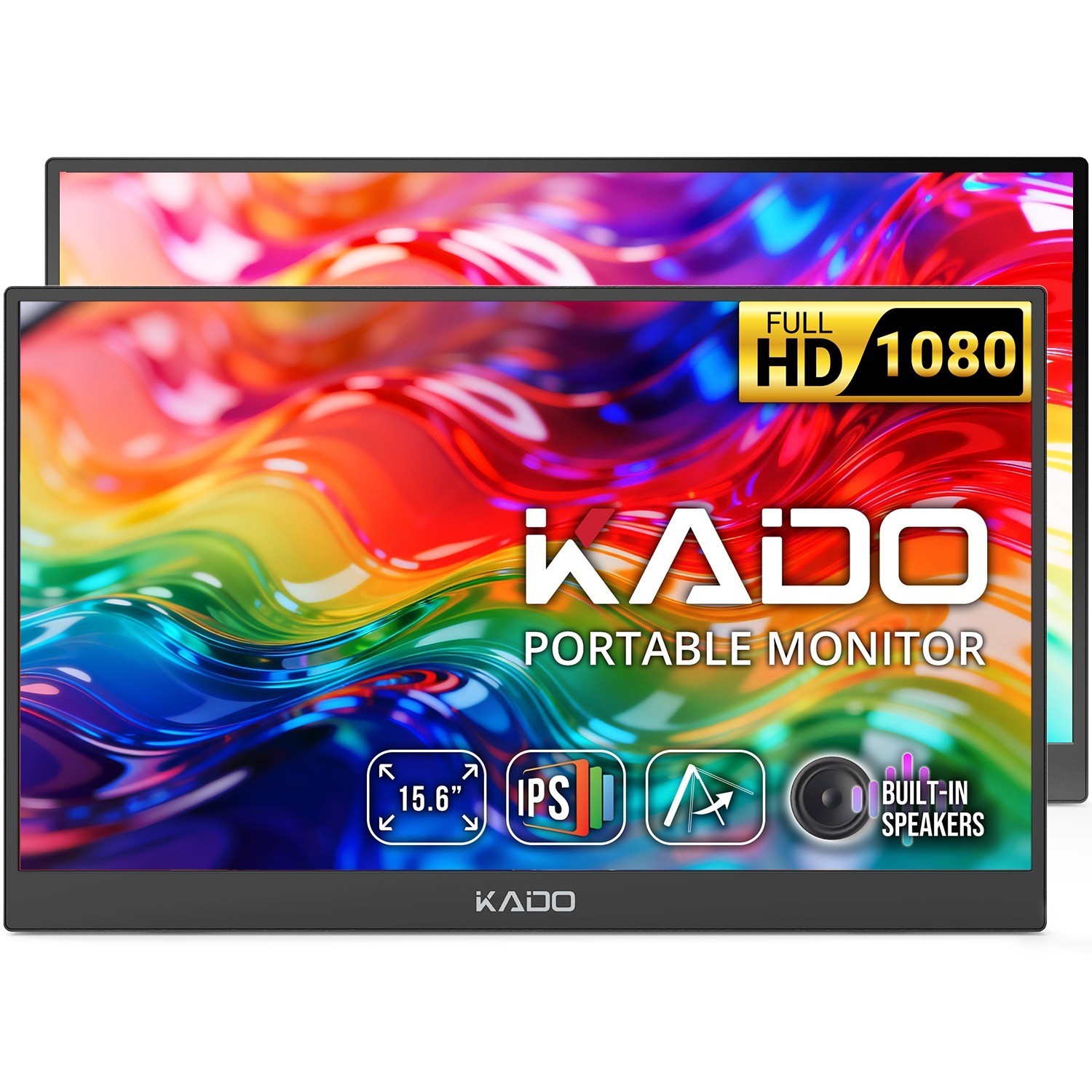
Photos from current listings. Actual item, color, and included accessories may vary.
Portable Monitor Buying Guide
A portable monitor is a slim, USB-C or mini-HDMI powered secondary display built for travel, laptop extension, and console or mini-PC setups. The core trade-off is panel quality and power delivery against chassis rigidity and weight: thin plastic frames flex and dim, while metal-bodied IPS panels with full USB-C Power Delivery hold brightness and survive daily packing. The decision rule is simple: buy IPS at 250+ nits with USB-C DP alt-mode and a metal or glass-front chassis; skip TN panels, sub-200-nit screens, and mini-HDMI-only units unless a specific legacy device demands them.
Median $66.99
Key takeaways
- Panel type decides everything: IPS gives 178-degree viewing angles and consistent color; TN washes out off-axis and is only acceptable on budget gaming panels above 120Hz.
- USB-C DP alt-mode carries video and power over one cable; mini-HDMI models need separate power, so confirm the port set matches your laptop, Mac mini, or console.
- Brightness of 250-300 nits suits indoor desk and hotel use; 400+ nits is required for daylight or window-facing setups, and matte anti-glare coatings beat glossy glass outdoors.
At a glance
- Category
- Computer Monitors
- Last updated
- Nov 24, 2026
Current offers
Highlights
- Panel type decides everything: IPS gives 178-degree viewing angles and consistent color; TN washes out off-axis and is only acceptable on budget gaming panels above 120Hz.
- USB-C DP alt-mode carries video and power over one cable; mini-HDMI models need separate power, so confirm the port set matches your laptop, Mac mini, or console.
- Brightness of 250-300 nits suits indoor desk and hotel use; 400+ nits is required for daylight or window-facing setups, and matte anti-glare coatings beat glossy glass outdoors.
- Chassis matters for travel: aluminum or magnesium shells with glass-front bonding resist flex and protect the panel, while thin plastic backs crease and distort the image under pressure.
Best use cases
- Pick a 15.6-inch 1080p IPS USB-C unit for laptop extension and Mac mini desk pairing: one cable handles video and power at a weight that fits any backpack sleeve.
- Choose a 17.3-inch 144-165Hz panel only if you game on Switch, PS5, or Xbox and accept a separate power brick; skip high-refresh models for spreadsheet and document work.
- Buy a 24-inch rotation or touch model with a built-in battery only for kiosk, retail, or stand-mounted use; skip it for travel because size and weight defeat the portable premise.
- Avoid dual 2-pack bundles unless you genuinely need two matched screens; a single quality panel plus your laptop display covers most workflows at lower weight and cost.
Buying tips
- Match size to bag and desk: 15.6-inch fits standard laptop sleeves, 17.3-inch needs a dedicated 17-inch case, and 24-inch models are desk-only despite the portable label.
- Confirm USB-C alt-mode and Power Delivery wattage: the monitor should accept 45-65W pass-through so a single charger feeds laptop and screen without a second brick.
- For Mac mini, use USB-C to USB-C for video and power from a Thunderbolt port or a bus-powered hub; mini-HDMI works but drops audio unless the panel has speakers.
- For consoles, require HDMI 2.0 and an integrated or bundled power source; Switch and PS5 output at 1080p60 over HDMI, so a 165Hz panel only pays off on PC gaming.
Specs
| Panel Type | IPS vs TN vs VA |
|---|---|
| Size & Resolution | 15.6-17.3 in / 1080p-2.5K |
| Refresh Rate | 60Hz office / 144-165Hz gaming |
| Connectivity | USB-C DP alt-mode + mini-HDMI |
Related searches
What to check before buying
- Measure your laptop sleeve and desk depth: 15.6-inch panels are roughly 14 inches wide, so verify bag width and stand footprint before buying.
- Check port inventory on your source device: count free USB-C and HDMI ports and confirm at least one supports DisplayPort alt-mode.
- Confirm power: the monitor needs its own USB-C PD supply or a powered hub; a laptop's single low-watt port cannot drive a 17.3-inch high-refresh panel.
- Verify VESA mounting and stand type if you plan arm or tripod use; rotating-stand models cover portrait workflows without extra hardware.
FAQ
Data sources: eBay / Amazon listings and product attribute feeds. Updated Nov 24, 2026.
Some links on this page are affiliate links. If you buy after clicking one, we may earn a commission at no extra cost to you. This does not change which products appear here or their order. Affiliate disclosure.