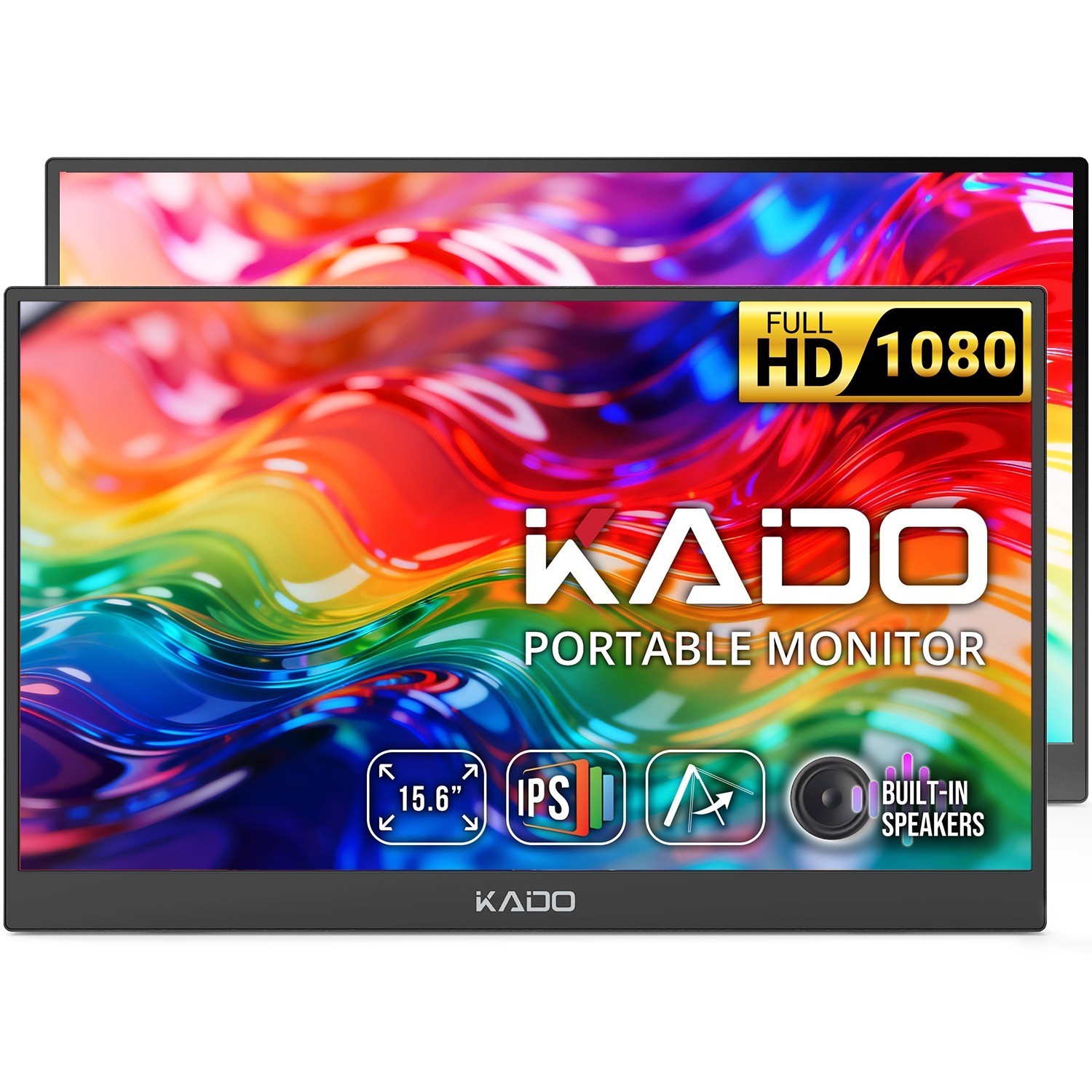

Photos from current listings. Actual item, color, and included accessories may vary.
Dual Monitor Buying Guide
A dual-monitor setup pairs two displays for expanded desktop space, where the core trade-off is panel quality and ergonomic adjustability versus cost and desk footprint. Durable, productivity-grade options use IPS panels with height-adjustable stands and VESA mounting, while compromises rely on fixed-stand TN panels or portable units with limited rigidity. The decision rule: buy matched IPS panels with VESA and height adjustment for permanent desks, and choose portable dual-screen units only for travel or laptop-only workflows.
Key takeaways
- Panel technology: IPS delivers 178-degree viewing angles and consistent color, while TN shifts color at off-angles and suits only single-user head-on viewing.
- Ergonomic tier: height-adjustable, tilt, swivel, and pivot stands with 100x100mm VESA mounting prevent neck strain; fixed-stand budget panels force stack-of-books workarounds.
- Resolution and size math: dual 24-inch 1080p suits ~20-inch viewing distance, while dual 27-inch 1440p needs ~28 inches and 110 PPI for crisp text without scaling.
At a glance
- Category
- Computer Monitors
- Last updated
- Nov 28, 2026
Current offers
Highlights
- Panel technology: IPS delivers 178-degree viewing angles and consistent color, while TN shifts color at off-angles and suits only single-user head-on viewing.
- Ergonomic tier: height-adjustable, tilt, swivel, and pivot stands with 100x100mm VESA mounting prevent neck strain; fixed-stand budget panels force stack-of-books workarounds.
- Resolution and size math: dual 24-inch 1080p suits ~20-inch viewing distance, while dual 27-inch 1440p needs ~28 inches and 110 PPI for crisp text without scaling.
- Portable dual units: 15.6-inch 1080p IPS panels with folding kickstands travel well but lack VESA and height adjustment, so they are travel tools rather than desk fixtures.
Best use cases
- Best for permanent home office: pick two identical 24- or 27-inch IPS monitors with height-adjustable stands and VESA mounts; skip fixed-stand TN panels that cannot align with your eye line.
- Best for laptop-only hot-desking: choose a portable dual 15.6-inch 1080p IPS unit with folding stand and USB-C power; skip it for all-day primary use because the stand is short and non-adjustable.
- Best for mixed laptop plus external: pair one desktop IPS monitor on a VESA arm with your laptop screen as the second display; skip matched dual monitors if you rarely need two full-size panels.
- Wrong fit: buying two mismatched panel types (one IPS, one TN) creates color and brightness differences across the seam that no calibration fully resolves; match panel type and resolution.
Buying tips
- Match resolution and size across both panels to keep pixel density and scaling identical; a 1080p 24-inch beside a 1440p 27-inch forces per-monitor scaling and cursor-size mismatch.
- Confirm 100x100mm VESA holes on both monitors before buying arms; many budget fixed-stand models omit VESA entirely, blocking dual-arm mounting.
- For dual arms, check each monitor's weight against the arm's per-arm capacity and desk thickness against the clamp range; a 27-inch panel typically weighs 10-15 pounds without stand.
- Choose IPS over TN for dual setups because the second monitor sits off-center, and TN color shift at that angle causes visible tint differences between the two screens.
Specs
| Panel Type | IPS vs TN vs VA |
|---|---|
| Resolution Tier | 1080p / 1440p / 4K per panel |
| Stand Adjustability | Height/tilt/swivel/pivot vs fixed |
| VESA Mount | 100x100mm present vs absent |
Related searches
What to check before buying
- Measure desk width: two 24-inch monitors side by side need about 44-46 inches of clear width, and two 27-inch need about 50-52 inches, before stands or arms.
- Check desk thickness and rear edge clearance for a dual-arm clamp; most clamps accept 0.4-2.0 inch thick tops and need 2-3 inches of rear overhang.
- Verify port and cable plan: two monitors need two video outputs (DisplayPort, HDMI, or USB-C) and enough power outlets or a USB-C hub with display output.
- Confirm eye-line height: stand or arm must raise screen center to roughly eye level, about 2-4 inches below the top of the monitor, to avoid neck flexion.
FAQ
Data sources: eBay / Amazon listings and product attribute feeds. Updated Nov 28, 2026.
Some links on this page are affiliate links. If you buy after clicking one, we may earn a commission at no extra cost to you. This does not change which products appear here or their order. Affiliate disclosure.