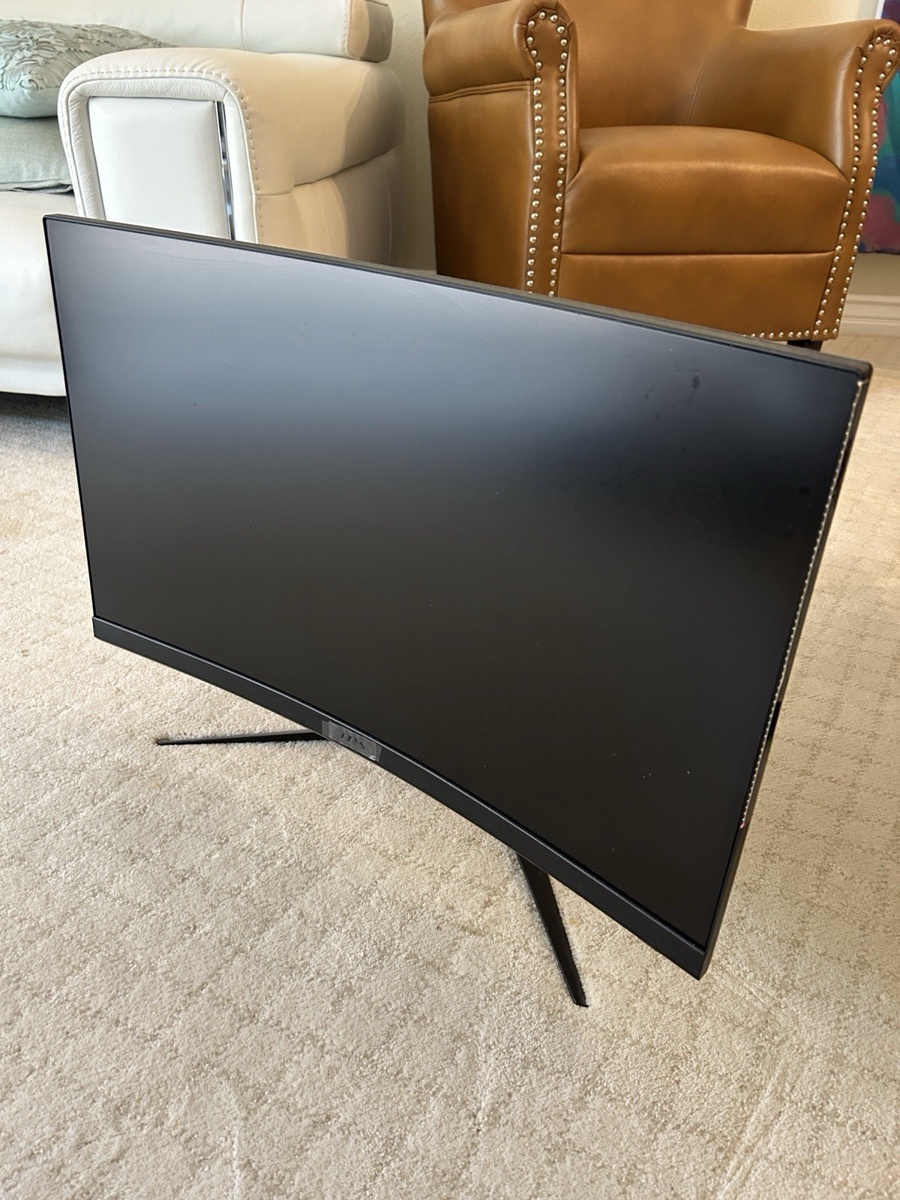

Photos from current listings. Actual item, color, and included accessories may vary.
Gaming Monitor Buying Guide
Gaming monitors are defined by the panel technology (IPS, VA, OLED) and the refresh/response tier, which dictate motion clarity and color accuracy far more than screen size. The core trade-off is between high-refresh speed (165Hz+) and panel quality (contrast, viewing angles) at a given budget, with build and stand ergonomics often compromised on entry models. The decision rule: buy the highest refresh rate your GPU can sustain at your target resolution, and never accept a panel without at least 120Hz if motion clarity matters.
Median $118.00
Key takeaways
- Refresh rate tiers: 60Hz is office-grade, 120-165Hz is the console/PC sweet spot, 240Hz+ demands a GPU that can push frames consistently.
- Panel types: IPS gives best color and viewing angles, VA delivers deeper blacks but slower pixel transitions, OLED offers per-pixel contrast with burn-in risk.
- Response time (GtG) under 5ms is essential for competitive play; 1ms MPRT is a backlight-strobing trick, not true pixel response.
At a glance
- Category
- Computer Monitors
- Last updated
- Nov 24, 2026
Current offers
Highlights
- Refresh rate tiers: 60Hz is office-grade, 120-165Hz is the console/PC sweet spot, 240Hz+ demands a GPU that can push frames consistently.
- Panel types: IPS gives best color and viewing angles, VA delivers deeper blacks but slower pixel transitions, OLED offers per-pixel contrast with burn-in risk.
- Response time (GtG) under 5ms is essential for competitive play; 1ms MPRT is a backlight-strobing trick, not true pixel response.
- Adaptive sync: FreeSync works over HDMI/DisplayPort with AMD and many NVIDIA cards; G-Sync requires a hardware module or 'Compatible' certification.
Best use cases
- Competitive FPS players: pick a 24-25" 1080p panel at 240Hz+ with 1ms GtG and low input lag; skip 4K or ultrawide unless your GPU can sustain high frame rates.
- Console gamers (Xbox Series X/S, PS5): choose a 27-32" 4K 120Hz HDMI 2.1 monitor with VRR support; skip 1080p high-refresh models that cap at HDMI 2.0.
- Mixed productivity and gaming: select a 27" 1440p IPS at 165Hz with a height-adjustable stand; avoid TN panels and fixed-stand budget models for long sessions.
- Large-format immersion (sim racing, RPGs): a 34-40" ultrawide or 16:9 at 144-165Hz works; skip 60Hz large panels unless color accuracy is the sole priority.
Buying tips
- Match resolution to GPU tier: 1080p for entry cards, 1440p for mid-range, 4K only for high-end GPUs that can hold 60fps+ natively.
- Demand at least one DisplayPort 1.4 or HDMI 2.1 input for high refresh; HDMI 2.0 caps 4K at 60Hz and 1440p at 144Hz.
- For 24-25" 1080p, pixel density is ~90 PPI; at 27" 1440p it's ~109 PPI — sharper text and less aliasing without scaling.
- Check VESA mount pattern (75x75 or 100x100) and stand ergonomics: height, tilt, swivel, pivot are rare under budget tiers.
Specs
| Panel Type | IPS / VA / TN / OLED |
|---|---|
| Refresh Rate | 60Hz / 144-165Hz / 240Hz+ |
| Resolution | 1080p / 1440p / 4K |
| Adaptive Sync | FreeSync / G-Sync Compatible |
Related searches
What to check before buying
- Measure desk depth: a 27" monitor needs ~24" viewing distance; 32" needs ~30"; ultrawides require 30"+ width clearance.
- Confirm GPU ports: HDMI 2.1 for 4K 120Hz consoles, DisplayPort 1.4 for 1440p 240Hz PC — adapters can break VRR.
- Verify VESA mount compatibility if using an arm; check included stand height range against your seated eye level.
- Check room lighting: glossy OLED and VA panels show reflections; matte IPS is safer for bright rooms.
FAQ
Data sources: eBay / Amazon listings and product attribute feeds. Updated Nov 24, 2026.
Some links on this page are affiliate links. If you buy after clicking one, we may earn a commission at no extra cost to you. This does not change which products appear here or their order. Affiliate disclosure.