
Photos from current listings. Actual item, color, and included accessories may vary.
Monitor With HDMI Buying Guide
A monitor with HDMI is any display that accepts a standard HDMI video input, from basic 1080p office panels to high-refresh gaming screens and portable USB-C/HDMI models. The core trade-off is panel quality and refresh rate versus connectivity version: HDMI 1.4 caps at 1080p120 or 4K30, while HDMI 2.0 unlocks 4K60 and 2.1 enables 4K120+ for consoles and high-end GPUs. Choose by matching the HDMI revision to your source device and resolution target; skimping on version forces chroma subsampling or frame-rate locks.
Median $79.99
Key takeaways
- HDMI 1.4: 1080p up to 120Hz or 4K at 30Hz; adequate for office and casual use but blocks 4K60.
- HDMI 2.0: 4K at 60Hz with 8-bit color; the baseline for modern 4K monitors and streaming.
- HDMI 2.1: 4K at 120Hz+ or 8K at 60Hz with variable refresh rate; required for PS5/Xbox Series X high-frame modes.
At a glance
- Category
- Computer Monitors
- Last updated
- Nov 24, 2026
Current offers
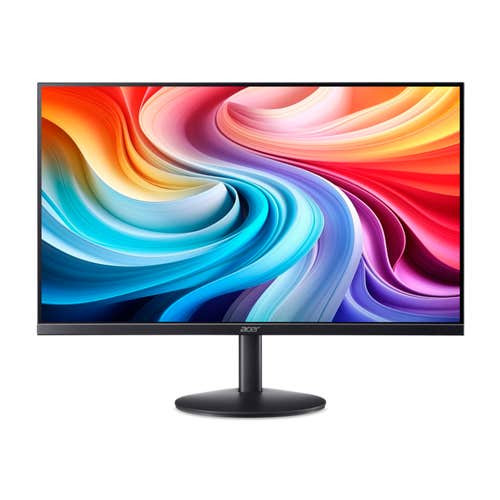 Acer Essential SB243Y G0bi 120Hz 1080p Computer Monitor - Refurbished$58.20View on eBay
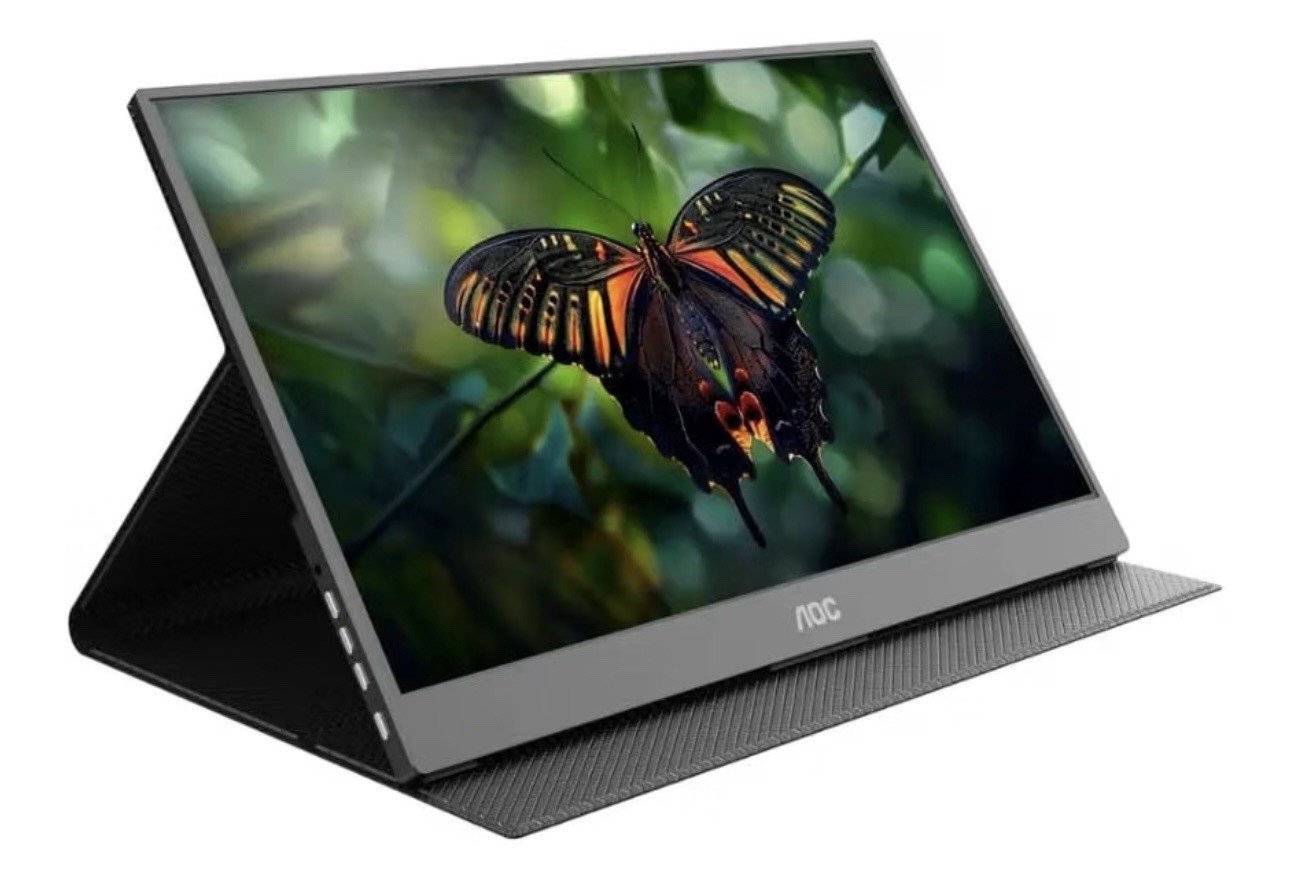 AOC Portable Monitor Ultra-Slim USB-C External Display for Laptop PC$66.99View on eBay
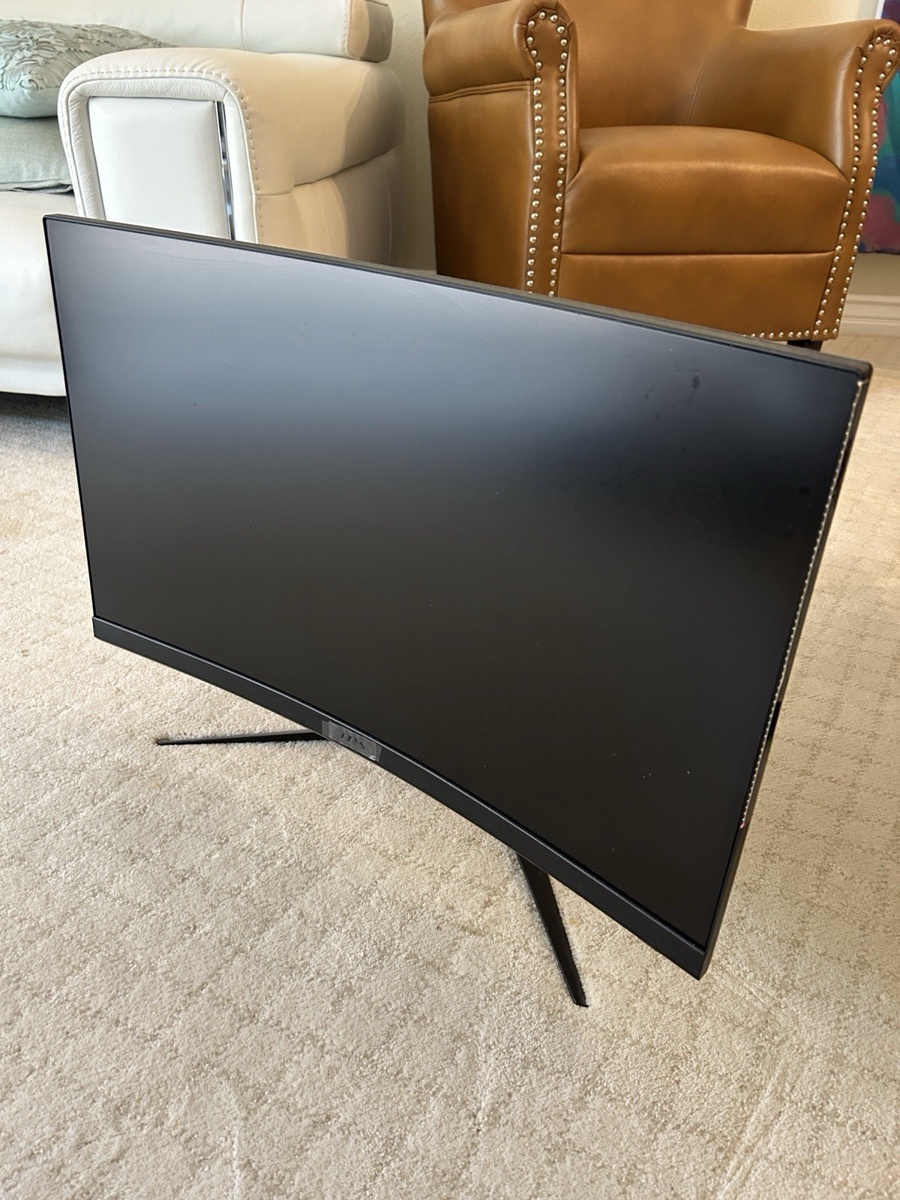 msi MAG 245C X24 24-inch 1920 x 1080 (FHD) Gaming Monitor$79.99View on eBay
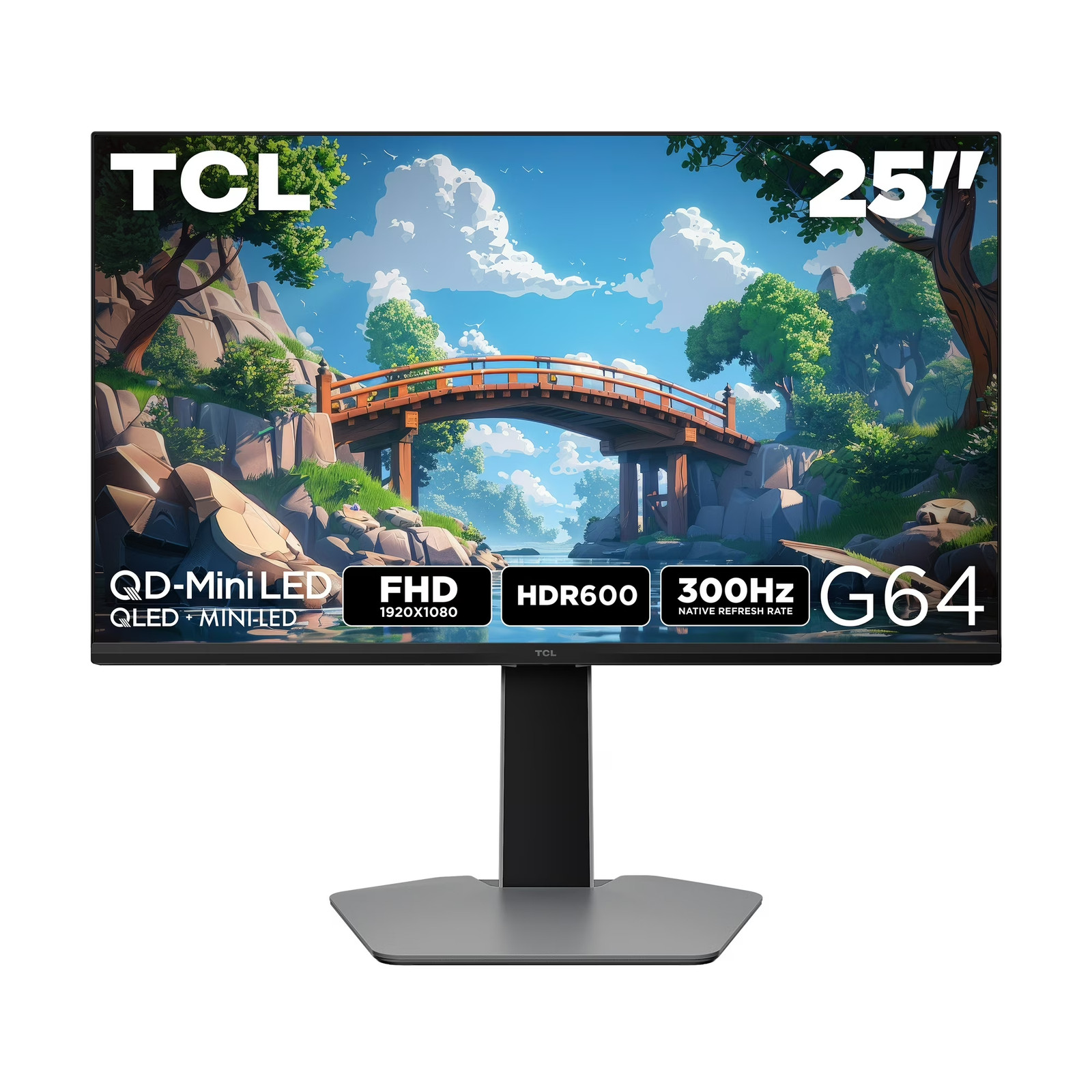 TCL 25G64 25" G64 Series FHD HDR QD-Mini LED Gaming Monitor, 300Hz Refresh Rate,$118.00View on eBay
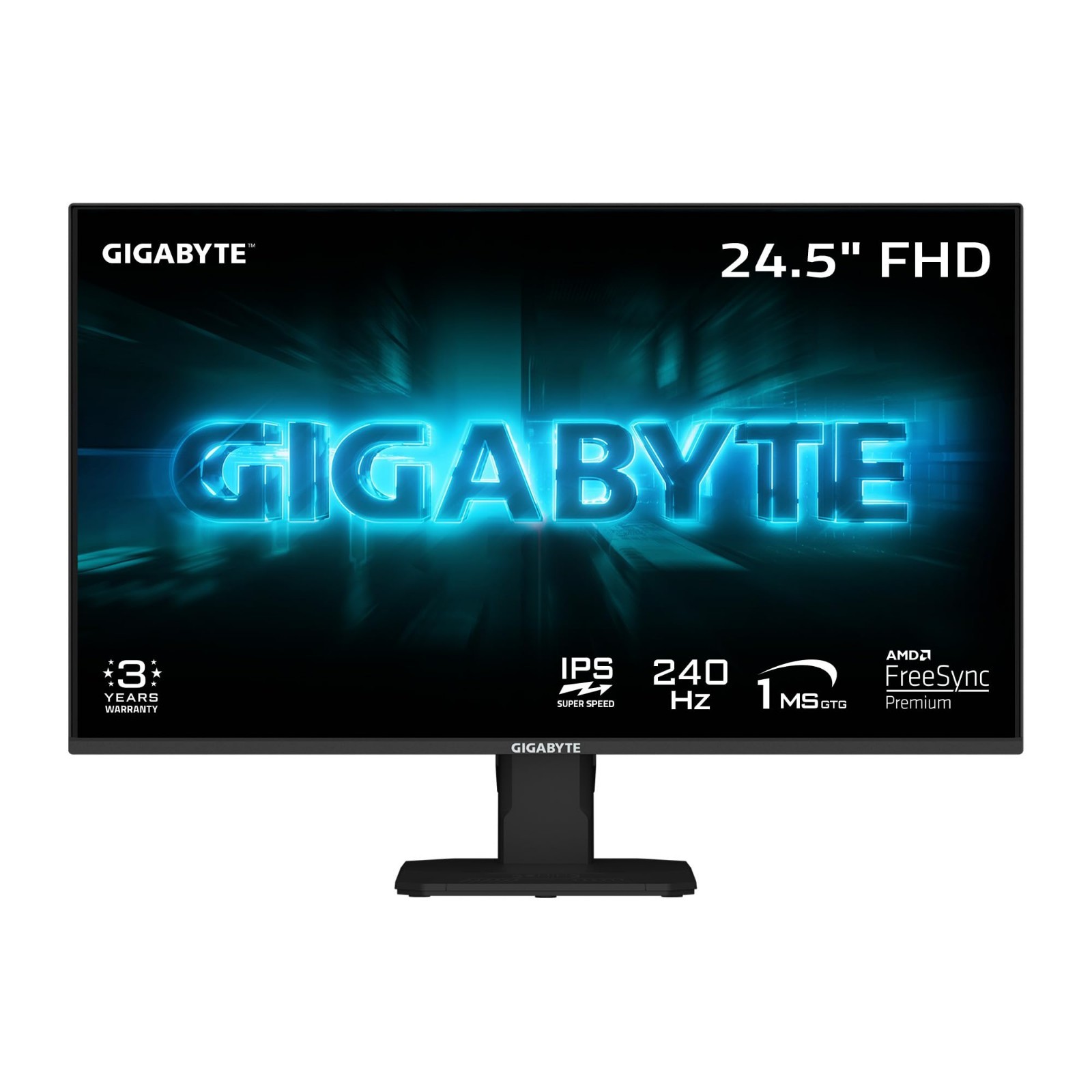 24.5" FHD IPS Gaming Monitor - SuperSpeed, Ultra-Slim, High Refresh Rate, Low In$170.99View on eBay
Highlights
- HDMI 1.4: 1080p up to 120Hz or 4K at 30Hz; adequate for office and casual use but blocks 4K60.
- HDMI 2.0: 4K at 60Hz with 8-bit color; the baseline for modern 4K monitors and streaming.
- HDMI 2.1: 4K at 120Hz+ or 8K at 60Hz with variable refresh rate; required for PS5/Xbox Series X high-frame modes.
- Panel type dictates contrast and response: IPS for color accuracy, VA for deep blacks, TN for fastest response at low cost.
Best use cases
- Office/productivity: pick a 24-27" 1080p or 1440p IPS panel with HDMI 1.4 or 2.0; skip high-refresh gaming tiers that add cost without benefit.
- Console gaming: require HDMI 2.1 for 4K120 on PS5/Xbox Series X; HDMI 2.0 limits you to 4K60 and 1080p120.
- Portable/laptop secondary screen: choose a USB-C monitor with HDMI input and bus-powered operation; skip desktop-sized panels if you need portability.
- Multi-source switching (PC + console + streaming stick): select a monitor with two or more HDMI inputs; a 4-way HDMI splitter is for distributing one source to multiple displays, not for connecting multiple sources to one monitor.
Buying tips
- Match HDMI version to target resolution and refresh: 4K60 needs HDMI 2.0 or better; 4K120 needs HDMI 2.1.
- For 1080p gaming at 120Hz+, confirm the monitor accepts 120Hz over HDMI, not just DisplayPort.
- Check panel resolution against size: 24" 1080p is sharp; 27" 1080p shows pixels at desk distance—prefer 1440p at 27" and up.
- Portable monitors: verify USB-C power delivery (at least 7.5W) and that HDMI input is full-size or include a mini-HDMI adapter.
Specs
| HDMI Version | 1.4 vs 2.0 vs 2.1 |
|---|---|
| Max Resolution @ Refresh | 1080p120 / 4K60 / 4K120 |
| Panel Type | IPS / VA / TN / OLED |
| Portable Power | Bus-powered USB-C vs AC adapter |
Related searches
What to check before buying
- Measure desk depth and viewing distance: 24" panel for 2-3 ft, 27" for 3-4 ft, 32"+ for 4 ft+.
- Confirm your source outputs the HDMI version you need—older laptops may be HDMI 1.4 only.
- For wall or arm mounting, check VESA pattern (75x75 or 100x100) and included stand tilt range.
- Portable use: confirm device weight (under 2 lb) and that a single USB-C cable can carry video and power.
FAQ
Data sources: eBay / Amazon listings and product attribute feeds. Updated Nov 24, 2026.
Some links on this page are affiliate links. If you buy after clicking one, we may earn a commission at no extra cost to you. This does not change which products appear here or their order. Affiliate disclosure.