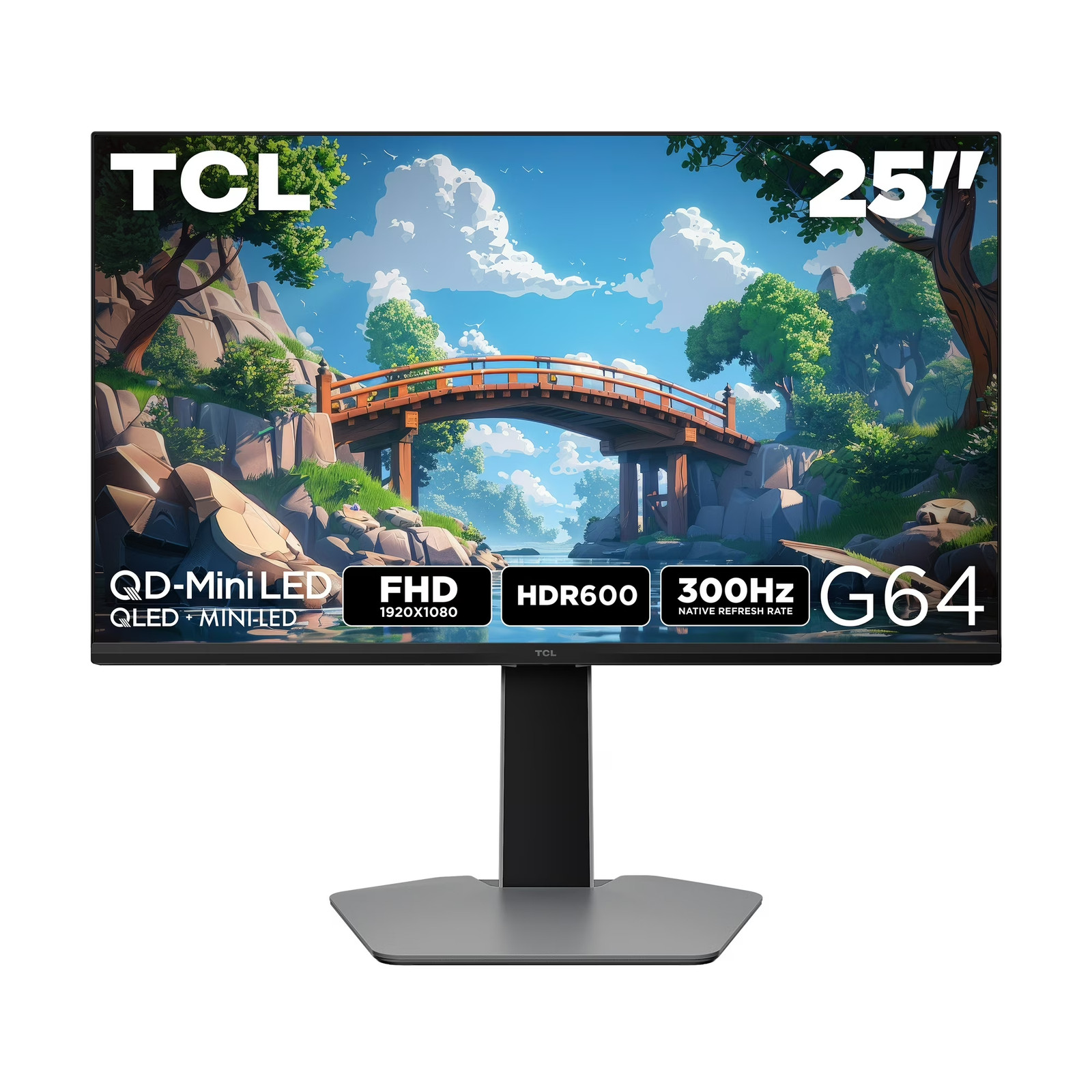

Photos from current listings. Actual item, color, and included accessories may vary.
Mini LED Monitor Buying Guide
Mini LED monitors use thousands of tiny LEDs behind the panel with local dimming to deliver high brightness, deep blacks, and HDR performance that standard edge-lit LCDs cannot match. The key trade-off is dimming zone count and panel quality: more zones reduce blooming but increase cost, while fewer zones can cause halos around bright objects. Choose a model with at least 500 zones and a true HDR certification (DisplayHDR 1000+) for serious HDR use; settle for 100–300 zones only if you prioritize high refresh rate on a budget.
Key takeaways
- Dimming zone count is the primary performance metric: 500+ zones significantly reduce blooming, while 100–300 zones show visible halos in dark scenes with bright highlights.
- VESA DisplayHDR 1000 or 1400 certification guarantees 1000+ nits peak brightness and local dimming, unlike fake HDR400/600 labels on edge-lit panels.
- Quantum Dot (QD) film expands color gamut to 90%+ DCI-P3; non-QD Mini LED models typically cover only 80–85% and look less saturated.
At a glance
- Category
- Computer Monitors
- Last updated
- Nov 28, 2026
Current offers
Highlights
- Dimming zone count is the primary performance metric: 500+ zones significantly reduce blooming, while 100–300 zones show visible halos in dark scenes with bright highlights.
- VESA DisplayHDR 1000 or 1400 certification guarantees 1000+ nits peak brightness and local dimming, unlike fake HDR400/600 labels on edge-lit panels.
- Quantum Dot (QD) film expands color gamut to 90%+ DCI-P3; non-QD Mini LED models typically cover only 80–85% and look less saturated.
- Panel response time and refresh rate are separate from backlight: 300Hz+ models often use fast IPS or VA panels, but Mini LED backlight adds slight latency unless overdrive is well tuned.
Best use cases
- Best fit: creative professionals and HDR movie watchers in dim rooms who need 1000+ nits and 500+ zones for accurate highlights and deep blacks—pick a 4K 60–144Hz QD-Mini LED model.
- Best fit: competitive gamers wanting high refresh (240Hz+) with better contrast than edge-lit—choose a 1440p or 1080p Mini LED with 300+ zones and low input lag.
- Wrong fit: bright office workers who only do spreadsheets—a standard IPS or VA monitor without local dimming saves money and avoids blooming artifacts.
- Wrong fit: buyers expecting OLED-level per-pixel dimming—Mini LED still blooms around small bright objects; if perfect blacks matter, choose OLED instead.
Buying tips
- Calculate zone density: zones divided by screen area. A 27" 1440p with 576 zones is denser than a 32" 4K with 576 zones, so smaller screens hide blooming better.
- Match HDR certification to use: DisplayHDR 1400 for mastering, 1000 for serious HDR gaming, 600 only for casual HDR—skip anything without local dimming mentioned.
- Check panel type: VA Mini LED offers deeper native contrast but slower pixel response; IPS Mini LED is faster but has lower native contrast, relying more on dimming.
- For 300Hz gaming, ensure the monitor supports DisplayPort 2.1 or HDMI 2.1 with DSC to avoid chroma subsampling at high refresh and resolution.
Specs
| Dimming Zones | 100–2000+ zones; 500+ for serious HDR |
|---|---|
| Peak Brightness | 600–2000 nits (DisplayHDR 600–1400) |
| Panel Type | Fast IPS or VA with Mini LED backlight |
| Refresh Rate | 60Hz–300Hz+ (DP 2.1 / HDMI 2.1) |
Related searches
What to check before buying
- Measure desk depth: 27" needs 20–24 inches viewing distance; 32" needs 28–32 inches to avoid seeing individual dimming zones.
- Confirm GPU output: 4K 144Hz Mini LED requires HDMI 2.1 or DisplayPort 1.4 with DSC; older GPUs will cap at 60Hz or 8-bit color.
- Check room lighting: Mini LED blooming is most visible in dark rooms; if you watch in bright light, lower zone counts are less noticeable.
- Verify VESA mount pattern and stand ergonomics: many Mini LED models are heavy (7–10 kg) and need a 100x100mm mount rated for the weight.
FAQ
Data sources: eBay / Amazon listings and product attribute feeds. Updated Nov 28, 2026.
Some links on this page are affiliate links. If you buy after clicking one, we may earn a commission at no extra cost to you. This does not change which products appear here or their order. Affiliate disclosure.