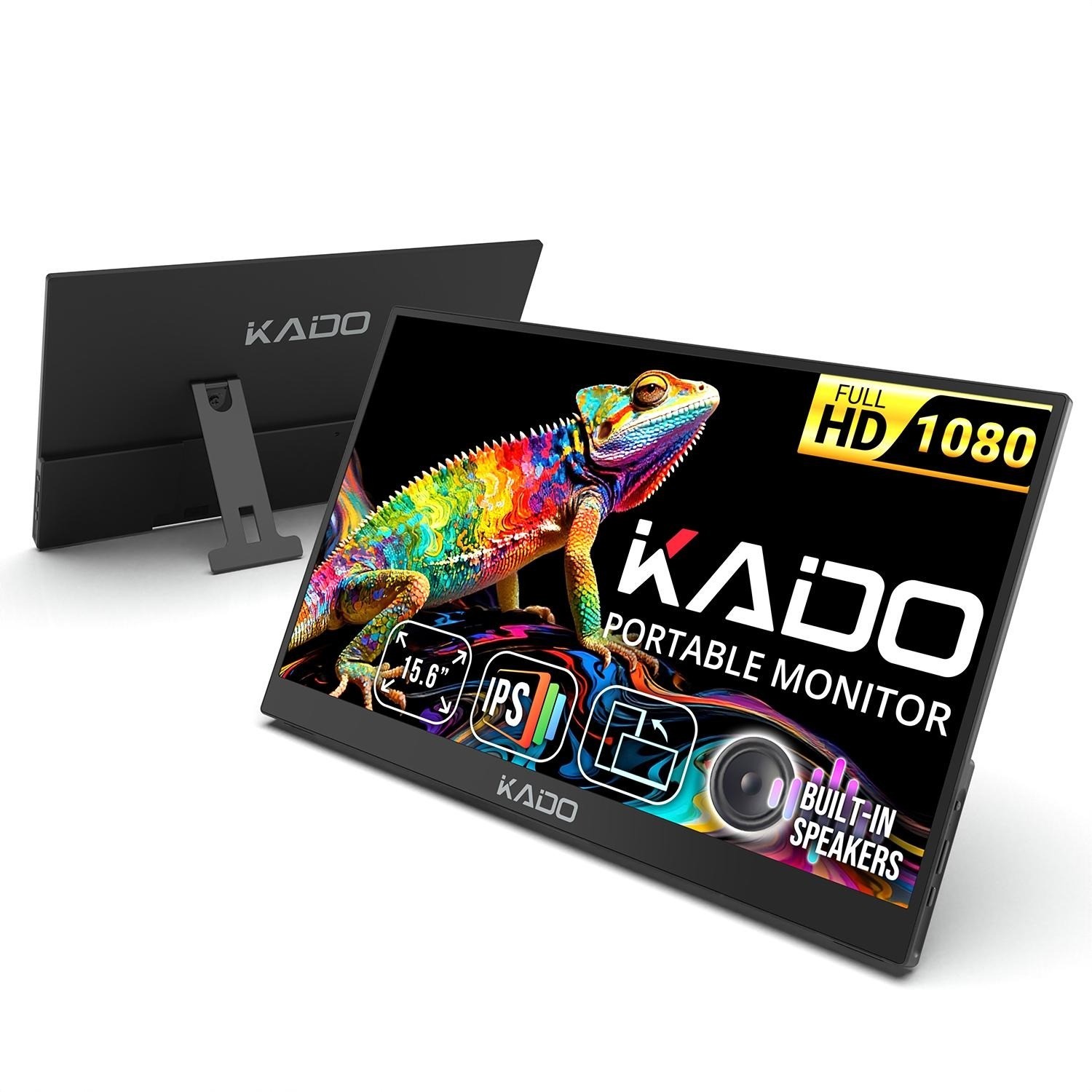

Photos from current listings. Actual item, color, and included accessories may vary.
Ips Monitor Buying Guide
An IPS monitor uses in-plane switching LCD panels to deliver wide viewing angles and consistent color, but panel quality, resolution, and refresh rate vary enormously across tiers. The core trade-off is between color accuracy and response speed: budget IPS panels often sacrifice contrast and motion clarity, while premium tiers add wide-gamut coverage and factory calibration. The decision rule is simple—buy for the panel's native specs (resolution, refresh rate, gamut, brightness) and connectivity standards, never for marketing claims or bundled accessories.
Median $99.89
Key takeaways
- IPS panel technology delivers 178° viewing angles and superior color consistency over TN, but native contrast typically caps at 1000:1–1300:1 versus VA's 3000:1+.
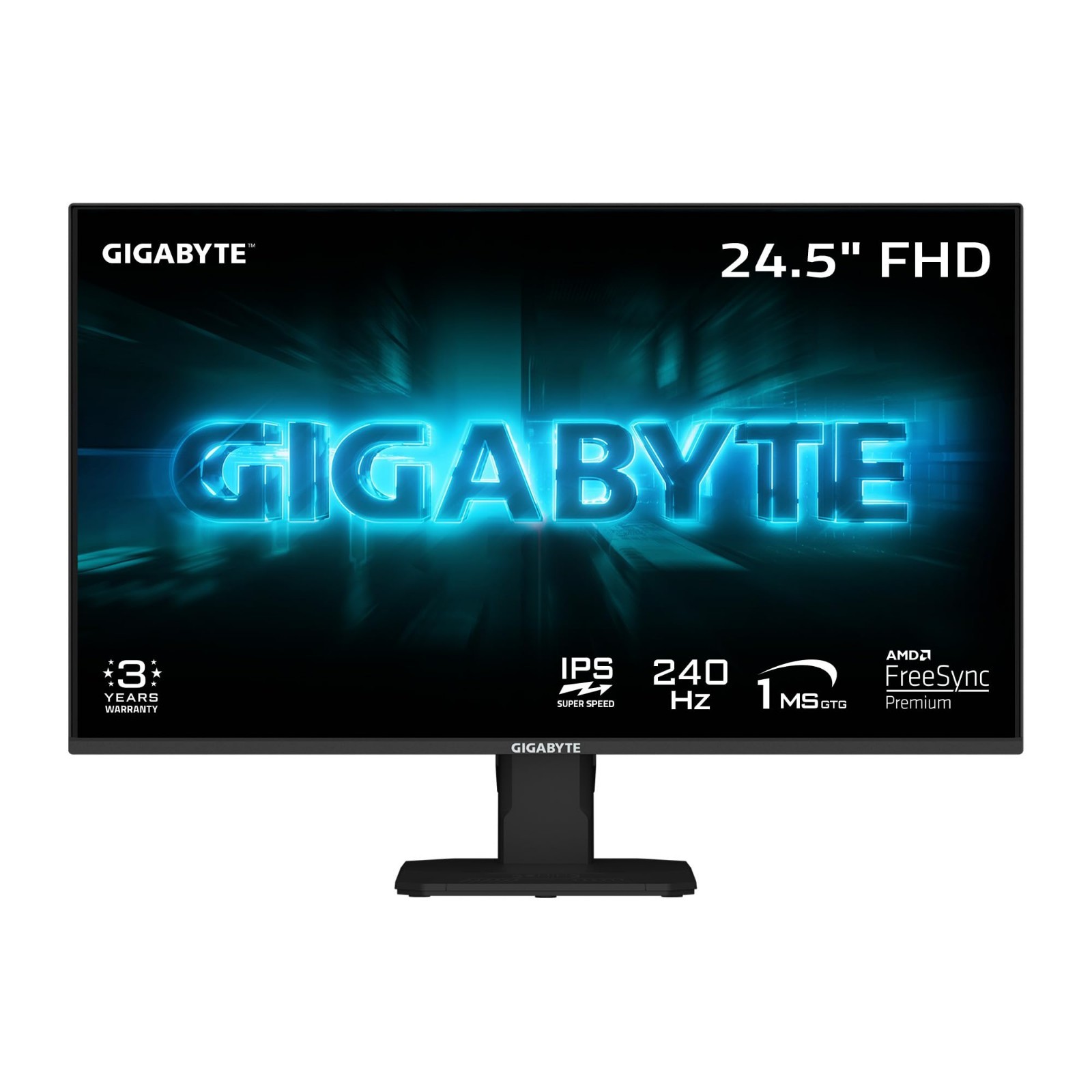
- Refresh rate tiers split sharply: 60–75Hz for office work, 144–165Hz for gaming, and 240Hz+ for competitive esports, each requiring matching GPU output and DisplayPort/HDMI 2.0+ bandwidth.
- Resolution-to-size ratios determine pixel density: 24–25" pairs best with 1080p (~90 PPI), 27" with 1440p (~109 PPI), and 32"+ with 4K (~140 PPI) to avoid visible pixelation.
At a glance
- Category
- Computer Monitors
- Last updated
- Nov 24, 2026
Current offers
Highlights
- IPS panel technology delivers 178° viewing angles and superior color consistency over TN, but native contrast typically caps at 1000:1–1300:1 versus VA's 3000:1+.
- Refresh rate tiers split sharply: 60–75Hz for office work, 144–165Hz for gaming, and 240Hz+ for competitive esports, each requiring matching GPU output and DisplayPort/HDMI 2.0+ bandwidth.
- Resolution-to-size ratios determine pixel density: 24–25" pairs best with 1080p (~90 PPI), 27" with 1440p (~109 PPI), and 32"+ with 4K (~140 PPI) to avoid visible pixelation.
- HDR400 is entry-level VESA certification (400 nits peak, no local dimming); true HDR requires HDR600+ with full-array local dimming and 90%+ DCI-P3 coverage.
Best use cases
- Best for office/productivity: pick a 24–27" 1080p or 1440p IPS at 60–75Hz with USB-C or HDMI—skip high-refresh gaming panels that add cost without benefit.
- Best for mixed gaming: choose 27" 1440p IPS at 144–165Hz with 1ms MPRT and Adaptive-Sync—skip 4K 60Hz panels if you prioritize motion fluidity over resolution.
- Best for color-critical photo/video work: select 27–32" 4K IPS with 99% sRGB or 95% DCI-P3 and factory Delta-E <2—skip budget panels lacking gamut certification.
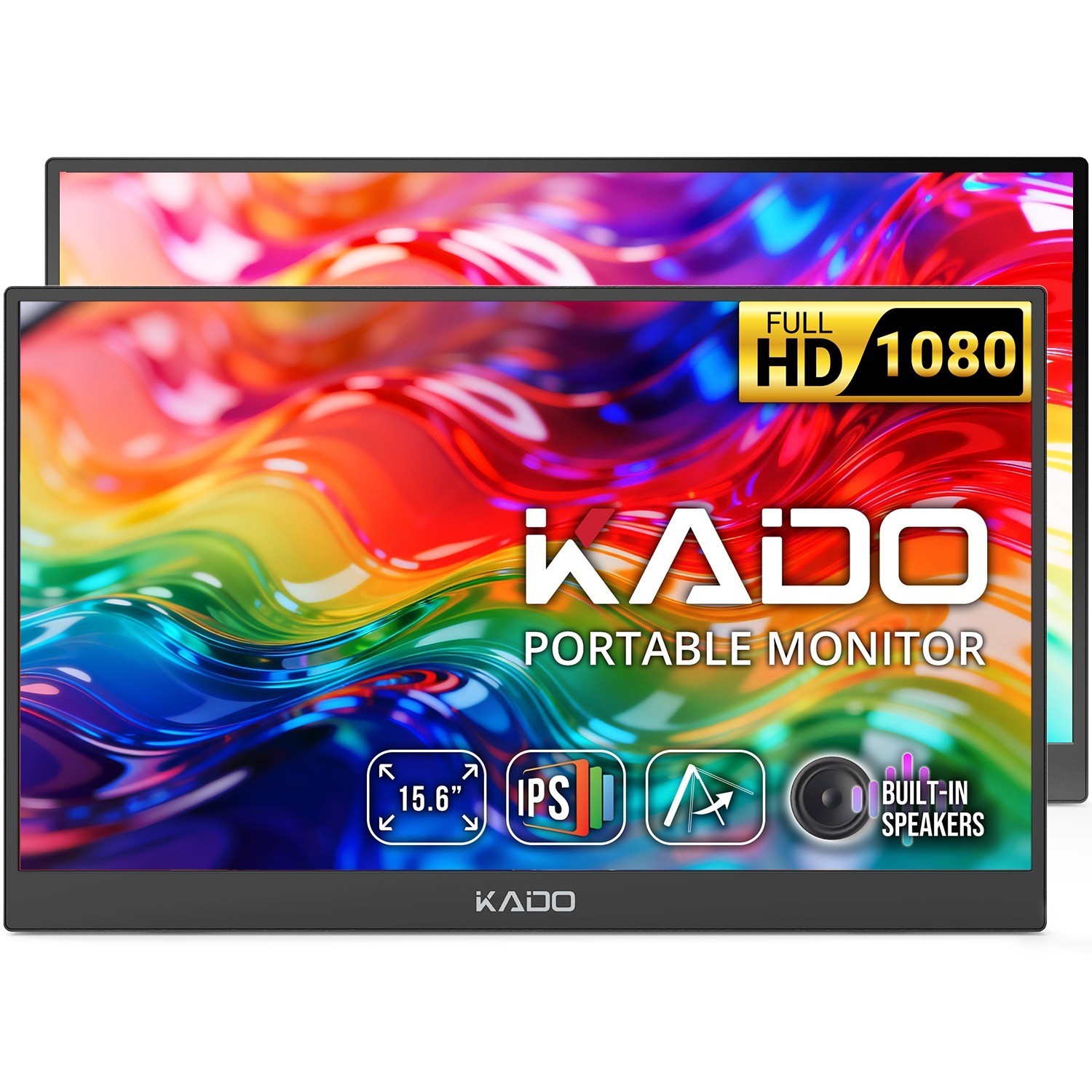
- Wrong fit: portable 15.6" USB-C monitors are travel accessories with limited brightness (250–300 nits) and stand ergonomics—do not substitute for a primary desktop display.
Buying tips
- Match resolution to size: 1080p at 24–25", 1440p at 27–32", 4K at 27"+—anything denser wastes GPU power, anything sparser shows visible pixels.
- Verify the panel is true IPS (not IPS-level or ADS) and check response time spec: 1ms GtG or 1ms MPRT for gaming; 4–5ms is fine for office.
- Confirm connectivity matches your devices: USB-C with 65W+ Power Delivery for laptops, DisplayPort 1.4 for 1440p 165Hz+, HDMI 2.1 for 4K 120Hz console use.
- For HDR, insist on VESA DisplayHDR 600 or higher with local dimming—HDR400 badges on budget IPS panels deliver negligible improvement.
Specs
| Panel Type | IPS (178°/178° viewing angle) |
|---|---|
| Refresh Rate Tier | 60–75Hz office / 144–165Hz gaming |
| Resolution Match | 1080p@24" / 1440p@27" / 4K@32"+ |
| HDR Certification | HDR400 entry / HDR600+ with dimming |
Related searches
What to check before buying
- Measure desk depth and width: a 27" monitor needs ~24" viewing distance; a 32" needs ~30"; confirm stand footprint fits your desk before buying.
- Check your GPU's output standard: 1440p 165Hz requires DisplayPort 1.4 or HDMI 2.0; 4K 144Hz requires DisplayPort 1.4 DSC or HDMI 2.1.
- Verify VESA mount pattern (75x75mm or 100x100mm) if you plan to use an arm—many budget IPS stands are not height-adjustable.
- Confirm your region's plug/voltage standard (100–240V auto-switching is common) and that the monitor includes the correct cable type in-box.
FAQ
Data sources: eBay / Amazon listings and product attribute feeds. Updated Nov 24, 2026.
Some links on this page are affiliate links. If you buy after clicking one, we may earn a commission at no extra cost to you. This does not change which products appear here or their order. Affiliate disclosure.