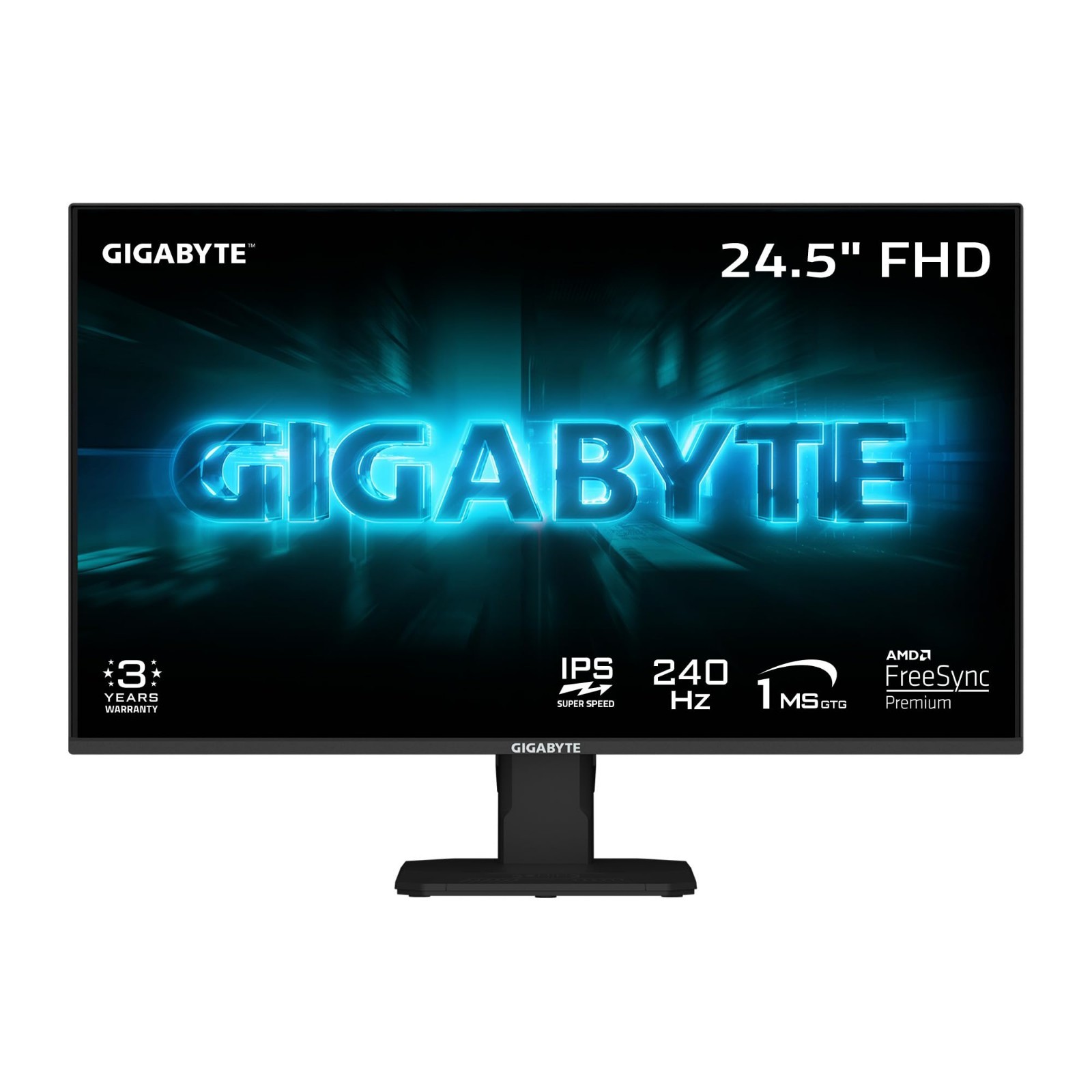

Photos from current listings. Actual item, color, and included accessories may vary.
Ips Gaming Monitor Buying Guide
IPS gaming monitors use in-plane switching panels to deliver accurate colors and wide viewing angles, but the primary trade-off is between fast refresh rate/response time and contrast depth. A true gaming-grade IPS panel must hit at least 144Hz with 1ms MPRT or 1ms GtG, DisplayPort 1.2+, and factory overdrive tuning; anything below 120Hz or without adaptive sync is a general-purpose display, not a competitive gaming tool.
Key takeaways
- Refresh rate tiers: 144-165Hz is the entry competitive standard; 240Hz+ requires IPS panels with faster pixel response and stronger overdrive to avoid overshoot.
- Panel sub-type matters: Fast IPS and Rapid IPS cut GtG response to 1ms, while standard IPS often trails at 4-5ms GtG with visible smearing in fast motion.
- Adaptive sync compatibility: AMD FreeSync Premium and NVIDIA G-Sync Compatible both work over DisplayPort; HDMI VRR support varies by model and console generation.
At a glance
- Category
- Computer Monitors
- Last updated
- Nov 28, 2026
Current offers
Highlights
- Refresh rate tiers: 144-165Hz is the entry competitive standard; 240Hz+ requires IPS panels with faster pixel response and stronger overdrive to avoid overshoot.
- Panel sub-type matters: Fast IPS and Rapid IPS cut GtG response to 1ms, while standard IPS often trails at 4-5ms GtG with visible smearing in fast motion.
- Adaptive sync compatibility: AMD FreeSync Premium and NVIDIA G-Sync Compatible both work over DisplayPort; HDMI VRR support varies by model and console generation.
- Resolution-to-size pairing: 24.5-25" pairs with 1080p for high frame rates; 27" demands 1440p to avoid pixelation; 32"+ IPS gaming panels should be 4K or 1440p ultrawide.
Best use cases
- Competitive FPS players on a budget: pick a 24.5" 1080p IPS at 144-165Hz with 1ms MPRT and DisplayPort — skip 4K or 60Hz panels that cap your frame rate.
- Story-driven and co-op gamers: choose 27" 1440p IPS at 144-165Hz with strong sRGB accuracy and FreeSync/G-Sync — skip 1080p at 27" where pixel density looks soft.
- Console owners (PS5/Xbox Series X): select a 27-32" IPS with HDMI 2.1 for 4K 120Hz VRR — skip HDMI 2.0 models that cap consoles at 4K 60Hz.
- Office-first users who occasionally game: a 75-100Hz IPS with USB-C is the right fit — skip 240Hz panels that add cost without benefit for productivity.
Buying tips
- Match refresh rate to your GPU: 1440p at 165Hz needs a mid-to-high GPU; 1080p at 240Hz needs strong CPU single-thread performance more than GPU horsepower.
- Verify the response time spec: 1ms MPRT (backlight strobing) differs from 1ms GtG (pixel transition); look for GtG with overdrive settings rated at minimal overshoot.
- Check the stand and VESA pattern: 100x100mm VESA is standard for 24-32" monitors; ergonomic height/tilt/pivot stands cost more but save on arm accessories.
- Confirm port generation: DisplayPort 1.4 supports 1440p at 240Hz and 4K at 120Hz; HDMI 2.1 is required for 4K 120Hz on consoles, HDMI 2.0 caps at 4K 60Hz.
Specs
| Panel Type | IPS / Fast IPS / Rapid IPS |
|---|---|
| Refresh Rate | 144-165Hz / 240Hz+ |
| Response Time | 1ms GtG / 1ms MPRT |
| Adaptive Sync | FreeSync Premium / G-Sync Compatible |
Related searches
What to check before buying
- Measure desk depth and viewing distance: 24-25" needs about 20-24" distance; 27" needs 24-30"; 32" needs 30-36" for comfortable IPS viewing.
- Confirm GPU ports and cable: ensure your GPU has DisplayPort 1.4 or HDMI 2.1 to hit the monitor's max refresh at native resolution out of the box.
- Check room lighting and panel coating: matte IPS finishes handle glare better; glossy panels need controlled lighting for accurate color perception.
- Plan for audio and USB: most IPS gaming monitors lack speakers or have weak ones; budget for speakers or a headset, and check USB hub needs.
FAQ
Data sources: eBay / Amazon listings and product attribute feeds. Updated Nov 28, 2026.
Some links on this page are affiliate links. If you buy after clicking one, we may earn a commission at no extra cost to you. This does not change which products appear here or their order. Affiliate disclosure.