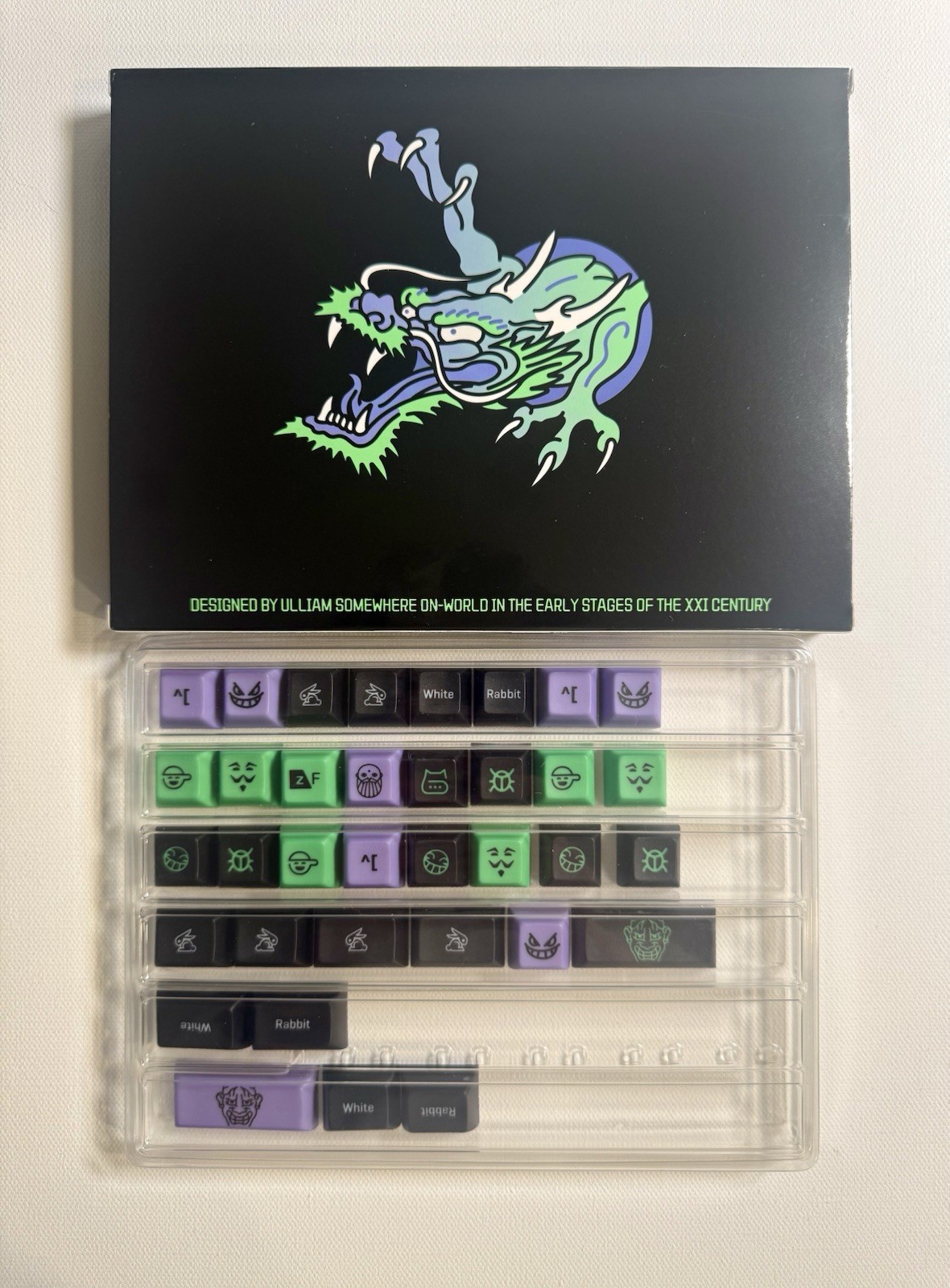

Photos from current listings. Actual item, color, and included accessories may vary.
Mx Mechanical Keycap Buying Guide
MX mechanical keycaps are replacement caps for Cherry MX-style switches, defined by stem fit, material, and profile. The core trade-off is PBT vs ABS for durability and shine resistance, while profile height and layout coverage determine typing feel and compatibility. Choose doubleshot or dye-sublimated PBT sets with full layout support for long-term use; skip thin, pad-printed ABS caps if you want lasting legends and texture.
Key takeaways
- Cherry MX stem compatibility is universal across most mechanical switches, but stabilizer spacing (6.25u vs 7u) and bottom row layout vary by keyboard.
- PBT plastic resists shine and wear better than ABS, especially at 1.5mm+ wall thickness; thinner caps feel hollow and wear faster.
- Doubleshot legends are physically molded and never fade, while dye-sublimation penetrates the surface; pad printing is least durable.
At a glance
- Category
- Keycaps & Artisan Keycaps
- Last updated
- Nov 23, 2026
Current offers
Highlights
- Cherry MX stem compatibility is universal across most mechanical switches, but stabilizer spacing (6.25u vs 7u) and bottom row layout vary by keyboard.
- PBT plastic resists shine and wear better than ABS, especially at 1.5mm+ wall thickness; thinner caps feel hollow and wear faster.
- Doubleshot legends are physically molded and never fade, while dye-sublimation penetrates the surface; pad printing is least durable.
- Profile height changes typing angle and sound: OEM/Cherry are mid-height, SA/KAT are tall and sculpted, DSA/XDA are flat and uniform.
Best use cases
- Best fit: standard 60%-TKL keyboards with Cherry MX switches and a 6.25u spacebar—buy a full base set with modifiers rather than novelties alone.
- Best fit: typists wanting lasting texture and no shiny WASD keys—choose 1.5mm PBT doubleshot or dye-sub sets in Cherry or OEM profile.
- Wrong fit: non-MX optical or Topre keyboards—MX stems will not mount; skip unless you have MX-compatible sliders.
- Wrong fit: compact boards with non-standard bottom rows (e.g., 7u space, 1.5u mods)—verify layout coverage before buying a base kit.
Buying tips
- Count your layout: 61-key needs ~61 caps plus correct row heights; 87-key TKL needs ~87 caps; full-size adds numpad—buy a base set covering your exact layout.
- Match spacebar and modifier widths: 6.25u is most common, 7u requires an extra wire; 1.25u vs 1.5u bottom-row mods must match your PCB.
- Choose PBT for durability: 1.5mm thick walls and doubleshot/dye-sub legends resist shine; ABS is smoother but develops shiny patches faster.
- Pick profile by feel: Cherry/OEM for familiar mid-height, SA/KAT for tall sculpted rows, DSA/XDA for flat uniform typing; mixing profiles causes uneven feel.
Specs
| Stem Type | Cherry MX cross (+) stem |
|---|---|
| Material | PBT (durable) vs ABS (smooth) |
| Legend Method | Doubleshot / Dye-sub / Pad print |
| Profile Height | Cherry/OEM mid, SA/KAT tall, DSA/XDA flat |
Related searches
What to check before buying
- Measure your keyboard layout and spacebar width (6.25u or 7u) and confirm the set includes matching bottom-row modifiers and stabilizer inserts.
- Verify switch type is Cherry MX-style with a '+' stem; optical, Topre, and buckling spring boards need different caps entirely.
- Check keycap puller inclusion and stabilizer compatibility—Costar vs Cherry stabilizers may need different insert styles.
- Confirm profile and row sculpting match your typing preference and that the set covers all rows on your board.
FAQ
Data sources: eBay / Amazon listings and product attribute feeds. Updated Nov 23, 2026.
Some links on this page are affiliate links. If you buy after clicking one, we may earn a commission at no extra cost to you. This does not change which products appear here or their order. Affiliate disclosure.