
Photos from current listings. Actual item, color, and included accessories may vary.
Custom Keycap Buying Guide
Custom keycaps are aftermarket sets that replace the stock caps on mechanical keyboards, letting you change profile, material, layout coverage, and aesthetics. The primary trade-off is material and profile: PBT plastic resists shine and wear far better than ABS, while tall sculpted profiles like MT3 and MOA change typing feel and require layout compatibility checks. The decision rule is simple: buy PBT sets with explicit layout kit coverage for your board's bottom row and stabilizer spacing; skip thin ABS novelty sets that shine within months and lack compatibility notes.
Median $44.38
Key takeaways
- PBT vs ABS: PBT is denser, stays matte longer, and resists the oily shine ABS develops; double-shot or dye-sub PBT is the durability benchmark.
- Profile geometry: MT3 is a tall, high-sculpt spherical profile; XDA is a flat, uniform-height profile; MOA is a rounded, tall uniform profile — each changes typing angle and keycap pull clearance.
- Layout coverage: base kits commonly cover 60%–75% and TKL boards; full-size and 96% boards need an explicit numpad kit or extended base kit.
At a glance
- Category
- Keycaps & Artisan Keycaps
- Last updated
- Nov 23, 2026
Current offers
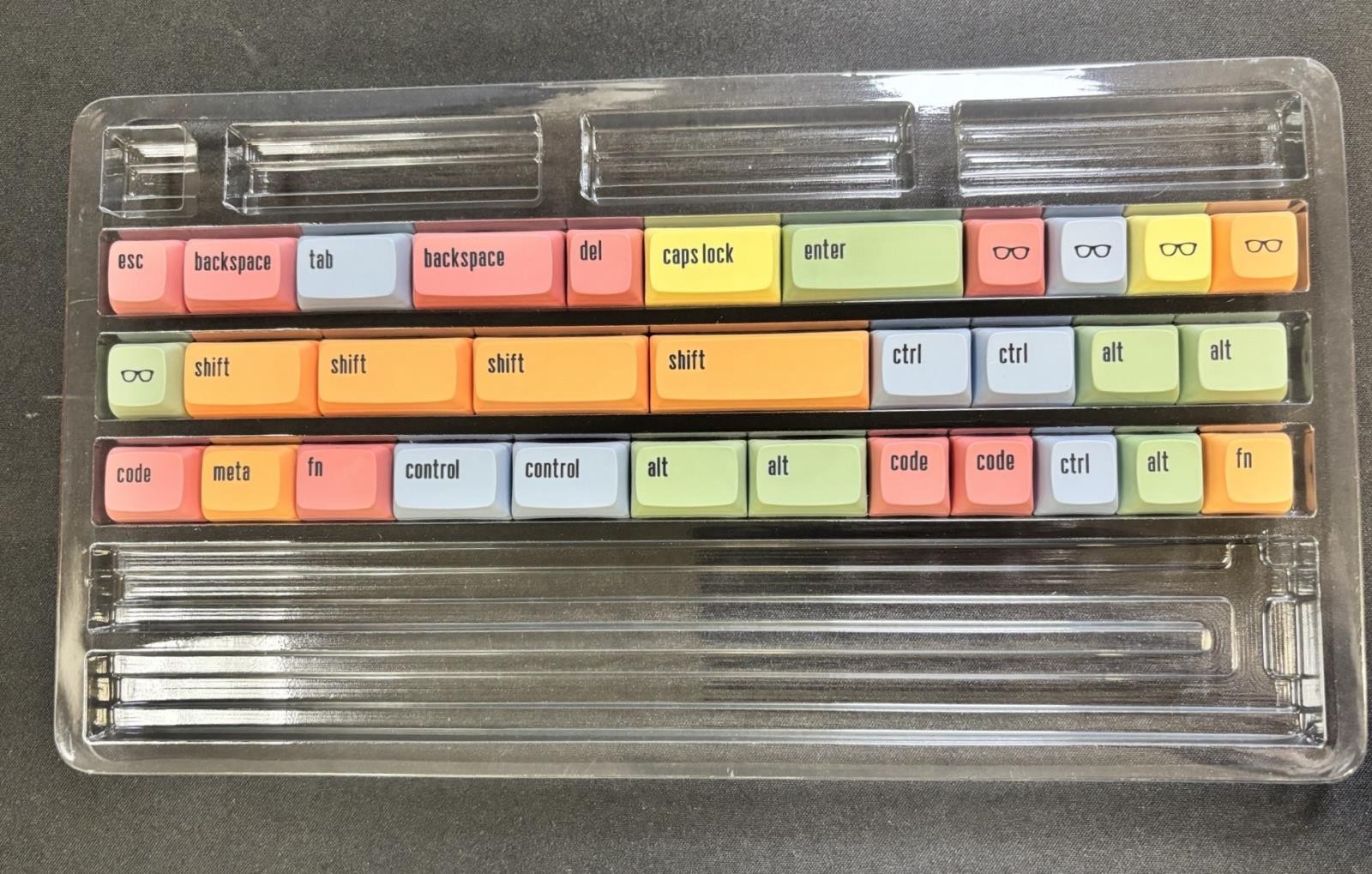 Drop + MiTo XDA Canvas Custom Keycap Set, Classic Accents$22.88View on eBay
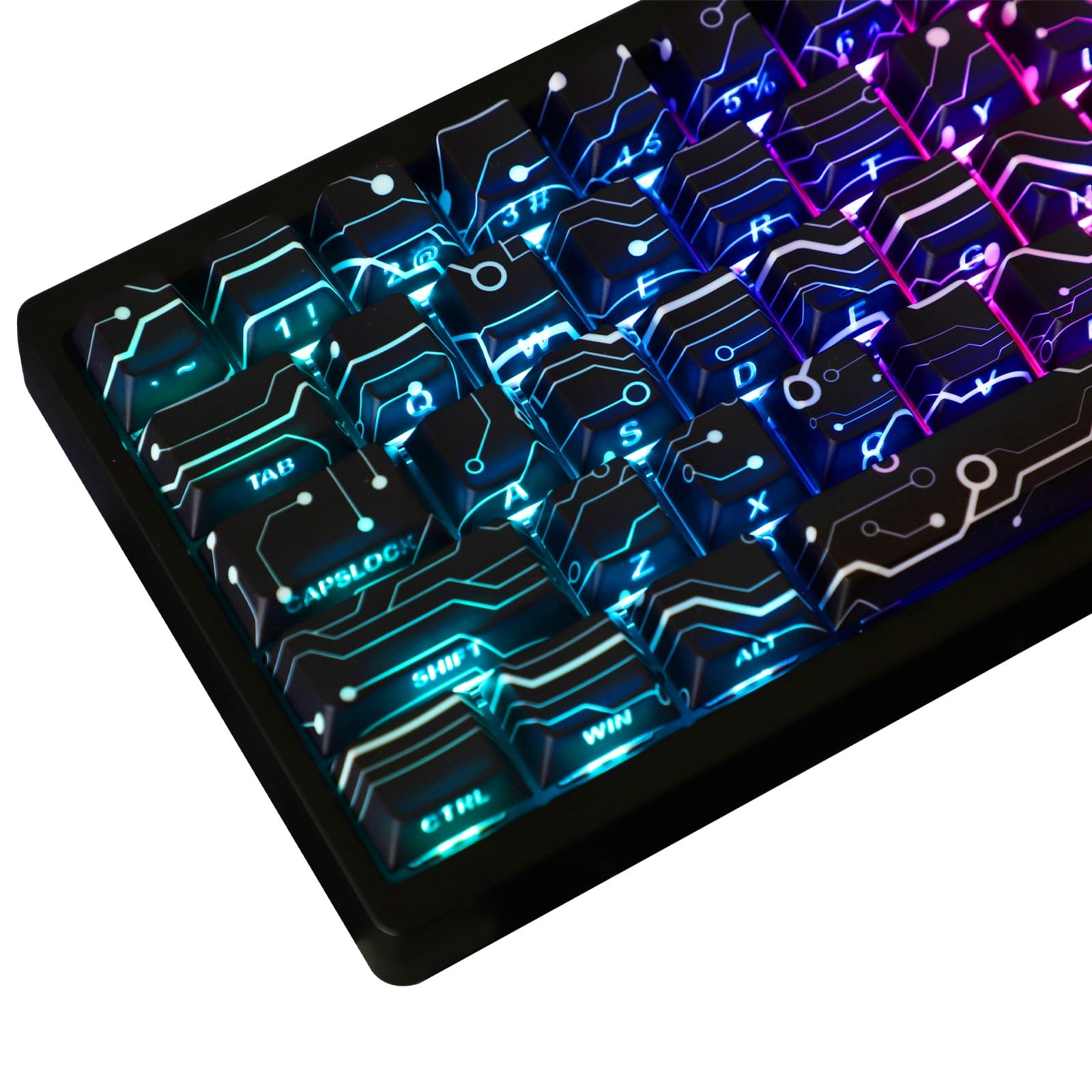 135 PCS Custom PBT Keycaps Shine Through Cool Tech Style Side Printed Black$39.84View on eBay
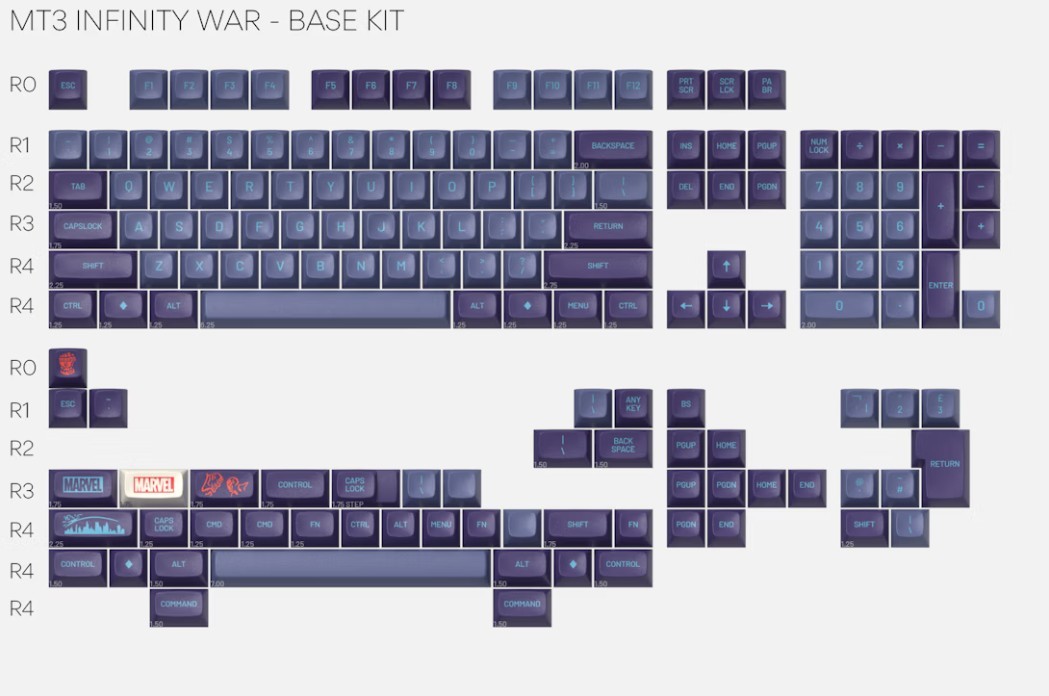 Drop + Marvel MT3 Infinity War Custom Keycap Set, Base Kit - New in Box$39.88View on eBay
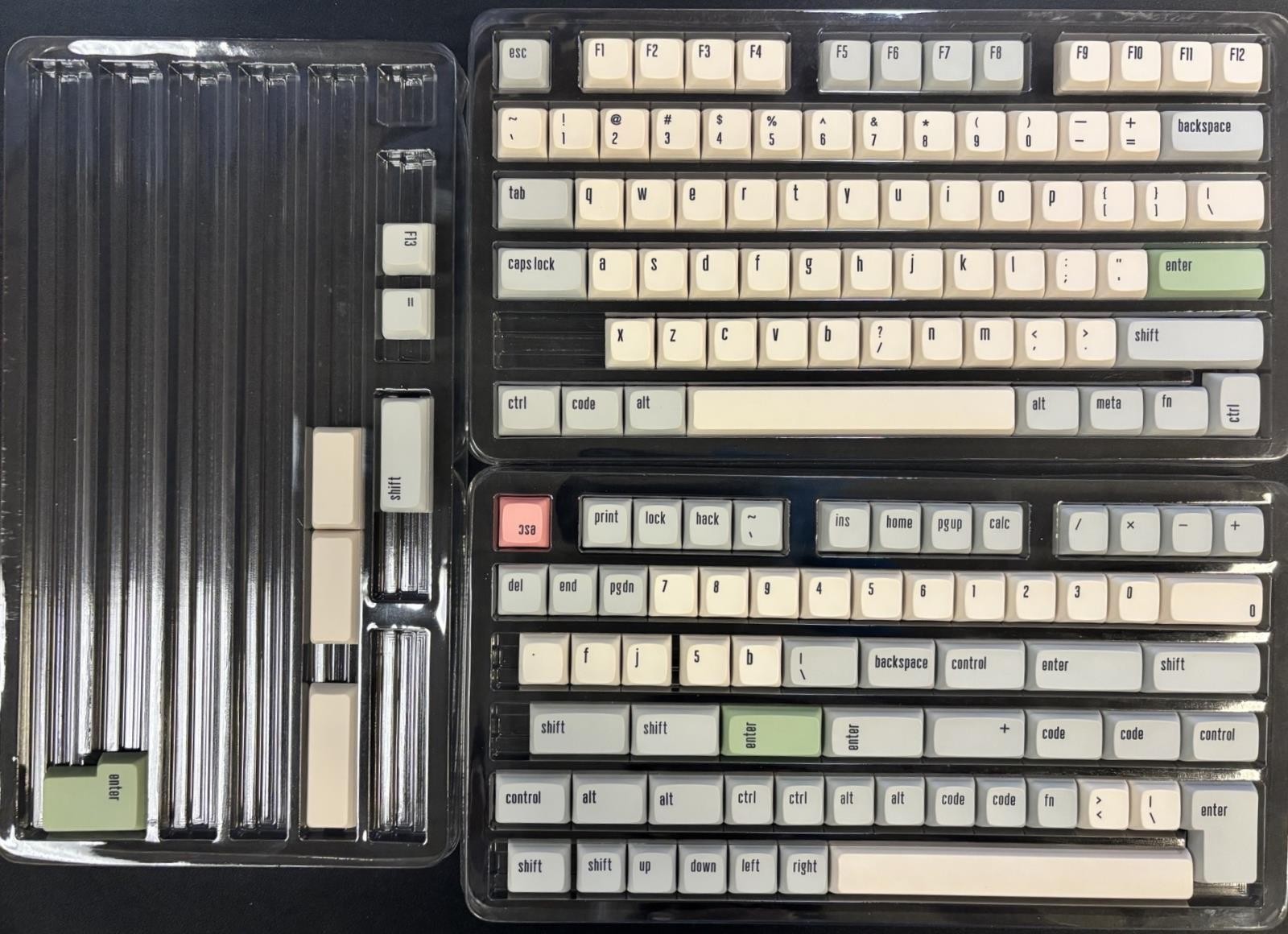 Drop + MiTo XDA Canvas Custom Keycap Set, Classic Base$48.88View on eBay
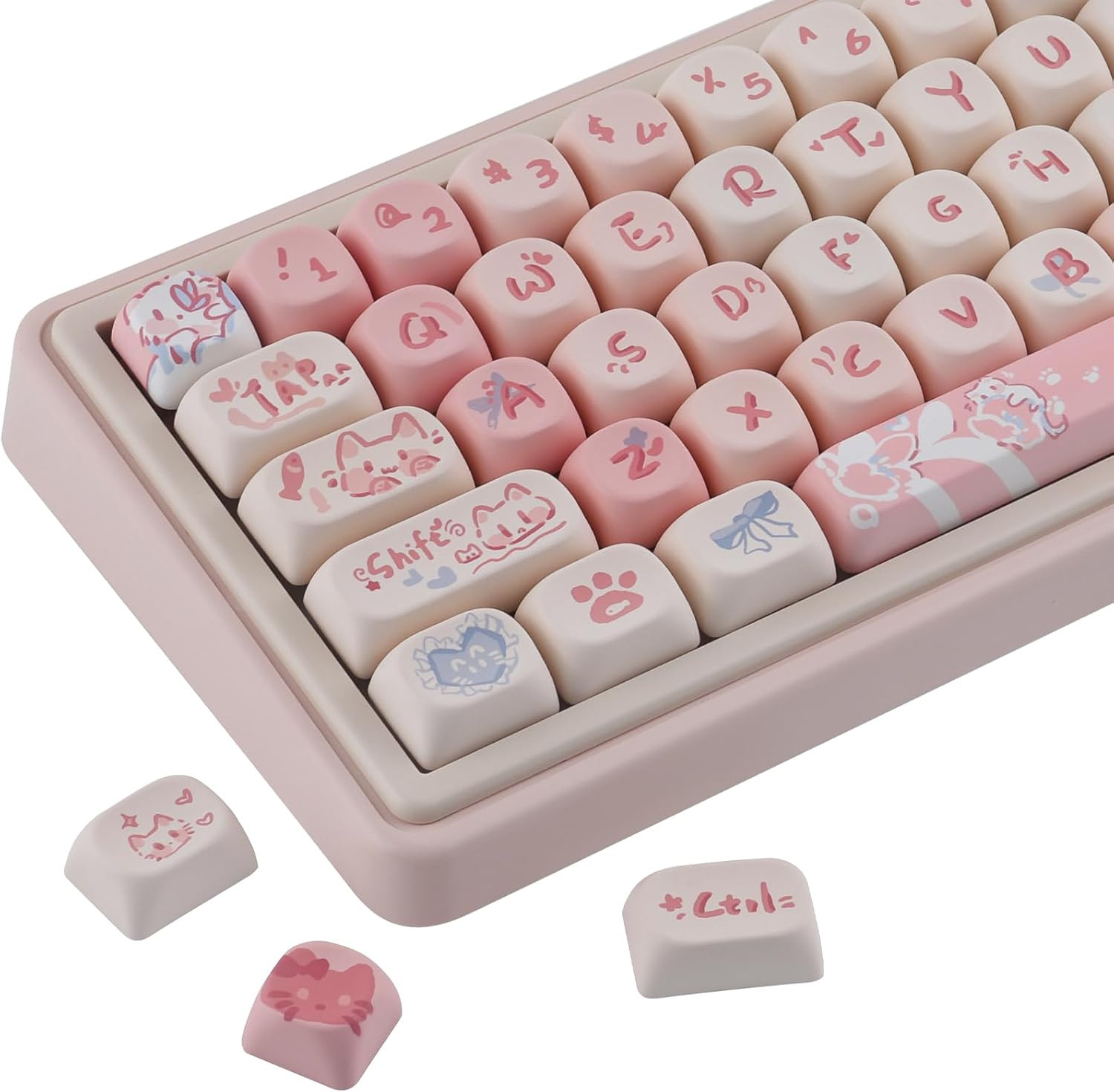 PBT Keycaps,125 Keys Rouge Kitten Custom MOA Profile Keycaps |$52.99View on eBay
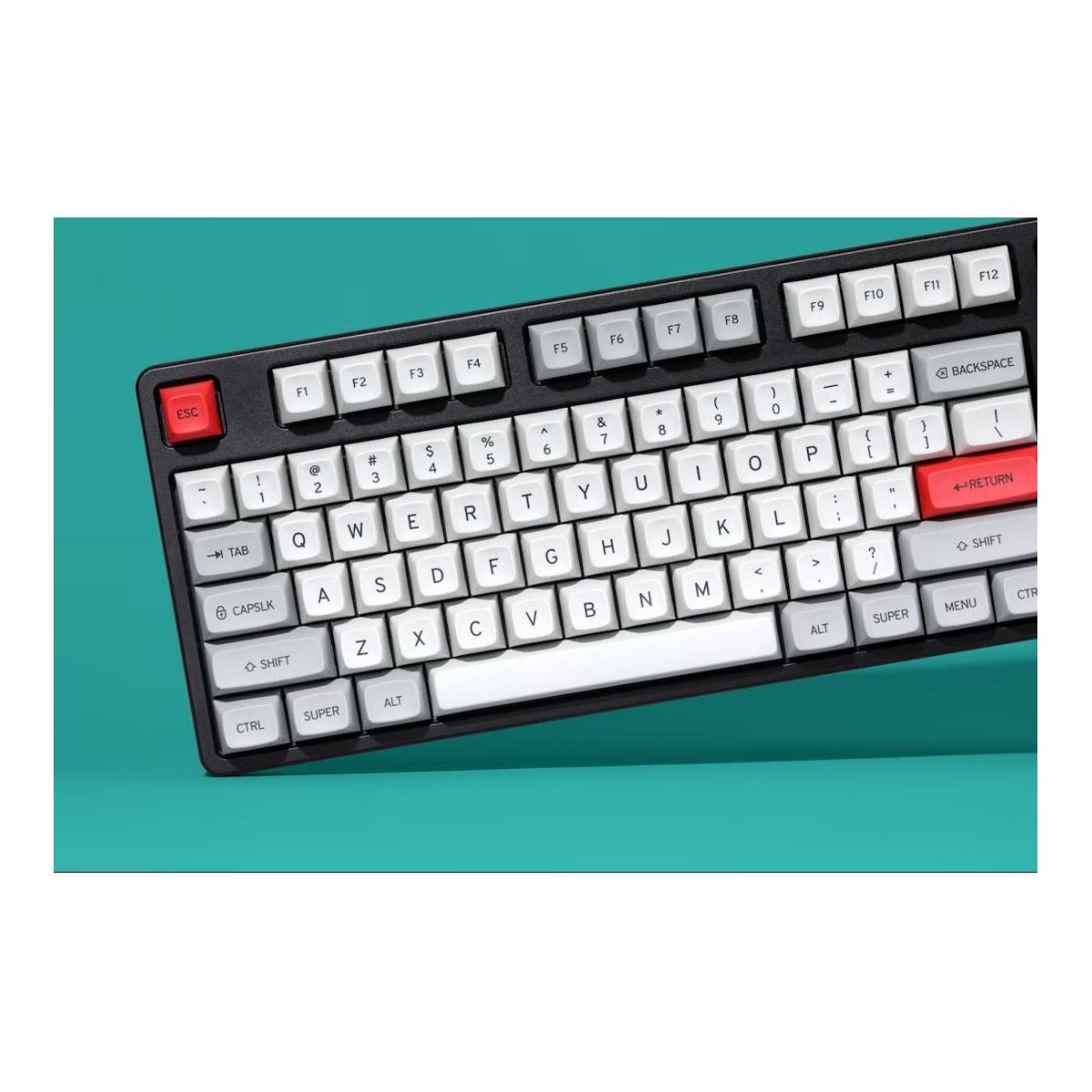 Drop MT3 DEV/TTY R3 Custom Keycap set Base Kit 60%|65%|75% keyboards - 154 keys$119.00View on eBay
Highlights
- PBT vs ABS: PBT is denser, stays matte longer, and resists the oily shine ABS develops; double-shot or dye-sub PBT is the durability benchmark.
- Profile geometry: MT3 is a tall, high-sculpt spherical profile; XDA is a flat, uniform-height profile; MOA is a rounded, tall uniform profile — each changes typing angle and keycap pull clearance.
- Layout coverage: base kits commonly cover 60%–75% and TKL boards; full-size and 96% boards need an explicit numpad kit or extended base kit.
- Stabilizer compatibility: most custom sets use Cherry-style MX stems; confirm your board uses MX-compatible switches and check whether the set includes 6.25u, 7u, and split spacebar options.
Best use cases
- Best fit: 60%/65%/75% hot-swap MX boards — pick a 135–154 key PBT base kit like MT3 DEV/TTY or XDA Canvas that covers all alpha and modifier positions without extra purchases.
- Best fit: aesthetic-first builders who want themed sets — choose dye-sub PBT with side-printed or shine-through legends for RGB boards, but verify legend orientation matches your north- or south-facing switches.
- Wrong fit: full-size or 96% keyboard owners buying a 60% base kit — skip unless the listing explicitly includes numpad keys; otherwise you will run short on the numpad and nav cluster.
- Wrong fit: low-profile or optical switch boards — skip standard MX custom sets entirely; these boards require proprietary low-profile caps and MX-stem sets will not seat.
Buying tips
- Count your board's keys: a 65% board needs roughly 68–71 caps, a 75% needs 81–84, and a TKL needs 87; match the kit's stated key count before buying.
- Check bottom-row width: most 60%–75% boards use a 6.25u spacebar, while some TKL and custom boards use 7u — the kit must list the correct spacebar size.
- Choose PBT over ABS for daily typing: PBT double-shot or dye-sub legends resist wear and shine, while thin ABS sets show glossy patches on high-use keys within months.
- Match profile to your typing style: uniform XDA and MOA suit flat, low-angle typing; sculpted MT3 suits curved finger travel but raises overall key height and may clash with low-profile cases.
Specs
| Material | PBT (durable) vs ABS (shiny) |
|---|---|
| Profile | XDA flat / MT3 sculpted / MOA tall |
| Stem Type | Cherry MX-compatible |
| Layout Coverage | 60%–75% base; TKL/full need kits |
Related searches
What to check before buying
- Confirm your keyboard's switch stem type is Cherry MX-compatible before ordering any custom set.
- Measure your spacebar width (6.25u vs 7u) and note any split spacebar or non-standard bottom-row keys.
- Check whether your board has north- or south-facing switches so shine-through and side-printed legends align correctly.
- Verify the kit's included key count covers your layout: 60% (~61–68), 65% (~68–71), 75% (~81–84), TKL (87), full-size (104+).
FAQ
Data sources: eBay / Amazon listings and product attribute feeds. Updated Nov 23, 2026.
Some links on this page are affiliate links. If you buy after clicking one, we may earn a commission at no extra cost to you. This does not change which products appear here or their order. Affiliate disclosure.