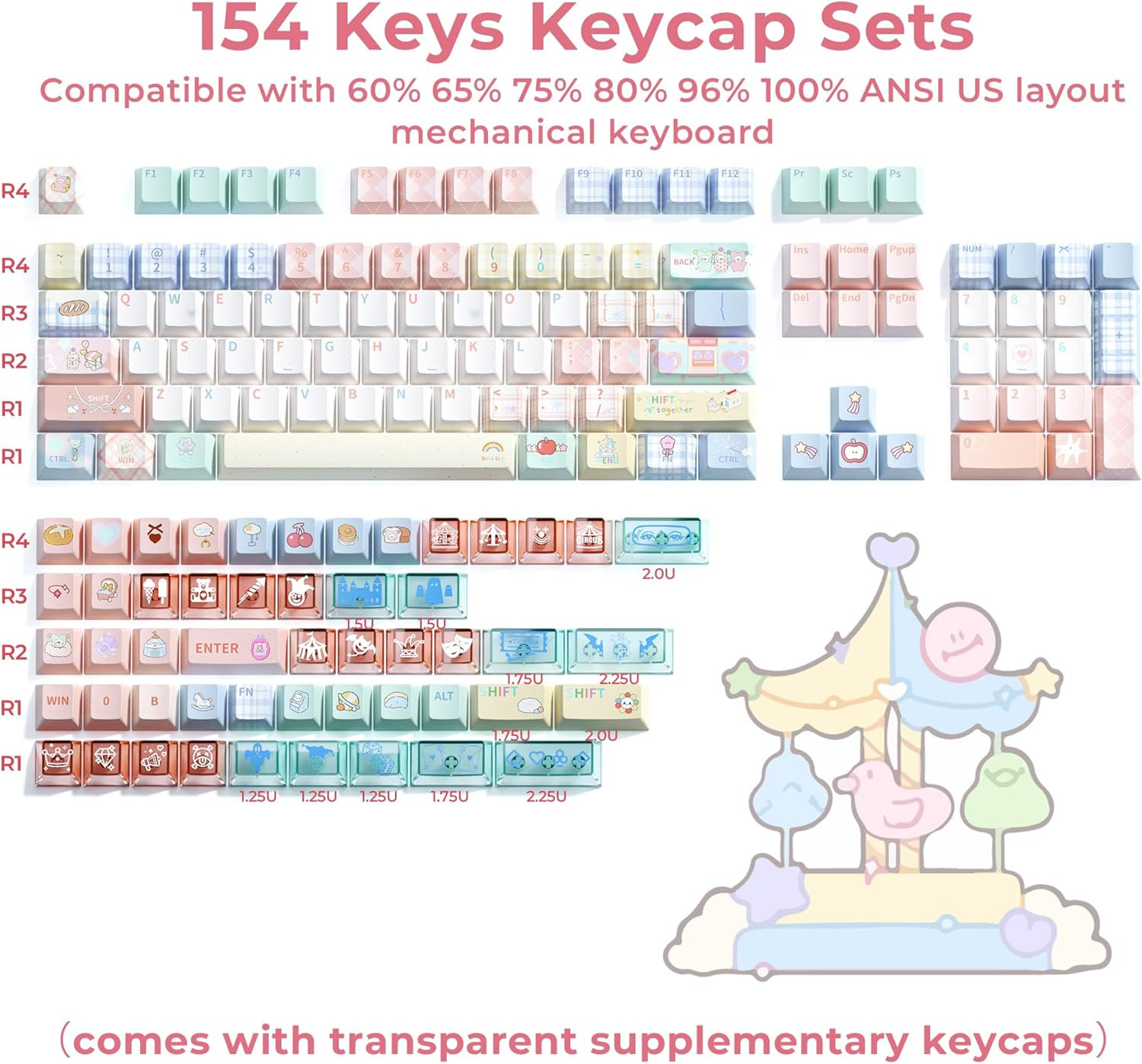

Photos from current listings. Actual item, color, and included accessories may vary.
60 Percent Keycap Buying Guide
60 percent keycap sets are replacement keycap kits sized for compact 60% layouts (typically 61 keys, no function row, no numpad). The core trade-off is legend compatibility versus material durability: budget ABS sets shine quickly and lack correct bottom-row sizing, while PBT sets and complete layout kits add cost but survive daily typing. The decision rule is simple: buy only if the kit explicitly lists 60% base coverage and uses PBT or thick ABS keycaps.
Key takeaways
- 60% boards use a 61-key matrix: no F-row, no numpad, no arrow cluster unless the PCB supports a split right-shift layout.
- Bottom-row sizing is the #1 fit failure: 1u Windows keys, 1u Alt/Fn, and 6.25u or 7u spacebar must match the specific 60% PCB, not the case.
- PBT keycaps resist shine and oils far better than ABS; 1.4-1.5mm thick PBT walls give a deeper, more stable sound than thin 1.0mm molds.
At a glance
- Category
- Keycaps & Artisan Keycaps
- Last updated
- Nov 23, 2026
Current offers
Highlights
- 60% boards use a 61-key matrix: no F-row, no numpad, no arrow cluster unless the PCB supports a split right-shift layout.
- Bottom-row sizing is the #1 fit failure: 1u Windows keys, 1u Alt/Fn, and 6.25u or 7u spacebar must match the specific 60% PCB, not the case.
- PBT keycaps resist shine and oils far better than ABS; 1.4-1.5mm thick PBT walls give a deeper, more stable sound than thin 1.0mm molds.
- Dye-sublimated legends penetrate PBT and won't wear off; double-shot legends are molded through but only work on ABS or specific PBT double-shot processes.
Best use cases
- Best fit: standard 60% PCB with 6.25u spacebar and 1u modifiers — buy a 60% base kit that includes 1u Windows/Alt/Fn and a 6.25u spacebar.
- Wrong fit: 65% or 75% boards with arrow keys and a 2u right-shift — skip 60% base kits; you need a 65% or 75% add-on kit with 1.75u right-shift and 1u arrows.
- Best fit: hot-swap 60% boards with north-facing or south-facing RGB — choose PBT shine-through or opaque PBT depending on whether backlight bleed matters.
- Wrong fit: 60% boards with a 7u spacebar or split spacebar — skip standard 60% kits; source a layout-specific kit or a full base+spacebar add-on set.
Buying tips
- Count your bottom row before buying: a 60% kit must include 1u Win, 1u Alt, 1u Fn, and the correct spacebar (6.25u is most common; 7u requires an extra kit).
- Choose PBT over ABS for durability: PBT resists shine and oil buildup; 1.4mm+ wall thickness gives a more solid typing sound than 1.0mm budget caps.
- Match legend method to material: dye-sublimated PBT is the durable standard for 60% kits; avoid pad-printed legends, which wear off within months.
- Check profile compatibility: Cherry and OEM profiles are the most common 60% fits; uniform R3 or XDA profiles are safer for split-spacebar and non-standard bottom rows.
Specs
| Layout Coverage | 60% base kit: 61 keys / 1u mods |
|---|---|
| Spacebar Size | 6.25u standard; 7u needs add-on |
| Material Grade | PBT 1.4mm+ vs ABS 1.0-1.2mm |
| Legend Method | Dye-sub PBT vs double-shot ABS |
Related searches
What to check before buying
- Measure your spacebar center-to-center: 6.25u (approx. 100mm) vs 7u (approx. 112mm) determines whether a standard 60% kit works.
- Count bottom-row keys: 60% PCBs usually have 1u modifiers, but some use 1.25u; confirm the kit includes the exact sizes your PCB uses.
- Verify switch stem type: MX-style stems (Cherry, Gateron, Kailh) fit most 60% kits; Topre or Alps stems require brand-specific keycaps.
- Check backlight direction: north-facing PCBs can interfere with Cherry-profile bottom rows; south-facing PCBs are safer for thick PBT and Cherry profile.
FAQ
Data sources: eBay / Amazon listings and product attribute feeds. Updated Nov 23, 2026.
Some links on this page are affiliate links. If you buy after clicking one, we may earn a commission at no extra cost to you. This does not change which products appear here or their order. Affiliate disclosure.