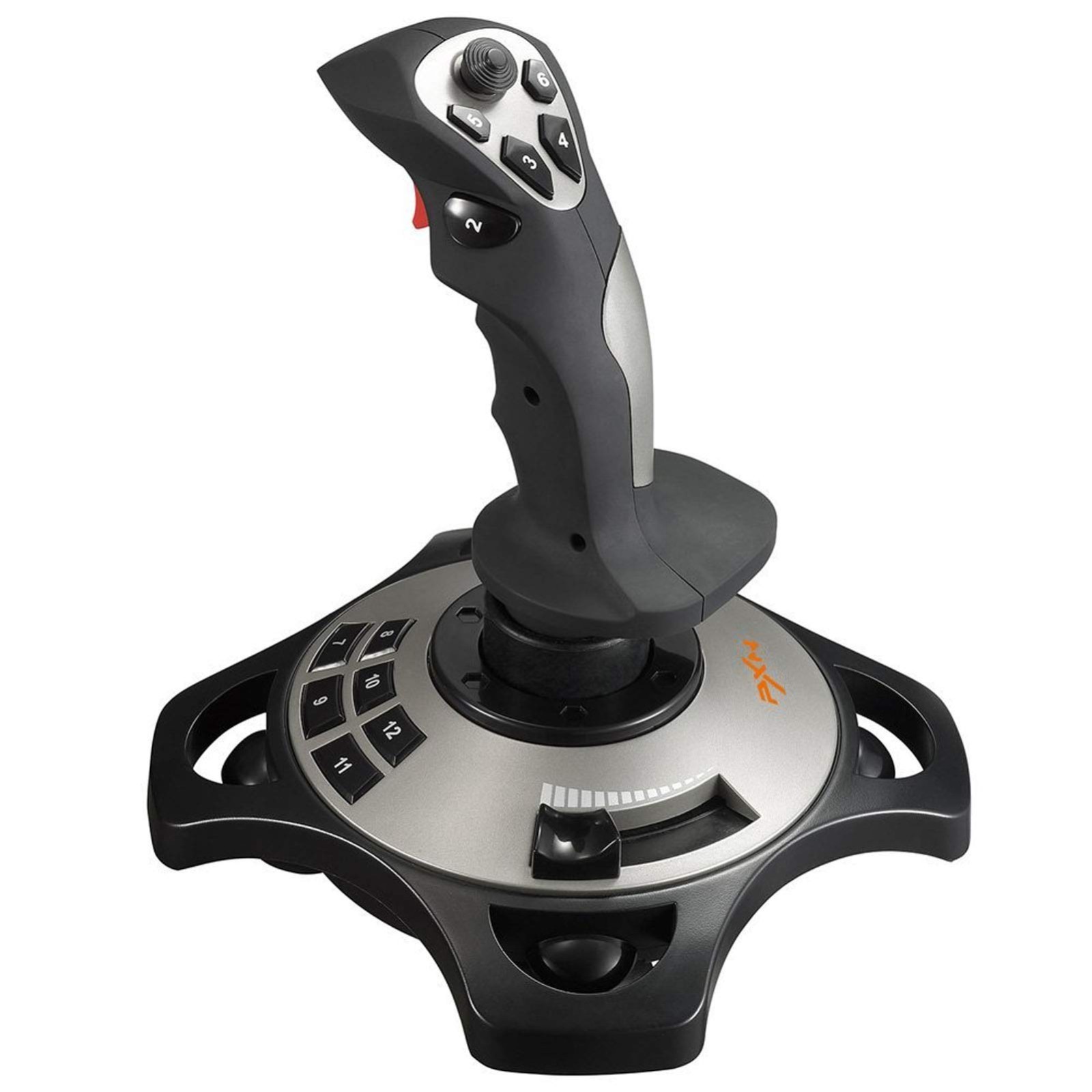

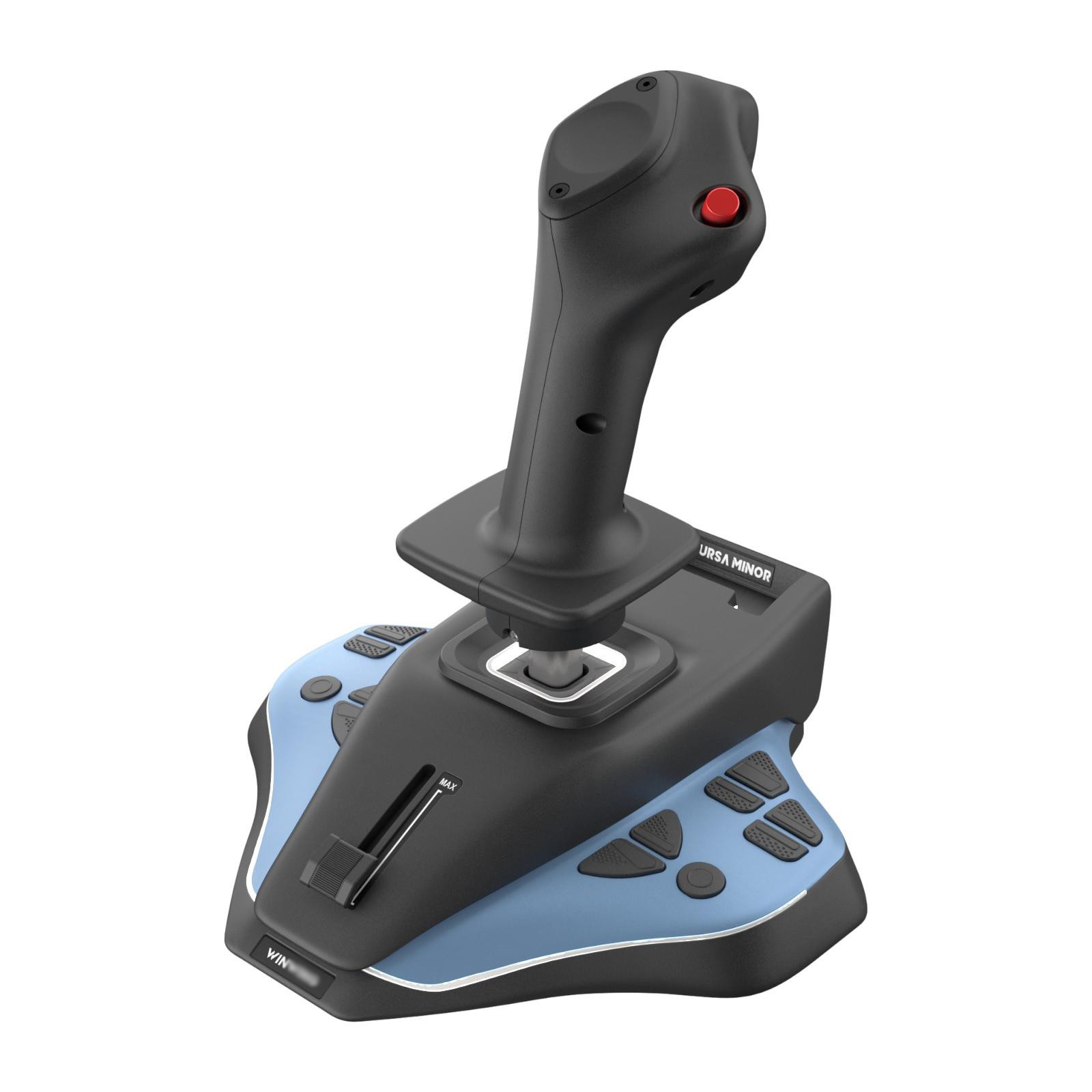
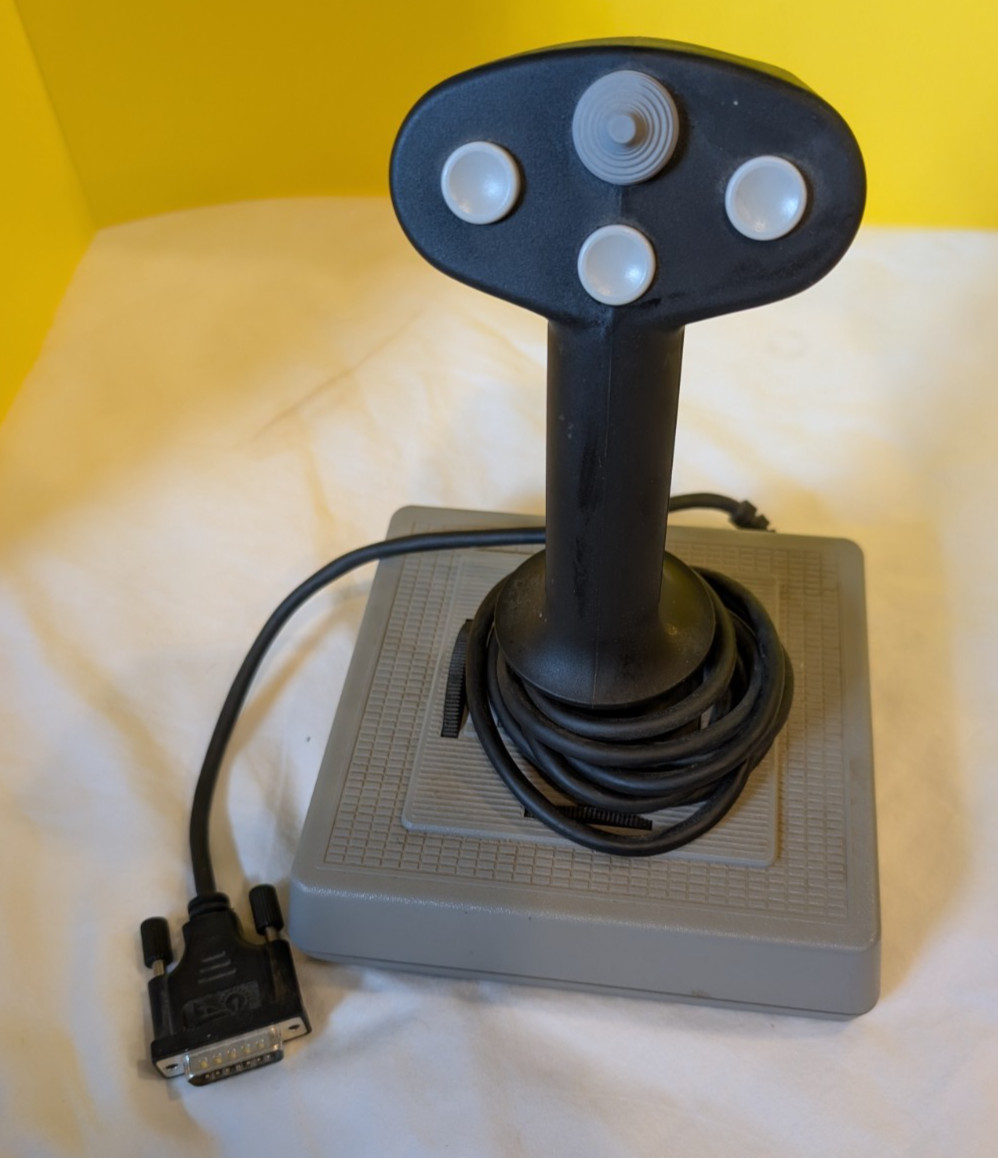
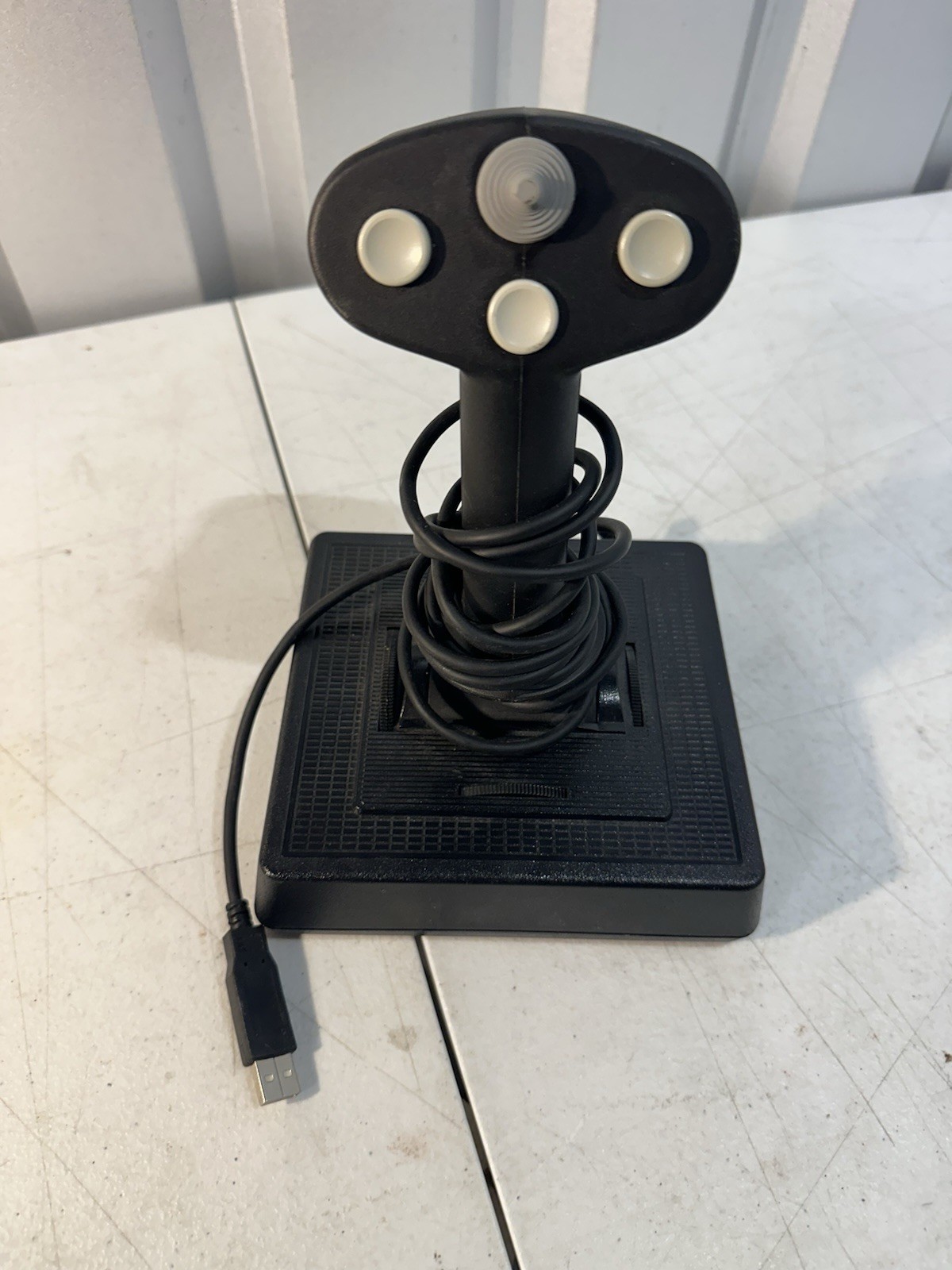
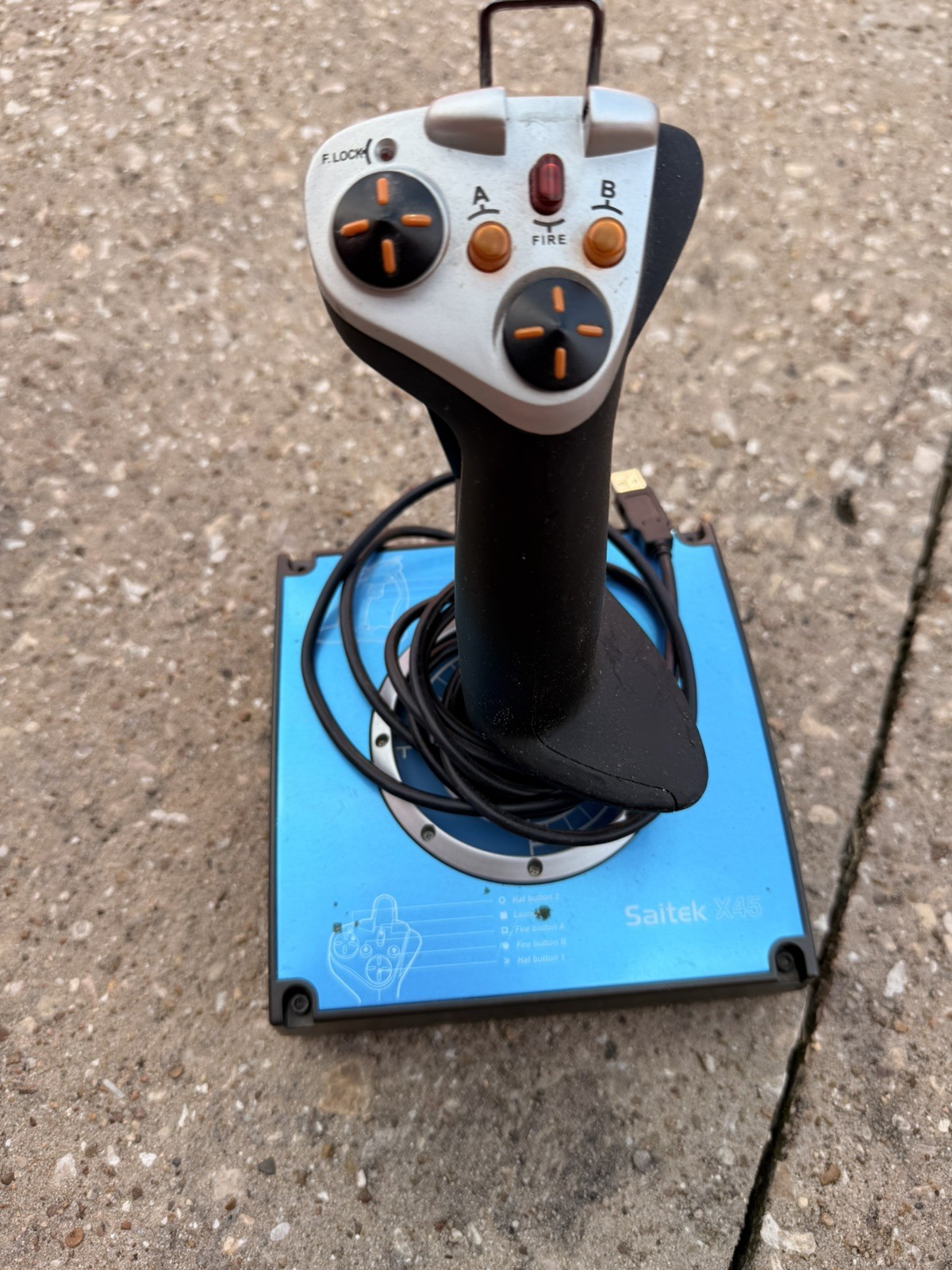
Photos from current listings. Actual item, color, and included accessories may vary.
Pxn 2113 Buying Guide
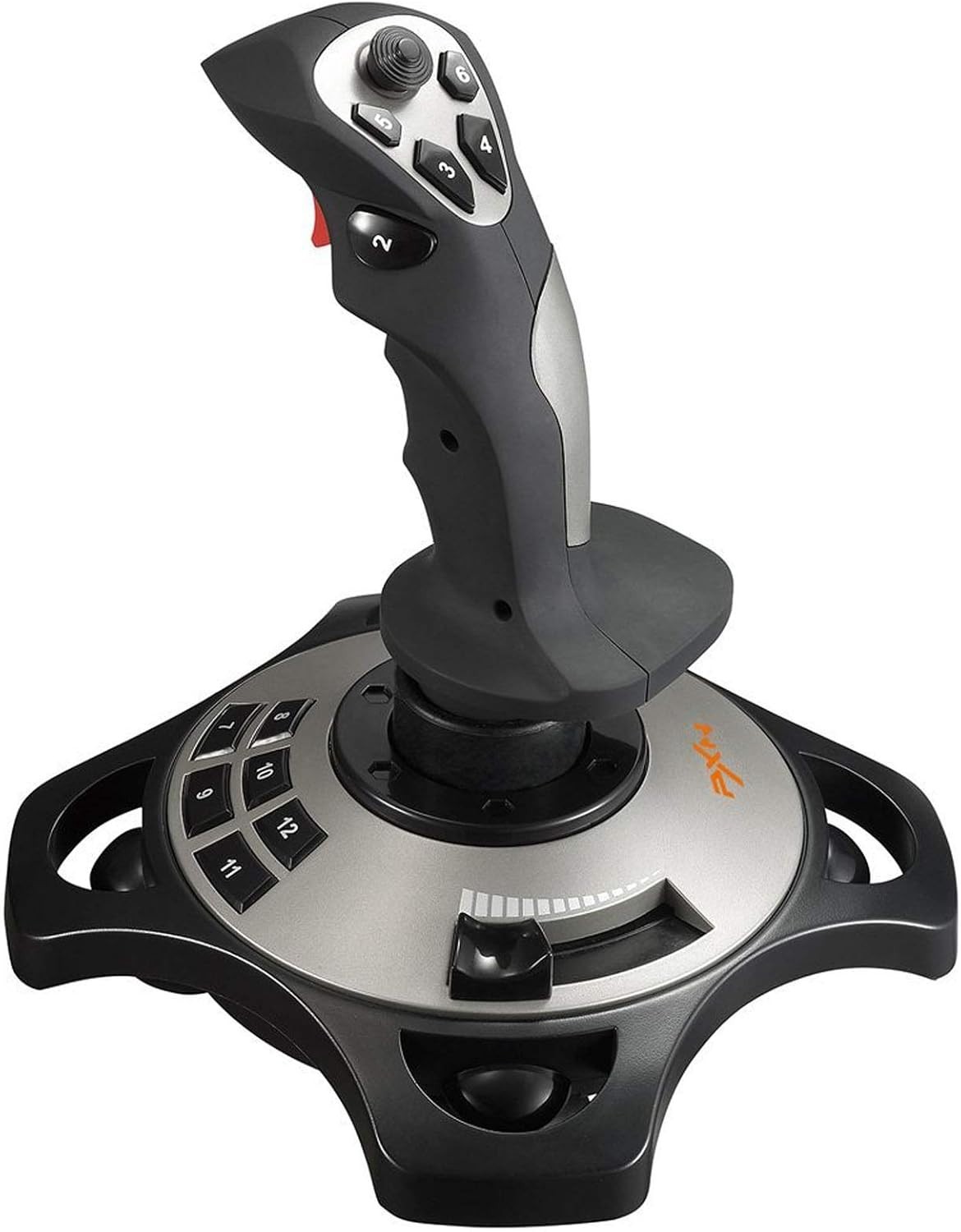
The PXN 2113 Pro is an entry-level USB flight stick built around a plastic gimbal and a single integrated throttle wheel, aimed at casual PC flight-sim and arcade-aviation players rather than study-level cockpit builders. The core trade-off at this tier is sensor type and gimbal material: potentiometer-based plastic sticks deliver adequate control for arcade titles but develop dead zones and centering drift under sustained sim use, while Hall-effect sensors and metal gimbals define the durable tier. The decision rule is simple: if you fly arcade or light sim sessions a few hours a week, a plastic entry stick is fine; if you fly study-level sims regularly or need precise formation and carrier work, step up to a Hall-effect HOTAS with a separate throttle.
Median $36.50
Key takeaways
- Single-piece flight stick with integrated throttle wheel and twist-rudder axis, giving yaw and thrust control without a separate throttle quadrant.
- Plastic gimbal and potentiometer sensing are the cost-defining parts; potentiometers wear and drift over time, unlike contactless Hall-effect sensors.
- USB plug-and-play PC connection with standard game-controller HID reporting, so it maps in Windows and most sim titles without proprietary drivers.
At a glance
- Category
- Flight Sim Joysticks & HOTAS
- Status
- Listings available
- Last updated
- Nov 27, 2026
Current offers
Highlights
- Single-piece flight stick with integrated throttle wheel and twist-rudder axis, giving yaw and thrust control without a separate throttle quadrant.
- Plastic gimbal and potentiometer sensing are the cost-defining parts; potentiometers wear and drift over time, unlike contactless Hall-effect sensors.
- USB plug-and-play PC connection with standard game-controller HID reporting, so it maps in Windows and most sim titles without proprietary drivers.
- Compact desktop footprint suits keyboard-tray or small-desk setups; full-size HOTAS bases need deeper mounting space and often desk clamps.
Best use cases
- Best fit: casual PC players flying arcade or light-sim titles (Microsoft Flight Simulator sightseeing, War Thunder arcade) who want stick plus throttle on a budget.
- Best fit: desk-limited setups where a compact all-in-one stick and throttle wheel beats a two-piece HOTAS that needs wider mounting.
- Wrong fit: study-level airliner or combat-sim pilots flying long sessions — potentiometer drift and plastic gimbal centering degrade precision over hundreds of hours.
- Skip if you need force feedback, interchangeable grips, or a standalone throttle quadrant; those require a higher-tier modular HOTAS platform.
Buying tips
- Check sensor type before buying: Hall-effect (magnetic) sensors are contactless and drift-free; potentiometers are cheaper and wear with use.
- Confirm twist-rudder support if you fly without pedals; a stick with no twist axis forces an extra rudder-pedal purchase.
- Verify the stick includes a throttle axis or wheel; entry sticks without one leave you keyboard-throttling in sims that expect an analog axis.
- Match desk depth: compact sticks need roughly a forearm's reach of clear desk; full HOTAS bases need 30 cm+ depth plus clamp or mount clearance.
Specs
| Sensor Type | Potentiometer (contact) vs Hall-effect |
|---|---|
| Gimbal Material | Plastic vs metal gimbal |
| Throttle Config | Integrated wheel vs separate quadrant |
| Rudder Control | Twist axis vs pedals |
Alternatives to compare
Related searches
What to check before buying
- Measure your desk or tray depth and width — the stick base plus throttle throw must clear your keyboard and monitor stand.
- Confirm your PC has a free USB-A port and you run Windows 10/11, where generic HID game controllers enumerate without extra drivers.
- Check the sim you fly supports twist-rudder and single-axis throttle mapping, or plan for rudder pedals and a separate throttle.
- Verify mounting: suction cups and light plastic bases slide on glossy desks; plan a mat or clamp if you fly with firm inputs.
FAQ
Data sources: eBay / Amazon listings and product attribute feeds. Updated Nov 27, 2026.
Some links on this page are affiliate links. If you buy after clicking one, we may earn a commission at no extra cost to you. This does not change which products appear here or their order. Affiliate disclosure.