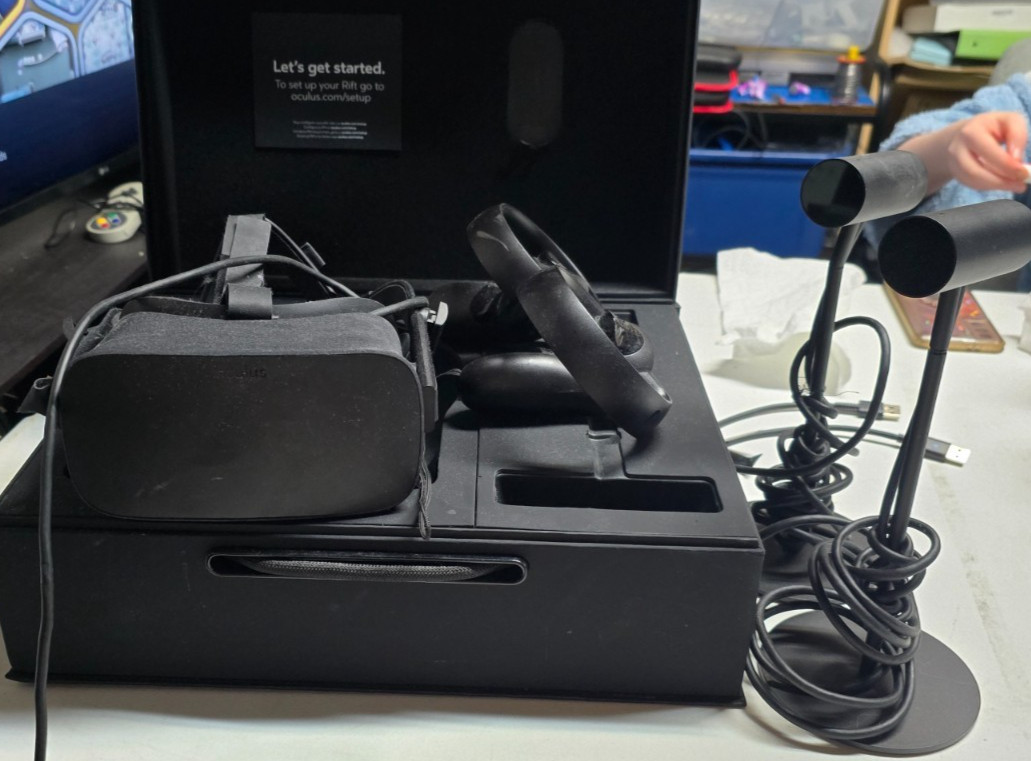

Photos from current listings. Actual item, color, and included accessories may vary.
VR Set PC Buying Guide
A VR set for PC means a tethered headset bundle that relies on your computer's GPU for rendering, so the primary trade-off is tracking architecture (inside-out vs. external base stations) and display panel generation versus the cost and USB/DisplayPort wiring burden. The clear decision rule: buy a currently supported inside-out headset with a DisplayPort or USB-C native connection and at least 2 tracking cameras; skip legacy external-sensor kits unless you already own the base stations and controllers.
Median $224.48
Key takeaways
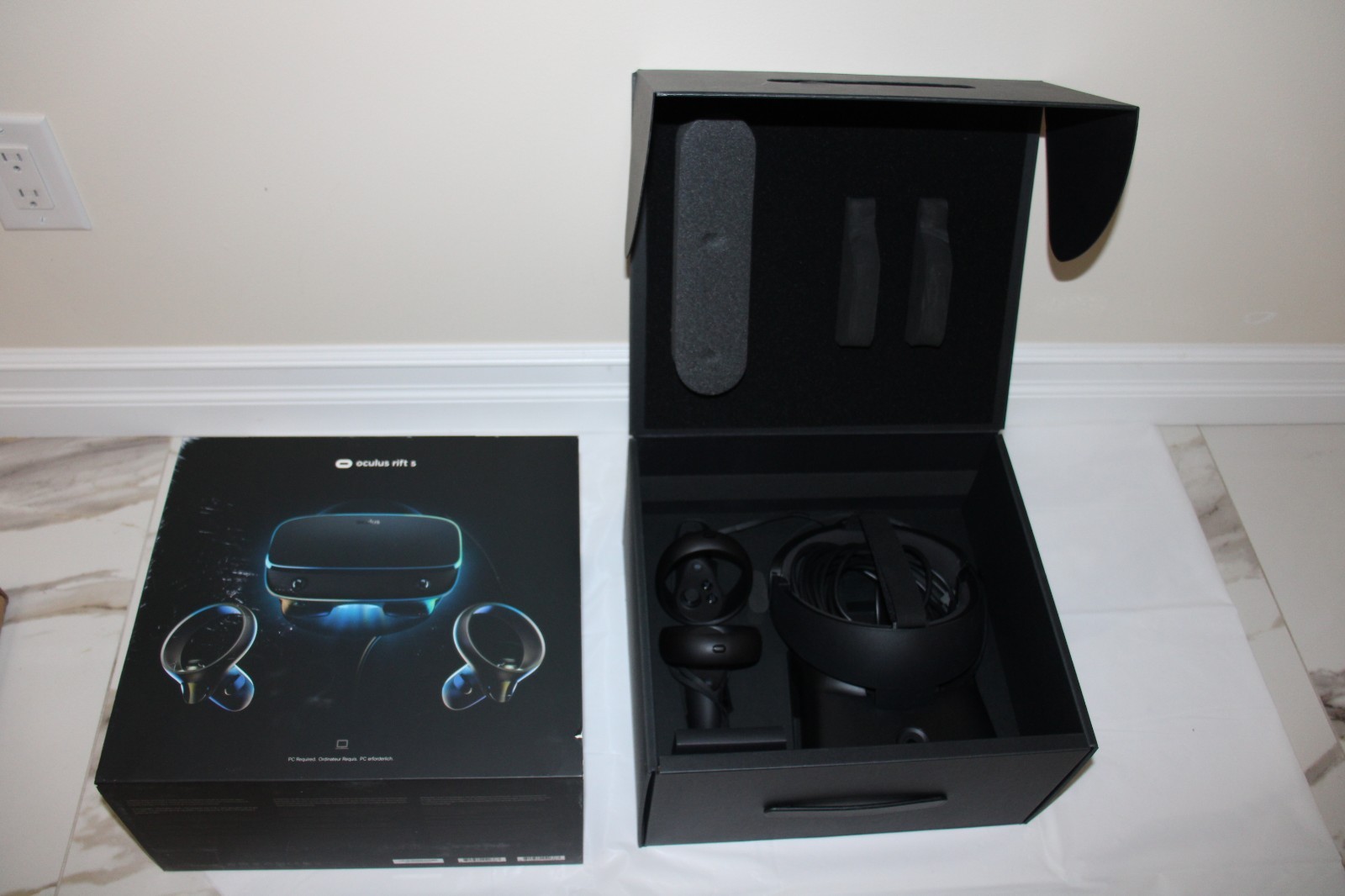
- Oculus Rift S uses inside-out tracking with five cameras and a single DisplayPort 1.2 + USB 3.0 cable, eliminating external sensor mounts but capping tracking volume to the camera frustum.
- PC VR headsets split into native-DisplayPort (Rift S, Valve Index, Reverb G2) and compressed-USB/Wi-Fi streaming (Quest 2/3 Link, Pico) — native display link cuts latency and GPU encode overhead.
- Panel generation determines clarity: OLED (Rift CV1, Vive Pro) gives true blacks but visible SDE; fast-switch LCD at 80–120 Hz (Rift S, Index) trades contrast for sharper subpixel fill.
At a glance
- Category
- VR Gaming Hardware & Accessories
- Last updated
- Nov 28, 2026
Current offers
Highlights
- Oculus Rift S uses inside-out tracking with five cameras and a single DisplayPort 1.2 + USB 3.0 cable, eliminating external sensor mounts but capping tracking volume to the camera frustum.
- PC VR headsets split into native-DisplayPort (Rift S, Valve Index, Reverb G2) and compressed-USB/Wi-Fi streaming (Quest 2/3 Link, Pico) — native display link cuts latency and GPU encode overhead.
- Panel generation determines clarity: OLED (Rift CV1, Vive Pro) gives true blacks but visible SDE; fast-switch LCD at 80–120 Hz (Rift S, Index) trades contrast for sharper subpixel fill.
- Refresh rate and IPD adjustment are headset-locked: Rift S runs 80 Hz with software IPD only, while Index offers 80/90/120/144 Hz and a physical IPD slider — a decisive fit factor for users outside 61.5–65.5 mm.
Best use cases
- Best fit: seated or standing sim/room-scale PC play in a 2 × 2 m space with a DisplayPort GPU — pick a native-DP inside-out headset like Rift S or Reverb G2; skip external-lighthouse kits if you cannot ceiling-mount base stations.
- Best fit: users who want one headset for both PC and standalone — choose Quest 2/3 with Link cable or Wi-Fi 6 streaming; skip a PC-only Rift S if standalone portability matters more than native latency.
- Best fit: maximum tracking fidelity and full-body/room-scale — pick a SteamVR base-station system (Index, Vive Pro 2); skip inside-out headsets if you need controller tracking behind your back or in low light.
- Wrong fit: laptops with only HDMI and no DisplayPort/USB-C alt-mode — most PC VR headsets will not initialize; skip the purchase unless the GPU output matches the headset's native connector.
Buying tips
- Check the headset's native video connector first: Rift S requires DisplayPort 1.2 + USB 3.0; Reverb G2 requires DisplayPort 1.3 + USB-C; HDMI-only laptops need an active DP adapter, not a passive dongle.
- Match IPD: if your interpupillary distance is below 61 mm or above 67 mm, prioritize a headset with a physical IPD slider (Index, Quest 3, Vive Pro 2) over software-only adjustment (Rift S).
- Verify GPU tier: a GTX 1060 6 GB / RX 580 is the realistic floor for 80 Hz PC VR; for 120–144 Hz or high-res panels plan on RTX 3070 / RX 6800 class or better.
- Prefer bundles including controllers, tracking cameras/base stations, and the native link cable — a headset-only listing often costs more once missing accessories are sourced separately.
Specs
| Tracking Type | Inside-out cameras vs external base stations |
|---|---|
| Native Video Link | DisplayPort 1.2/1.3 vs USB-C compressed |
| Refresh Rate | 80 Hz / 90 Hz / 120–144 Hz |
| IPD Adjustment | Physical slider vs software-only |
Related searches
What to check before buying
- Measure your play area: inside-out headsets need roughly 2 × 2 m of clear floor and even lighting; base-station kits need two mounts at opposite corners with power outlets.
- Confirm your PC has the exact port: DisplayPort 1.2+ for Rift S/Index, DisplayPort 1.3 + USB-C for Reverb G2, or a USB 3.0 port with sufficient power for Quest Link.
- Check your GPU's VR-ready status and available video output — a DisplayPort adapter must be an active model rated for the headset's resolution and refresh rate.
- Verify the bundle includes the correct region power adapter and that the headset's firmware is updatable via the official PC app before relying on used listings.
FAQ
Data sources: eBay / Amazon listings and product attribute feeds. Updated Nov 28, 2026.
Some links on this page are affiliate links. If you buy after clicking one, we may earn a commission at no extra cost to you. This does not change which products appear here or their order. Affiliate disclosure.