
Photos from current listings. Actual item, color, and included accessories may vary.
VR Set Buying Guide
A VR set (headset plus tracking and controllers) splits into two architectures: standalone Android-based units like Meta Quest 2/3 with inside-out tracking, and PC-powered tethered headsets like Oculus Rift S that depend on a gaming PC. The core trade-off is onboard compute and battery versus raw PC GPU fidelity; standalone wins for low-friction room-scale play, tethered wins for sim and high-fidelity cockpit use. The durable rule: buy a standalone headset with inside-out tracking and at least 6GB RAM for all-in-one use, or a tethered headset only if you already own a VR-Ready PC with a DisplayPort and a GTX 1060/RX 580-class GPU or better.
Median $120.93 · New & pre-owned listings
Key takeaways
- Standalone headsets (Quest 2/3) run a mobile Snapdragon-class SoC with 6GB RAM and inside-out cameras, so no PC or base stations are required.
- Tethered PC headsets (Rift S) use a 5-camera inside-out array and a single DisplayPort 1.2 plus USB 3.0 connection, offloading all rendering to the GPU.
- Refresh and resolution tiers: Quest 2 runs 1832x1920 per eye at up to 120Hz; Rift S runs 1280x1440 per eye at 80Hz, so standalone panels are denser but PC output can be supersampled.
At a glance
- Category
- VR Gaming Hardware & Accessories
- Last updated
- Nov 28, 2026
Current offers
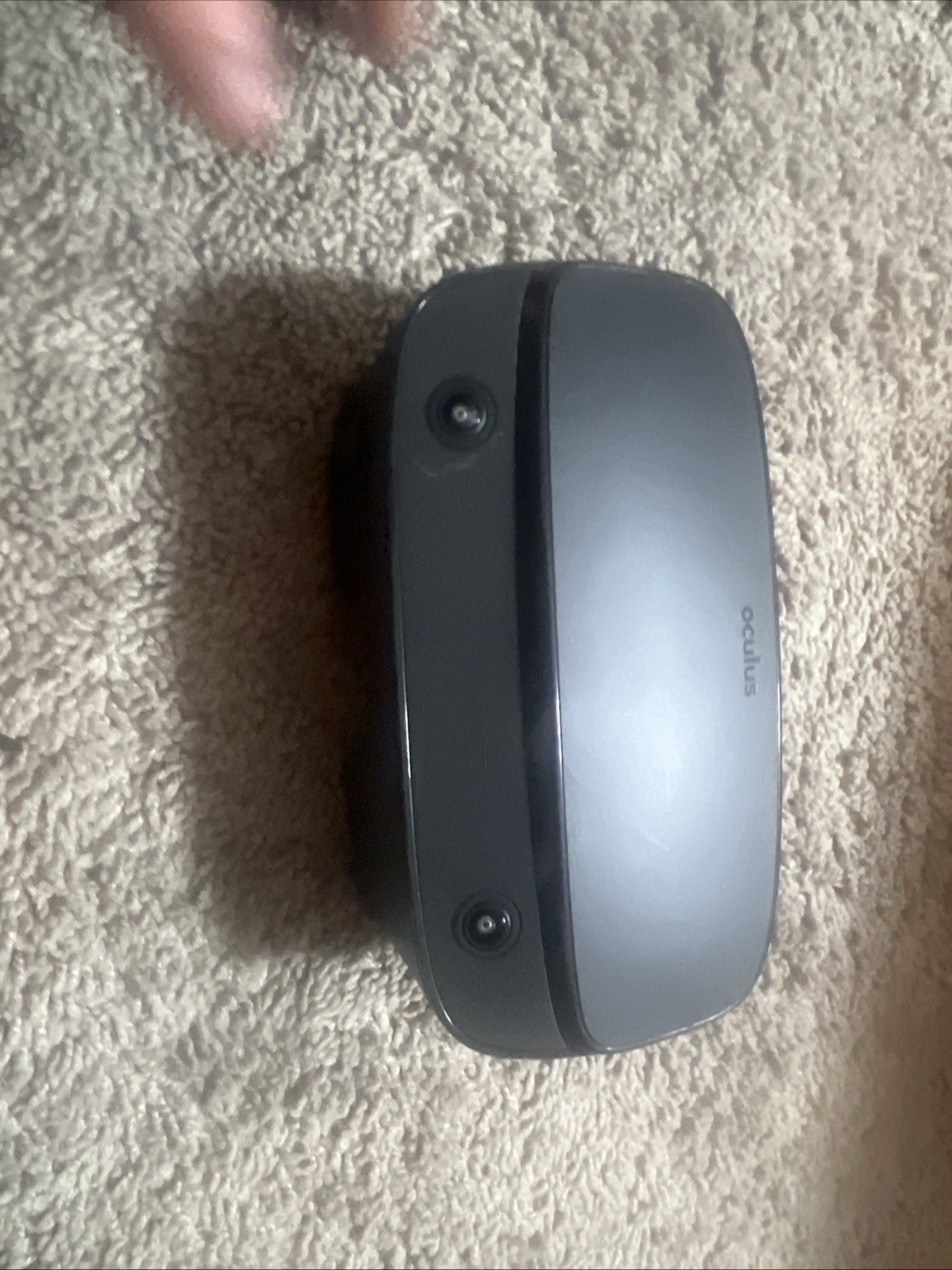 Oculus Rift S PC Powered VR Gaming Headset ONLY$8.99View on eBay
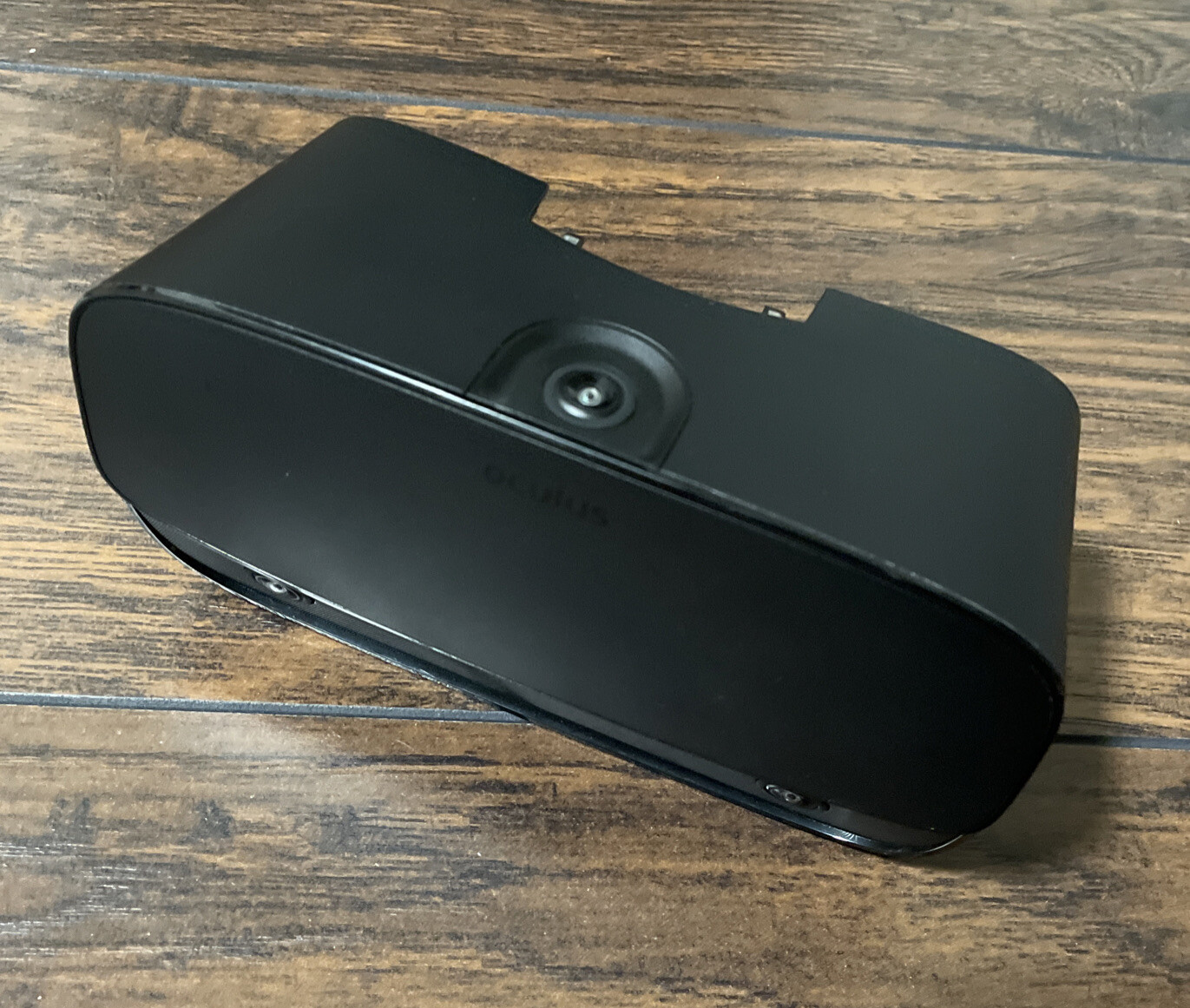 Oculus Rift S PC Powered VR Gaming Headset ONLY$11.95View on eBay
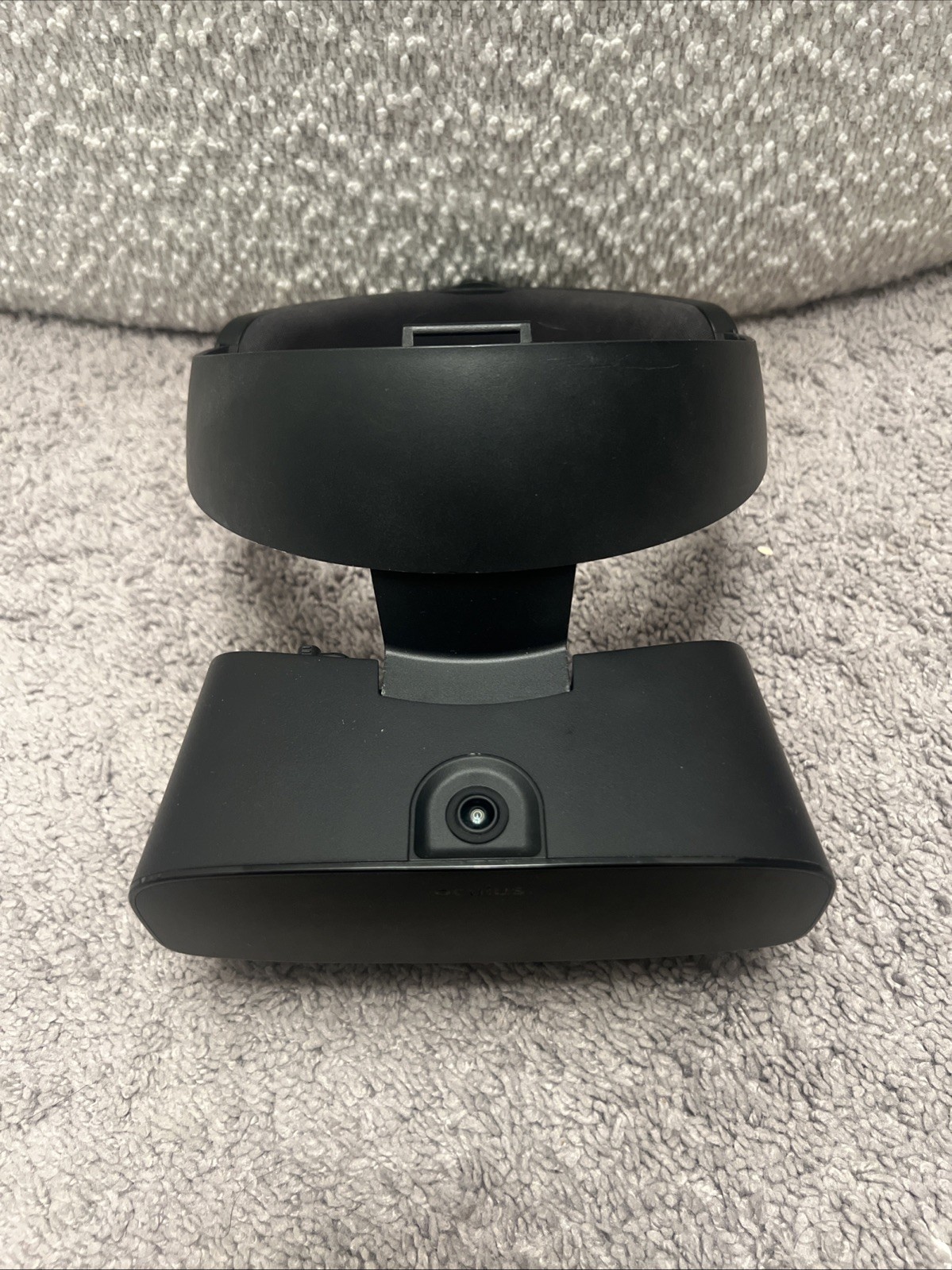 Oculus Rift S PC-Powered VR Gaming Headset ONLY Tested$13.99View on eBay
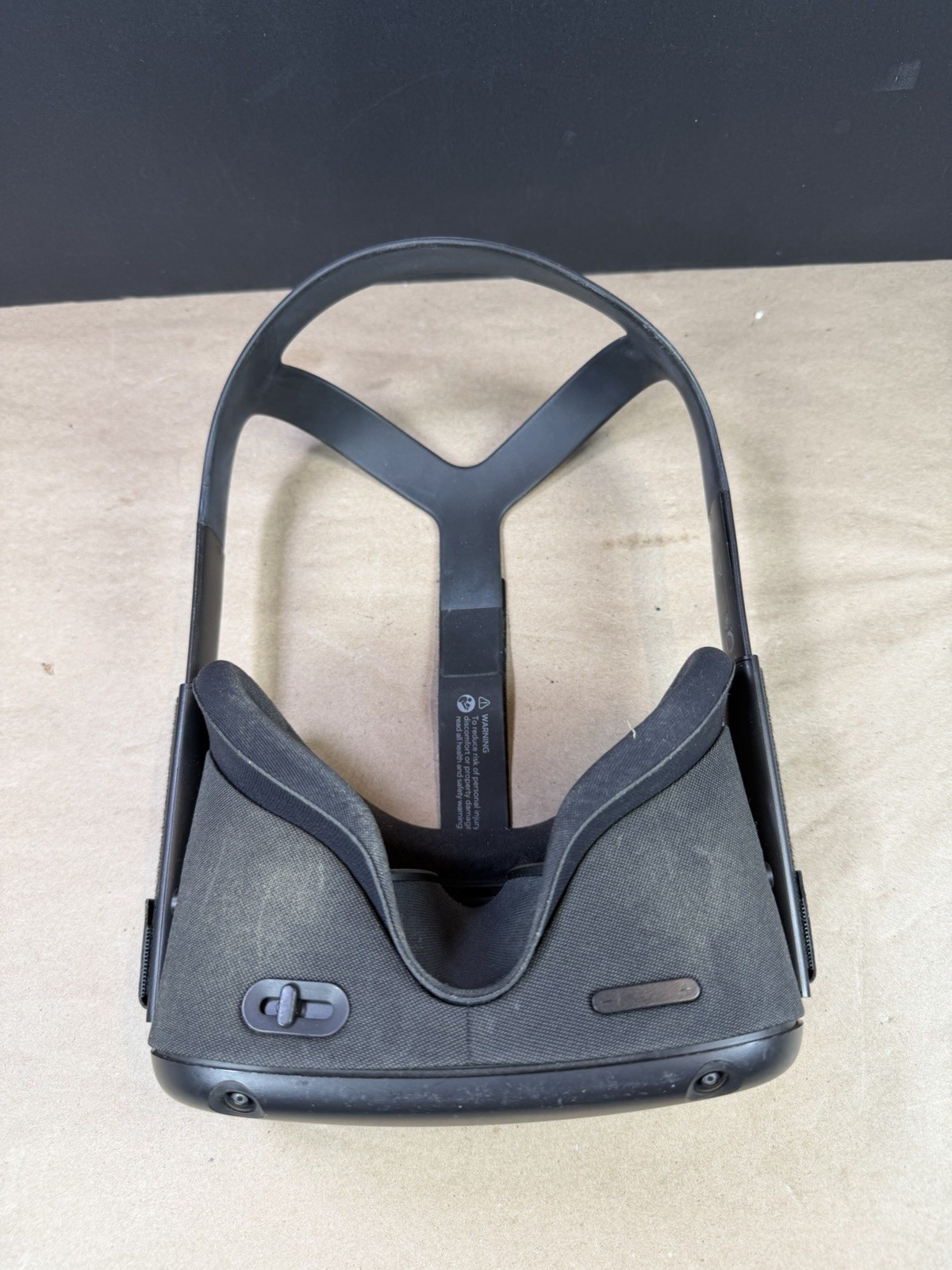 Oculus Quest MH-B Standalone All-In-One VR Gaming Headset Black Built-In Audio$24.27View on eBay
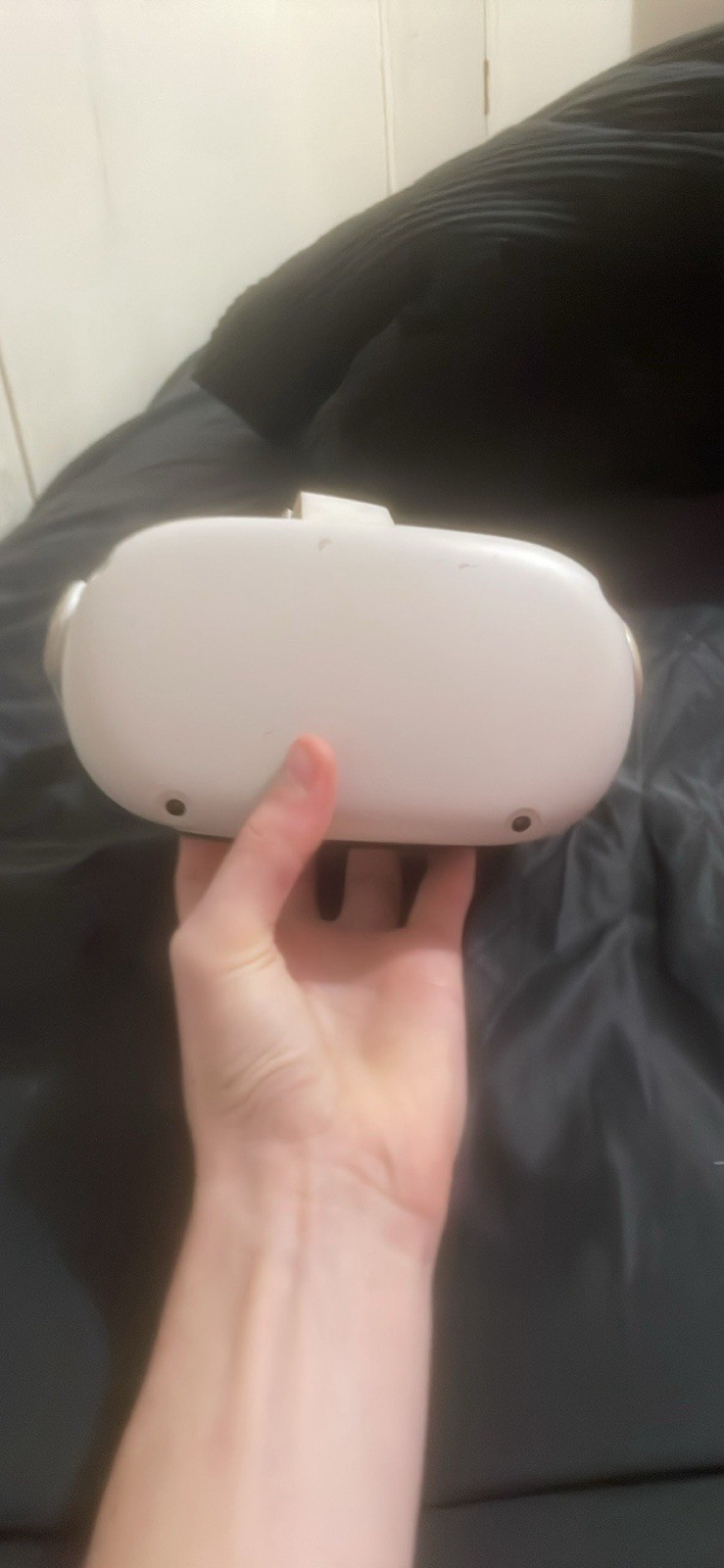 Meta Quest 2 Standalone VR Headset in White, Meta VR Gaming System$25.00View on eBay
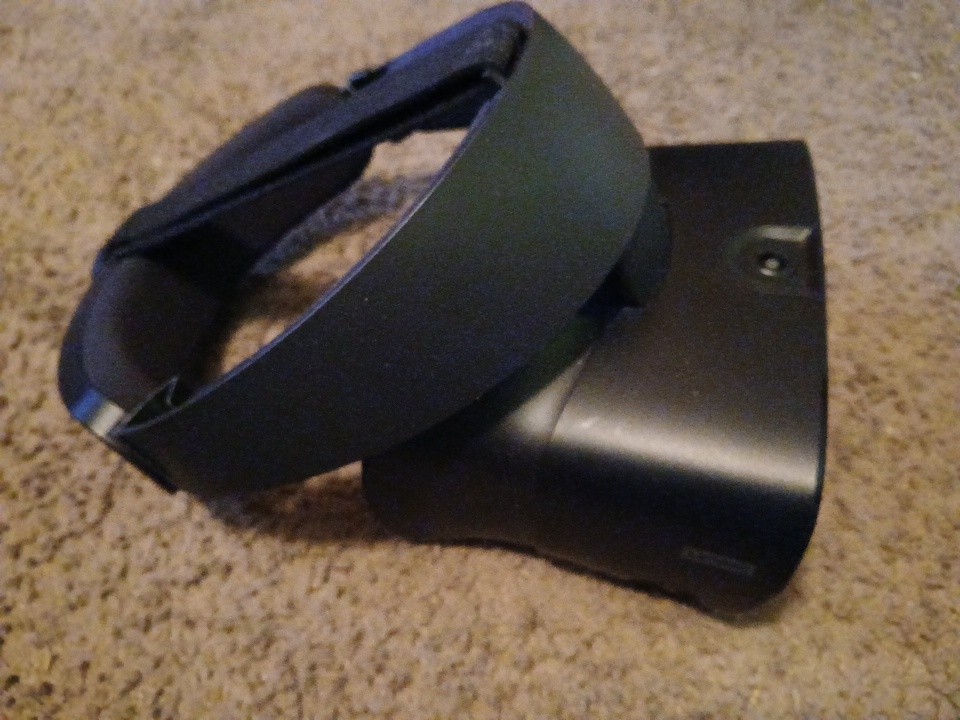 Oculus Rift S PC Powered VR Gaming Headset ONLY - No Controllers or Cables$28.99View on eBay
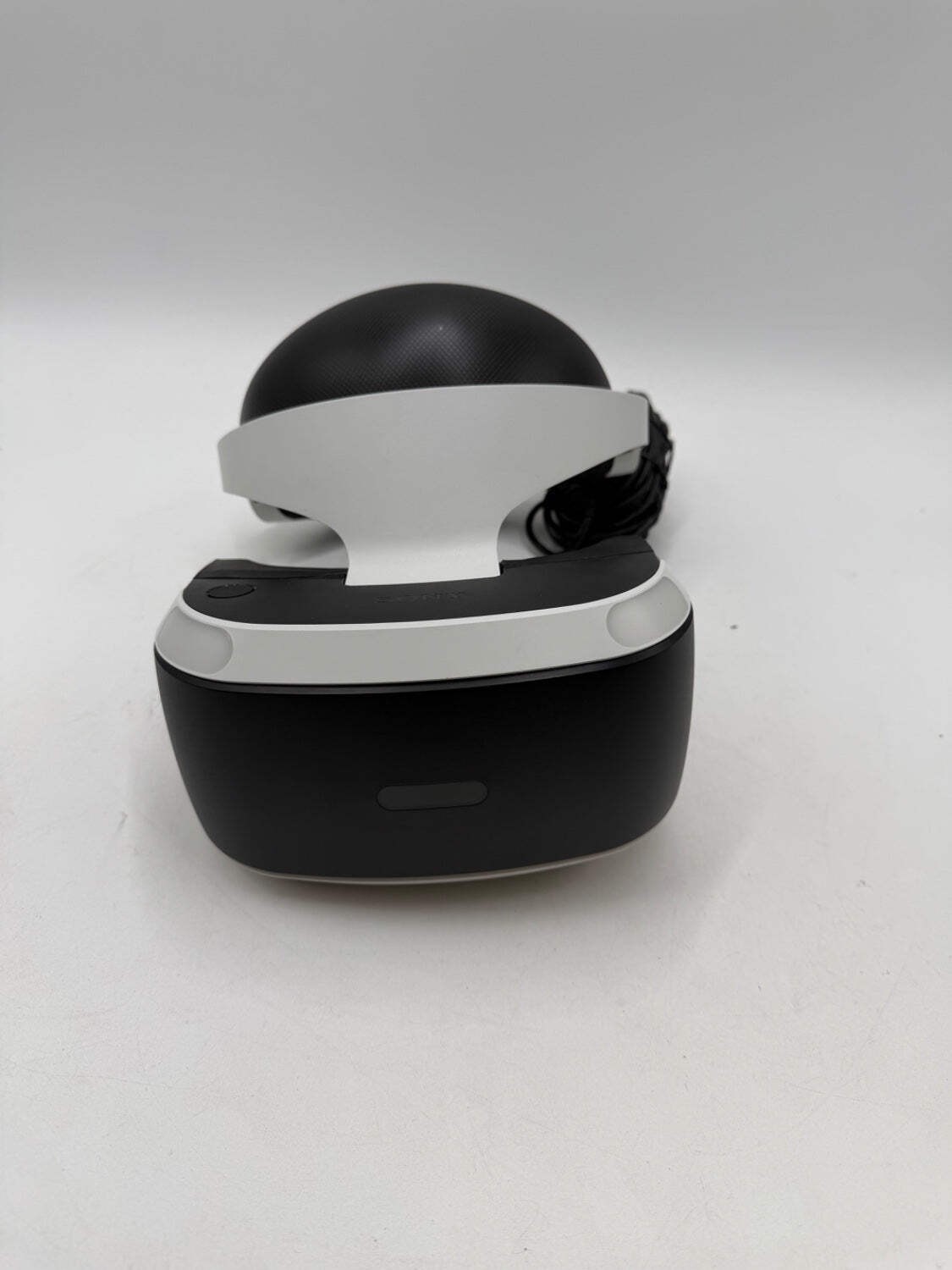 Sony PlayStation VR Virtual Reality VR Headset White CU H-ZVR2$37.99View on eBay
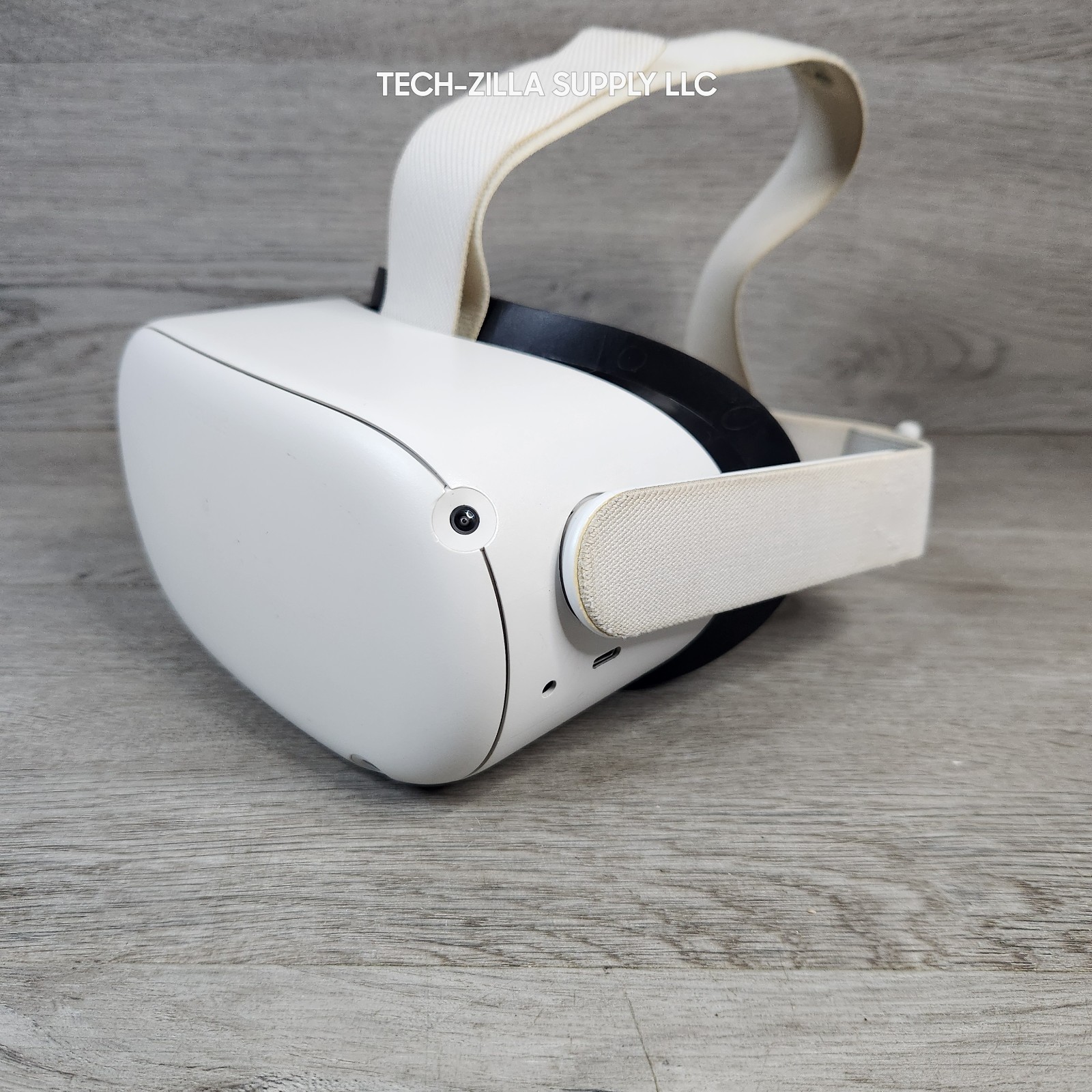 Oculus Meta Quest 2 128GB VR Headset ONLY, Great Condition (No Controllers)$44.95View on eBay
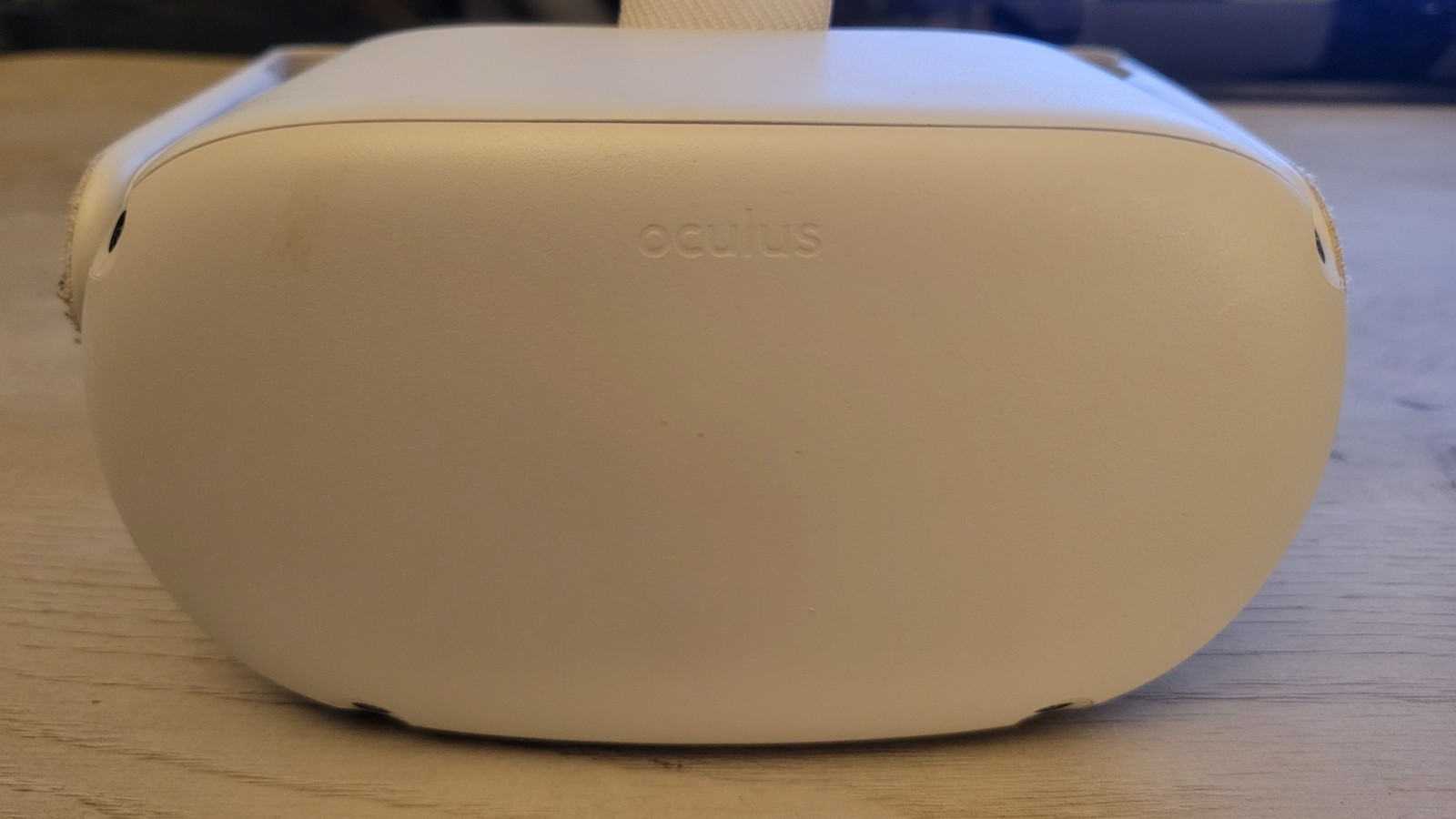 Meta Oculus Quest 2 128GB Standalone VR Headset Only No Controllers Tested$45.00View on eBay
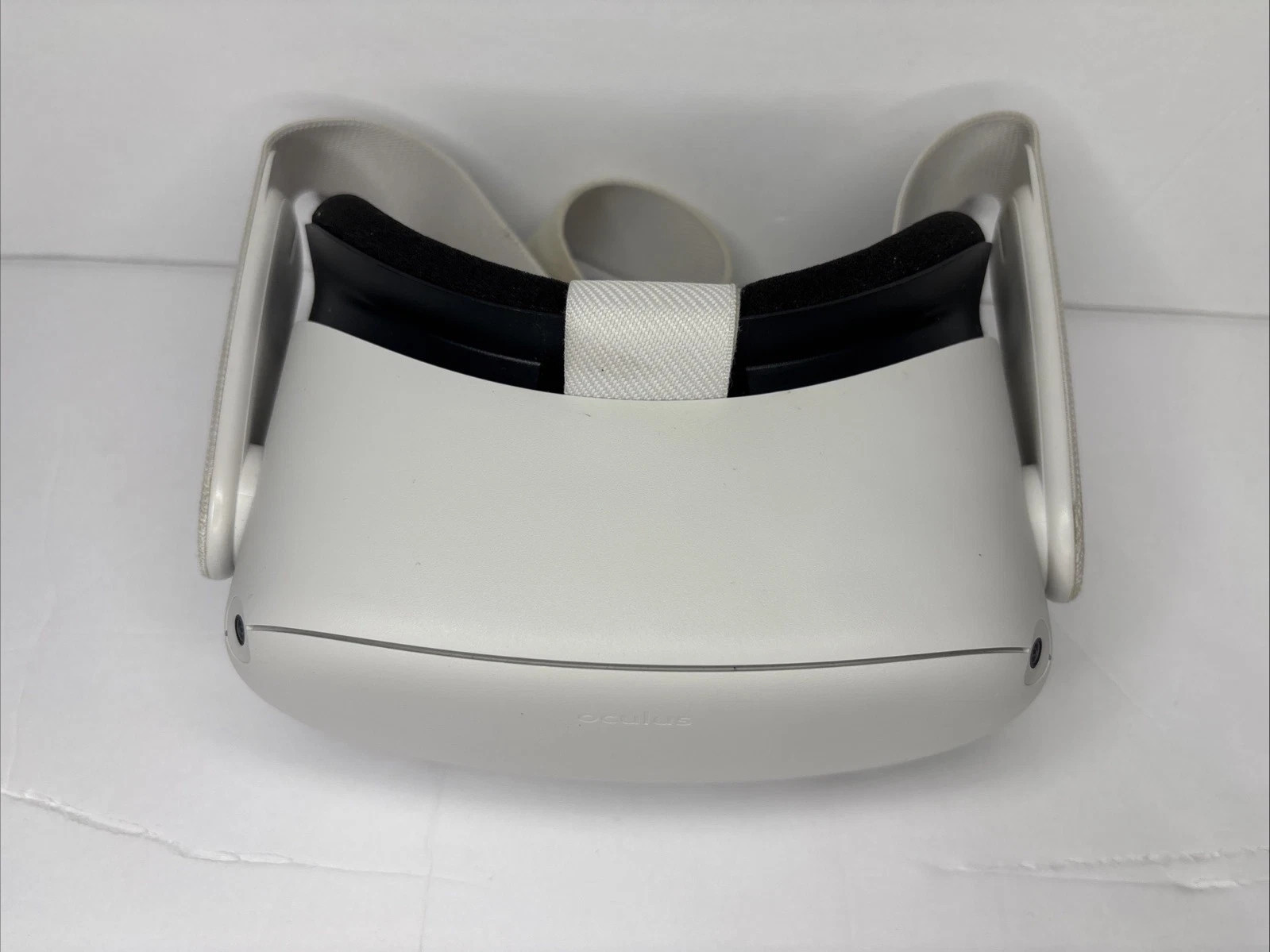 Meta Oculus Quest 2 128GB VR Headset Headset ONLY - No Controllers$45.00View on eBay
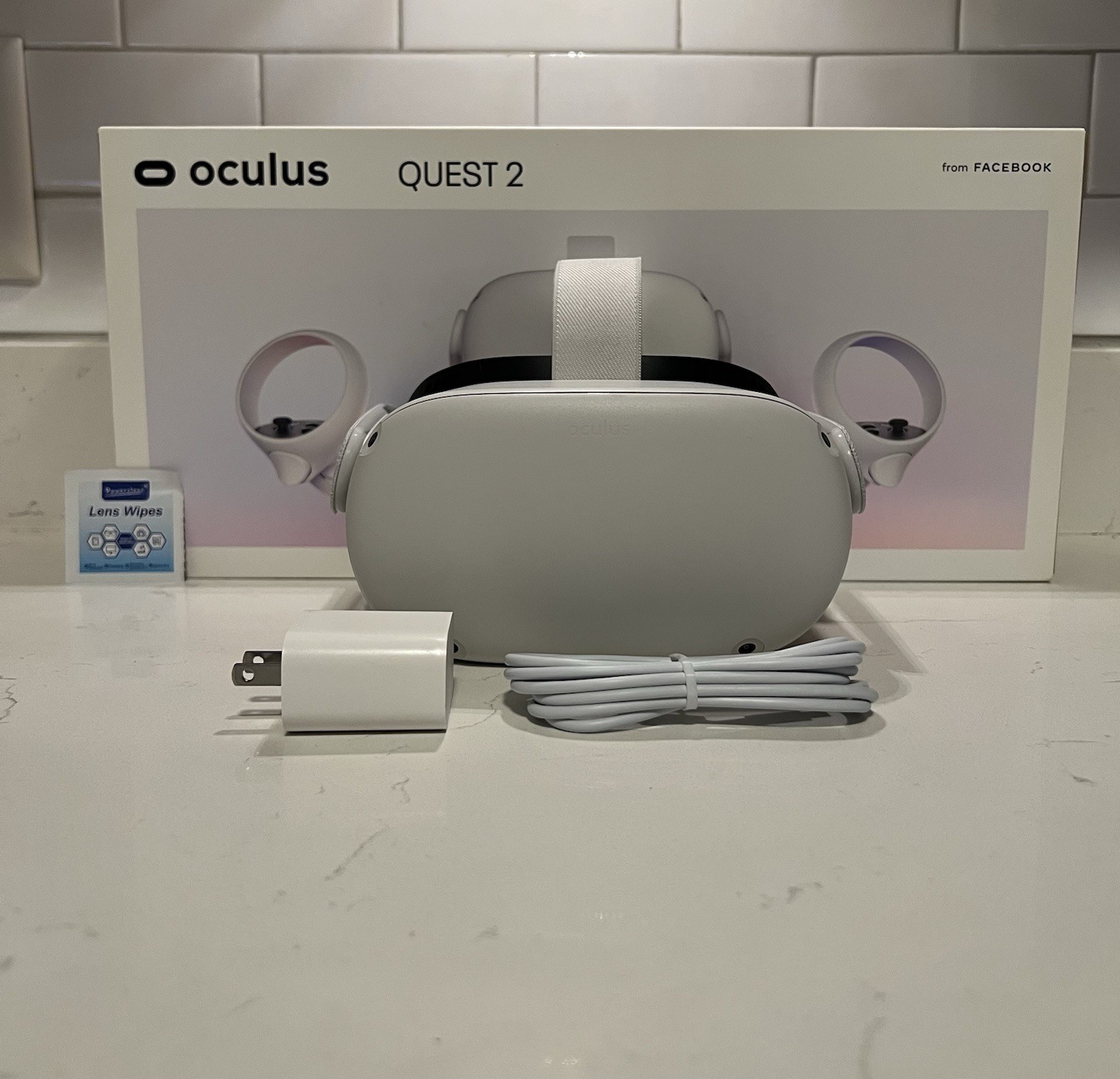 Meta Quest 2 - 64GB VR Headset$49.99View on eBay
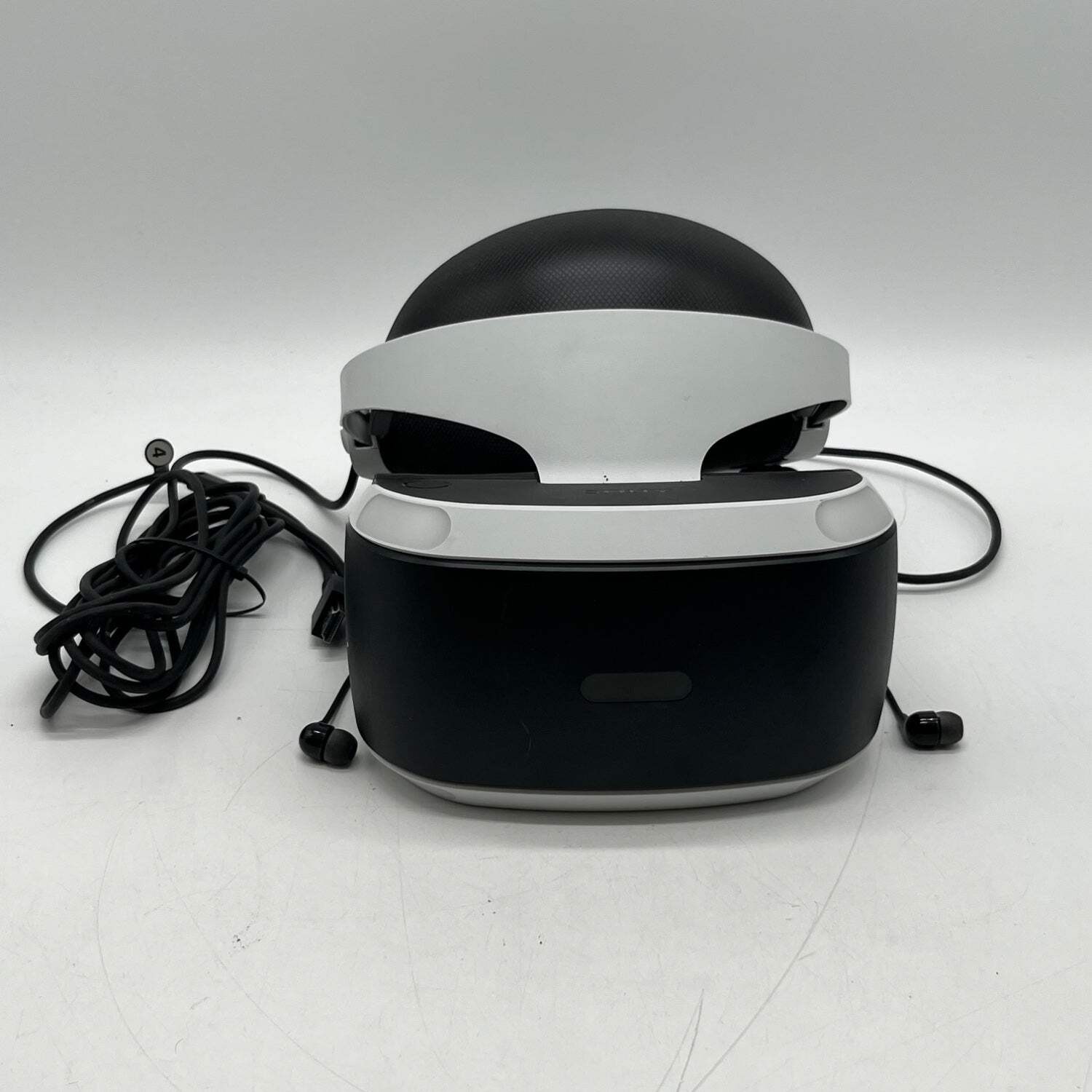 Sony PlayStation 4 PS4 Virtual Reality VR Headset Black CUH-ZVR2$49.99View on eBay
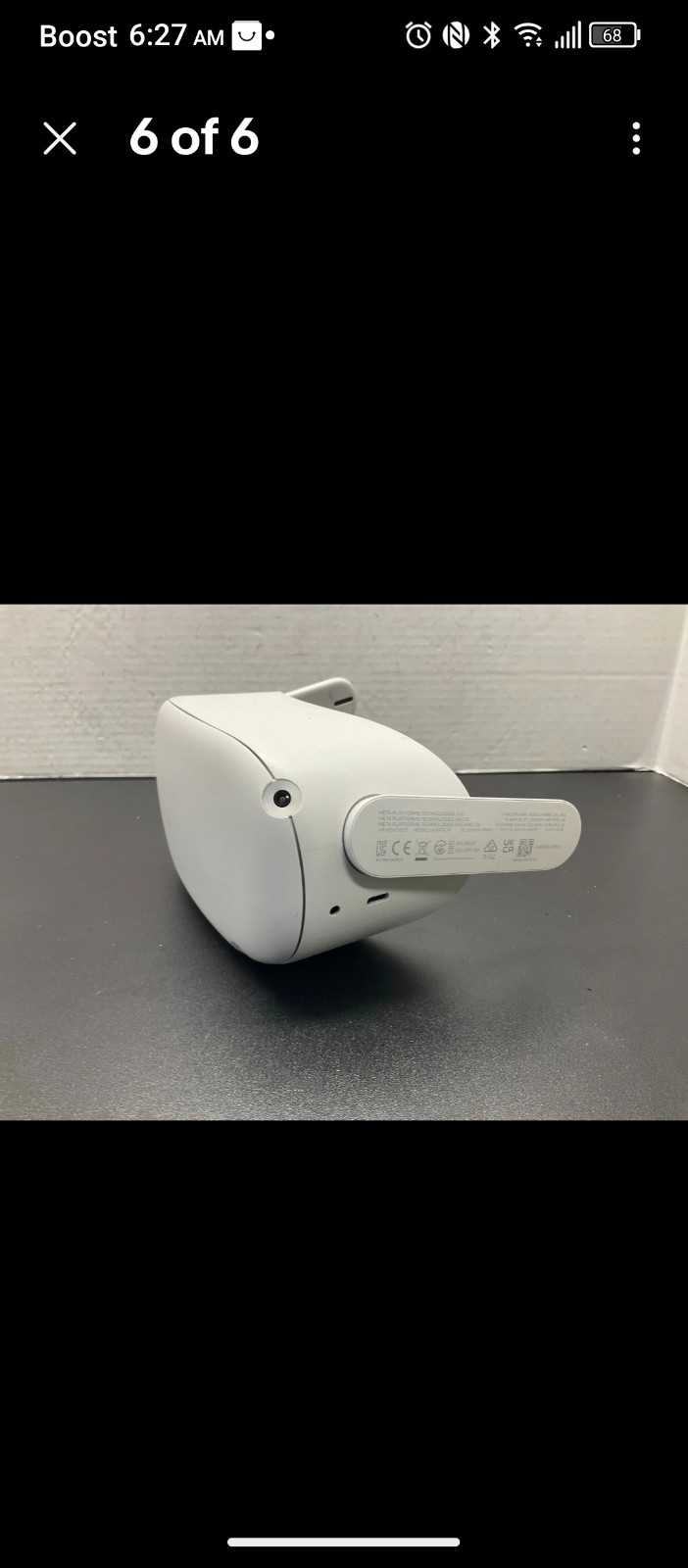 Meta Quest 2 128GB Advanced All-in-One VR Gaming Headset - ( WEAR & TEAR )$65.00View on eBay
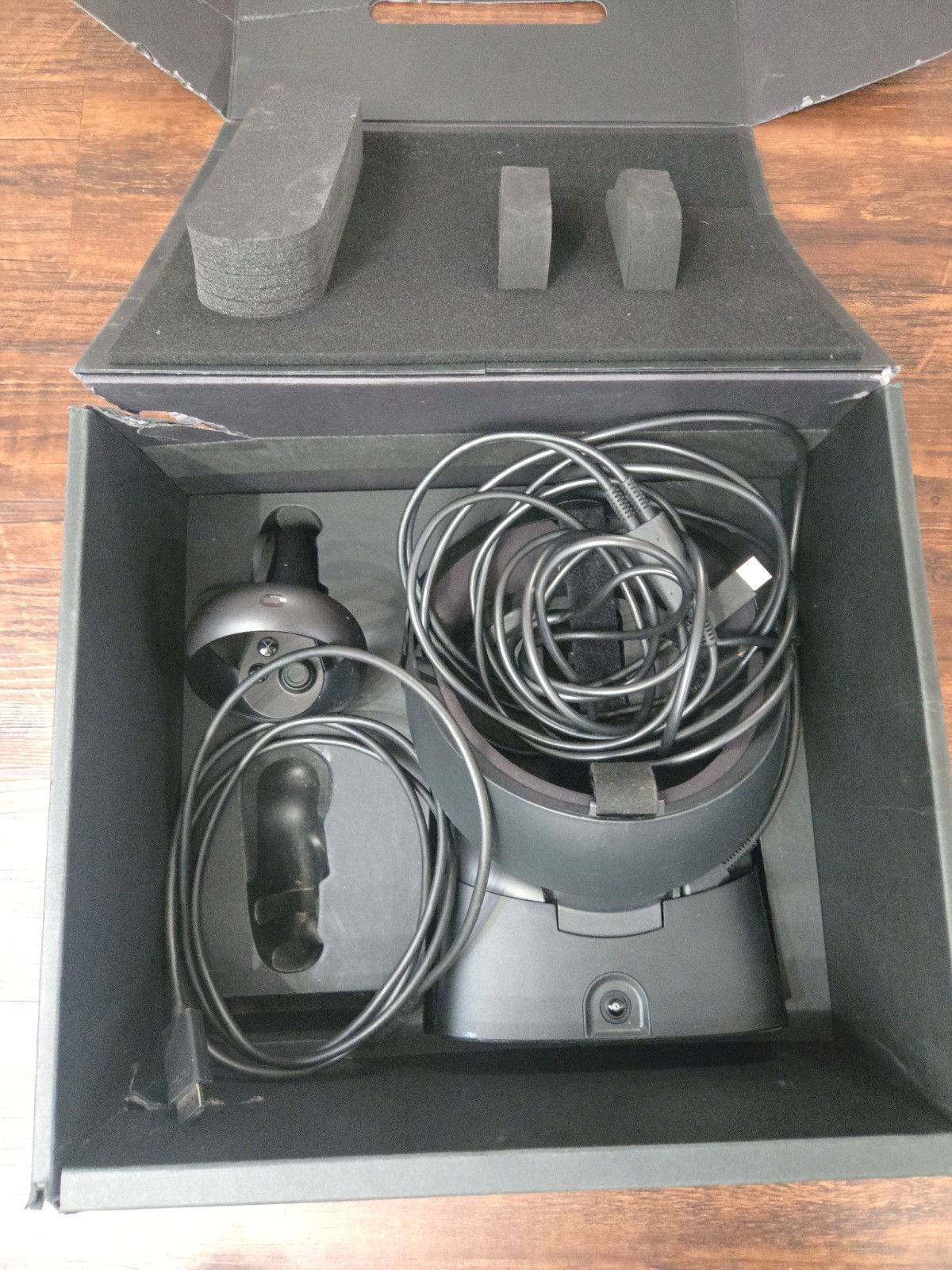 Oculus Rift S PC-Powered VR Gaming Headset - Black *1 Controller Preowned$68.88View on eBay
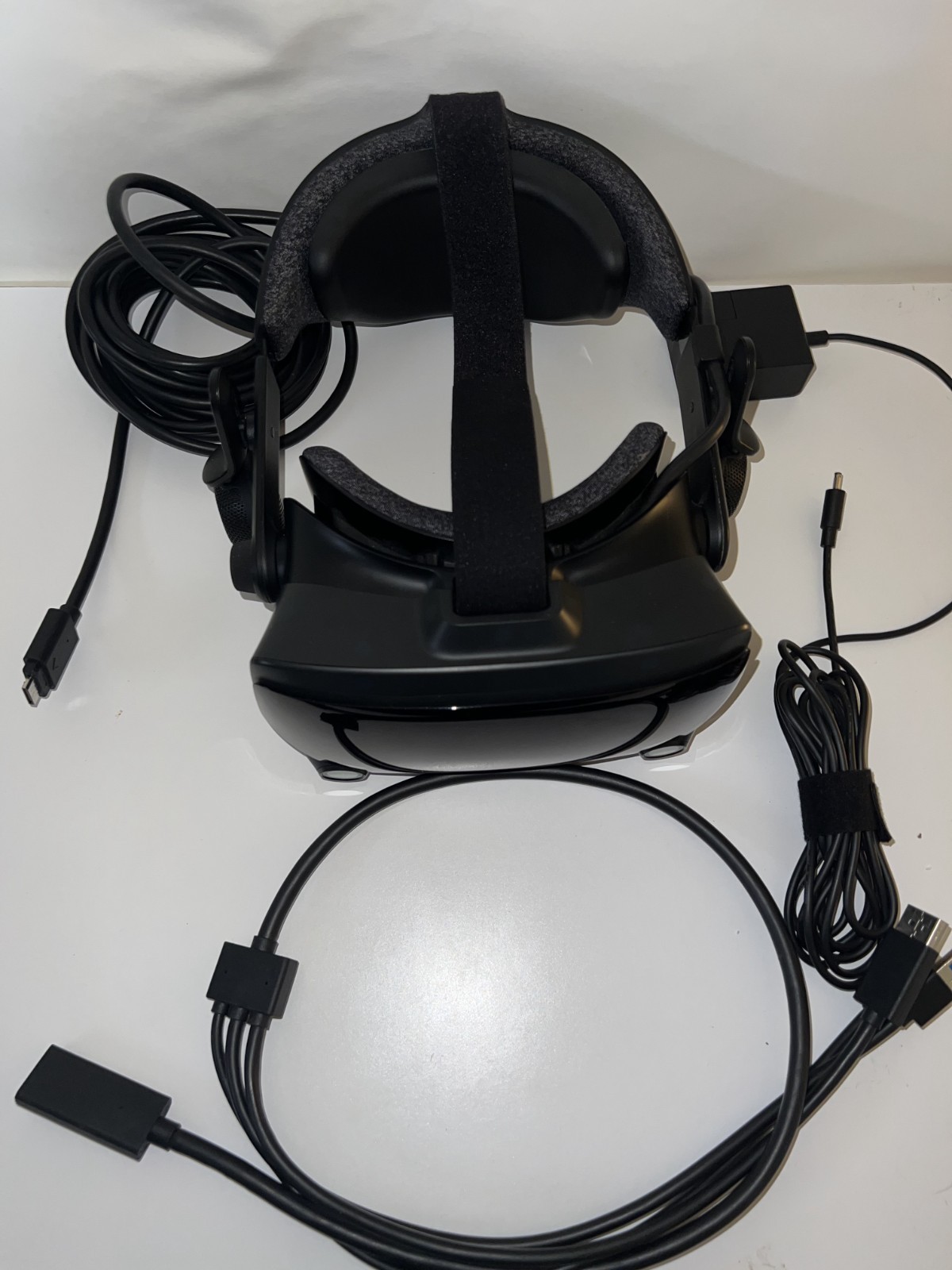 Steam Valve Index VR Gaming HEADSET ONLY - READ$80.00View on eBay
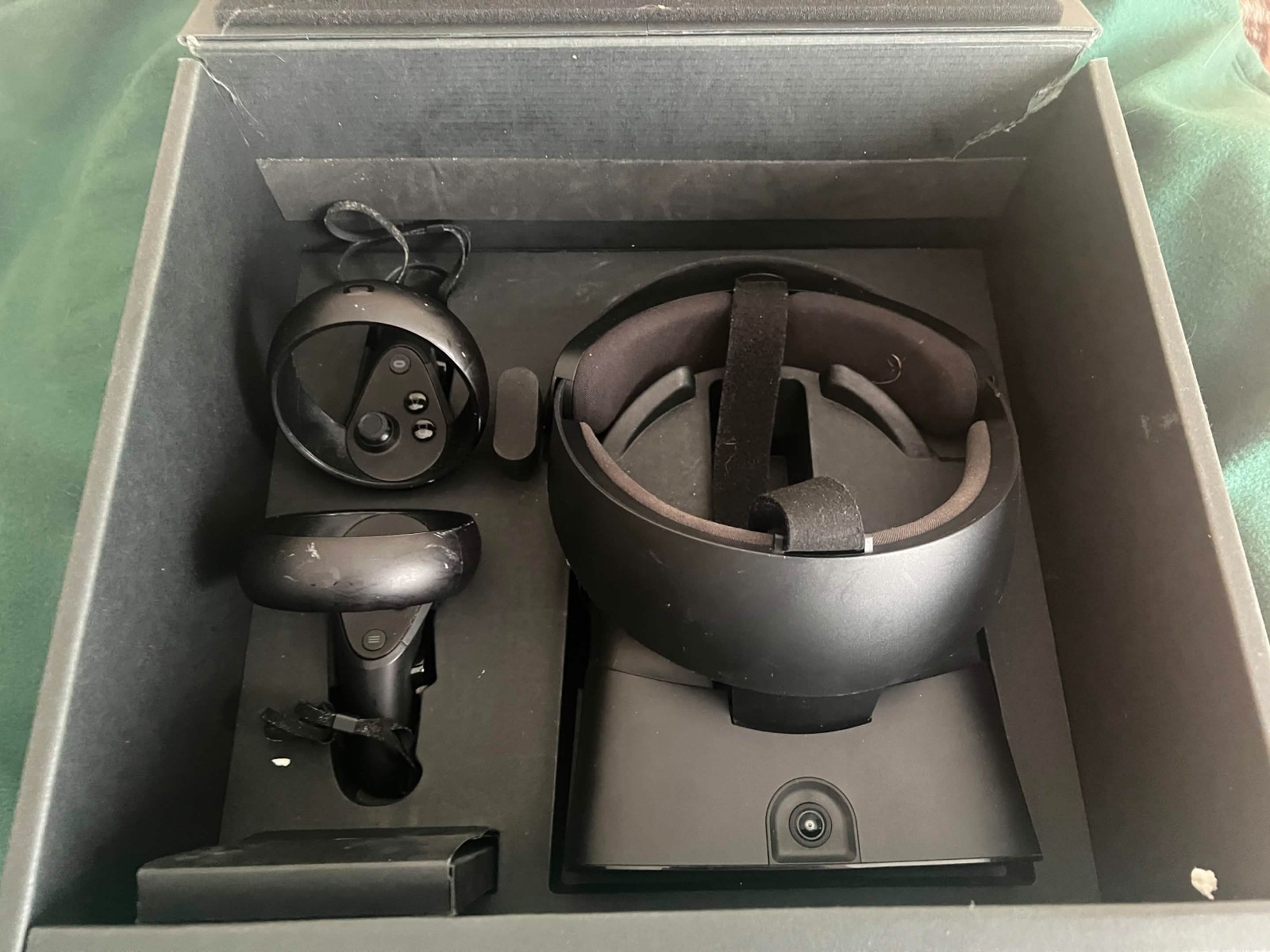 CABLE NOT INCLUDED Oculus Rift S PC-Powered VR Gaming Headset - Black$80.00View on eBay
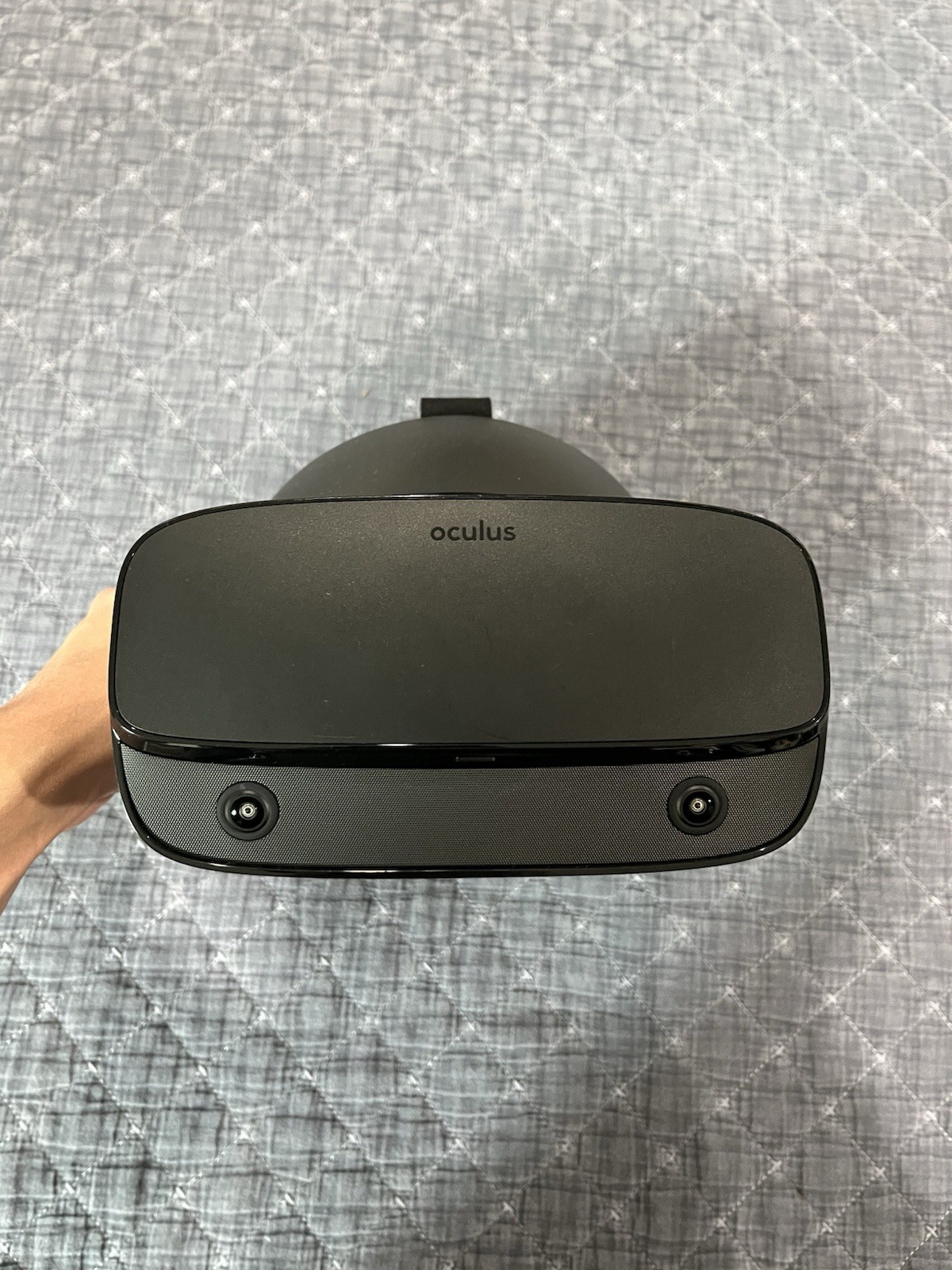 Oculus Rift S PC-Powered VR Gaming Headset - Black - *MESSAGE*$85.00View on eBay
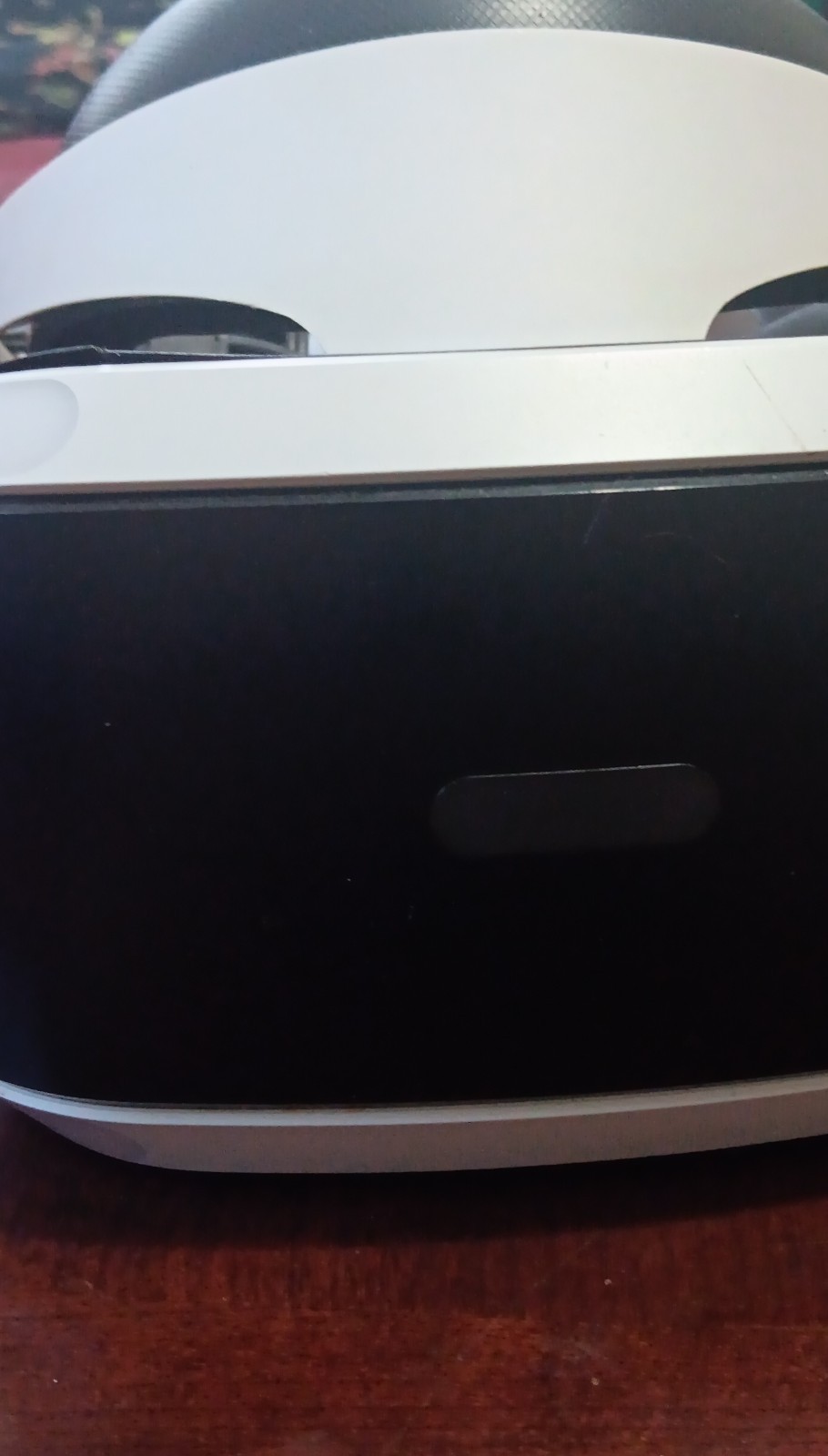 Sony PlayStation VR Headset Bundle Black/White HDMI USB with Accessories$100.00Last checked Nov 19, 2026View on eBay
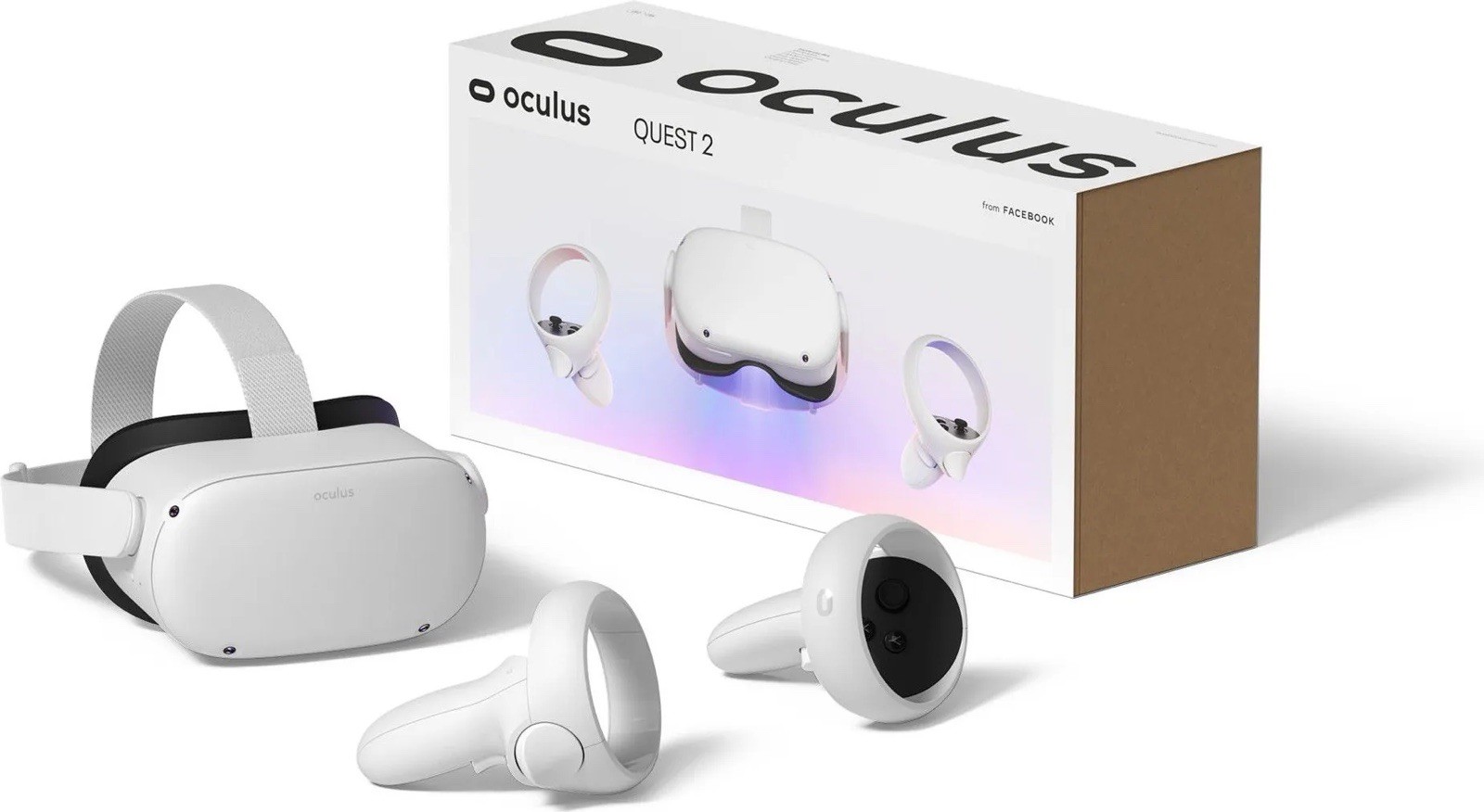 Oculus Quest 2 VR Headset with Touch Controllers, White, case and elite strap$108.00View on eBay
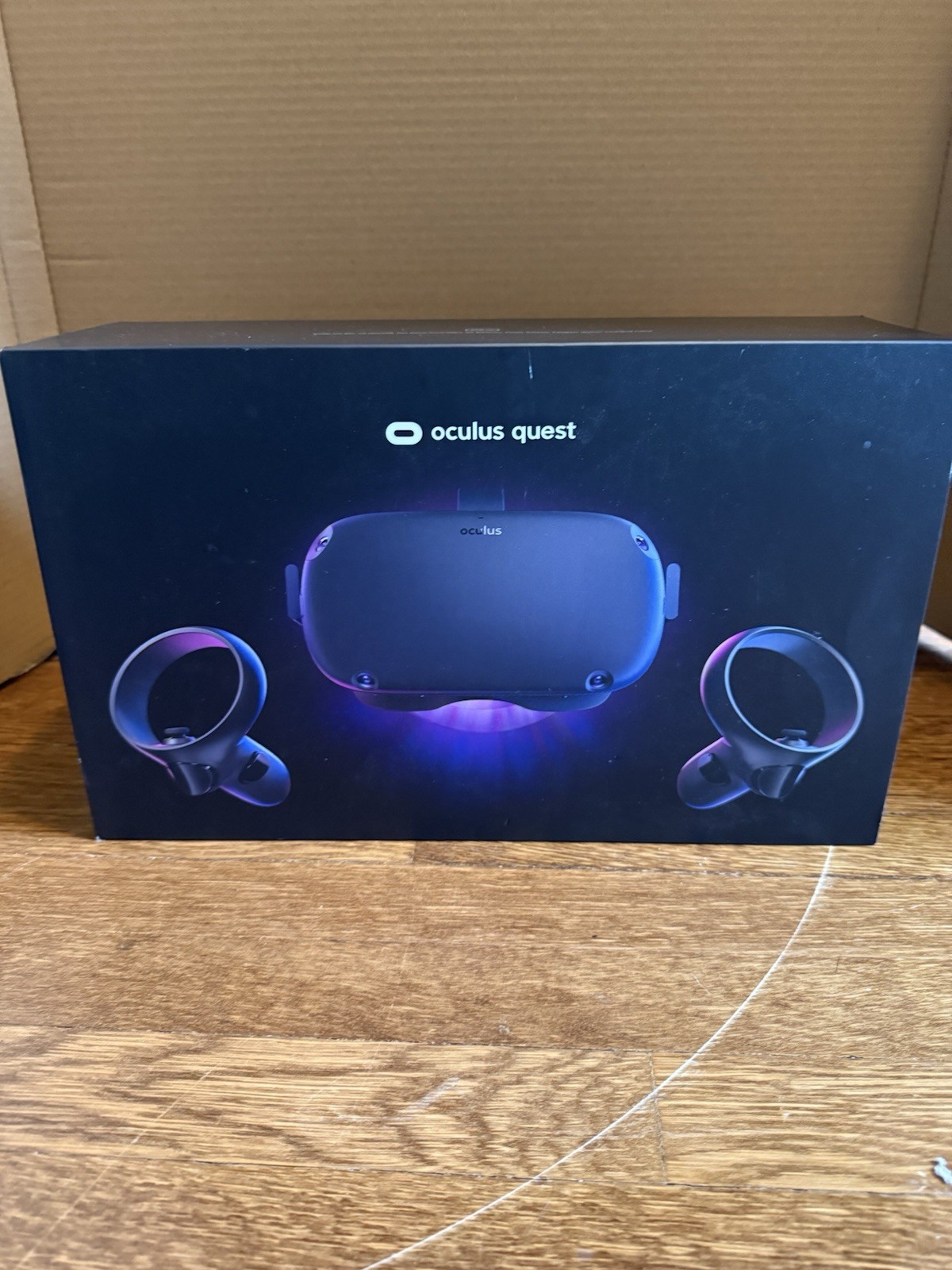 Oculus Quest 128GB VR Headset w/ 2 Touch Controllers Complete Box Tested$109.99View on eBay
Highlights
- Standalone headsets (Quest 2/3) run a mobile Snapdragon-class SoC with 6GB RAM and inside-out cameras, so no PC or base stations are required.
- Tethered PC headsets (Rift S) use a 5-camera inside-out array and a single DisplayPort 1.2 plus USB 3.0 connection, offloading all rendering to the GPU.
- Refresh and resolution tiers: Quest 2 runs 1832x1920 per eye at up to 120Hz; Rift S runs 1280x1440 per eye at 80Hz, so standalone panels are denser but PC output can be supersampled.
- All current mainstream headsets use fresnel or pancake lenses with 90-110 degree FOV and a 64/63.5mm IPD baseline; only Quest 2 offers a 58/63/68mm physical IPD slider, which matters for shared use.
Best use cases
- Best fit: a first-time buyer wanting room-scale play in a living room with no gaming PC should pick a standalone Quest 2 or Quest 3 bundle with controllers and a charging cable, and skip any 'headset only' listing.
- Best fit: a flight/racing sim player with a DisplayPort GPU should pick a tethered Rift S or similar PC headset for lower latency and direct GPU rendering, and skip standalone for sim rigs.
- Wrong fit: buyers on a strict budget should avoid bare 'headset only' listings (no controllers or cables) because replacement Touch controllers and Link cables cost more than the savings; buy a complete kit.
- Wrong fit: shared-family or glasses-wearing users should skip fixed-IPD units and pick a headset with a physical IPD slider plus a glasses spacer to avoid blur and eye strain.
Buying tips
- Confirm the PC link standard before buying: Quest 2/3 need USB-C 3.0 Link or Air Link over 5GHz Wi-Fi; Rift S needs DisplayPort 1.2 plus USB 3.0, and HDMI-only laptops will not work.
- Check GPU tier: a GTX 1060 6GB or RX 580 8GB is the practical floor for tethered VR at 80-90Hz; below that, standalone is the only stutter-free option.
- Buy complete kits: a headset-only listing lacks Touch controllers, a Link cable, and a power adapter, adding significant cost and compatibility risk.
- Match storage to library: 64GB is workable for streaming/PCVR-only use, but 128GB or 256GB is the safer tier if you install native Quest games and capture video.
Specs
| Tracking Type | Inside-out cameras (no base stations) |
|---|---|
| Compute Platform | Standalone SoC vs PC GPU tethered |
| Display Connection | USB-C Link / DisplayPort 1.2 + USB 3.0 |
| IPD Adjustment | Physical slider 58-68mm vs fixed 63.5mm |
Related searches
What to check before buying
- Measure your play space: standalone room-scale needs at least 2m x 2m of clear floor and 1.5m of overhead clearance for standing play; seated sim use needs only a chair and desk.
- Verify your PC ports: tethered headsets require a full-size DisplayPort 1.2 and a USB 3.0 port directly on the GPU/motherboard, not a hub.
- Check your Wi-Fi: Air Link and wireless PC streaming need a 5GHz or Wi-Fi 6 router in the same room, with the headset in line of sight.
- Confirm voltage and plug standard: standalone headsets ship with region-specific USB-C chargers; buy a local-plug 18W+ USB-C PD adapter for the correct wall standard.
FAQ
Data sources: eBay / Amazon listings and product attribute feeds. Updated Nov 28, 2026.
Some links on this page are affiliate links. If you buy after clicking one, we may earn a commission at no extra cost to you. This does not change which products appear here or their order. Affiliate disclosure.