
Photos from current listings. Actual item, color, and included accessories may vary.
VR Headset Xbox Buying Guide
VR headsets for Xbox are standalone or wired VR systems that can access Xbox games through cloud streaming, PC link, or native apps, since Xbox consoles do not officially support any VR headset. The core trade-off is between standalone mobile-chip headsets (Quest 3S, Pico) that stream Xbox games via Xbox Cloud Gaming and PC-tethered headsets (Quest Link, PSVR2 on PC) that require a gaming PC; true console-native VR does not exist. The decision rule: buy a standalone Quest-class headset for wireless Xbox cloud gaming, and skip any headset marketed as 'Xbox-native' because no such product exists.
Median $120.93 · New & pre-owned listings
Key takeaways
- Xbox Series X|S has no VR output or VR port; Xbox cloud gaming runs on Quest via the Xbox Cloud Gaming (Beta) app in the Meta Quest Store.
- Meta Quest 3S uses the Snapdragon XR2 Gen 2 chip, 1832x1920 per-eye LCD, and 128GB/256GB storage tiers; the Xbox Special Edition is a 128GB bundle with Elite-style accessories.
- Quest Link and Air Link stream PC VR over USB-C 3.0 or Wi-Fi 6; Xbox Game Pass PC titles are not VR-native, so they render as flat virtual screens.
At a glance
- Category
- VR Gaming Hardware & Accessories
- Last updated
- Nov 28, 2026
Current offers
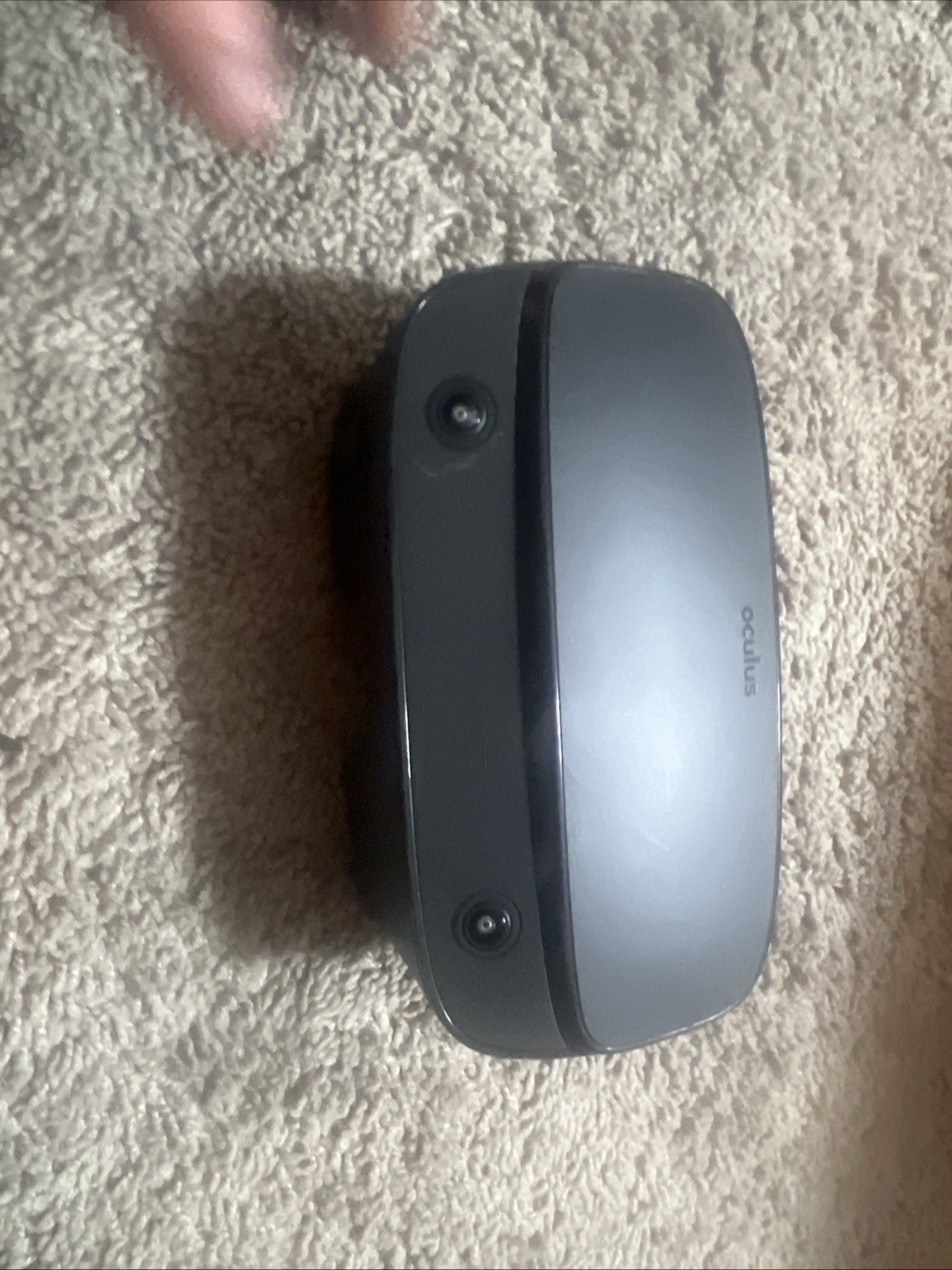 Oculus Rift S PC Powered VR Gaming Headset ONLY$8.99View on eBay
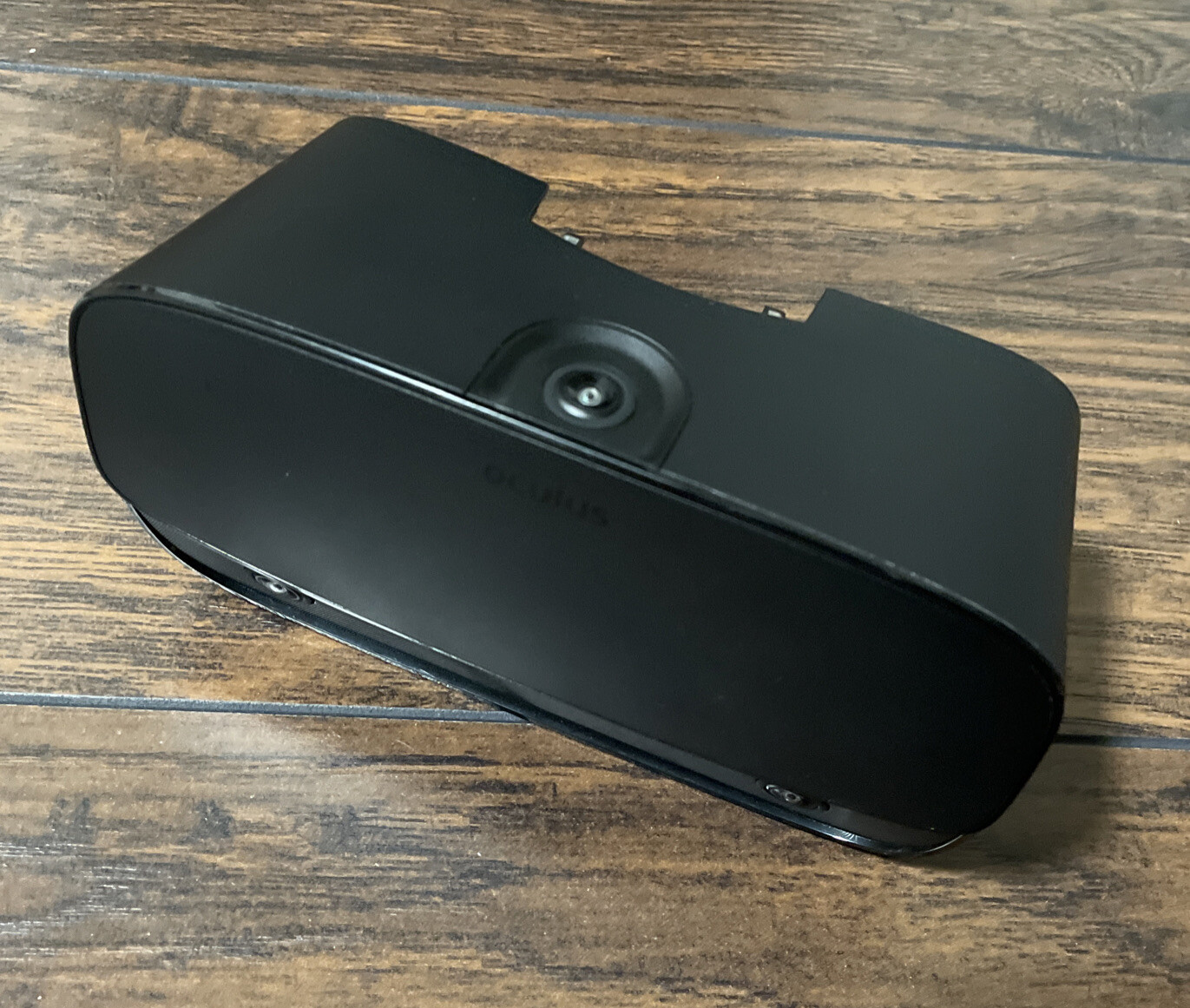 Oculus Rift S PC Powered VR Gaming Headset ONLY$11.95View on eBay
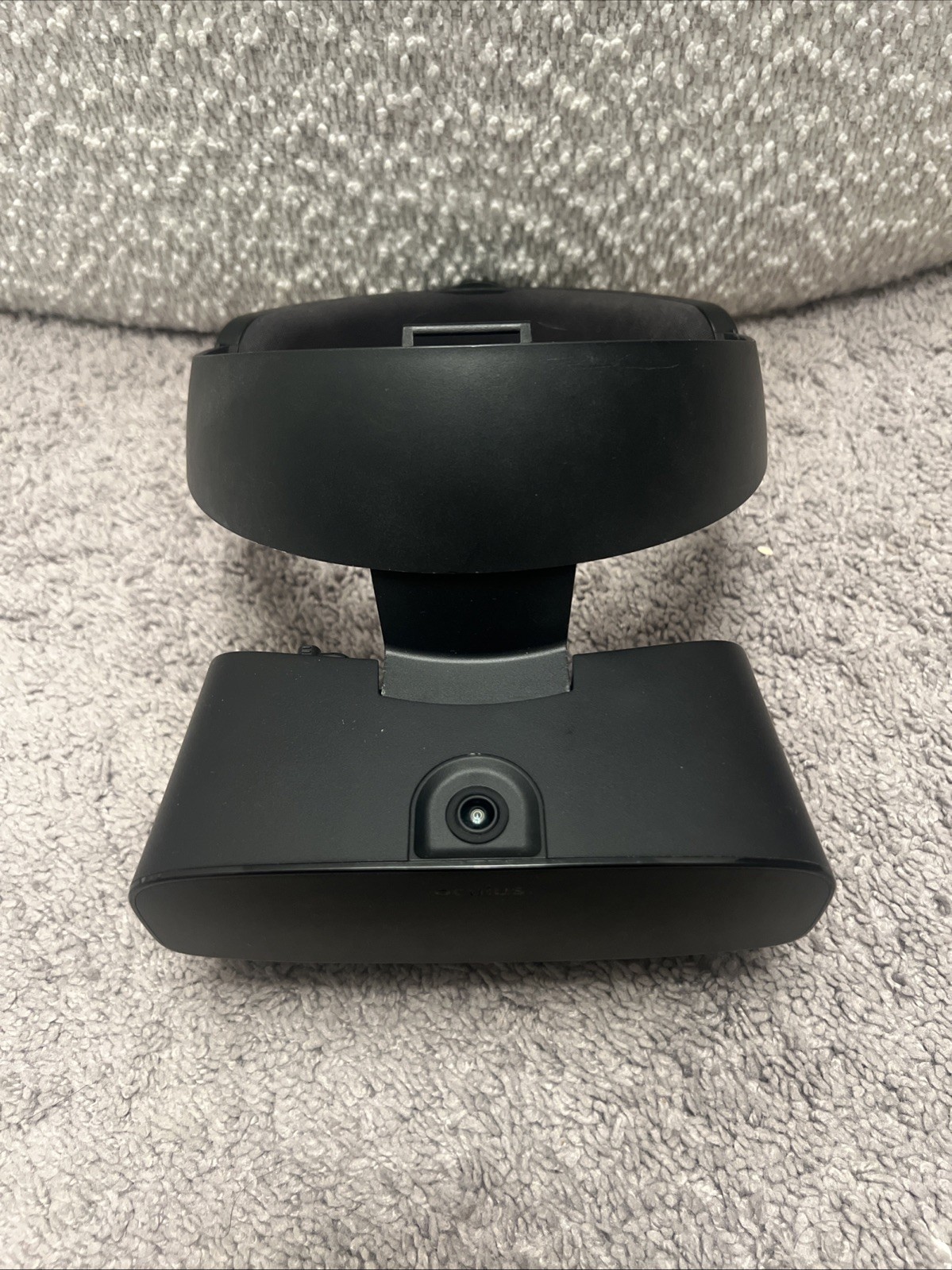 Oculus Rift S PC-Powered VR Gaming Headset ONLY Tested$13.99View on eBay
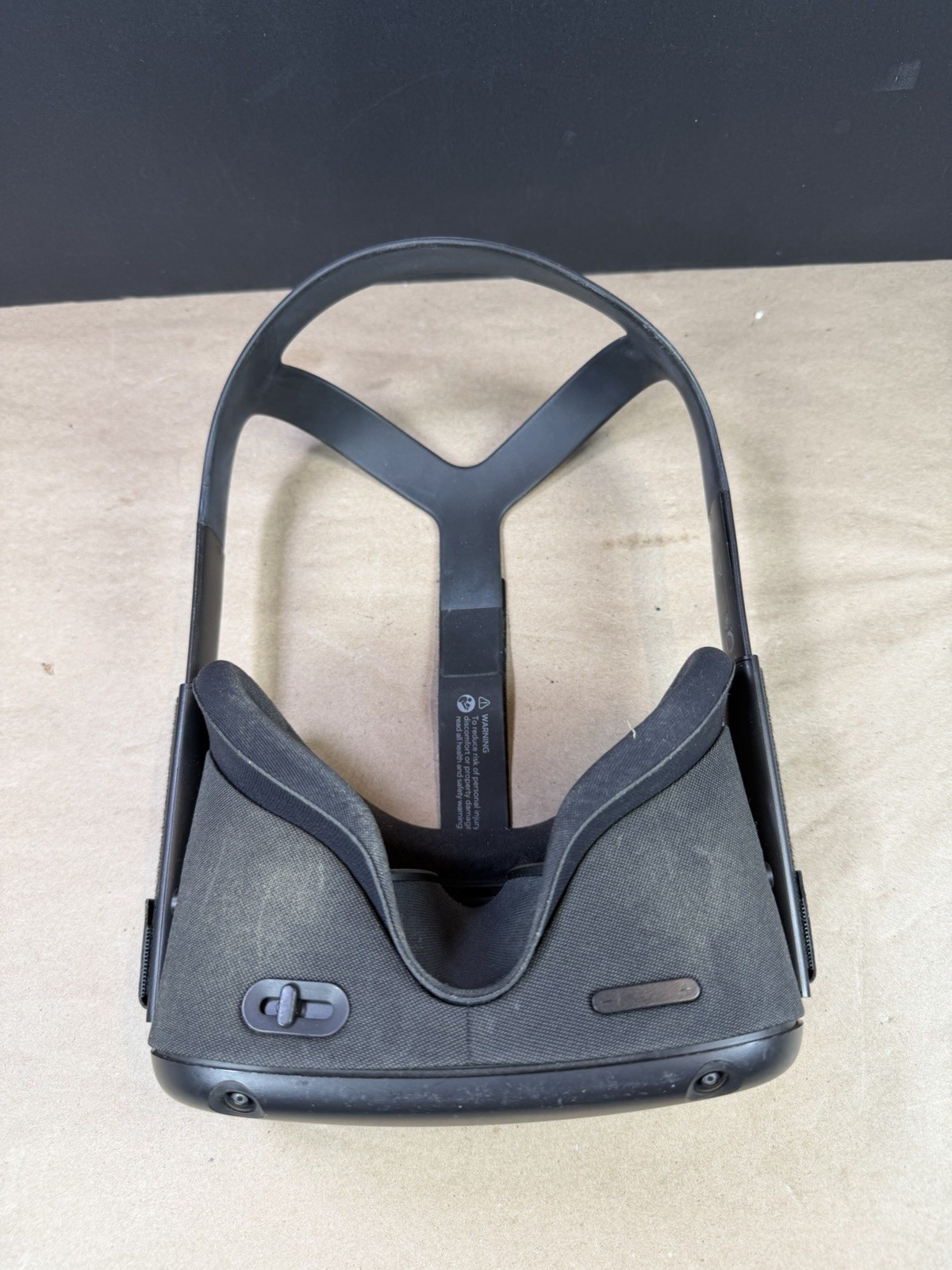 Oculus Quest MH-B Standalone All-In-One VR Gaming Headset Black Built-In Audio$24.27View on eBay
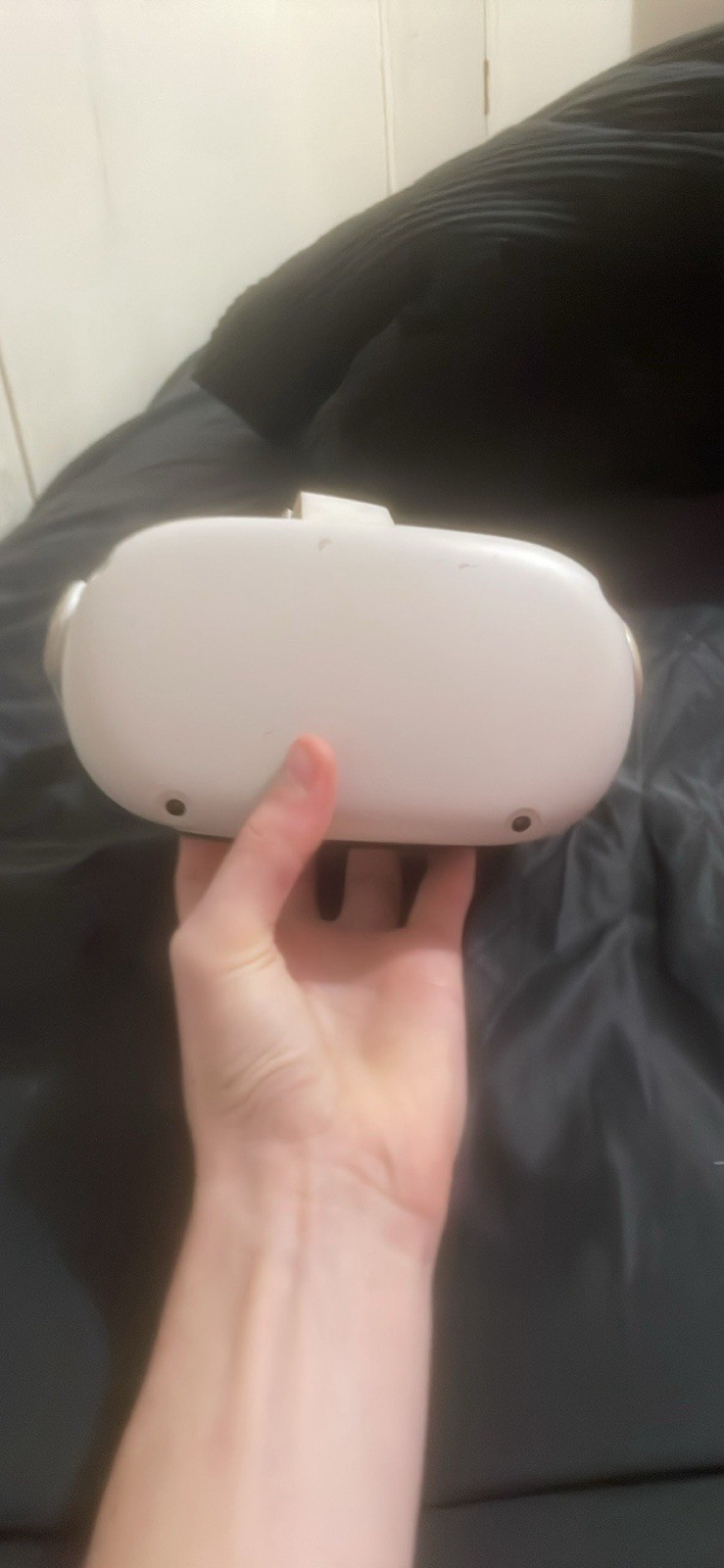 Meta Quest 2 Standalone VR Headset in White, Meta VR Gaming System$25.00View on eBay
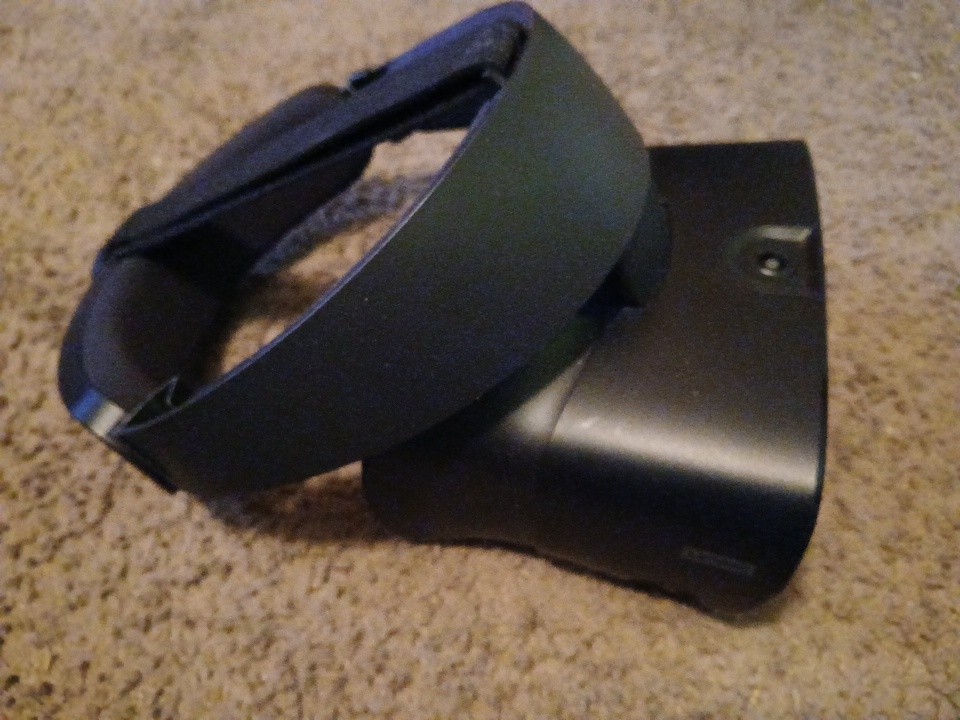 Oculus Rift S PC Powered VR Gaming Headset ONLY - No Controllers or Cables$28.99View on eBay
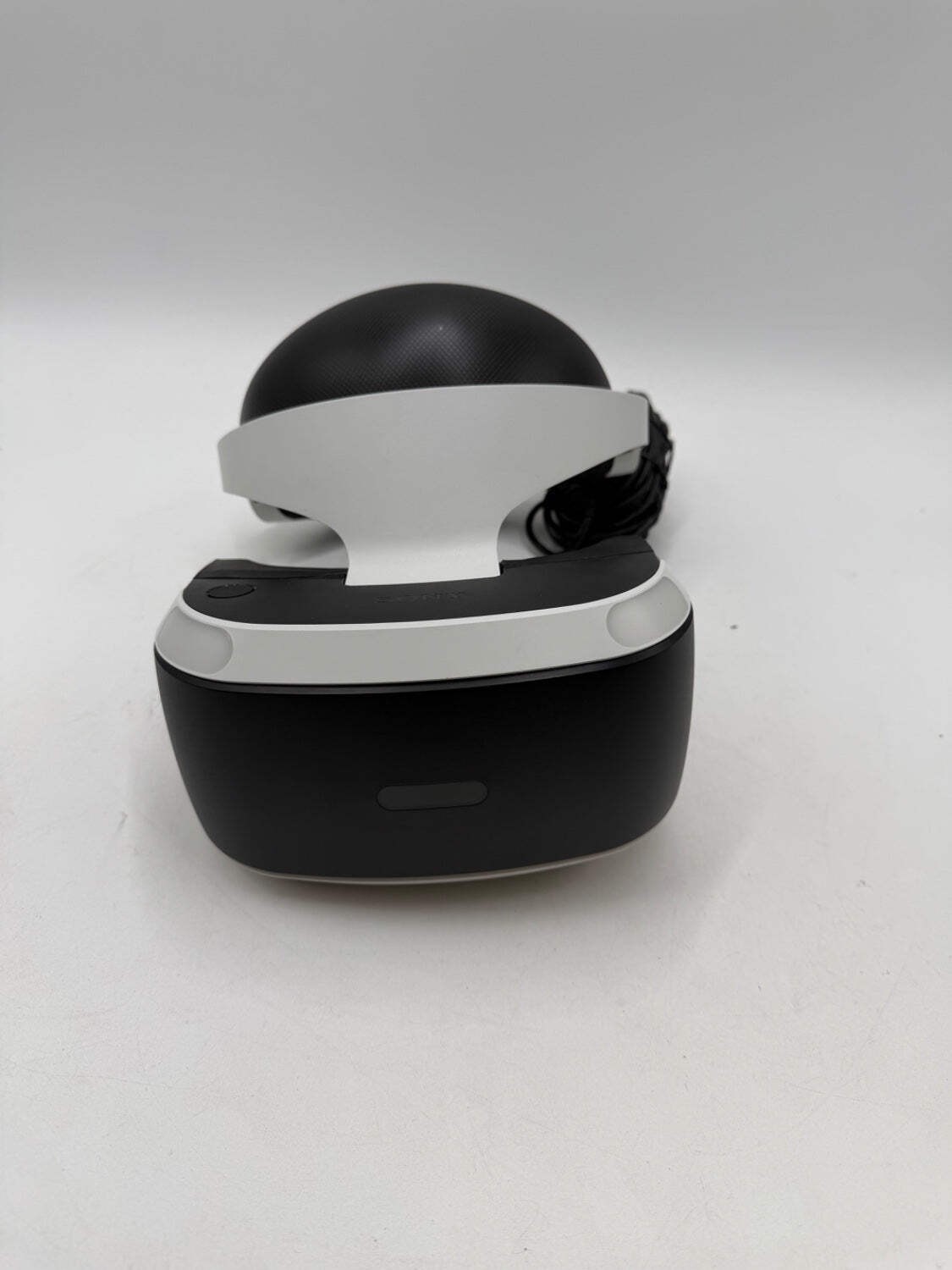 Sony PlayStation VR Virtual Reality VR Headset White CU H-ZVR2$37.99View on eBay
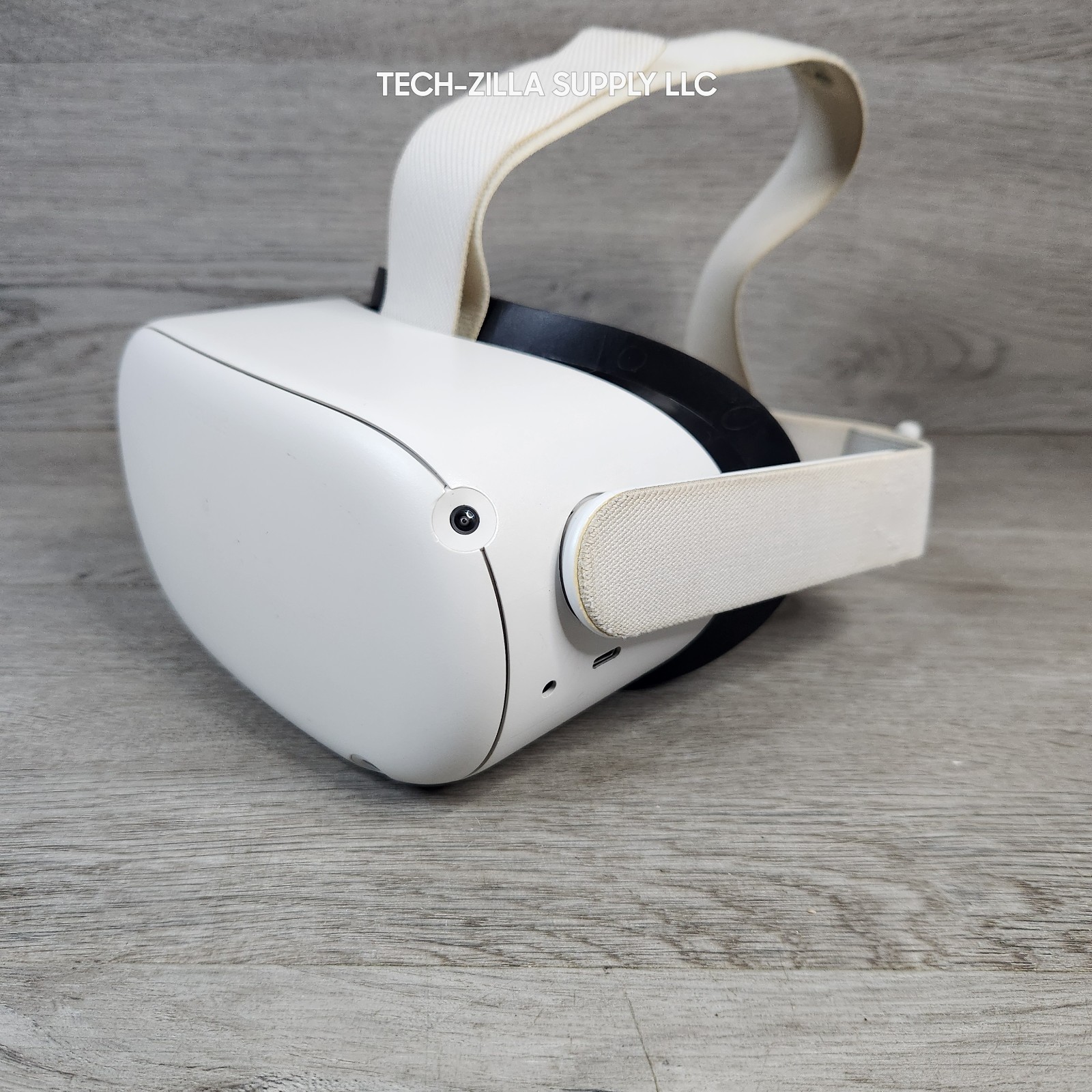 Oculus Meta Quest 2 128GB VR Headset ONLY, Great Condition (No Controllers)$44.95View on eBay
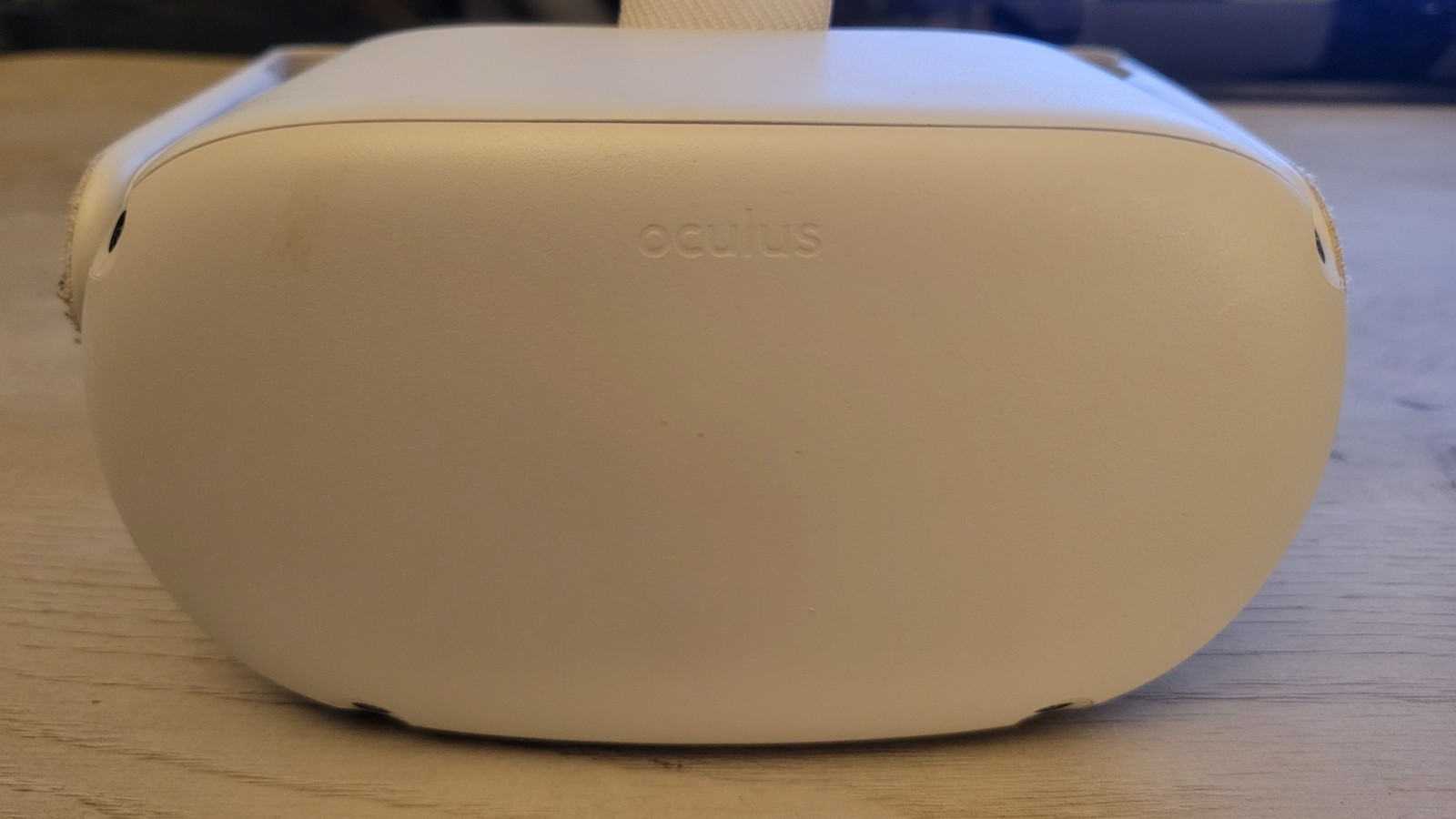 Meta Oculus Quest 2 128GB Standalone VR Headset Only No Controllers Tested$45.00View on eBay
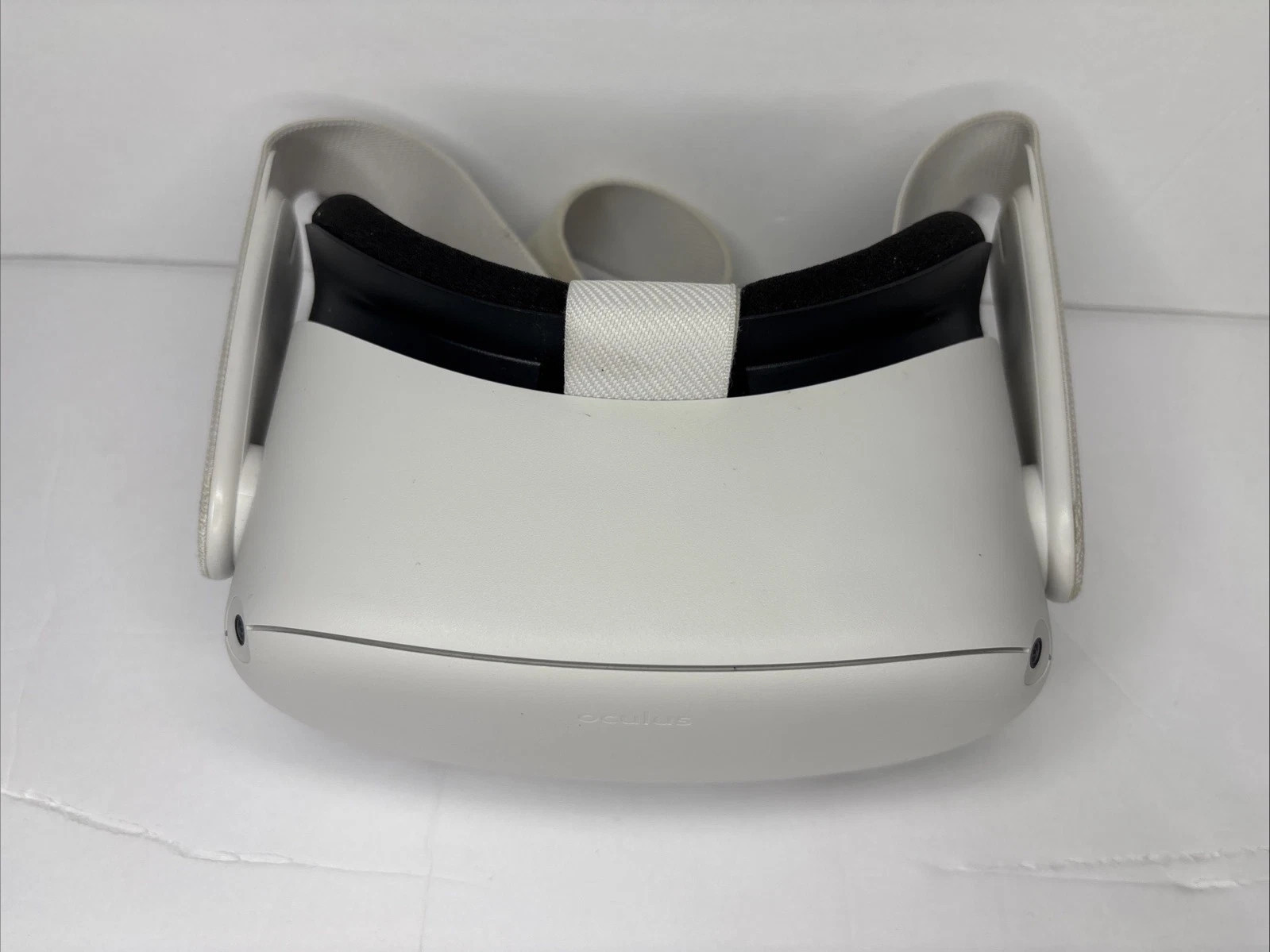 Meta Oculus Quest 2 128GB VR Headset Headset ONLY - No Controllers$45.00View on eBay
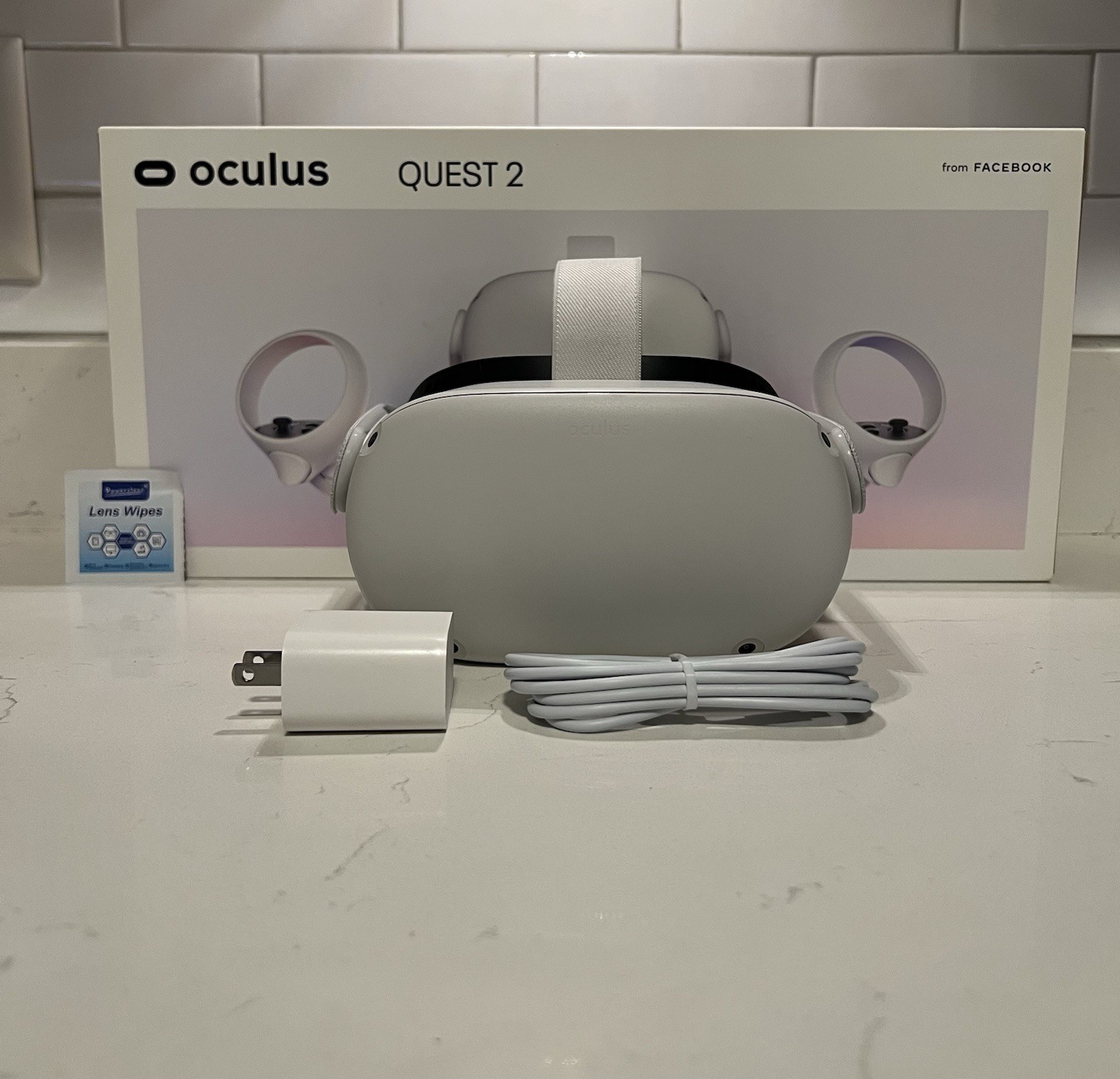 Meta Quest 2 - 64GB VR Headset$49.99View on eBay
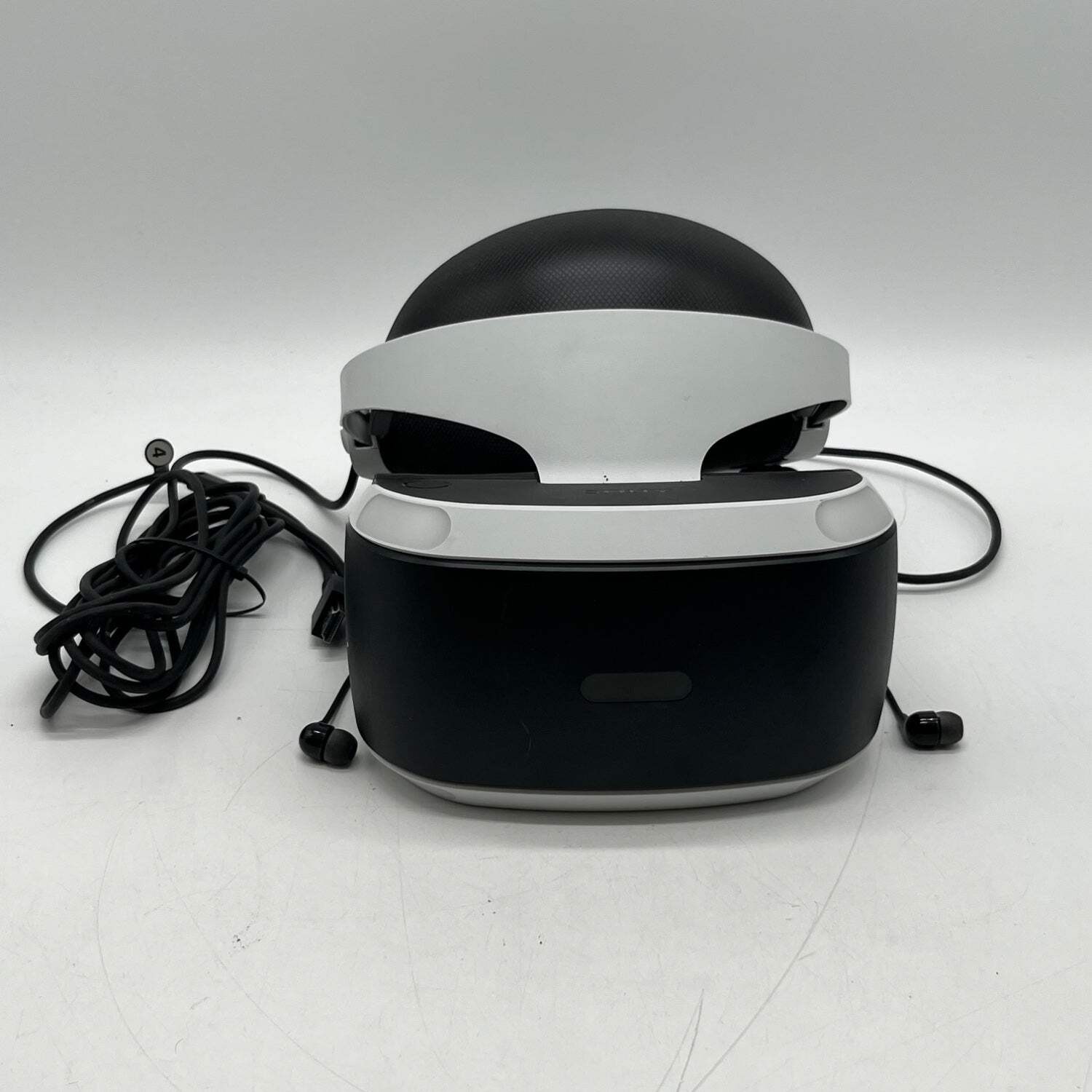 Sony PlayStation 4 PS4 Virtual Reality VR Headset Black CUH-ZVR2$49.99View on eBay
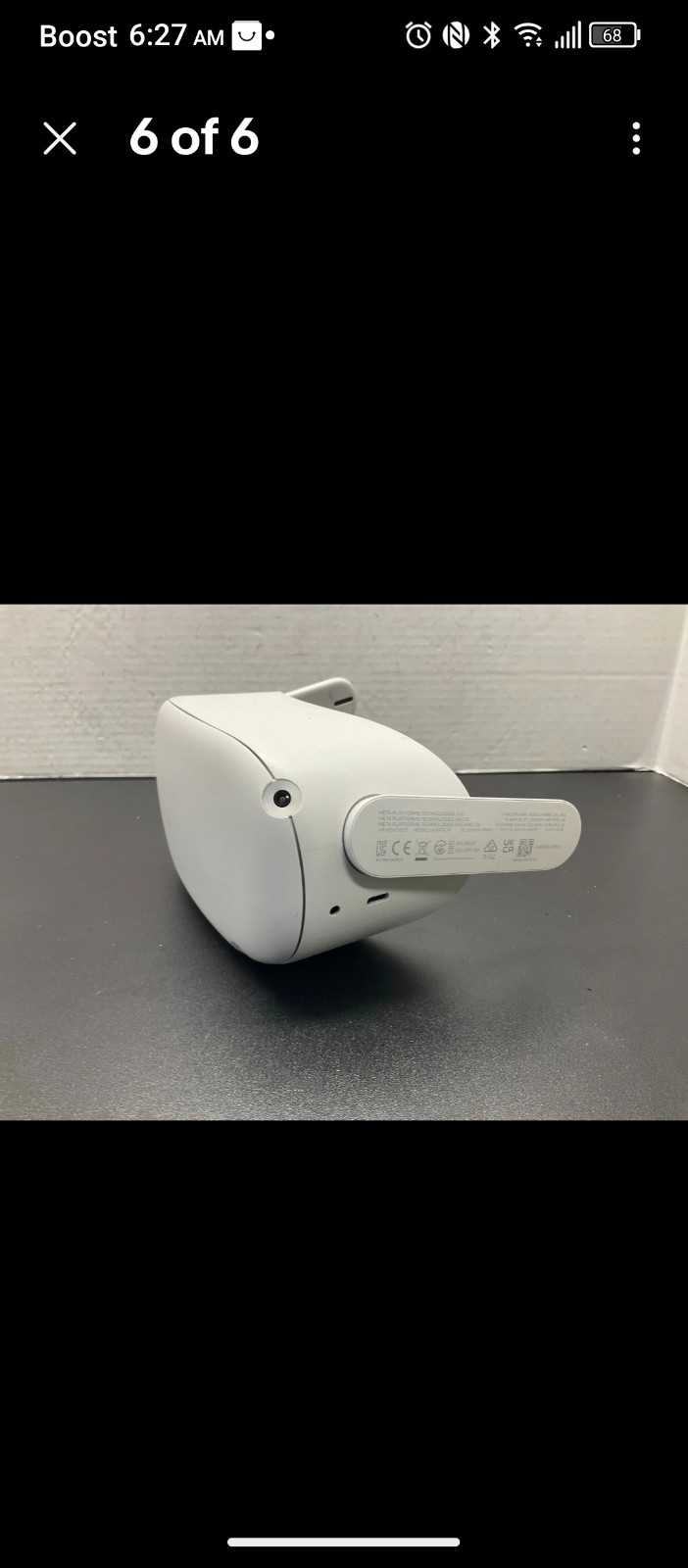 Meta Quest 2 128GB Advanced All-in-One VR Gaming Headset - ( WEAR & TEAR )$65.00View on eBay
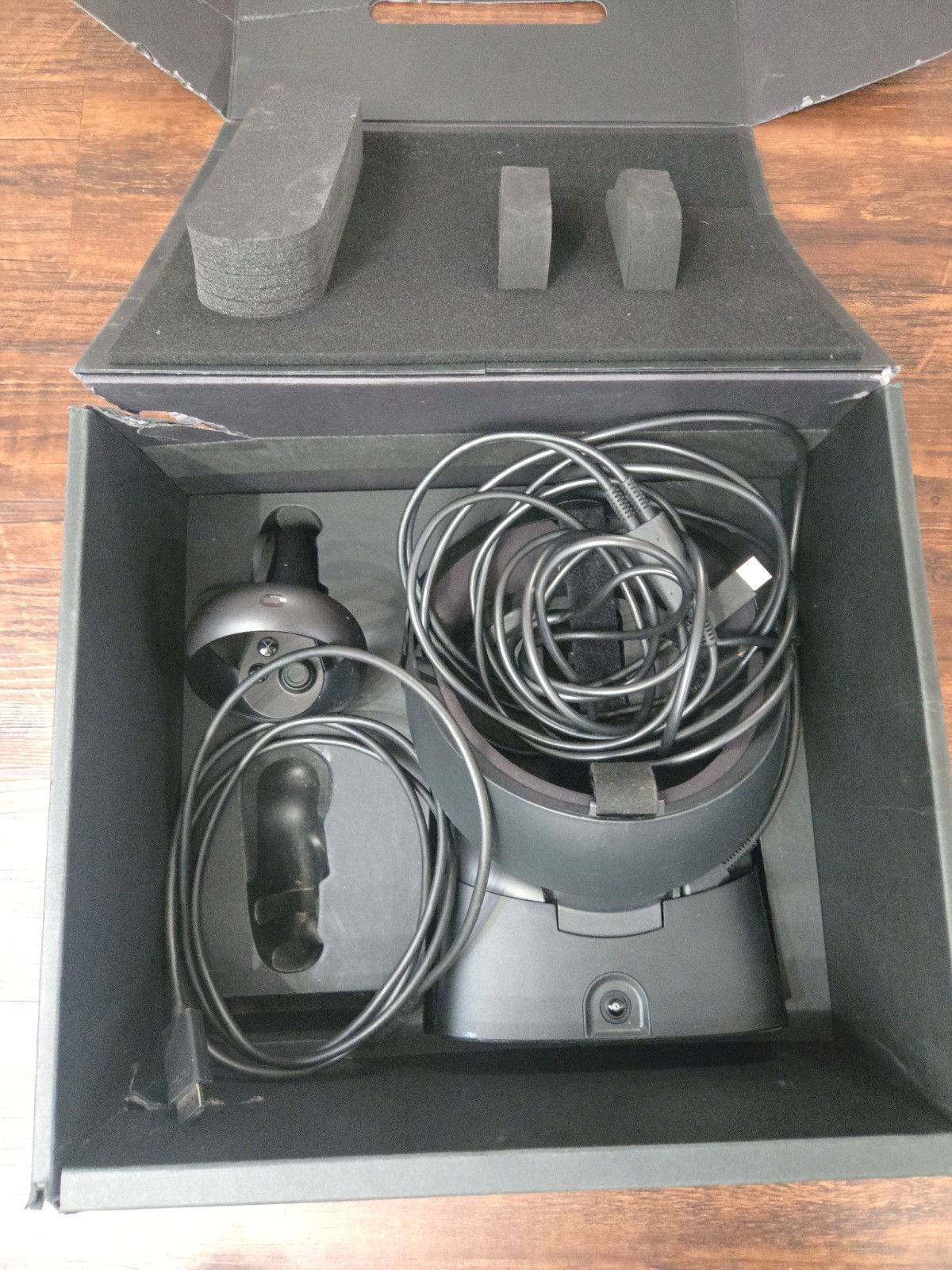 Oculus Rift S PC-Powered VR Gaming Headset - Black *1 Controller Preowned$68.88View on eBay
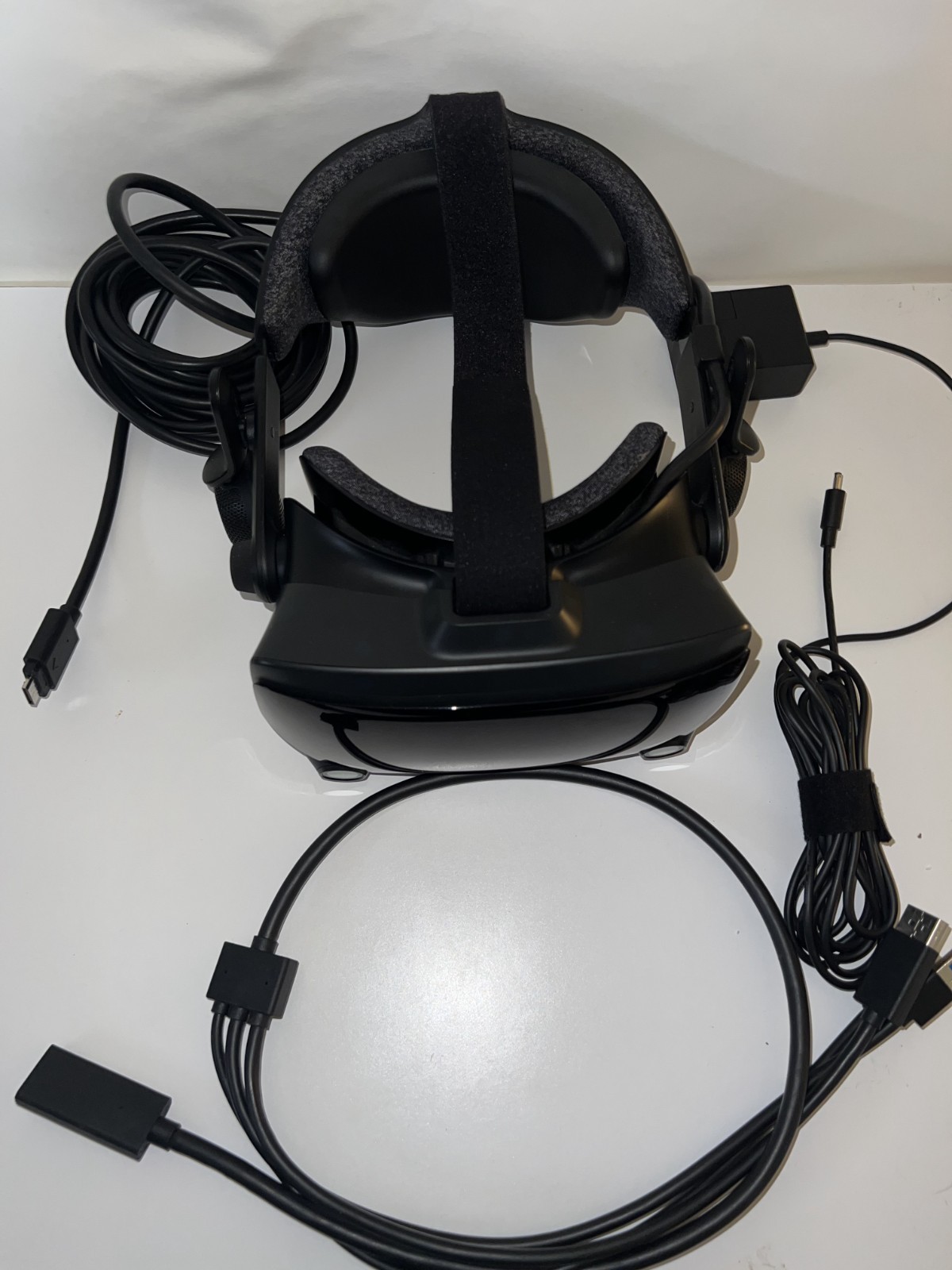 Steam Valve Index VR Gaming HEADSET ONLY - READ$80.00View on eBay
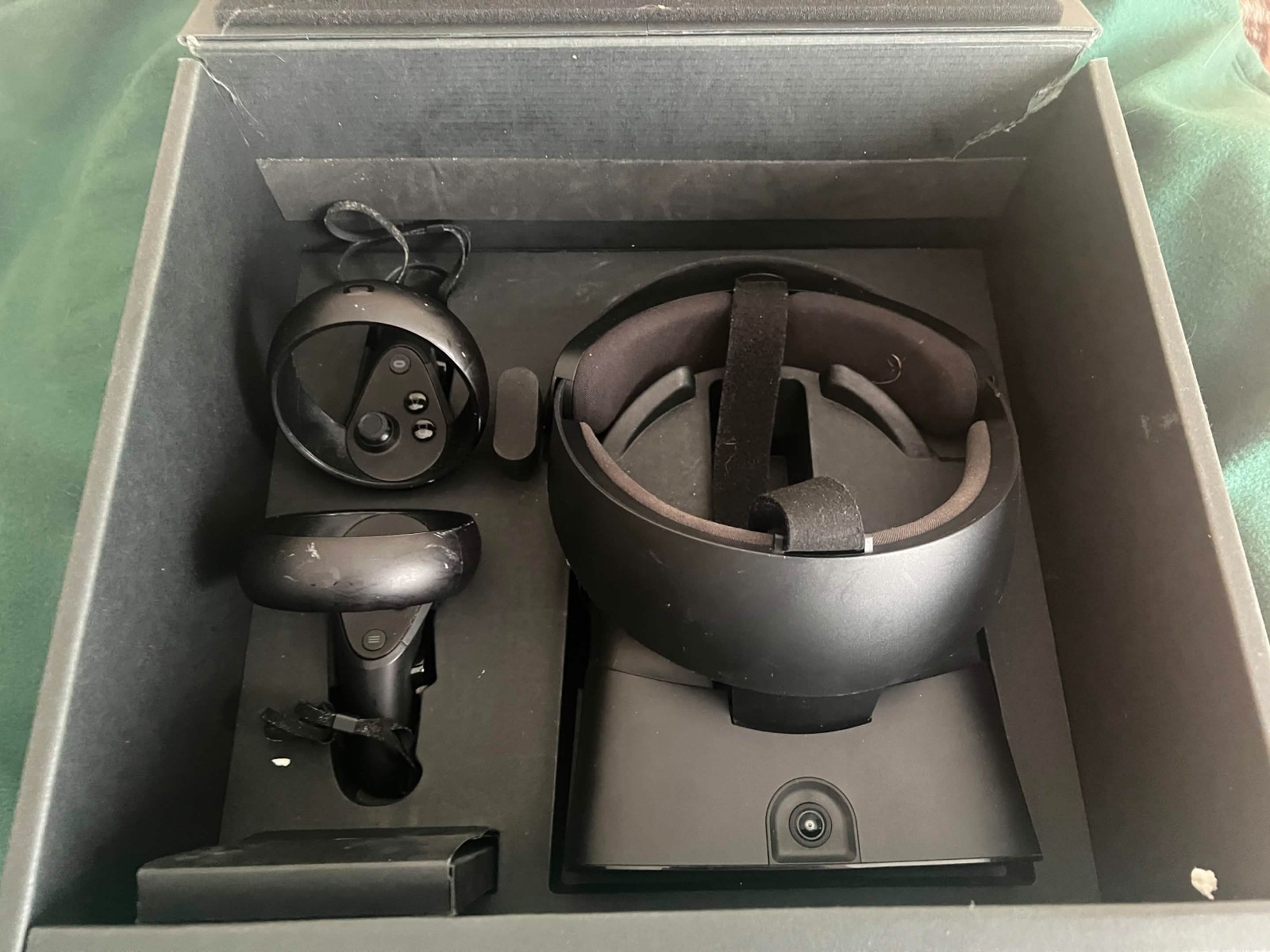 CABLE NOT INCLUDED Oculus Rift S PC-Powered VR Gaming Headset - Black$80.00View on eBay
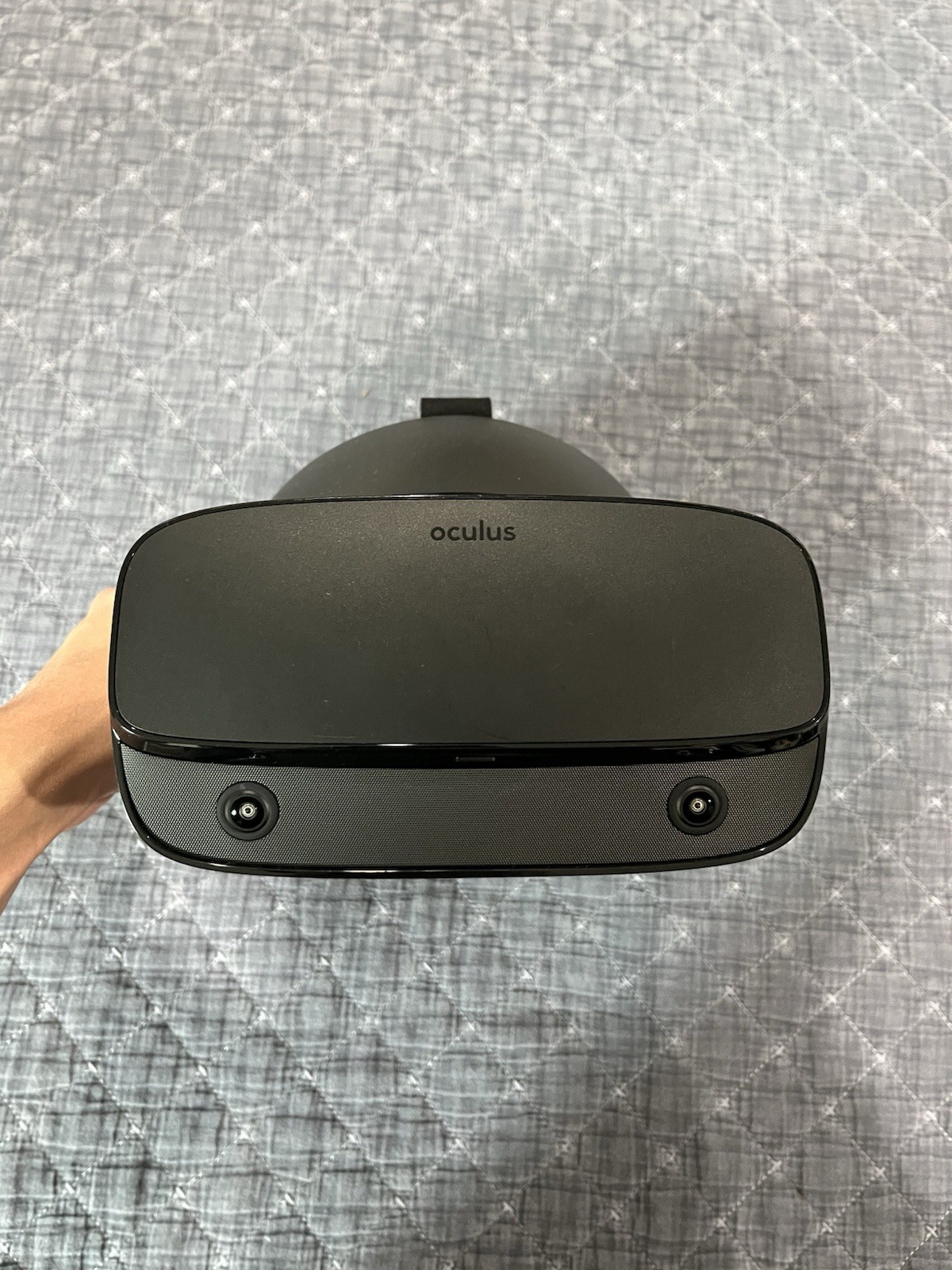 Oculus Rift S PC-Powered VR Gaming Headset - Black - *MESSAGE*$85.00View on eBay
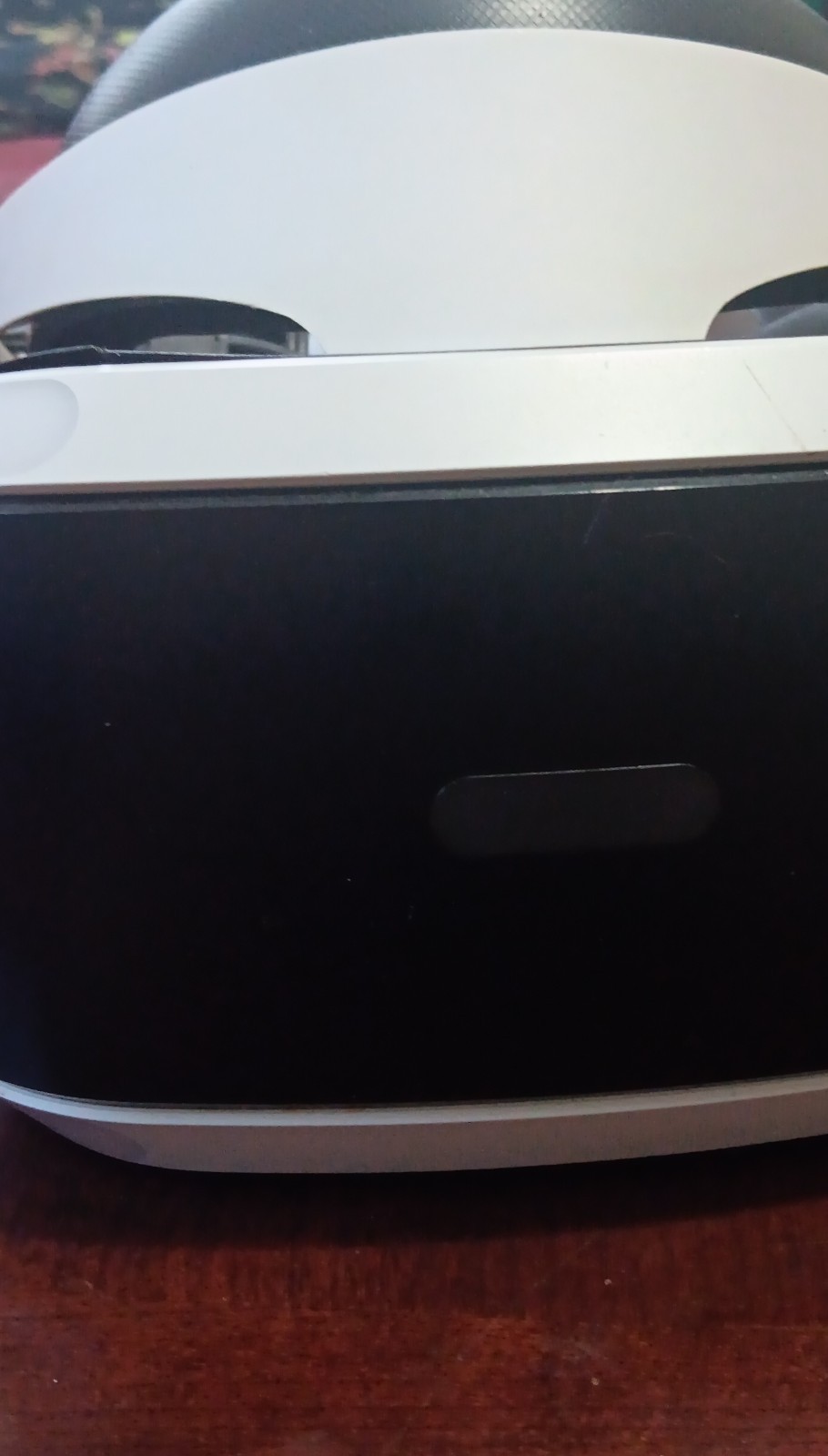 Sony PlayStation VR Headset Bundle Black/White HDMI USB with Accessories$100.00Last checked Nov 19, 2026View on eBay
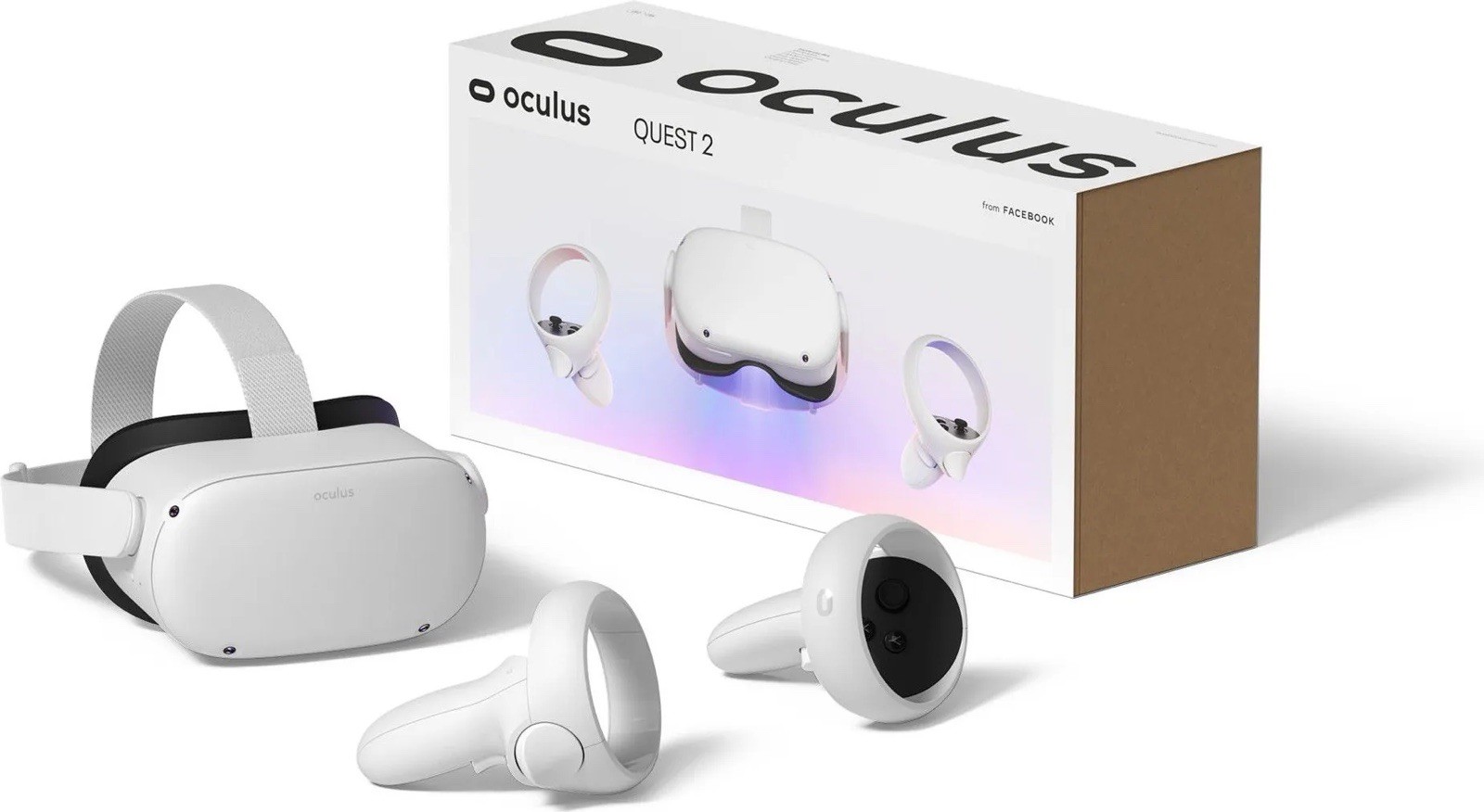 Oculus Quest 2 VR Headset with Touch Controllers, White, case and elite strap$108.00View on eBay
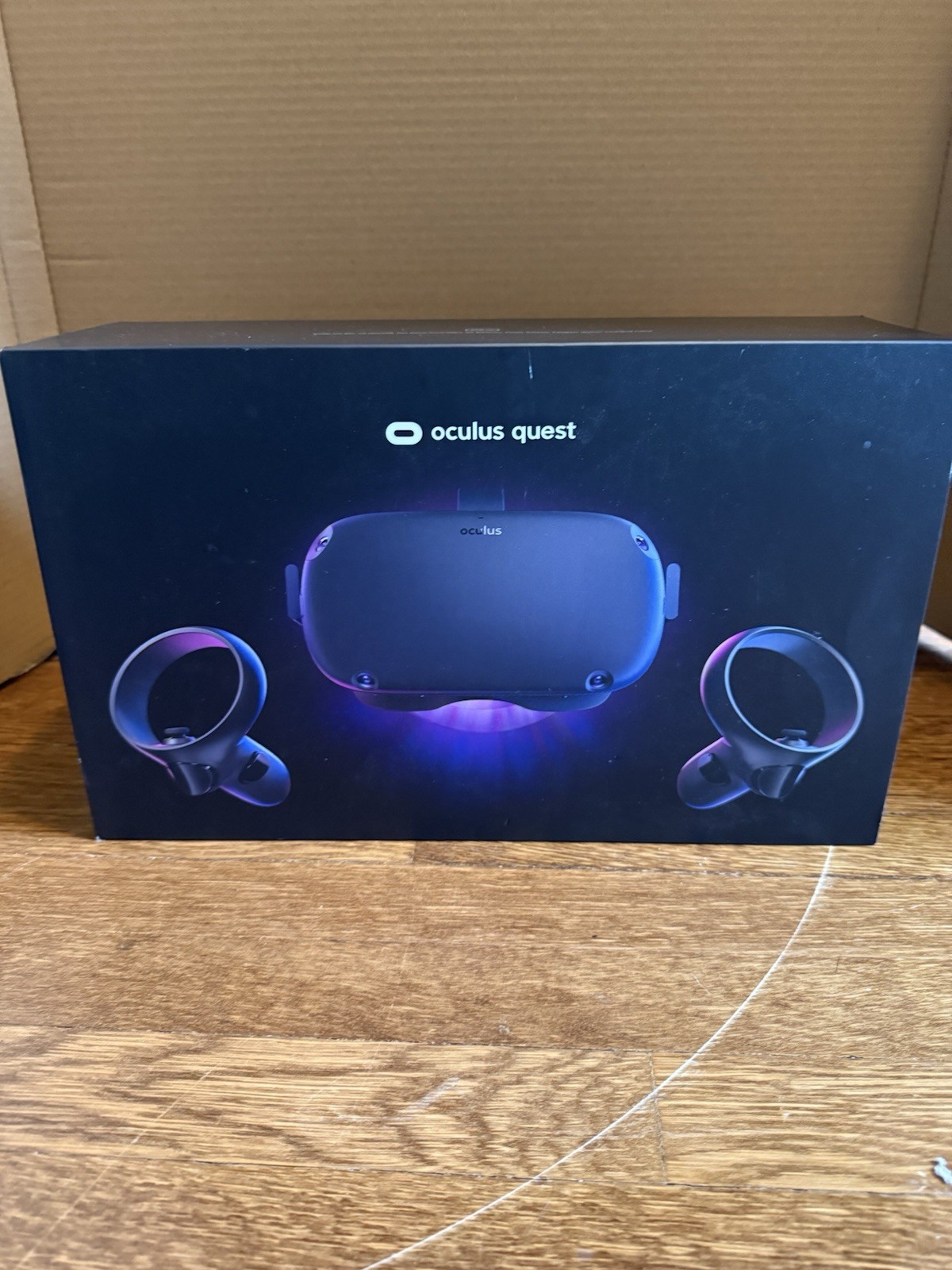 Oculus Quest 128GB VR Headset w/ 2 Touch Controllers Complete Box Tested$109.99View on eBay
Highlights
- Xbox Series X|S has no VR output or VR port; Xbox cloud gaming runs on Quest via the Xbox Cloud Gaming (Beta) app in the Meta Quest Store.
- Meta Quest 3S uses the Snapdragon XR2 Gen 2 chip, 1832x1920 per-eye LCD, and 128GB/256GB storage tiers; the Xbox Special Edition is a 128GB bundle with Elite-style accessories.
- Quest Link and Air Link stream PC VR over USB-C 3.0 or Wi-Fi 6; Xbox Game Pass PC titles are not VR-native, so they render as flat virtual screens.
- Pancake lenses (Quest 3/3S) reduce bulk versus Fresnel lenses (Quest 2), but the 3S keeps Fresnel lenses to hit a lower tier while sharing the XR2 Gen 2 processor.
Best use cases
- Best fit: Xbox Game Pass Ultimate subscriber with Wi-Fi 6 and no gaming PC — pick a standalone Quest 3S 128GB and stream Xbox Cloud Gaming wirelessly.
- Best fit: PC gamer with an Xbox controller — pair a Quest 3S with Quest Link over USB-C 3.0 to play flat Xbox/Game Pass PC titles on a virtual 100-inch screen.
- Wrong fit: shopper expecting plug-and-play VR from an Xbox Series X HDMI port — no Xbox console outputs VR; skip any listing claiming native Xbox VR support.
- Wrong fit: buyer wanting room-scale native Xbox VR exclusives — none exist; choose a Quest for standalone library or a PC VR headset (Index, PSVR2 on PC) for SteamVR instead.
Buying tips
- Pick 128GB if you stream Xbox Cloud Gaming and play a handful of standalone titles; choose 256GB only if you install multiple 10-30GB VR games locally.
- Require Wi-Fi 6 (5GHz) and at least 15 Mbps per stream for Xbox Cloud Gaming on Quest; 5GHz Wi-Fi 5 works but adds latency and compression artifacts.
- For PC Link, use a USB-C 3.0 (5Gbps) cable under 3 meters; USB 2.0 cables drop to compressed Air Link-style streaming and add tracking lag.
- Skip headsets without inside-out 6DoF tracking for Xbox cloud play; 3DoF goggles cannot track controller position and break Xbox gamepad-in-VR layouts.
Specs
| Xbox VR Support | Cloud streaming only; no native VR |
|---|---|
| Standalone Chip | Snapdragon XR2 Gen 2 (Quest 3S) |
| Display Type | Fresnel LCD vs Pancake LCD |
| Tracking | 6DoF inside-out, 4 cameras |
Related searches
What to check before buying
- Confirm your Xbox Game Pass tier includes Cloud Gaming (Ultimate) and that your region supports Xbox Cloud Gaming on Quest.
- Measure your play space: Quest 3S needs at least 2m x 2m for room-scale; seated cloud gaming needs only 1m clearance.
- Check router band: Wi-Fi 6 on 5GHz at the play area; mesh nodes add hops that raise cloud VR latency above the comfortable 40ms threshold.
- Verify you own a Bluetooth Xbox Wireless Controller; Quest pairs with it directly, and cloud gaming requires a controller for most titles.
FAQ
Data sources: eBay / Amazon listings and product attribute feeds. Updated Nov 28, 2026.
Some links on this page are affiliate links. If you buy after clicking one, we may earn a commission at no extra cost to you. This does not change which products appear here or their order. Affiliate disclosure.