
Photos from current listings. Actual item, color, and included accessories may vary.
VR Headset PC Buying Guide
A PC VR headset is a tethered or streaming display system that turns your computer into a room-scale or seated VR platform, defined by its tracking architecture, display panel, and connection standard. The core trade-off is between older tethered headsets with direct DisplayPort/HDMI links and modern standalone headsets that stream over Wi-Fi or USB-C, where compression and latency replace cable bandwidth limits. The decision rule: buy a native PC-tethered headset only if you demand uncompressed low-latency tracking and already own a DisplayPort GPU; otherwise choose a standalone headset with verified PC streaming support for lower total cost and cable-free flexibility.
Median $111.87 · New & pre-owned listings
Key takeaways
- Tethered PC headsets like Oculus Rift S use inside-out tracking with five onboard cameras and a single DisplayPort 1.2 plus USB 3.0 connection, requiring no external base stations.
- Standalone headsets such as Meta Quest 2 and Quest 3 run Android-based XR2 chipsets and stream PC VR via Air Link (Wi-Fi 6) or Link Cable (USB-C 5Gbps), adding 20-40ms of encode/decode latency versus native tethering.
- Valve Index and HTC Vive Pro 2 use SteamVR base-station tracking (1.0 or 2.0) for sub-millimeter accuracy, but require two lighthouses, a dedicated DisplayPort 1.2+ GPU output, and USB 3.0 ports.
At a glance
- Category
- VR Gaming Hardware & Accessories
- Last updated
- Nov 28, 2026
Current offers
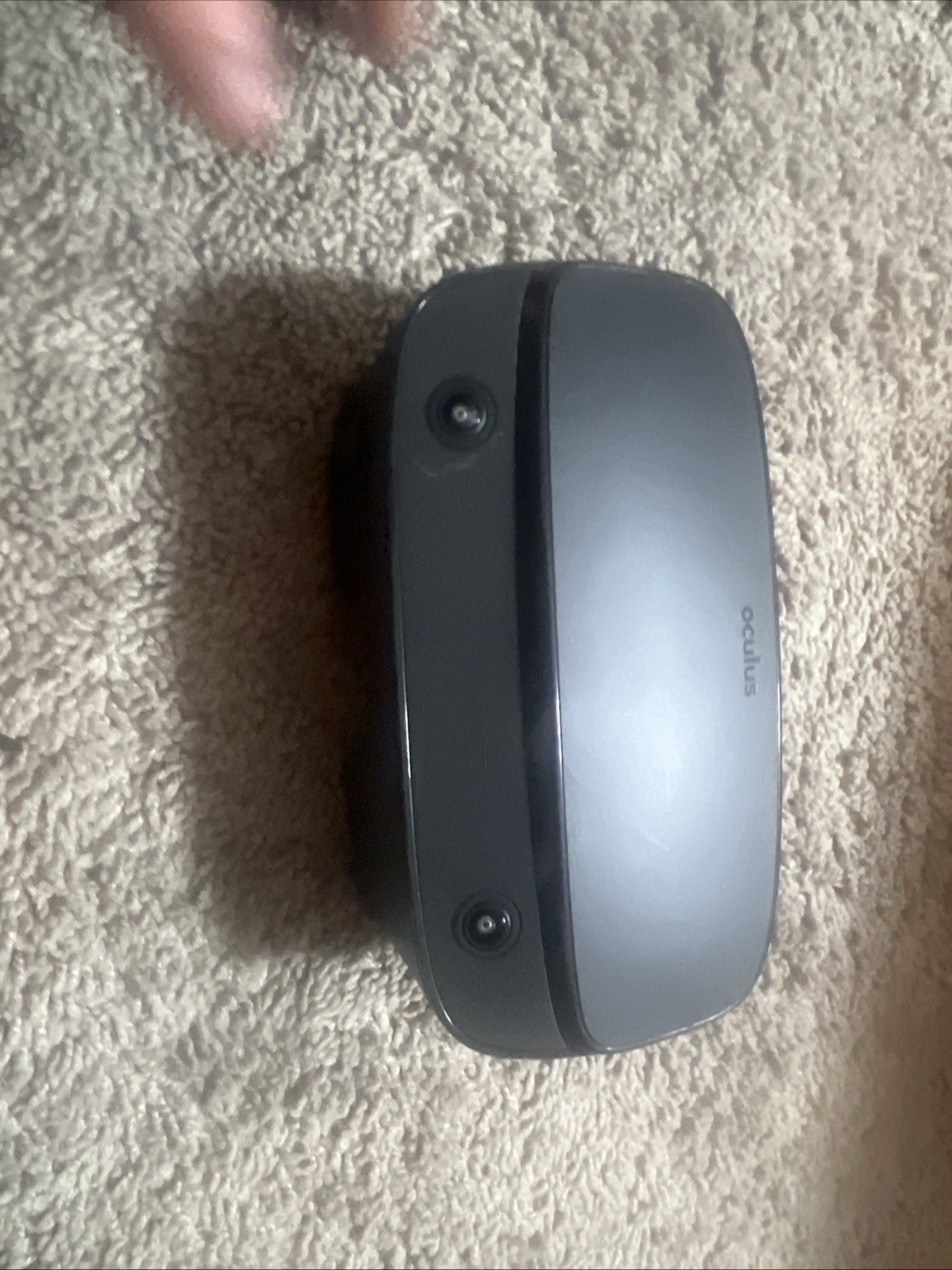 Oculus Rift S PC Powered VR Gaming Headset ONLY$8.99View on eBay
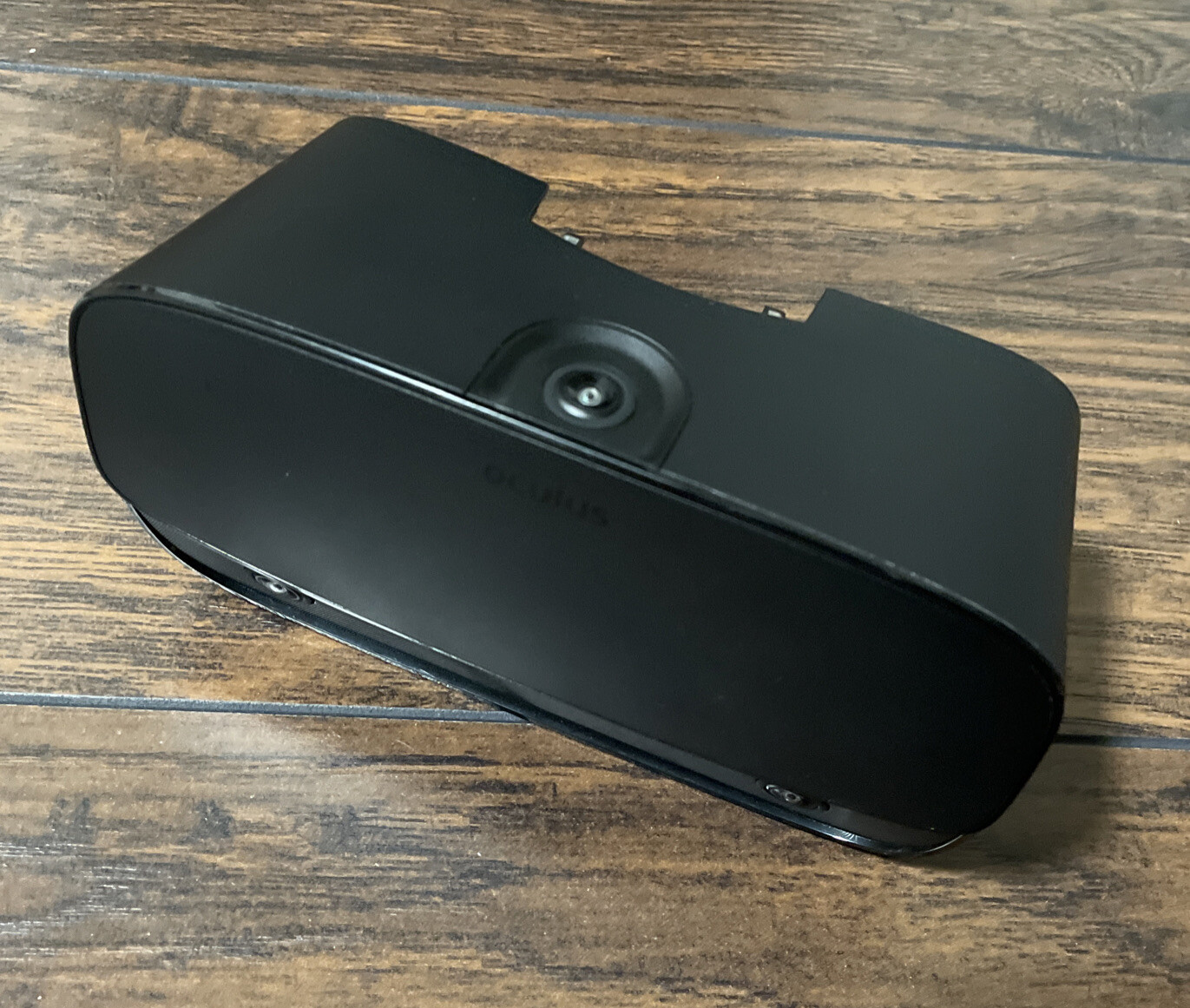 Oculus Rift S PC Powered VR Gaming Headset ONLY$11.95View on eBay
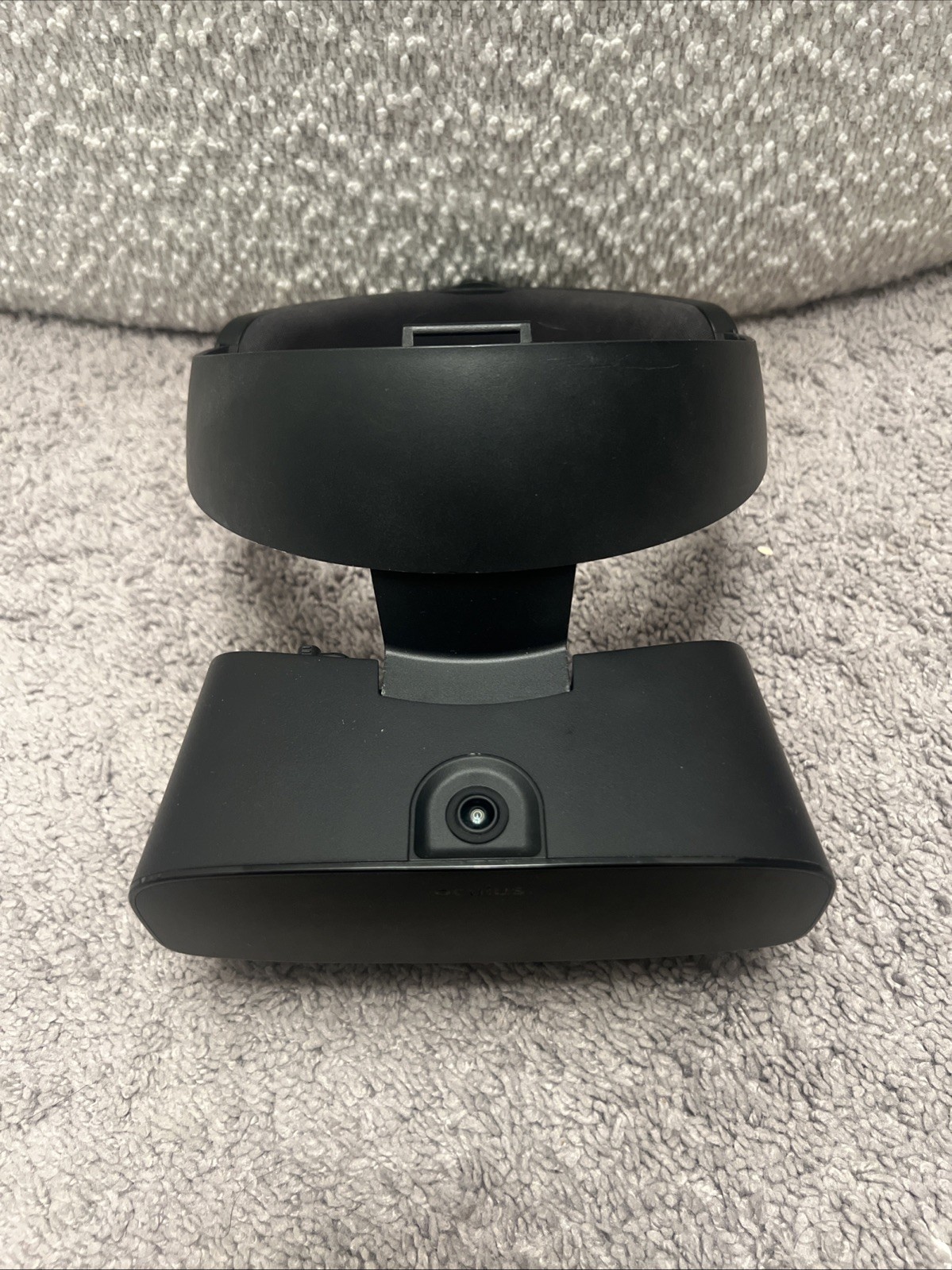 Oculus Rift S PC-Powered VR Gaming Headset ONLY Tested$13.99View on eBay
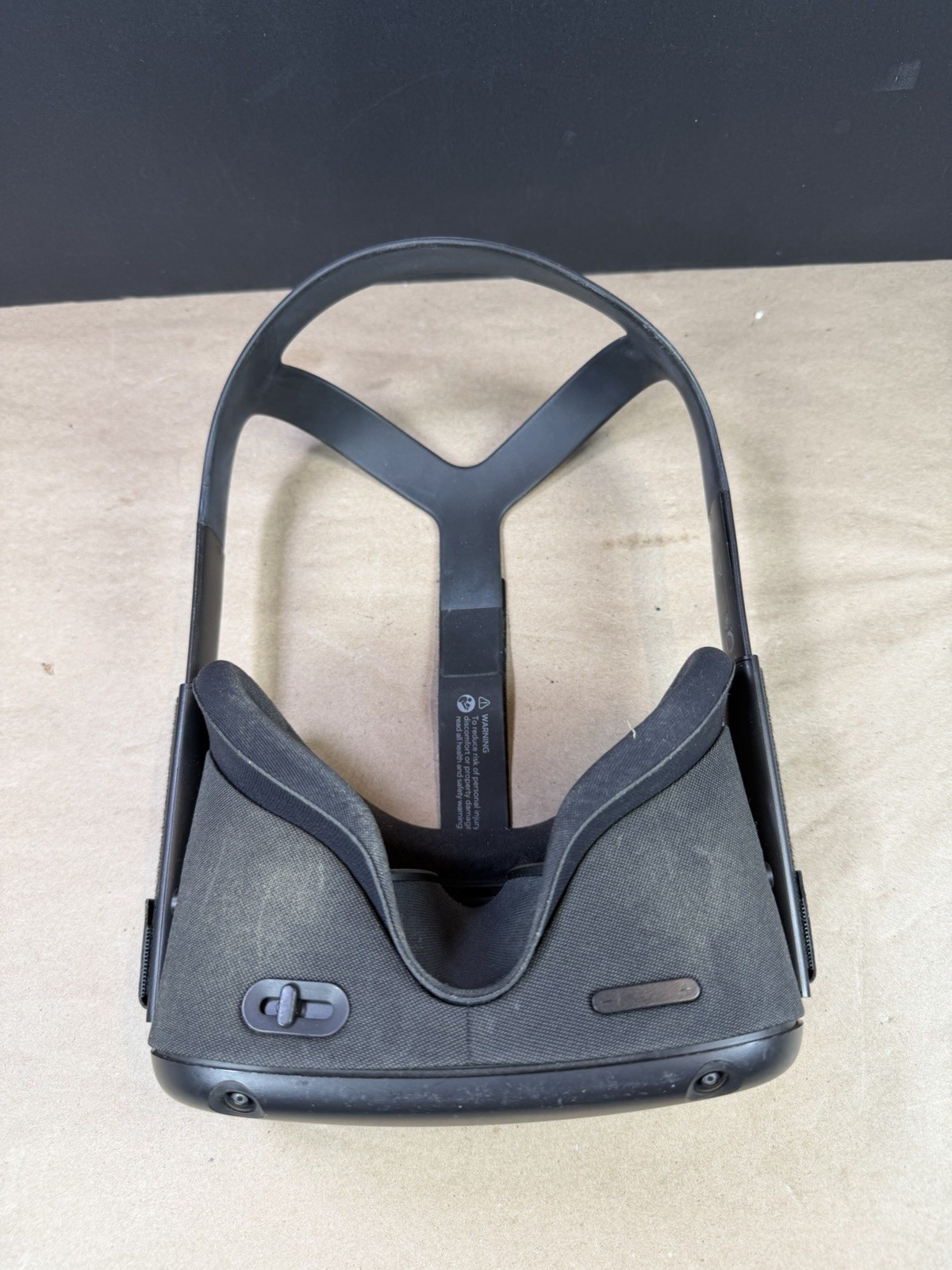 Oculus Quest MH-B Standalone All-In-One VR Gaming Headset Black Built-In Audio$24.27View on eBay
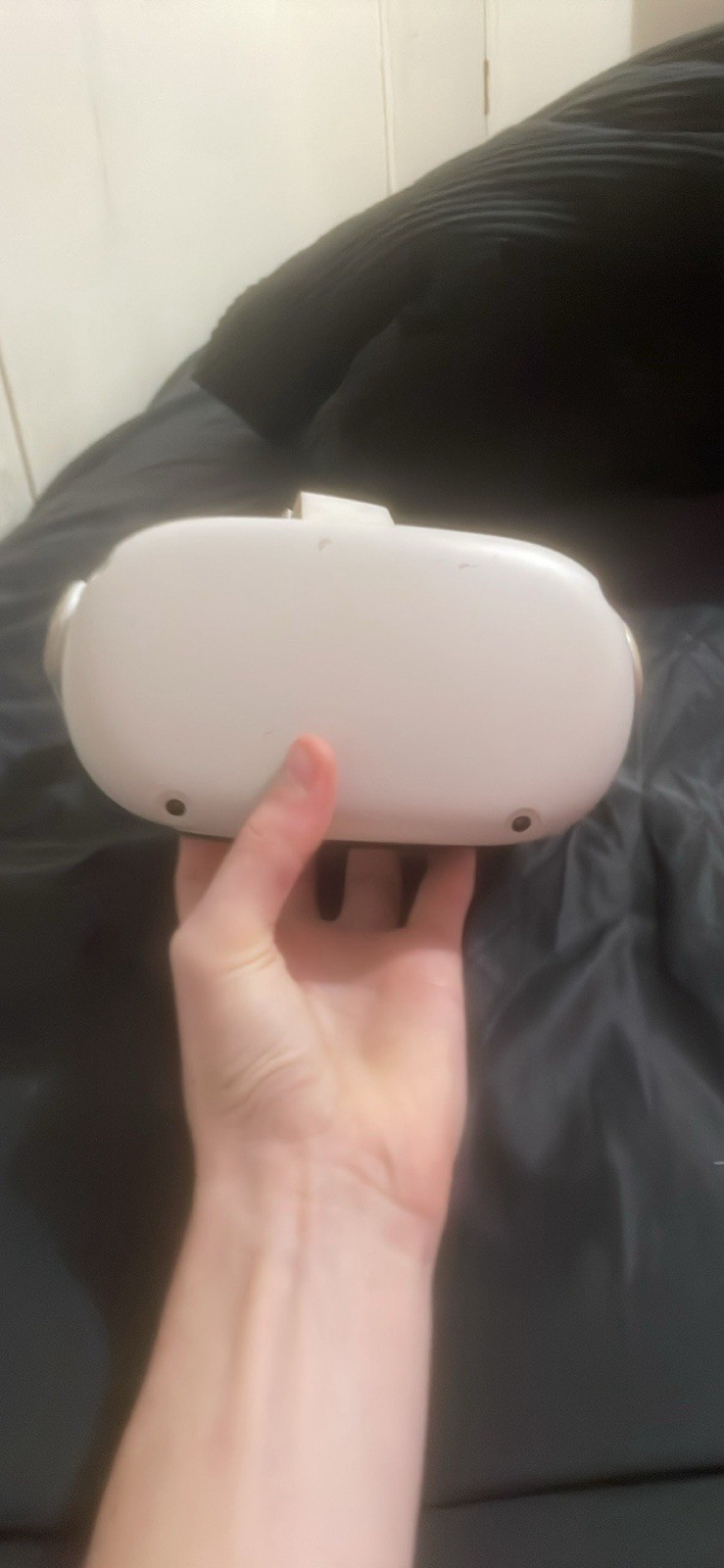 Meta Quest 2 Standalone VR Headset in White, Meta VR Gaming System$25.00View on eBay
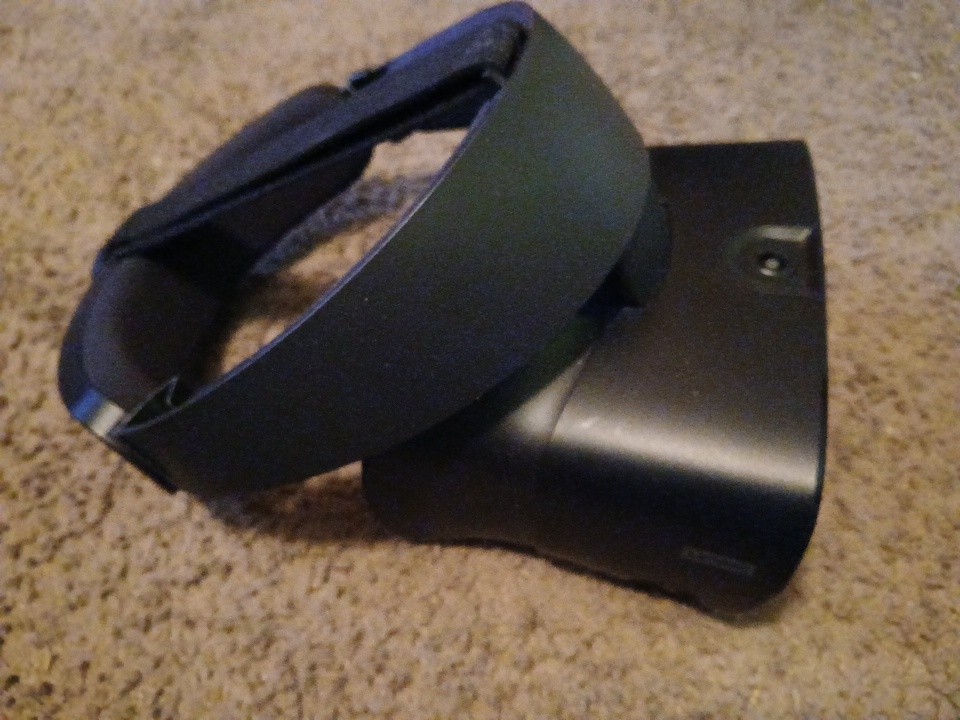 Oculus Rift S PC Powered VR Gaming Headset ONLY - No Controllers or Cables$28.99View on eBay
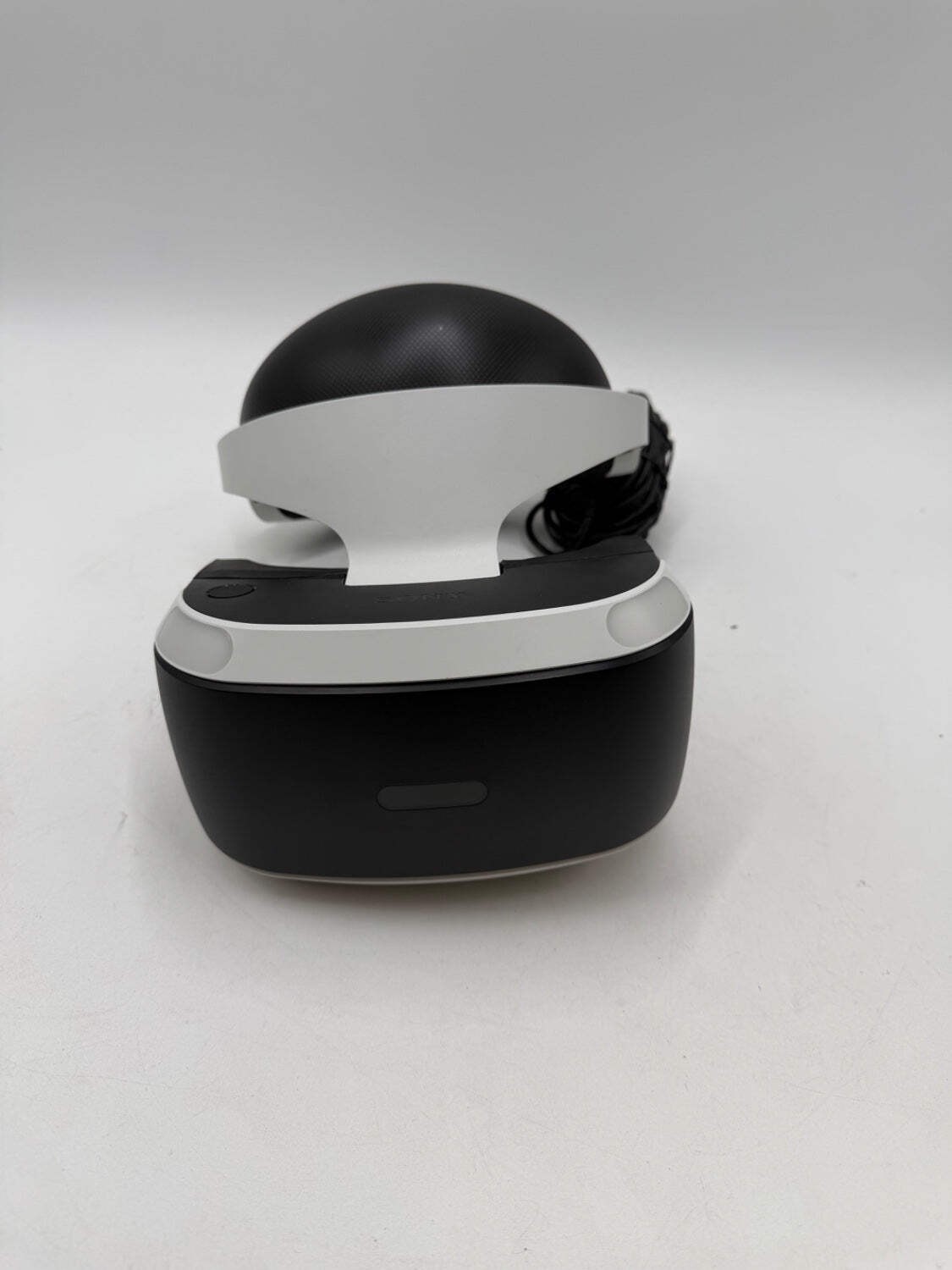 Sony PlayStation VR Virtual Reality VR Headset White CU H-ZVR2$37.99View on eBay
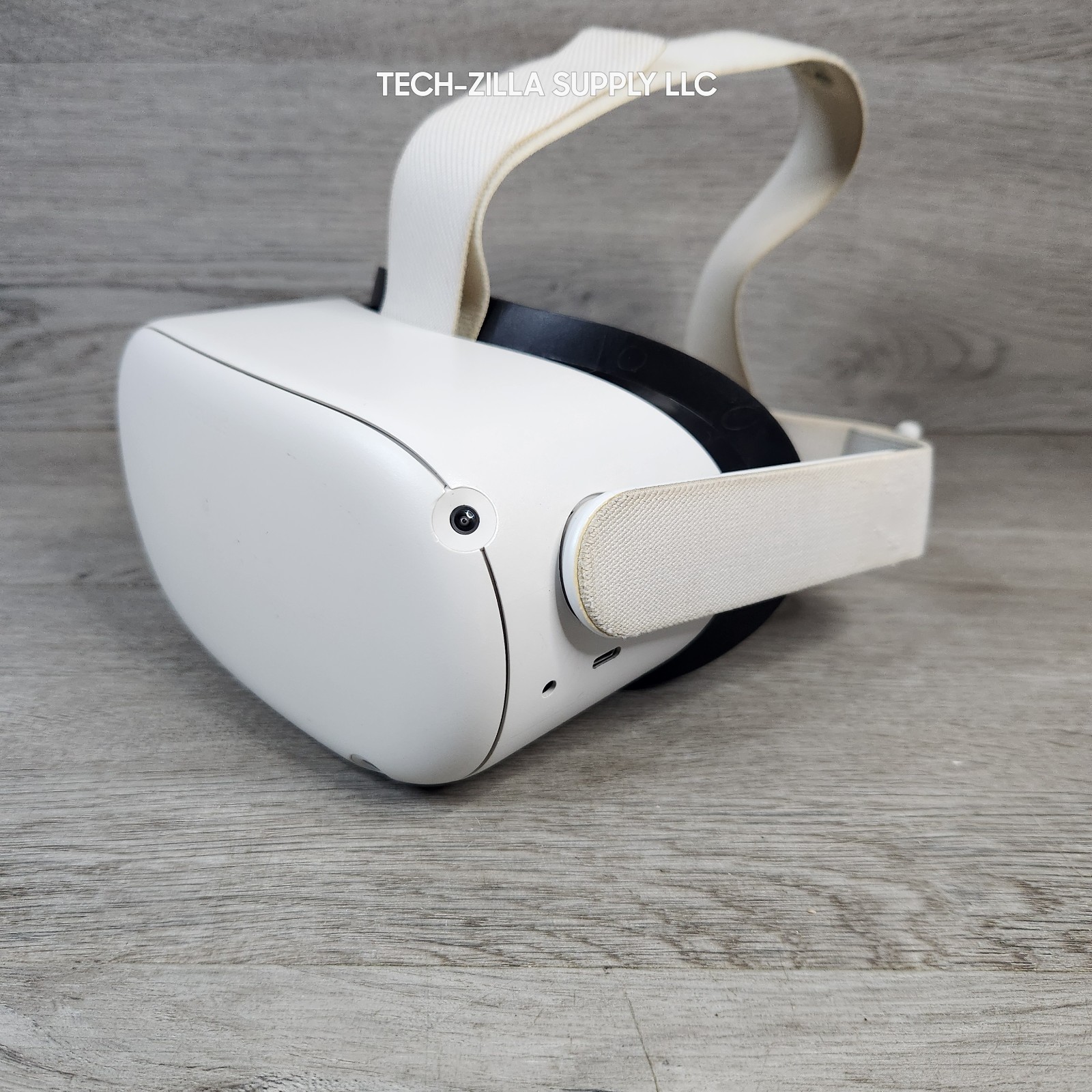 Oculus Meta Quest 2 128GB VR Headset ONLY, Great Condition (No Controllers)$44.95View on eBay
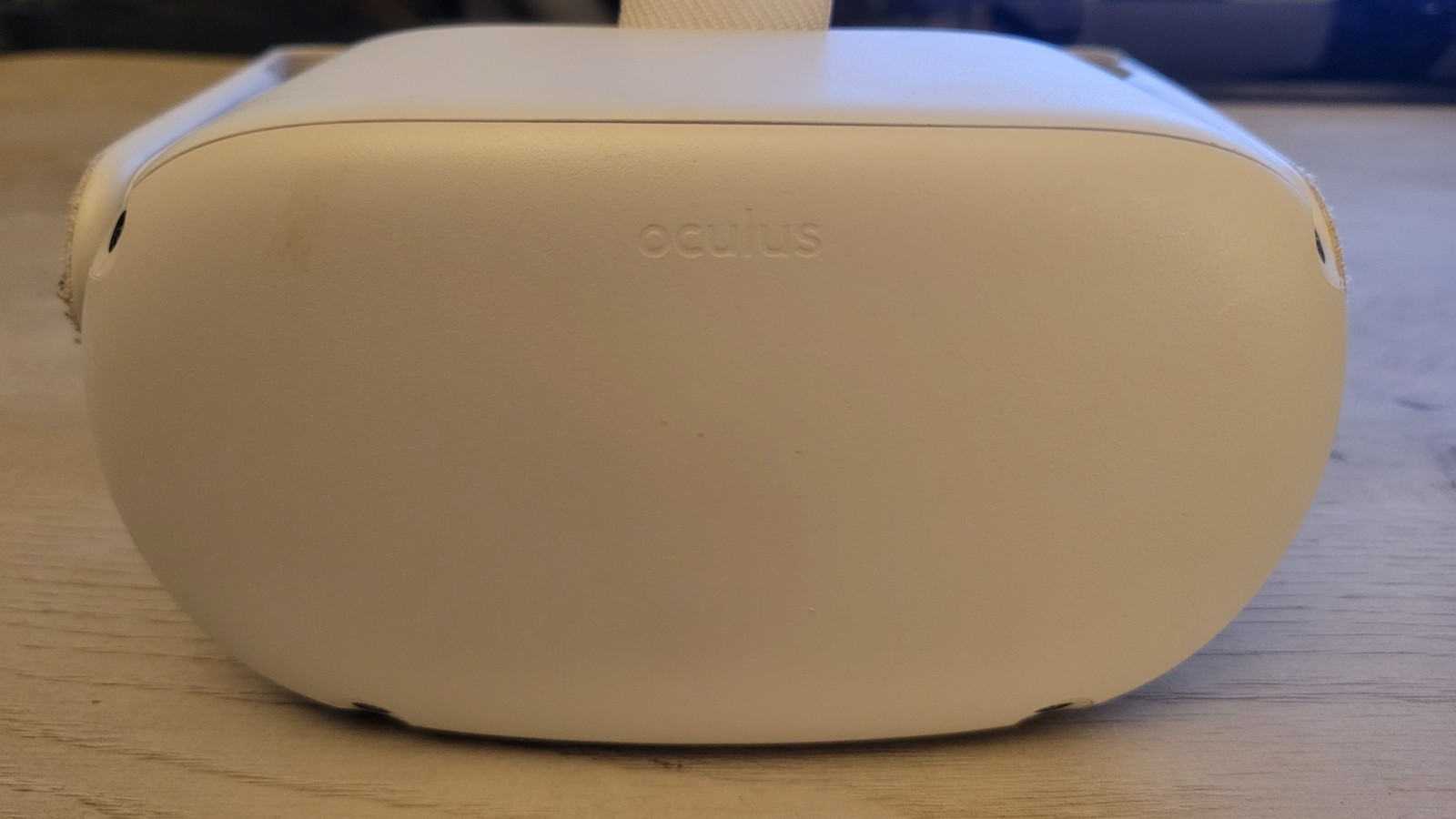 Meta Oculus Quest 2 128GB Standalone VR Headset Only No Controllers Tested$45.00View on eBay
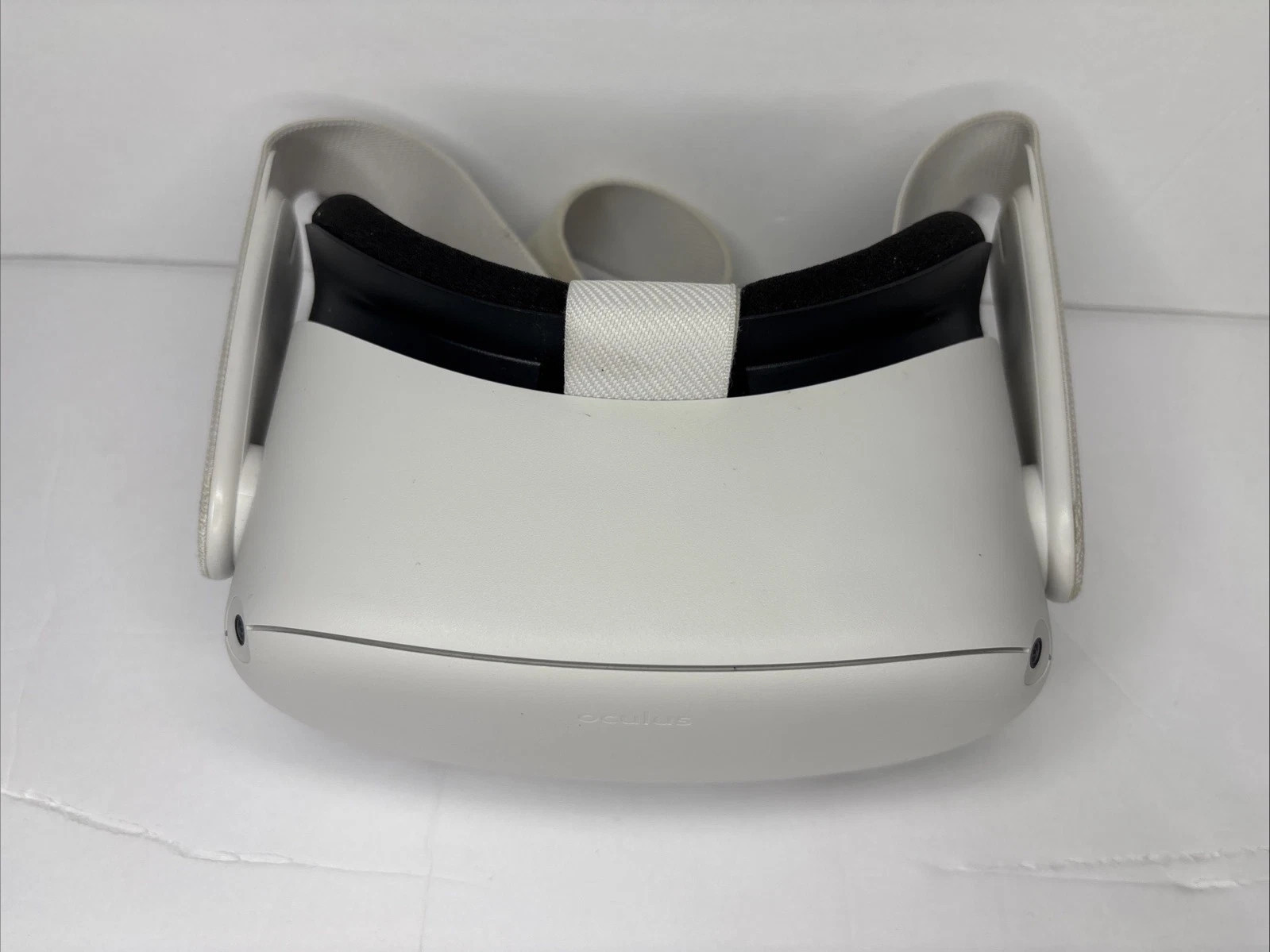 Meta Oculus Quest 2 128GB VR Headset Headset ONLY - No Controllers$45.00View on eBay
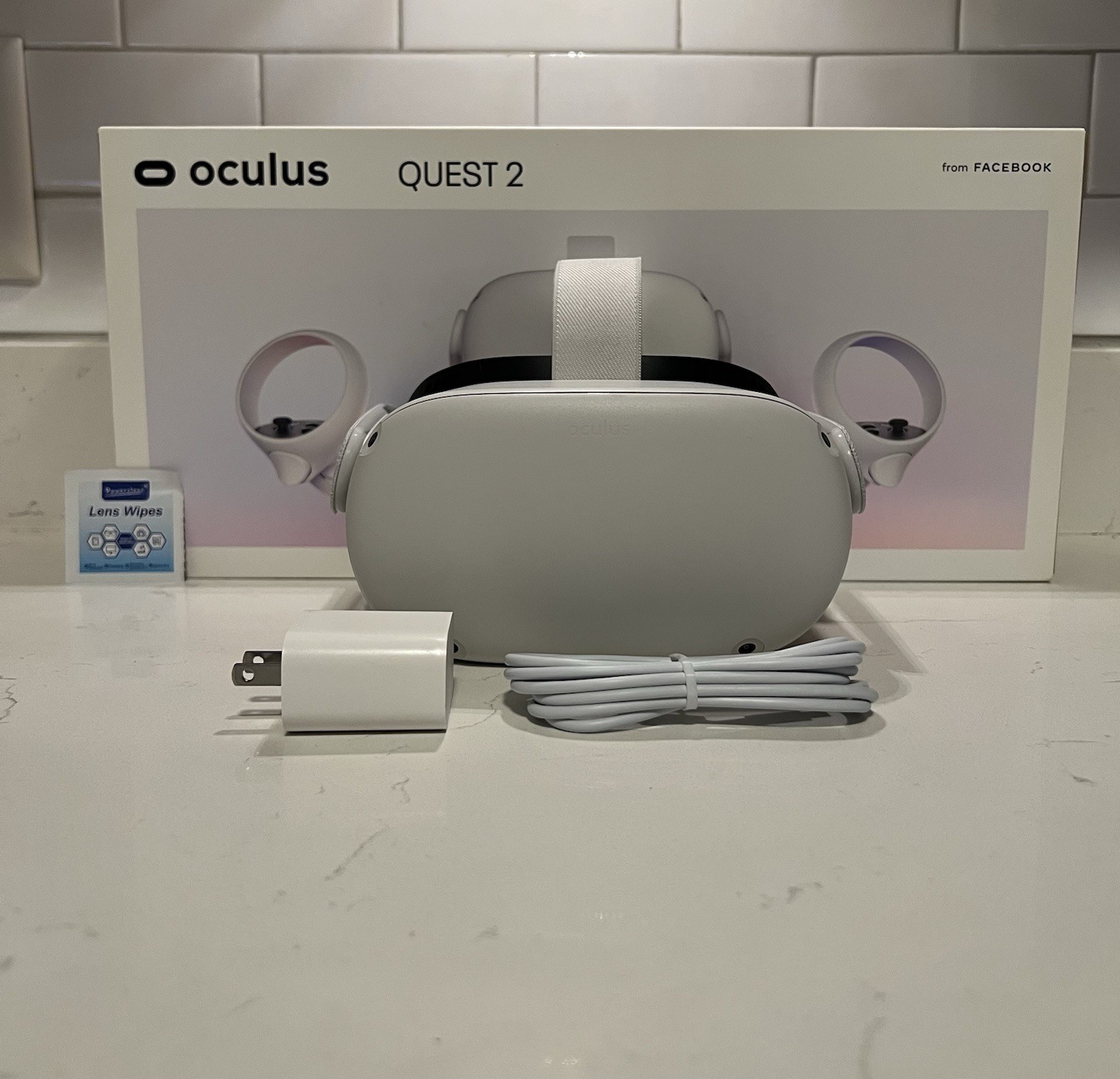 Meta Quest 2 - 64GB VR Headset$49.99View on eBay
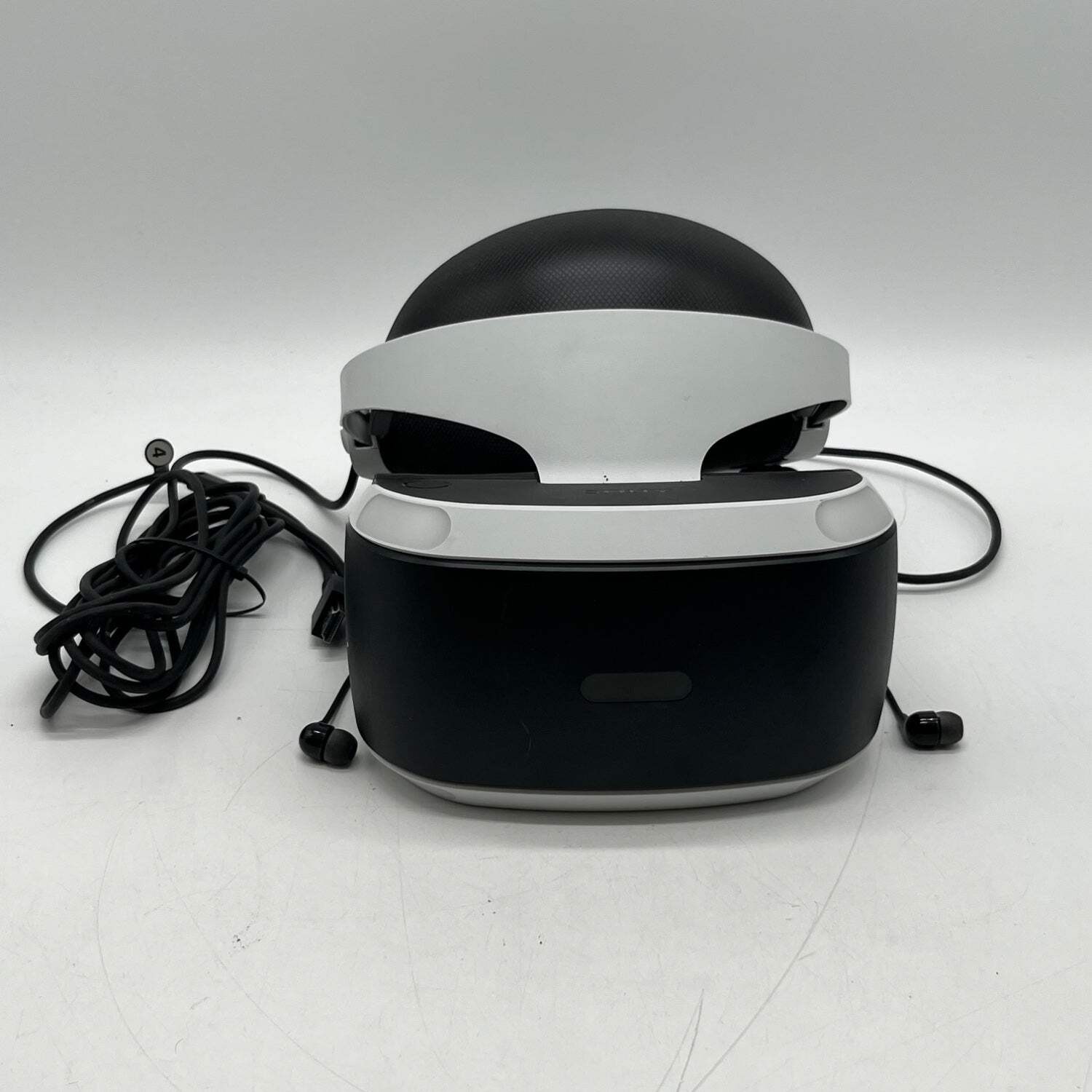 Sony PlayStation 4 PS4 Virtual Reality VR Headset Black CUH-ZVR2$49.99View on eBay
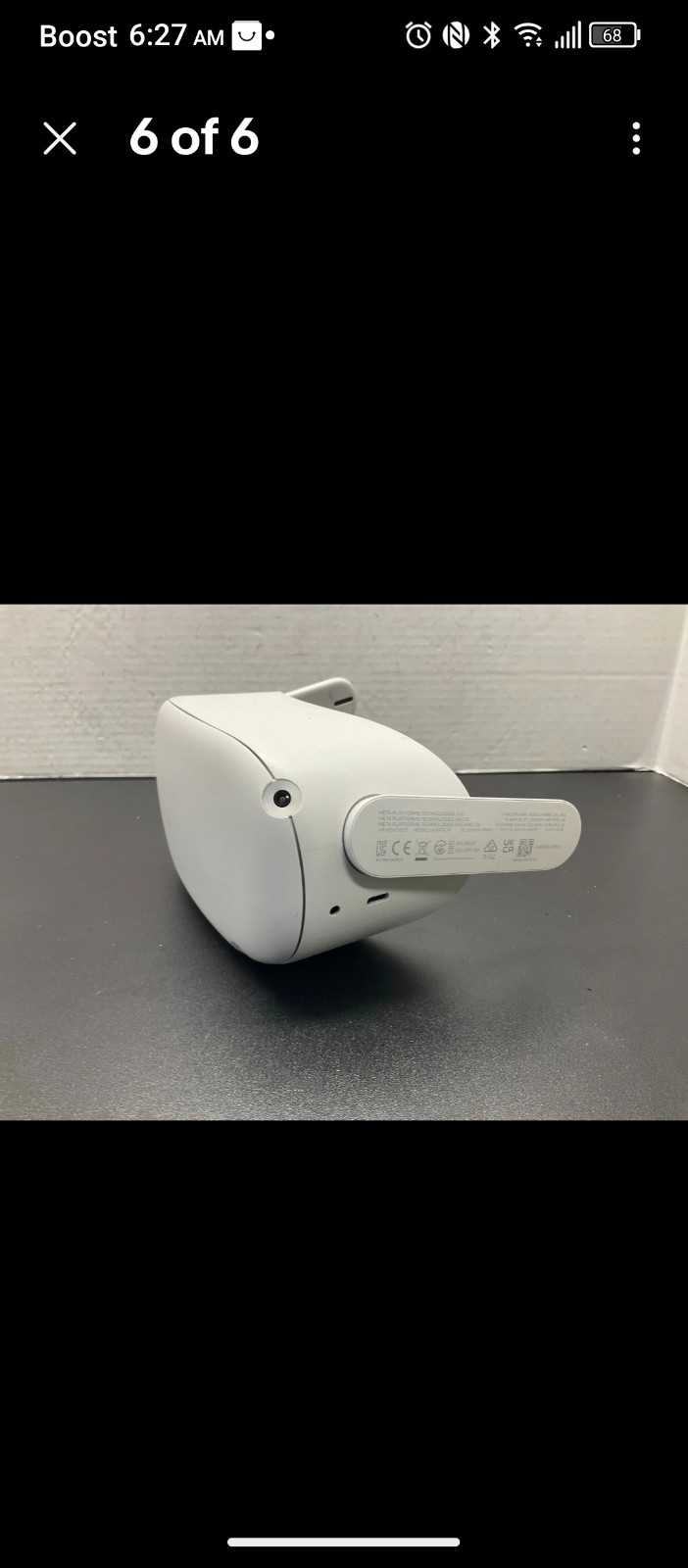 Meta Quest 2 128GB Advanced All-in-One VR Gaming Headset - ( WEAR & TEAR )$65.00View on eBay
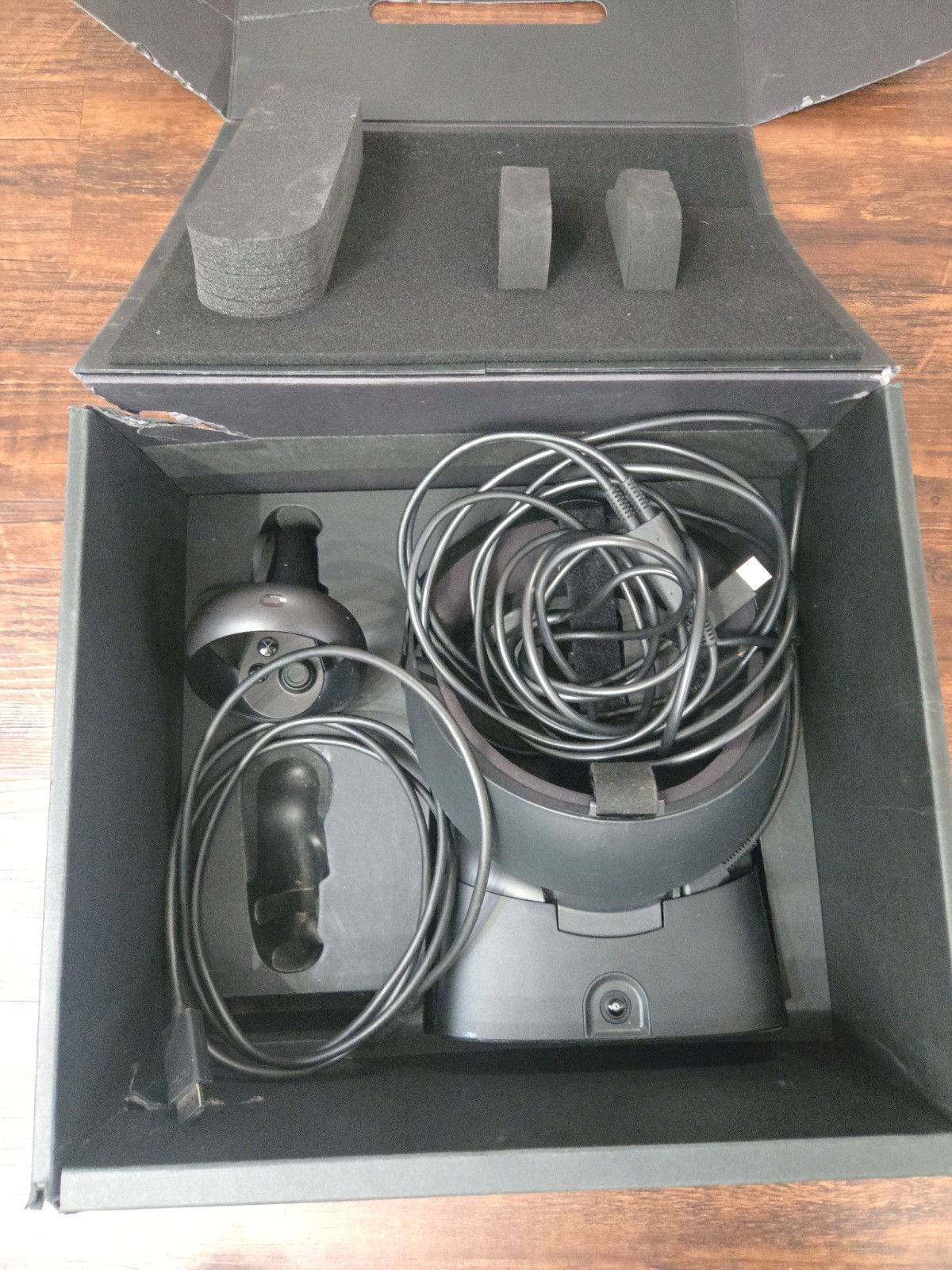 Oculus Rift S PC-Powered VR Gaming Headset - Black *1 Controller Preowned$68.88View on eBay
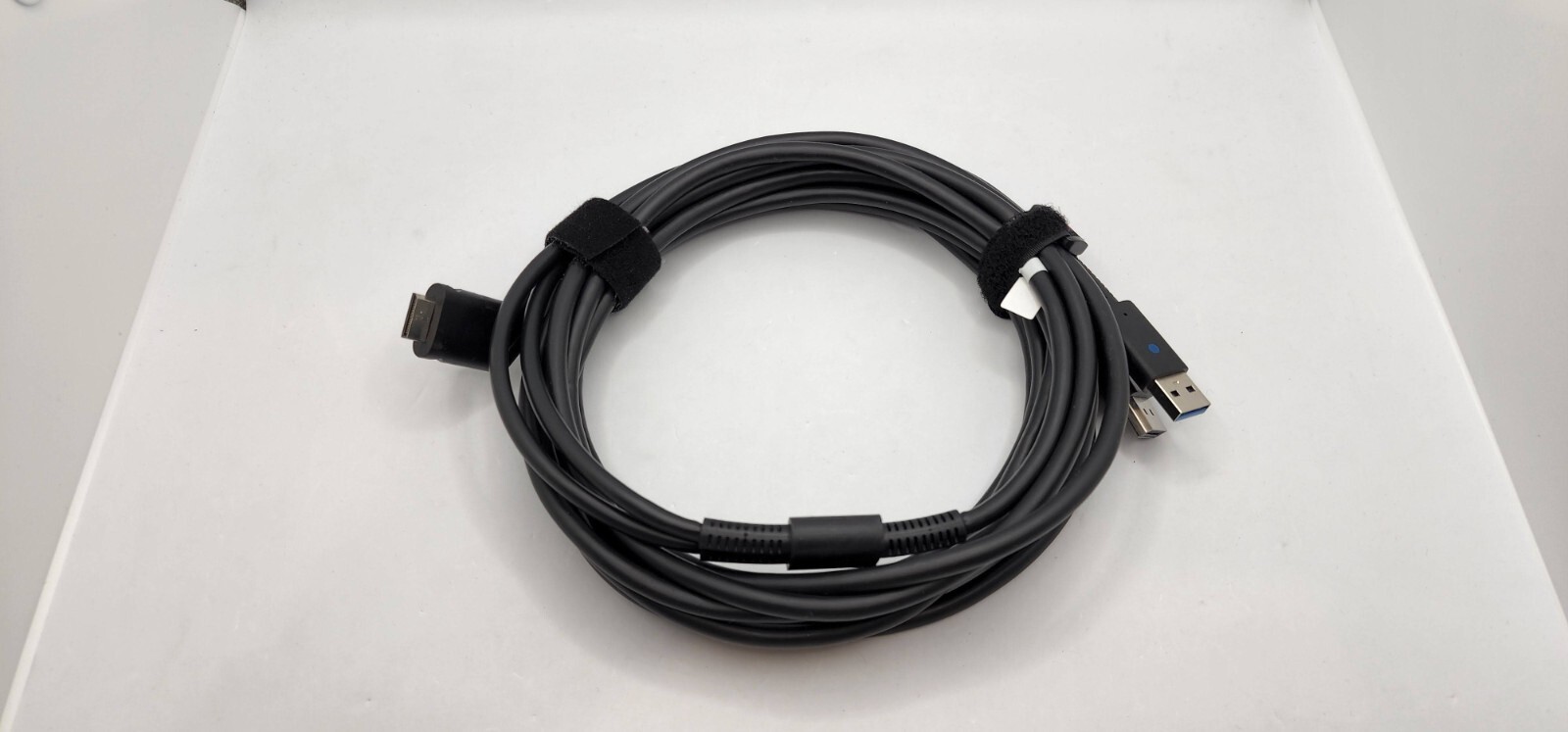 Oculus Rift S PC-Powered VR Gaming Headset Wired CABLE ONLY (Only For Rift S)$69.95View on eBay
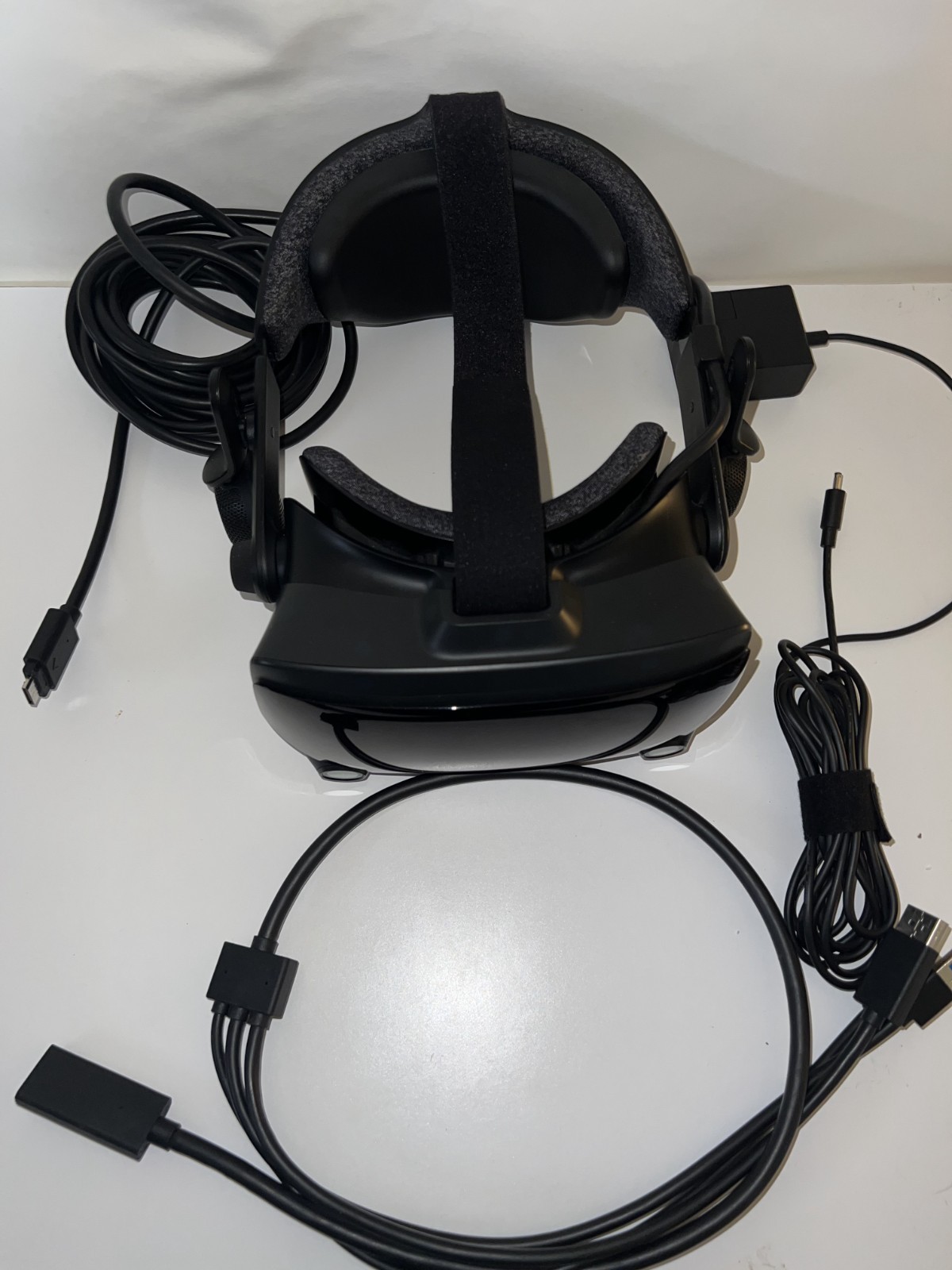 Steam Valve Index VR Gaming HEADSET ONLY - READ$80.00View on eBay
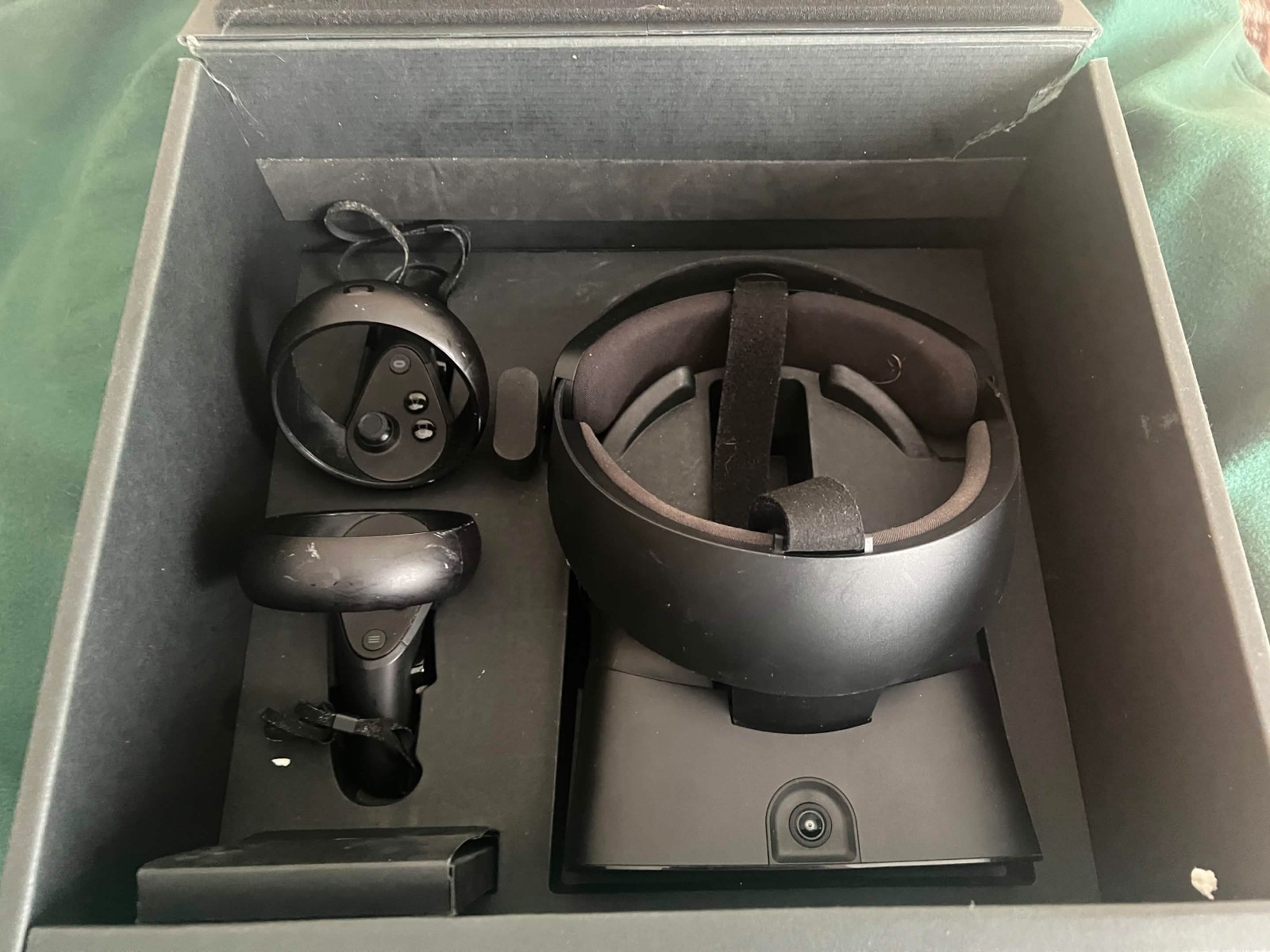 CABLE NOT INCLUDED Oculus Rift S PC-Powered VR Gaming Headset - Black$80.00View on eBay
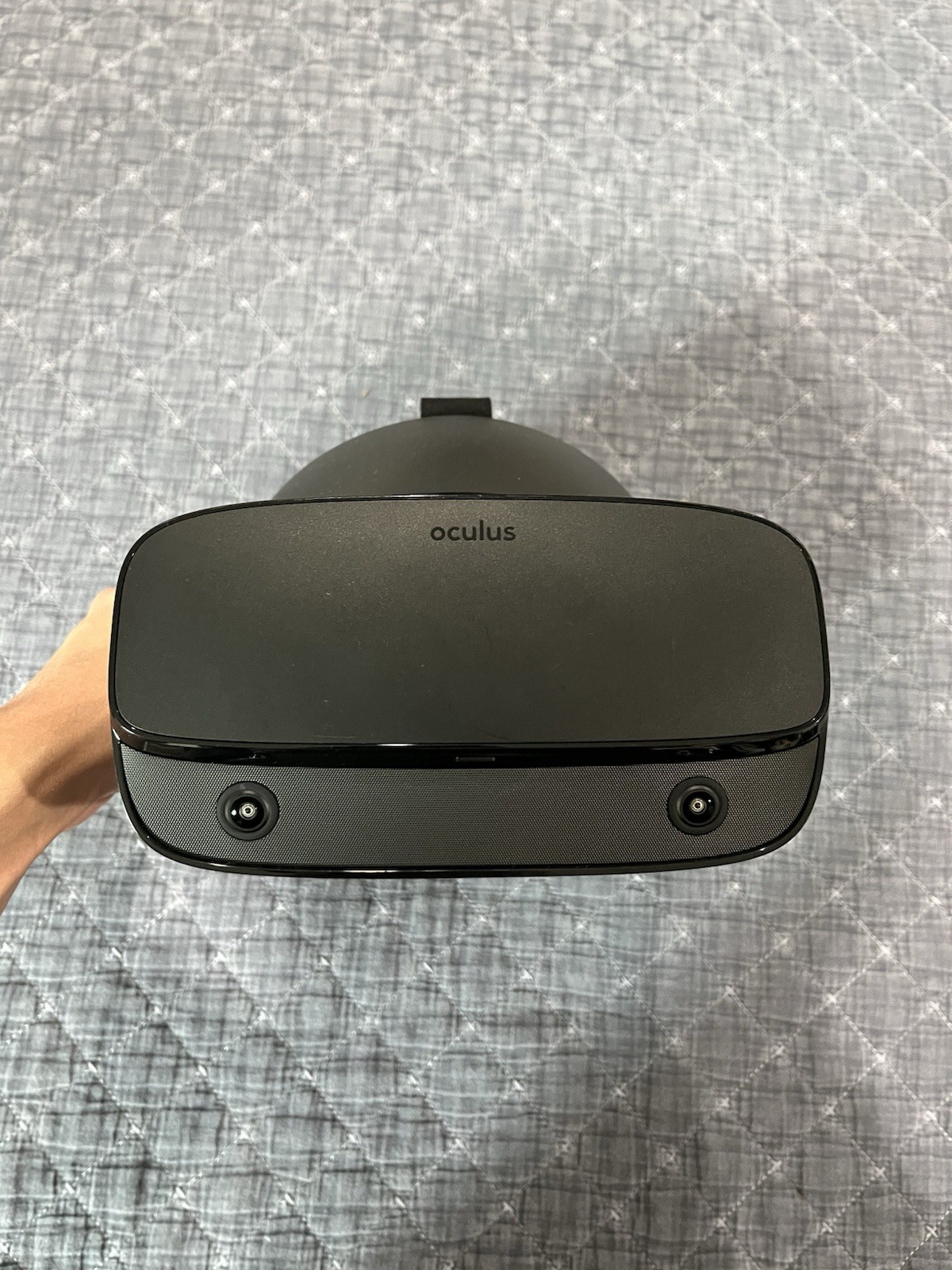 Oculus Rift S PC-Powered VR Gaming Headset - Black - *MESSAGE*$85.00View on eBay
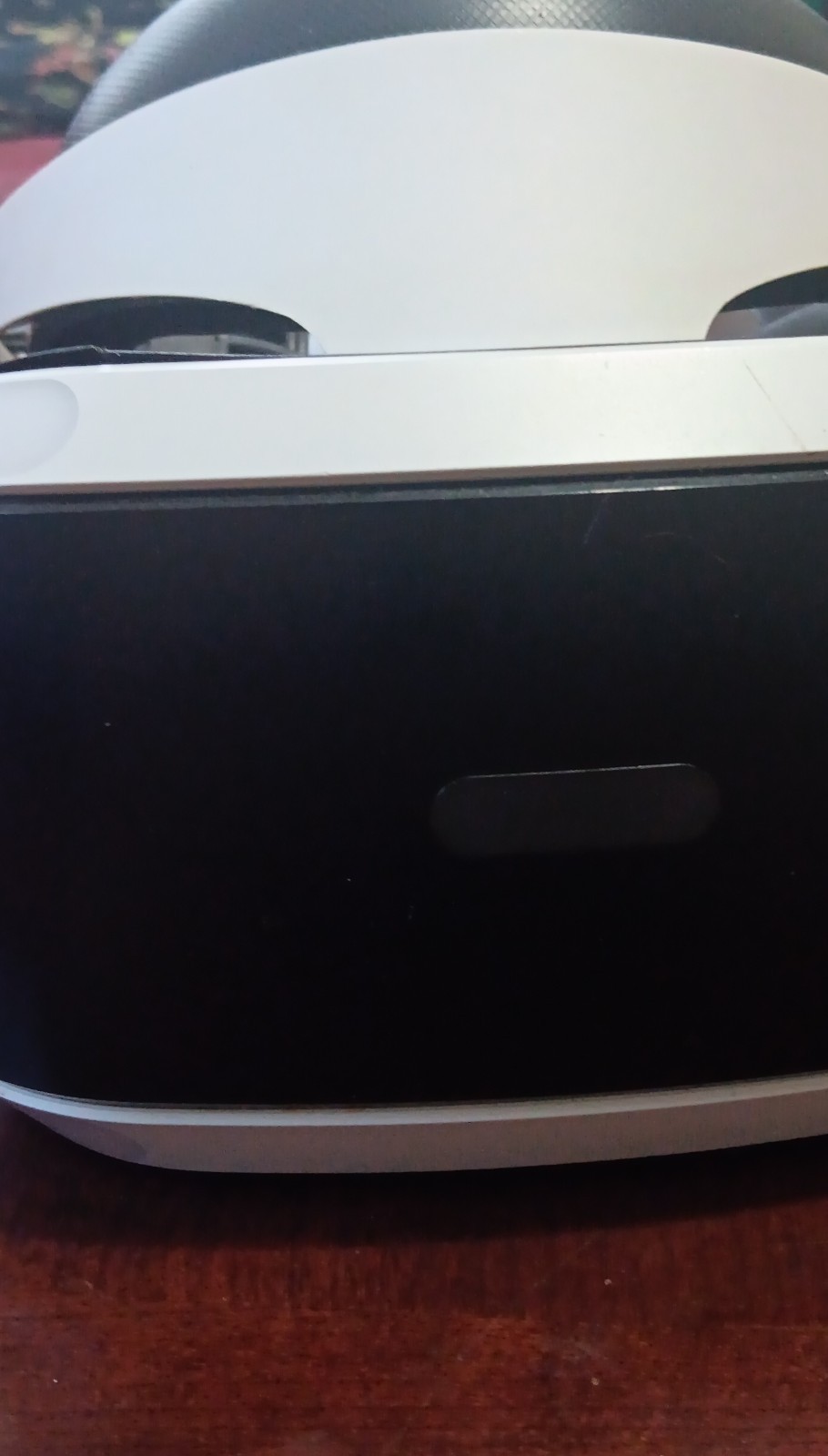 Sony PlayStation VR Headset Bundle Black/White HDMI USB with Accessories$100.00Last checked Nov 19, 2026View on eBay
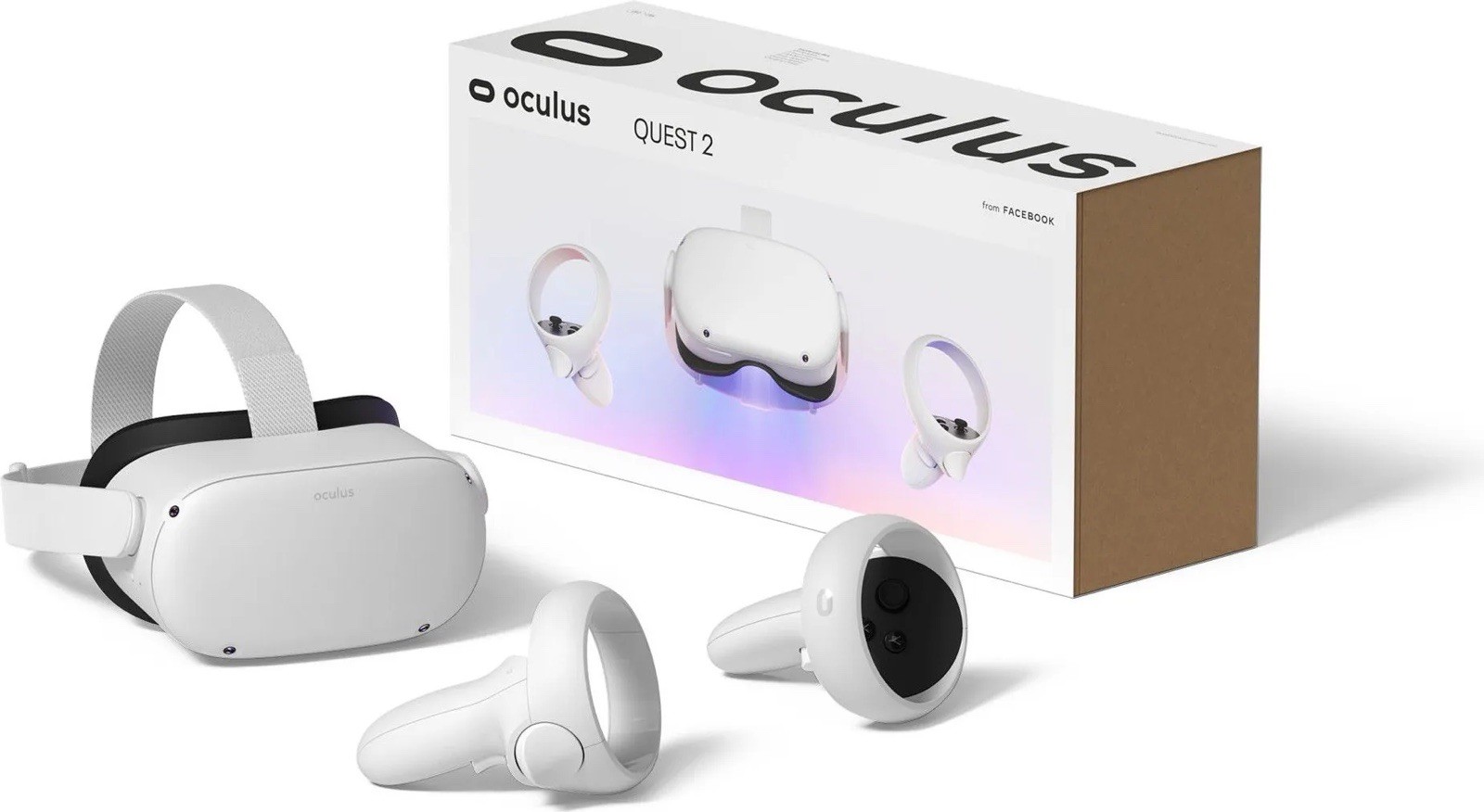 Oculus Quest 2 VR Headset with Touch Controllers, White, case and elite strap$108.00View on eBay
Highlights
- Tethered PC headsets like Oculus Rift S use inside-out tracking with five onboard cameras and a single DisplayPort 1.2 plus USB 3.0 connection, requiring no external base stations.
- Standalone headsets such as Meta Quest 2 and Quest 3 run Android-based XR2 chipsets and stream PC VR via Air Link (Wi-Fi 6) or Link Cable (USB-C 5Gbps), adding 20-40ms of encode/decode latency versus native tethering.
- Valve Index and HTC Vive Pro 2 use SteamVR base-station tracking (1.0 or 2.0) for sub-millimeter accuracy, but require two lighthouses, a dedicated DisplayPort 1.2+ GPU output, and USB 3.0 ports.
- Panel type dictates clarity: OLED (Rift CV1, Vive Pro) gives true blacks with mura risk, while LCD (Rift S, Index, Quest 2/3) yields sharper subpixel fill and higher refresh (80-144Hz) at the cost of gray blacks.
Best use cases
- Best fit: buy a native DisplayPort tethered headset (Rift S, Valve Index, Reverb G2) for sim racing, flight sims, or competitive shooters where uncompressed latency under 10ms and per-eye 2160x2160 resolution matter more than mobility.
- Best fit: choose a standalone headset with PC streaming (Quest 2/3, Pico 4) for mixed room-scale and seated PC play in a shared living space, where Wi-Fi 6 router proximity and USB-C Link Cable support replace dedicated DisplayPort wiring.
- Wrong fit: skip base-station headsets (Vive Pro 2, Index) in dorm rooms or rental apartments under 2x2 meters of clear floor space, since lighthouse tracking requires fixed mounting points and 5V power outlets at opposite corners.
- Wrong fit: avoid buying a used Rift S or Quest 1 without controllers or cables, as replacement Touch controllers and proprietary 5m cables are discontinued and cost more than the headset resale value.
Buying tips
- Match your GPU output first: native PC headsets need a free DisplayPort 1.2+ (Rift S, Index, Reverb G2) or HDMI 2.0 (original Vive), while streaming headsets need USB-C 3.0 (5Gbps) or a Wi-Fi 6 router within 5 meters line-of-sight.
- For room-scale tracking, budget 2x2 meters of clear floor and two 1.5-meter tripod mounts or wall anchors for base stations; inside-out headsets need 1.5x1.5 meters and even 300-500 lux lighting for camera tracking.
- Prefer headsets with physical IPD adjustment (Rift S slider 58-72mm, Quest 2 three-step 58/63/68mm) over software-only IPD if your interpupillary distance falls outside 61-66mm, or you will get blur and eye strain.
- Check refresh and resolution tiers: 1832x1920 per eye at 90Hz (Quest 2, Rift S) is the entry bar for readable text; 2160x2160 at 120Hz (Index, Reverb G2) or 2064x2208 at 120Hz (Quest 3) is required for flight sim gauges and desktop work.
Specs
| Tracking Type | Inside-out cameras / SteamVR base stations |
|---|---|
| PC Connection | DisplayPort 1.2+ / USB-C 5Gbps streaming |
| Per-Eye Resolution | 1832x1920 to 2160x2160 LCD/OLED |
| Refresh Rate | 80Hz / 90Hz / 120Hz / 144Hz |
Related searches
What to check before buying
- Measure your play space: seated PC VR needs 1x1 meter of desk clearance and a 2-meter cable run to the PC; room-scale needs 2x2 meters plus 30cm buffer from walls for controller swing.
- Verify PC ports and power: one free DisplayPort 1.2 or HDMI 2.0, one USB 3.0 Type-A or Type-C, and a 650W PSU for GPUs like RTX 3060/RX 6600 XT that drive 90Hz VR.
- Confirm your router band for streaming headsets: Wi-Fi 6 (802.11ax) on the 5GHz band with the PC on Ethernet, since Wi-Fi 5 adds 15-25ms and visible stutter at 90Hz.
- Check companion parts included: Touch controllers with AA batteries, a 5-meter DisplayPort or USB-C Link Cable, and a facial interface cover, since bare headset-only listings omit these essentials.
FAQ
Data sources: eBay / Amazon listings and product attribute feeds. Updated Nov 28, 2026.
Some links on this page are affiliate links. If you buy after clicking one, we may earn a commission at no extra cost to you. This does not change which products appear here or their order. Affiliate disclosure.