
Photos from current listings. Actual item, color, and included accessories may vary.
VR Headset Compatible With iPhone Buying Guide
iPhone-compatible VR headsets are smartphone-powered or standalone headsets that either dock an iPhone or stream to it via Wi-Fi/Bluetooth, and the primary trade-off is between the low-cost optical shell (phone as display) and the standalone Android-based headset (no iPhone tether). The decision rule: buy a phone-dock headset only if you accept 60–90 Hz phone refresh and no positional tracking; buy a standalone headset only if you will use iPhone solely for casting/mirroring, not as the display.
Median $111.87 · New & pre-owned listings
Key takeaways
- Phone-dock headsets (e.g., Google Cardboard, Samsung Gear VR-style) depend on iPhone screen resolution and refresh: 60 Hz LCD panels show smear; 90 Hz OLED iPhones reduce motion blur.
- Standalone headsets (Meta Quest 3/3S, Pico 4) run Android natively and receive iPhone cast via the Meta Quest or Pico app over 5 GHz Wi-Fi — iPhone is not the display.
- 6DoF (six degrees of freedom) inside-out tracking requires onboard cameras and a Snapdragon XR2 Gen 2-class chip; phone-dock shells are 3DoF only (rotation, no position).
At a glance
- Category
- VR Gaming Hardware & Accessories
- Last updated
- Nov 28, 2026
Current offers
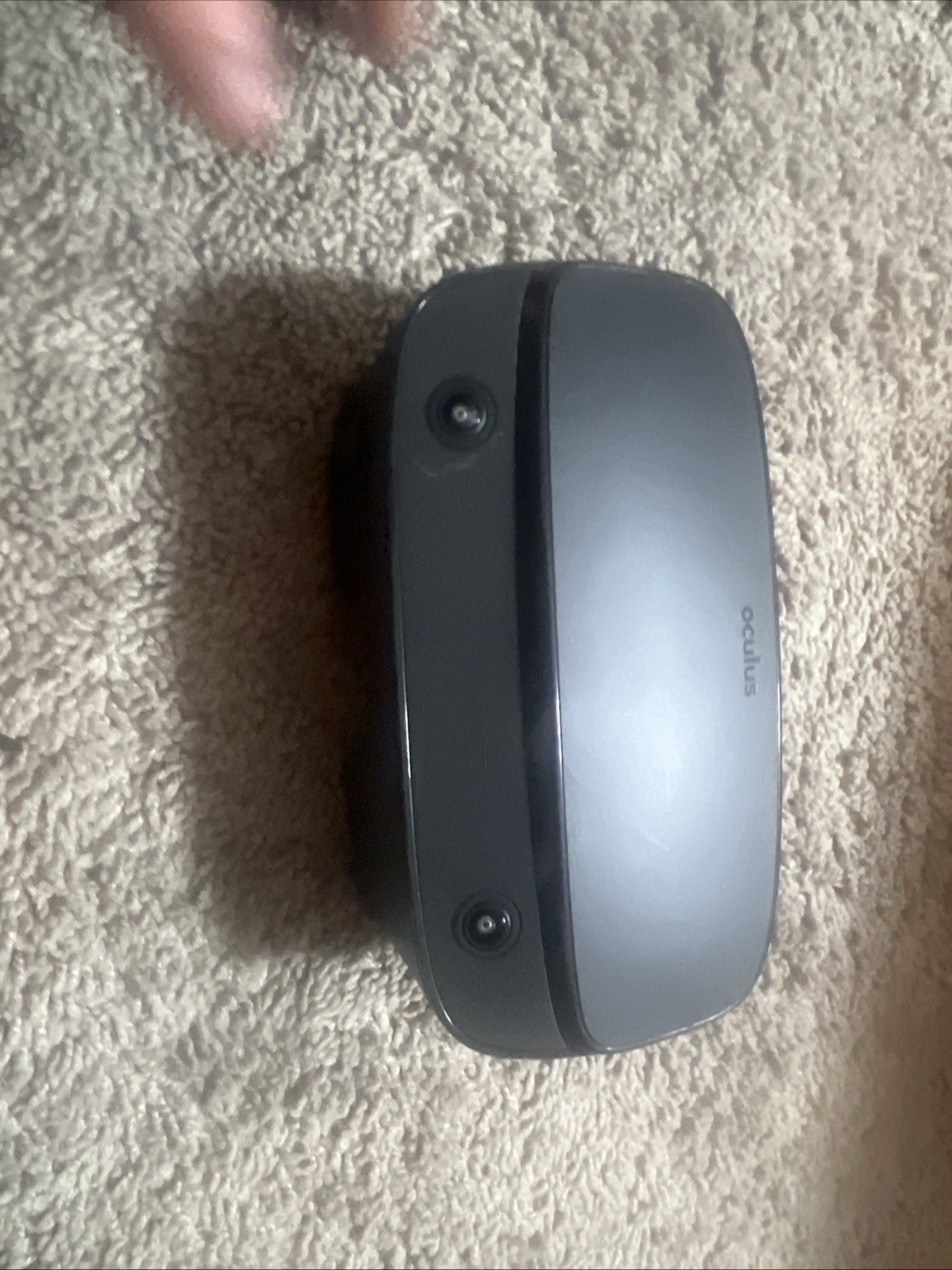 Oculus Rift S PC Powered VR Gaming Headset ONLY$8.99View on eBay
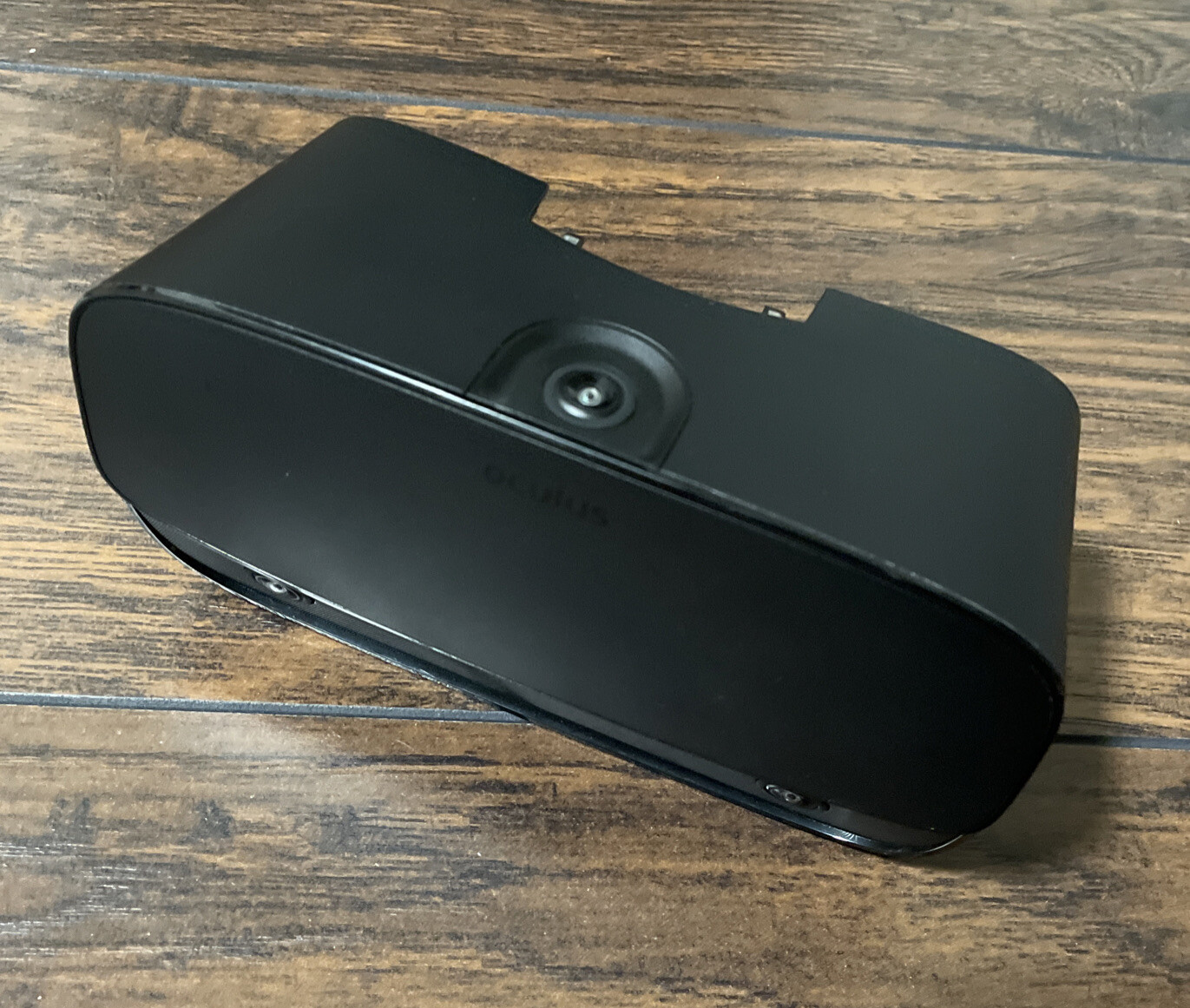 Oculus Rift S PC Powered VR Gaming Headset ONLY$11.95View on eBay
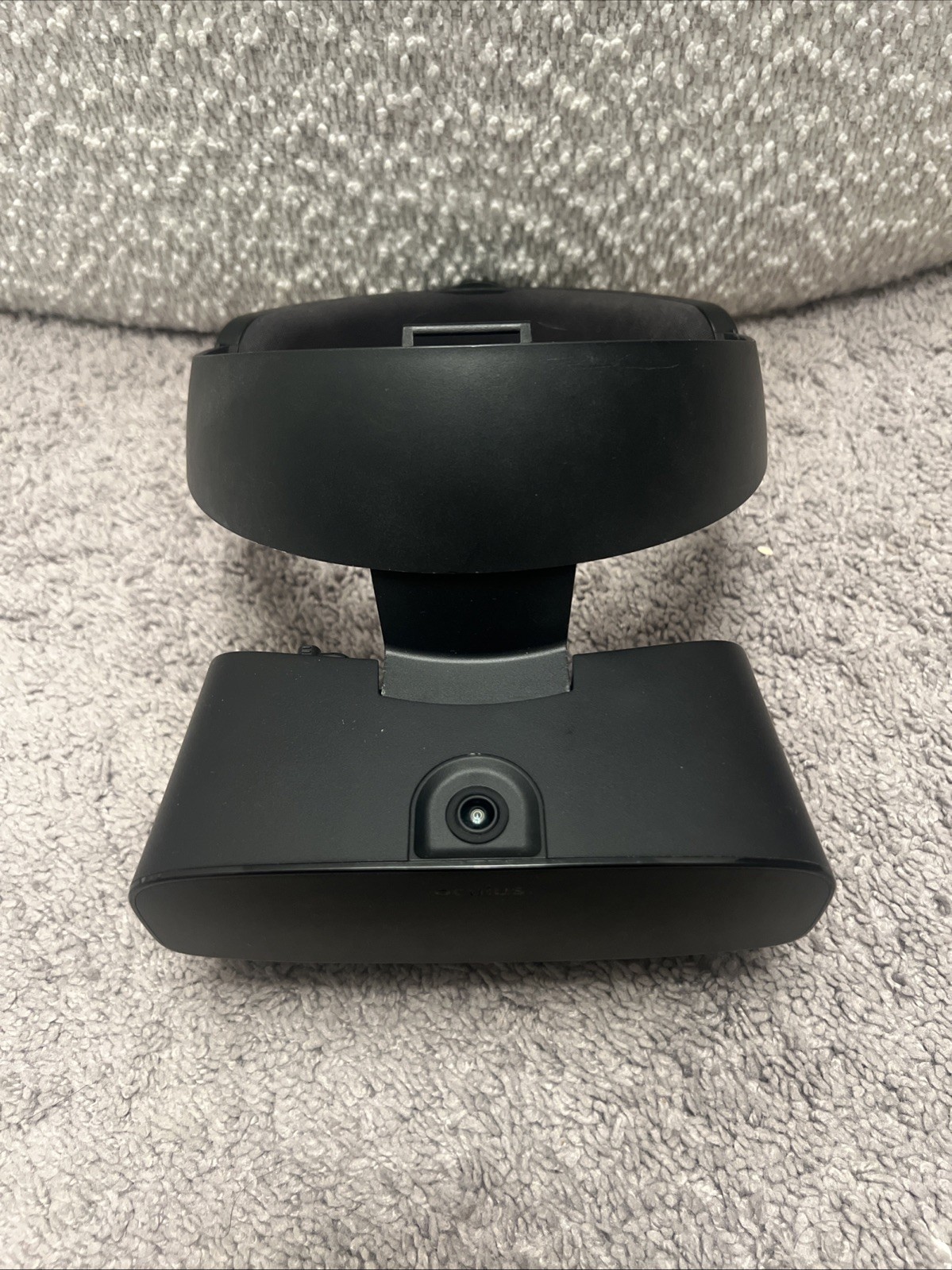 Oculus Rift S PC-Powered VR Gaming Headset ONLY Tested$13.99View on eBay
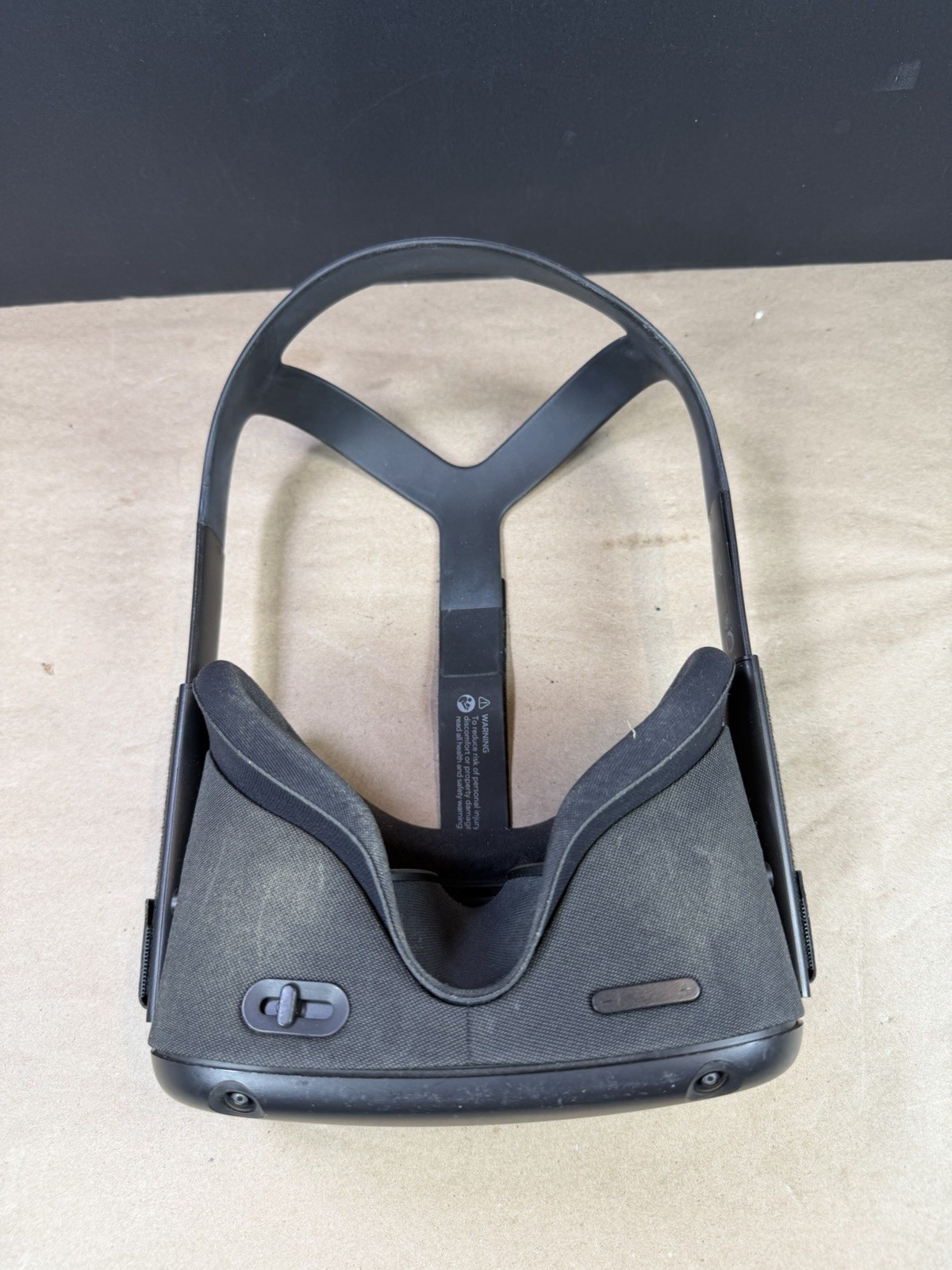 Oculus Quest MH-B Standalone All-In-One VR Gaming Headset Black Built-In Audio$24.27View on eBay
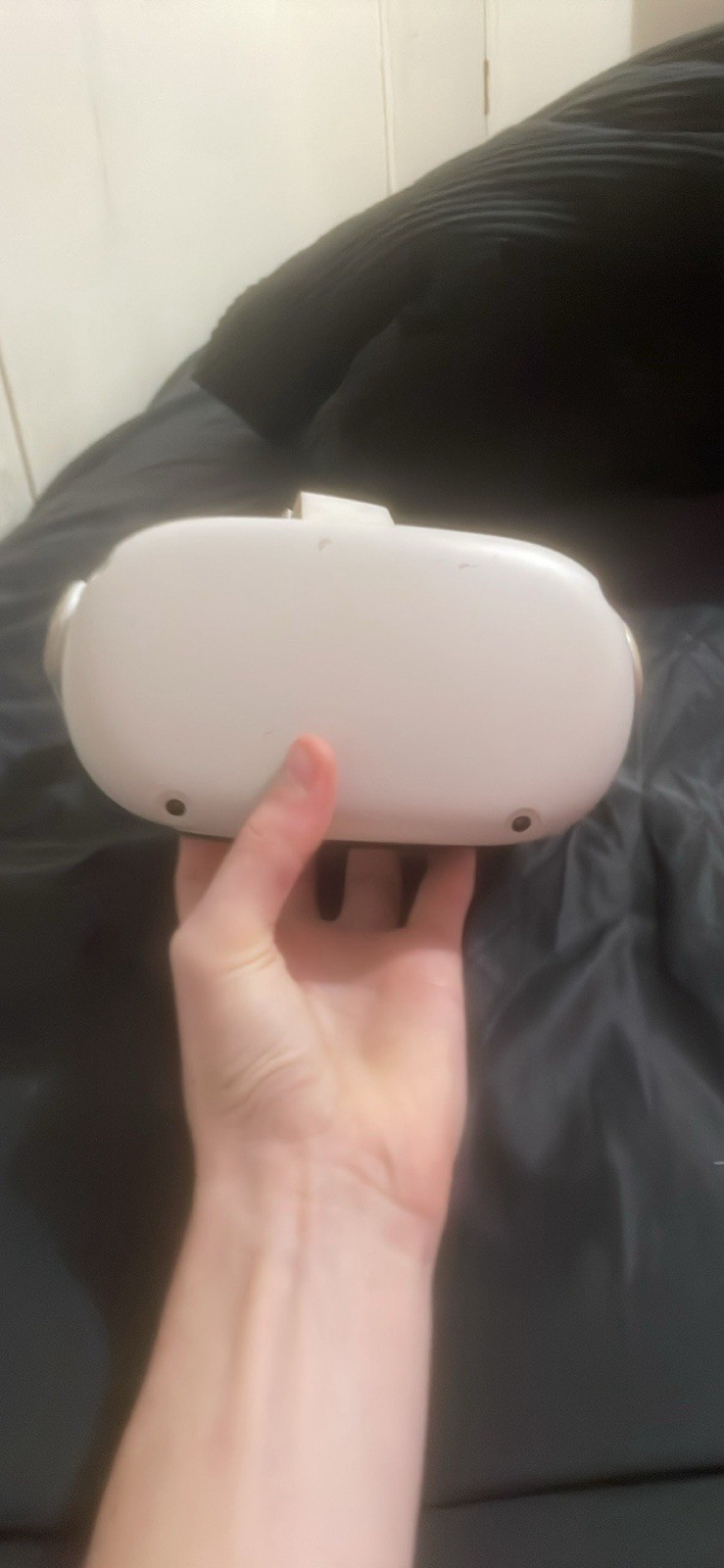 Meta Quest 2 Standalone VR Headset in White, Meta VR Gaming System$25.00View on eBay
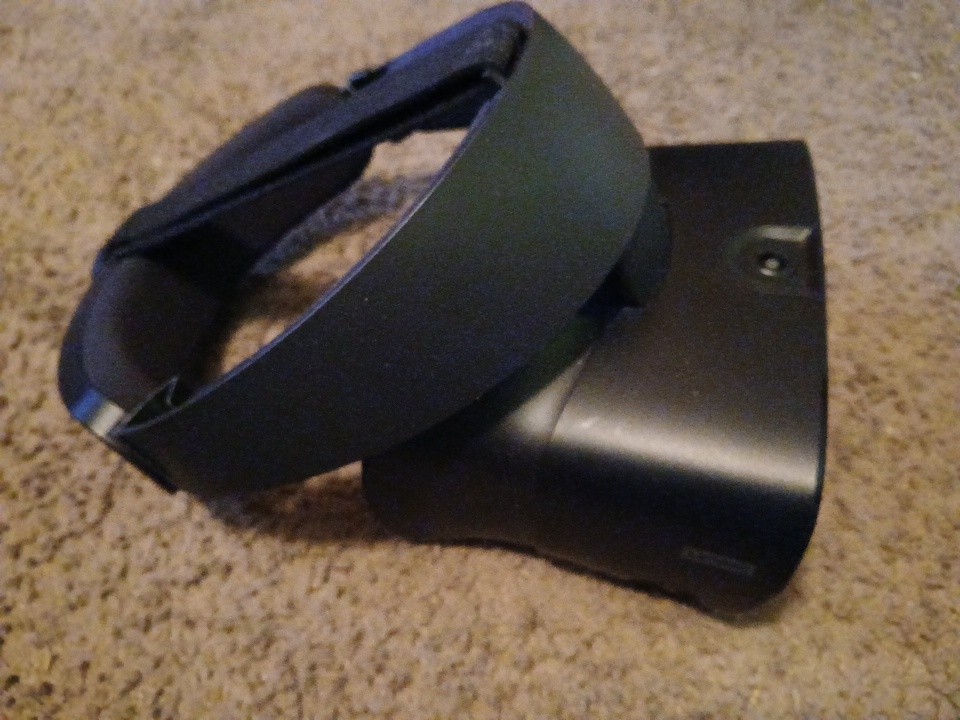 Oculus Rift S PC Powered VR Gaming Headset ONLY - No Controllers or Cables$28.99View on eBay
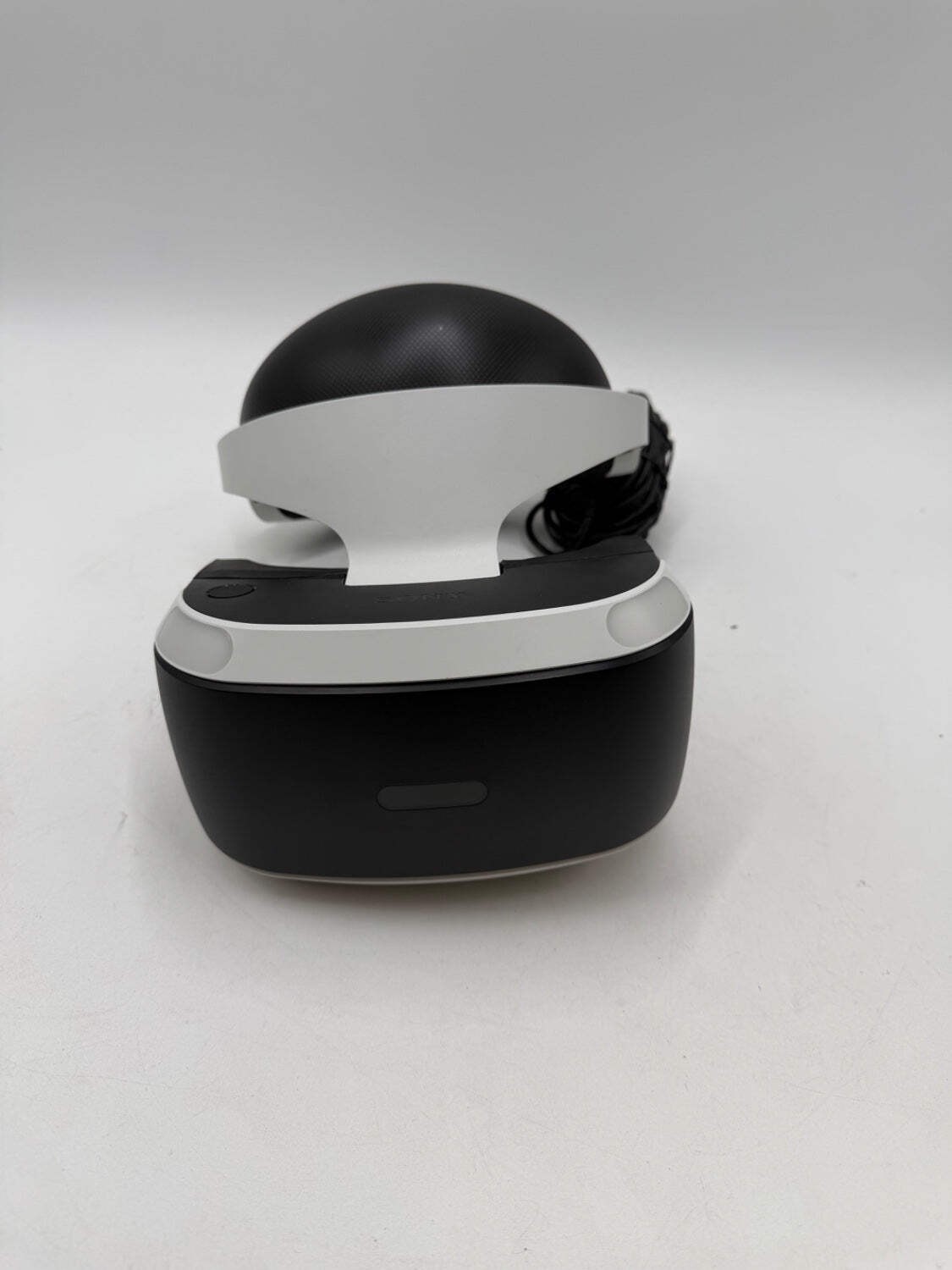 Sony PlayStation VR Virtual Reality VR Headset White CU H-ZVR2$37.99View on eBay
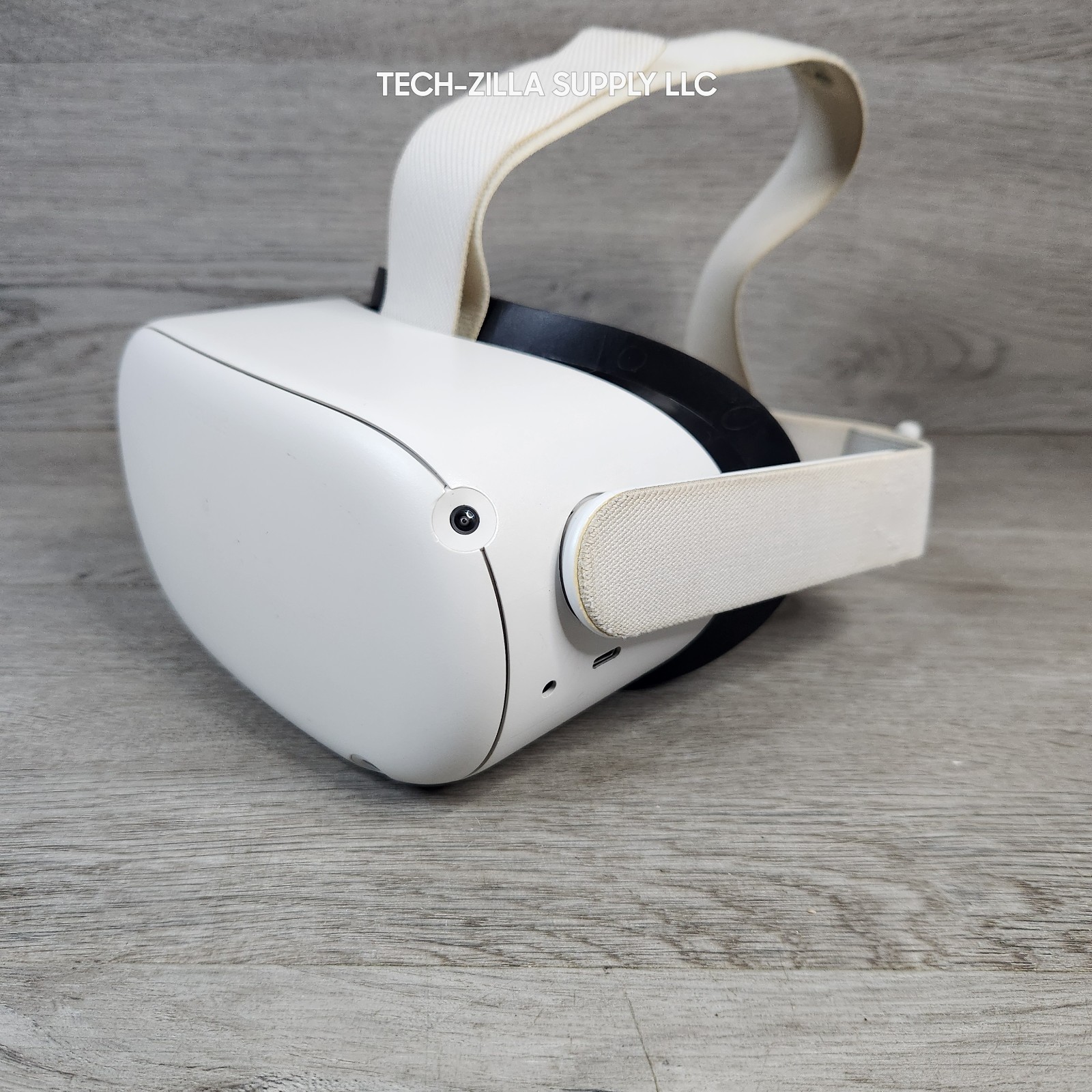 Oculus Meta Quest 2 128GB VR Headset ONLY, Great Condition (No Controllers)$44.95View on eBay
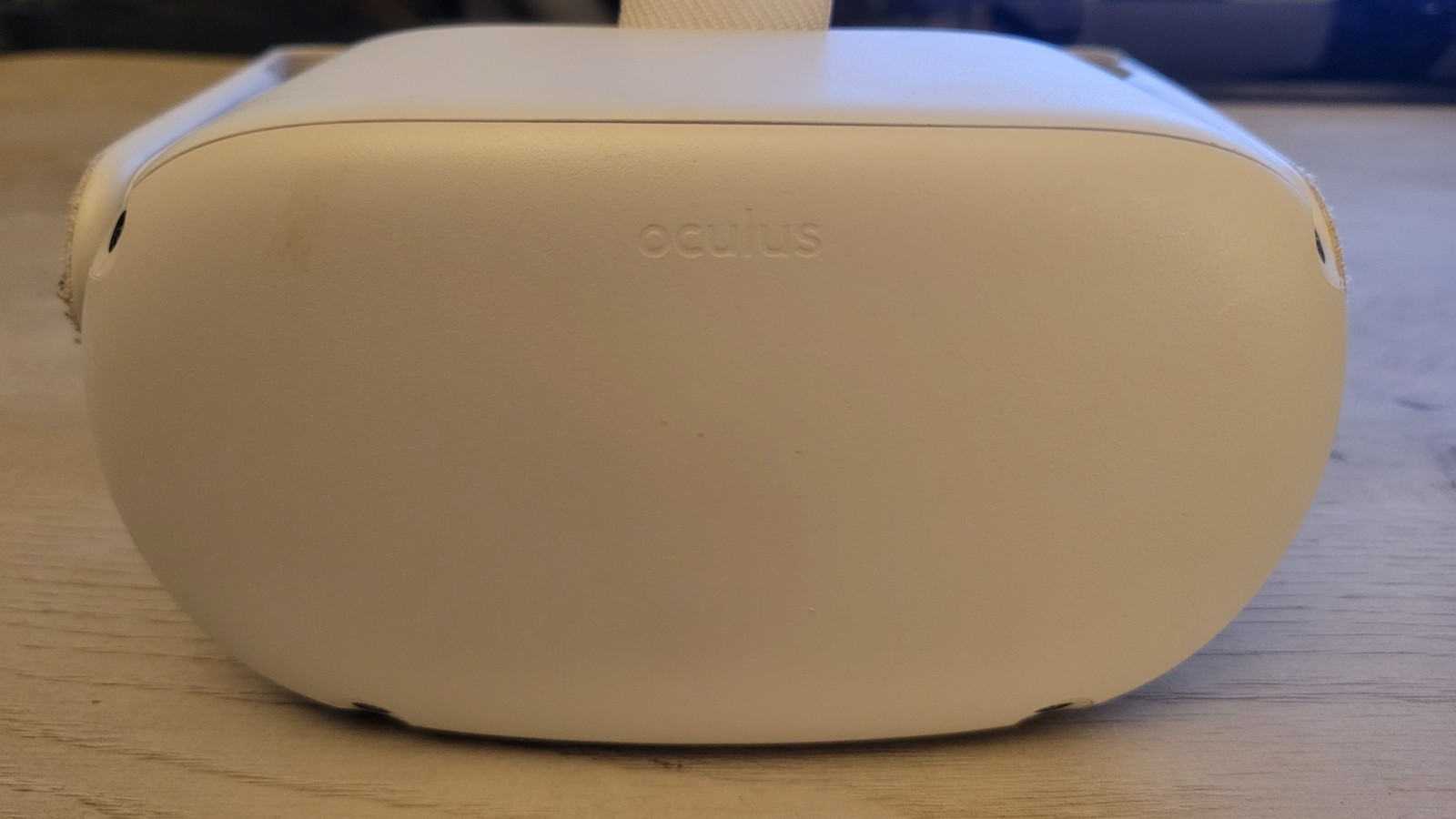 Meta Oculus Quest 2 128GB Standalone VR Headset Only No Controllers Tested$45.00View on eBay
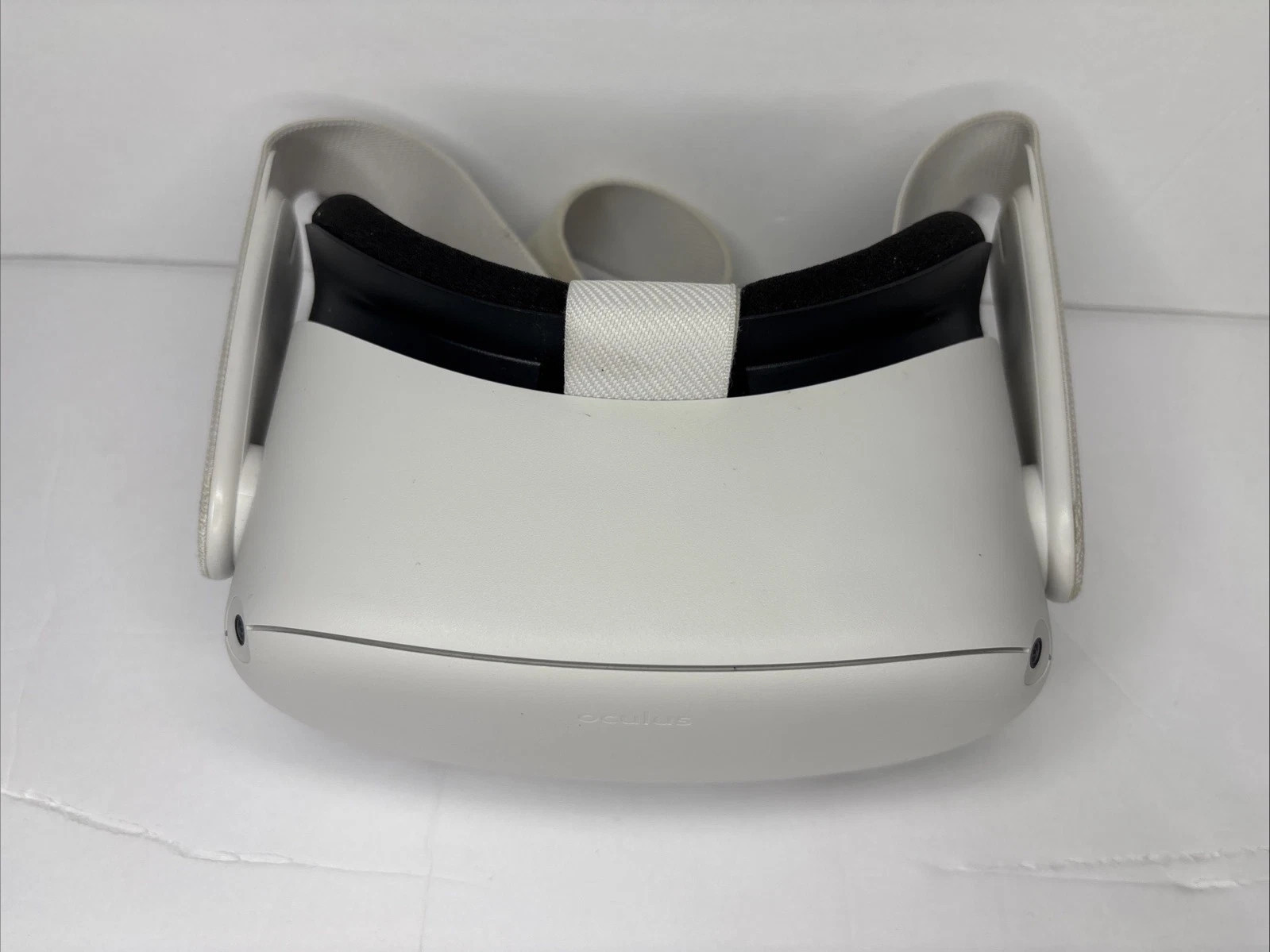 Meta Oculus Quest 2 128GB VR Headset Headset ONLY - No Controllers$45.00View on eBay
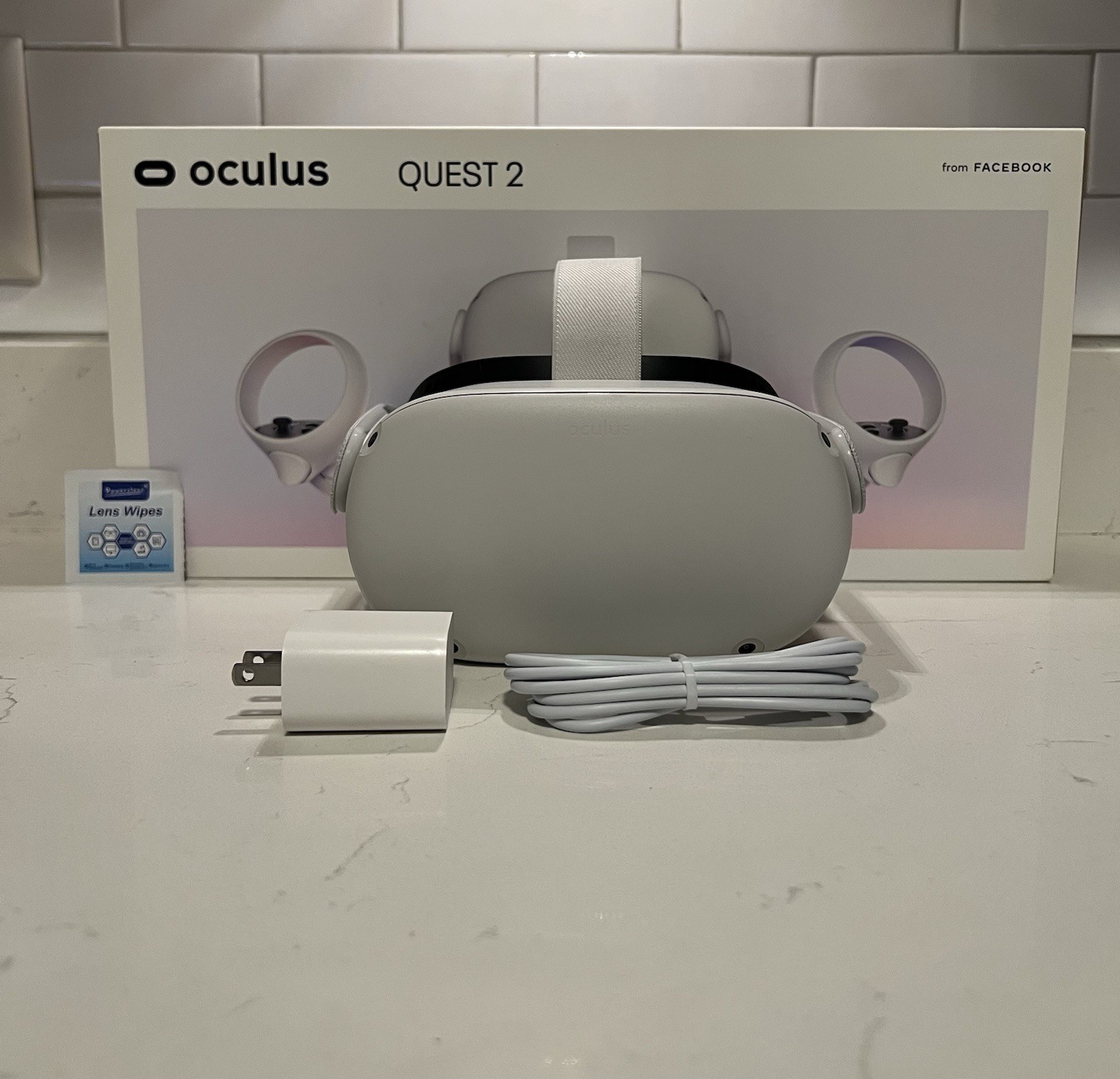 Meta Quest 2 - 64GB VR Headset$49.99View on eBay
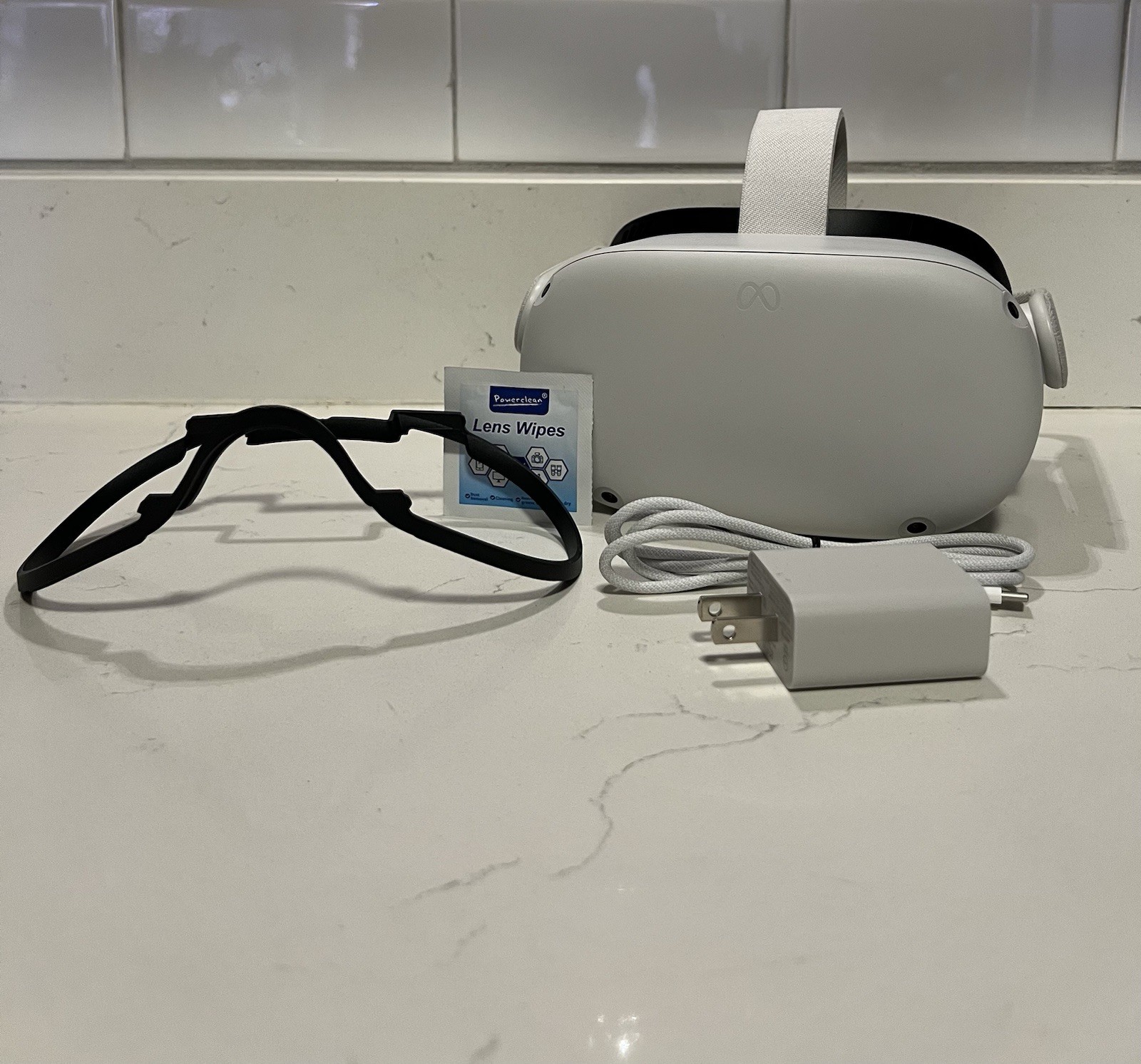 Meta Quest 2 - 128GB VR Headset + Accessories & Charger$49.99View on eBay
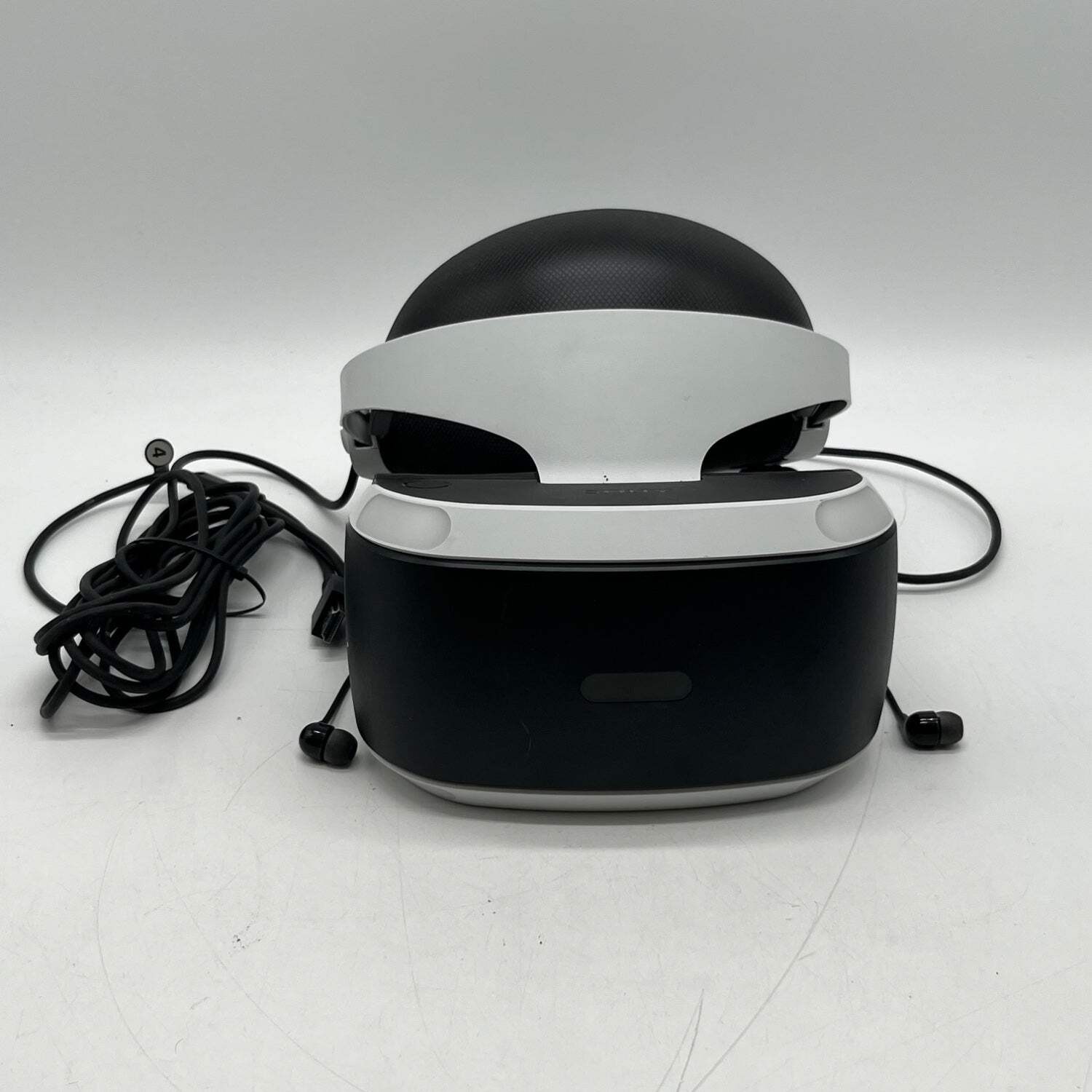 Sony PlayStation 4 PS4 Virtual Reality VR Headset Black CUH-ZVR2$49.99View on eBay
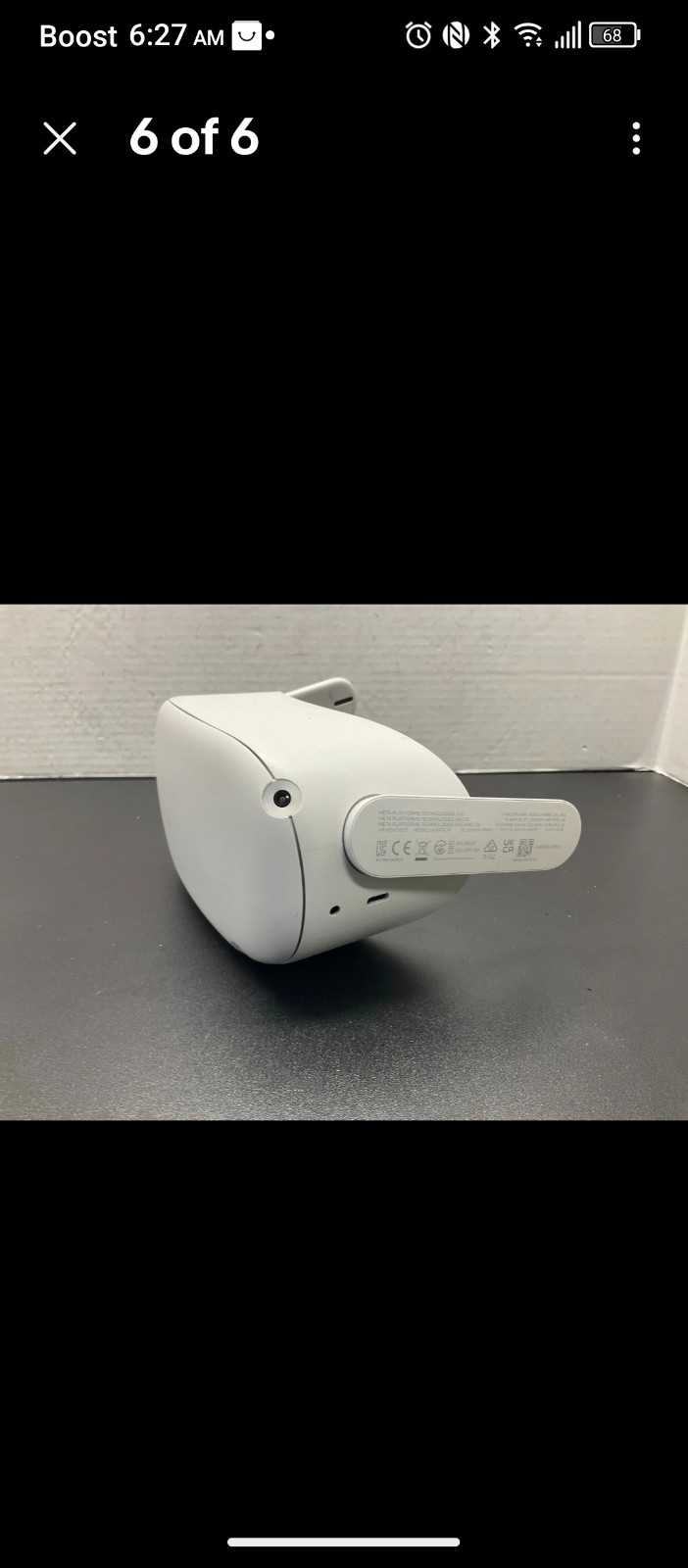 Meta Quest 2 128GB Advanced All-in-One VR Gaming Headset - ( WEAR & TEAR )$65.00View on eBay
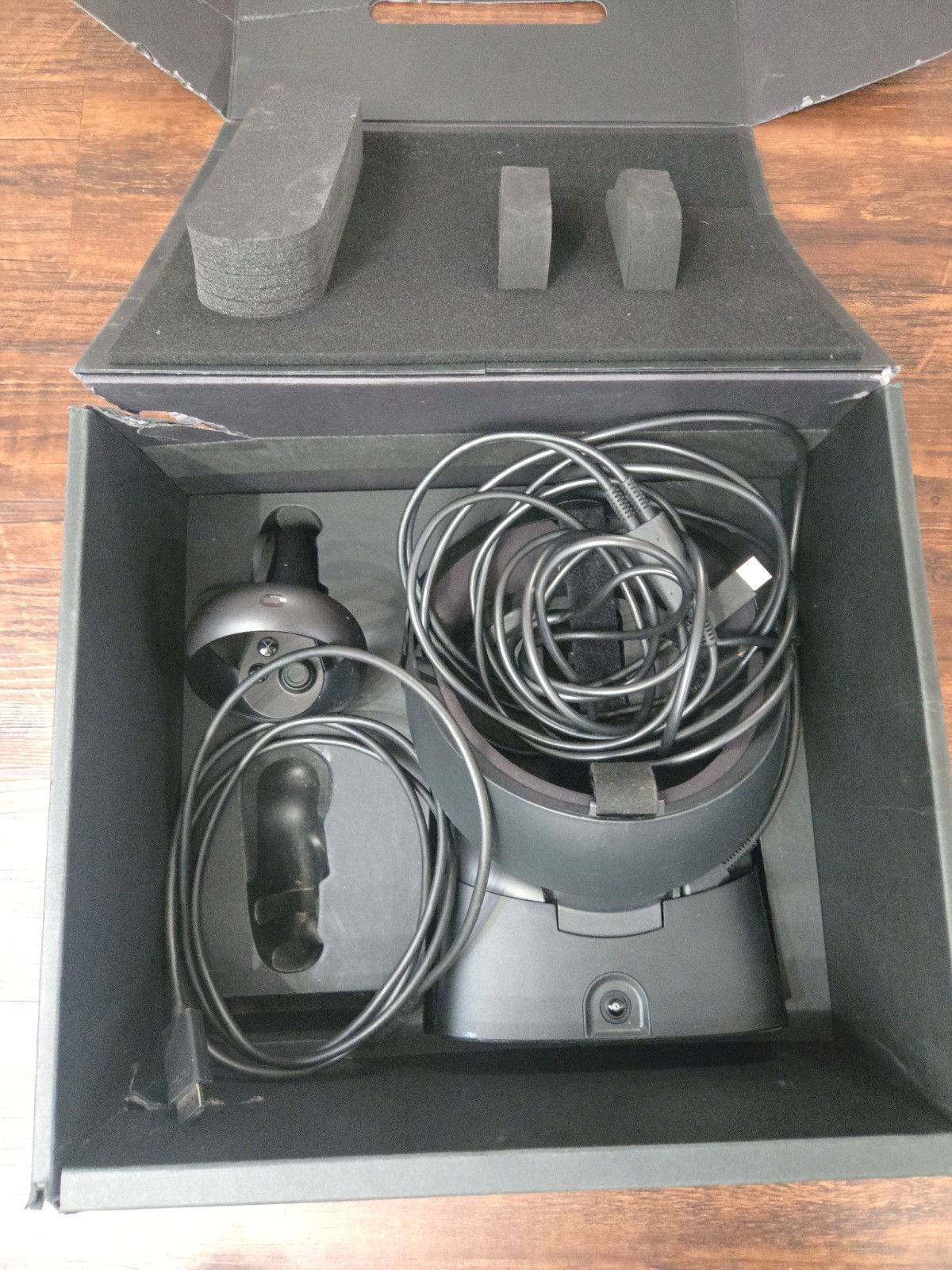 Oculus Rift S PC-Powered VR Gaming Headset - Black *1 Controller Preowned$68.88View on eBay
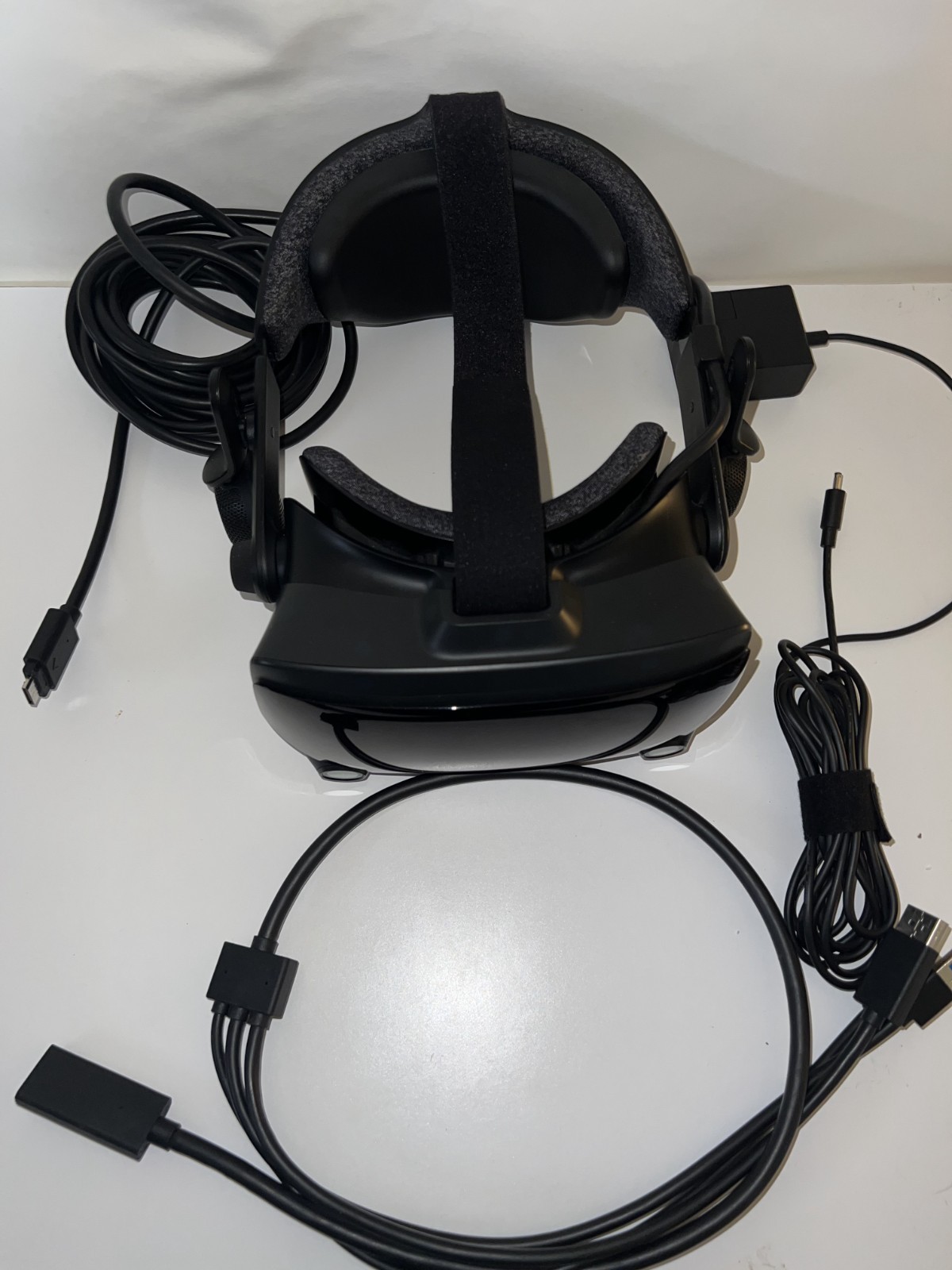 Steam Valve Index VR Gaming HEADSET ONLY - READ$80.00View on eBay
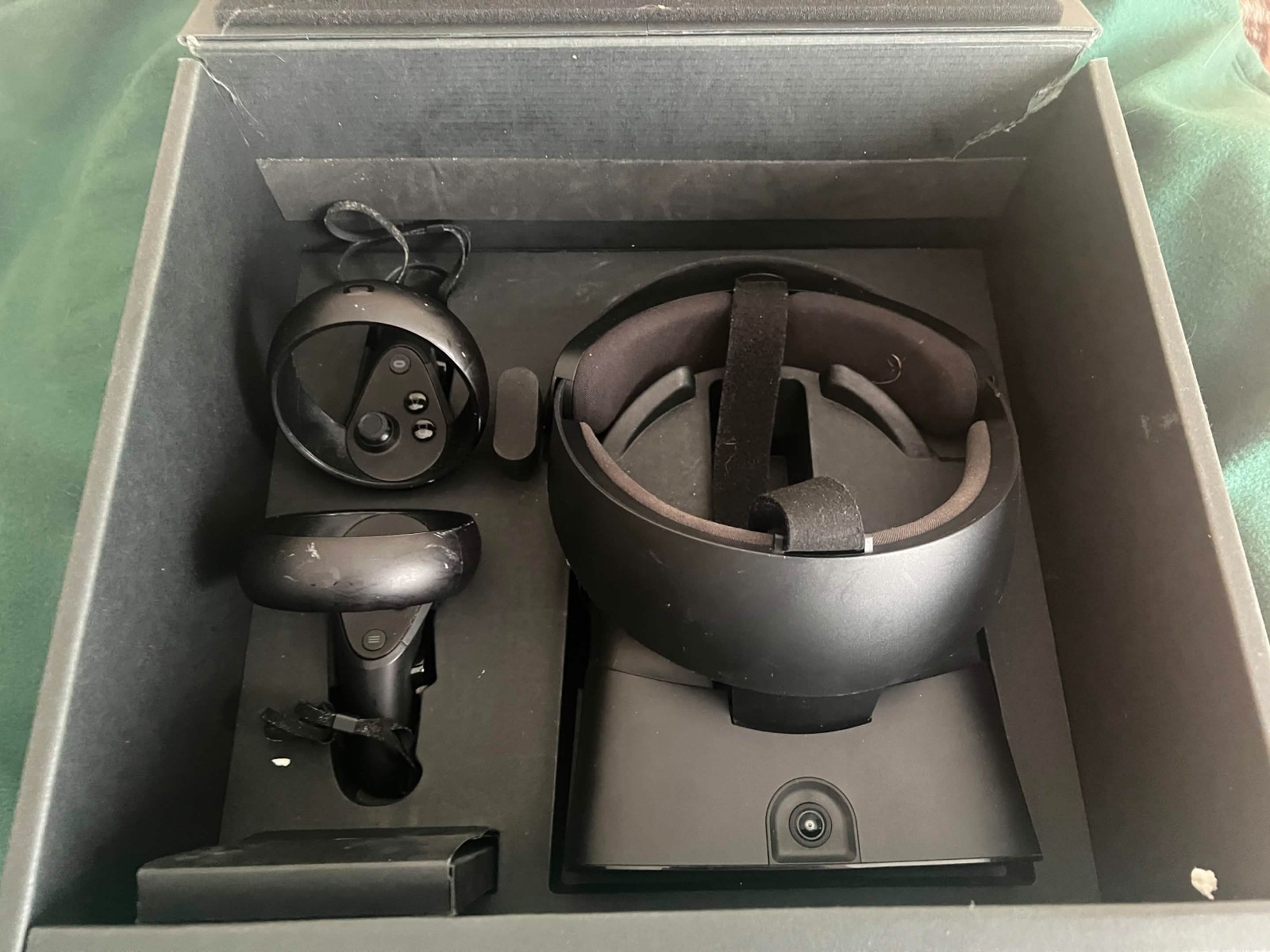 CABLE NOT INCLUDED Oculus Rift S PC-Powered VR Gaming Headset - Black$80.00View on eBay
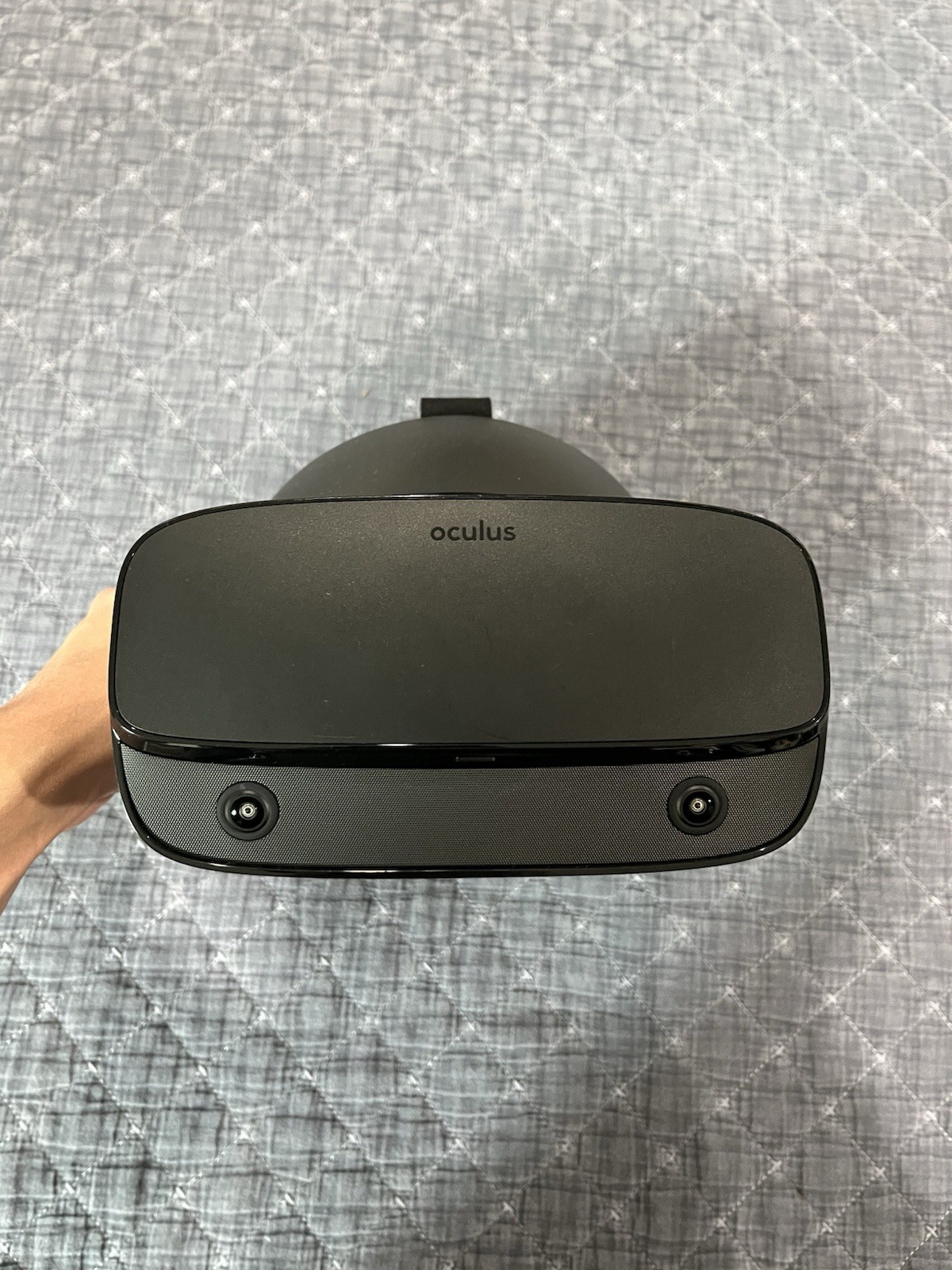 Oculus Rift S PC-Powered VR Gaming Headset - Black - *MESSAGE*$85.00View on eBay
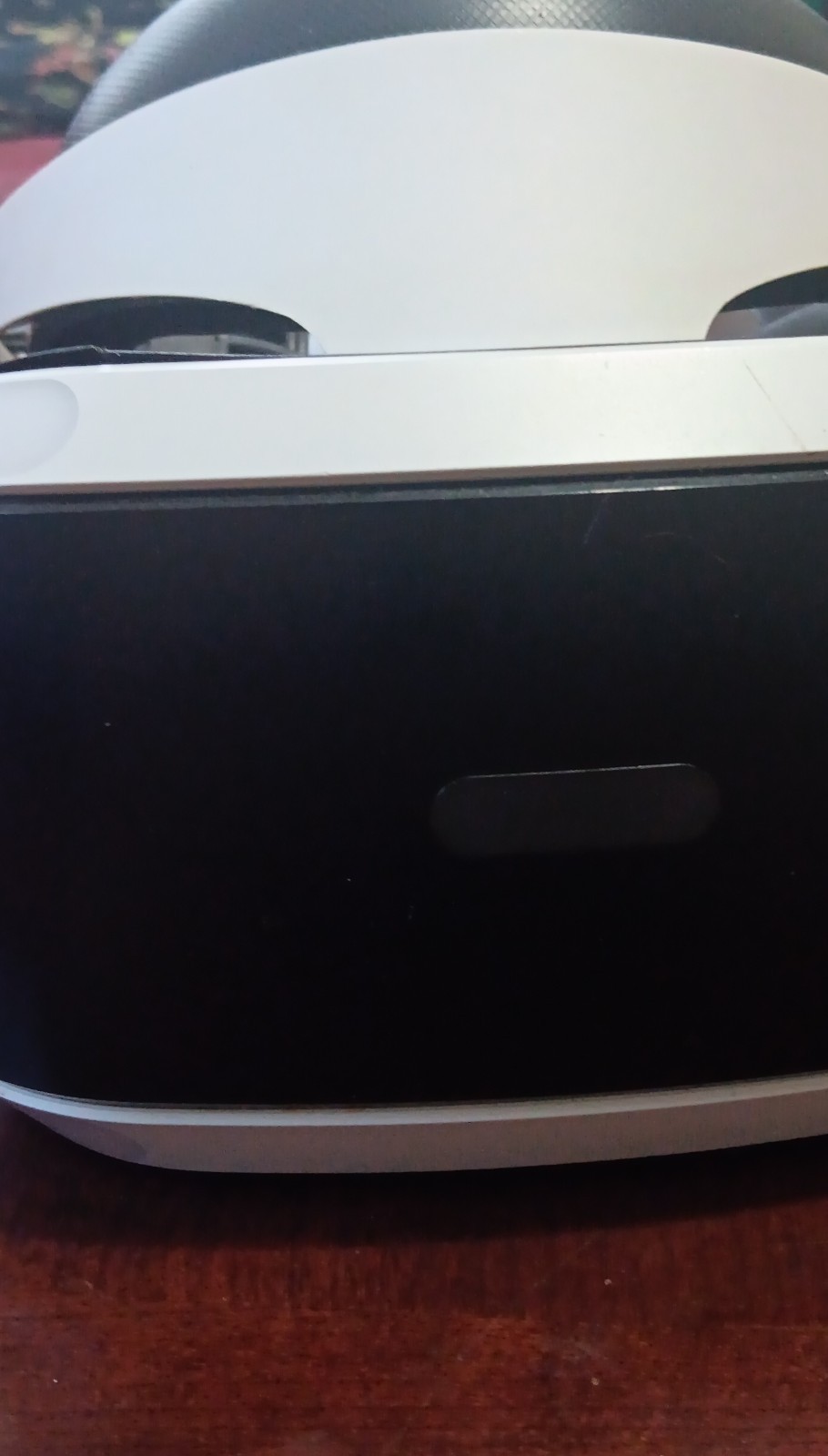 Sony PlayStation VR Headset Bundle Black/White HDMI USB with Accessories$100.00Last checked Nov 19, 2026View on eBay
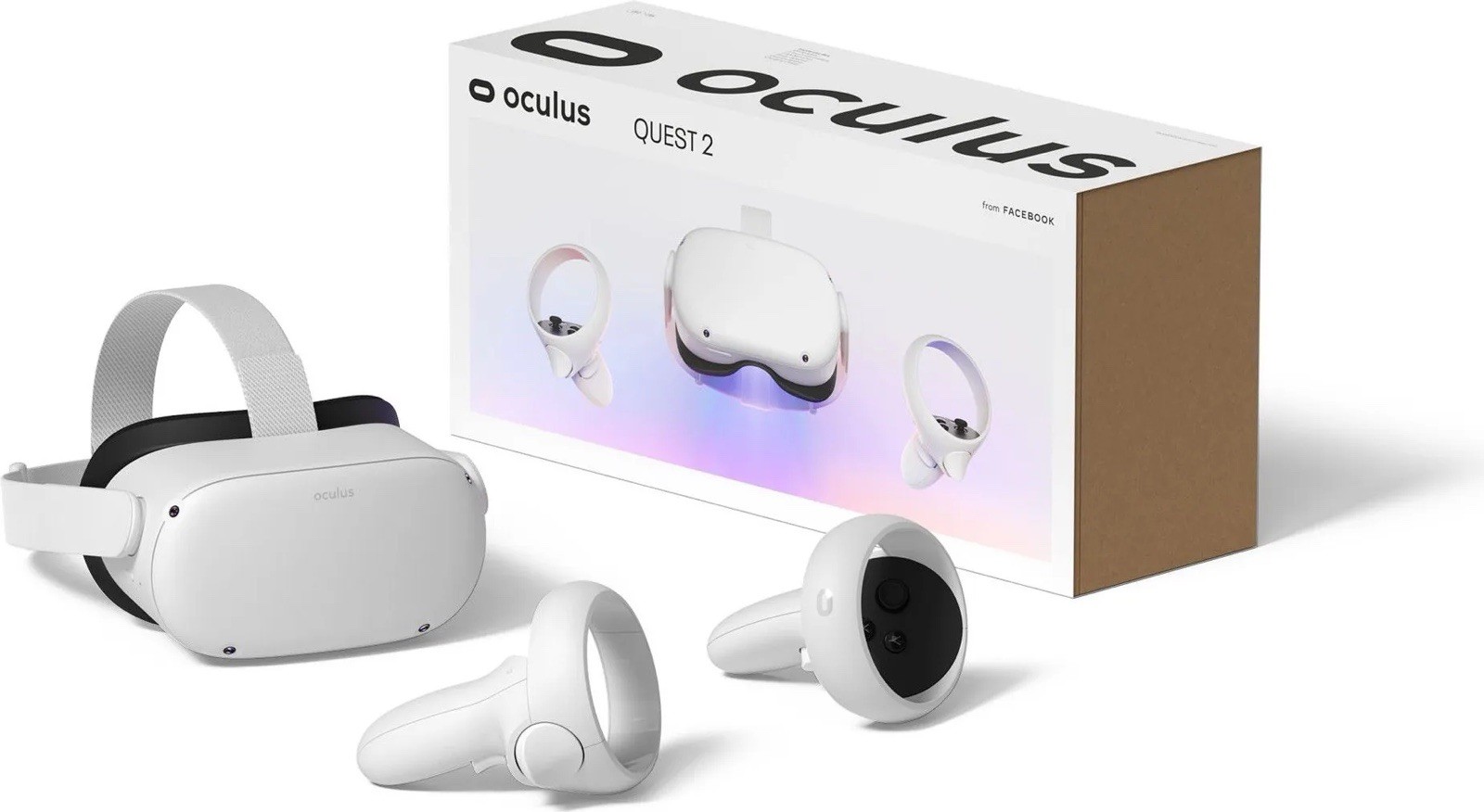 Oculus Quest 2 VR Headset with Touch Controllers, White, case and elite strap$108.00View on eBay
Highlights
- Phone-dock headsets (e.g., Google Cardboard, Samsung Gear VR-style) depend on iPhone screen resolution and refresh: 60 Hz LCD panels show smear; 90 Hz OLED iPhones reduce motion blur.
- Standalone headsets (Meta Quest 3/3S, Pico 4) run Android natively and receive iPhone cast via the Meta Quest or Pico app over 5 GHz Wi-Fi — iPhone is not the display.
- 6DoF (six degrees of freedom) inside-out tracking requires onboard cameras and a Snapdragon XR2 Gen 2-class chip; phone-dock shells are 3DoF only (rotation, no position).
- iPhone Lightning or USB-C port must align with the headset cradle: Lightning iPhones fit older Cardboard-style slots; USB-C iPhone 15/16 needs a wider cradle or adapter.
Best use cases
- Best fit: casual 360° video and movie watching on a budget — pick a phone-dock headset with adjustable lens spacing (58–72 mm IPD) and a nose relief cutout for iPhone 15/16 USB-C.
- Best fit: room-scale gaming and 6DoF tracking — pick a standalone headset (Quest 3S, Pico 4) and use the iPhone only for casting/mirroring via the companion app; skip phone-dock shells entirely.
- Wrong fit: competitive PC VR or flight sim — neither phone-dock nor standalone-with-iPhone works; you need a DisplayPort PC VR headset (Valve Index, HP Reverb G2) tethered to a Windows PC, not an iPhone.
- Wrong fit: iPhone as the sole display for 6DoF gaming — iOS does not expose the required camera/IMU APIs to third-party headsets; skip any product claiming iPhone-powered 6DoF.
Buying tips
- Measure your iPhone width: 71.5 mm (iPhone 15/16) vs 78.1 mm (iPhone 15 Pro Max) — headset cradles rated for 160 mm max phone length accommodate Max models; smaller cradles will not close.
- IPD (interpupillary distance) range must match your eyes: adult average 63 mm; headsets with 58–72 mm adjustable lenses fit most; fixed 62 mm lenses blur for users outside 60–65 mm.
- Lens type determines clarity: aspheric glass lenses beat Fresnel for phone-dock shells (less glare), while standalone headsets use pancake lenses (Quest 3) for edge-to-edge sharpness.
- Refresh and persistence: iPhone OLED at 60 Hz is the floor for comfort; 90 Hz+ (iPhone 13 Pro and later ProMotion) reduces nausea in 360° video — check the headset supports the phone's native refresh.
Specs
| Tracking Type | 3DoF phone-dock vs 6DoF standalone |
|---|---|
| iPhone Connection | Dock cradle (Lightning/USB-C) vs Wi-Fi cast |
| Lens Type | Aspheric glass vs Fresnel vs pancake |
| IPD Adjustment | Fixed 62 mm vs 58–72 mm adjustable |
Related searches
What to check before buying
- Measure your iPhone length and width including case: headset phone cradle max dimensions must exceed 160 × 78 mm for Pro Max models with a slim case.
- Check your iPhone port orientation: Lightning (bottom) and USB-C (bottom) both require the cradle to leave the port accessible for charging during long sessions.
- Confirm your iPhone display resolution: 2532 × 1170 (iPhone 14) or 2556 × 1179 (iPhone 15) — headset lens magnification of 2–3× will reveal pixel gaps; higher PPI phones look sharper.
- Verify Wi-Fi band for standalone casting: iPhone and Quest/Pico must be on the same 5 GHz or 6 GHz network; 2.4 GHz causes 200–400 ms cast latency.
FAQ
Data sources: eBay / Amazon listings and product attribute feeds. Updated Nov 28, 2026.
Some links on this page are affiliate links. If you buy after clicking one, we may earn a commission at no extra cost to you. This does not change which products appear here or their order. Affiliate disclosure.