
Photos from current listings. Actual item, color, and included accessories may vary.
VR Gaming Headset Buying Guide
A VR gaming headset is a display-and-tracking system that either runs standalone (built-in compute and battery) or tethers to a PC/console for higher fidelity. The primary trade-off is standalone convenience vs. tethered performance: standalone units cap at mobile-grade chips and battery life, while PC-tethered units demand a capable GPU and wired or wireless link. The clear decision rule: choose standalone if you want room-scale freedom without a PC, choose tethered if you already own a VR-ready PC and prioritize frame rate and visual fidelity.
Median $82.50 · Pre-owned listings
Key takeaways
- Standalone headsets integrate a mobile SoC (e.g., Snapdragon XR2) and battery, delivering 2–3 hours of active play per charge without any external device.
- PC-tethered headsets like Valve Index and Oculus Rift S require a DisplayPort/USB connection and a GPU meeting the vendor's minimum (typically GTX 1060 / RX 580 class or better).
- Inside-out tracking uses headset-mounted cameras and requires no external base stations; outside-in tracking (e.g., original Rift, Vive) needs placed sensors or lighthouses.
At a glance
- Category
- VR Gaming Hardware & Accessories
- Last updated
- Nov 28, 2026
Current offers
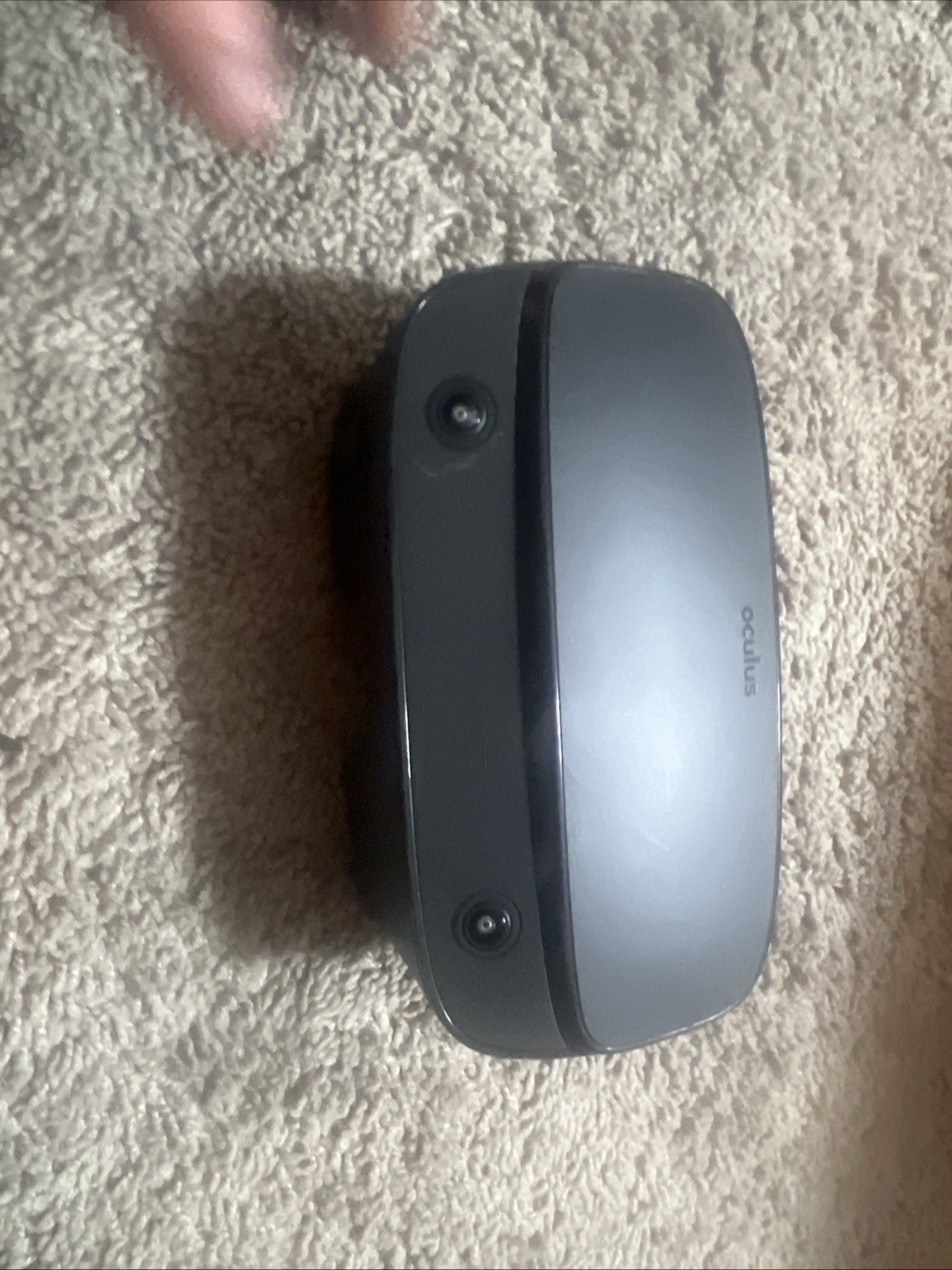 Oculus Rift S PC Powered VR Gaming Headset ONLY$8.99View on eBay
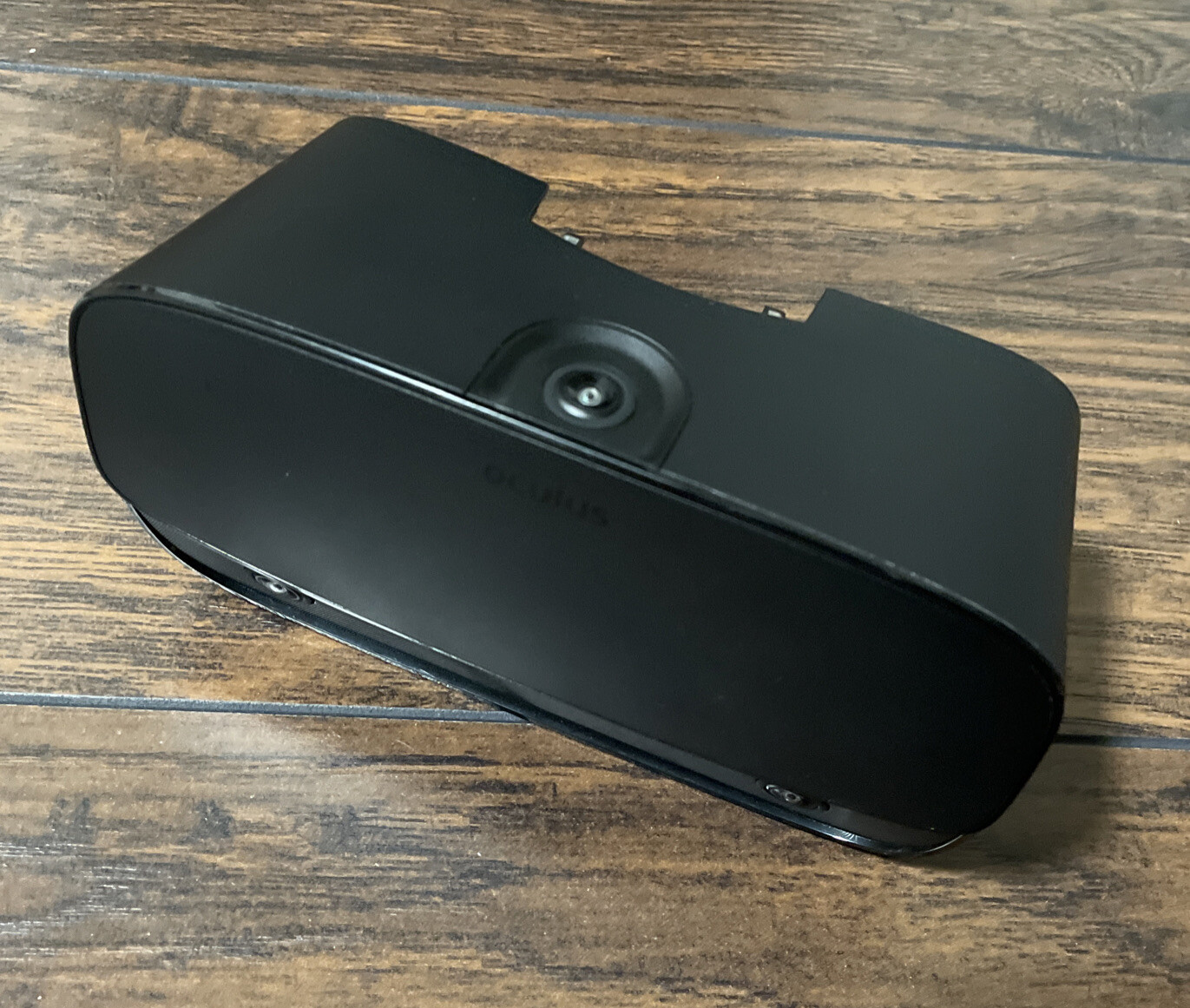 Oculus Rift S PC Powered VR Gaming Headset ONLY$11.95View on eBay
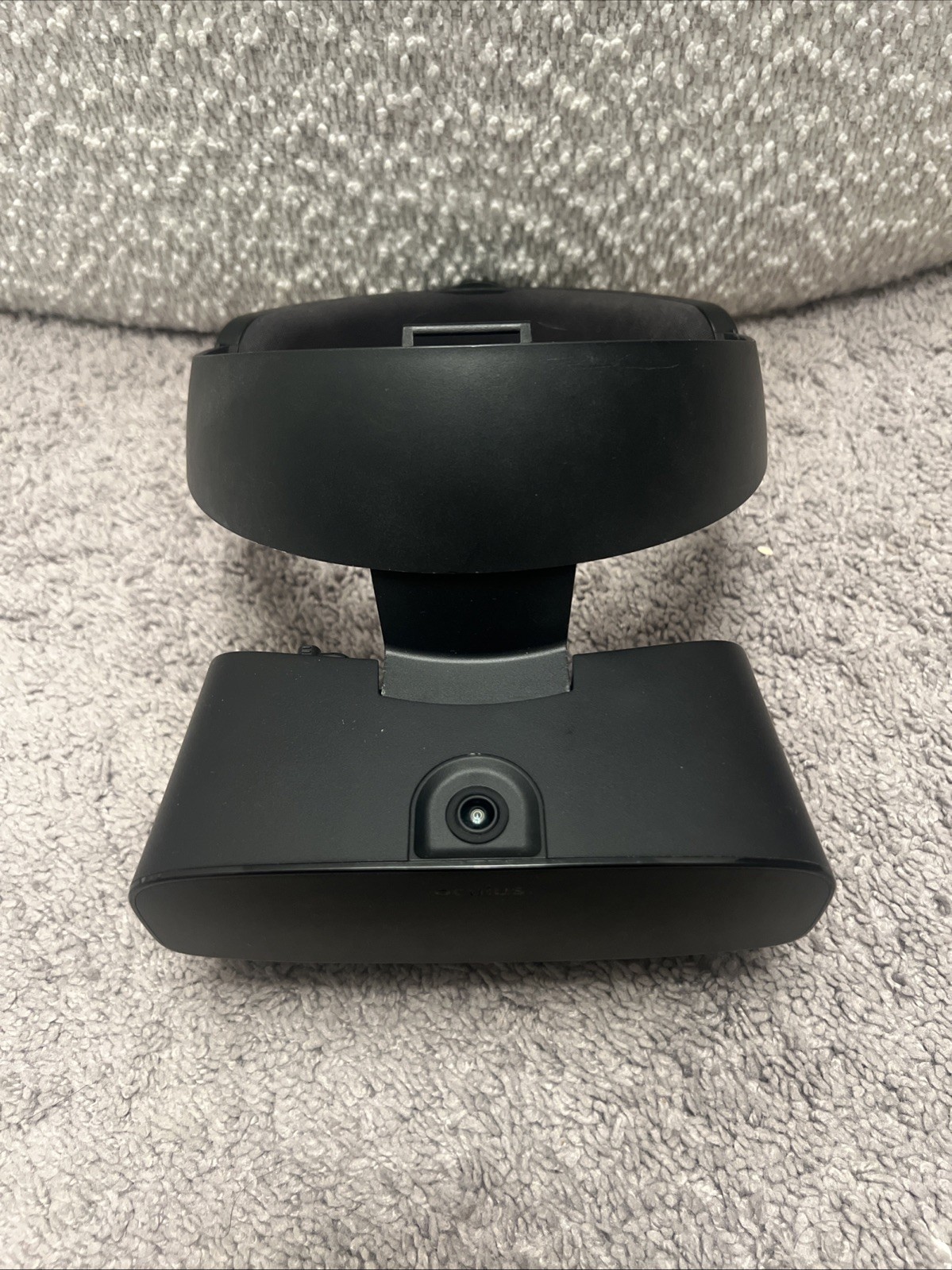 Oculus Rift S PC-Powered VR Gaming Headset ONLY Tested$13.99View on eBay
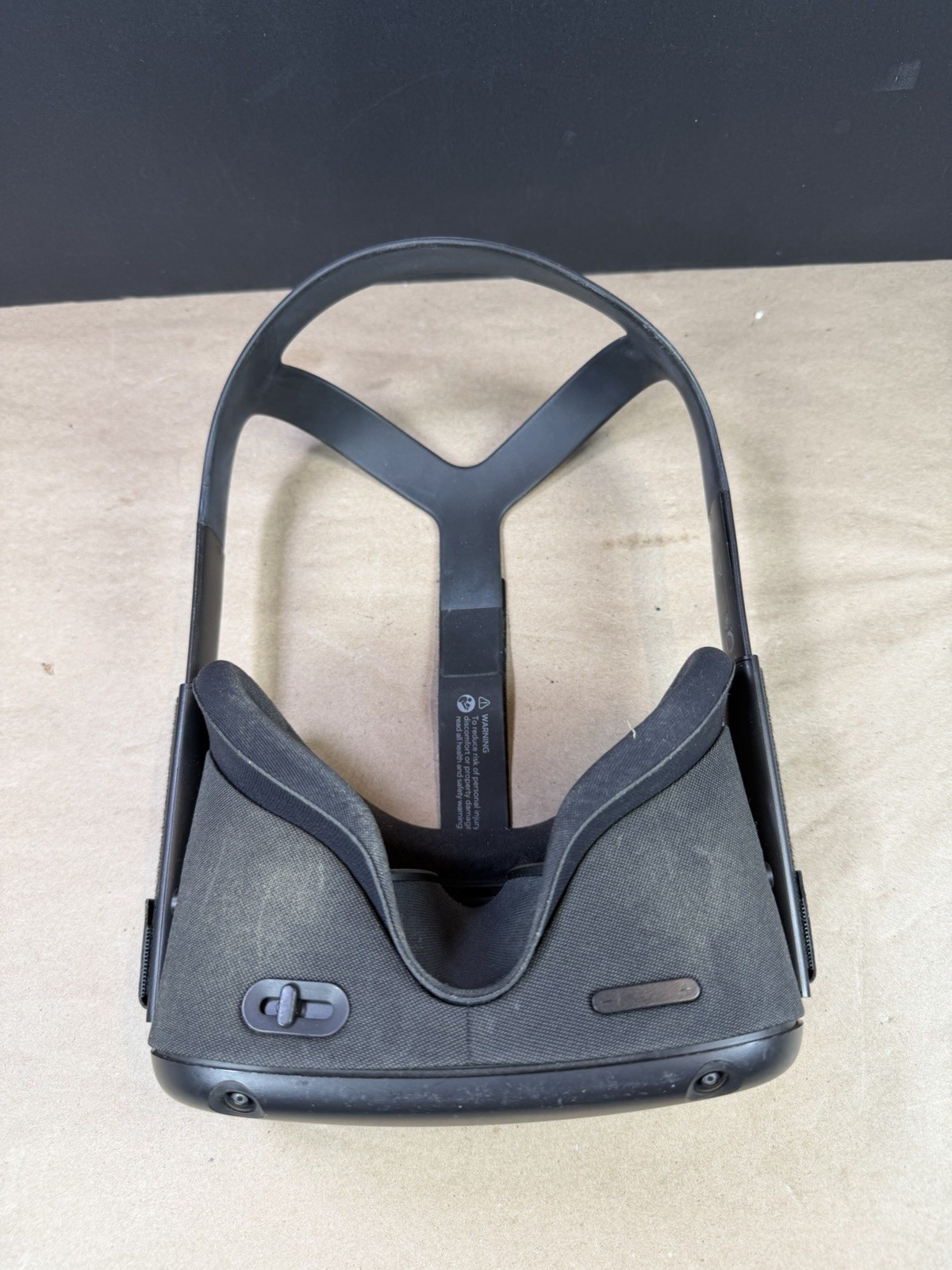 Oculus Quest MH-B Standalone All-In-One VR Gaming Headset Black Built-In Audio$24.27View on eBay
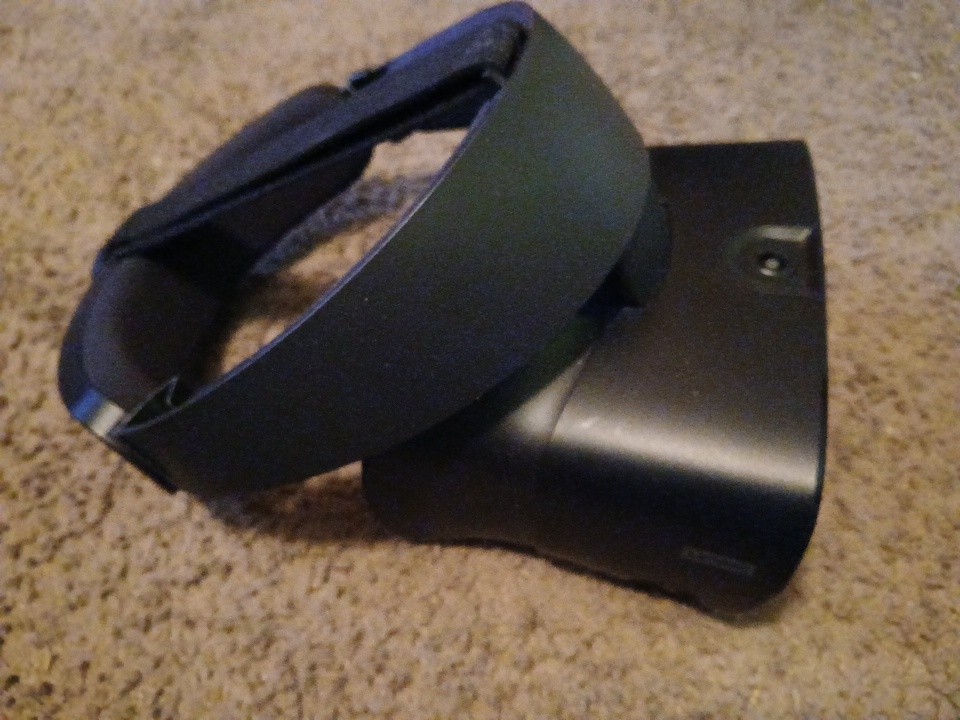 Oculus Rift S PC Powered VR Gaming Headset ONLY - No Controllers or Cables$28.99View on eBay
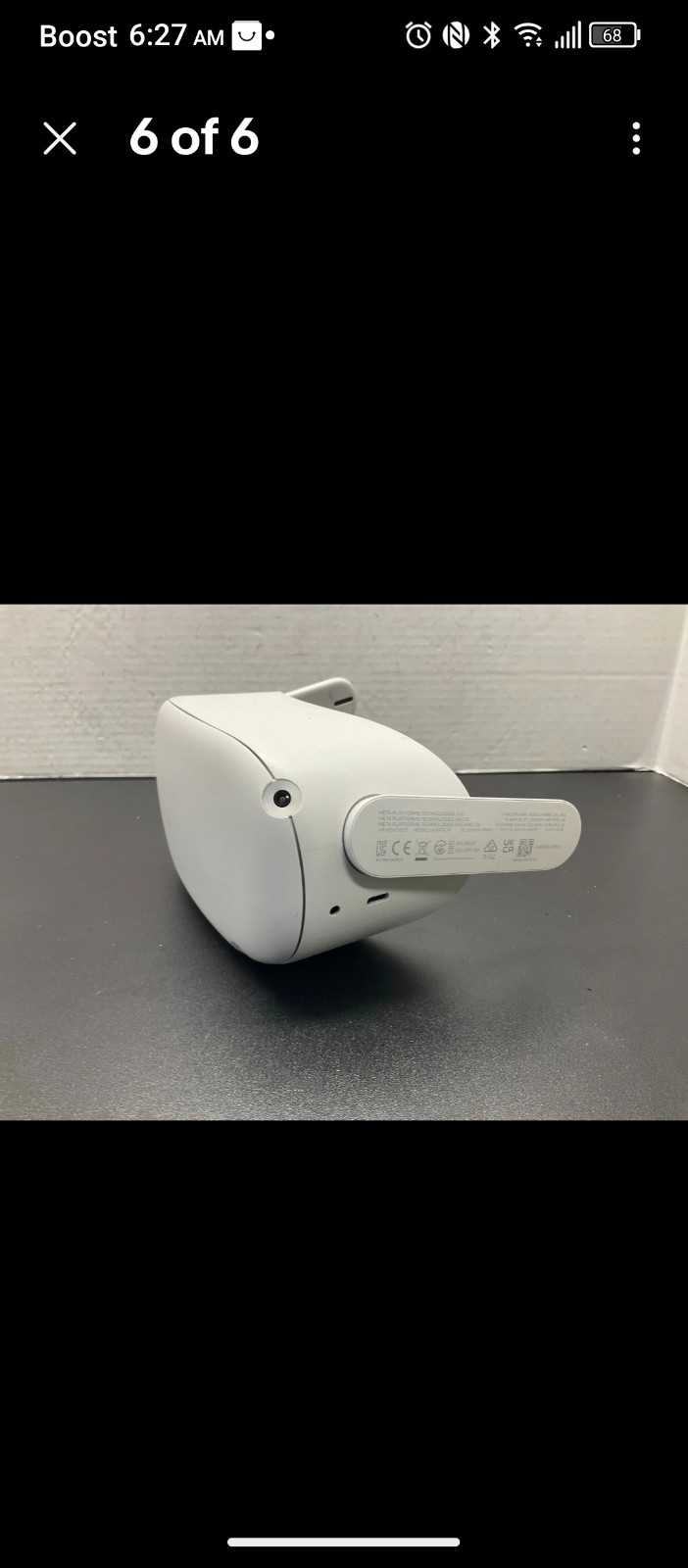 Meta Quest 2 128GB Advanced All-in-One VR Gaming Headset - ( WEAR & TEAR )$65.00View on eBay
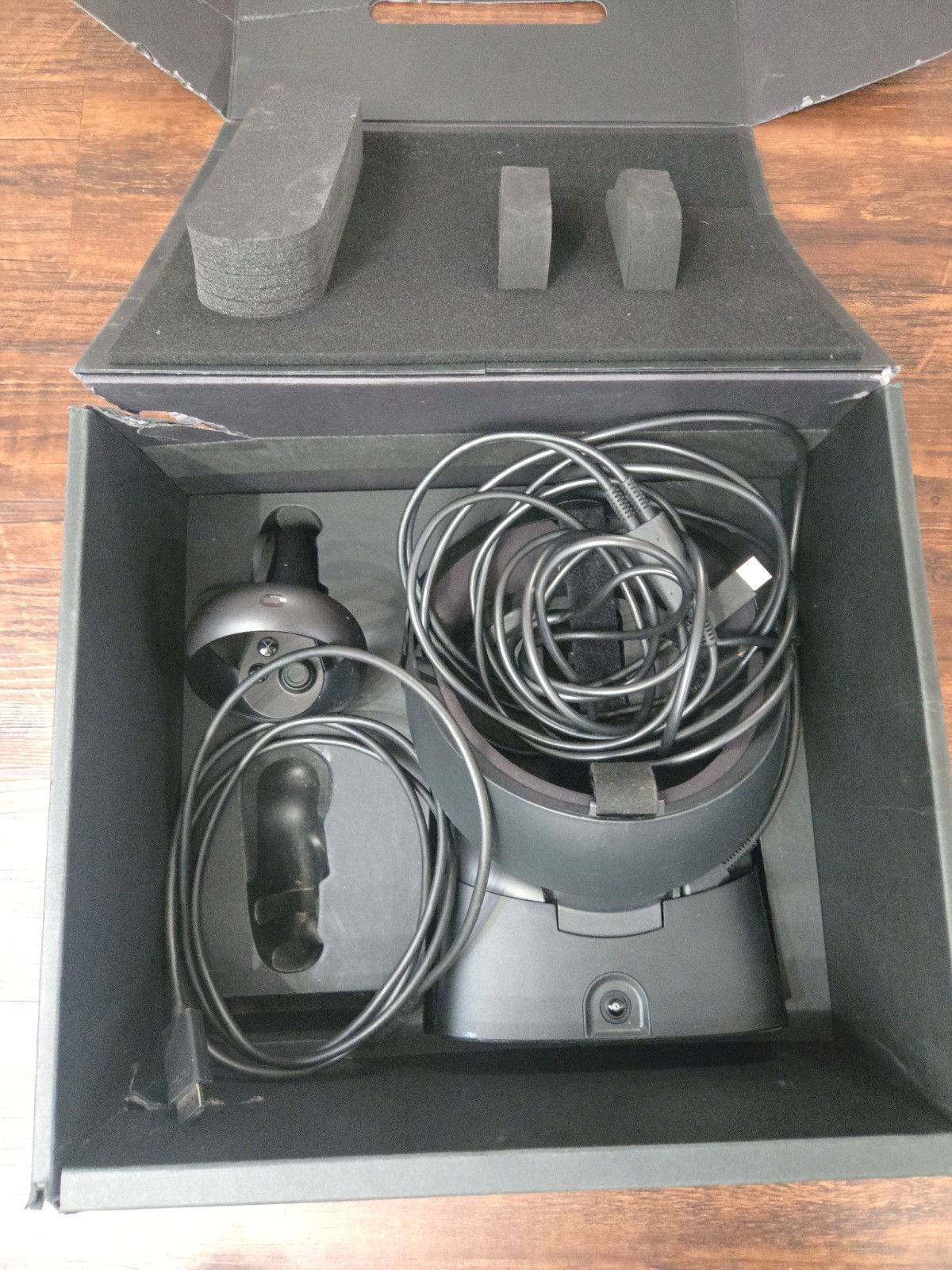 Oculus Rift S PC-Powered VR Gaming Headset - Black *1 Controller Preowned$68.88View on eBay
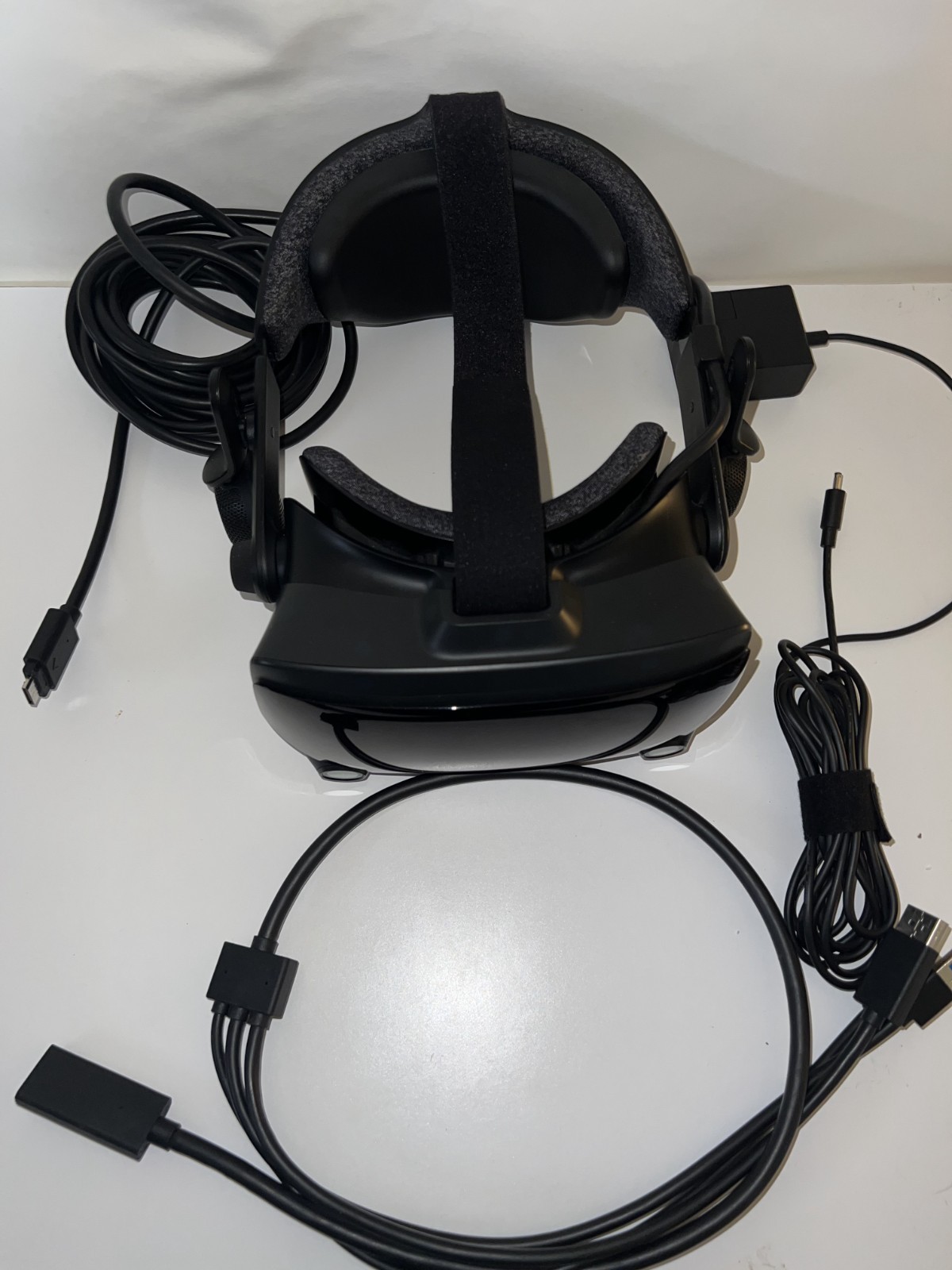 Steam Valve Index VR Gaming HEADSET ONLY - READ$80.00View on eBay
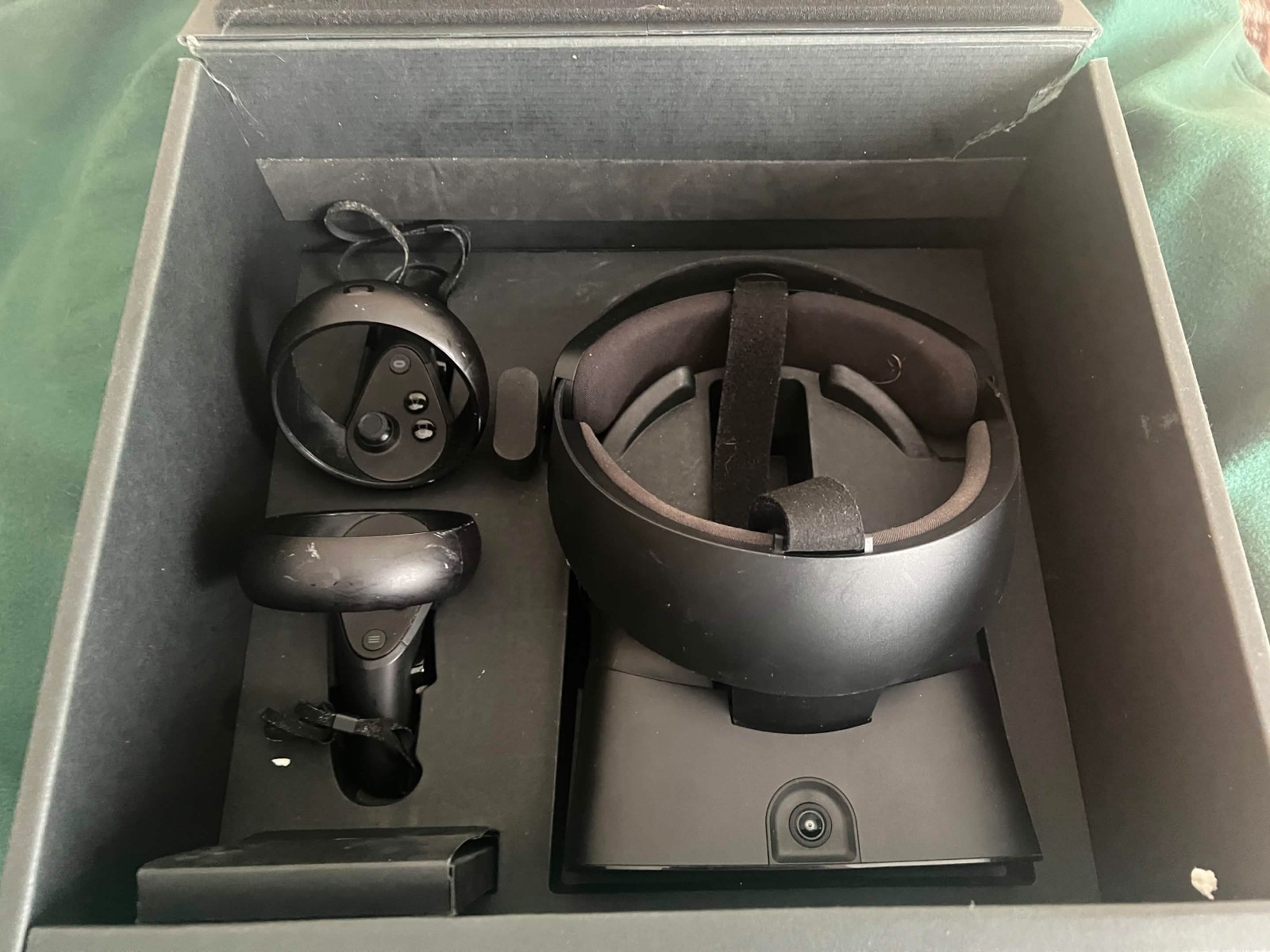 CABLE NOT INCLUDED Oculus Rift S PC-Powered VR Gaming Headset - Black$80.00View on eBay
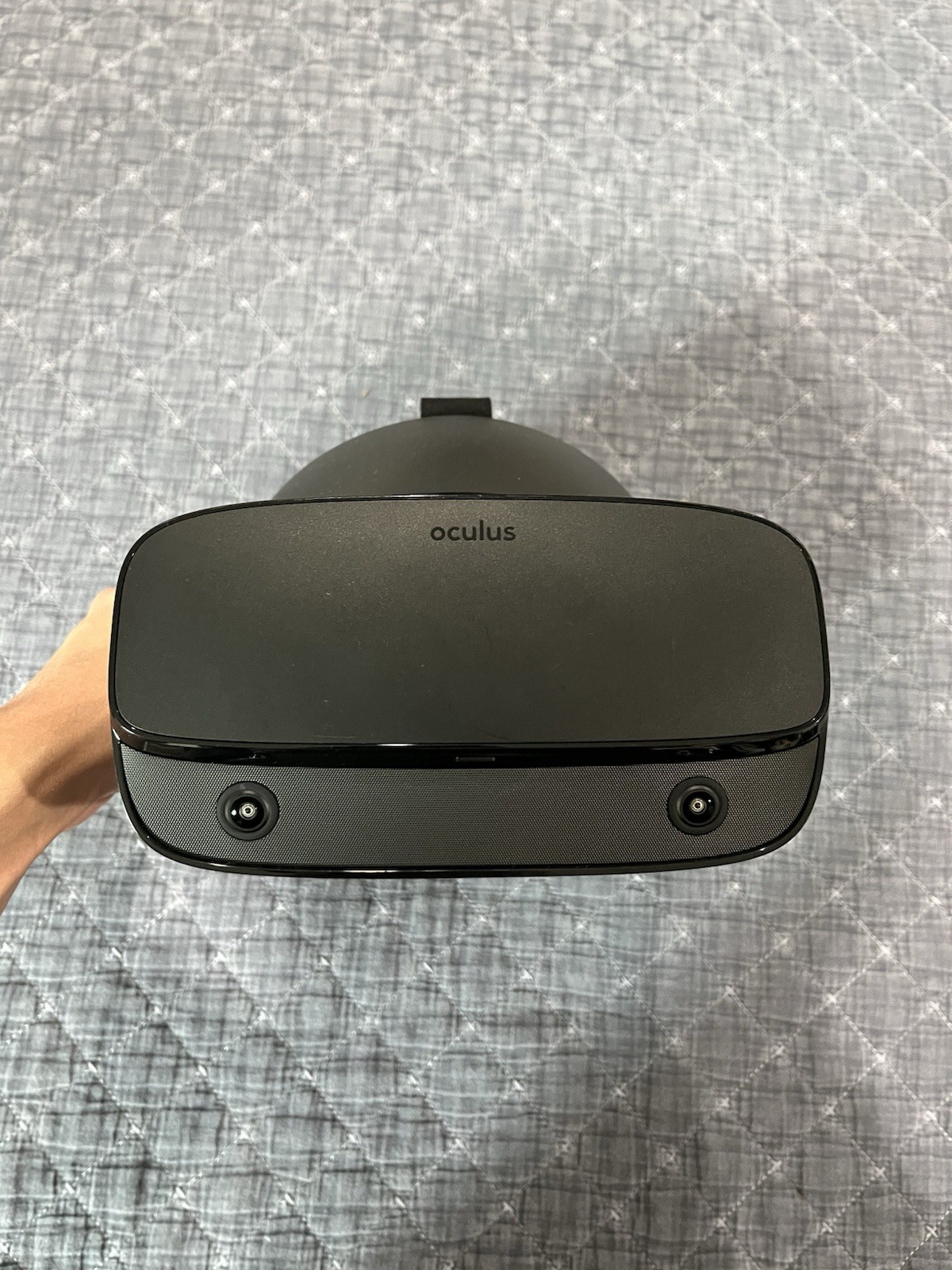 Oculus Rift S PC-Powered VR Gaming Headset - Black - *MESSAGE*$85.00View on eBay
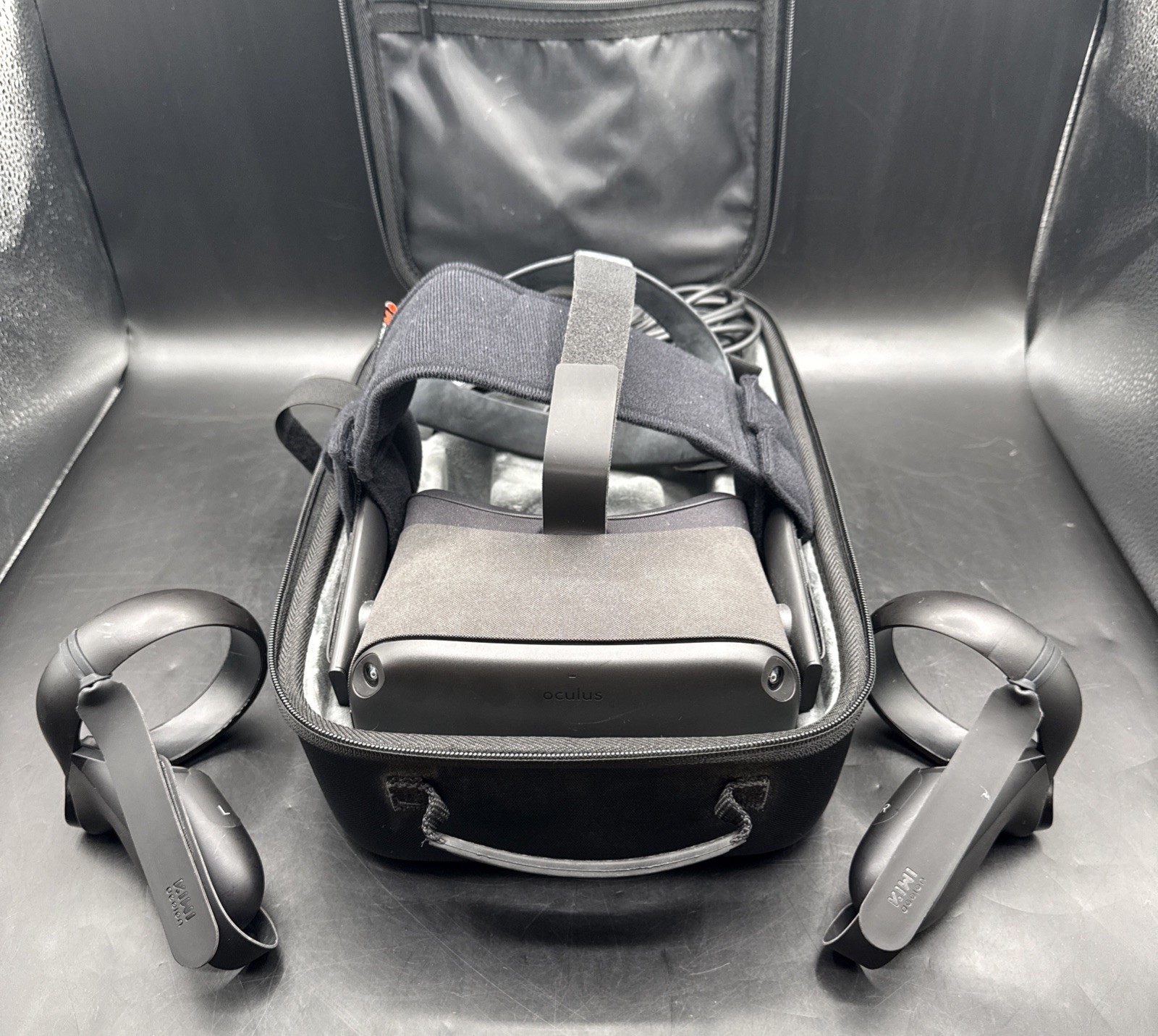 Meta Oculus Quest 1 All-in-one VR Gaming Headset 2 Controllers 64GB Black W/CASE$111.87View on eBay
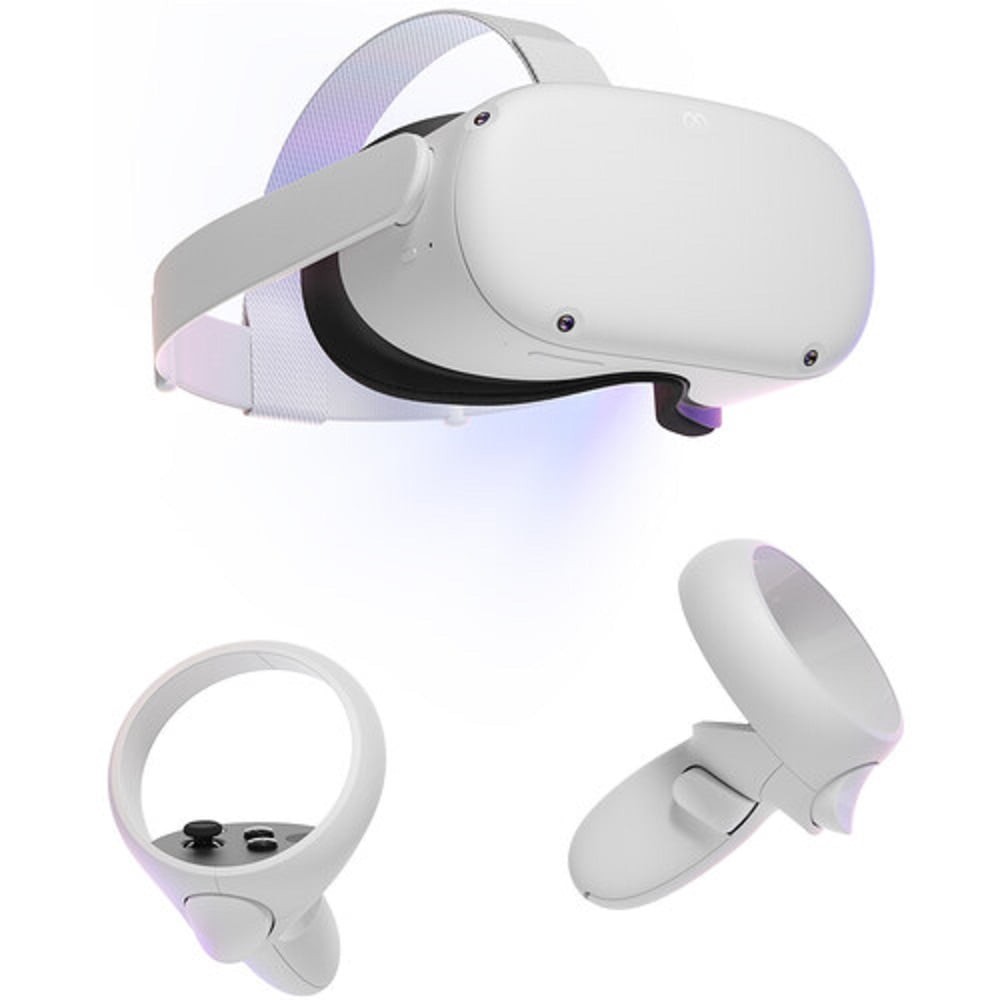 Meta Quest 2 128GB Advanced All-in-One VR Gaming Headset w/ Case$129.99View on eBay
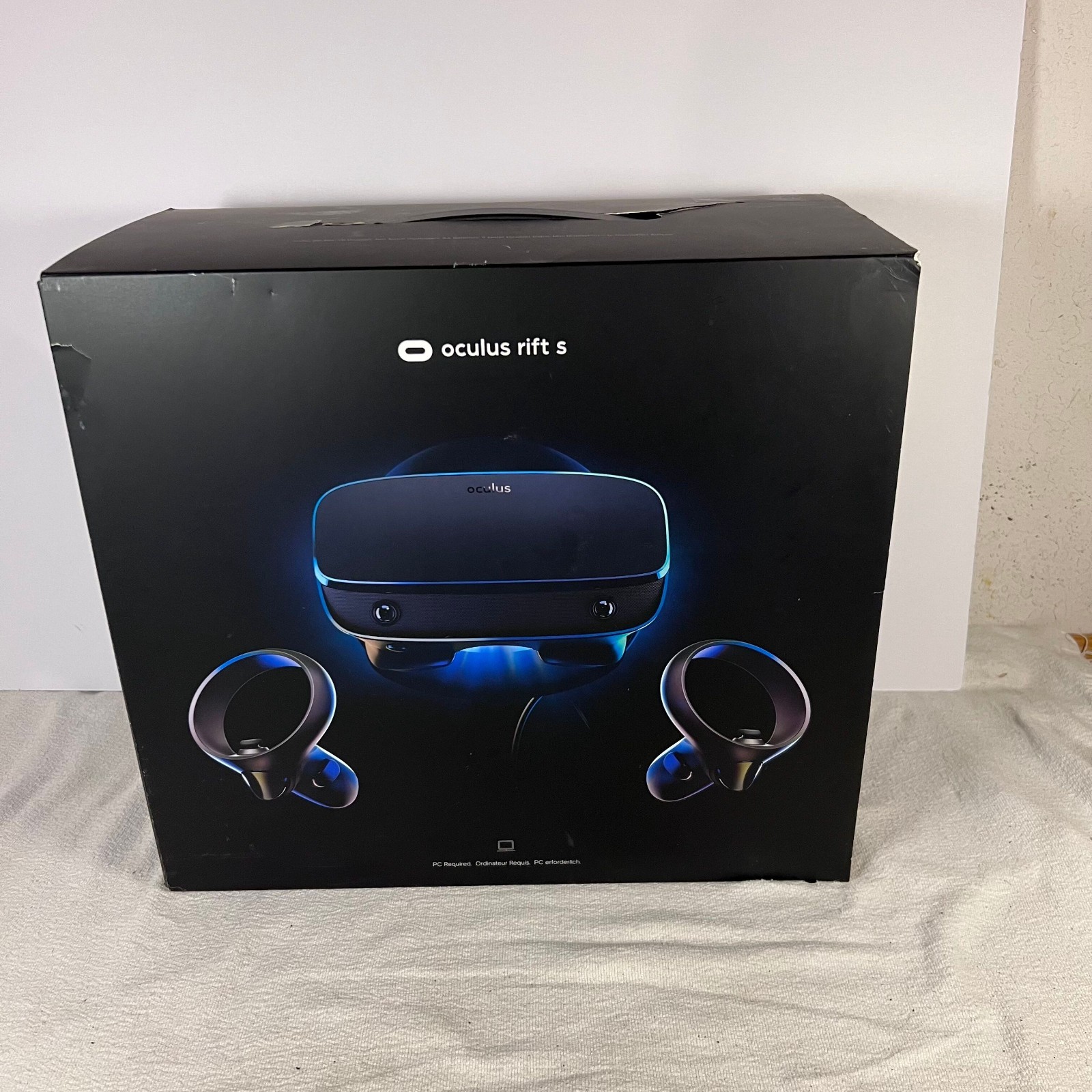 Oculus Rift S PC-Powered VR Gaming Headset Black + Original Box$129.99View on eBay
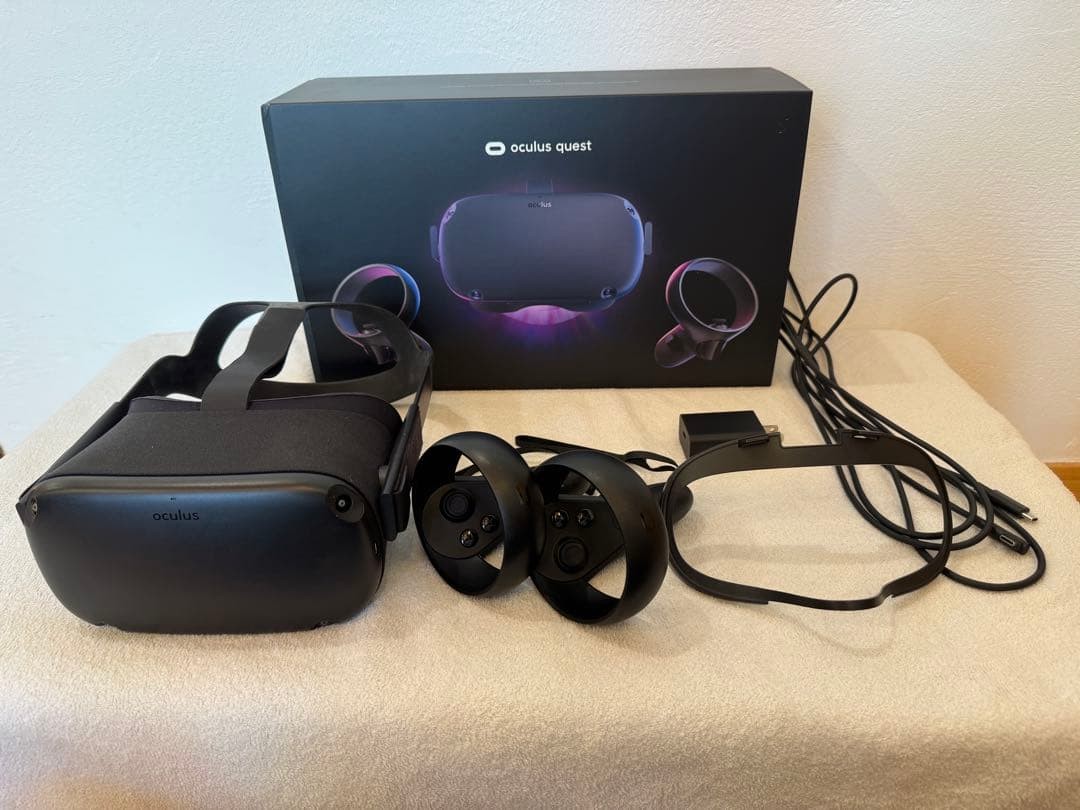 Meta Oculus Quest 1 All-in-one VR Gaming Headset 2 Controllers 64GB Black W/Box$137.97View on eBay
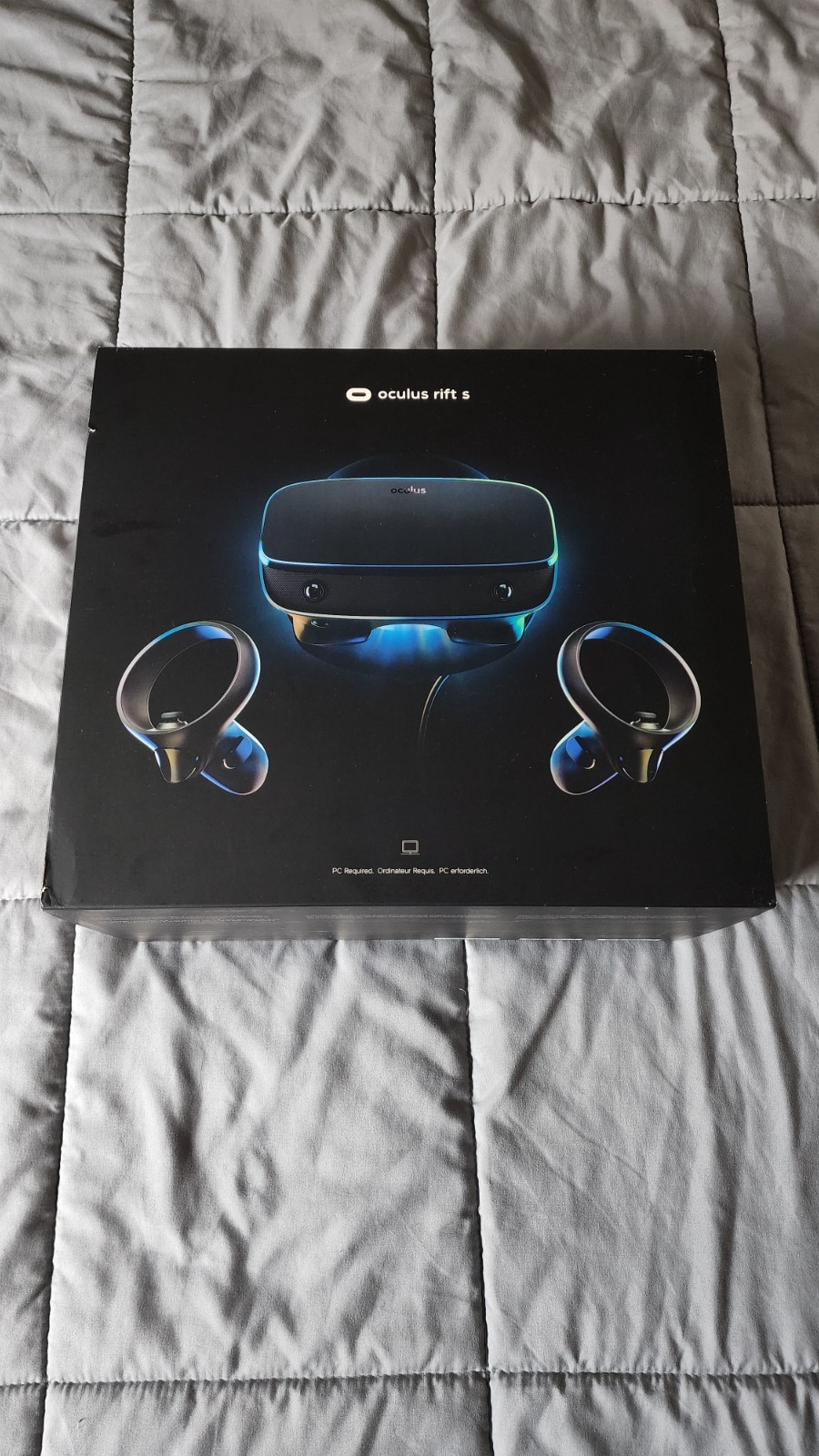 Oculus Rift S PC VR Gaming Headset (SIM FAVORITE) *MINT IN ORIGINAL PACKAGE*$150.00View on eBay
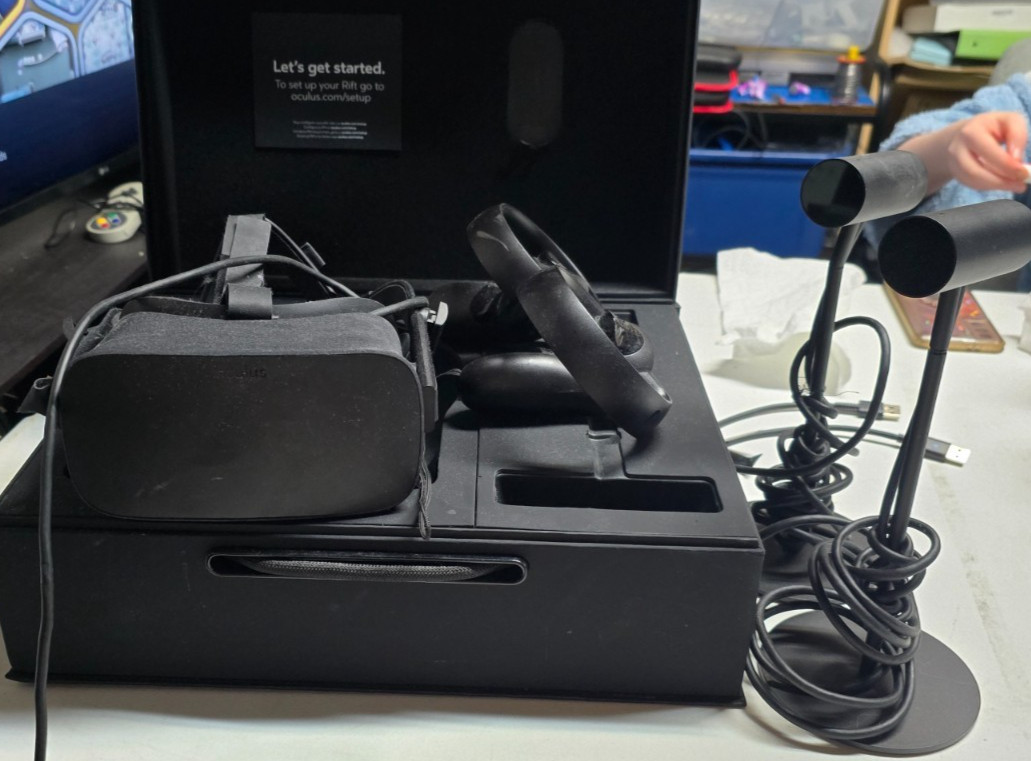 Oculus Rift S PC-Powered VR Gaming Headset Black FULL SET IN BOX$199.95View on eBay
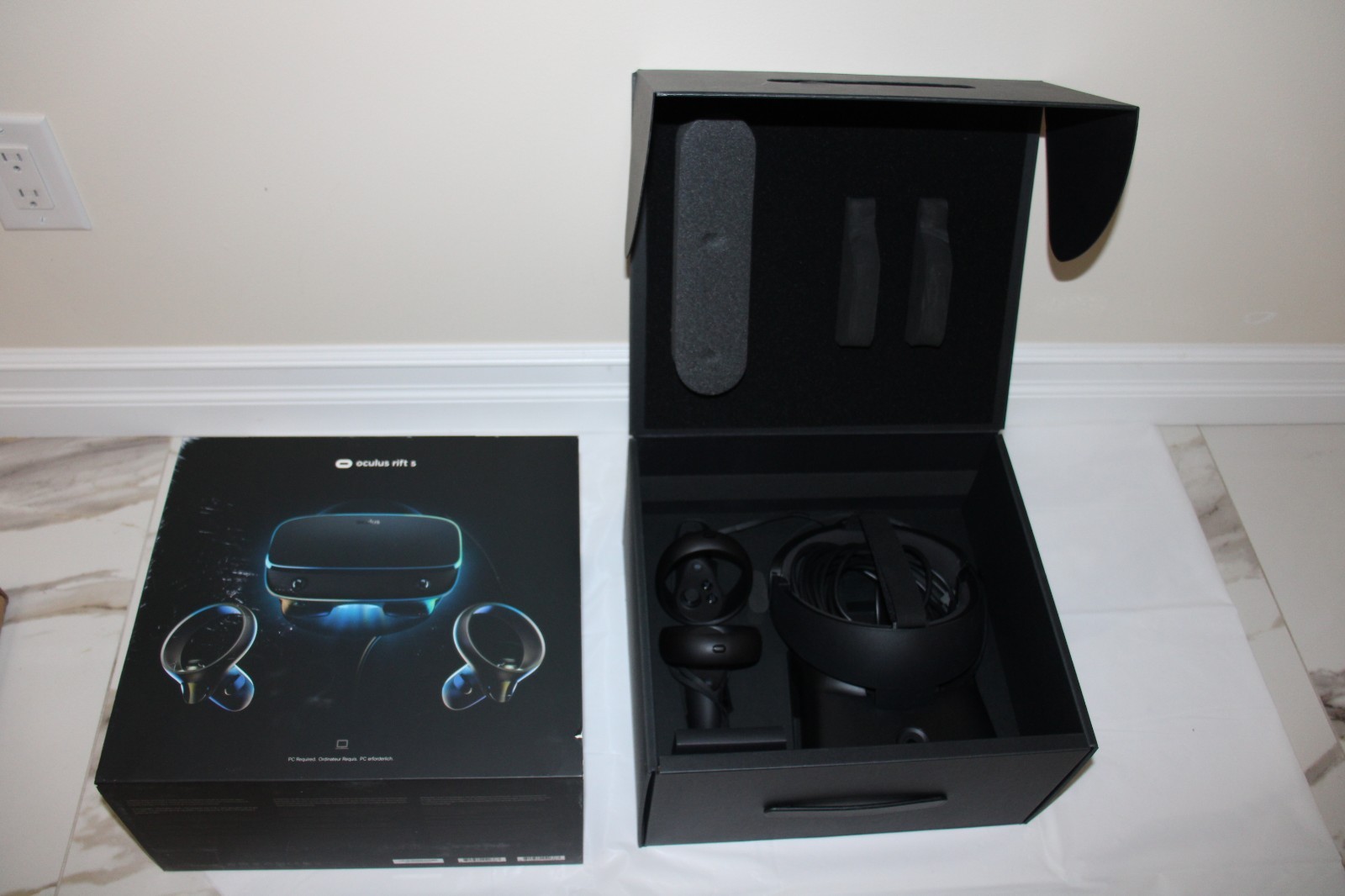 Oculus Rift S PC-Powered VR Gaming Headset Black FULL SET IN BOX "NEW"$249.00Last checked Nov 15, 2026View on eBay
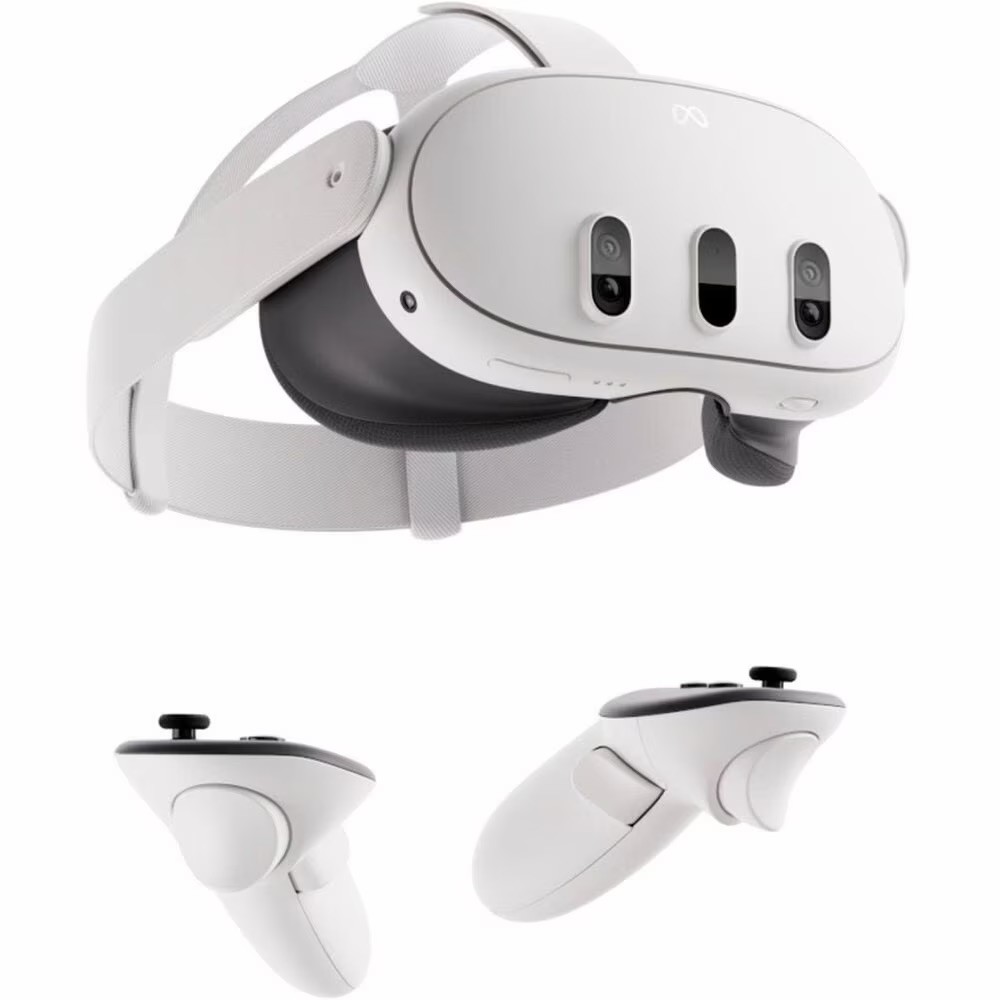 Meta Quest 3 Standalone VR Headset, White Color VR Gaming Headset$300.00Used · Last checked Nov 22, 2026View on eBay
Highlights
- Standalone headsets integrate a mobile SoC (e.g., Snapdragon XR2) and battery, delivering 2–3 hours of active play per charge without any external device.
- PC-tethered headsets like Valve Index and Oculus Rift S require a DisplayPort/USB connection and a GPU meeting the vendor's minimum (typically GTX 1060 / RX 580 class or better).
- Inside-out tracking uses headset-mounted cameras and requires no external base stations; outside-in tracking (e.g., original Rift, Vive) needs placed sensors or lighthouses.
- Display resolution and refresh rate define clarity and comfort: 1832×1920 per eye at 90 Hz (Quest 2) vs. 1440×1600 per eye at 144 Hz (Valve Index) represent distinct tiers of visual performance.
Best use cases
- Best fit: Standalone (Quest 2/3 class) for buyers without a VR-ready PC who want room-scale play, media, and portability — skip if you demand PC-grade graphics.
- Best fit: PC-tethered (Valve Index, Rift S) for owners of a VR-ready desktop who prioritize high refresh rate and fidelity for sims and shooters — skip if you lack DisplayPort and a capable GPU.
- Best fit: Console-tethered (PSVR/PSVR2) for PlayStation owners wanting plug-and-play — skip if you need PC mod support or standalone portability.
- Wrong fit: Buying a used headset 'headset only' without controllers or cables unless you already own compatible accessories — controllers and link cables are proprietary and costly to replace.
Buying tips
- Match the headset to your GPU: a GTX 1060 / RX 580 is the floor for PC VR; below that, choose standalone instead of tethered.
- Check IPD adjustment: physical lens-spacing sliders (e.g., 58–72 mm) prevent eye strain; fixed-IPD headsets suit only average interpupillary distances.
- Prefer inside-out tracking for portability and simple setup; choose base-station tracking only if you have a fixed play space and want maximum tracking volume.
- For used units, confirm the included accessories: Rift S requires its proprietary 5 m cable and Touch controllers; Valve Index requires base stations and Index controllers for full function.
Specs
| Platform | Standalone / PC-tethered / Console |
|---|---|
| Tracking | Inside-out cameras vs base stations |
| Display | LCD/Fast-LCD, 90–144 Hz |
| Connection | USB-C / DisplayPort / Wireless |
Related searches
What to check before buying
- Measure your play space: standalone room-scale needs at least 2 m × 2 m clear; seated PC VR needs about 1 m × 1 m.
- Verify PC ports: PC-tethered headsets need DisplayPort 1.2+ and USB 3.0; confirm your GPU outputs and port count before buying.
- Check power: standalone headsets charge via USB-C; ensure you have a 15 W+ charger and consider a 10,000 mAh power bank for extended sessions.
- Confirm companion parts: controllers, link cables, and base stations are model-specific; budget for them if buying a headset-only listing.
FAQ
Data sources: eBay / Amazon listings and product attribute feeds. Updated Nov 28, 2026.
Some links on this page are affiliate links. If you buy after clicking one, we may earn a commission at no extra cost to you. This does not change which products appear here or their order. Affiliate disclosure.