
Photos from current listings. Actual item, color, and included accessories may vary.
VR Console Buying Guide
A VR console is either a standalone all-in-one headset with onboard compute or a PC-powered headset that relies on a connected computer. The core trade-off is portability and setup simplicity versus raw rendering power and upgradeability. Buy standalone if you lack a VR-ready PC and want room-scale freedom; buy PC-powered only if you already own a GPU that meets the headset's minimum spec and want higher-fidelity sims or modded titles.
Median $120.93 · New & pre-owned listings
Key takeaways
- Standalone headsets integrate processor, battery, tracking cameras, and display into one unit; PC-powered headsets are display-and-sensor devices that offload all rendering to the host GPU.
- Inside-out tracking (cameras on the headset) eliminates external base stations and works in any lit room; outside-in tracking requires mounted lighthouses or sensors and a fixed play space.
- Refresh rate and per-eye resolution define clarity and comfort: 90 Hz is the smoothness baseline, 120 Hz reduces motion blur, and per-eye resolution above 1800x1920 curbs screen-door effect.
At a glance
- Category
- VR Gaming Hardware & Accessories
- Last updated
- Nov 28, 2026
Current offers
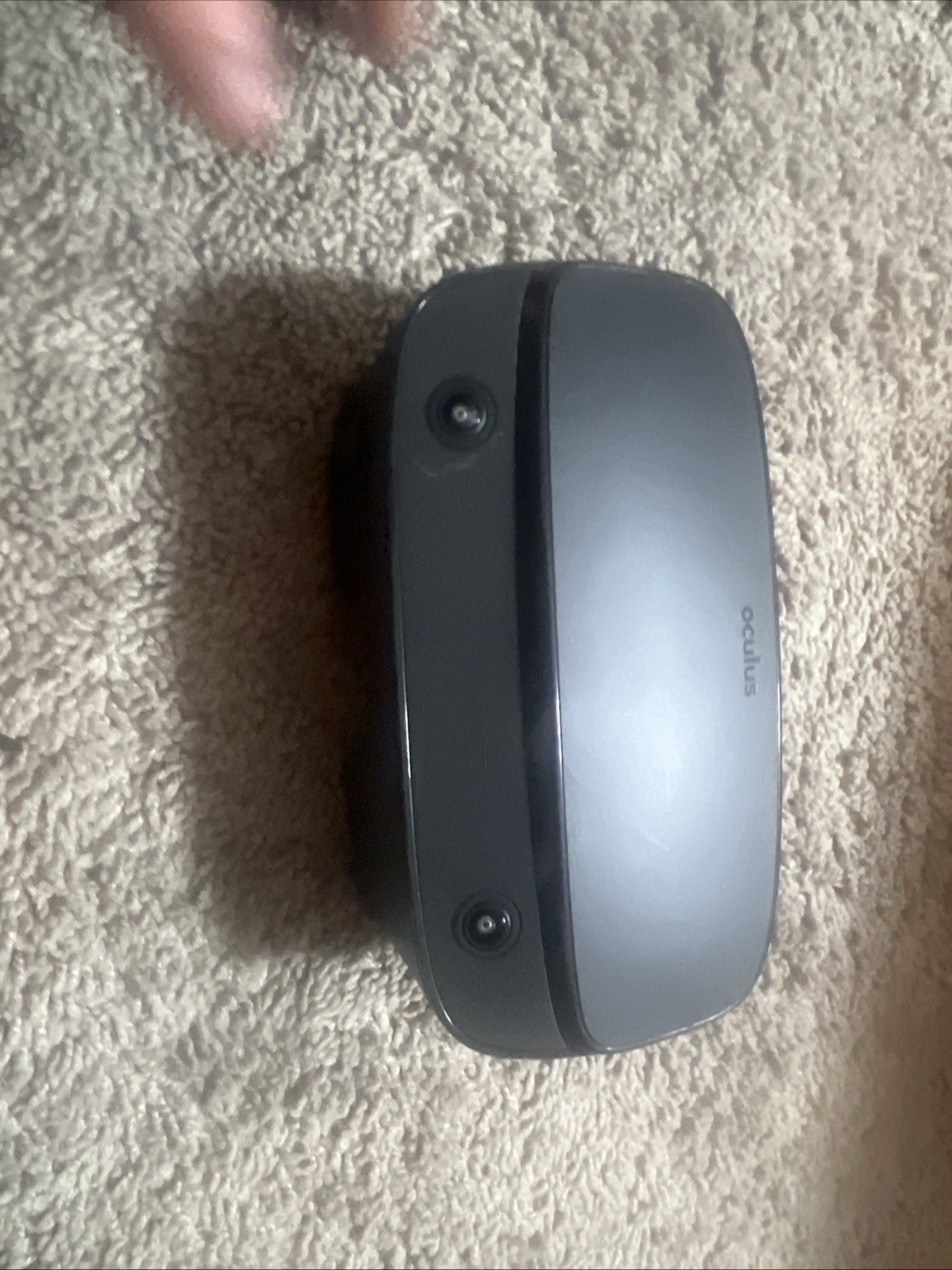 Oculus Rift S PC Powered VR Gaming Headset ONLY$8.99View on eBay
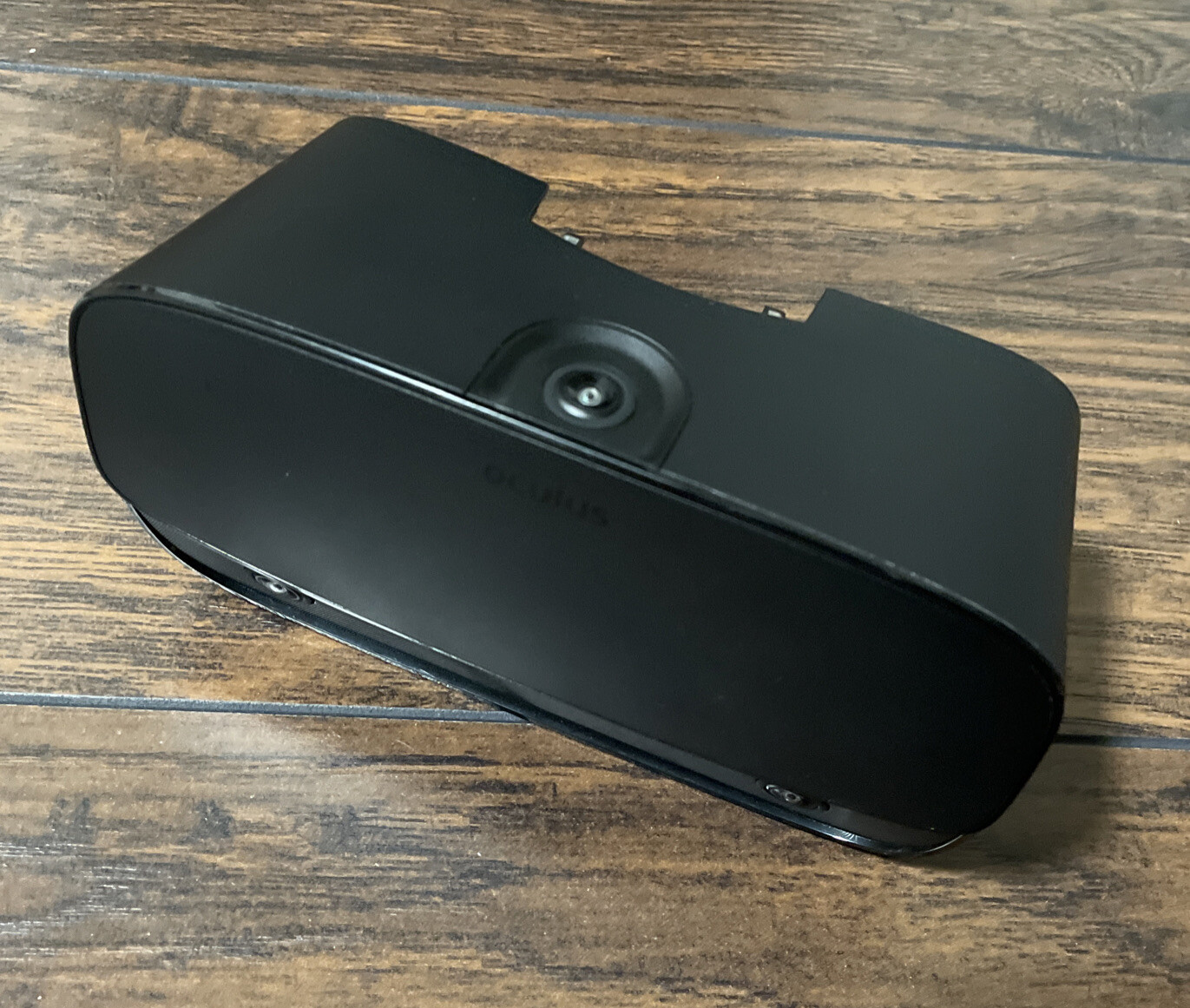 Oculus Rift S PC Powered VR Gaming Headset ONLY$11.95View on eBay
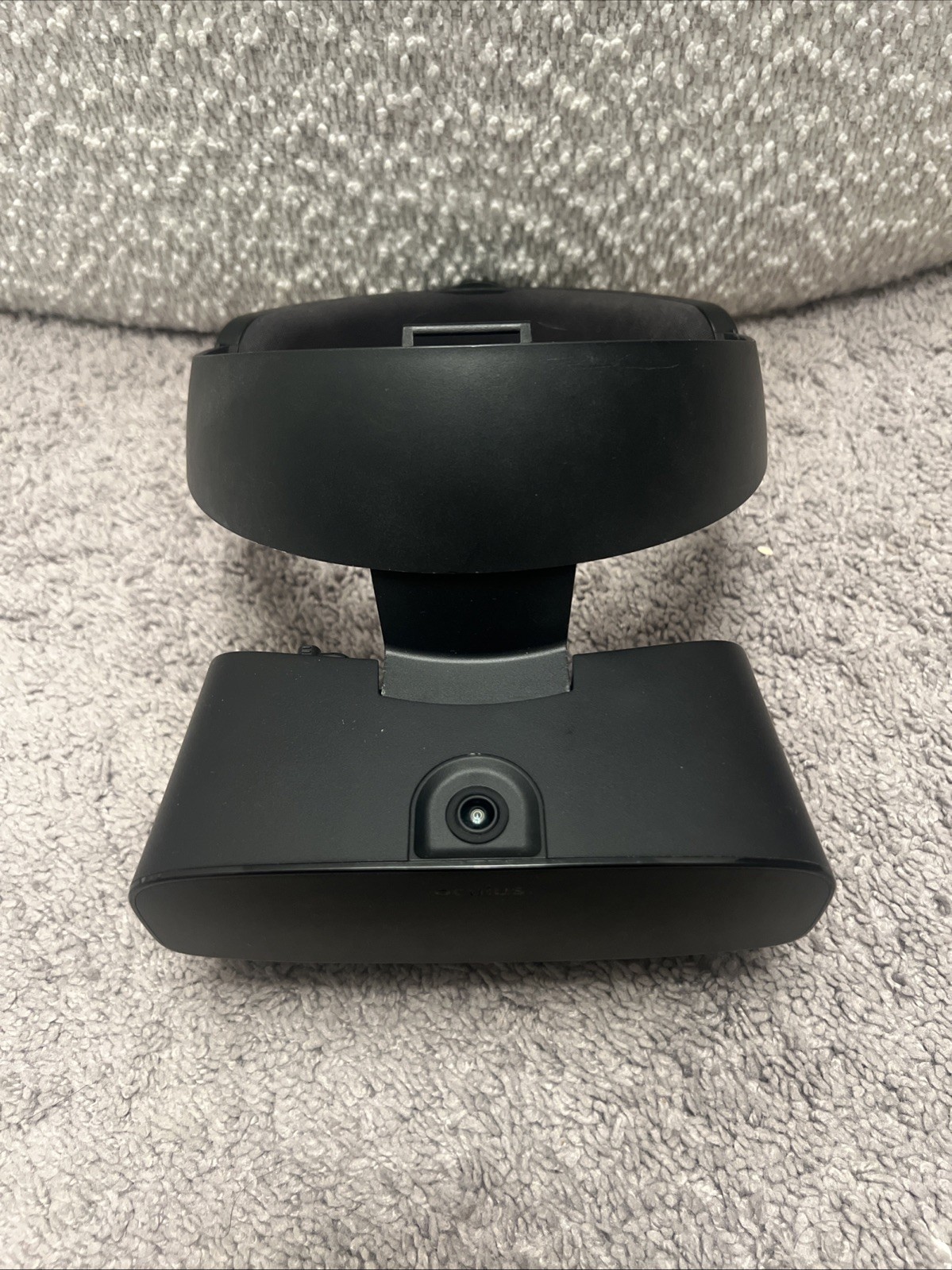 Oculus Rift S PC-Powered VR Gaming Headset ONLY Tested$13.99View on eBay
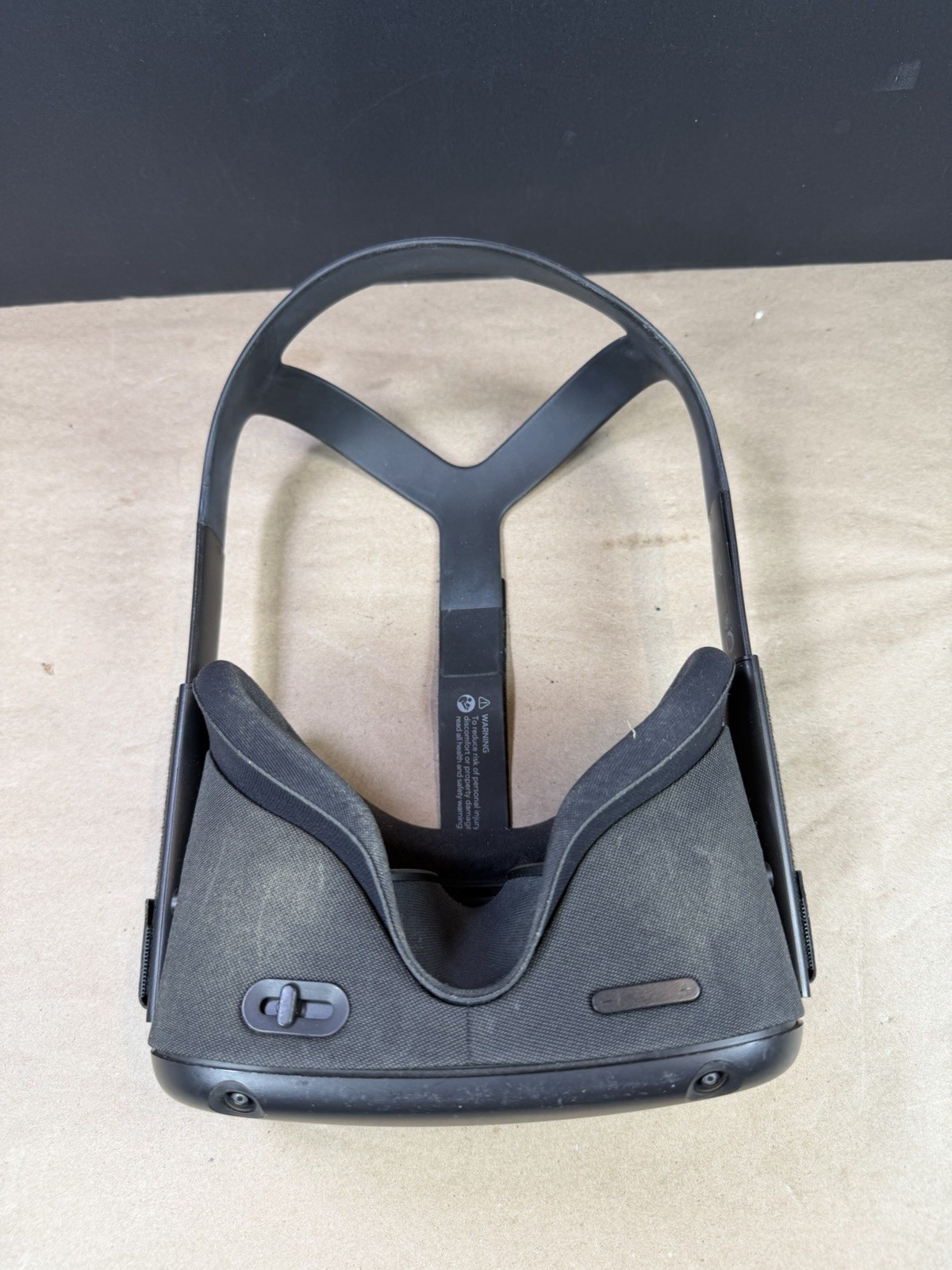 Oculus Quest MH-B Standalone All-In-One VR Gaming Headset Black Built-In Audio$24.27View on eBay
 Meta Quest 2 Standalone VR Headset in White, Meta VR Gaming System$25.00View on eBay
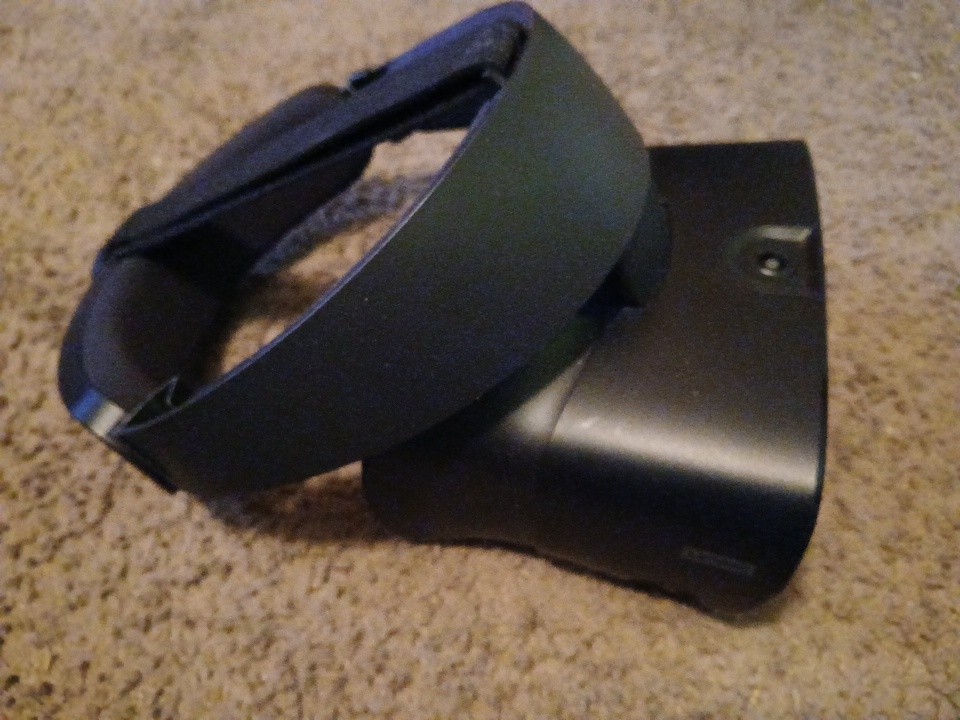 Oculus Rift S PC Powered VR Gaming Headset ONLY - No Controllers or Cables$28.99View on eBay
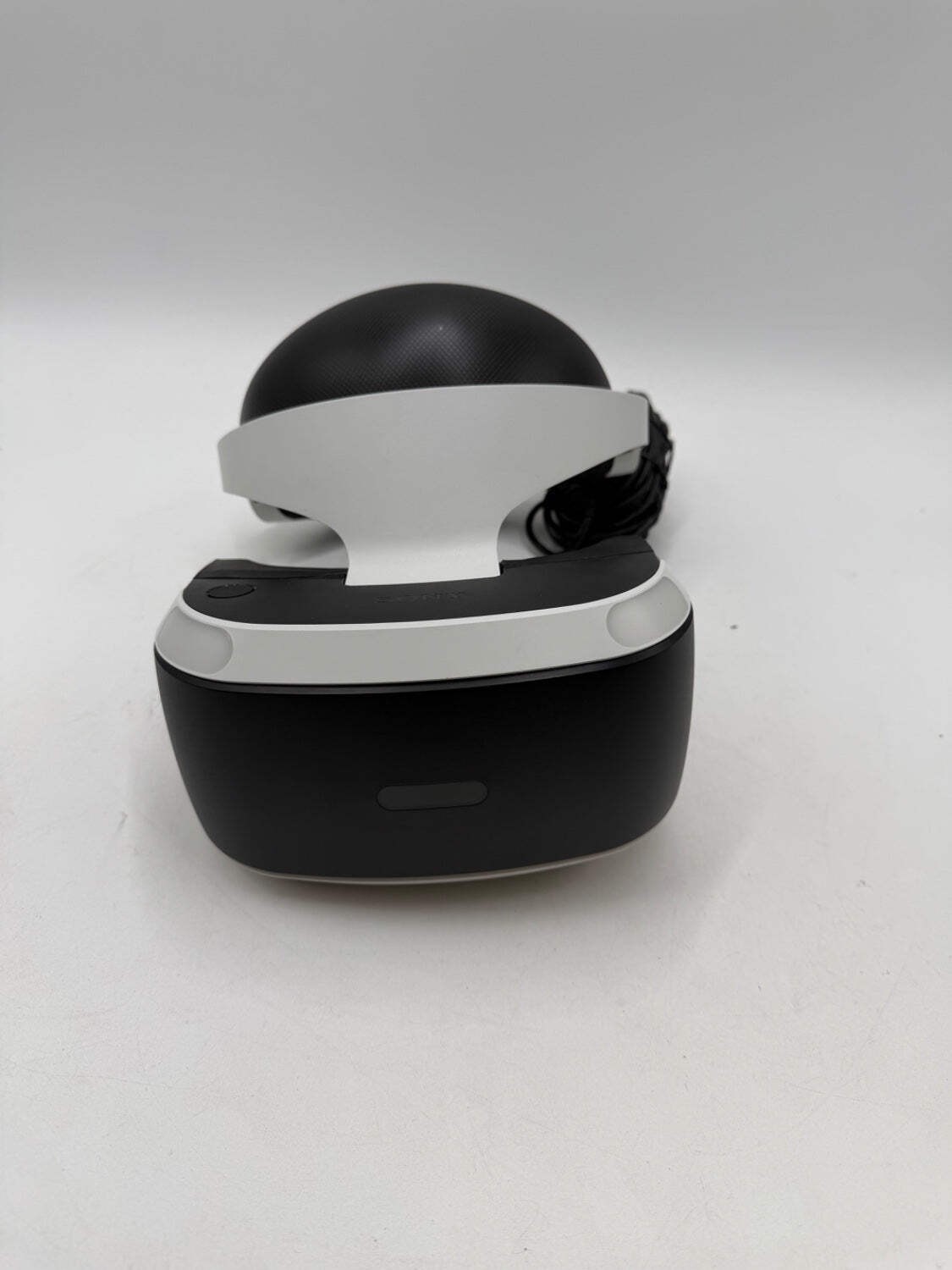 Sony PlayStation VR Virtual Reality VR Headset White CU H-ZVR2$37.99View on eBay
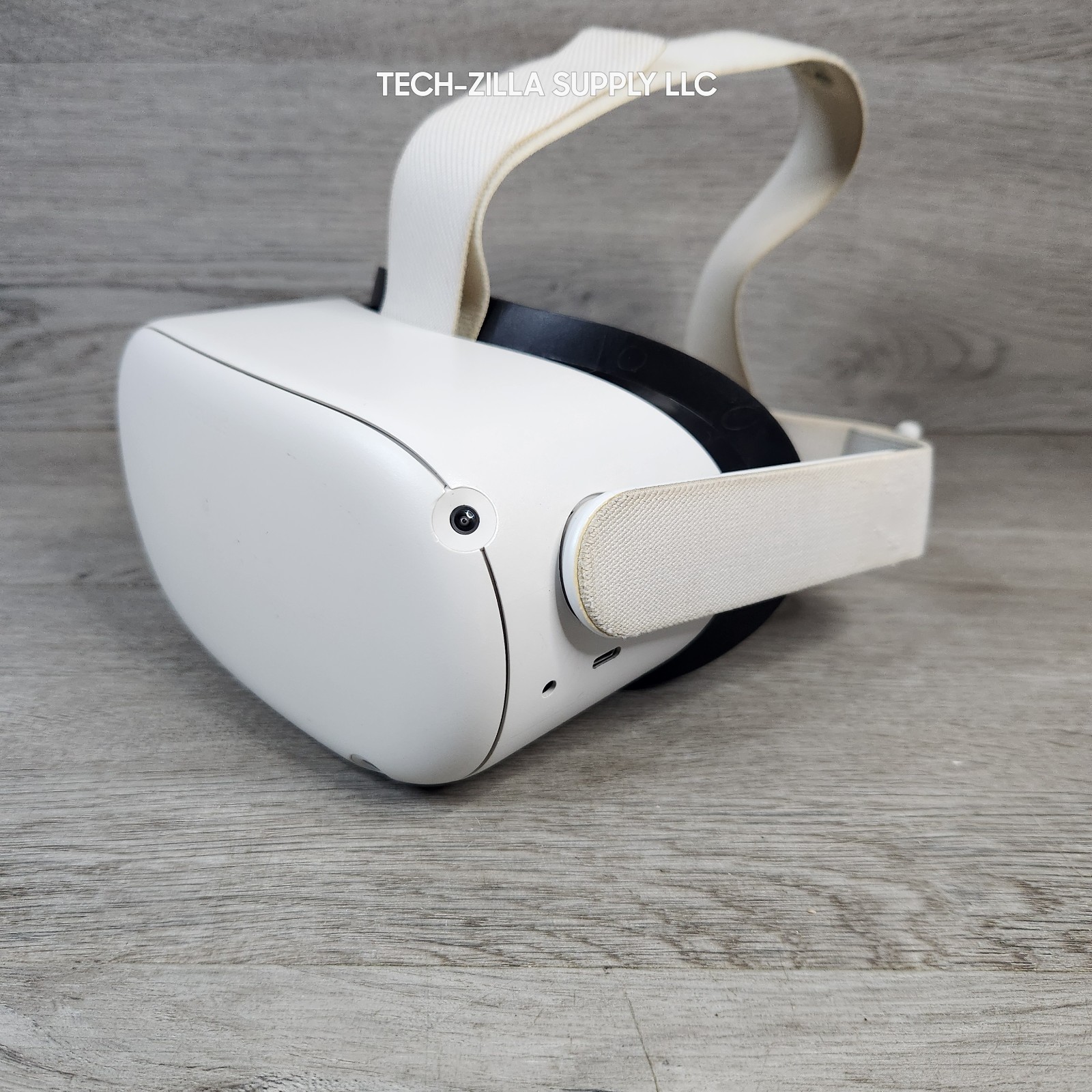 Oculus Meta Quest 2 128GB VR Headset ONLY, Great Condition (No Controllers)$44.95View on eBay
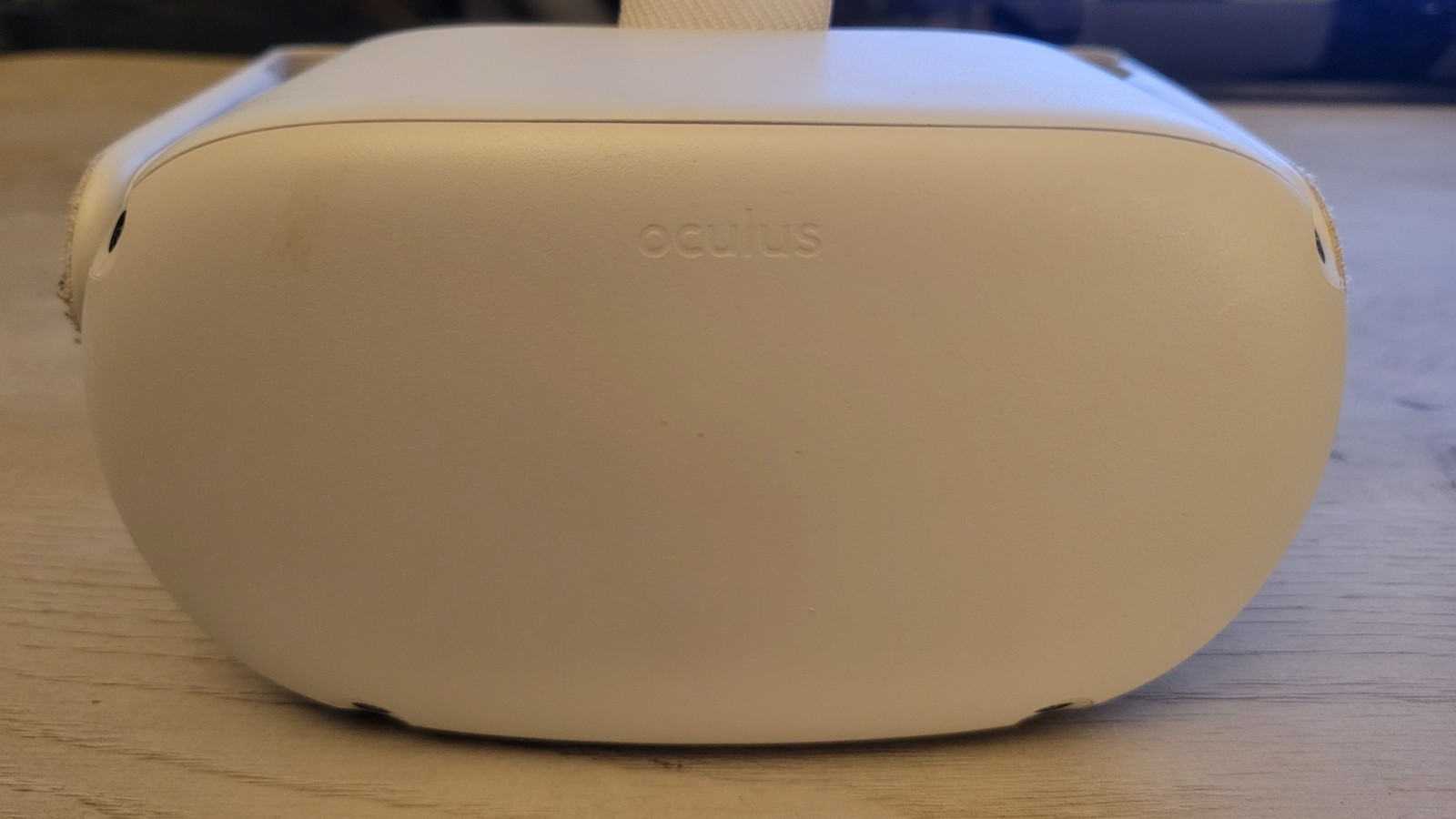 Meta Oculus Quest 2 128GB Standalone VR Headset Only No Controllers Tested$45.00View on eBay
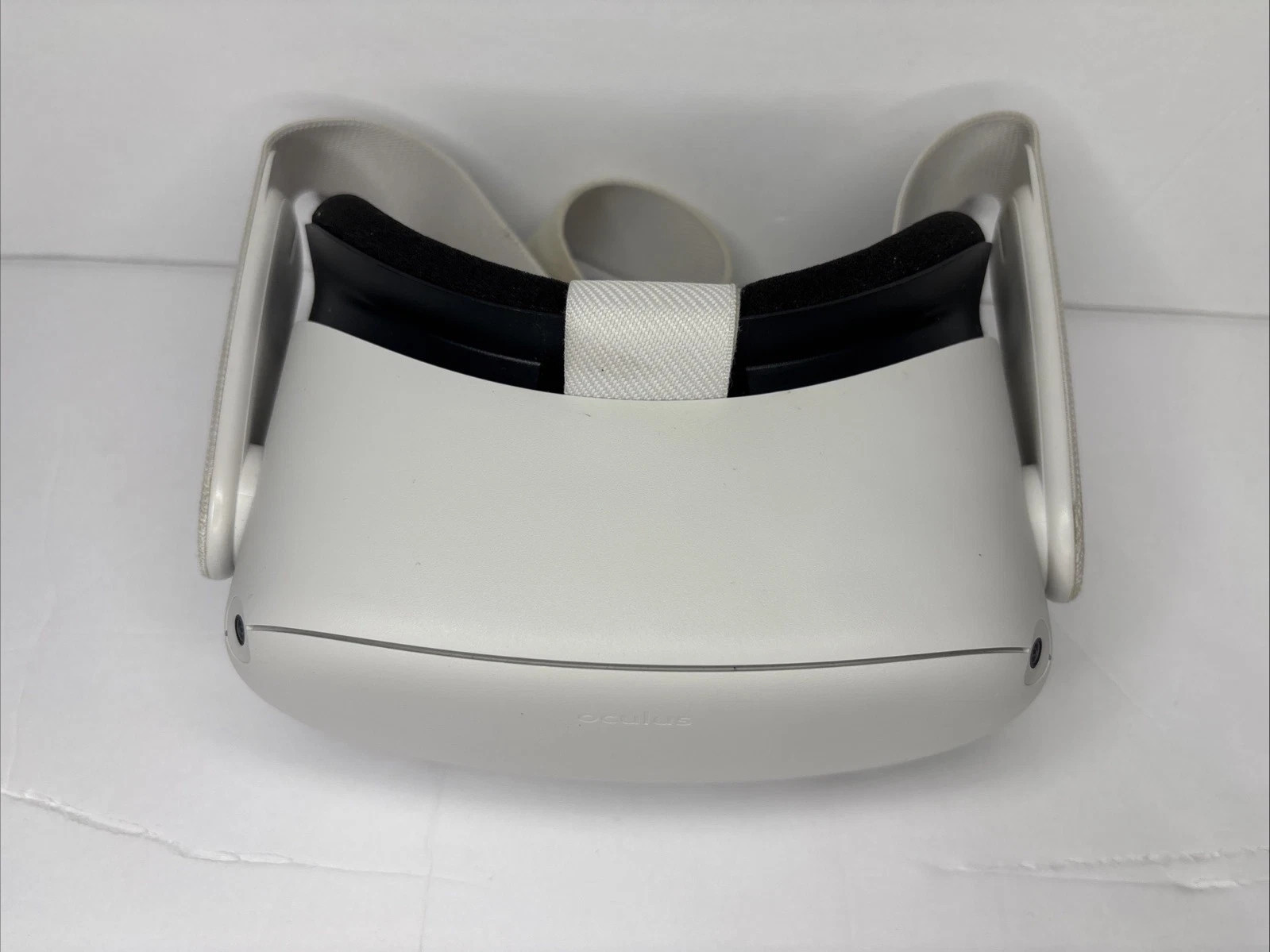 Meta Oculus Quest 2 128GB VR Headset Headset ONLY - No Controllers$45.00View on eBay
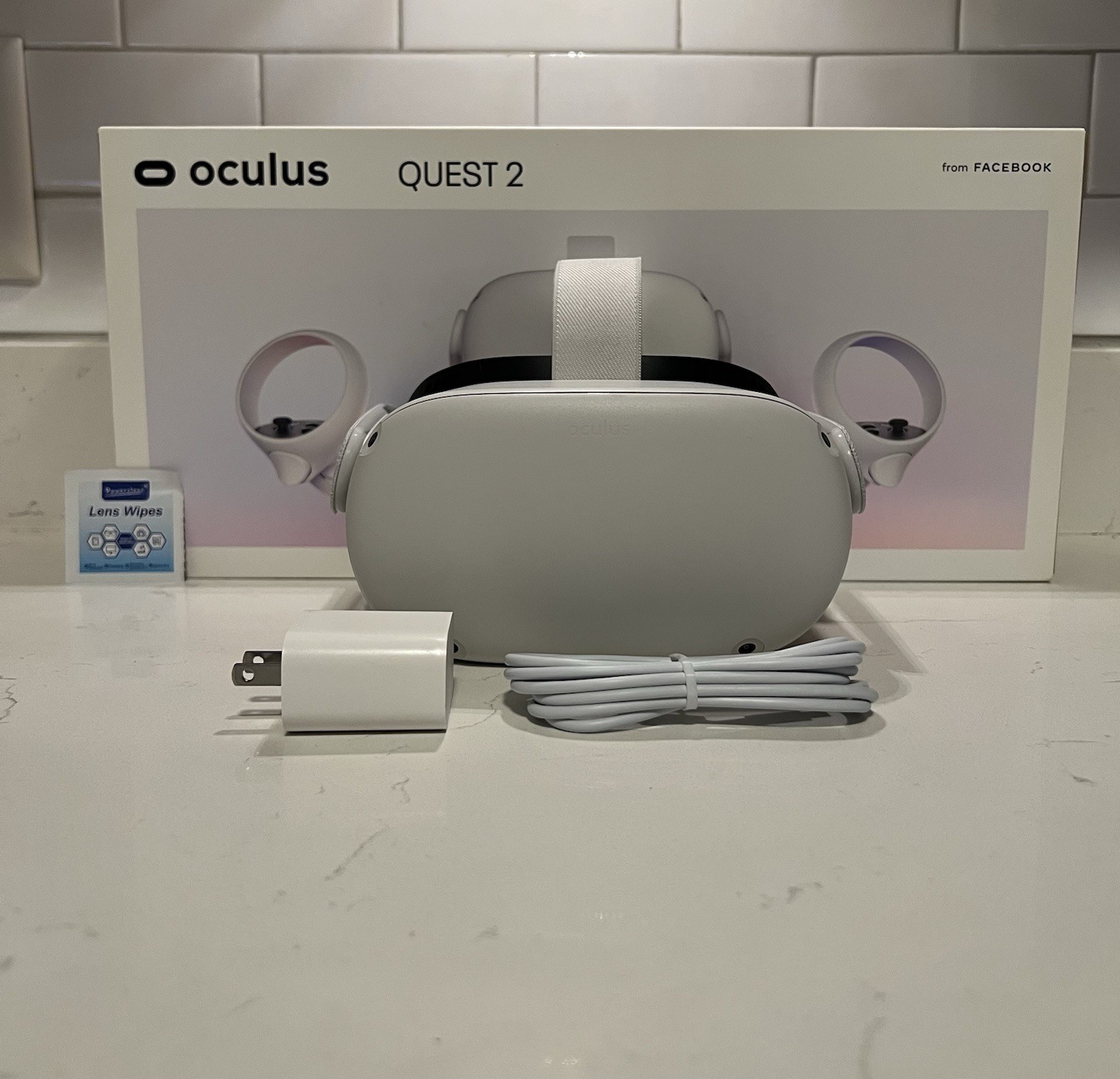 Meta Quest 2 - 64GB VR Headset$49.99View on eBay
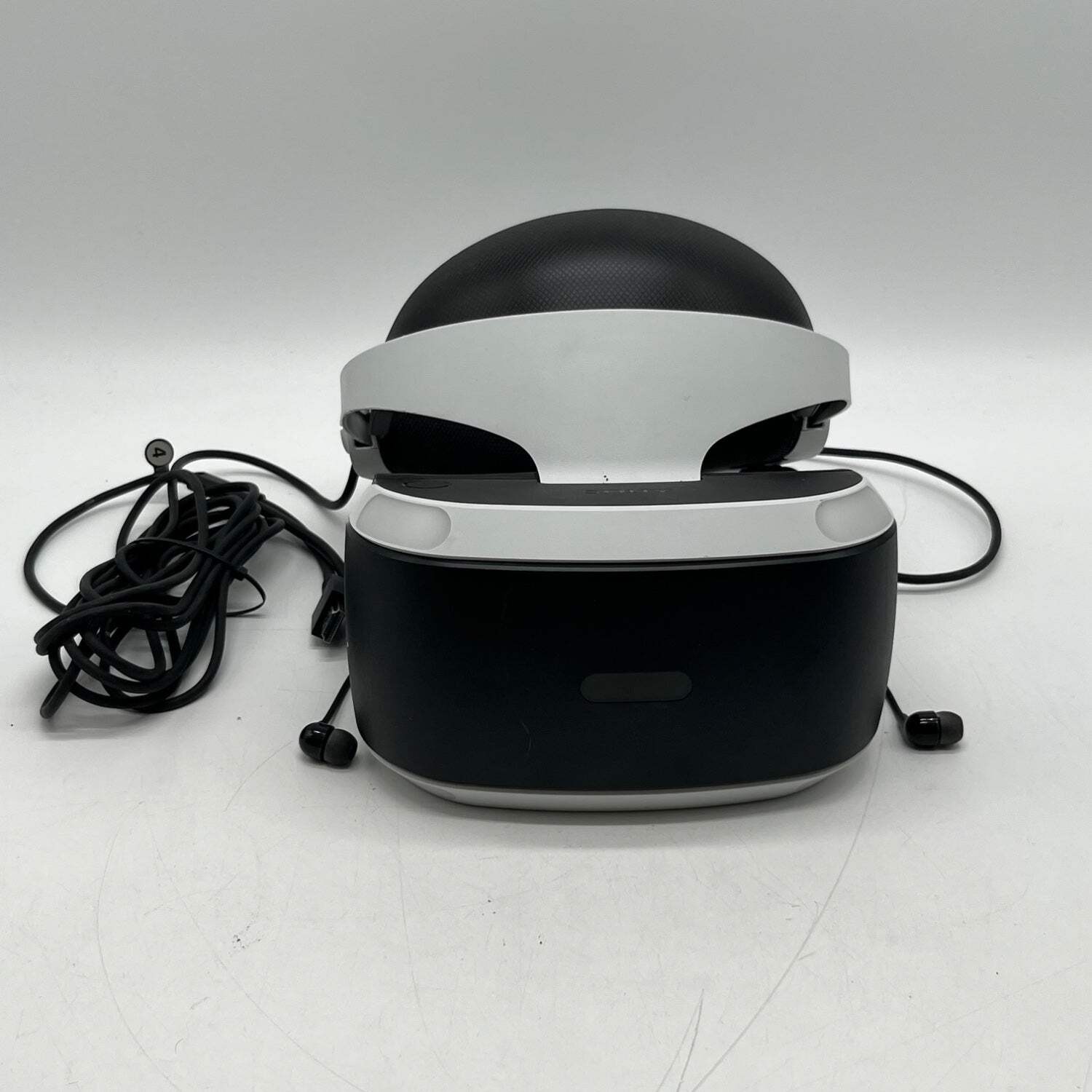 Sony PlayStation 4 PS4 Virtual Reality VR Headset Black CUH-ZVR2$49.99View on eBay
 Meta Quest 2 128GB Advanced All-in-One VR Gaming Headset - ( WEAR & TEAR )$65.00View on eBay
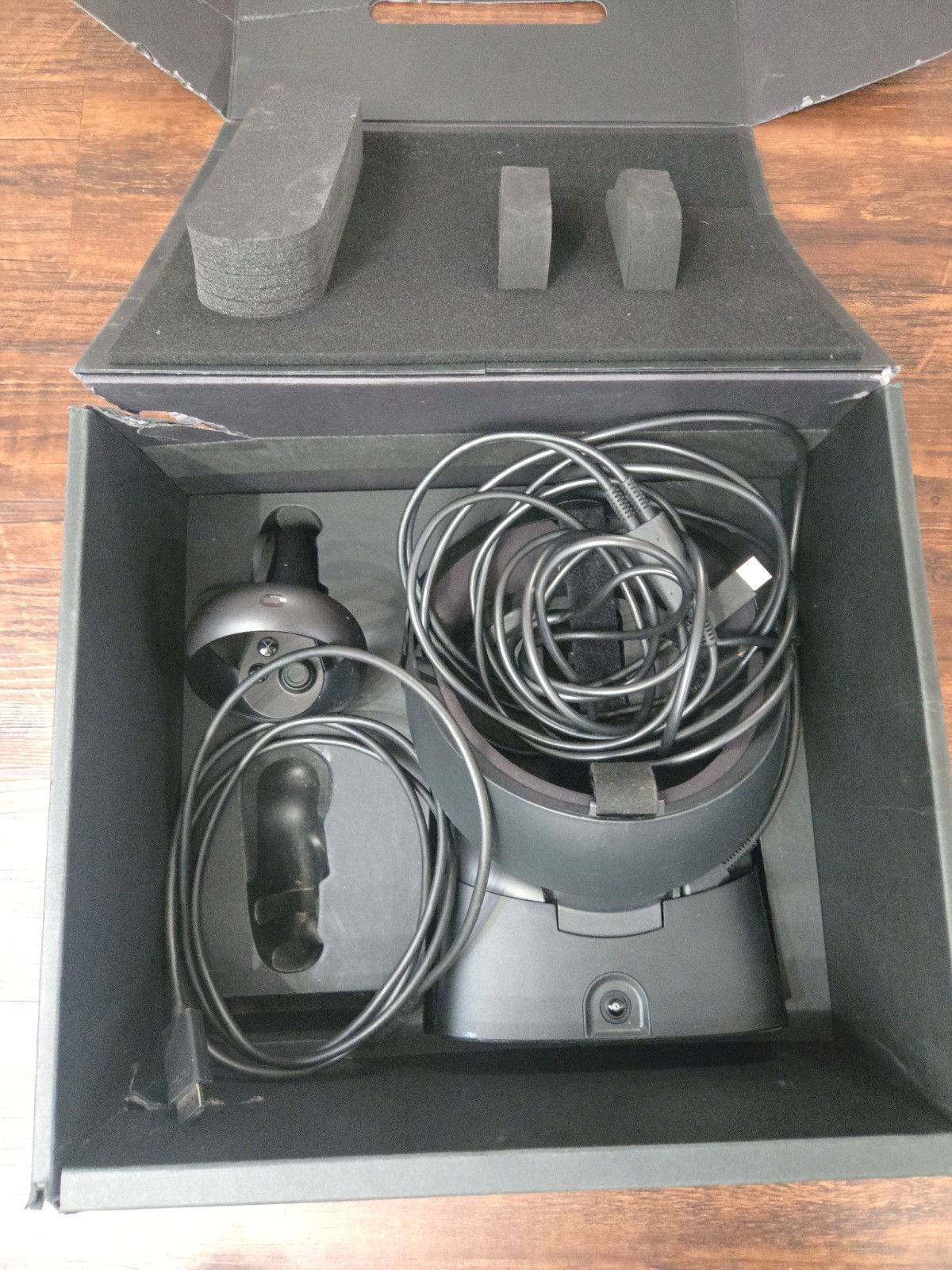 Oculus Rift S PC-Powered VR Gaming Headset - Black *1 Controller Preowned$68.88View on eBay
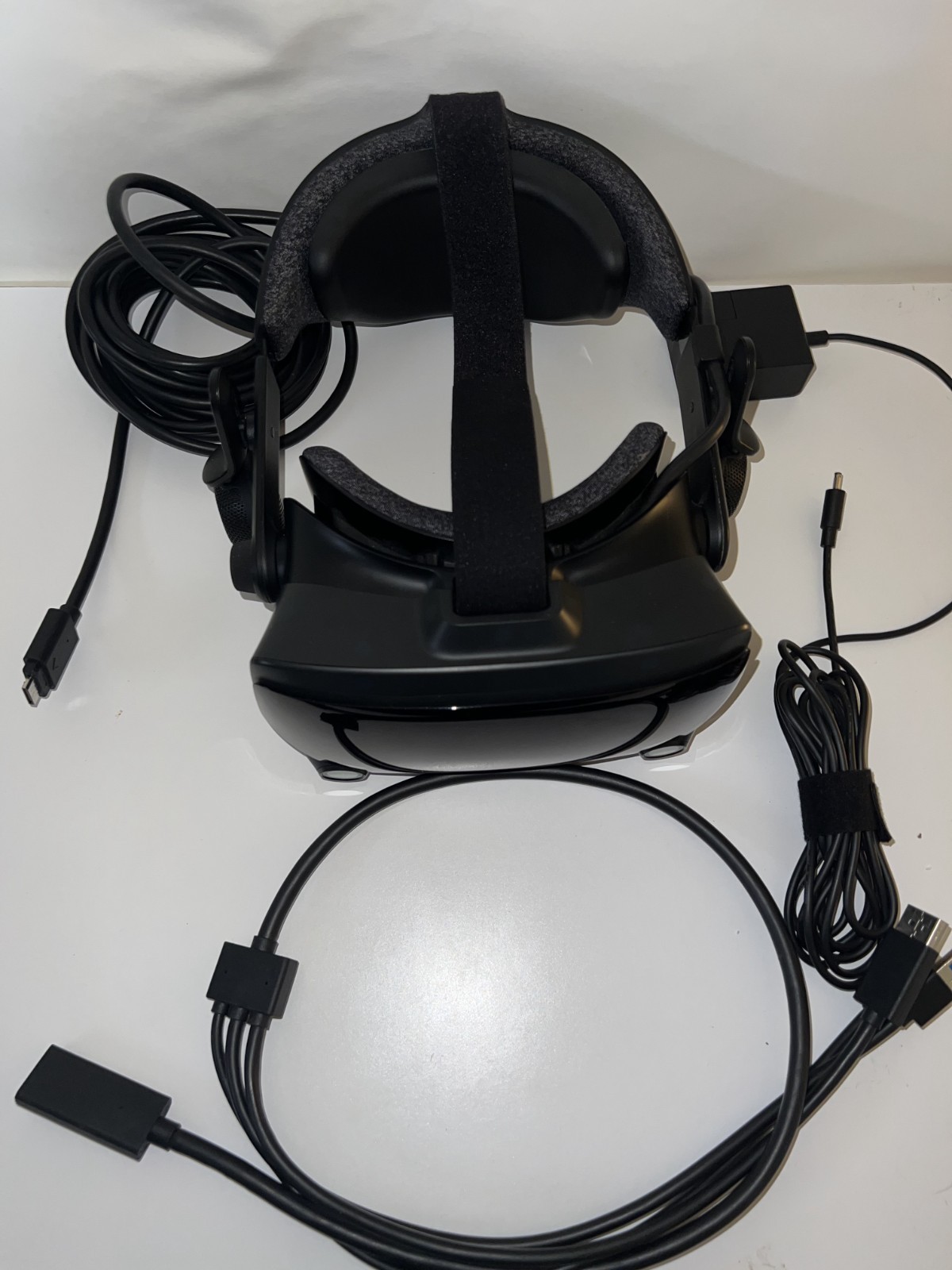 Steam Valve Index VR Gaming HEADSET ONLY - READ$80.00View on eBay
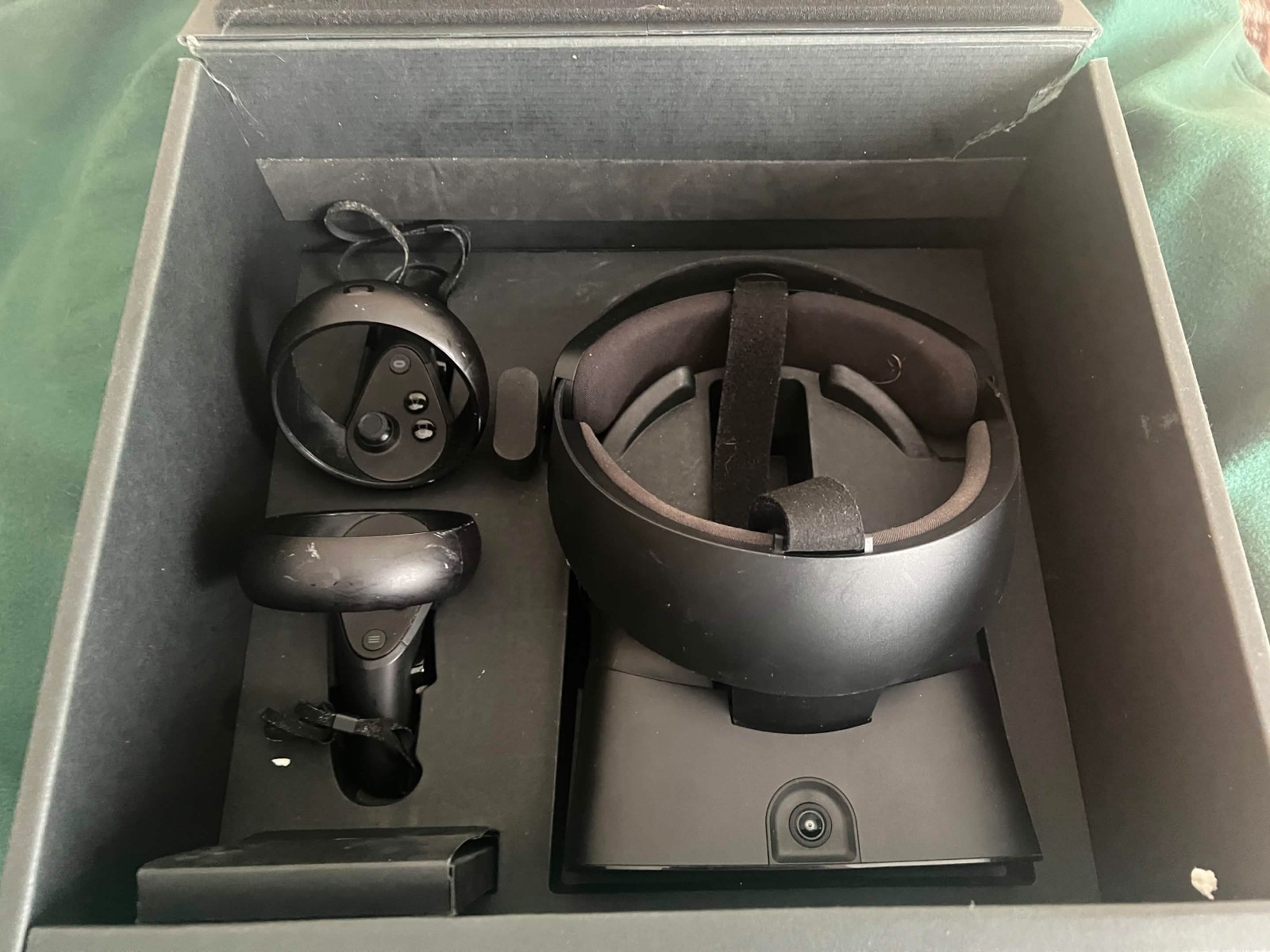 CABLE NOT INCLUDED Oculus Rift S PC-Powered VR Gaming Headset - Black$80.00View on eBay
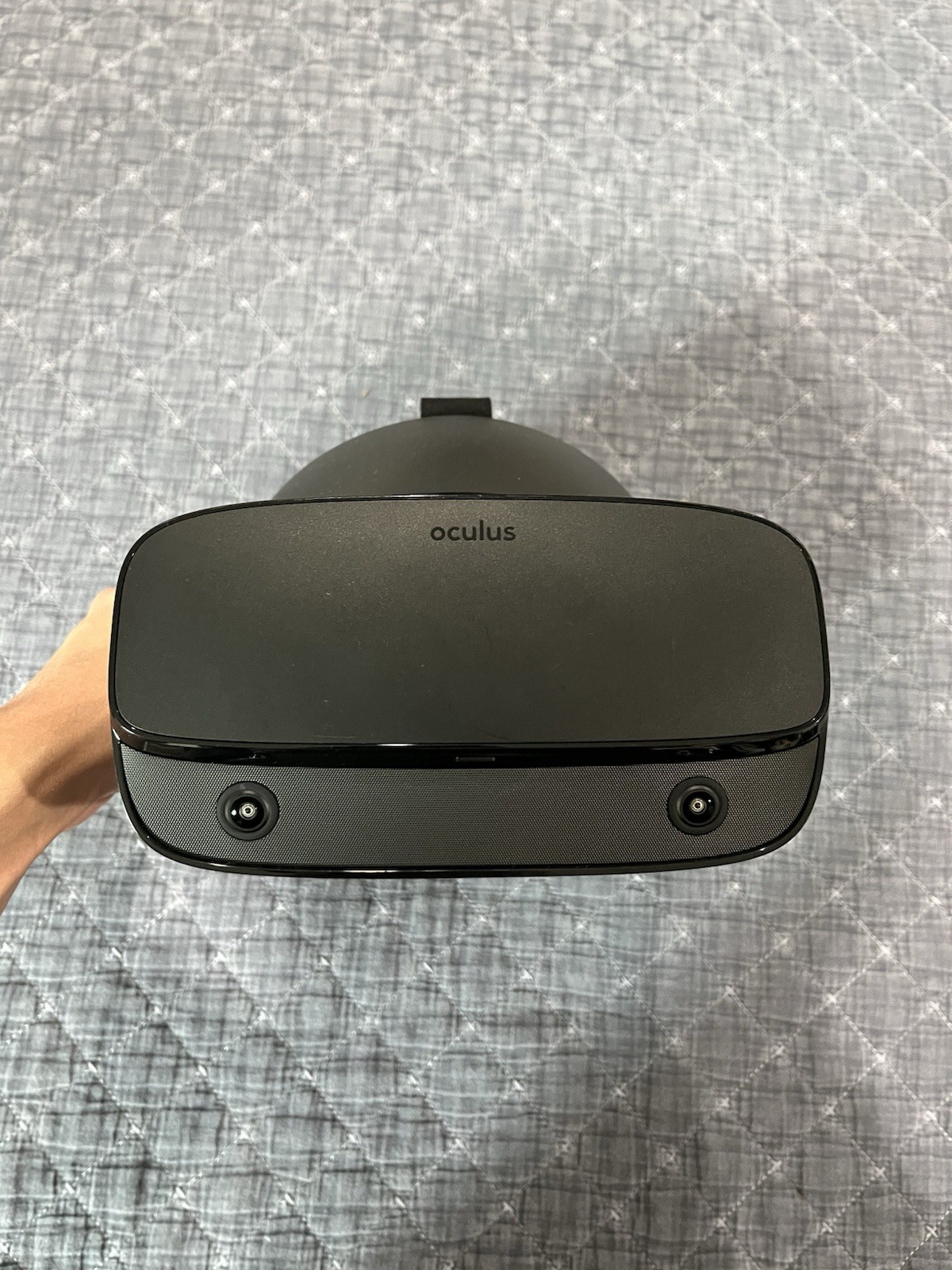 Oculus Rift S PC-Powered VR Gaming Headset - Black - *MESSAGE*$85.00View on eBay
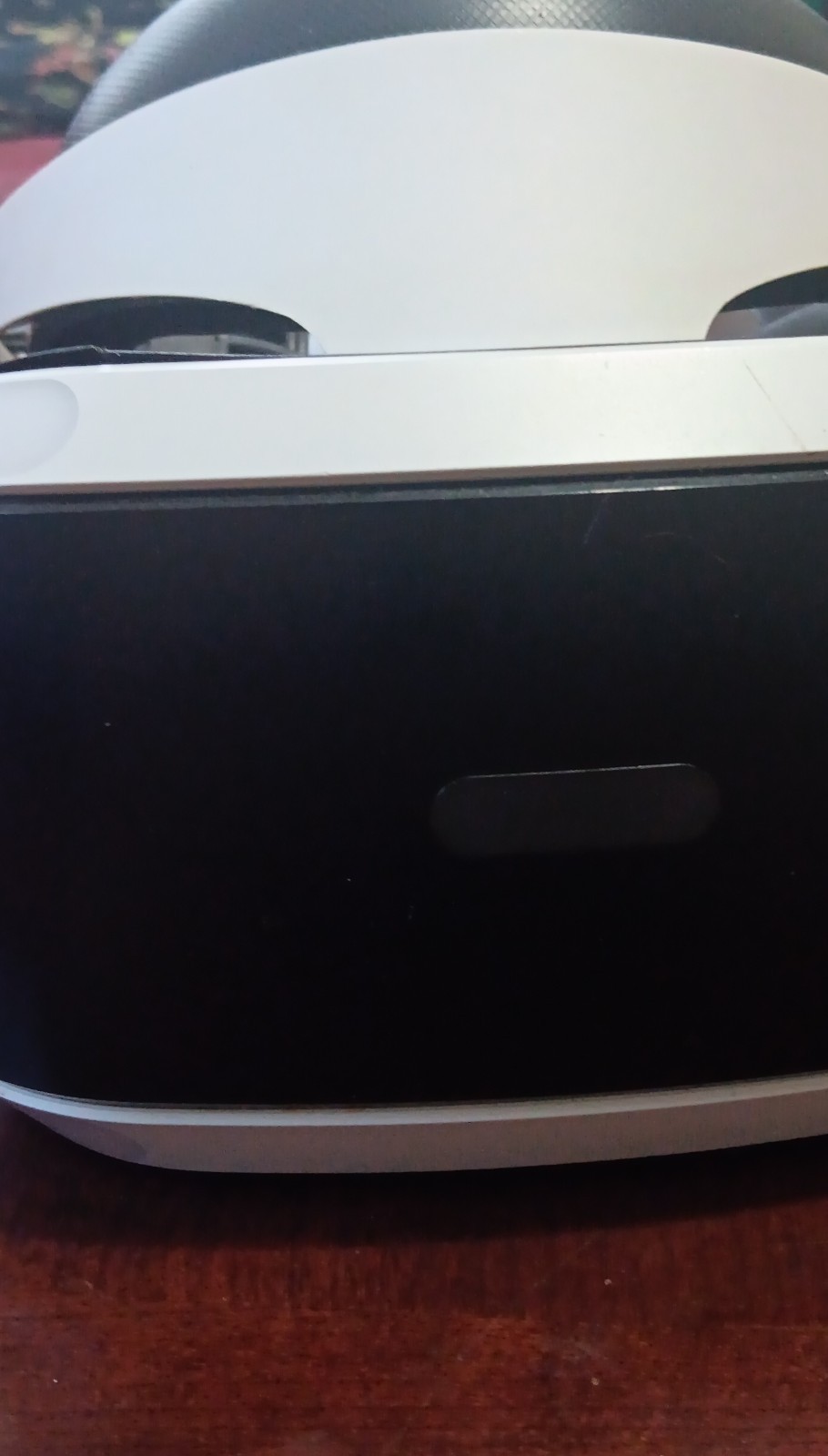 Sony PlayStation VR Headset Bundle Black/White HDMI USB with Accessories$100.00Last checked Nov 19, 2026View on eBay
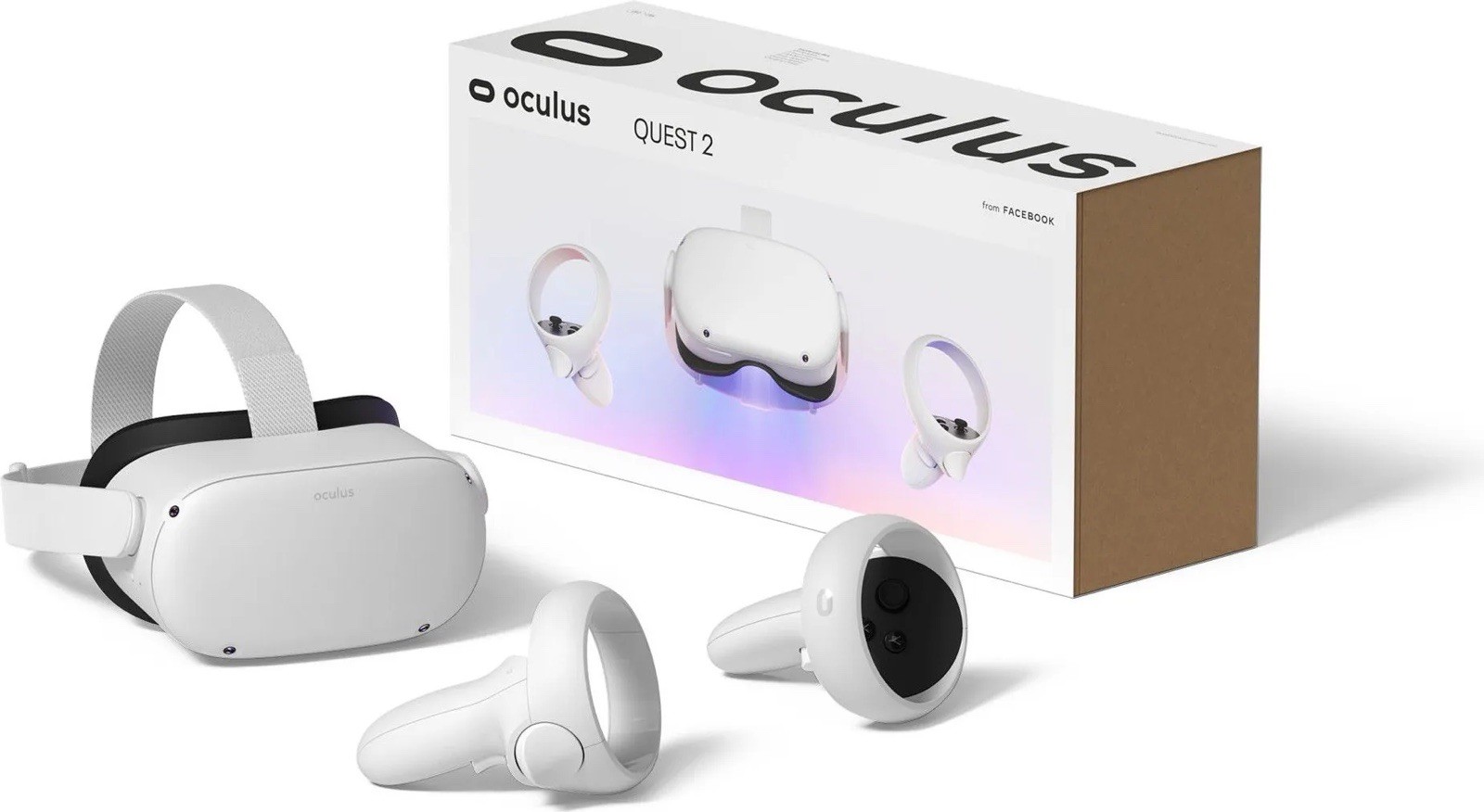 Oculus Quest 2 VR Headset with Touch Controllers, White, case and elite strap$108.00View on eBay
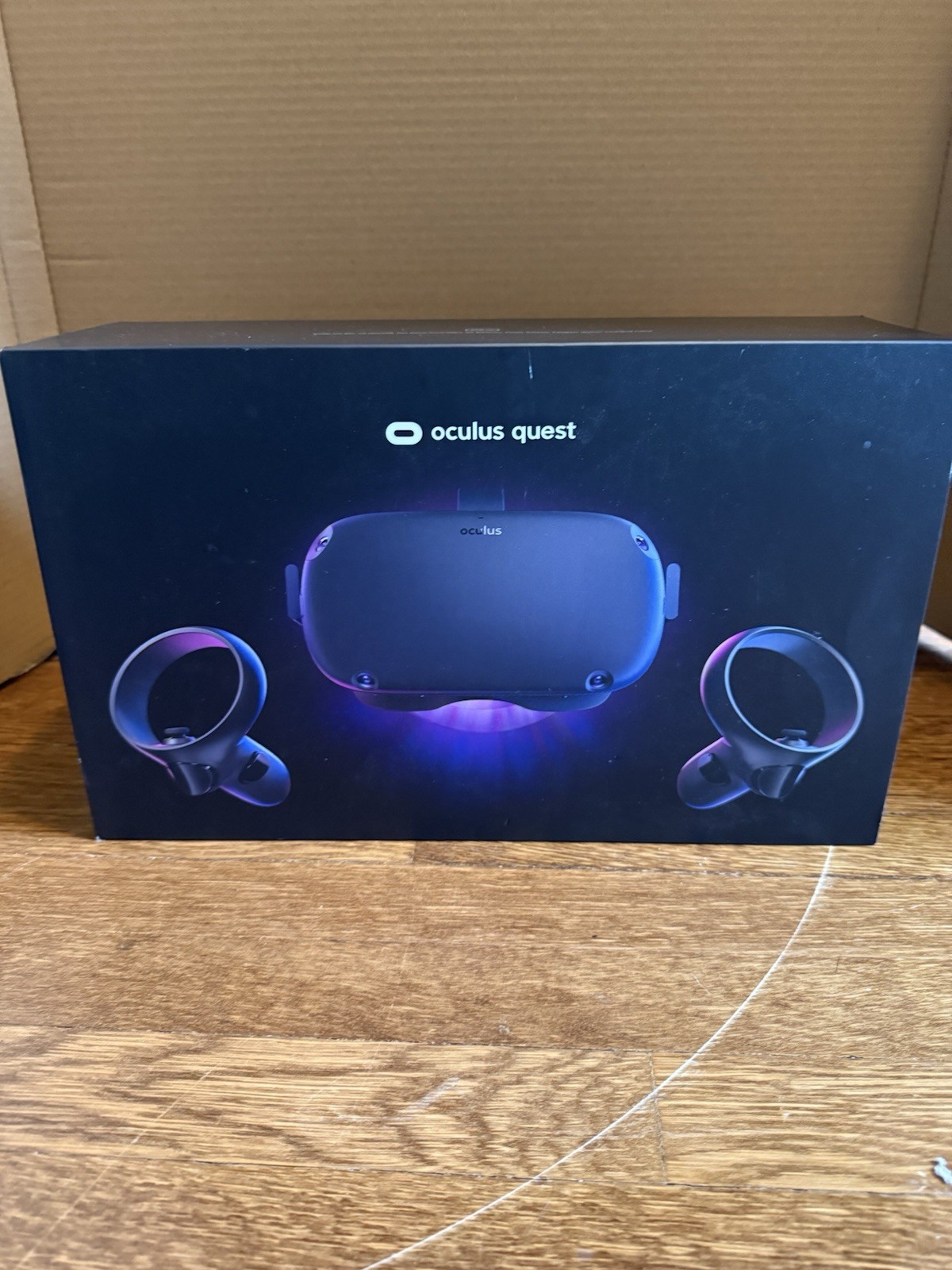 Oculus Quest 128GB VR Headset w/ 2 Touch Controllers Complete Box Tested$109.99View on eBay
Highlights
- Standalone headsets integrate processor, battery, tracking cameras, and display into one unit; PC-powered headsets are display-and-sensor devices that offload all rendering to the host GPU.
- Inside-out tracking (cameras on the headset) eliminates external base stations and works in any lit room; outside-in tracking requires mounted lighthouses or sensors and a fixed play space.
- Refresh rate and per-eye resolution define clarity and comfort: 90 Hz is the smoothness baseline, 120 Hz reduces motion blur, and per-eye resolution above 1800x1920 curbs screen-door effect.
- PC-powered headsets require DisplayPort or USB-C alt-mode video plus a GPU with at least 6 GB VRAM; standalone headsets need only Wi-Fi for store downloads and updates.
Best use cases
- Pick a standalone headset if you want VR in a living room, bedroom, or shared space with no PC nearby and value pick-up-and-play sessions over maximum graphical fidelity.
- Pick a PC-powered headset only if you already own a desktop GPU that meets the vendor's minimum spec and you primarily play seated sims, racing, or flight titles that benefit from high-end rendering.
- Skip the PC-powered route if your only computer is a laptop with integrated graphics; skip standalone if your library is built around SteamVR mods that require tethered GPU power.
- For mixed households with kids, choose a standalone unit with adjustable IPD and a replaceable facial interface rather than a tethered headset with cables running across the floor.
Buying tips
- Match the headset to your GPU tier: entry PC VR needs at least a GTX 1060 / RX 580 class card; higher-resolution PC headsets demand RTX 3060 / RX 6600 XT or better.
- Confirm IPD adjustment range covers your interpupillary distance (typically 58–72 mm); fixed-IPD headsets cause blur and eye strain for users outside that band.
- For standalone, check battery life at 2–3 hours typical and whether the headset supports USB-C PD fast charging; for PC-powered, verify cable length reaches your play area.
- Buy the current generation of a given platform rather than the prior one: newer standalone units offer higher per-eye resolution, 120 Hz modes, and better passthrough color cameras.
Specs
| Type | Standalone all-in-one vs PC-powered |
|---|---|
| Tracking | Inside-out cameras vs base stations |
| Refresh Rate | 90 Hz baseline / 120 Hz high-end |
| Per-Eye Resolution | 1832x1920 to 2064x2208 |
Related searches
What to check before buying
- Measure your play space: standalone inside-out tracking needs roughly 2 m x 2 m of clear floor and moderate lighting; outside-in systems need mounted base stations with line of sight.
- Verify your PC's GPU, VRAM (6 GB minimum), and video output (DisplayPort 1.2+ or USB-C alt-mode) against the headset's published requirements before buying PC-powered.
- Check your region's plug type and voltage for the headset charger and any base-station power adapters; standalone units ship with region-specific chargers.
- Confirm the headset includes controllers, cable, and facial interface; used or 'headset only' listings often omit these, and replacement controllers are expensive.
FAQ
Data sources: eBay / Amazon listings and product attribute feeds. Updated Nov 28, 2026.
Some links on this page are affiliate links. If you buy after clicking one, we may earn a commission at no extra cost to you. This does not change which products appear here or their order. Affiliate disclosure.