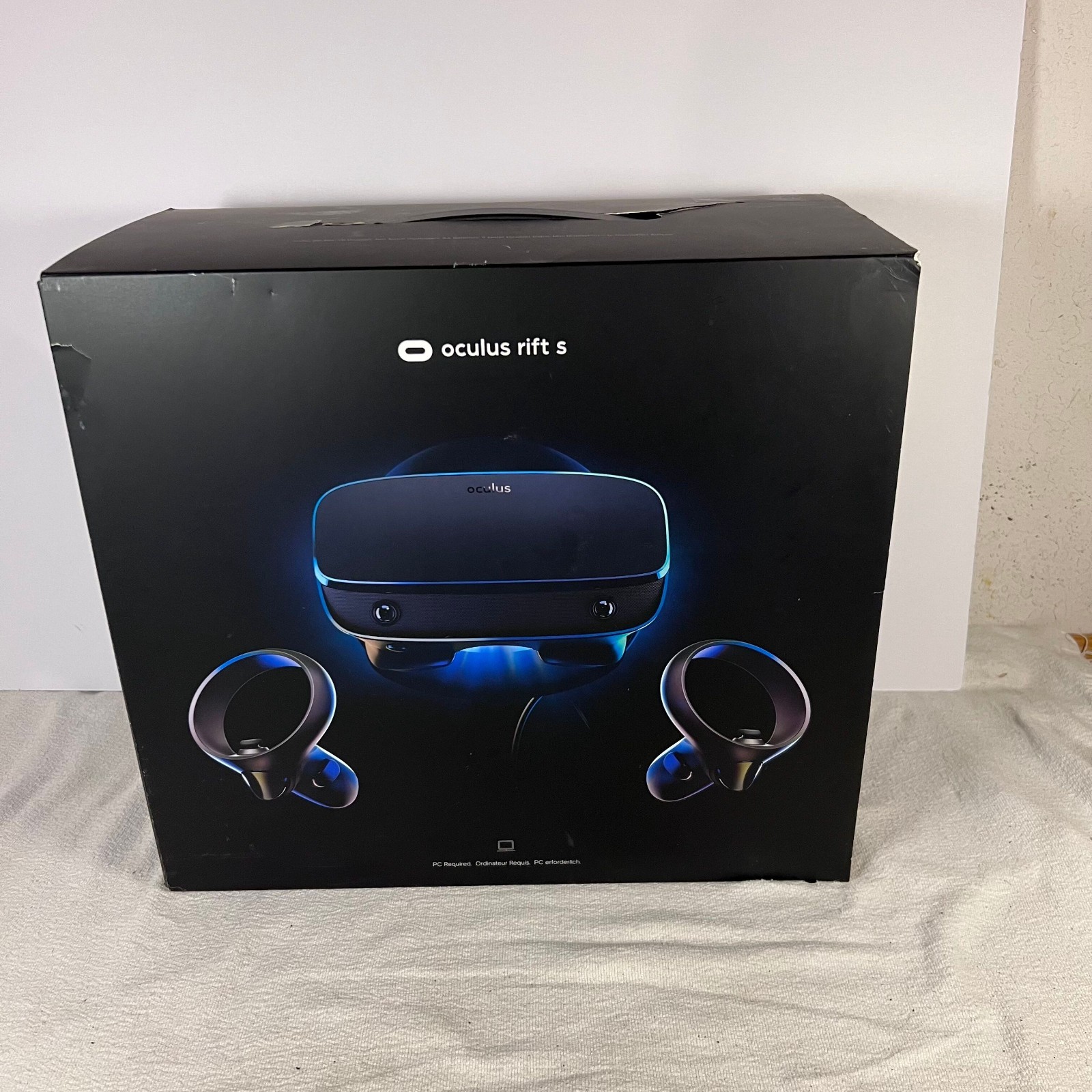

Photos from current listings. Actual item, color, and included accessories may vary.
VR Box Headset Buying Guide
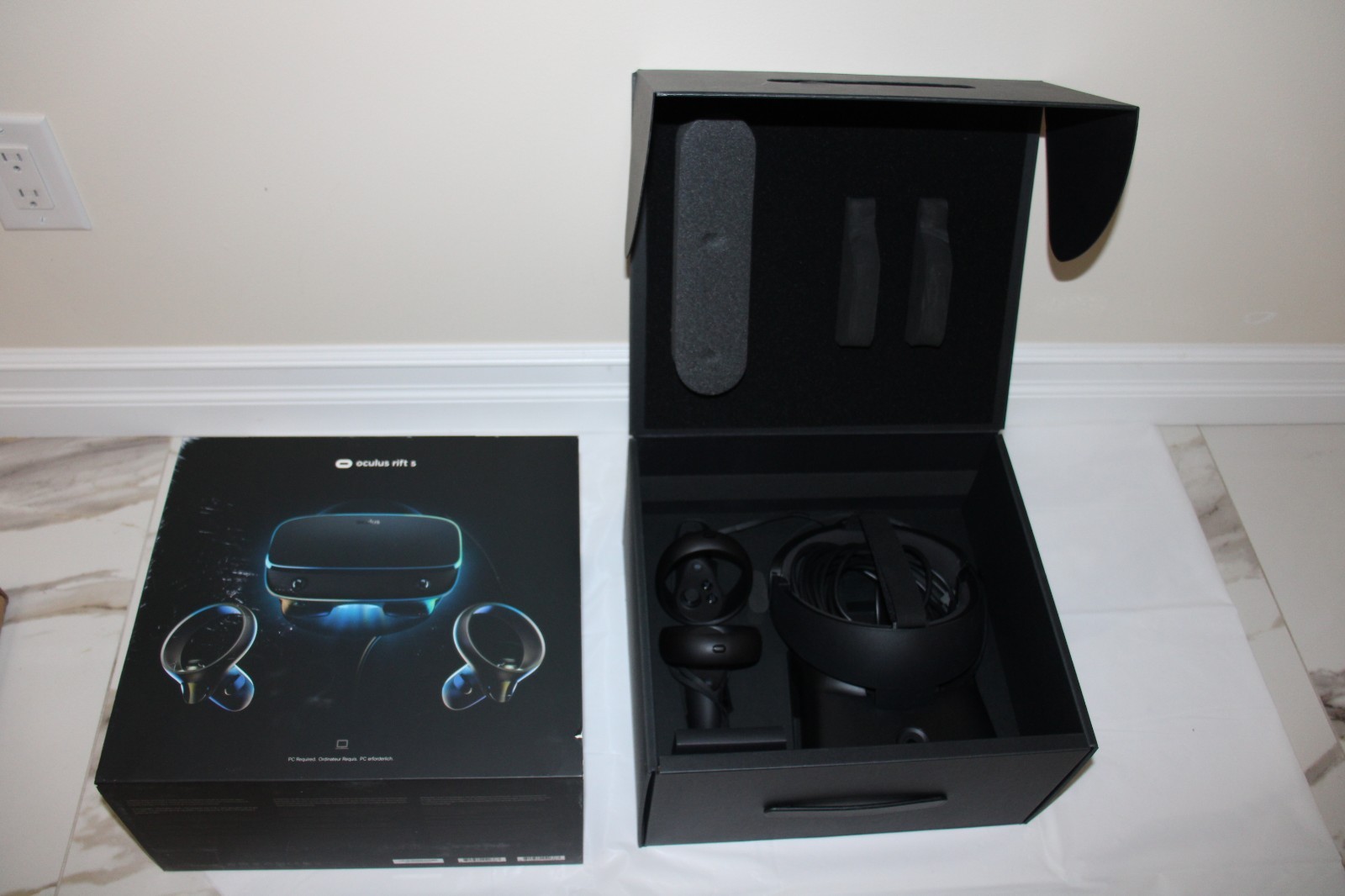
VR Box headsets are phone-dock viewers, not standalone gaming systems, and the category name is often confused with the discontinued Oculus Rift S PC headset shown in listings. Buyers should separate smartphone-shell VR Box units from PC-tethered headsets before comparing specs, since they need completely different hardware, software, and space.
Headset Type:Phone-dock viewer vs PC-tetheredTracking:None vs inside-out 5-cameraPhone Fit:Approx. 4.7-6.5 in screenPC Connection:DisplayPort 1.2+ / VR-ready GPU
Typical price range$129.99 – $249.00
Median $199.95
Key takeaways
- Smartphone VR Box shells use two convex lenses and a plastic cradle; image quality depends on phone resolution and lens diameter, not onboard electronics.
- PC VR headsets like the Oculus Rift S require a DisplayPort connection and a VR-ready Windows PC, and are not compatible with phones or game consoles.
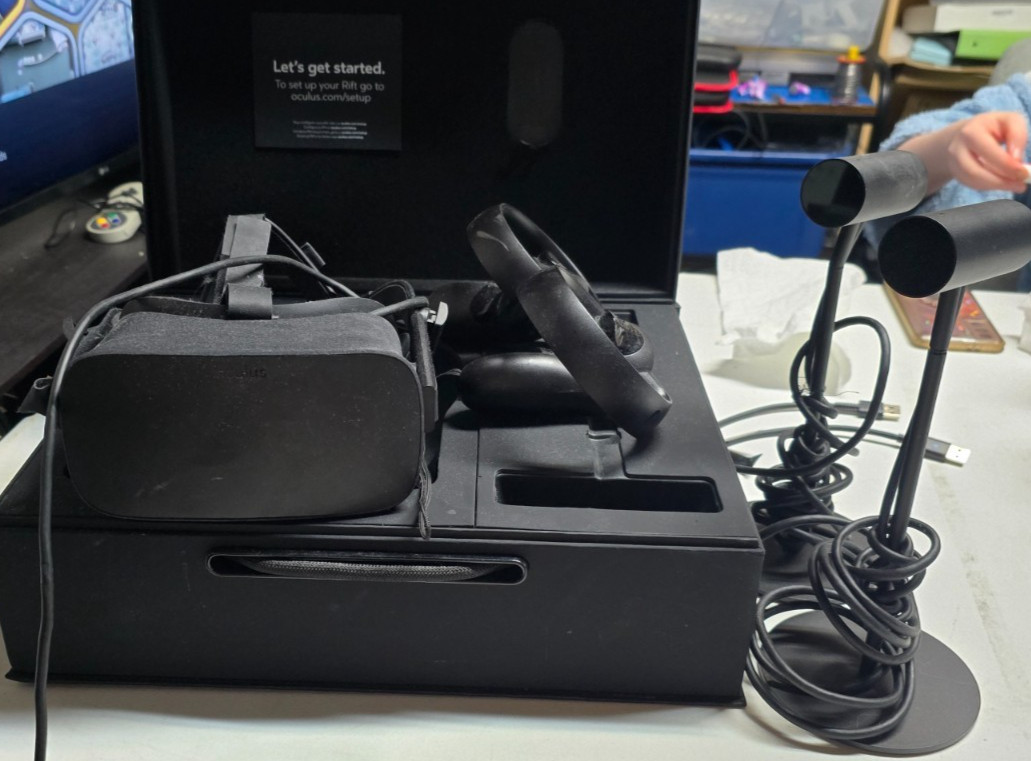
- Rift S uses inside-out tracking with five cameras and no external base stations, unlike older Rift CV1 sensors that need USB cameras placed around the room.
At a glance
- Category
- VR Gaming Hardware & Accessories
- Last updated
- Nov 29, 2026
Current offers
Highlights
- Smartphone VR Box shells use two convex lenses and a plastic cradle; image quality depends on phone resolution and lens diameter, not onboard electronics.
- PC VR headsets like the Oculus Rift S require a DisplayPort connection and a VR-ready Windows PC, and are not compatible with phones or game consoles.
- Rift S uses inside-out tracking with five cameras and no external base stations, unlike older Rift CV1 sensors that need USB cameras placed around the room.
- Lens spacing and phone screen size determine fit: most VR Box shells accept phones roughly 4.7 to 6.5 inches, with adjustable pupil distance via side sliders.
Best use cases
- Choose a phone-dock VR Box shell for casual 360 video and mobile VR apps if you already own a recent phone and want low-cost, untethered viewing.
- Pick a PC VR headset like the Rift S only if you have a VR-ready desktop or laptop with DisplayPort and enough room for standing or room-scale play.
- Skip phone-shell VR Box units for competitive PC VR gaming; they lack position tracking, motion controllers, and the refresh rates PC titles require.
Buying tips
- Confirm whether the listing is a phone-dock VR Box shell or a PC-tethered headset, since the same search term covers both and they are not interchangeable.
- Check your phone's physical dimensions against the shell's stated phone-width range before buying; oversized phones with cases often will not seat in the cradle.
- For PC VR, verify your graphics card has a DisplayPort output and meets the headset's minimum GPU tier; HDMI-only laptops need an adapter.
- Inspect lens type and adjustment range: glass lenses resist scratching better than acrylic, and adjustable IPD sliders accommodate different eye spacing.
Specs
| Headset Type | Phone-dock viewer vs PC-tethered |
|---|---|
| Tracking | None vs inside-out 5-camera |
| Phone Fit | Approx. 4.7-6.5 in screen |
| PC Connection | DisplayPort 1.2+ / VR-ready GPU |
Related searches
What to check before buying
- Measure your phone's width and thickness, including any case, against the VR Box shell's cradle dimensions.
- For PC headsets, confirm a free DisplayPort 1.2 or newer port and a VR-ready GPU before purchase.
- Check room space: standing VR needs roughly 2 by 2 meters of clear floor, while seated play needs less.
- Verify the headset includes required cables and, for Rift S, that your PC meets the stated minimum processor and memory.
FAQ
Data sources: eBay / Amazon listings and product attribute feeds. Updated Nov 29, 2026.
Some links on this page are affiliate links. If you buy after clicking one, we may earn a commission at no extra cost to you. This does not change which products appear here or their order. Affiliate disclosure.