
Photos from current listings. Actual item, color, and included accessories may vary.
Virtual Reality Buying Guide
Virtual reality hardware splits into standalone headsets with onboard compute and tethered headsets that rely on a console or PC, and that single architecture choice determines cost, cable clutter, and library access. The decisive rule: buy standalone for portability and room-scale freedom, buy tethered for maximum fidelity on hardware you already own, and treat controller compatibility and tracking type as non-negotiable fit checks.
Median $99.00 · New & pre-owned listings
Key takeaways
- Standalone headsets (Quest 2/3, Pico) run Android-based XR2 chipsets with inside-out camera tracking, no PC or console required, and 64-512 GB internal storage tiers.
- Tethered console headsets (PSVR2 via USB-C, PSVR via HDMI breakout box) offload rendering to the console, delivering higher sustained frame rates and haptics like headset rumble and adaptive triggers.
- Tracking architecture separates generations: PSVR1 uses external camera and light-based Move controllers; PSVR2 and Quest use inside-out SLAM cameras with no external sensors.
At a glance
- Category
- VR Gaming Hardware & Accessories
- Last updated
- Nov 28, 2026
Current offers
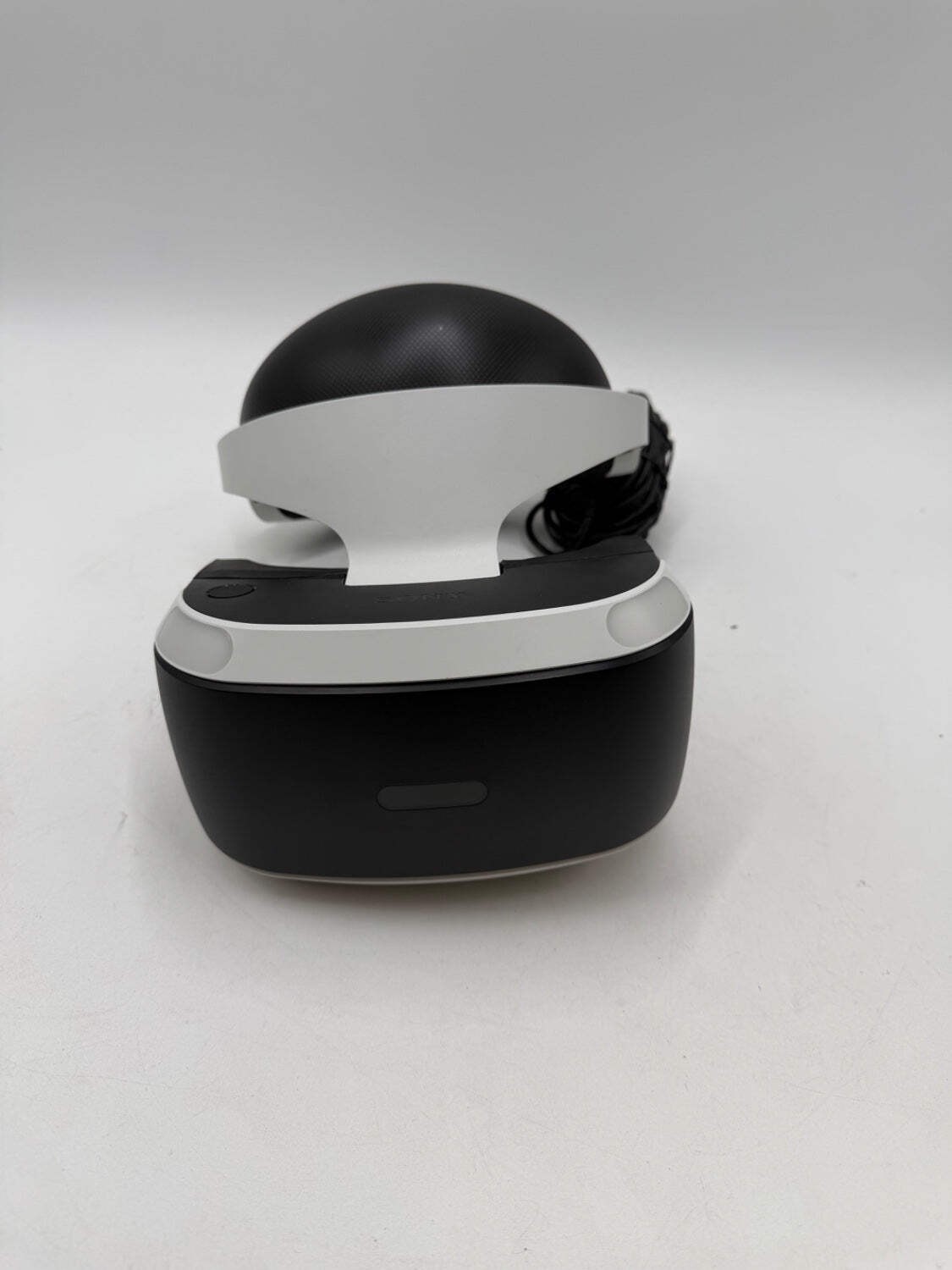 Sony PlayStation VR Virtual Reality VR Headset White CU H-ZVR2$37.99View on eBay
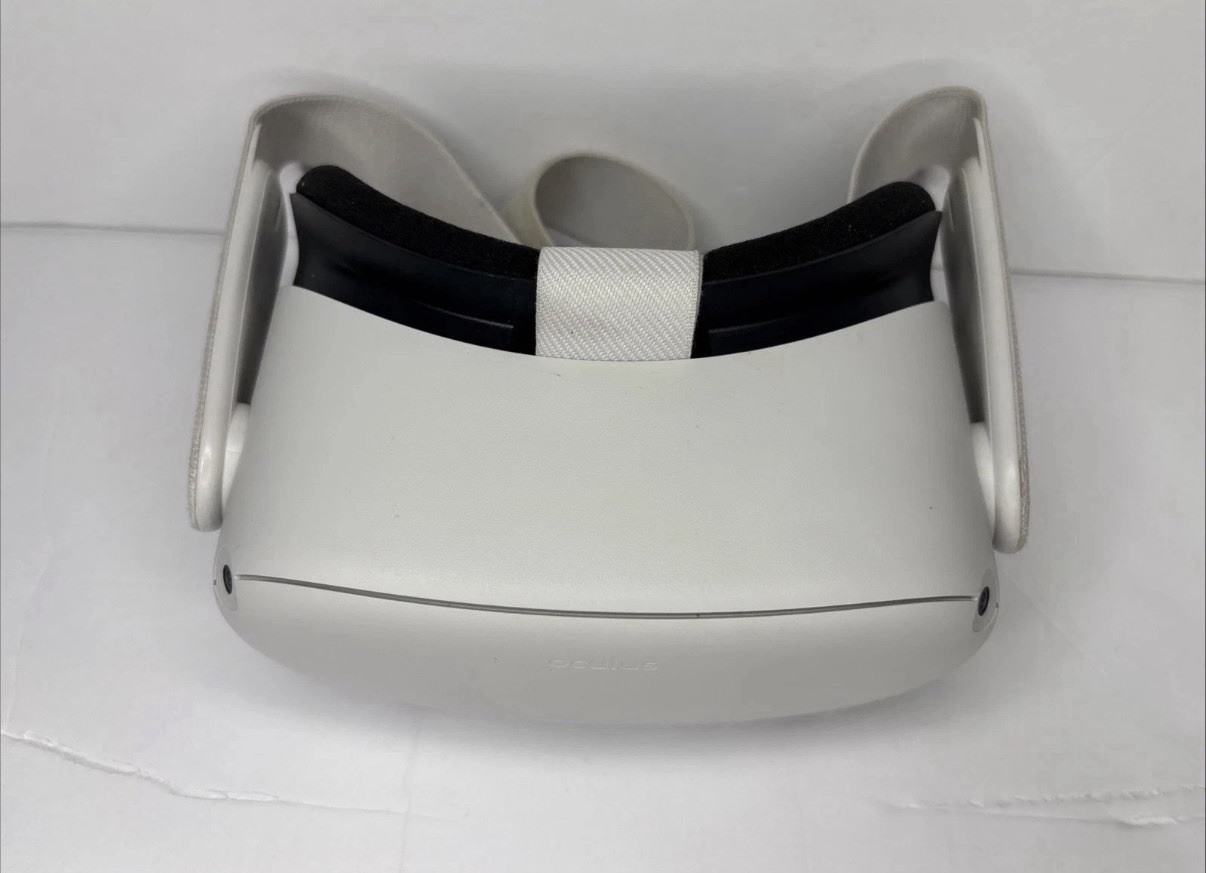 Meta Oculus Quest 2 128 GB Virtual Reality Headset Tested Works$45.99View on eBay
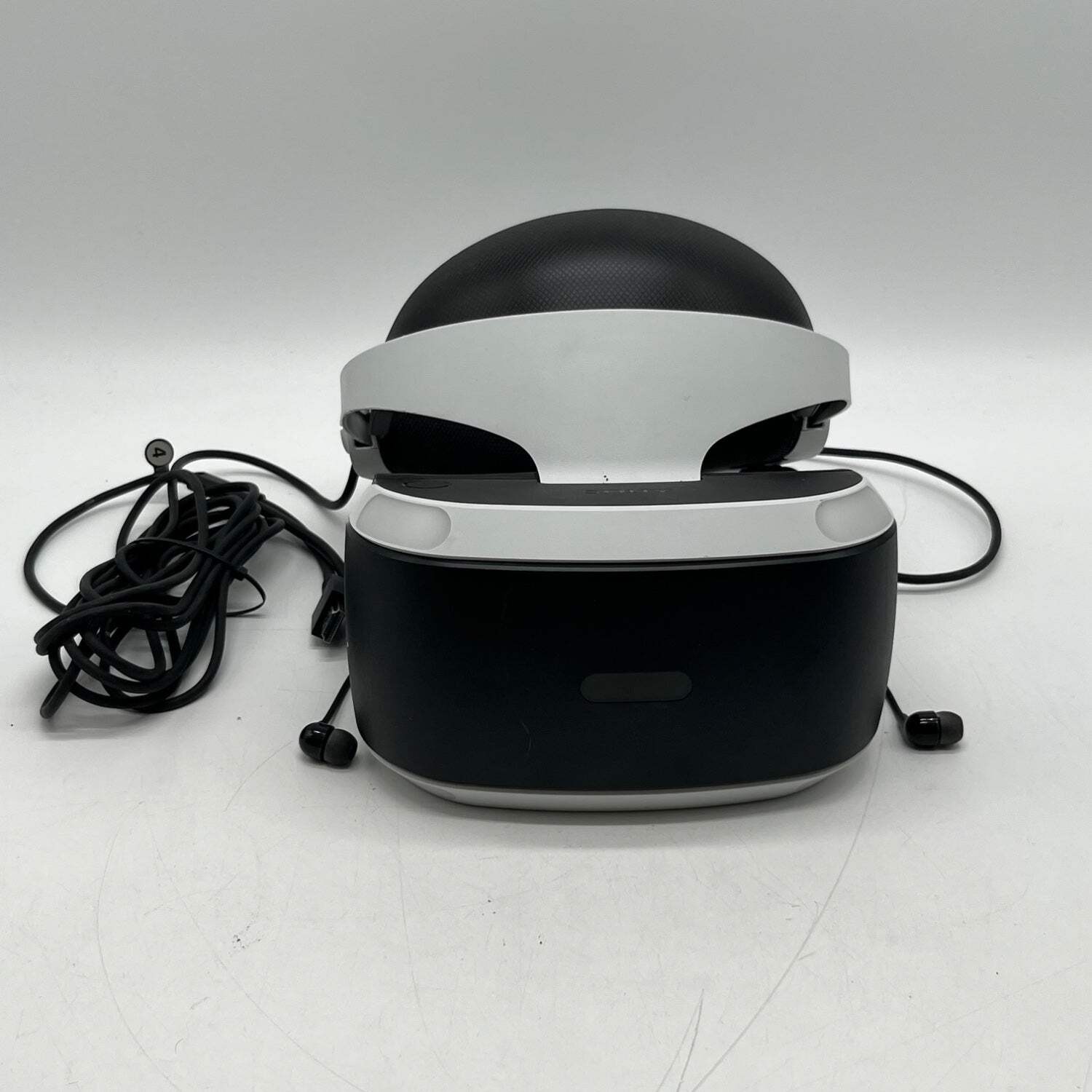 Sony PlayStation 4 PS4 Virtual Reality VR Headset Black CUH-ZVR2$49.99View on eBay
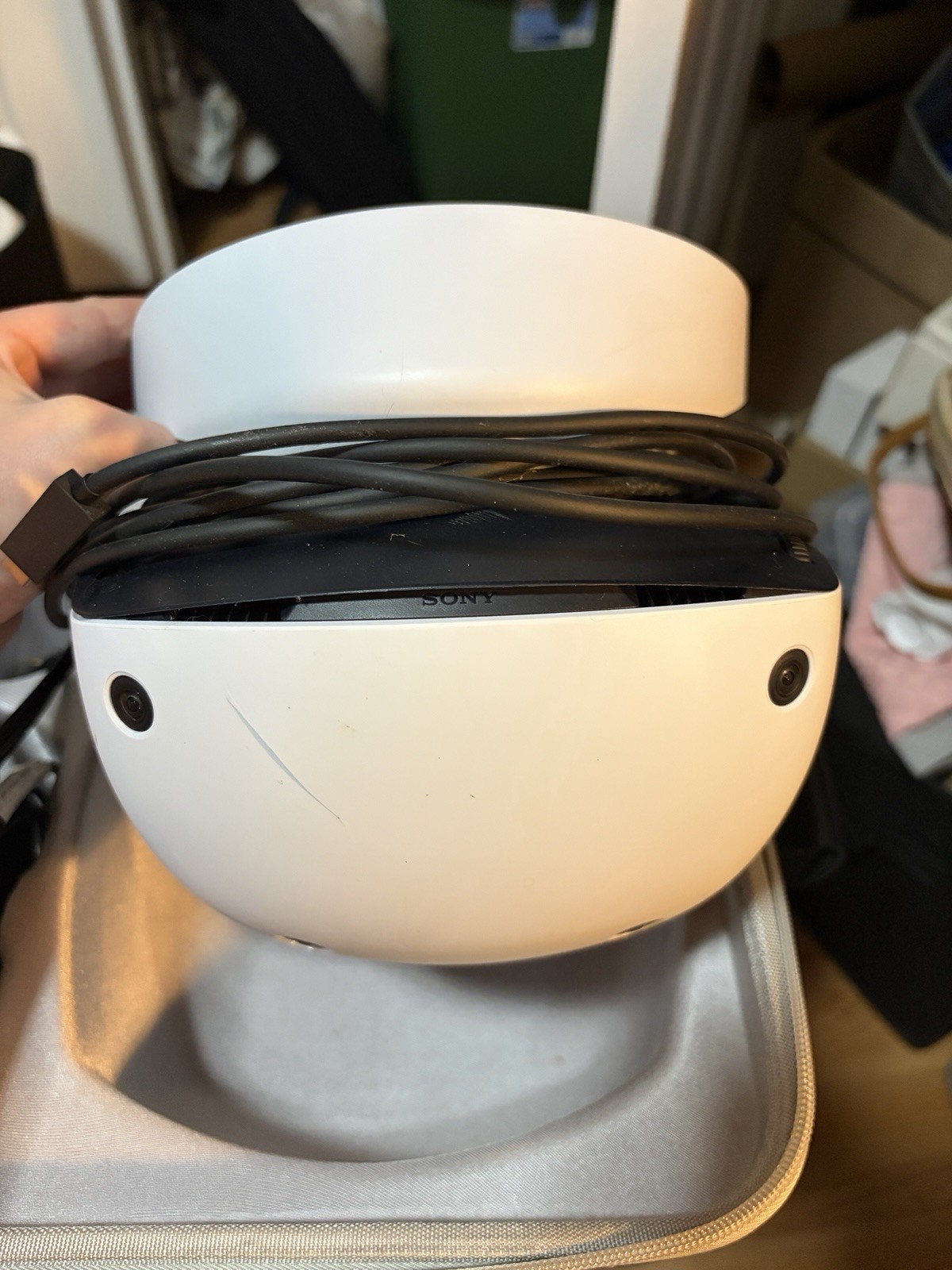 Sony PlayStation VR2 Virtual Reality Headset for PS5 And Wireless Charger$99.00View on eBay
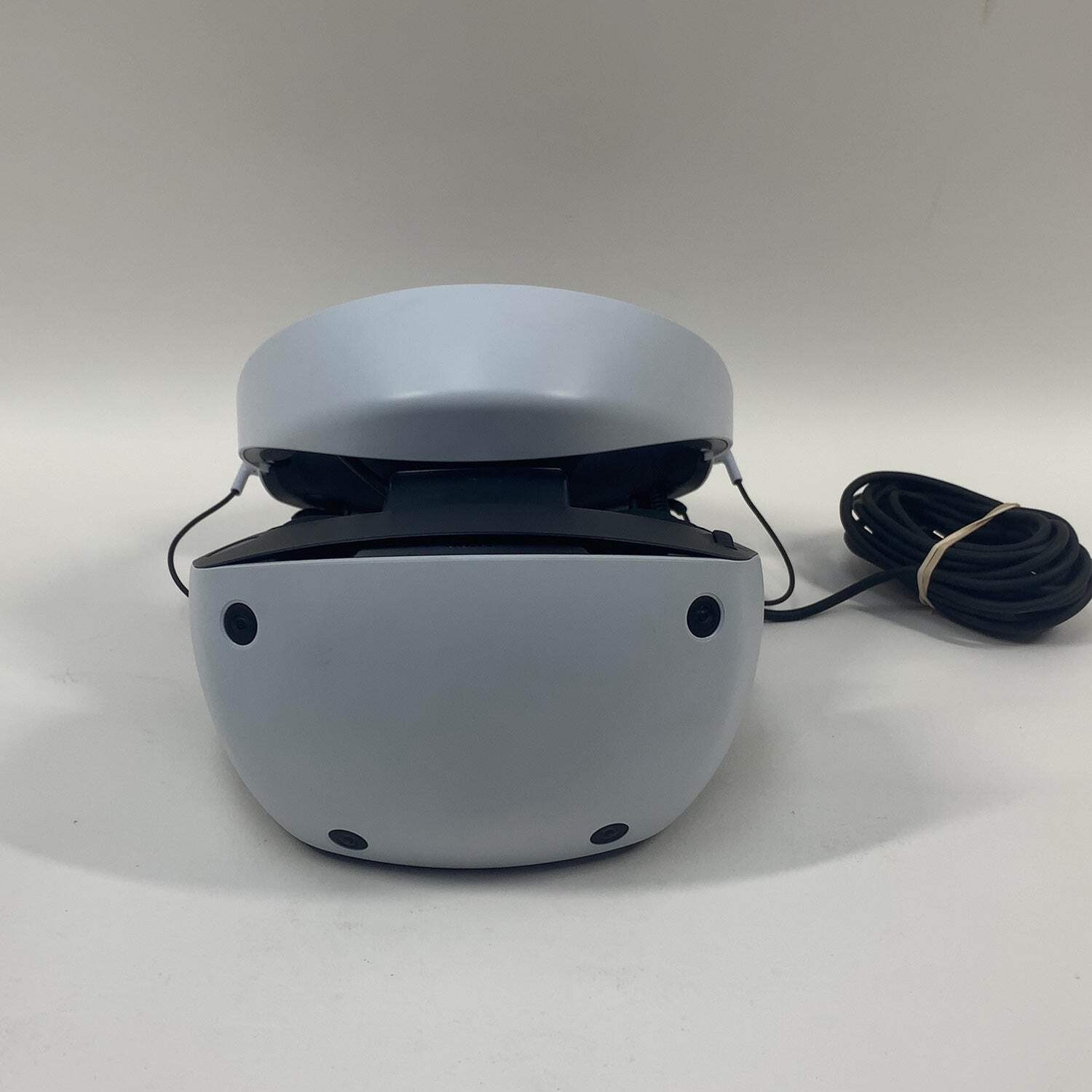 Sony PlayStation 5 PS5 Virtual Reality VR Headset White CFI-ZVR$149.99View on eBay
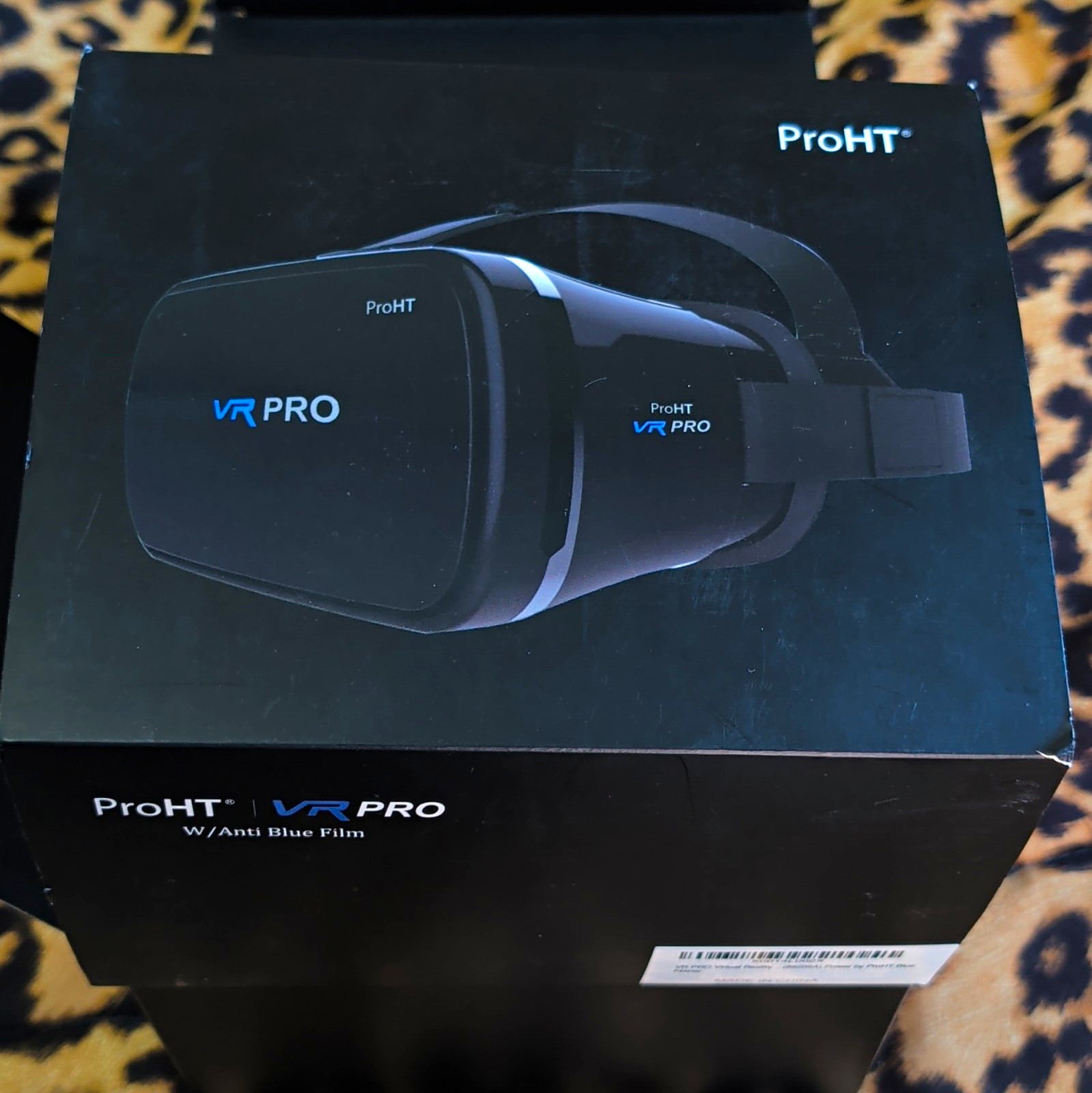 ProHT VR PRO Standalone Virtual Reality Headset, Black, MPN X0014L002X$250.00Open box · Last checked Nov 22, 2026View on eBay
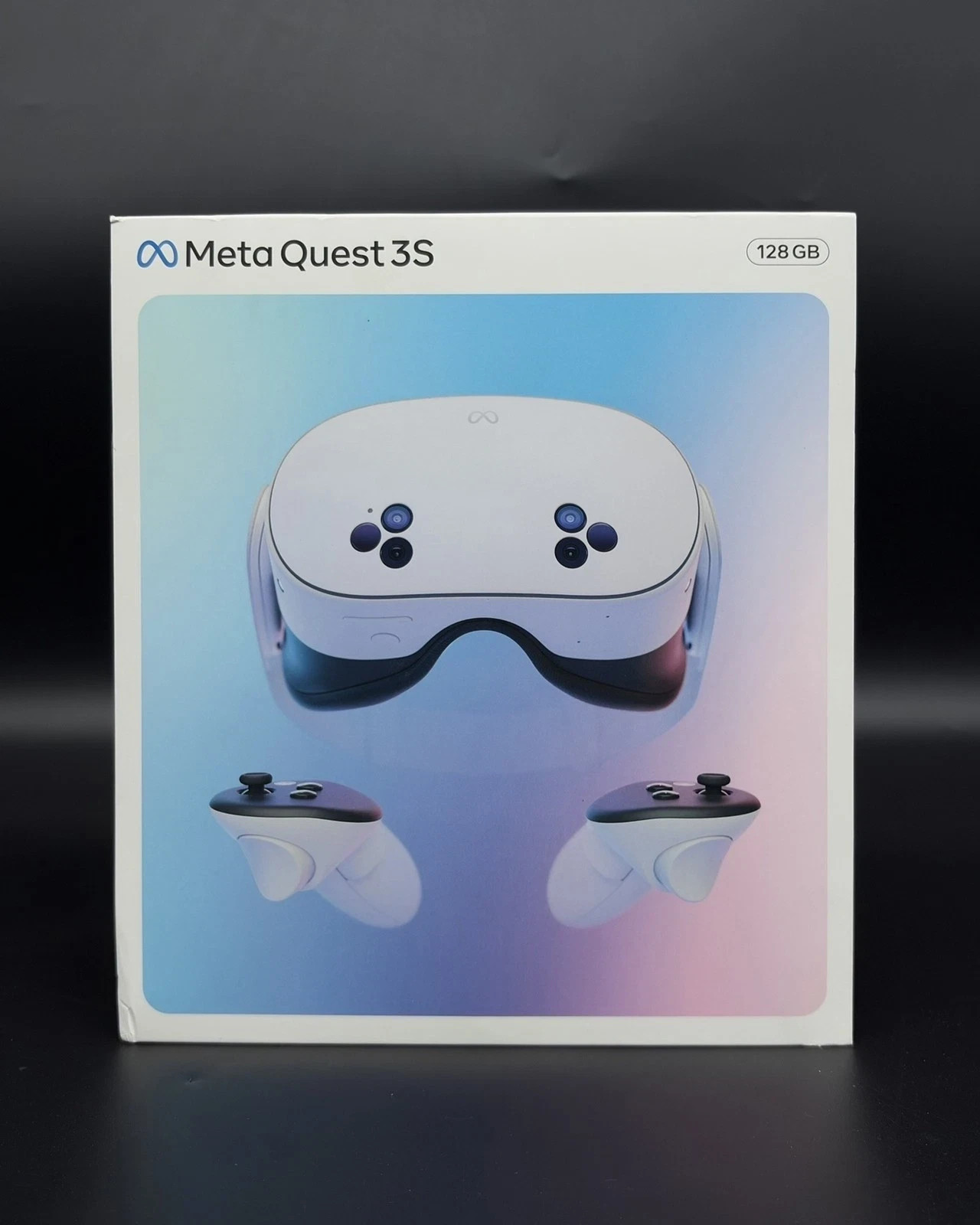 BRAND NEW Meta Quest 3S 128GB | Virtual Reality — VR Headset — Includes GOLF+$265.00New · Last checked Nov 22, 2026View on eBay
Highlights
- Standalone headsets (Quest 2/3, Pico) run Android-based XR2 chipsets with inside-out camera tracking, no PC or console required, and 64-512 GB internal storage tiers.
- Tethered console headsets (PSVR2 via USB-C, PSVR via HDMI breakout box) offload rendering to the console, delivering higher sustained frame rates and haptics like headset rumble and adaptive triggers.
- Tracking architecture separates generations: PSVR1 uses external camera and light-based Move controllers; PSVR2 and Quest use inside-out SLAM cameras with no external sensors.
- Display and lens tiers matter: PSVR2 offers 2000x2040 per-eye OLED with 110-degree FOV, while Quest 2 uses 1832x1920 per-eye LCD; OLED gives true blacks but LCD reduces screen-door effect at similar resolution.
Best use cases
- Own a PS5 and want premium fidelity: pick PSVR2 (CFI-ZVR1) with USB-C tether and Sense controllers; skip PSVR1, which only works on PS4 and needs the camera and breakout box.
- Want cable-free room-scale and no console: pick a standalone Quest 2 or Quest 3 with inside-out tracking; skip tethered PC-only headsets unless you own a VR-ready GPU.
- Own a Nintendo Switch and expect VR: skip dedicated VR headsets entirely; Switch has no VR output, so only Labo VR cardboard-style kits apply, and those are not full 6DoF systems.
- Building a PC VR setup on a budget: pick a used Oculus Rift CV1 only if you accept external sensor setup and discontinued software support; otherwise a Quest headset with Link cable is the modern path.
Buying tips
- Match the headset to your platform port: PSVR2 requires a PS5 USB-C port and will not work on PS4; PSVR1 requires PS4 camera and breakout box and is not PS5-native for most titles.
- Check controller inclusion before buying used: Move controllers, Sense controllers, and Touch controllers are sold separately and cost a large fraction of the headset, so a headset-only listing is a false economy.
- Verify storage tier on standalone headsets: 64 GB Quest 2 fills after a handful of AAA titles, so 128 GB or higher is the practical floor for multi-game libraries.
- Confirm IPD adjustment: Quest 2 offers three fixed lens spacing settings, PSVR2 uses a dial for continuous adjustment, and Rift CV1 uses a slider; mismatched IPD causes blur and eye strain.
Specs
| Architecture | Standalone vs Tethered |
|---|---|
| Tracking | Inside-out SLAM vs External camera |
| Platform | PS5 / PS4 / PC / Standalone |
| Display | OLED vs LCD, ~2K per eye |
Related searches
What to check before buying
- Measure your play space: standalone inside-out tracking needs roughly 2x2 meters for room-scale, while seated PSVR2 needs about 1x1 meter and a clear line to the TV.
- Confirm your console generation and port: PS5 for PSVR2 (USB-C), PS4 for PSVR1 (HDMI plus camera), and a VR-ready PC with DisplayPort or USB-C for PC headsets.
- Check your plug standard: PSVR2 and Quest ship with regional power adapters and USB-C cables; used PSVR1 kits often lack the camera, breakout box, or Move controllers.
- Verify companion parts: PSVR2 needs the Sense controller charging cable or dock, Quest needs a Link cable for PC streaming, and Rift CV1 needs external sensors and a USB 3.0 host controller.
FAQ
Data sources: eBay / Amazon listings and product attribute feeds. Updated Nov 28, 2026.
Some links on this page are affiliate links. If you buy after clicking one, we may earn a commission at no extra cost to you. This does not change which products appear here or their order. Affiliate disclosure.