
Photos from current listings. Actual item, color, and included accessories may vary.
Replacement Oculus Quest 2 Controller Buying Guide
Replacement Oculus Quest 2 controllers are the Touch controllers (left/right, each with a tracking ring and thumbstick) that restore full 6DoF hand tracking when an original is lost, damaged, or drifting. The core trade-off is between genuine Meta parts with guaranteed firmware/button mapping and third-party alternatives that may save cost but risk pairing failures or missing haptics. Buy a genuine or explicitly firmware-compatible model for seamless pairing; skip any listing that cannot confirm Quest 2 compatibility and version, because the controller is a paired radio device, not a generic gamepad.
Median $93.43
Key takeaways
- Genuine Meta Touch controllers for Quest 2 use IR tracking rings and pair via Bluetooth to the headset; third-party clones often lack full haptic feedback or correct button mapping.
- Quest 2 controllers are not interchangeable with Quest 3 or Quest Pro controllers — the tracking ring shape and radio firmware differ, so verify the exact headset generation.
- Replacement units ship as left or right only; buying a single side is common, but confirm the listing states L or R because the thumbstick and button layout are mirrored.
At a glance
- Category
- VR Gaming Hardware & Accessories
- Last updated
- Nov 27, 2026
Current offers
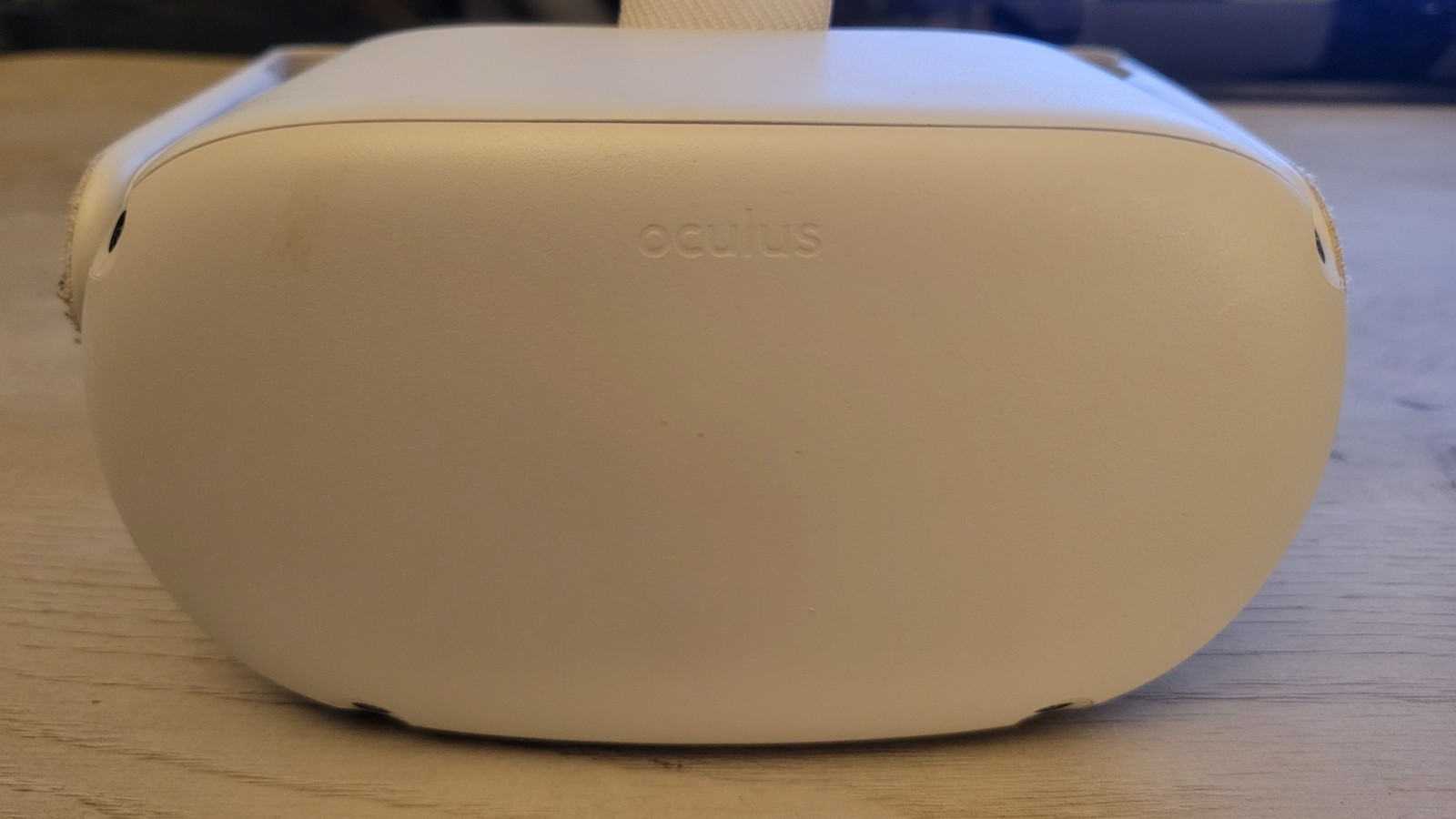 Meta Oculus Quest 2 128GB Standalone VR Headset Only No Controllers Tested$45.00View on eBay
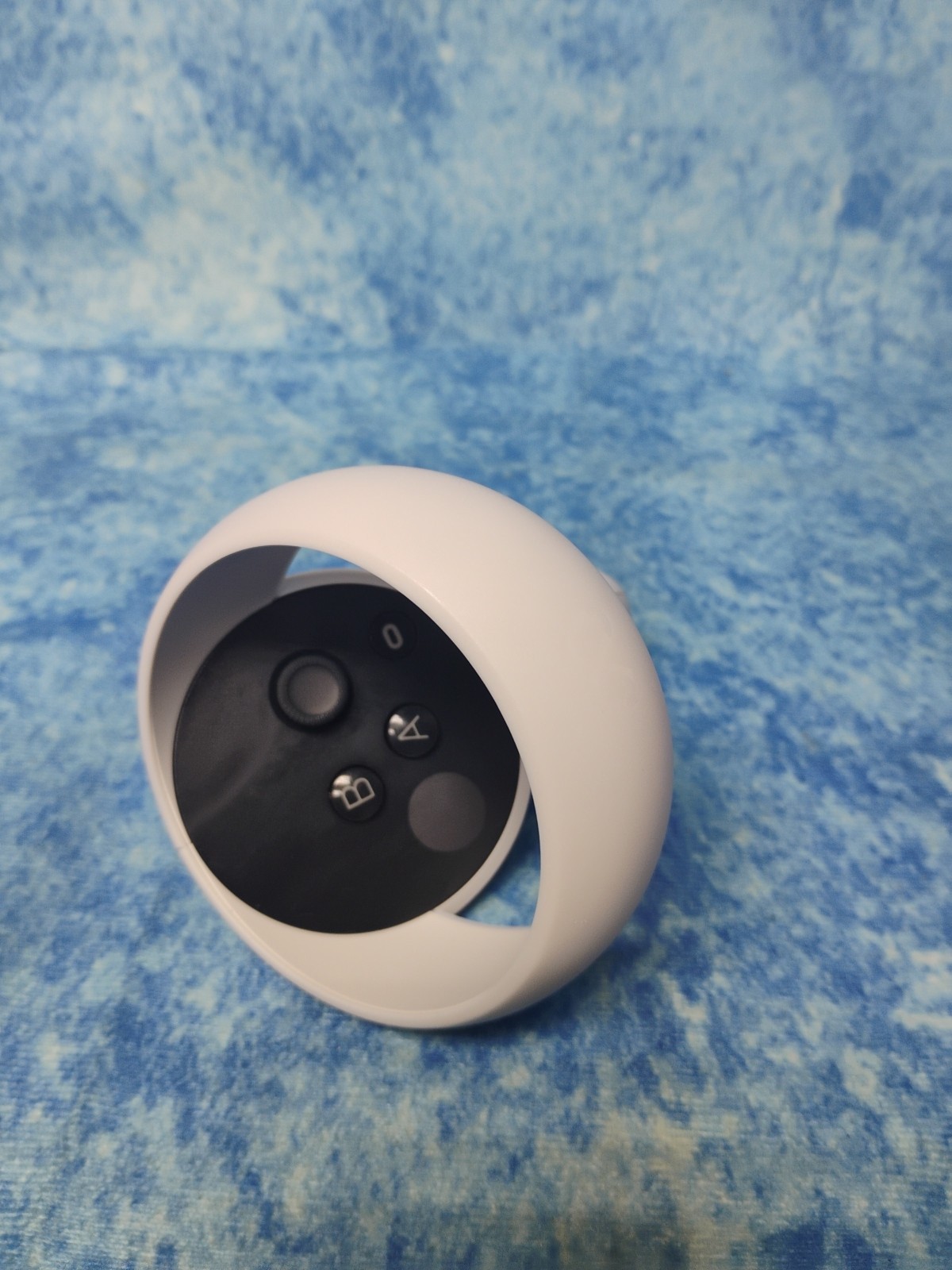 Meta Oculus Quest 2 JD96CX Controller RIGHT Hand Only$60.00View on eBay
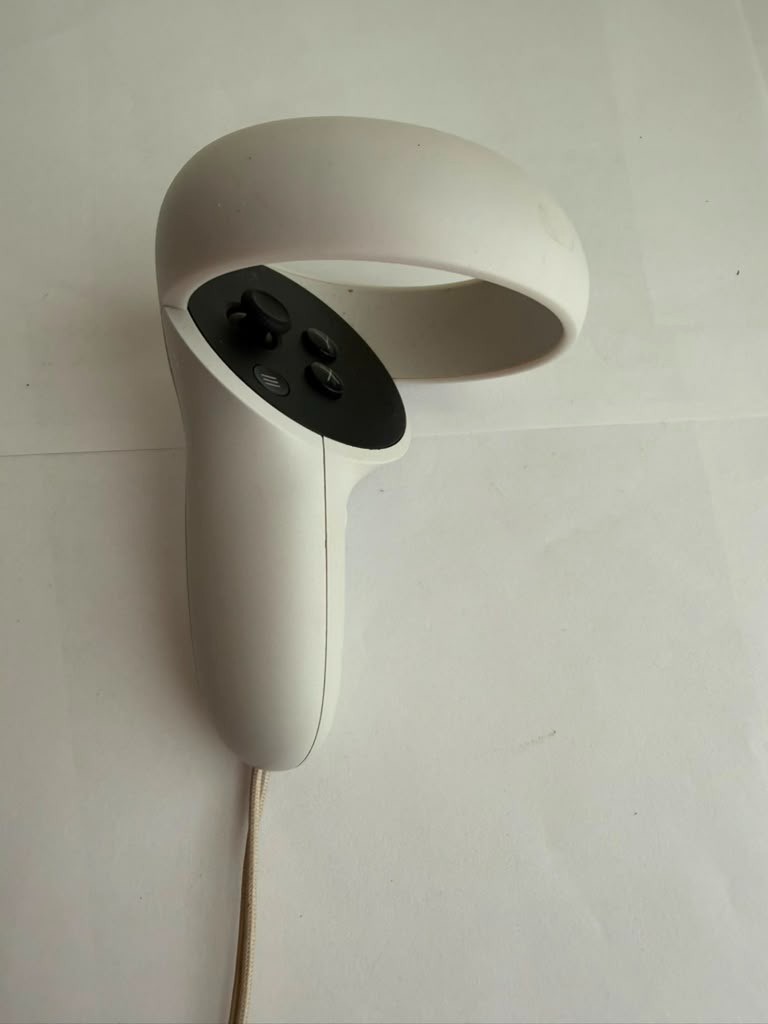 Genuine Meta Oculus Quest 2 VR LEFT Touch Controller ONLY Fully Functional$69.99View on eBay
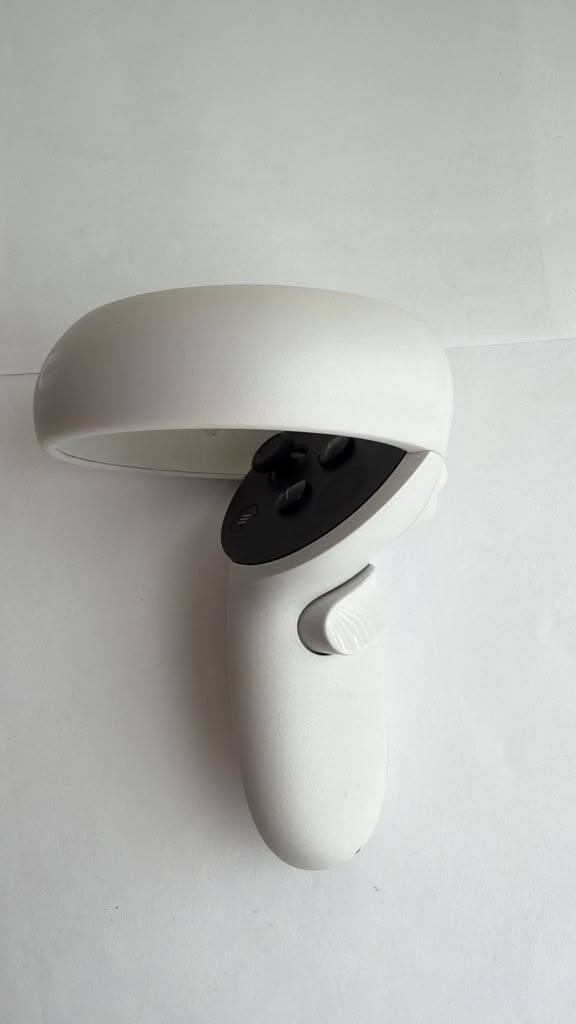 Genuine Original Meta Oculus Quest 2 VR RIGHT Touch Controller Only - Tested$74.99View on eBay
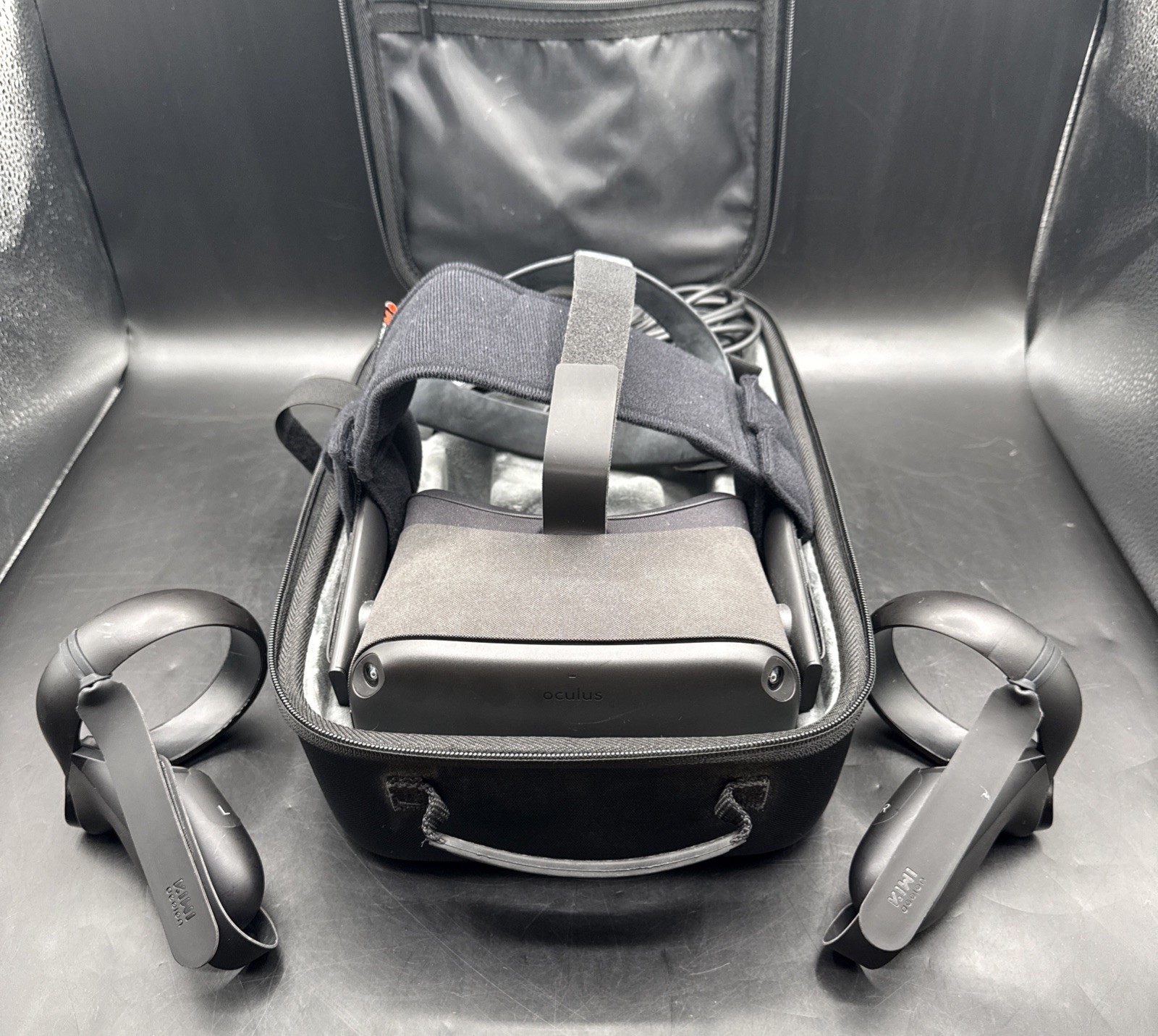 Meta Oculus Quest 1 All-in-one VR Gaming Headset 2 Controllers 64GB Black W/CASE$111.87View on eBay
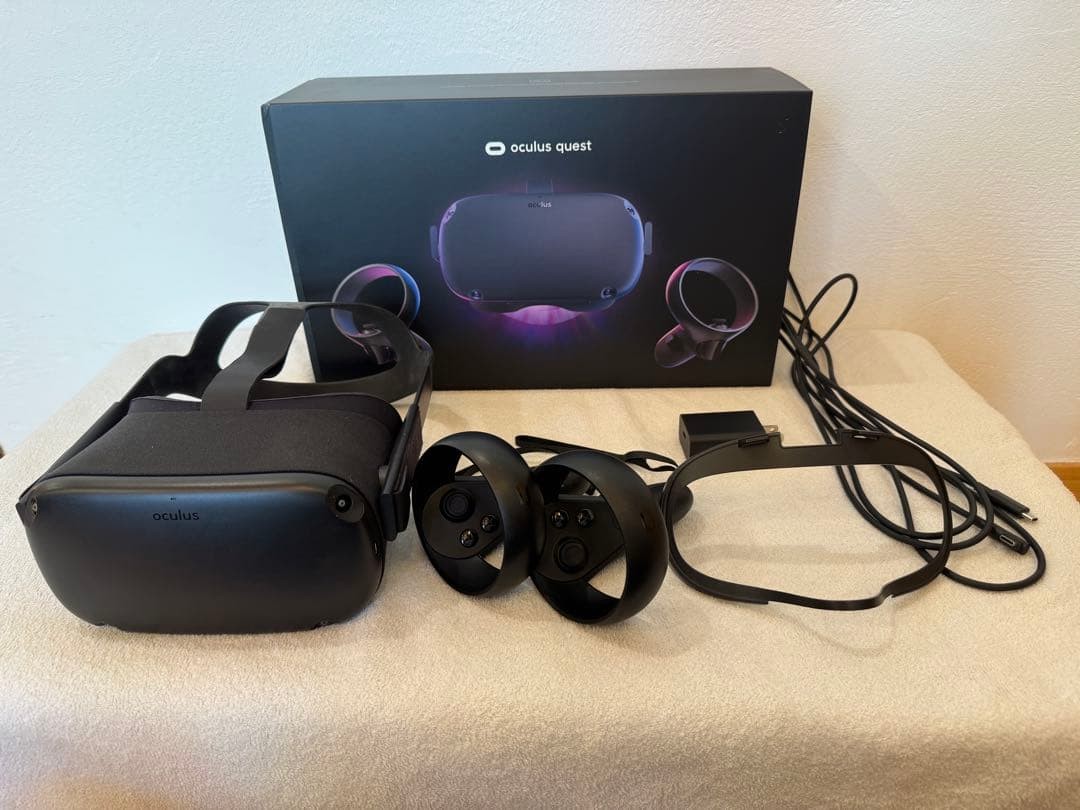 Meta Oculus Quest 1 All-in-one VR Gaming Headset 2 Controllers 64GB Black W/Box$137.97View on eBay
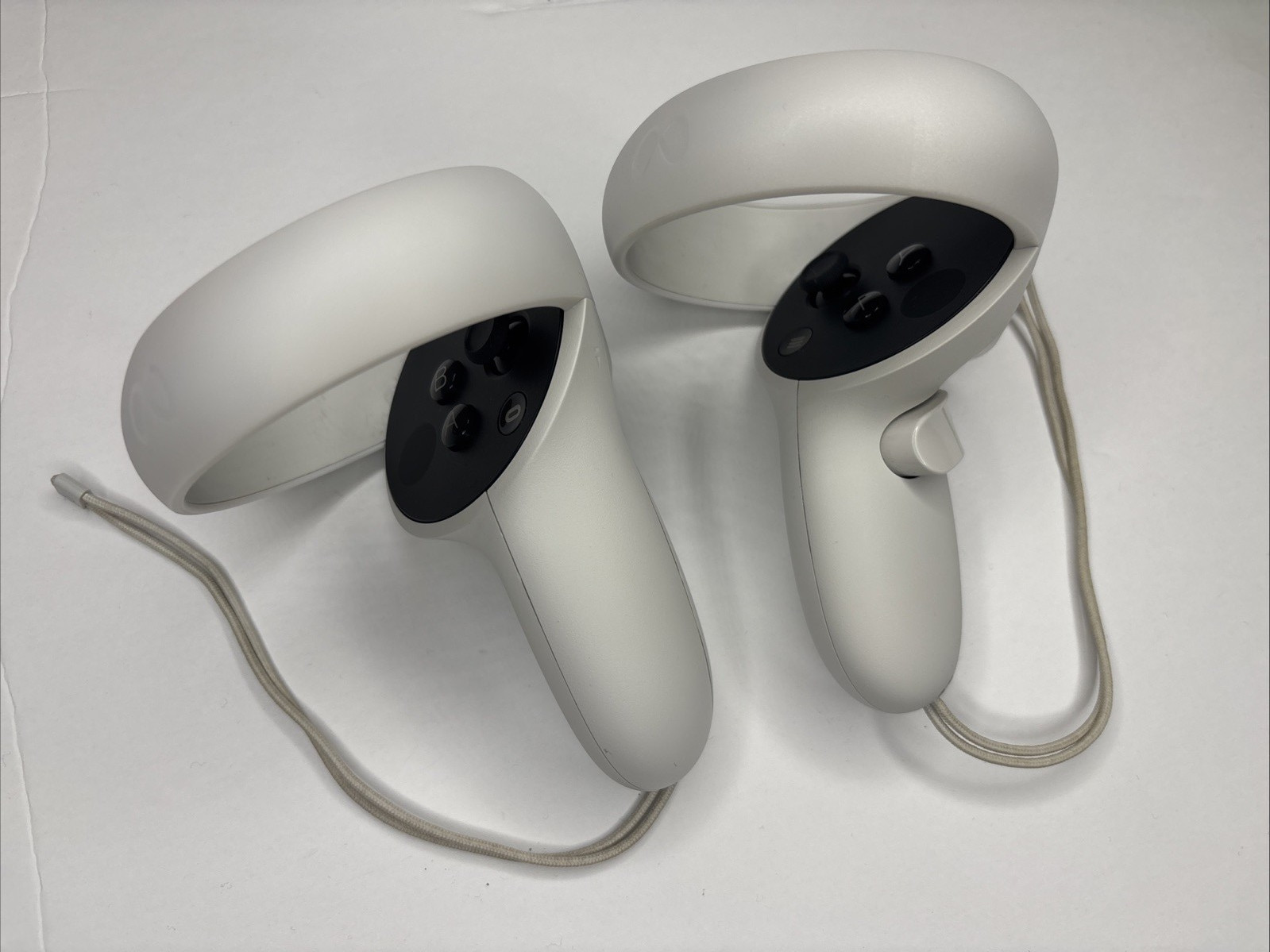 Meta Oculus Quest 2 VR LEFT AND RIGHT Controllers Only - Free Shipping$140.00View on eBay
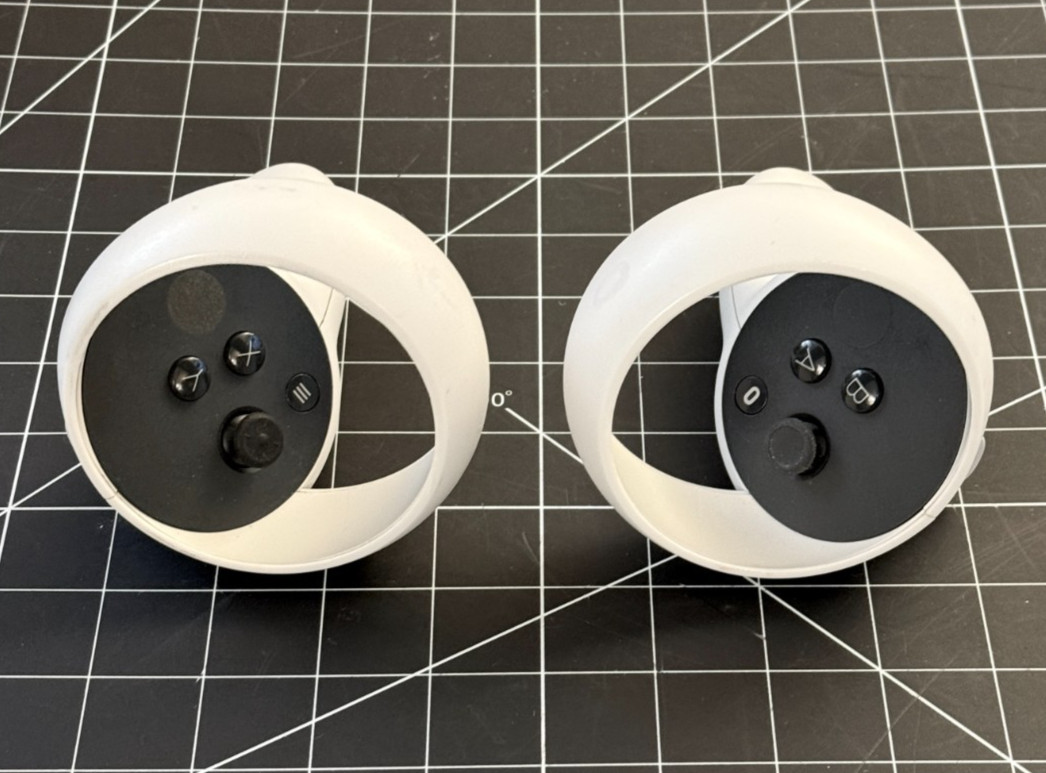 Genuine OEM Oculus Quest 2 Left + Right Controllers PAIR Working + Fully Tested$148.50View on eBay
Highlights
- Genuine Meta Touch controllers for Quest 2 use IR tracking rings and pair via Bluetooth to the headset; third-party clones often lack full haptic feedback or correct button mapping.
- Quest 2 controllers are not interchangeable with Quest 3 or Quest Pro controllers — the tracking ring shape and radio firmware differ, so verify the exact headset generation.
- Replacement units ship as left or right only; buying a single side is common, but confirm the listing states L or R because the thumbstick and button layout are mirrored.
- Battery type matters: Quest 2 controllers use one AA battery per controller (not rechargeable internal cells), so replacement must match the AA compartment and spring contact design.
Best use cases
- Best fit: one controller lost or broken while the other works — buy a single left or right genuine Touch controller, not a pair, and keep the working original.
- Best fit: thumbstick drift on one side — replace that side only; drift is a wear issue in the analog module, not a headset problem, so a new controller resolves it.
- Wrong fit: buying a 'Quest 2 controller' that is actually a Quest 3 or Quest Pro unit — the headset will not recognize it; skip any listing that does not name Quest 2 explicitly.
- Wrong fit: pairing a third-party clone for competitive Beat Saber or precision shooters — inconsistent tracking latency and missing haptics degrade timing; use genuine for rhythm and aim-critical play.
Buying tips
- Match the exact side: left controller has the thumbstick on the left of the face buttons; right is mirrored — ordering the wrong side is the most common return reason.
- Confirm the battery door and AA spring layout: genuine Quest 2 controllers take one AA per side; listings showing built-in USB-C charging are not Quest 2 units.
- Check firmware pairing: genuine controllers pair automatically via the Meta Quest mobile app; third-party units may require a dongle or manual Bluetooth step that Quest 2 does not support.
- Inspect the tracking ring: a cracked or cloudy IR ring degrades 6DoF tracking even if buttons work; replacement units should show a clear, uncracked ring in photos.
Specs
| Headset Compatibility | Quest 2 only (not Quest 3/Pro) |
|---|---|
| Controller Side | Left or Right (sold separately) |
| Battery Type | 1x AA per controller |
| Tracking | 6DoF IR ring, Bluetooth pairing |
Related searches
What to check before buying
- Identify which side failed (left or right) by testing each controller separately in the headset's controller diagnostic screen before ordering.
- Confirm your headset is Quest 2 (not Quest 1, Quest 3, or Quest Pro) — the model number on the headset arm and the controller ring shape are the quickest tells.
- Verify the replacement includes the wrist strap and battery door, since these small parts are often missing from bare-controller listings and are not sold separately in all regions.
- Check that your region's Meta app supports controller pairing (it does globally), and have the headset charged and nearby before the replacement arrives.
FAQ
Data sources: eBay / Amazon listings and product attribute feeds. Updated Nov 27, 2026.
Some links on this page are affiliate links. If you buy after clicking one, we may earn a commission at no extra cost to you. This does not change which products appear here or their order. Affiliate disclosure.