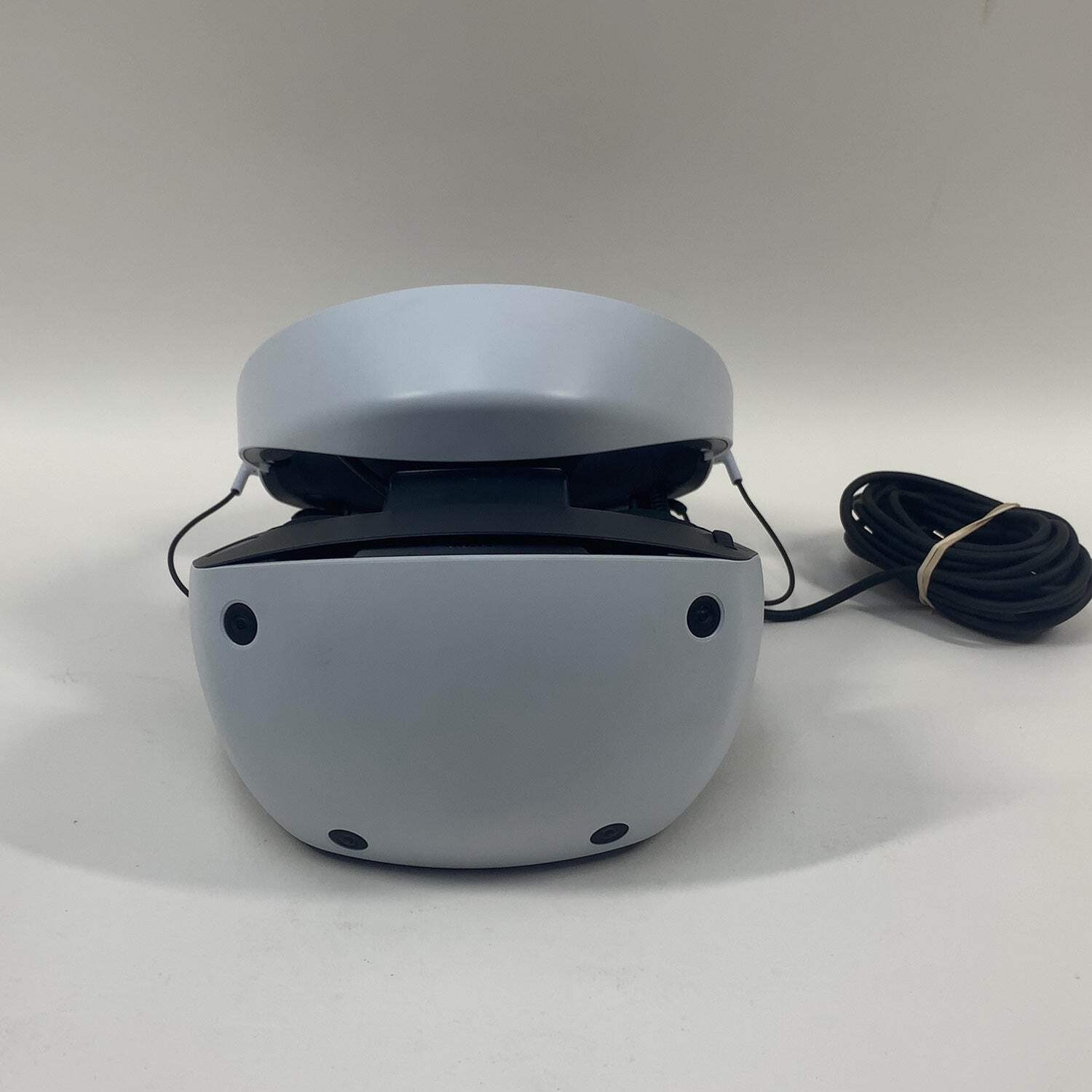

Photos from current listings. Actual item, color, and included accessories may vary.
PS5 With VR Headset Buying Guide
A PS5 with VR headset bundle pairs Sony's console with the PlayStation VR2, a tethered headset requiring a wired USB-C connection and the PS5's processing power. The key trade-off is between the PSVR2's high-spec display and eye tracking versus the older PSVR1's camera-based tracking, which is incompatible with most PS5 VR titles. Buy the PSVR2 for native PS5 VR; skip any original PSVR1 bundle unless you only play legacy PS4 VR games.
Key takeaways
- PSVR2 uses inside-out tracking via four embedded cameras and requires no external PlayStation Camera, unlike PSVR1's visible-light tracking.
- The headset connects to the PS5 with a single USB-C cable; PSVR1 uses a breakout box and HDMI, and is not natively compatible with PS5 VR games.
- PSVR2 displays 2000x2040 pixels per eye on OLED panels with up to 120Hz refresh and eye tracking for foveated rendering.
At a glance
- Category
- VR Gaming Hardware & Accessories
- Last updated
- Nov 28, 2026
Current offers
Highlights
- PSVR2 uses inside-out tracking via four embedded cameras and requires no external PlayStation Camera, unlike PSVR1's visible-light tracking.
- The headset connects to the PS5 with a single USB-C cable; PSVR1 uses a breakout box and HDMI, and is not natively compatible with PS5 VR games.
- PSVR2 displays 2000x2040 pixels per eye on OLED panels with up to 120Hz refresh and eye tracking for foveated rendering.
- The PSVR2 Sense controllers include adaptive triggers and haptic feedback; PSVR1 uses PlayStation Move wands with no thumbsticks.
Best use cases
- Best fit: Buy a PS5 with PSVR2 bundle for native current-generation VR titles like Horizon Call of the Mountain and Resident Evil Village VR.
- Wrong fit: Skip original PSVR1 bundles if you plan to play PS5 VR exclusives; the PSVR1 works only with a limited set of backward-compatible PS4 VR games.
- Best fit: Choose the PSVR2 if you want room-scale tracking without a camera and a single-cable setup; pick it for seated or standing play in a 2m x 2m clear area.
- Wrong fit: Do not buy a PSVR1 for a PS5 Digital Edition unless you have the PlayStation Camera adapter; the PSVR1 requires the camera and breakout box.
Buying tips
- Match the headset model to the console generation: PSVR2 (CFI-ZVR1) is the only headset that plays native PS5 VR titles; PSVR1 (CUH-ZVR1/2) is for PS4-era VR only.
- Confirm the PS5 model has a USB-C port on the front; both the original PS5 and PS5 Slim do, but the PSVR2 cable is permanently attached to the headset.
- Check the included accessories: a complete PSVR2 set includes the headset, two Sense controllers, and a USB-C cable; used bundles missing controllers cannot play controller-based VR games.
- For PSVR1 bundles, verify inclusion of the PlayStation Camera and its PS5 adapter; the camera is required for tracking and the adapter is needed on PS5.
Specs
| Headset Generation | PSVR2 (USB-C) vs PSVR1 (HDMI box) |
|---|---|
| Tracking Method | Inside-out cameras vs external camera |
| Display Per Eye | 2000x2040 OLED vs 960x1080 OLED |
| Controller Type | Sense (haptics) vs Move wands |
Related searches
What to check before buying
- Measure your play area: PSVR2 requires a minimum 2m x 2m clear space for room-scale tracking, and seated play needs at least 1m of forward clearance.
- Verify your PS5 has a free USB-C port and is updated to the latest system software; PSVR2 requires a one-time setup with the included cable.
- Check the headset's interpupillary distance (IPD) range: PSVR2 adjusts from 58mm to 72mm; users outside this range may experience blur.
- Confirm your TV or monitor has an HDMI 2.1 port if you want 120Hz output from the PS5; PSVR2's own display runs at up to 120Hz independently.
FAQ
Data sources: eBay / Amazon listings and product attribute feeds. Updated Nov 28, 2026.
Some links on this page are affiliate links. If you buy after clicking one, we may earn a commission at no extra cost to you. This does not change which products appear here or their order. Affiliate disclosure.