
Photos from current listings. Actual item, color, and included accessories may vary.
PC VR Headset Buying Guide
PC VR headsets are tethered display-and-tracking systems that render from your graphics card, trading standalone freedom for higher fidelity and lower latency. The core trade-off is panel resolution and refresh rate versus tracking architecture (inside-out vs base-station) and the cable/connectivity tier your GPU can drive. Buy an inside-out DisplayPort/USB-C headset with tracked controllers if you want plug-and-play PC fidelity; skip aging or incomplete kits unless you are sourcing replacement parts deliberately.
Median $82.50 · Pre-owned listings
Key takeaways
- Inside-out tracking (Rift S, Quest Link, WMR) uses headset cameras and needs no external sensors; base-station systems (Valve Index, Vive) demand mounted lighthouses for room-scale accuracy.
- DisplayPort 1.2+ or USB-C Alt Mode carries the video signal; HDMI-only headsets cap at older panel bandwidth and often lack native 90 Hz+ refresh.
- Rift S runs 2560x1440 combined LCD at 80 Hz over DisplayPort 1.2 plus USB 3.0, with five onboard cameras for controller and head tracking.
At a glance
- Category
- VR Gaming Hardware & Accessories
- Last updated
- Nov 28, 2026
Current offers
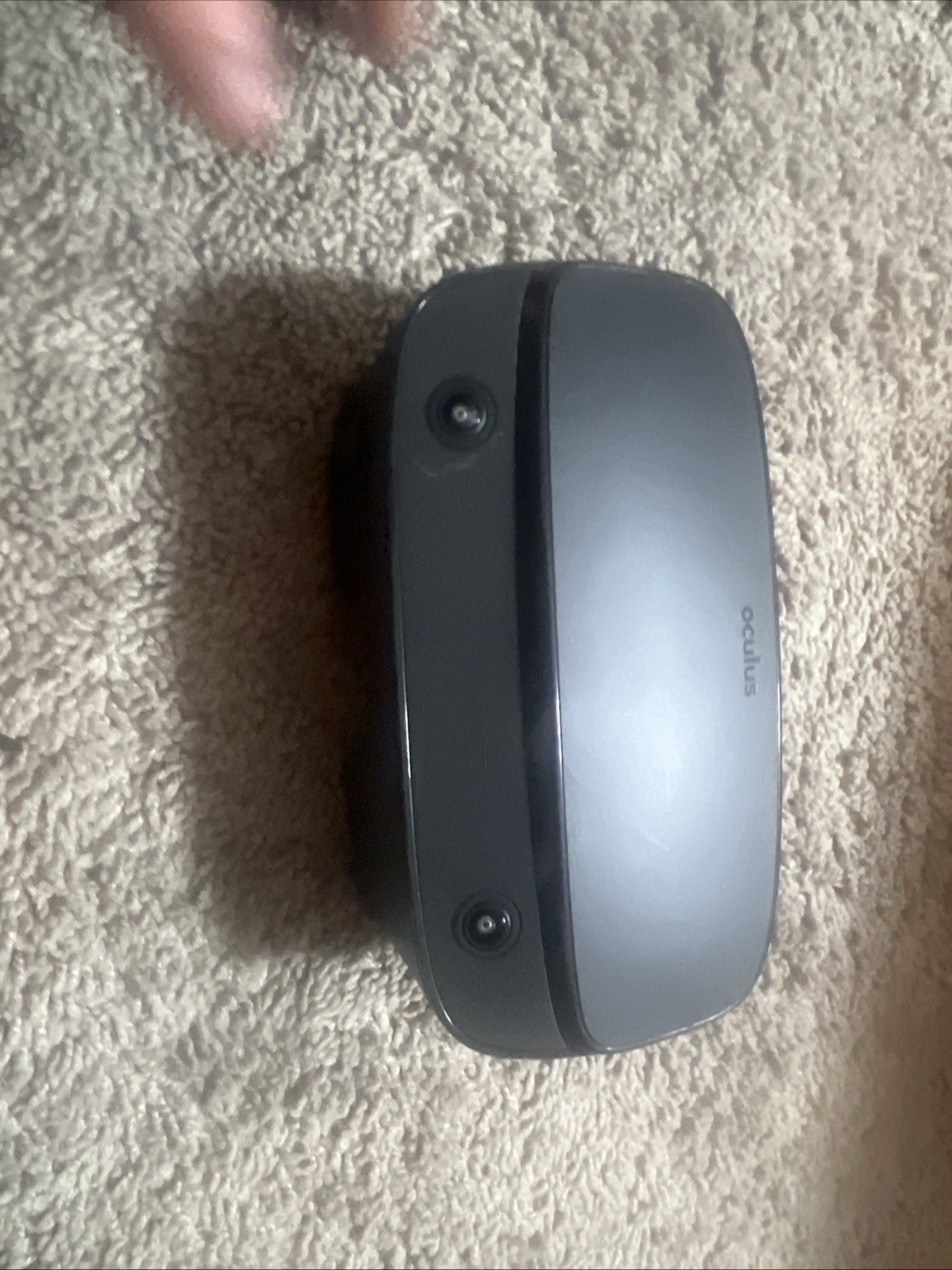 Oculus Rift S PC Powered VR Gaming Headset ONLY$8.99View on eBay
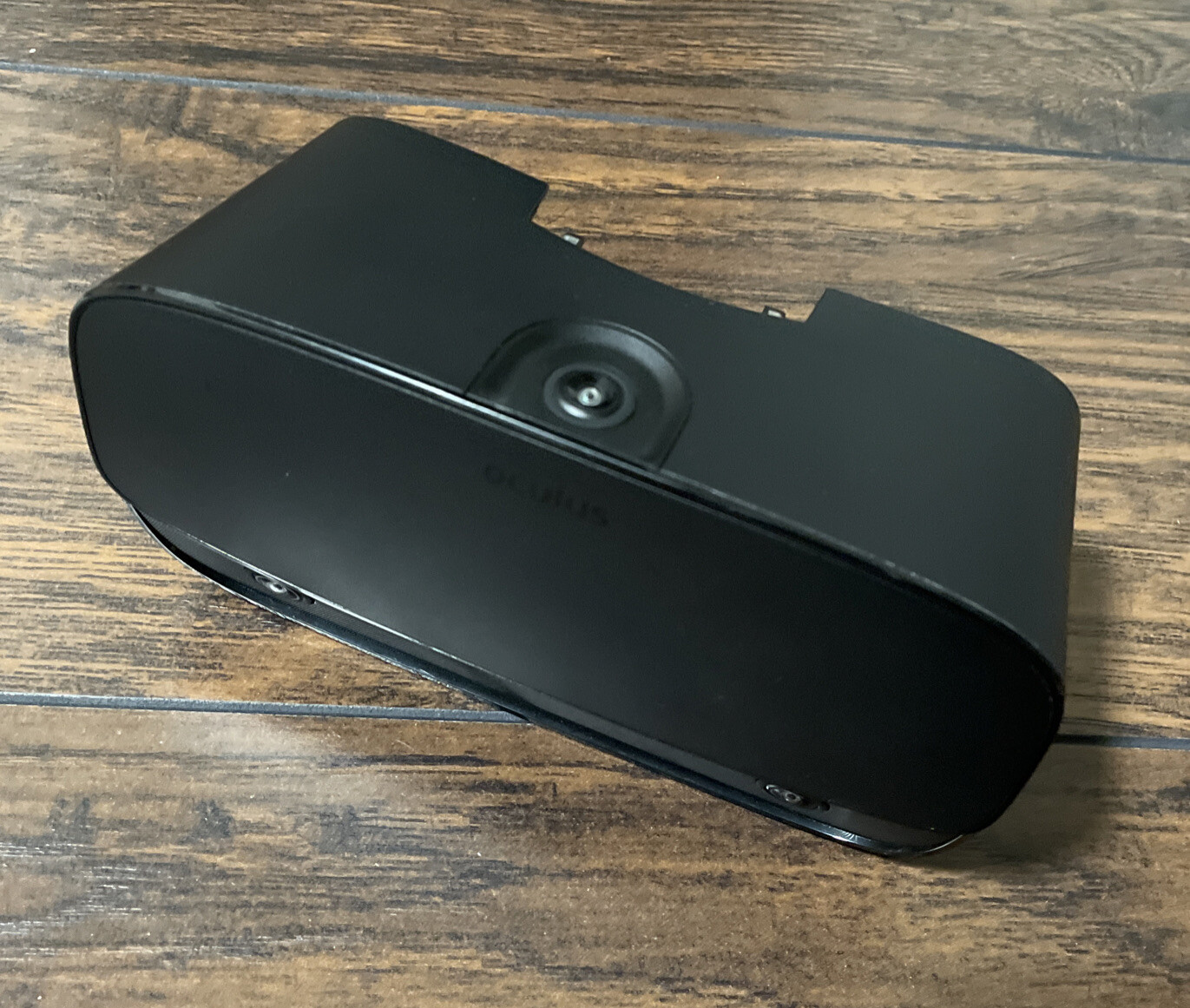 Oculus Rift S PC Powered VR Gaming Headset ONLY$11.95View on eBay
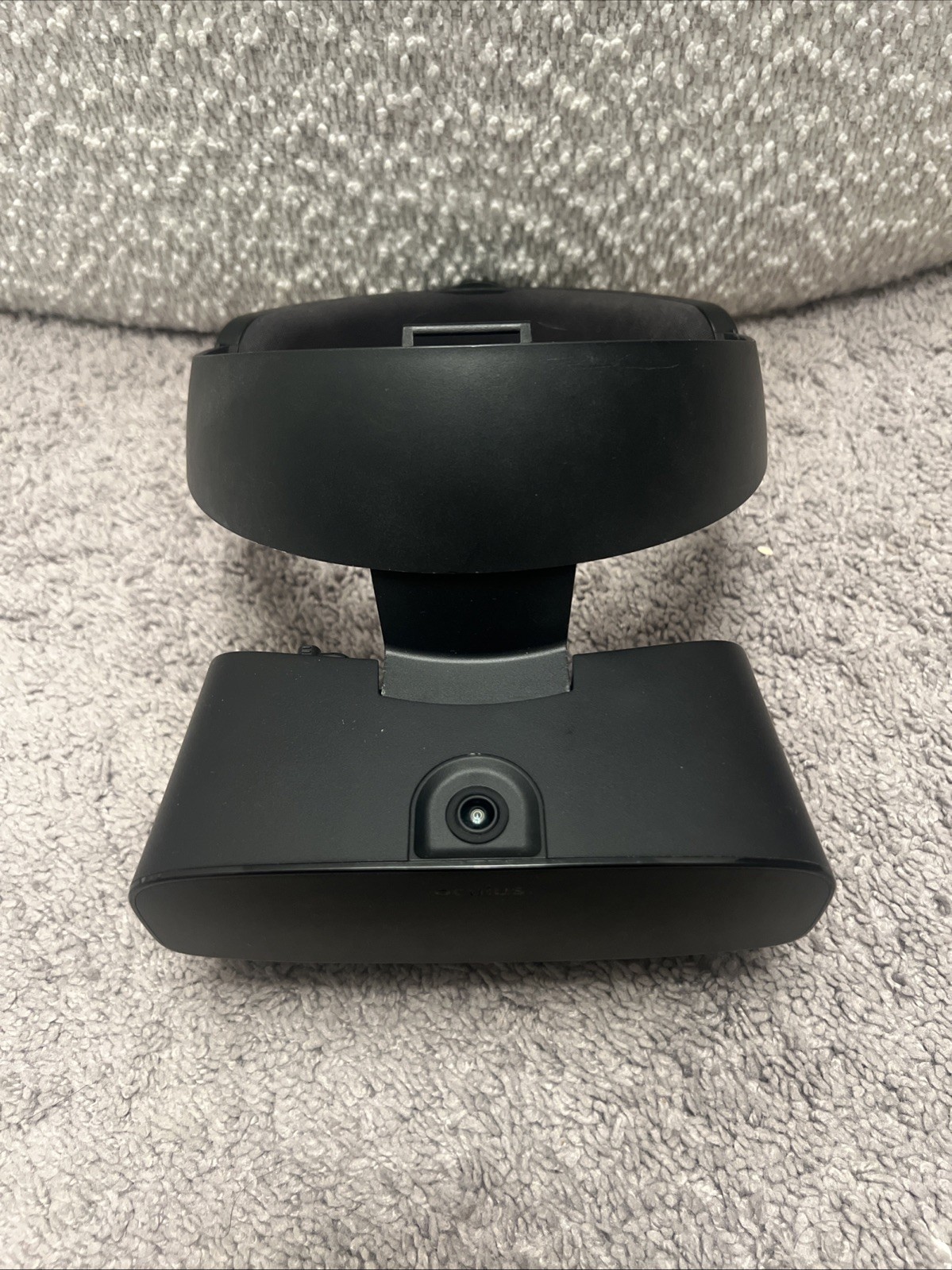 Oculus Rift S PC-Powered VR Gaming Headset ONLY Tested$13.99View on eBay
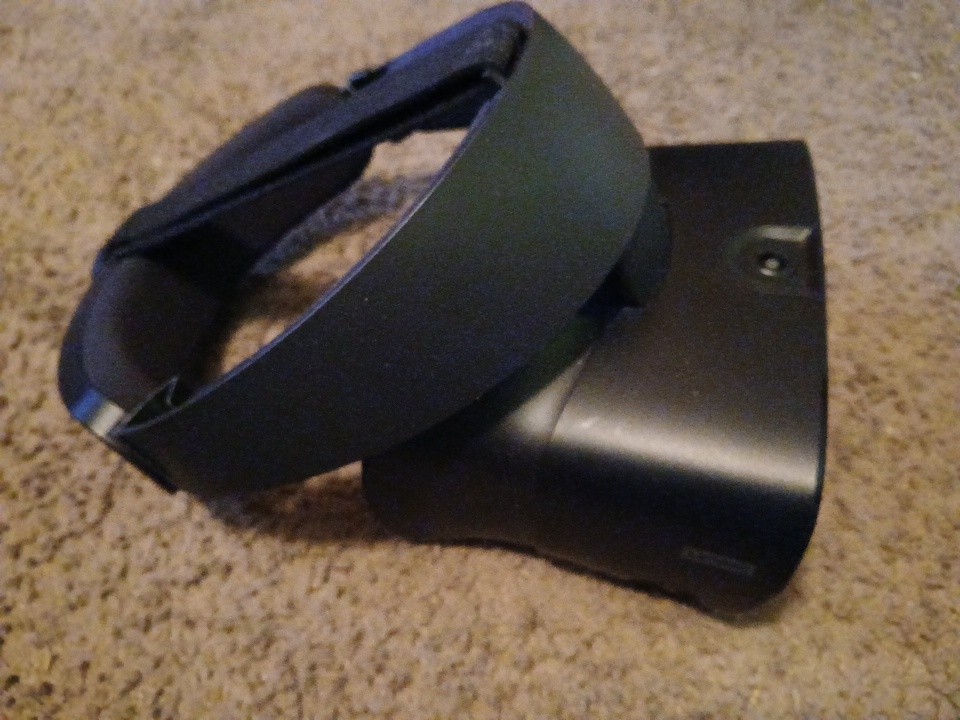 Oculus Rift S PC Powered VR Gaming Headset ONLY - No Controllers or Cables$28.99View on eBay
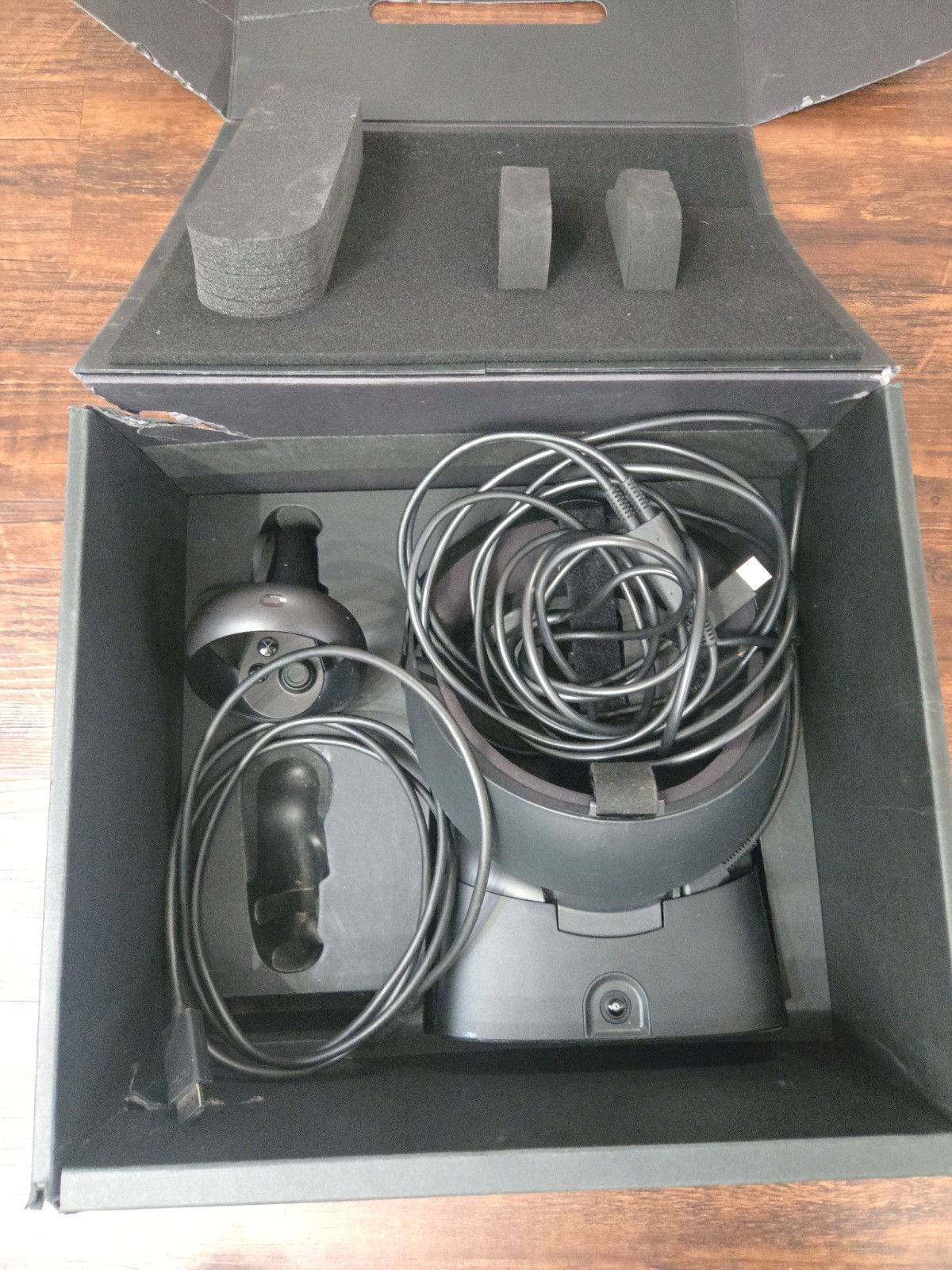 Oculus Rift S PC-Powered VR Gaming Headset - Black *1 Controller Preowned$68.88View on eBay
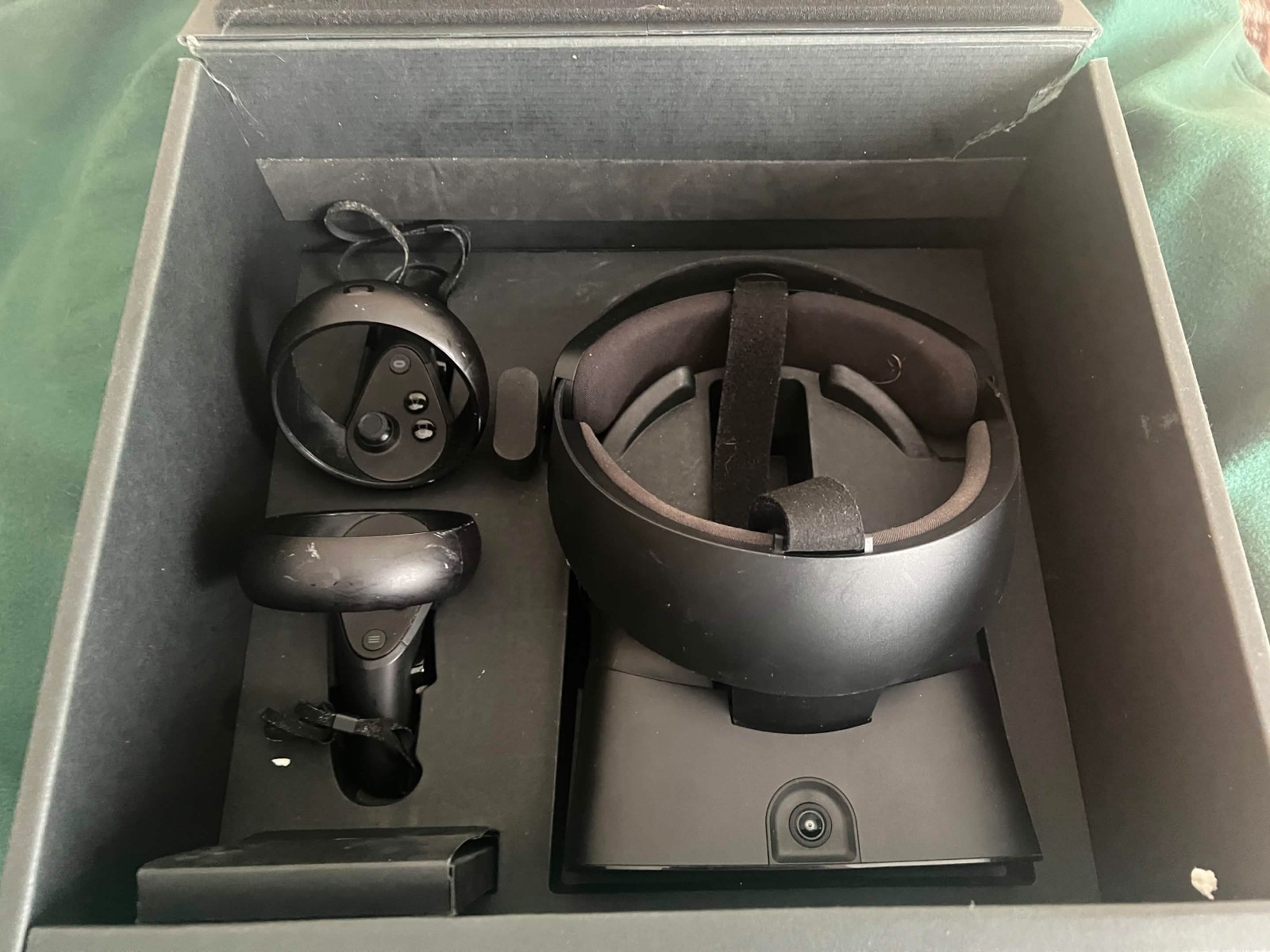 CABLE NOT INCLUDED Oculus Rift S PC-Powered VR Gaming Headset - Black$80.00View on eBay
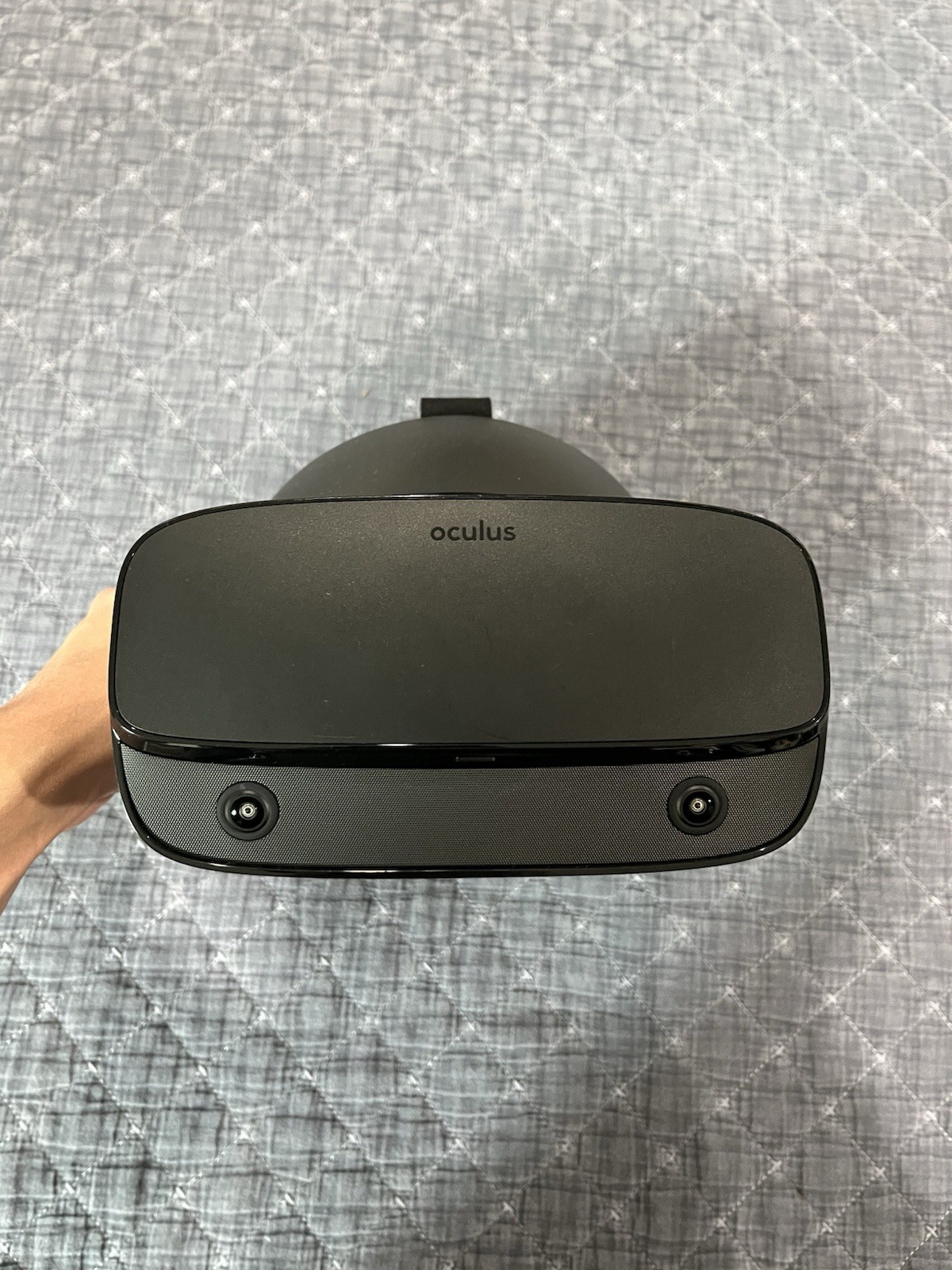 Oculus Rift S PC-Powered VR Gaming Headset - Black - *MESSAGE*$85.00View on eBay
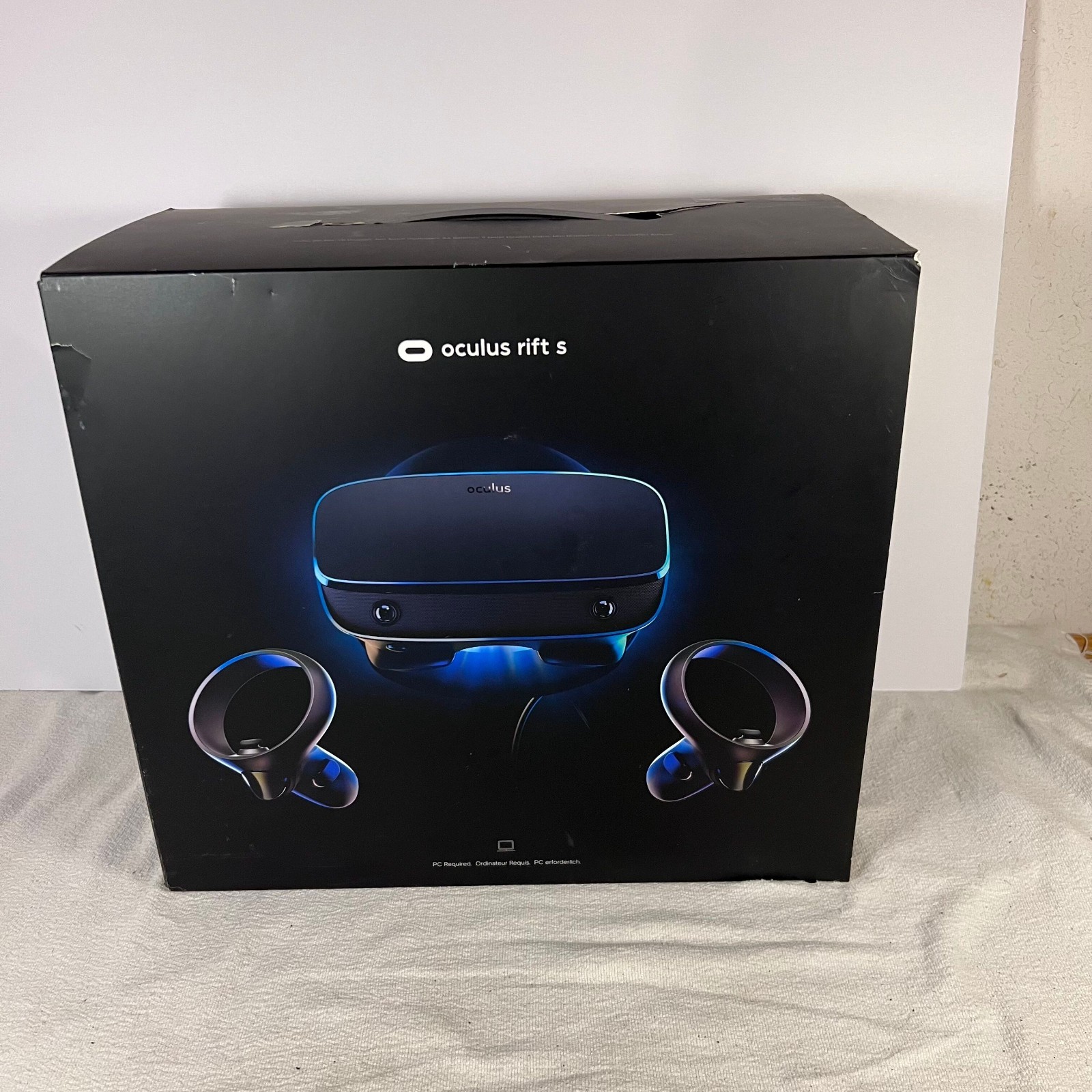 Oculus Rift S PC-Powered VR Gaming Headset Black + Original Box$129.99View on eBay
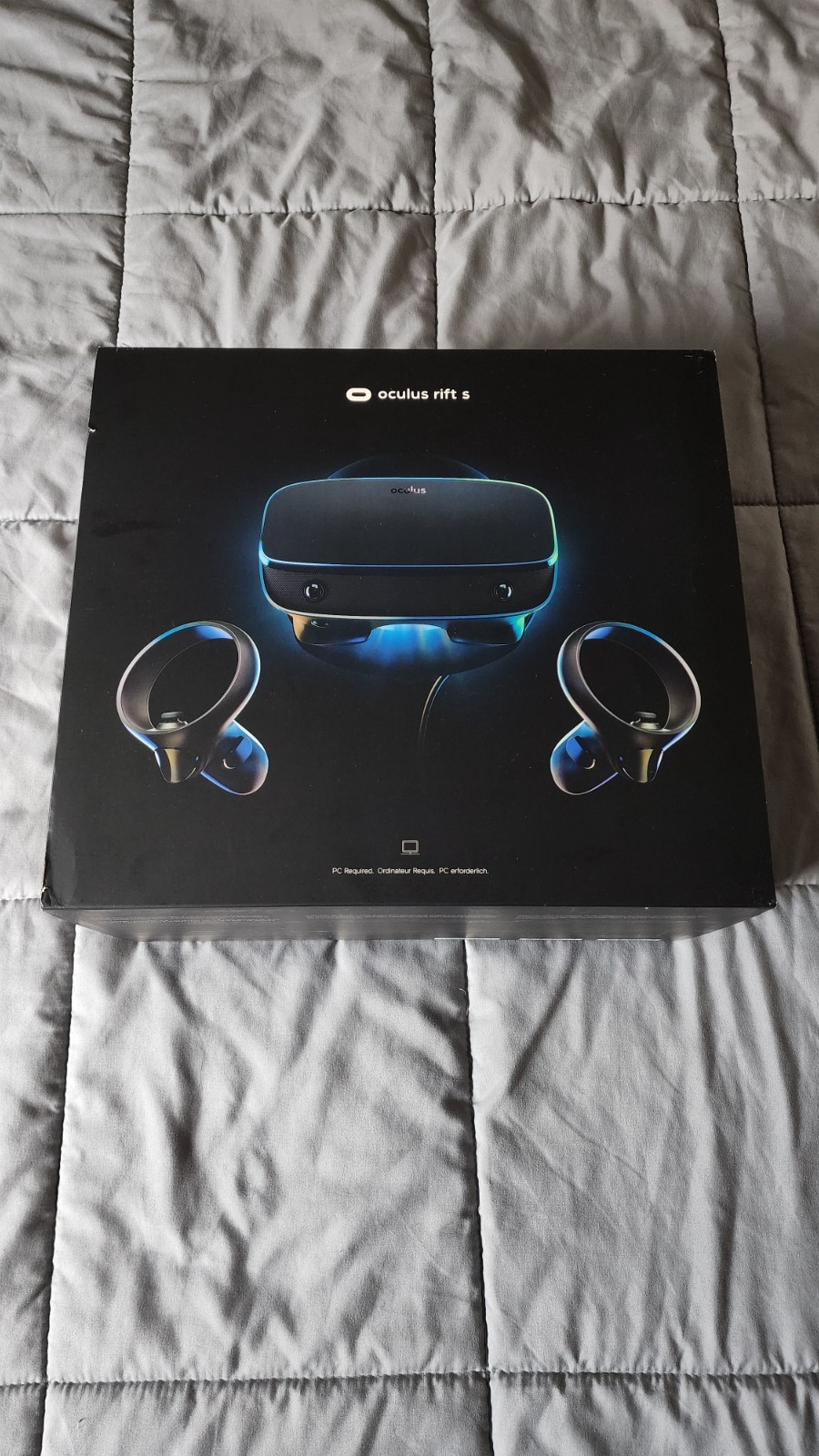 Oculus Rift S PC VR Gaming Headset (SIM FAVORITE) *MINT IN ORIGINAL PACKAGE*$150.00View on eBay
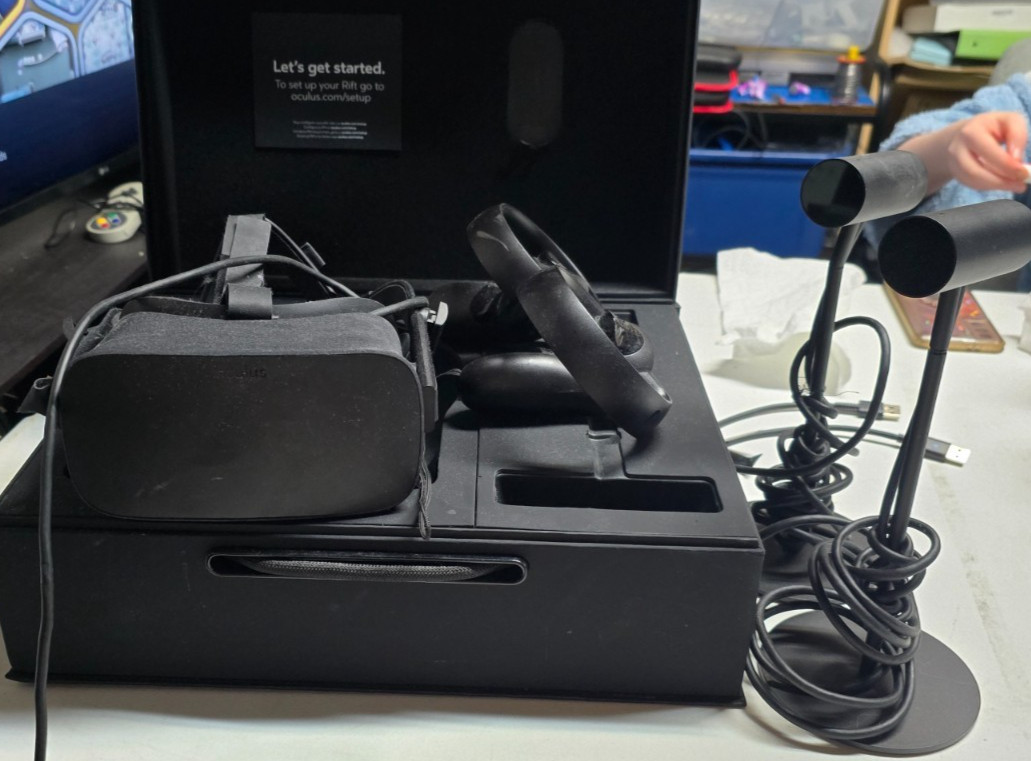 Oculus Rift S PC-Powered VR Gaming Headset Black FULL SET IN BOX$199.95View on eBay
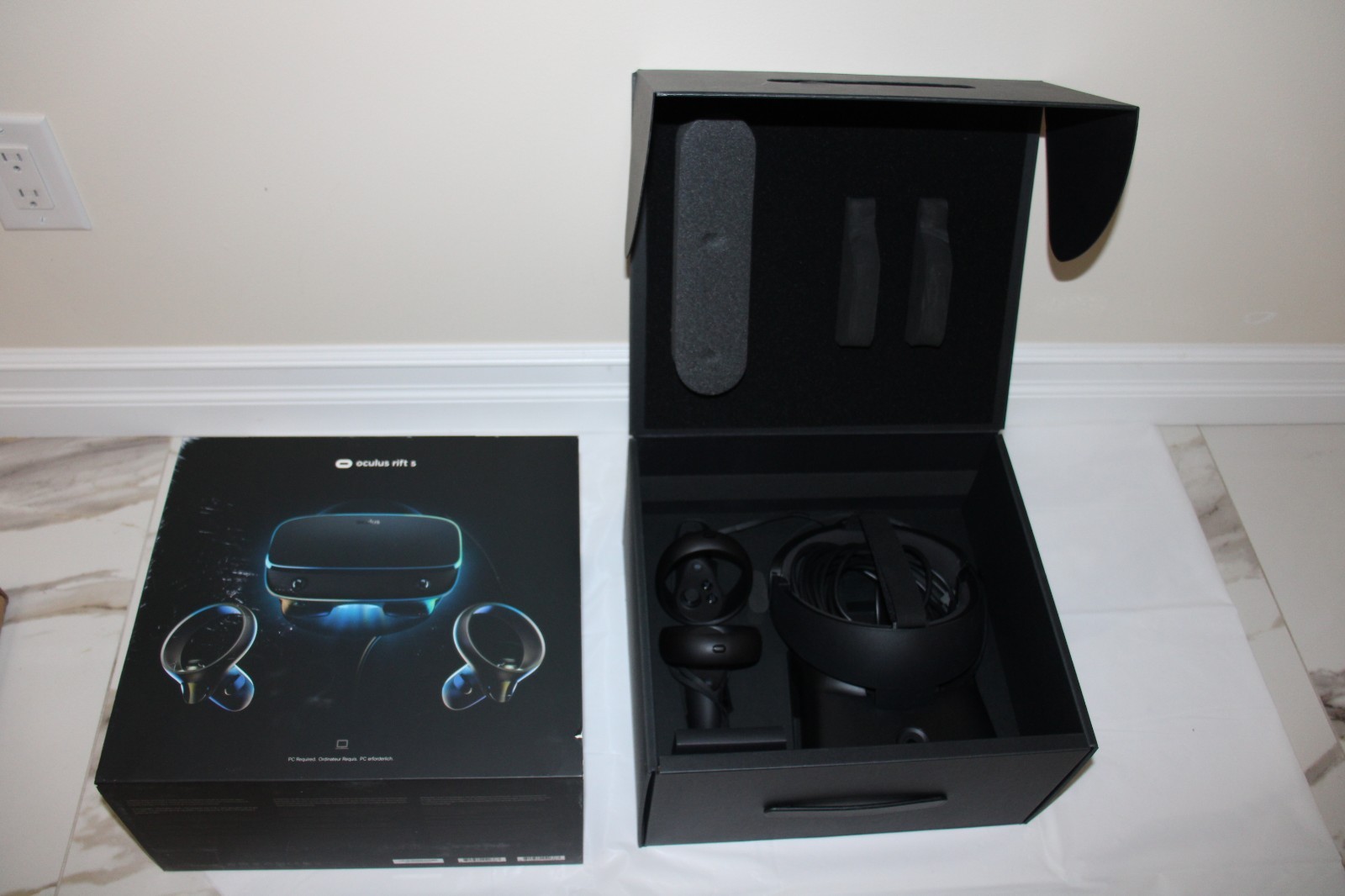 Oculus Rift S PC-Powered VR Gaming Headset Black FULL SET IN BOX "NEW"$249.00Last checked Nov 15, 2026View on eBay
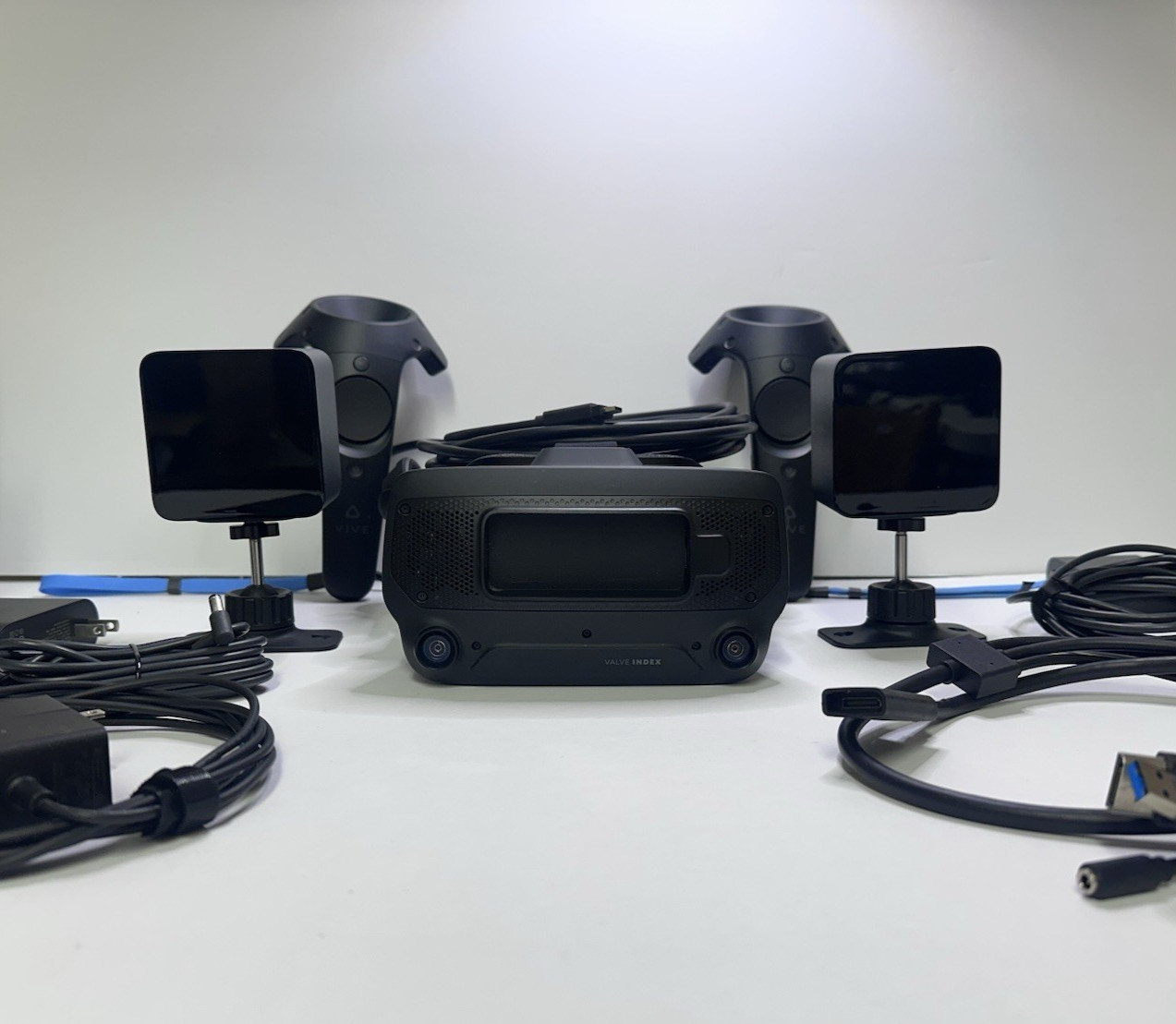 Valve Index PC VR Headset Full Kit w/ 1.0 Base Stations & 1.0 Vive Controllers$569.99Very Good - Refurbished · Last checked Nov 22, 2026View on eBay
Highlights
- Inside-out tracking (Rift S, Quest Link, WMR) uses headset cameras and needs no external sensors; base-station systems (Valve Index, Vive) demand mounted lighthouses for room-scale accuracy.
- DisplayPort 1.2+ or USB-C Alt Mode carries the video signal; HDMI-only headsets cap at older panel bandwidth and often lack native 90 Hz+ refresh.
- Rift S runs 2560x1440 combined LCD at 80 Hz over DisplayPort 1.2 plus USB 3.0, with five onboard cameras for controller and head tracking.
- Valve Index raises the bar to 1440x1600 per eye at up to 144 Hz with IPD adjustment and lighthouse-based finger tracking; standalone Quest headsets need Link or Air Link to act as PC VR.
Best use cases
- Best for seated sim racing or flight sim on a mid-range GPU: an inside-out 2560x1440 headset with tracked controllers and a full cable set; skip incomplete 'headset only' listings.
- Best for room-scale PC gaming with precise finger tracking: a base-station system with lighthouses and Index-style controllers; avoid camera-tracked headsets if you need sub-millimeter hand presence.
- Wrong fit for buyers without a DisplayPort output or a free USB 3.0 port: USB-C-only laptops and HDMI-only GPUs need an adapter or a different headset tier.
- Skip vintage or medical-visualizer headsets (e.g., Z800 3DVisor) for modern PC VR gaming; they lack 6DoF tracking, tracked controllers, and current runtime support.
Buying tips
- Match the headset to your GPU output: DisplayPort 1.2 or USB-C Alt Mode for 90 Hz+ panels; budget HDMI 2.0 headsets cap at lower refresh and older panels.
- Buy complete kits with headset, two controllers, cable, and any required sensors or lighthouses; replacement cables and controllers often cost more than the headset itself.
- Check IPD range against your interpupillary distance: software-only IPD adjustment suits 58-68 mm; physical lens sliders are needed outside that band.
- For Quest-as-PC-VR, budget for a Link cable or a Wi-Fi 6 router for Air Link; native standalone resolution is lower than a dedicated DisplayPort PC headset.
Specs
| Tracking Type | Inside-out cameras vs base-station |
|---|---|
| Panel Resolution | 2560x1440 to 2880x1700 combined |
| Refresh Rate | 80 Hz to 144 Hz |
| PC Connection | DisplayPort 1.2+ / USB-C / USB 3.0 |
Related searches
What to check before buying
- Measure your play space: room-scale needs at least 2 m x 1.5 m clear; seated sims need only desk clearance and cable reach.
- Confirm GPU ports: one free DisplayPort 1.2+ (or USB-C Alt Mode) plus one USB 3.0 port for the headset link.
- Verify PC specs: at least a GTX 1060 / RX 580-class GPU for 2560x1440 headsets; higher panels demand RTX 3060-class or better.
- Check plug standard and voltage for your region; PC VR headsets use external power adapters for base stations and link boxes.
FAQ
Data sources: eBay / Amazon listings and product attribute feeds. Updated Nov 28, 2026.
Some links on this page are affiliate links. If you buy after clicking one, we may earn a commission at no extra cost to you. This does not change which products appear here or their order. Affiliate disclosure.