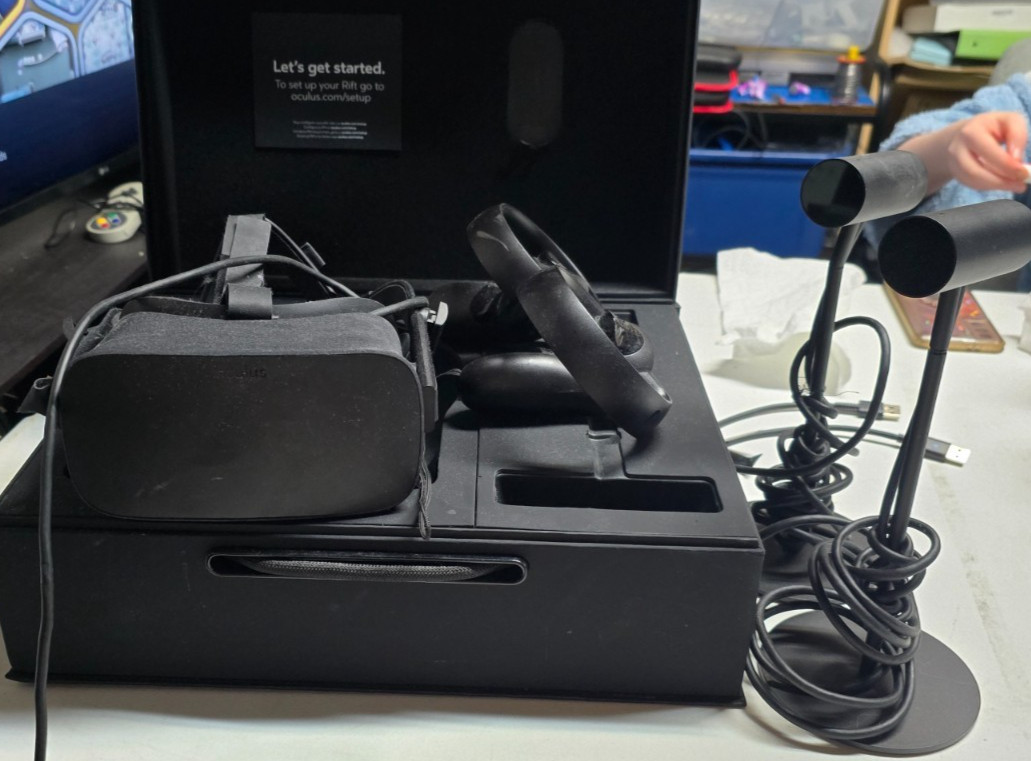

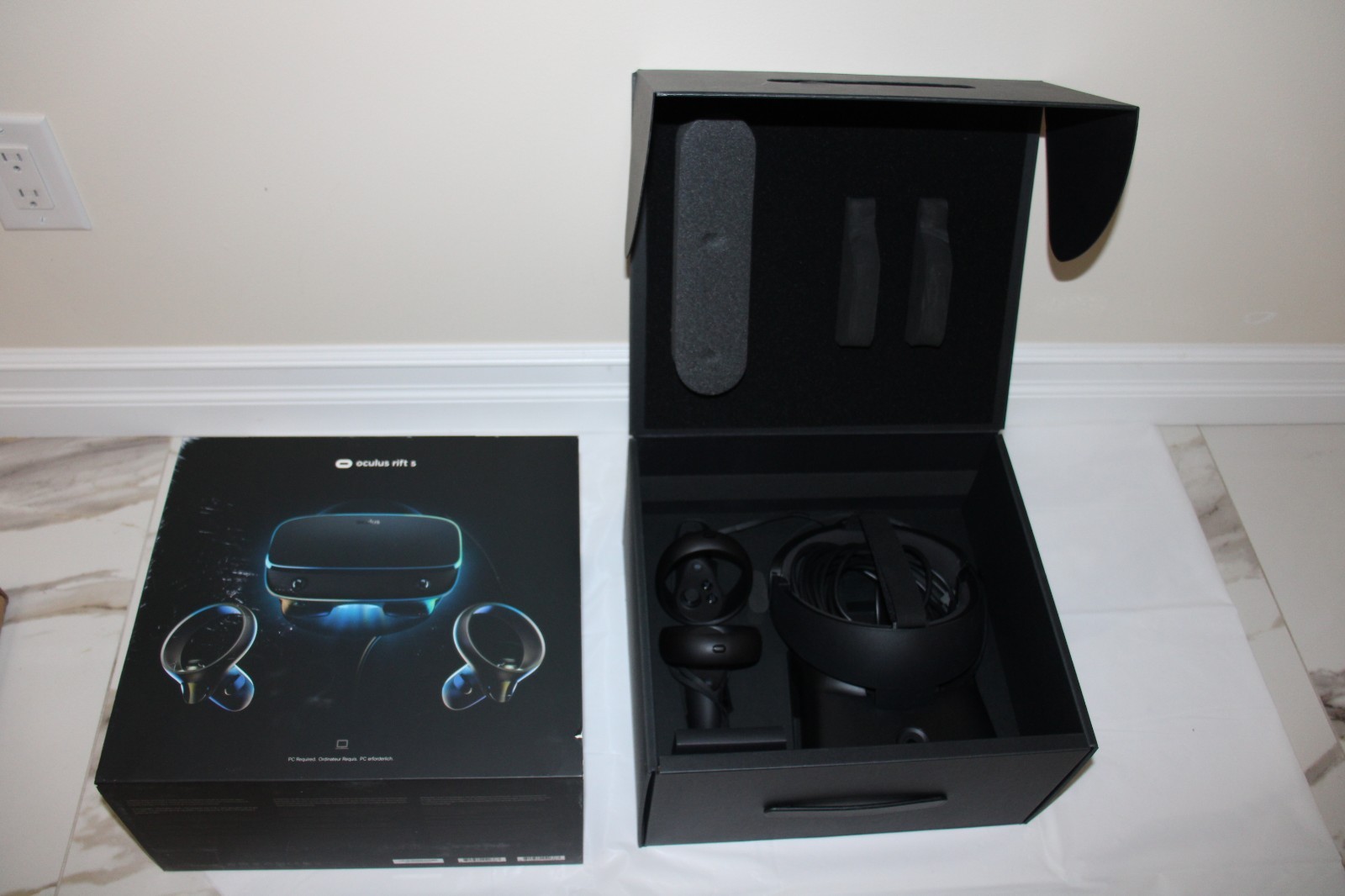
Photos from current listings. Actual item, color, and included accessories may vary.
Oculus VR Set Buying Guide
An 'Oculus VR set' today refers to Meta's discontinued Oculus Rift S PC-tethered headset or the standalone Quest line, with the core trade-off being inside-out tracking convenience versus DisplayPort PC fidelity. Buy a Rift S only as a complete, tested full set for seated PC sims; for room-scale, wireless play or long-term support, choose a Quest 2 or Quest 3 instead.
Median $224.48
Key takeaways
- Rift S uses inside-out tracking via five cameras and requires a DisplayPort 1.2 plus USB 3.0 connection to a VR-ready PC.
- Quest 2 and Quest 3 are standalone Android-based headsets that also support optional PC streaming over USB-C or Wi-Fi 6.
- Rift S ships with two Touch controllers and a halo strap; its 80 Hz LCD panels are fixed and non-adjustable for IPD beyond software.
At a glance
- Category
- VR Gaming Hardware & Accessories
- Last updated
- Nov 28, 2026
Current offers
Highlights
- Rift S uses inside-out tracking via five cameras and requires a DisplayPort 1.2 plus USB 3.0 connection to a VR-ready PC.
- Quest 2 and Quest 3 are standalone Android-based headsets that also support optional PC streaming over USB-C or Wi-Fi 6.
- Rift S ships with two Touch controllers and a halo strap; its 80 Hz LCD panels are fixed and non-adjustable for IPD beyond software.
- Meta discontinued Oculus branding in 2022; Rift S software support is legacy, while Quest 3 adds color passthrough and pancake lenses.
Best use cases
- Buy a Rift S full set if you have a DisplayPort-equipped gaming PC and play seated cockpit sims like Elite Dangerous or iRacing.
- Choose Quest 3 if you want room-scale wireless VR, mixed-reality passthrough, and current-store app compatibility without a PC.
- Skip any Rift S listing missing the DisplayPort cable, two Touch controllers, or the original tether—replacements are scarce and costly.
- Pick Quest 2 as the budget standalone option when you need a proven library and can accept fresnel lenses and monochrome passthrough.
Buying tips
- Match your PC: Rift S needs a DisplayPort 1.2 output and USB 3.0; laptops with only HDMI or USB-C alt-mode often fail without an active adapter.
- Verify the full set includes both Touch controllers, the 5m tether, and the Rift S headset—controllers alone resell near half the kit value.
- For Quest 3, budget for a USB-C Link cable or Wi-Fi 6 router for PC VR streaming; the included strap and battery life suit short sessions only.
- Inspect Rift S lens condition and cable strain at the headset connector; halo-strap cracks and cable failures are the most common used-unit faults.
Specs
| Headset Type | PC-tethered vs standalone |
|---|---|
| Tracking | Inside-out 5-cam / 6DOF |
| PC Connection | DisplayPort 1.2 + USB 3.0 |
| Included Set | Headset + 2 controllers + cable |
Related searches
What to check before buying
- Measure your play space: Quest room-scale needs about 2m x 2m clear; Rift S seated sims need only desk space and cable reach.
- Confirm PC ports: one free DisplayPort 1.2 and one USB 3.0 for Rift S, plus Windows 10/11 and a GPU at GTX 1060 / RX 480 level or better.
- Check IPD: Rift S software IPD suits roughly 58-72mm; Quest 3 offers continuous lens adjustment for a wider range.
- Verify your region's plug and voltage: Rift S and Quest ship with regional USB power adapters; confirm the included charger matches your outlet.
FAQ
Data sources: eBay / Amazon listings and product attribute feeds. Updated Nov 28, 2026.
Some links on this page are affiliate links. If you buy after clicking one, we may earn a commission at no extra cost to you. This does not change which products appear here or their order. Affiliate disclosure.