
Photos from current listings. Actual item, color, and included accessories may vary.
Oculus VR PC Buying Guide
This segment covers PC-powered VR headsets from the Oculus/Meta lineage, where the core trade-off is between older outside-in tracking (original Rift with sensors) and newer inside-out tracking (Rift S with built-in cameras). The decision rule: buy a complete Rift S kit with controllers and cable for plug-and-play PC VR, or step up to a Meta Quest 2/3 with Link for a current, supported platform; avoid incomplete headset-only listings unless you already own the exact missing parts.
Median $74.98
Key takeaways
- Rift S uses inside-out tracking via five built-in cameras, eliminating external sensor setup but requiring adequate room lighting; original Rift uses external sensors with 360° room-scale potential but more USB ports and cable runs.
- Rift S native resolution is 2560×1440 (1280×1440 per eye) at 80 Hz LCD; original Rift is 2160×1200 (1080×1200 per eye) at 90 Hz OLED, so Rift S reduces screen-door effect but has lower refresh and black levels.
- Rift S tethers via a single DisplayPort 1.2 + USB 3.0 cable; original Rift requires HDMI 1.3 + USB 3.0 for the headset plus USB 2.0/3.0 for each sensor, making port count a hard compatibility limit.
At a glance
- Category
- VR Gaming Hardware & Accessories
- Last updated
- Nov 28, 2026
Current offers
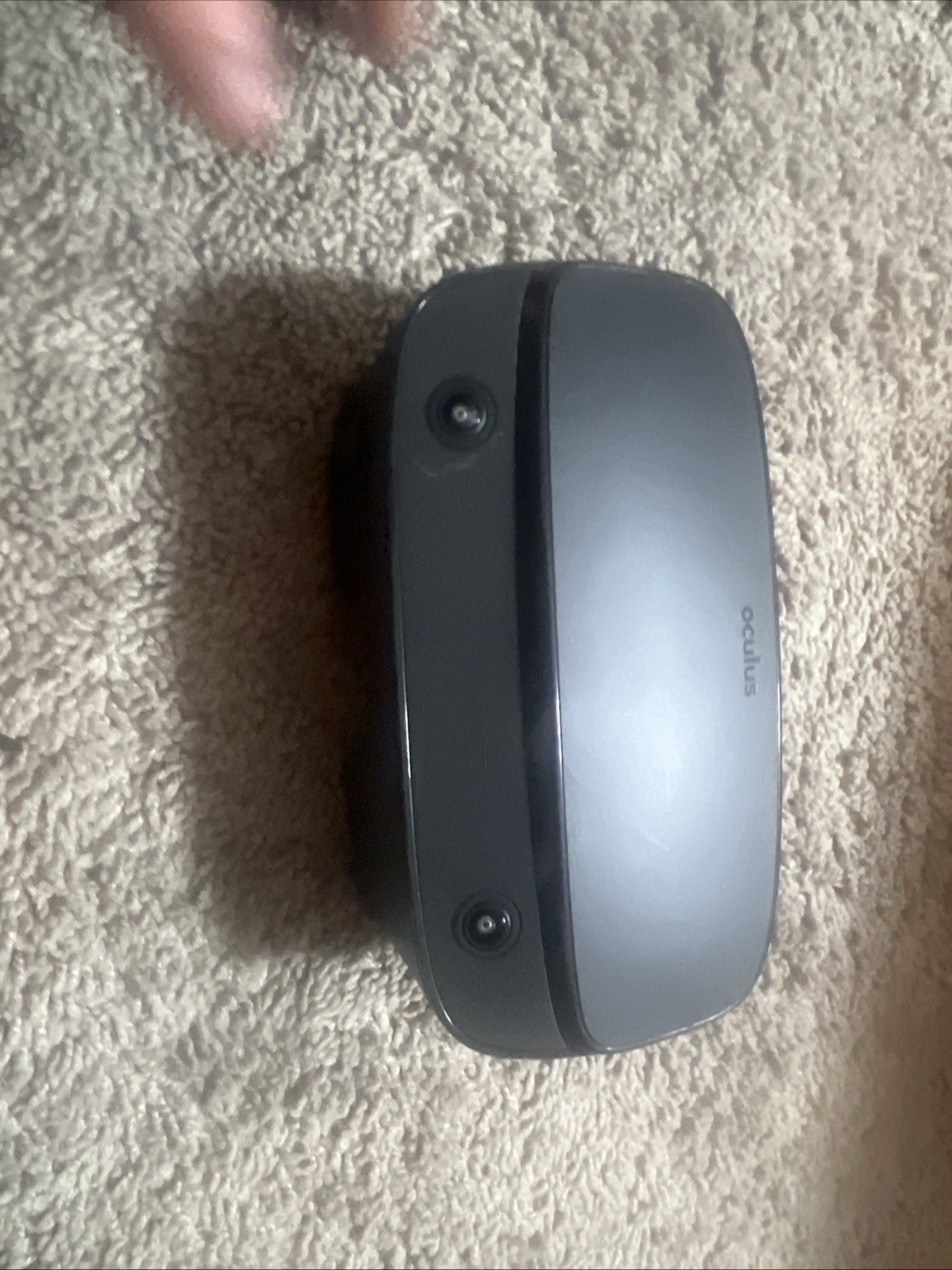 Oculus Rift S PC Powered VR Gaming Headset ONLY$8.99View on eBay
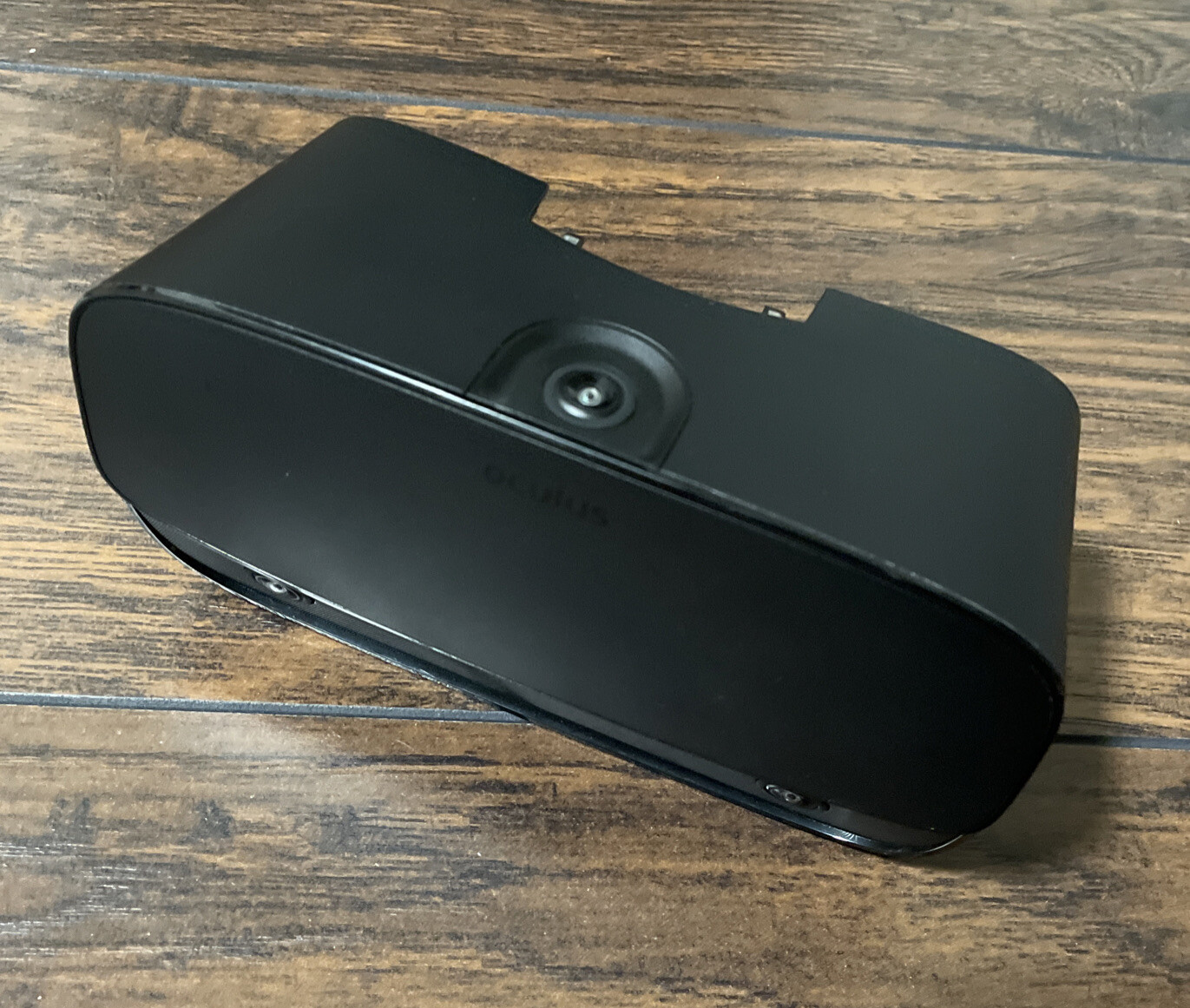 Oculus Rift S PC Powered VR Gaming Headset ONLY$11.95View on eBay
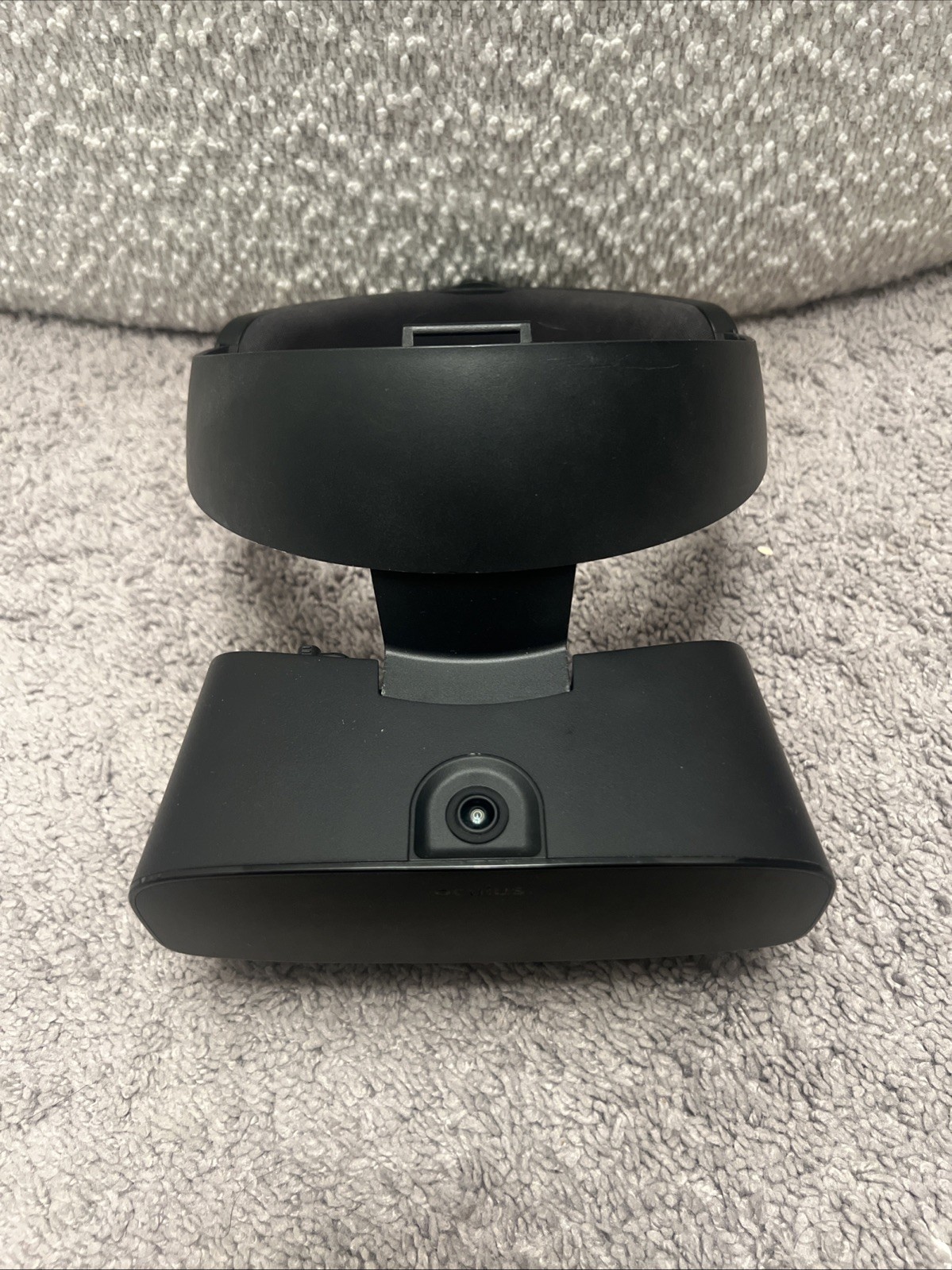 Oculus Rift S PC-Powered VR Gaming Headset ONLY Tested$13.99View on eBay
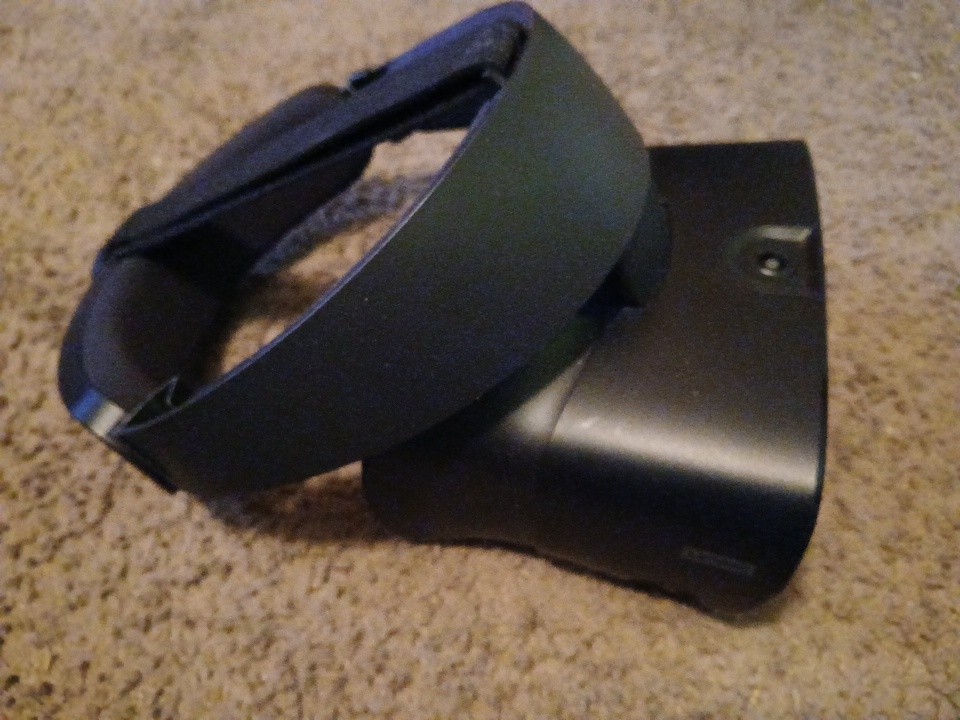 Oculus Rift S PC Powered VR Gaming Headset ONLY - No Controllers or Cables$28.99View on eBay
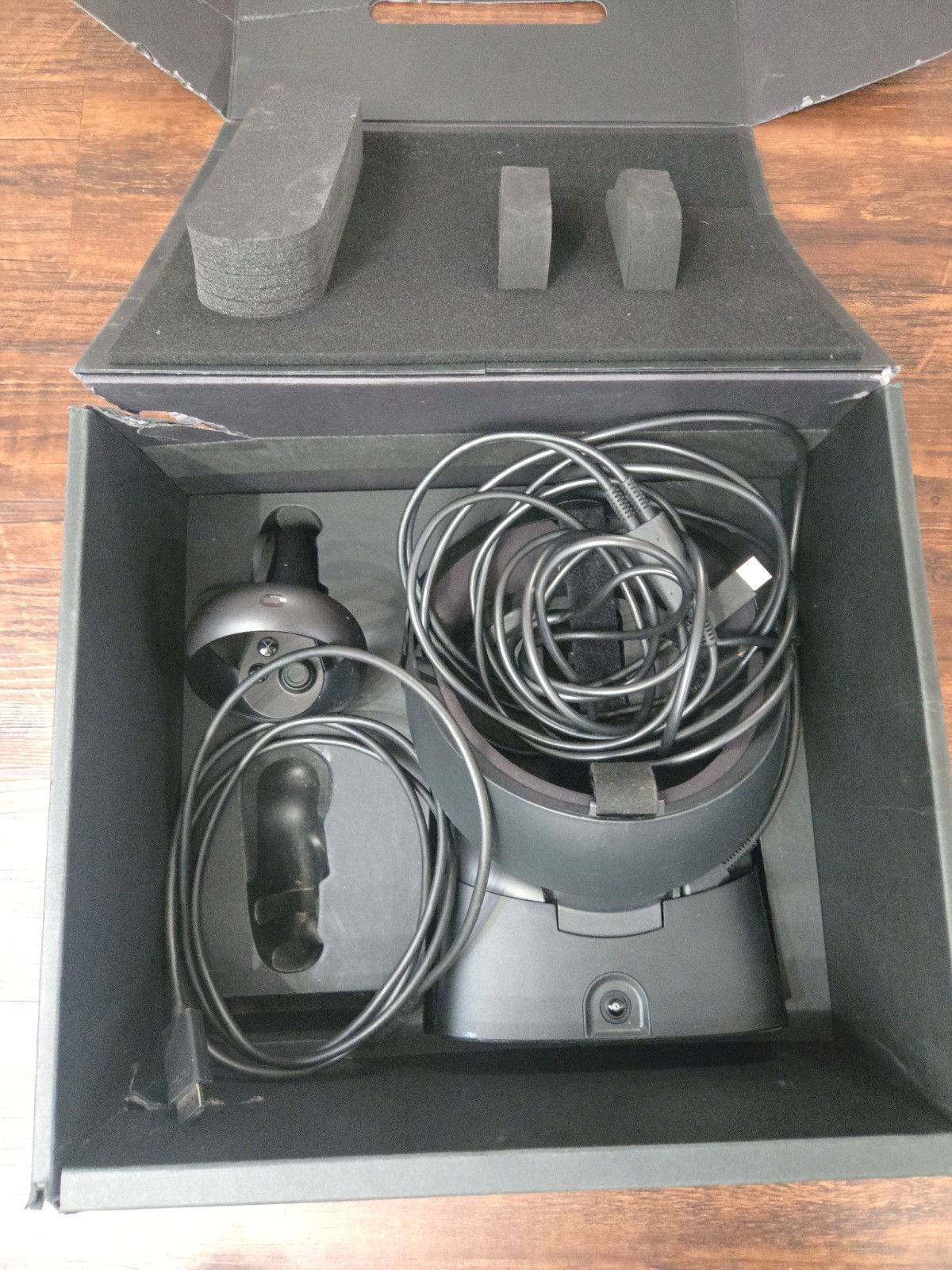 Oculus Rift S PC-Powered VR Gaming Headset - Black *1 Controller Preowned$68.88View on eBay
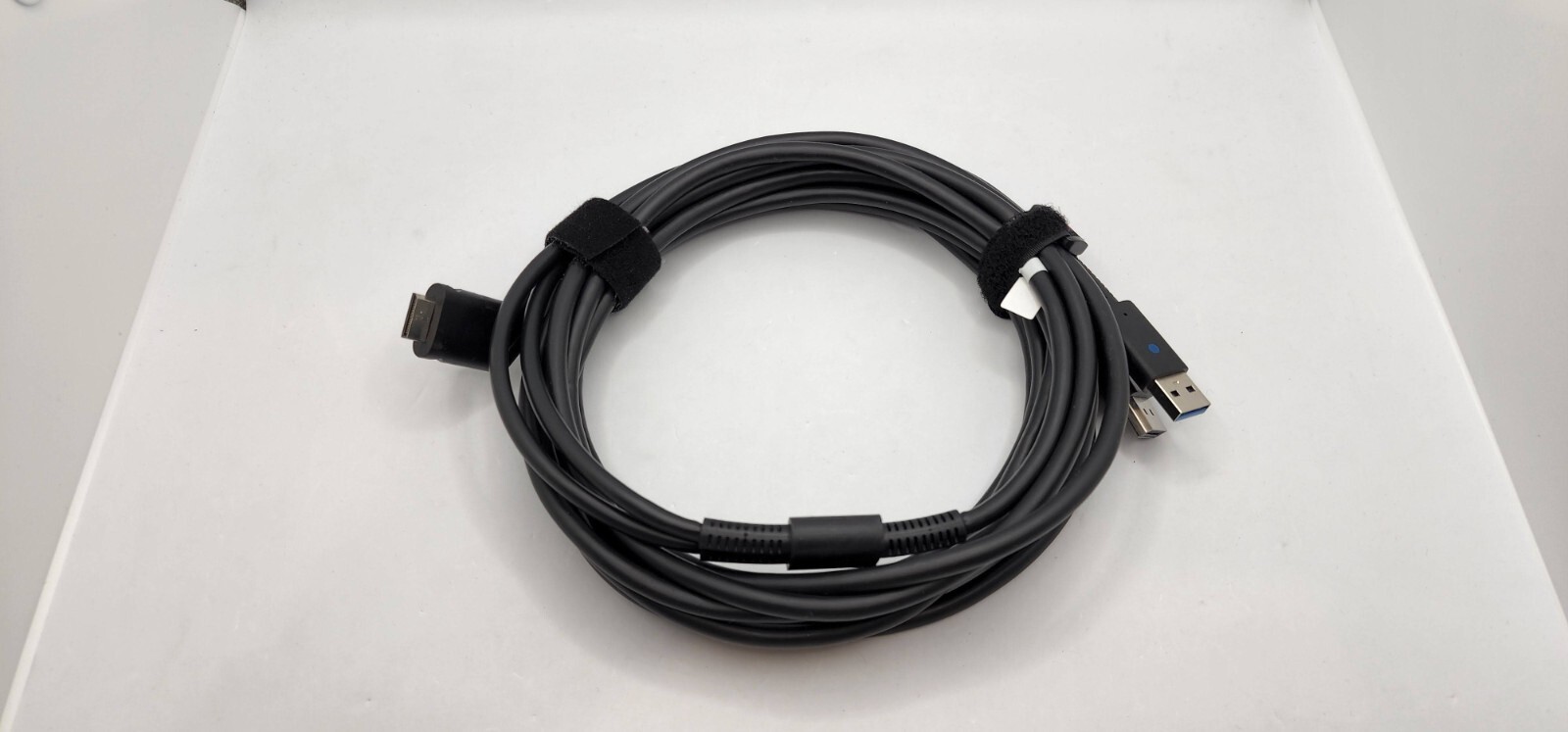 Oculus Rift S PC-Powered VR Gaming Headset Wired CABLE ONLY (Only For Rift S)$69.95View on eBay
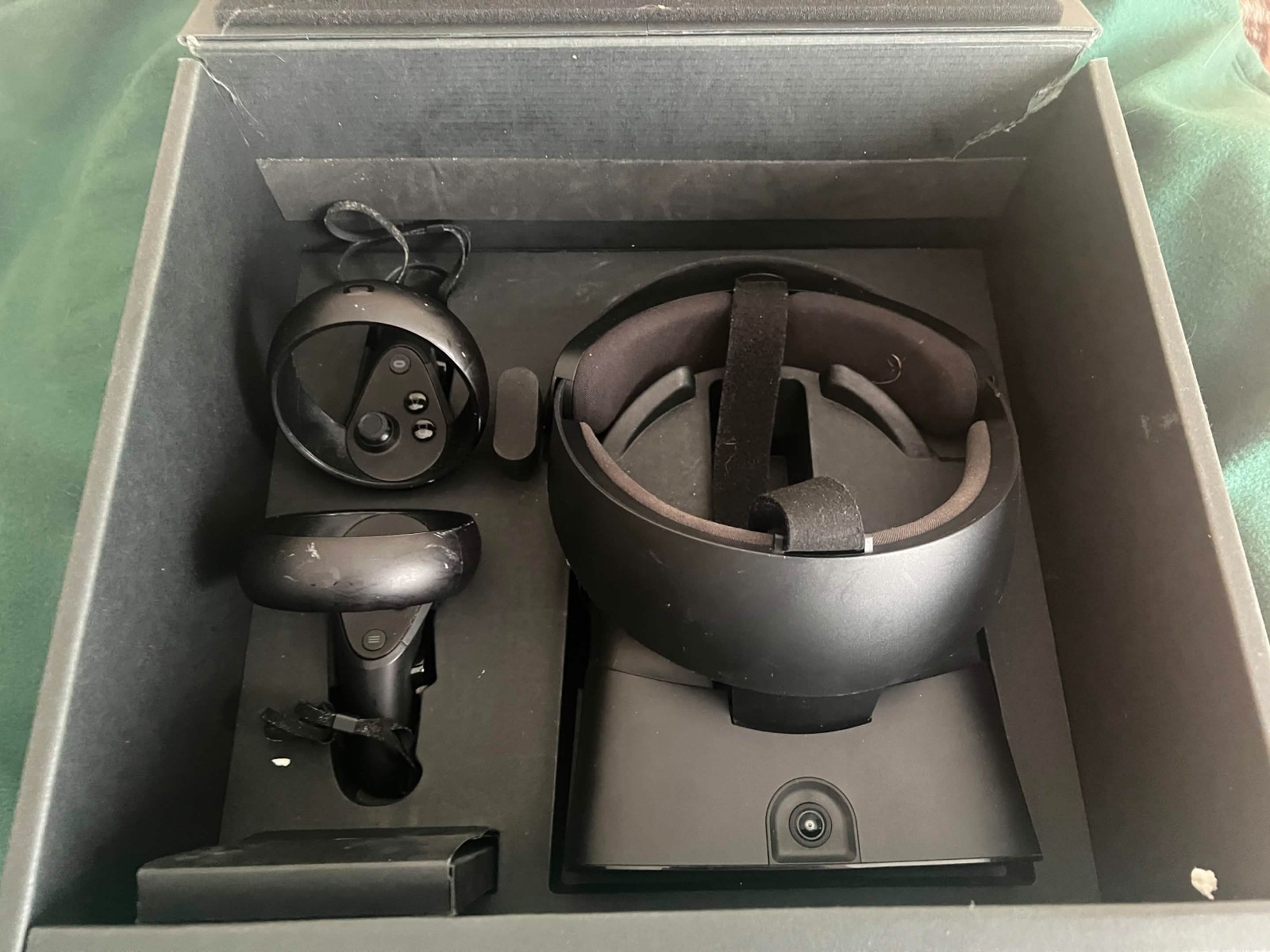 CABLE NOT INCLUDED Oculus Rift S PC-Powered VR Gaming Headset - Black$80.00View on eBay
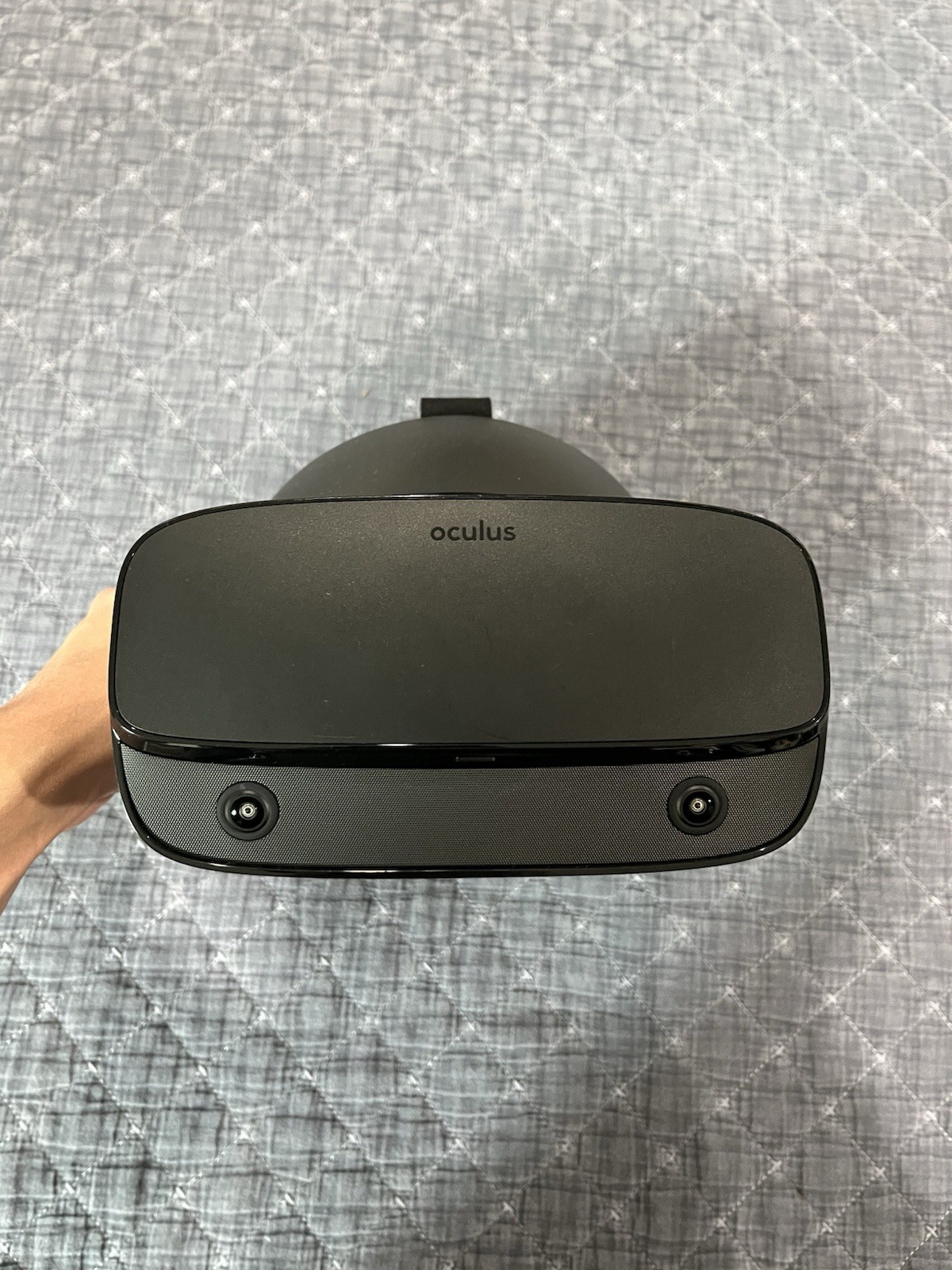 Oculus Rift S PC-Powered VR Gaming Headset - Black - *MESSAGE*$85.00View on eBay
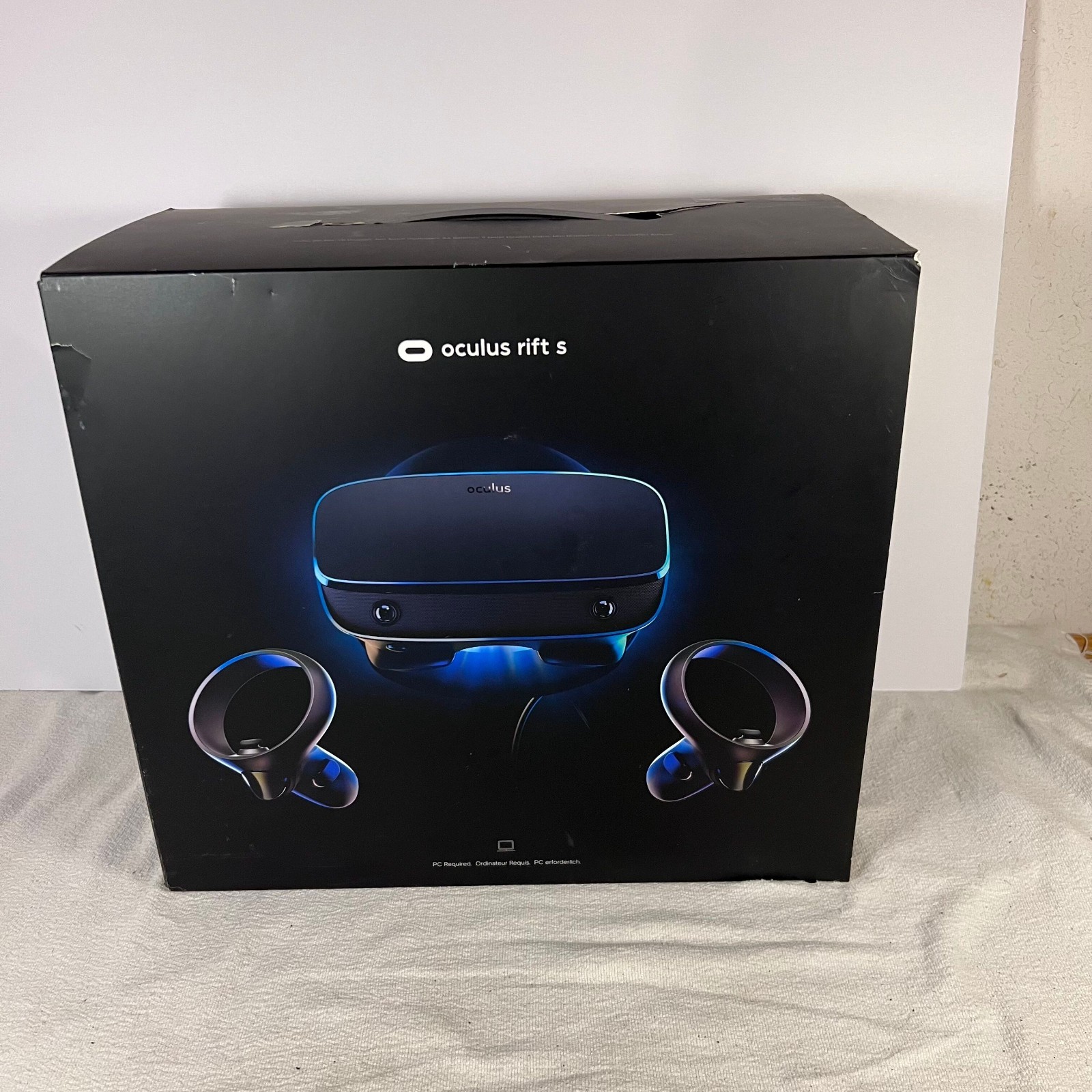 Oculus Rift S PC-Powered VR Gaming Headset Black + Original Box$129.99View on eBay
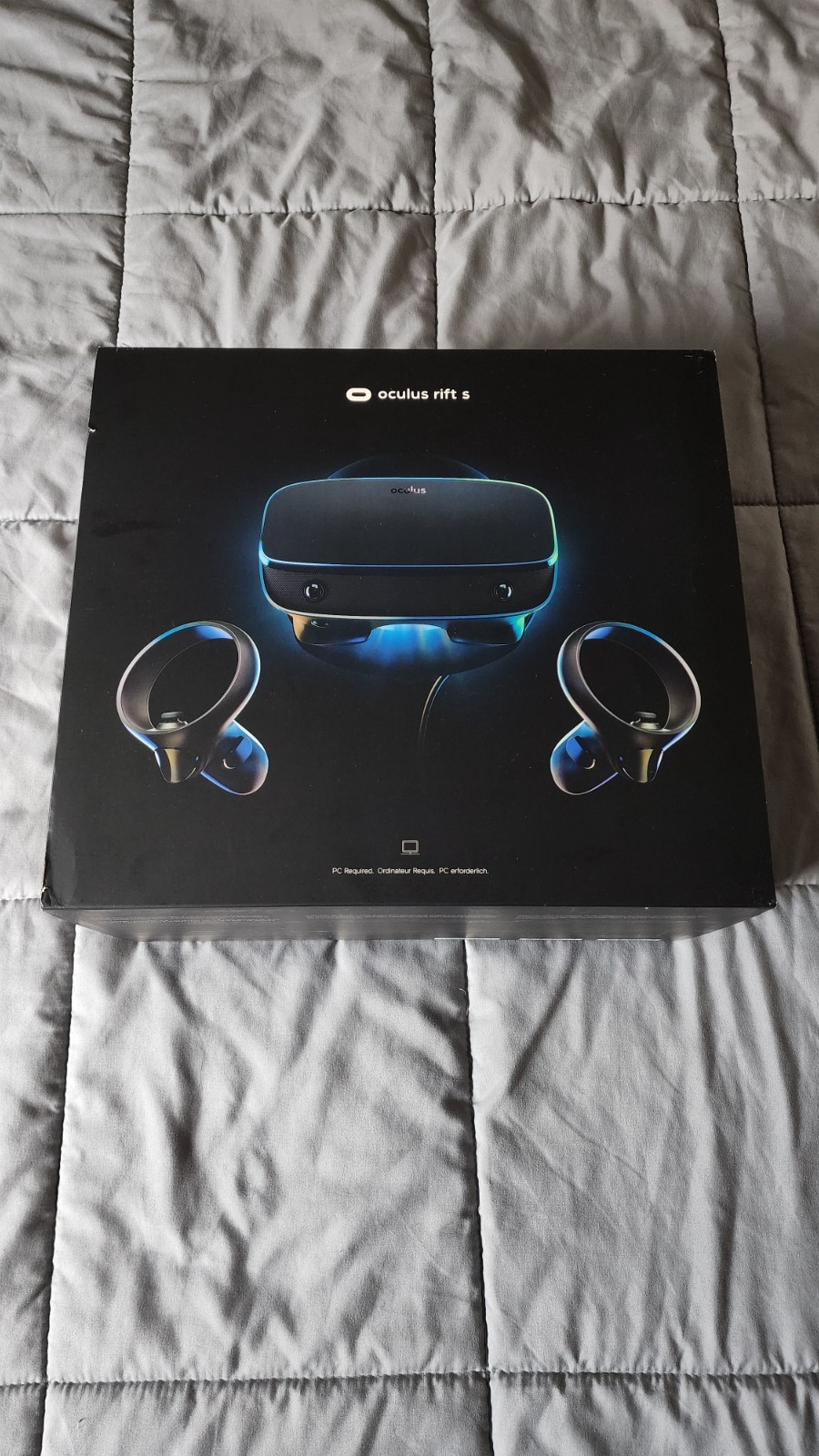 Oculus Rift S PC VR Gaming Headset (SIM FAVORITE) *MINT IN ORIGINAL PACKAGE*$150.00View on eBay
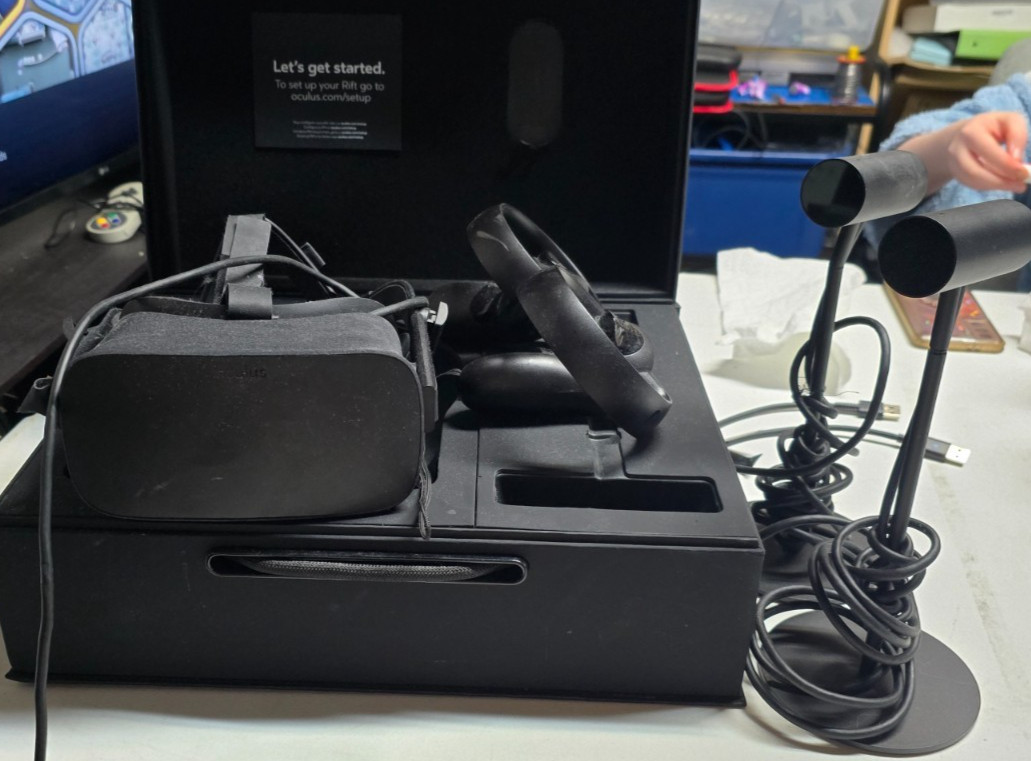 Oculus Rift S PC-Powered VR Gaming Headset Black FULL SET IN BOX$199.95View on eBay
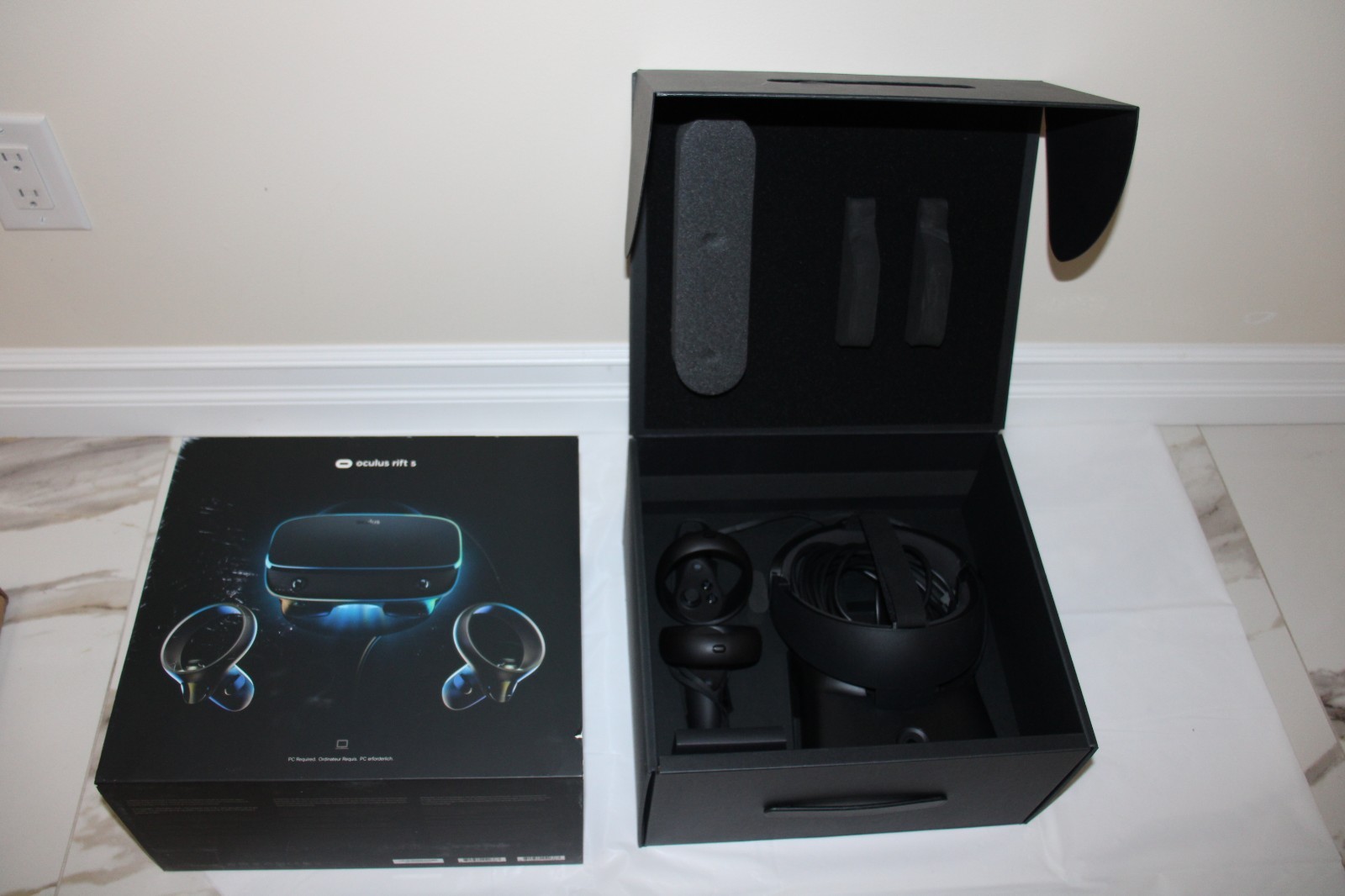 Oculus Rift S PC-Powered VR Gaming Headset Black FULL SET IN BOX "NEW"$249.00Last checked Nov 15, 2026View on eBay
Highlights
- Rift S uses inside-out tracking via five built-in cameras, eliminating external sensor setup but requiring adequate room lighting; original Rift uses external sensors with 360° room-scale potential but more USB ports and cable runs.
- Rift S native resolution is 2560×1440 (1280×1440 per eye) at 80 Hz LCD; original Rift is 2160×1200 (1080×1200 per eye) at 90 Hz OLED, so Rift S reduces screen-door effect but has lower refresh and black levels.
- Rift S tethers via a single DisplayPort 1.2 + USB 3.0 cable; original Rift requires HDMI 1.3 + USB 3.0 for the headset plus USB 2.0/3.0 for each sensor, making port count a hard compatibility limit.
- Both headsets are discontinued and require a Meta account with PC software (Oculus PC app); Rift S controller tracking depends on visible cameras, while original Rift Touch controllers pair to sensors for wider occlusion resistance.
Best use cases
- Best fit: seated or standing PC VR in a normally lit room with a DisplayPort output — choose a complete Rift S kit with both Touch controllers and the original tether cable; skip headset-only listings.
- Best fit: room-scale VR with a dedicated 3×3 m play area and available USB ports — choose an original Rift with two or more sensors and Touch controllers; skip single-sensor bundles for 360° tracking.
- Wrong fit: buyers wanting wireless freedom or standalone play — neither Rift model is standalone; choose a Quest 2/3 with Link cable or Air Link instead of any Rift variant.
- Wrong fit: PCs without DisplayPort or with only one USB 3.0 controller — Rift S will not initialize; choose a Quest headset with USB-C Link or upgrade the PC's port availability before buying.
Buying tips
- Verify your GPU has a free DisplayPort 1.2 (Rift S) or HDMI 1.3 (original Rift) output and at least one USB 3.0 port; Rift S needs one USB 3.0, original Rift needs one USB 3.0 plus one USB 2.0/3.0 per sensor.
- Buy only complete kits: Rift S must include both Touch controllers and the proprietary 5 m tether cable; original Rift must include at least two sensors and the breakout box for HDMI/USB routing.
- Check controller generation: Rift S uses inside-out Touch controllers with halo rings on top; original Rift uses outside-in Touch controllers with rings on the bottom — they are not cross-compatible with the other headset.
- Inspect the tether cable for kinks and the headset lens for scratches; replacement Rift S cables are scarce and third-party cables often fail to carry DisplayPort signal reliably.
Specs
| Tracking Type | Inside-out cameras vs outside-in sensors |
|---|---|
| Native Resolution | 2560×1440 (Rift S) / 2160×1200 (Rift) |
| Refresh Rate | 80 Hz LCD vs 90 Hz OLED |
| PC Connection | DisplayPort 1.2 + USB 3.0 vs HDMI 1.3 + USB |
Related searches
What to check before buying
- Measure your play space: Rift S recommends at least 2×2 m for standing; original Rift with two sensors covers roughly 2×1.5 m front-facing, expanding to 3×3 m with a third sensor.
- Confirm room lighting: Rift S inside-out cameras need visible light and textured surfaces; avoid bare white walls or direct sunlight on lenses, which can damage the LCD.
- Check PC ports and power: one DisplayPort 1.2 + one USB 3.0 for Rift S; HDMI 1.3 + USB 3.0 for original Rift headset plus USB ports for each sensor; ensure the PSU handles added USB load.
- Verify account and software: a Meta account and the Oculus PC app are required; Windows 10/11 64-bit is mandatory, and some older GPUs are no longer supported by current drivers.
FAQ
Data sources: eBay / Amazon listings and product attribute feeds. Updated Nov 28, 2026.
Some links on this page are affiliate links. If you buy after clicking one, we may earn a commission at no extra cost to you. This does not change which products appear here or their order. Affiliate disclosure.