
Photos from current listings. Actual item, color, and included accessories may vary.
Oculus VR Headset Buying Guide
Oculus VR headsets span two distinct architectures: PC-tethered units (Rift S) and standalone all-in-one units (Quest 1/2). The trade-off is between a lightweight PC-tethered display with no onboard compute versus a self-contained mobile chipset with inside-out tracking. Buy a complete, generation-appropriate kit with controllers and cables; skip headset-only listings unless you already own matching accessories.
Median $82.50 · New listings
Key takeaways
- Rift S uses a PC-powered DisplayPort connection and inside-out tracking with five cameras — no external base stations required, but a VR-ready PC is mandatory.
- Quest 1 and Quest 2 are standalone Android-based headsets with onboard Snapdragon chips; Quest 2 offers higher per-eye resolution and 90 Hz support versus Quest 1's 72 Hz.
- Quest 2 ships in 128GB and 256GB storage tiers; storage affects installed game library size, not tracking or display performance.
At a glance
- Category
- VR Gaming Hardware & Accessories
- Last updated
- Nov 28, 2026
Current offers
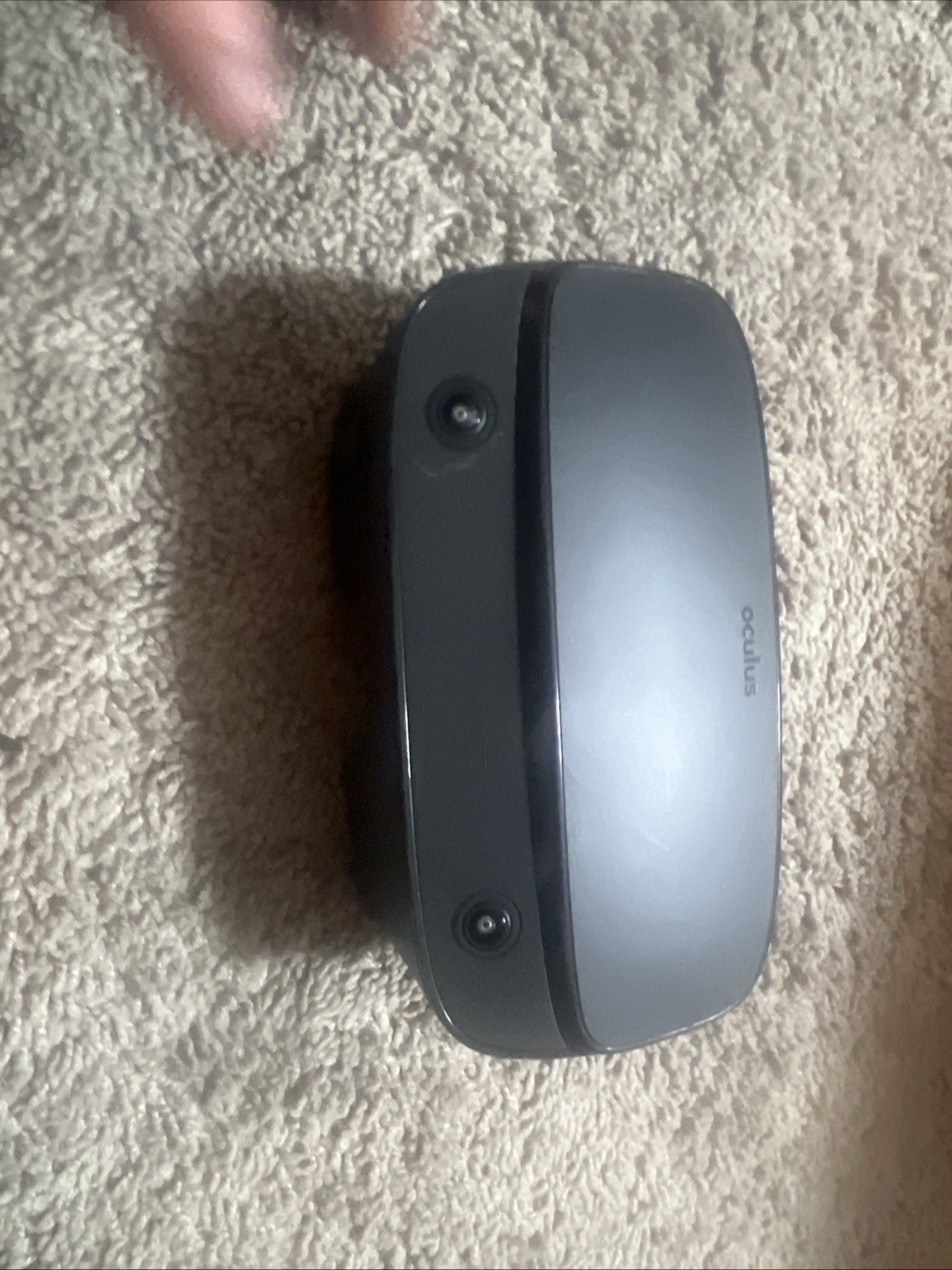 Oculus Rift S PC Powered VR Gaming Headset ONLY$8.99View on eBay
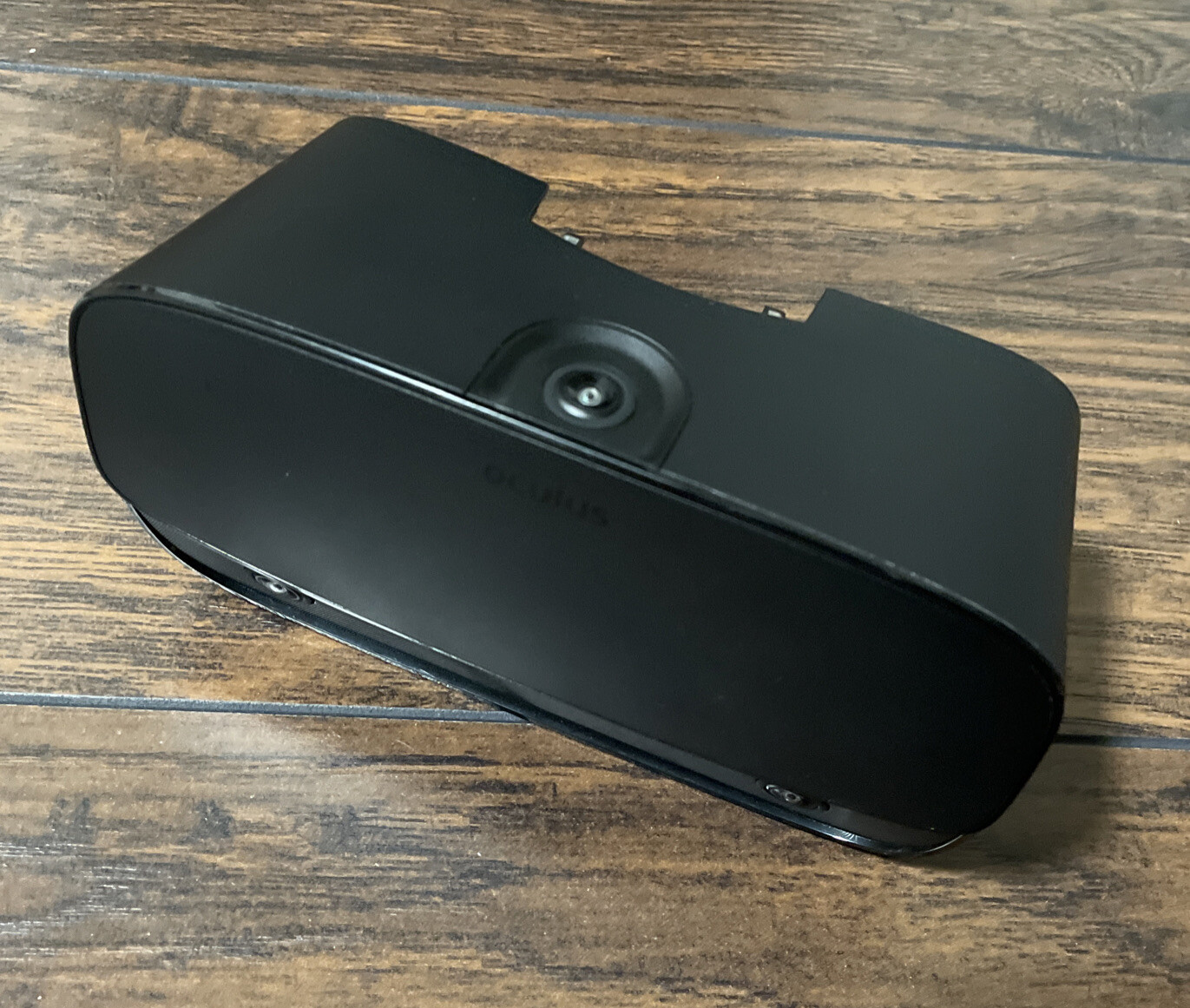 Oculus Rift S PC Powered VR Gaming Headset ONLY$11.95View on eBay
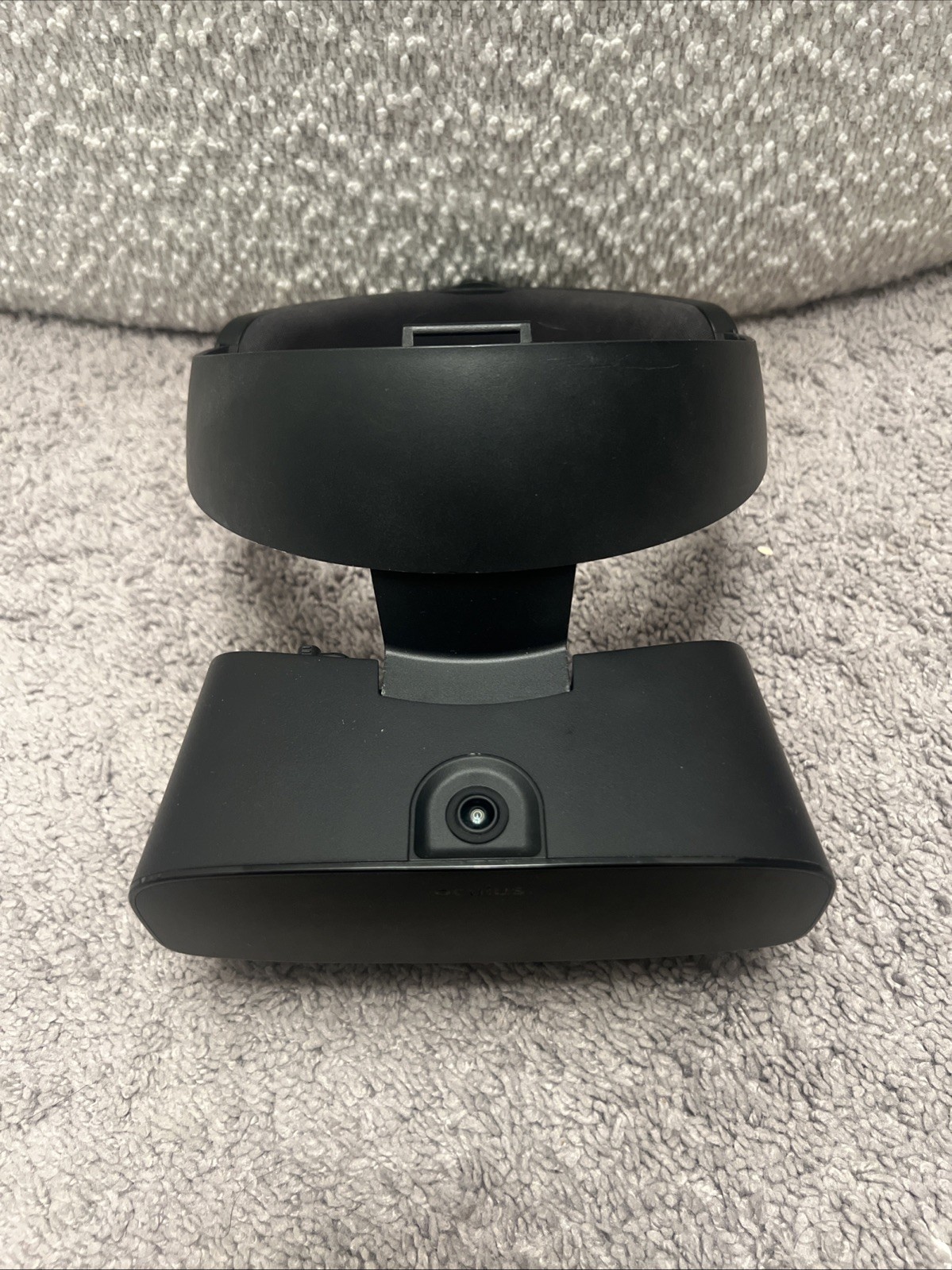 Oculus Rift S PC-Powered VR Gaming Headset ONLY Tested$13.99View on eBay
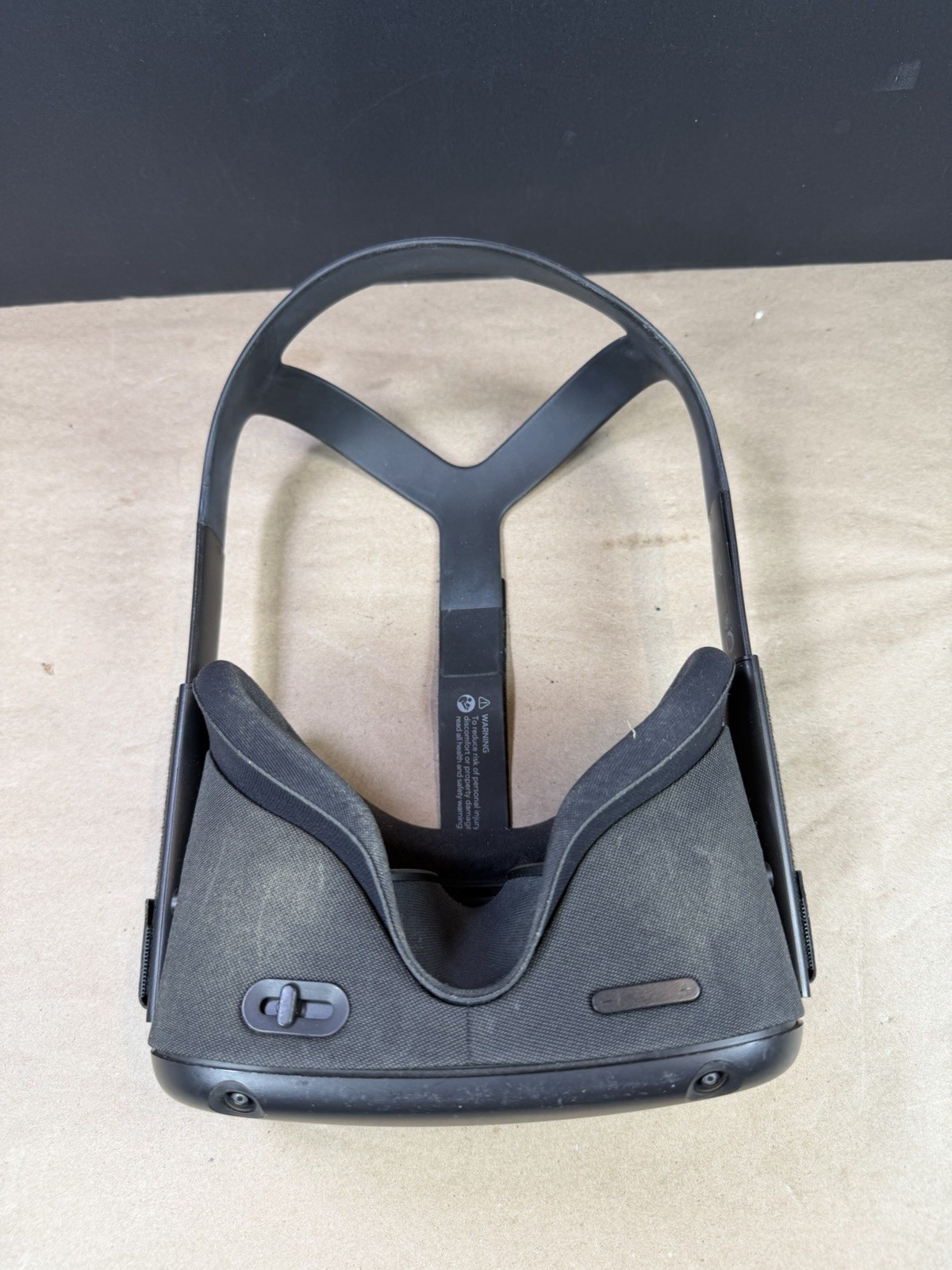 Oculus Quest MH-B Standalone All-In-One VR Gaming Headset Black Built-In Audio$24.27View on eBay
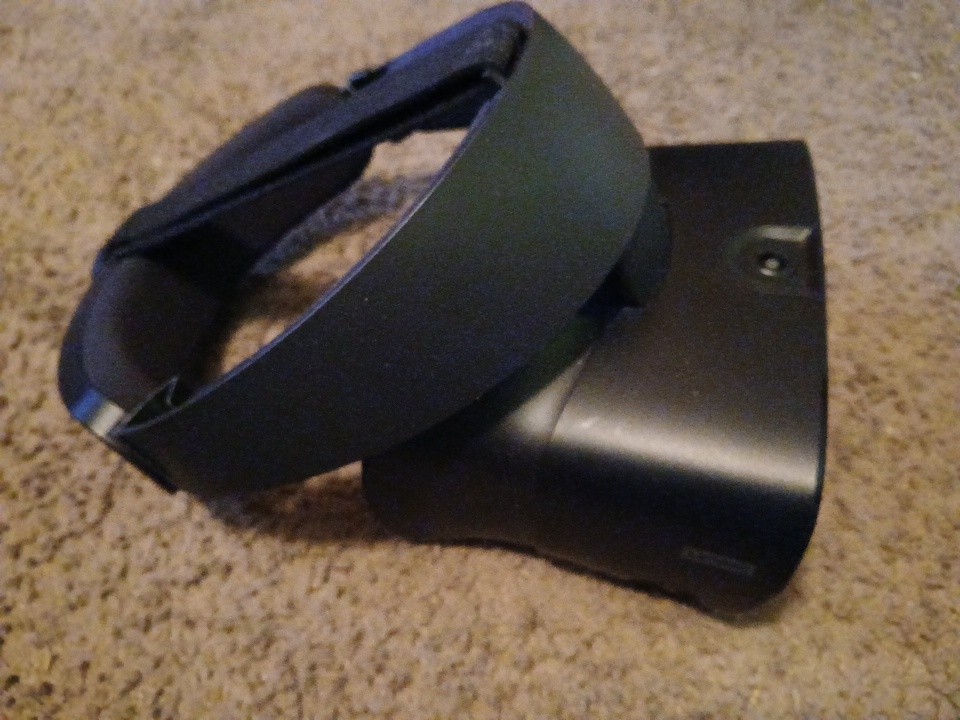 Oculus Rift S PC Powered VR Gaming Headset ONLY - No Controllers or Cables$28.99View on eBay
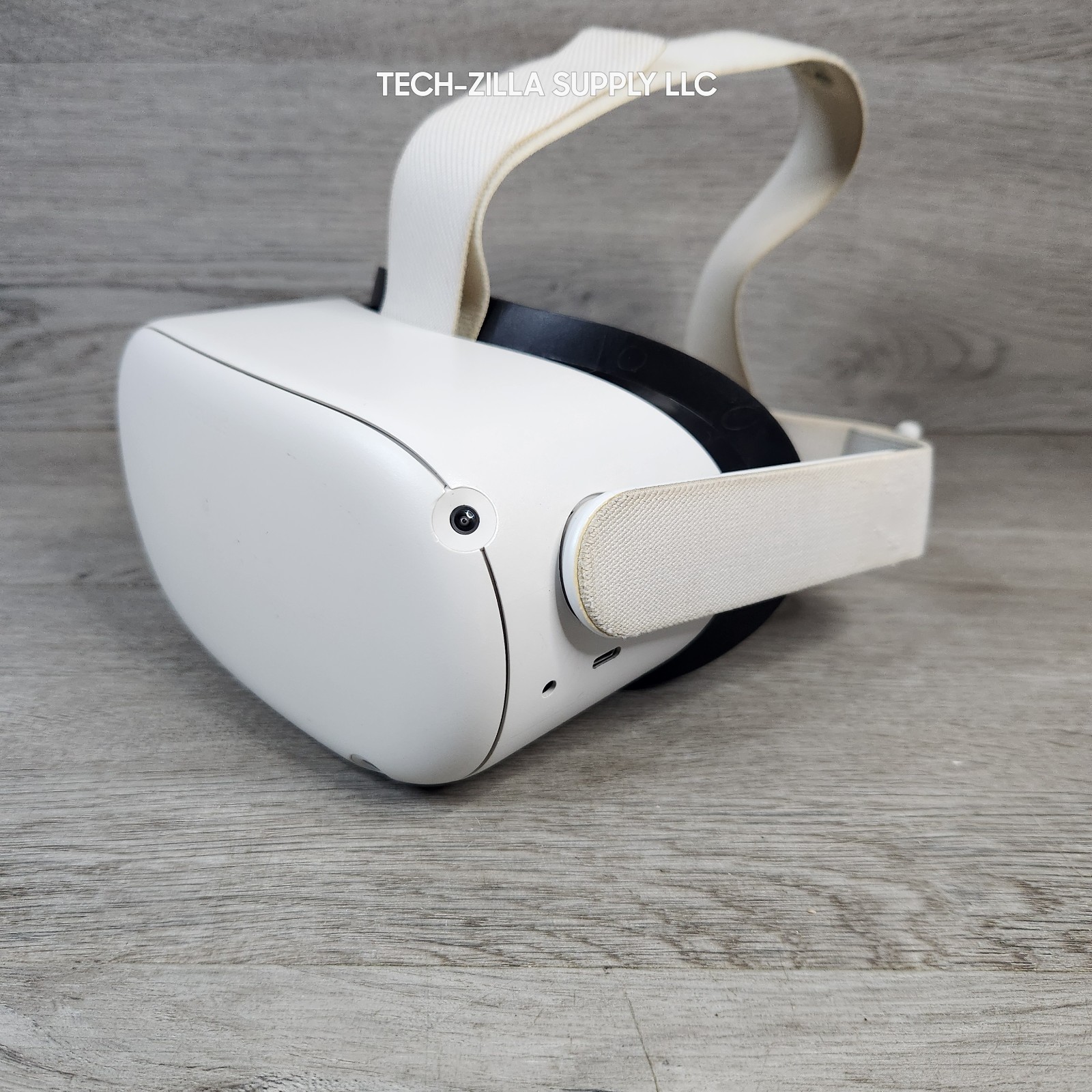 Oculus Meta Quest 2 128GB VR Headset ONLY, Great Condition (No Controllers)$44.95View on eBay
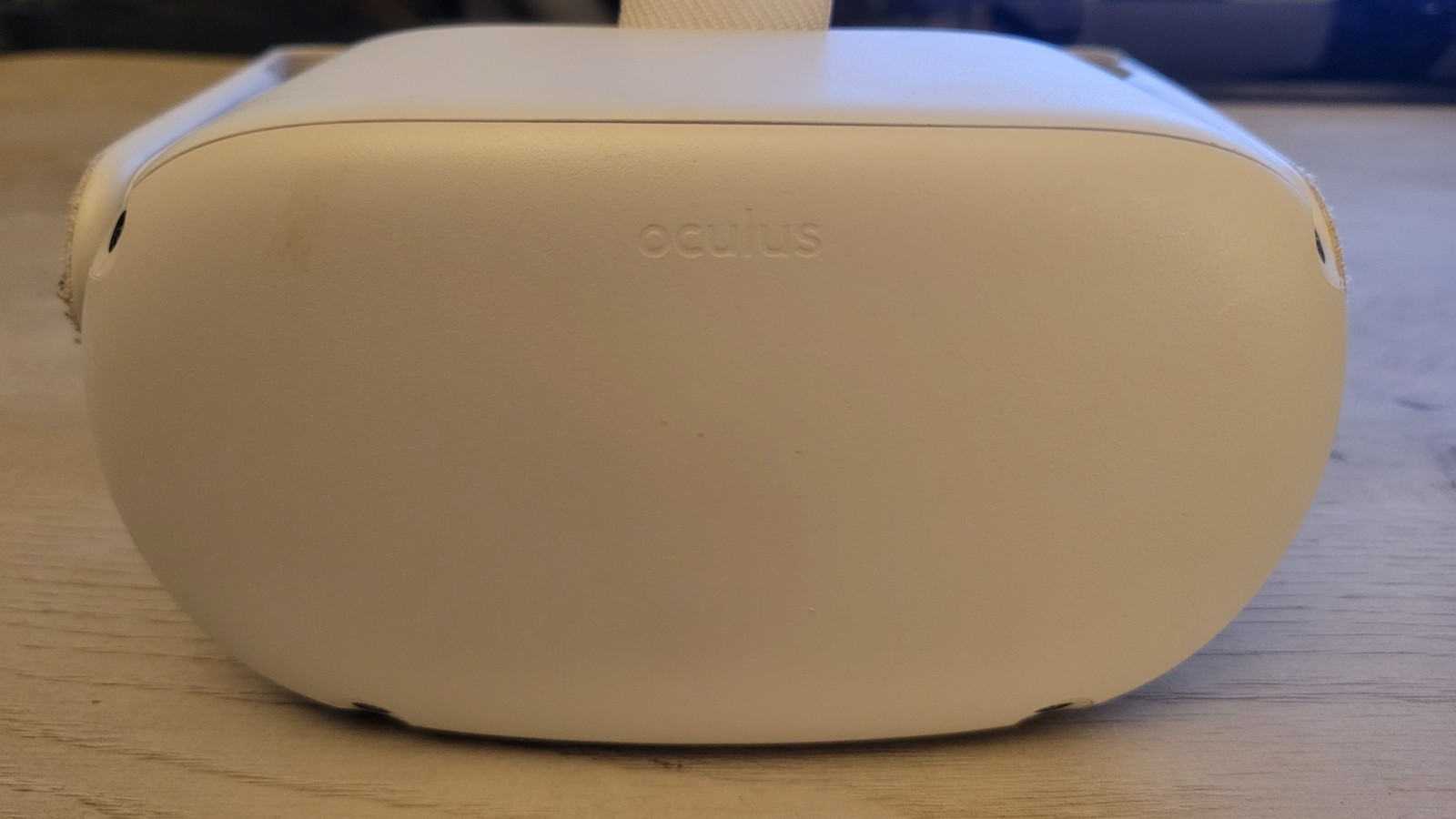 Meta Oculus Quest 2 128GB Standalone VR Headset Only No Controllers Tested$45.00View on eBay
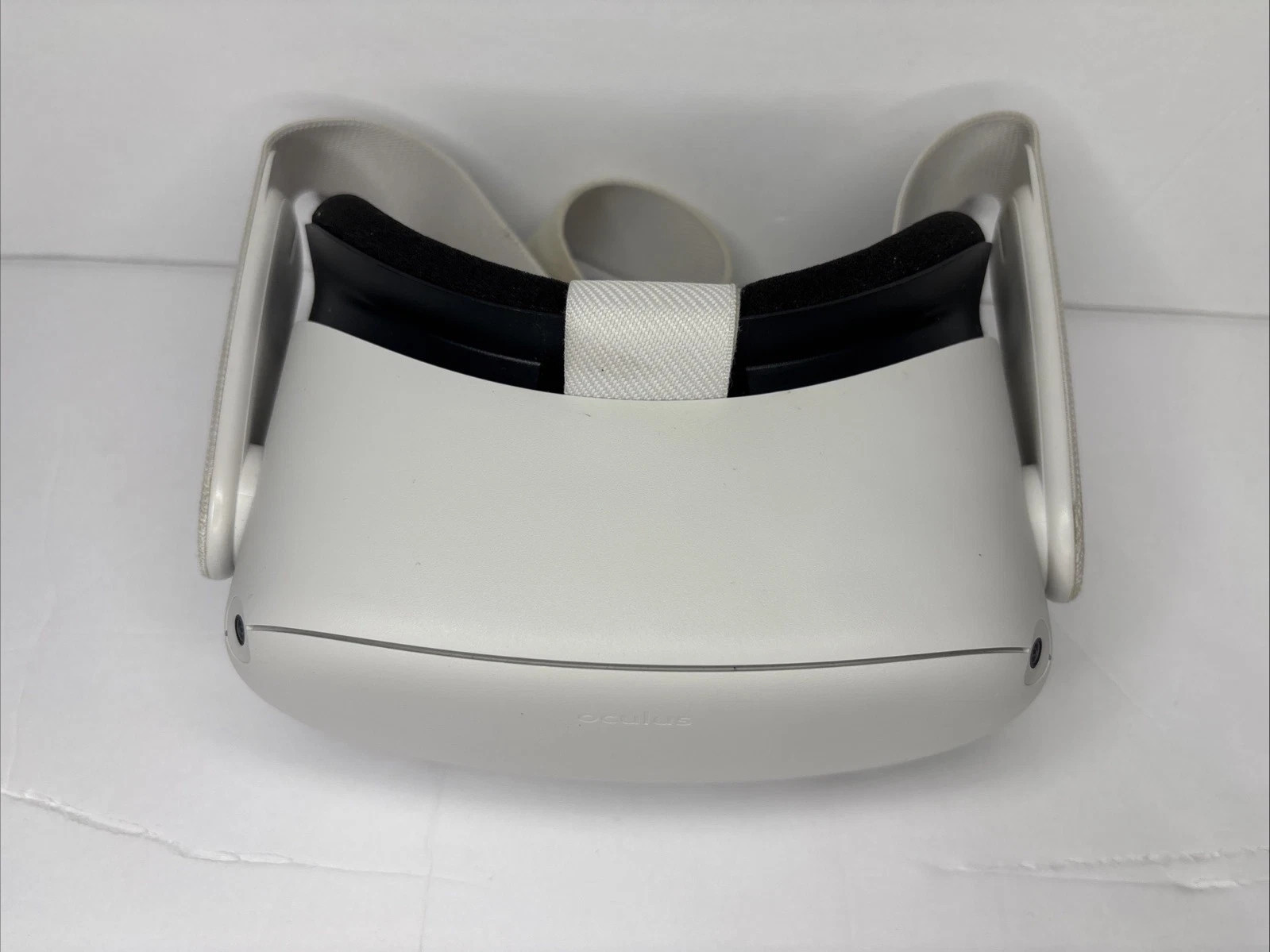 Meta Oculus Quest 2 128GB VR Headset Headset ONLY - No Controllers$45.00View on eBay
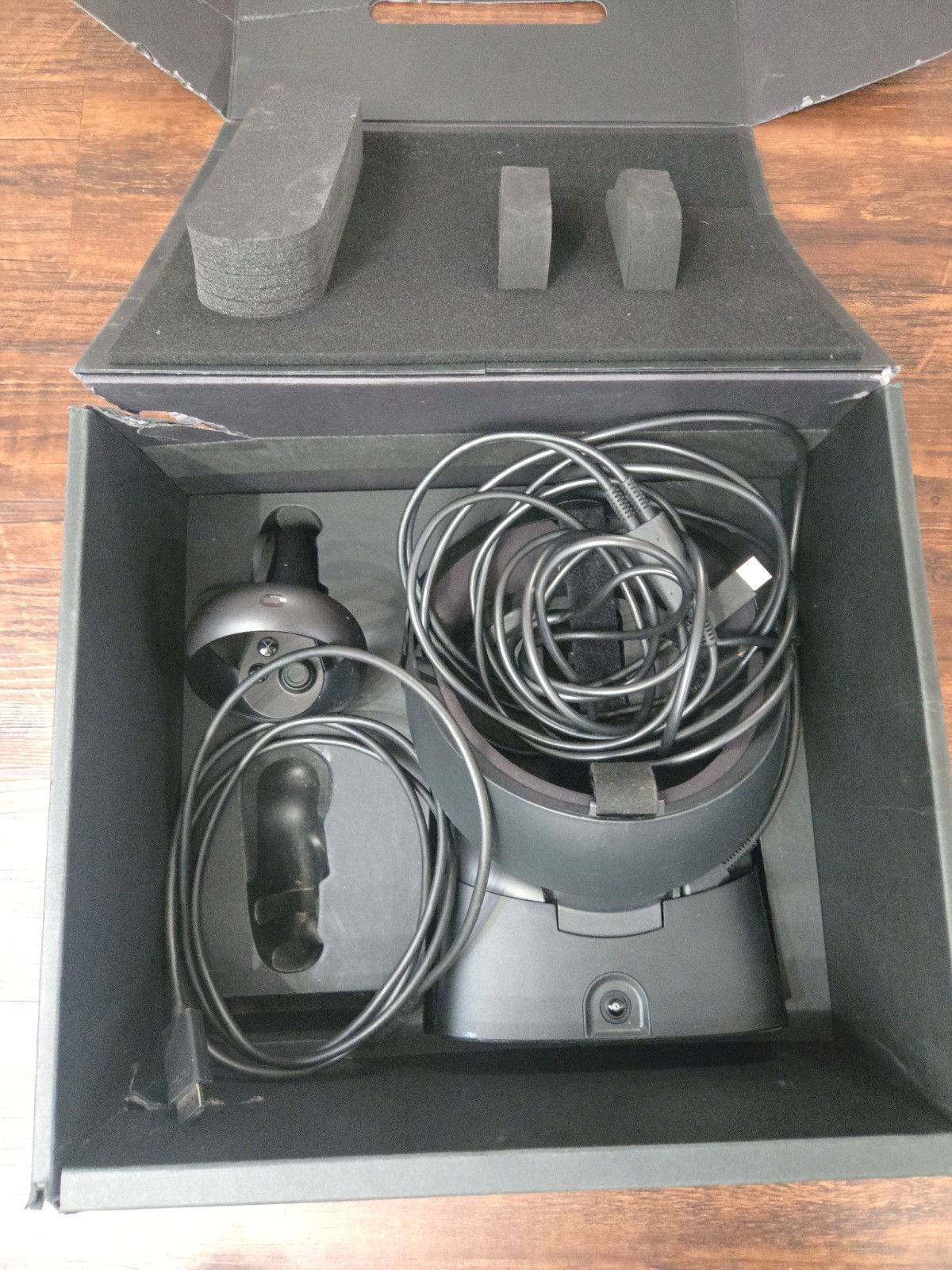 Oculus Rift S PC-Powered VR Gaming Headset - Black *1 Controller Preowned$68.88View on eBay
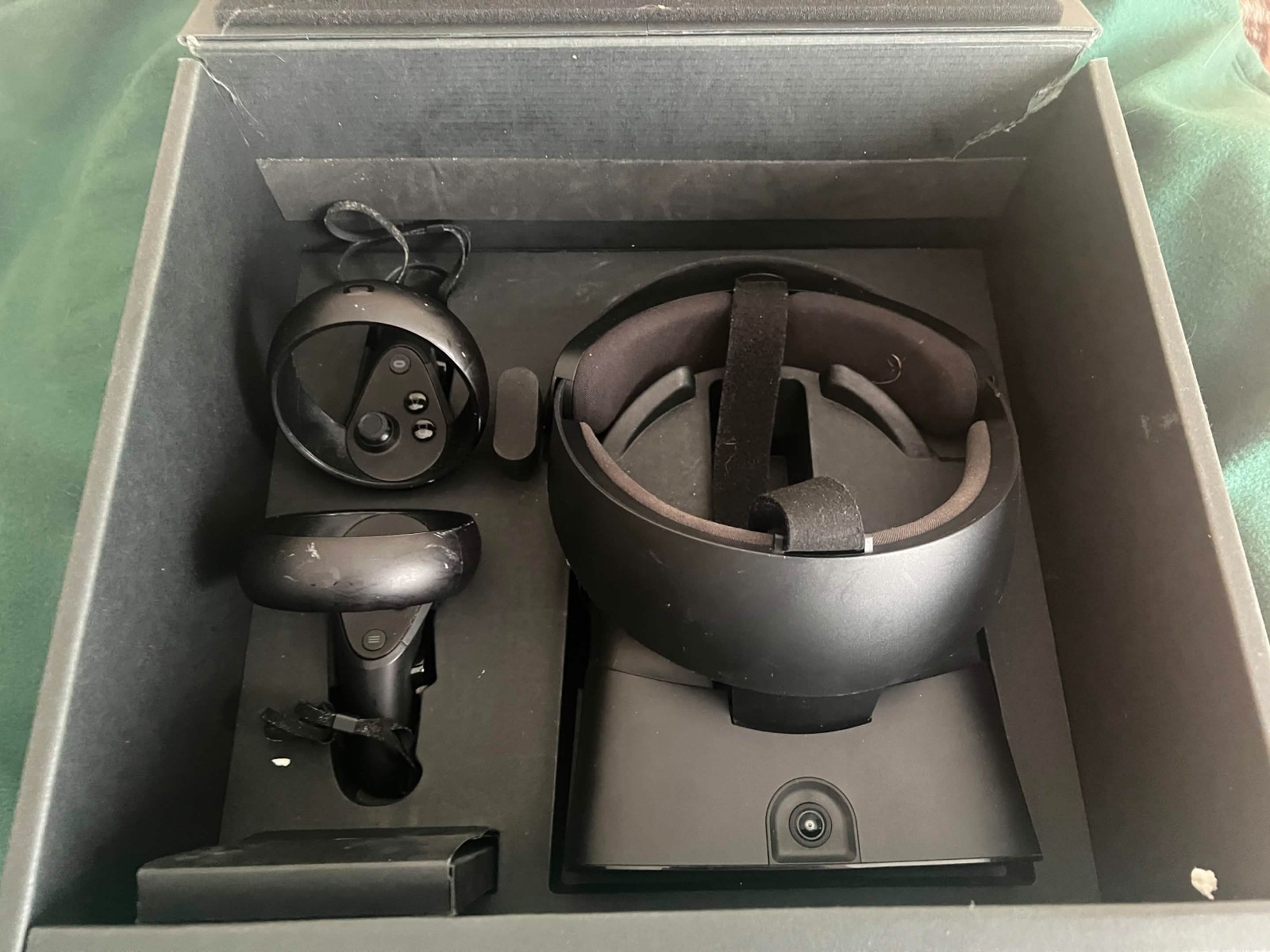 CABLE NOT INCLUDED Oculus Rift S PC-Powered VR Gaming Headset - Black$80.00View on eBay
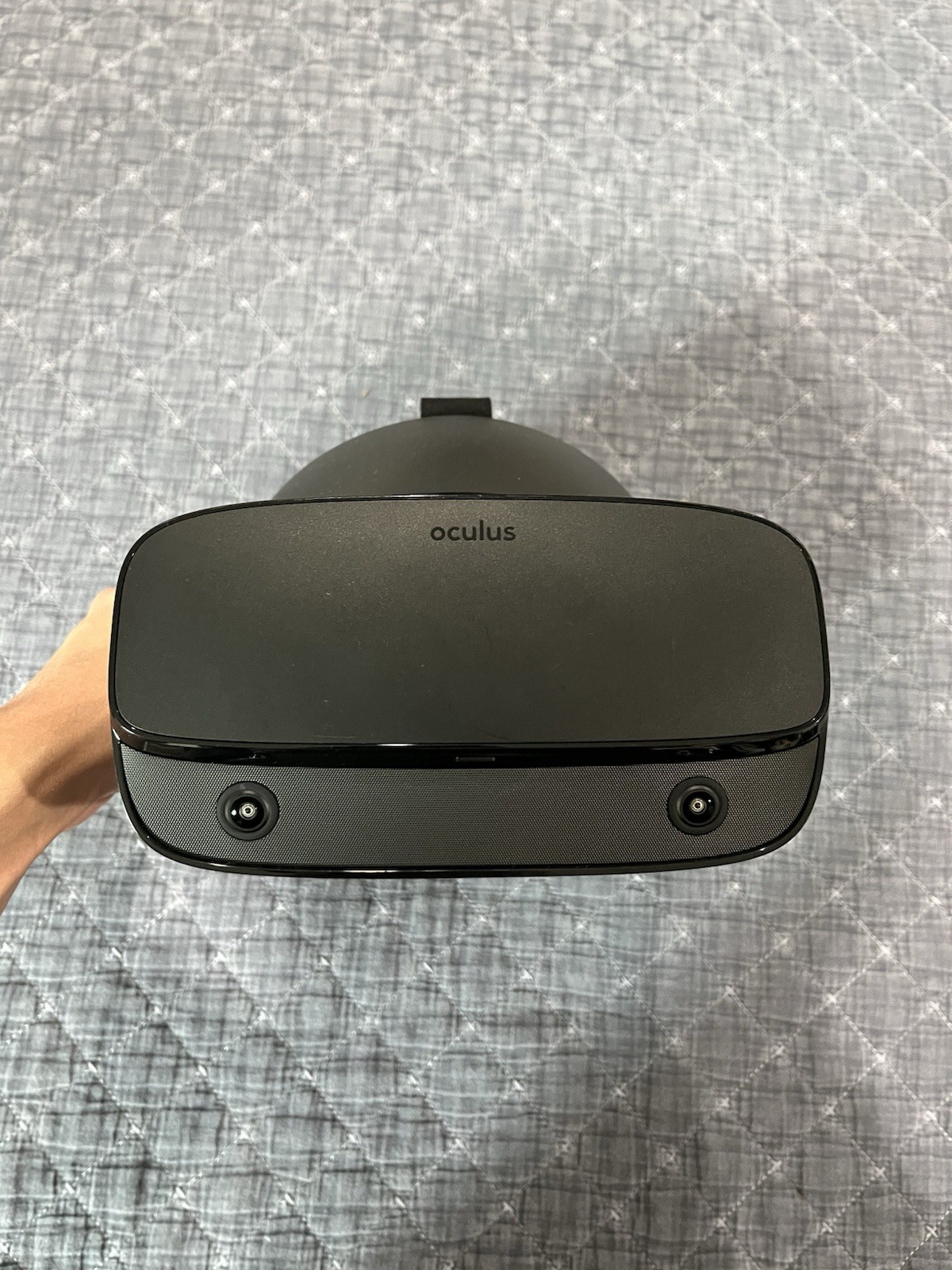 Oculus Rift S PC-Powered VR Gaming Headset - Black - *MESSAGE*$85.00View on eBay
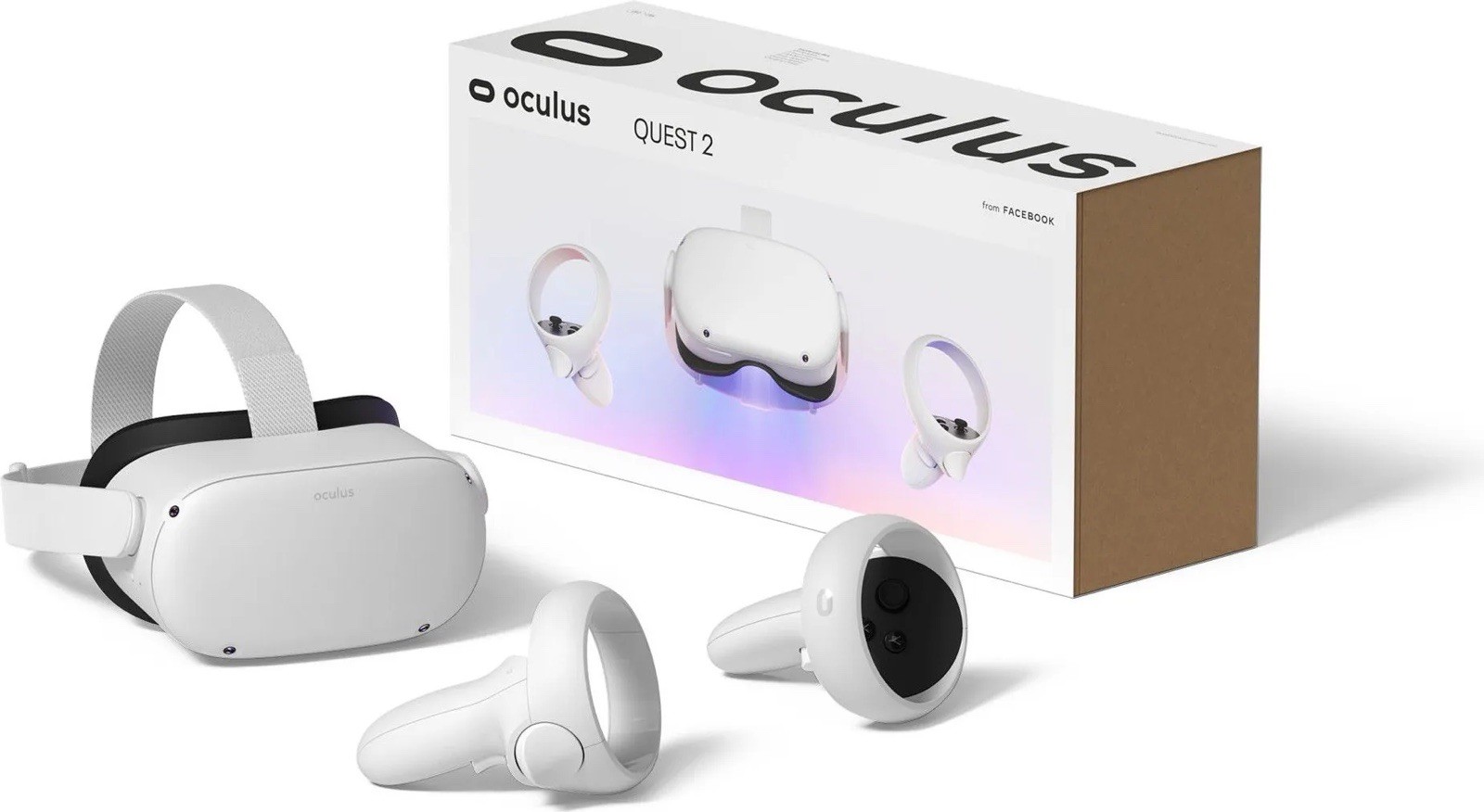 Oculus Quest 2 VR Headset with Touch Controllers, White, case and elite strap$108.00View on eBay
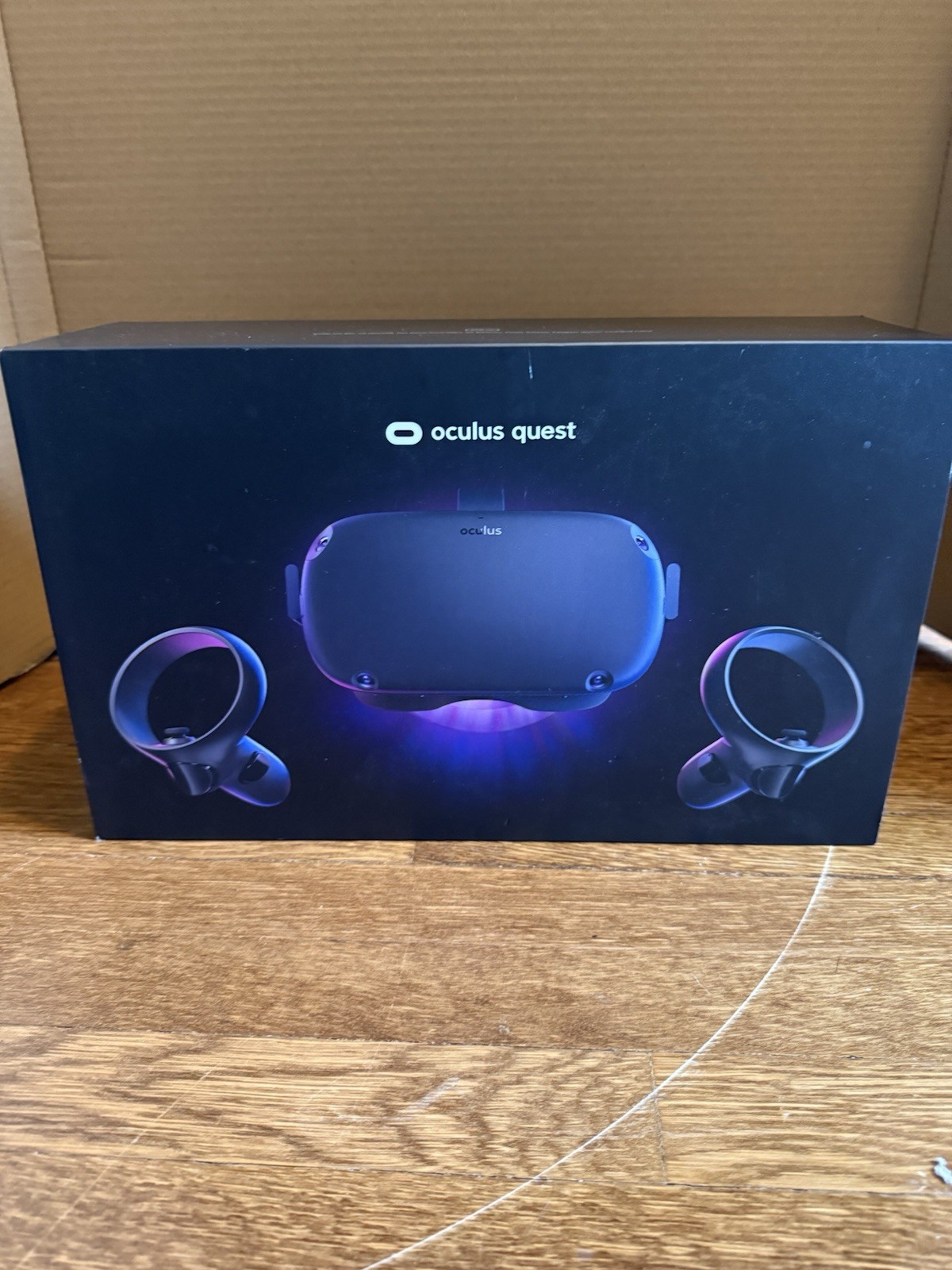 Oculus Quest 128GB VR Headset w/ 2 Touch Controllers Complete Box Tested$109.99View on eBay
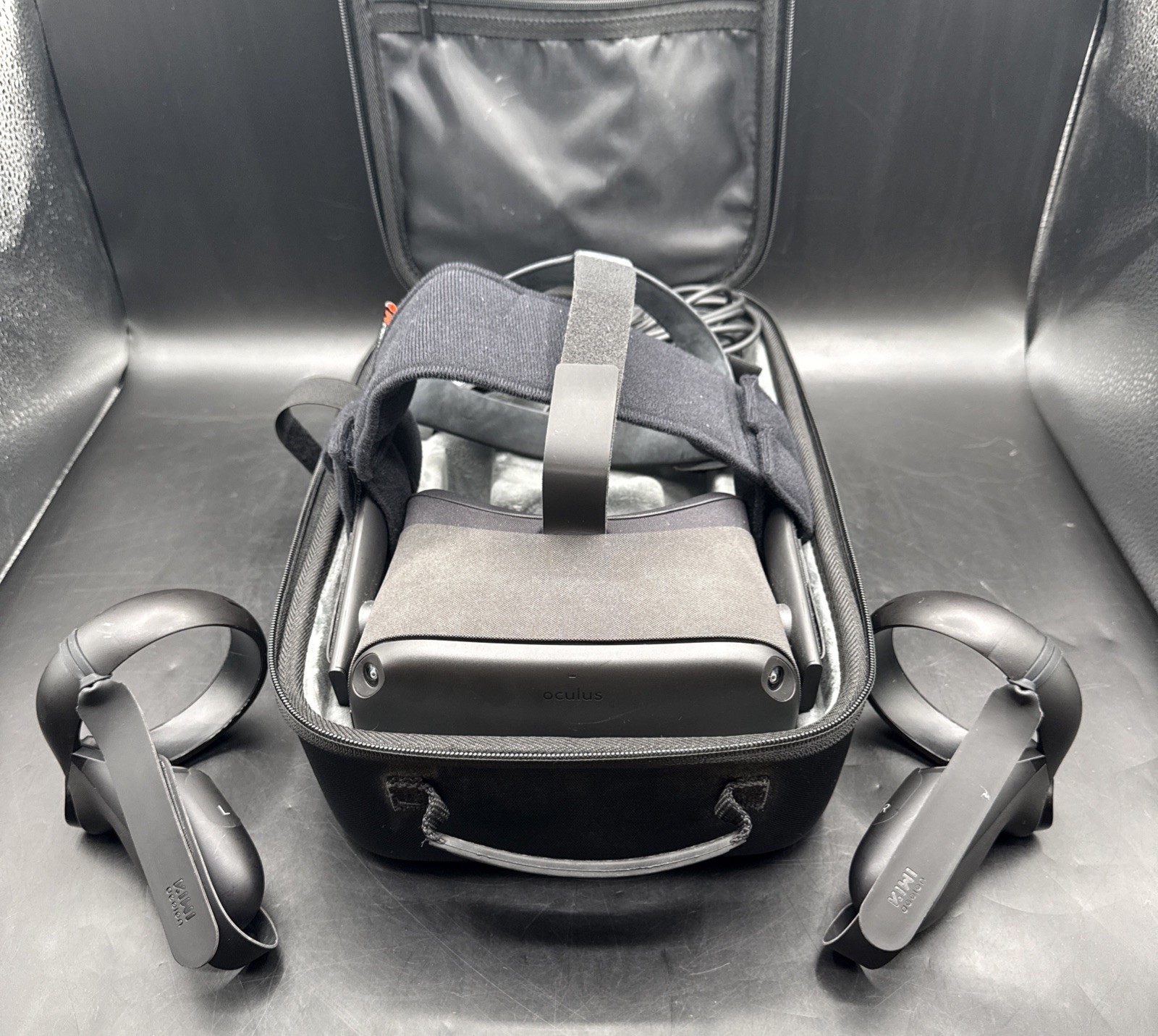 Meta Oculus Quest 1 All-in-one VR Gaming Headset 2 Controllers 64GB Black W/CASE$111.87View on eBay
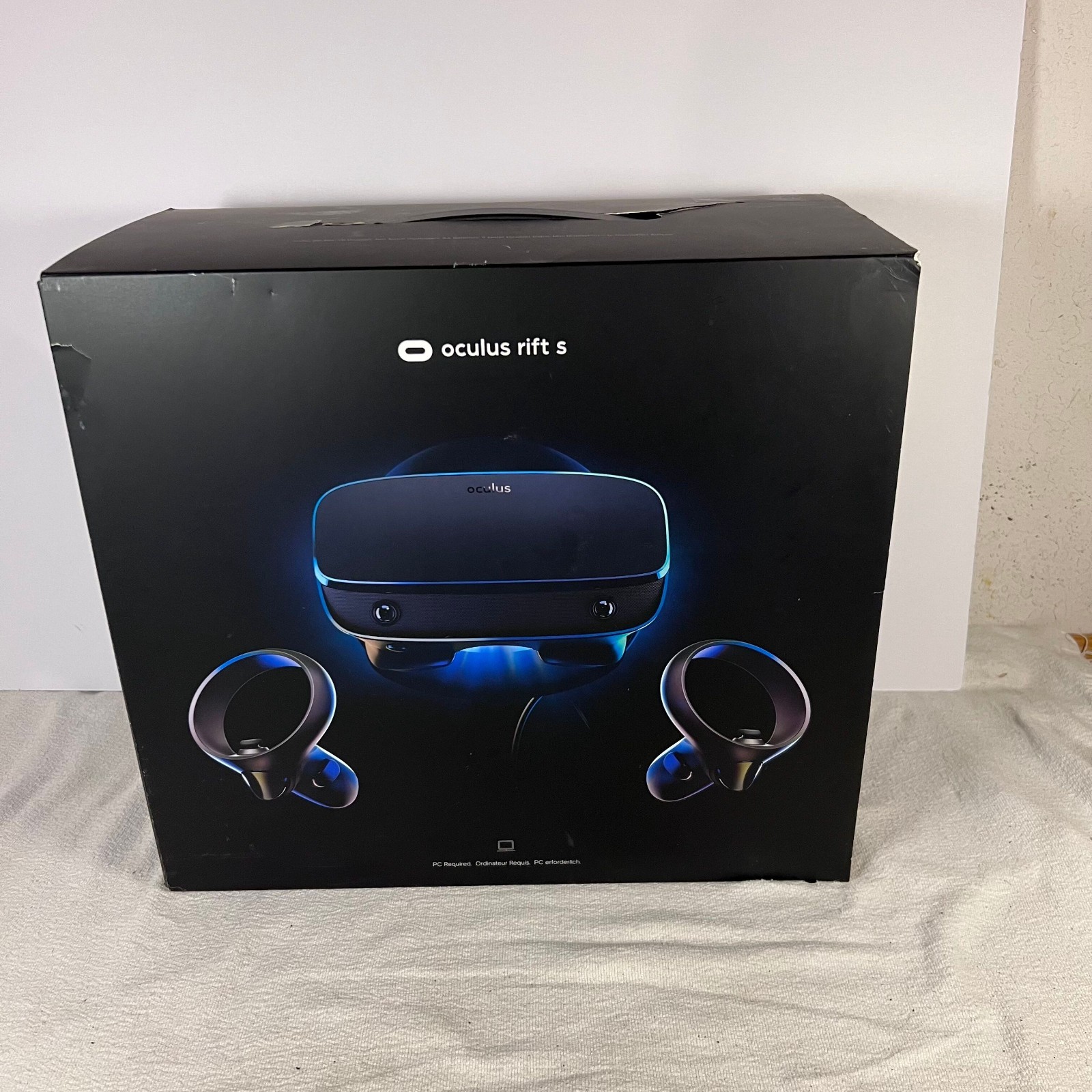 Oculus Rift S PC-Powered VR Gaming Headset Black + Original Box$129.99View on eBay
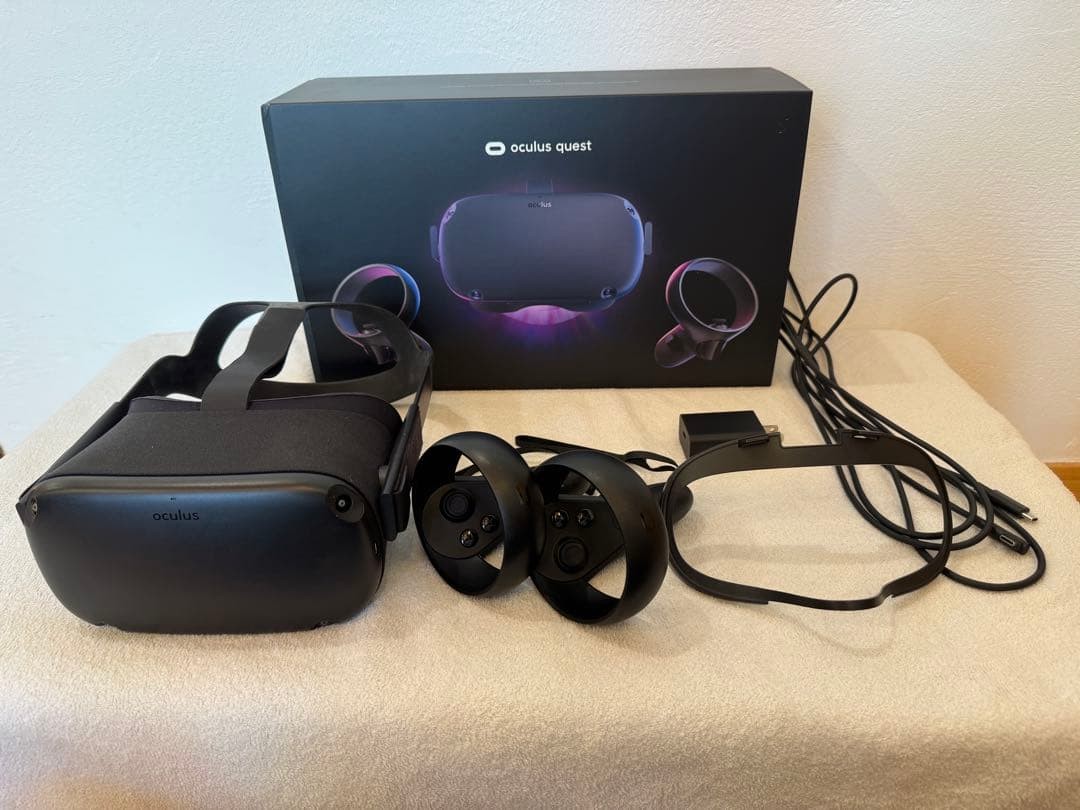 Meta Oculus Quest 1 All-in-one VR Gaming Headset 2 Controllers 64GB Black W/Box$137.97View on eBay
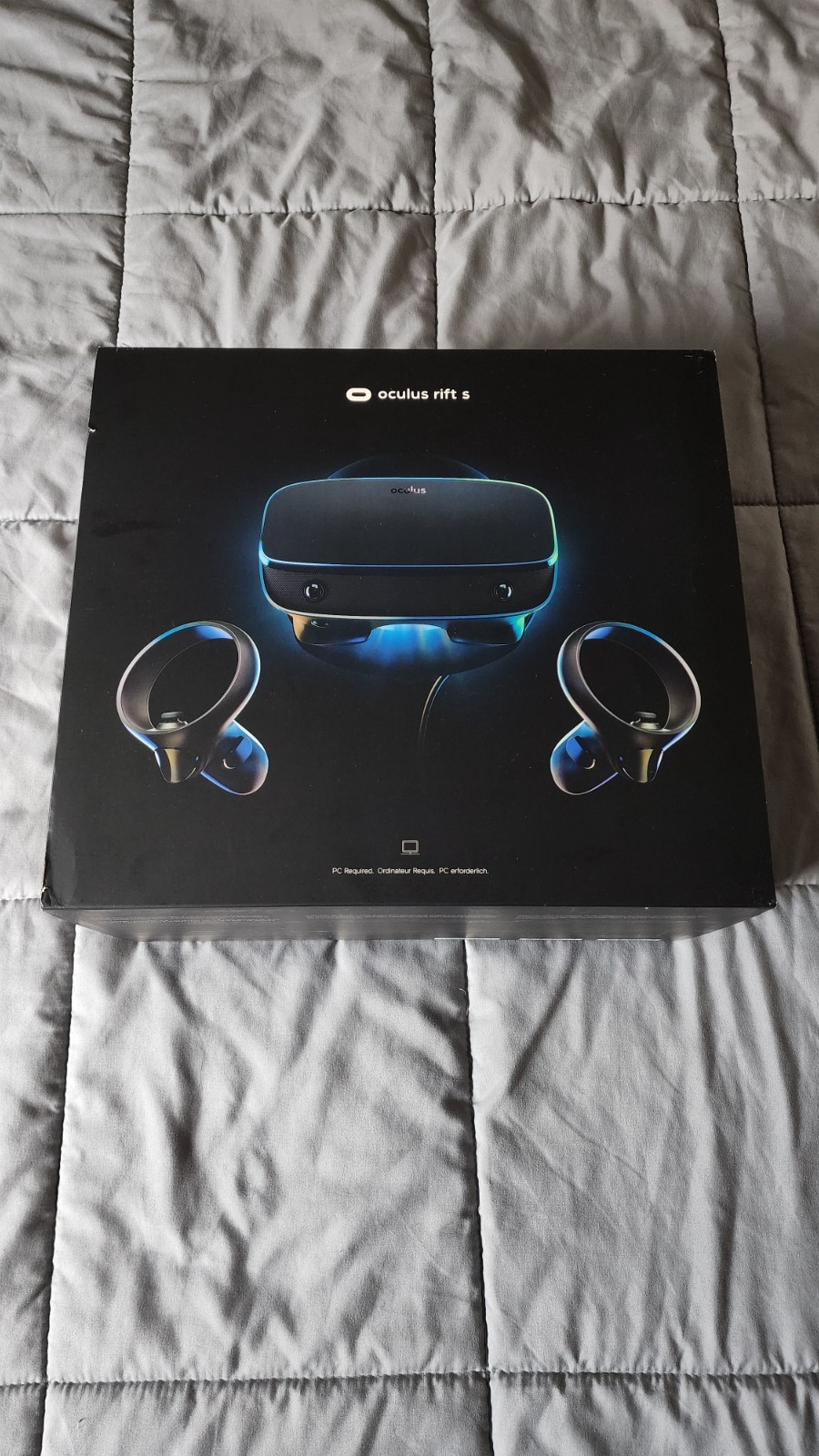 Oculus Rift S PC VR Gaming Headset (SIM FAVORITE) *MINT IN ORIGINAL PACKAGE*$150.00View on eBay
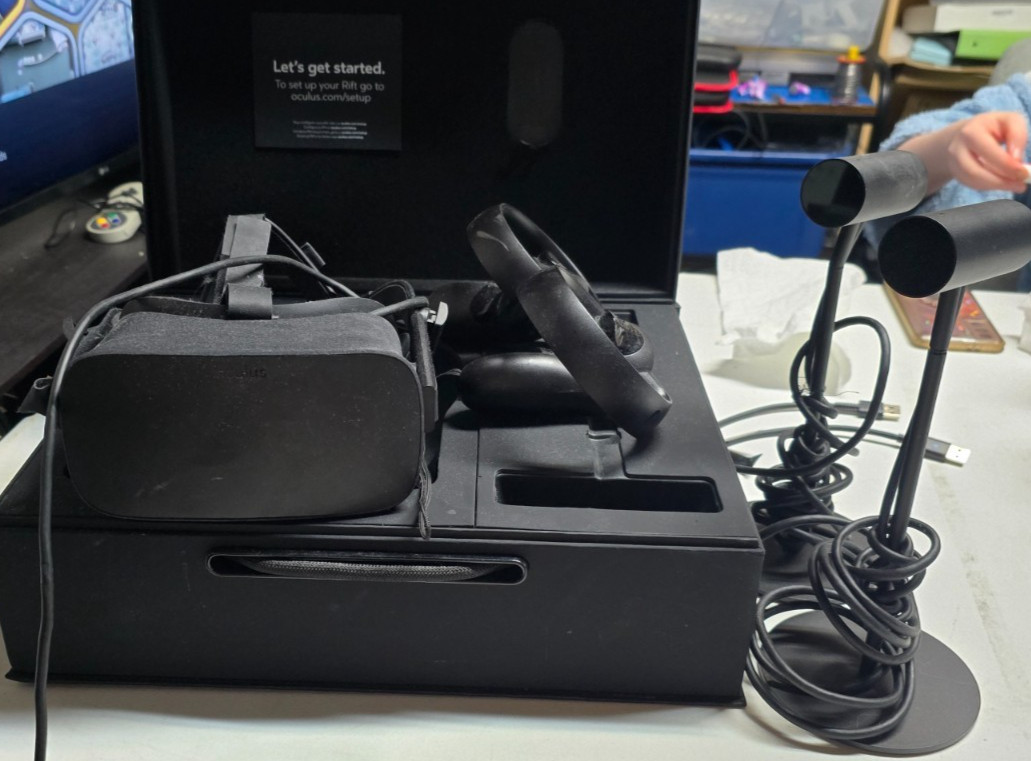 Oculus Rift S PC-Powered VR Gaming Headset Black FULL SET IN BOX$199.95View on eBay
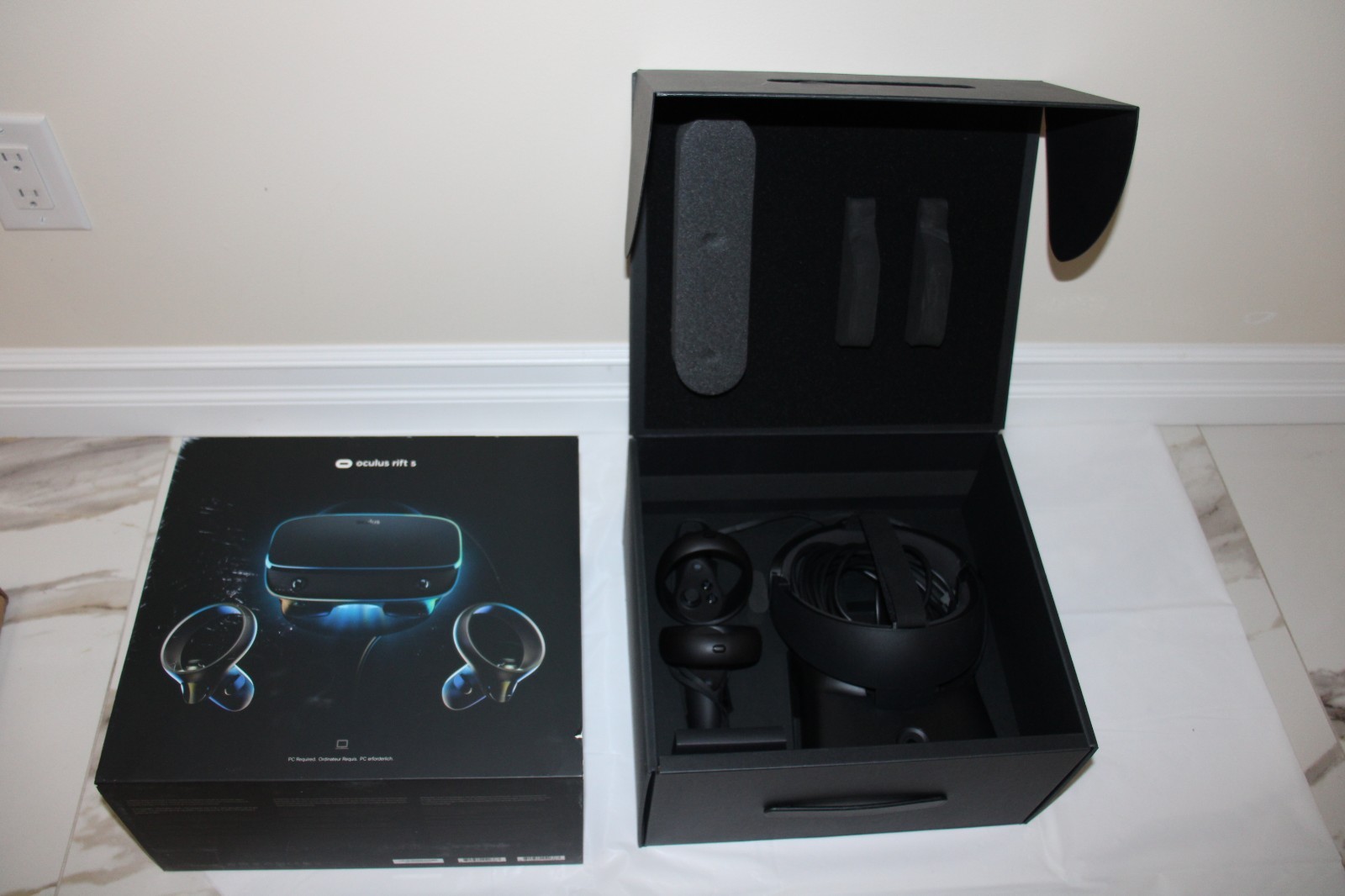 Oculus Rift S PC-Powered VR Gaming Headset Black FULL SET IN BOX "NEW"$249.00Last checked Nov 15, 2026View on eBay
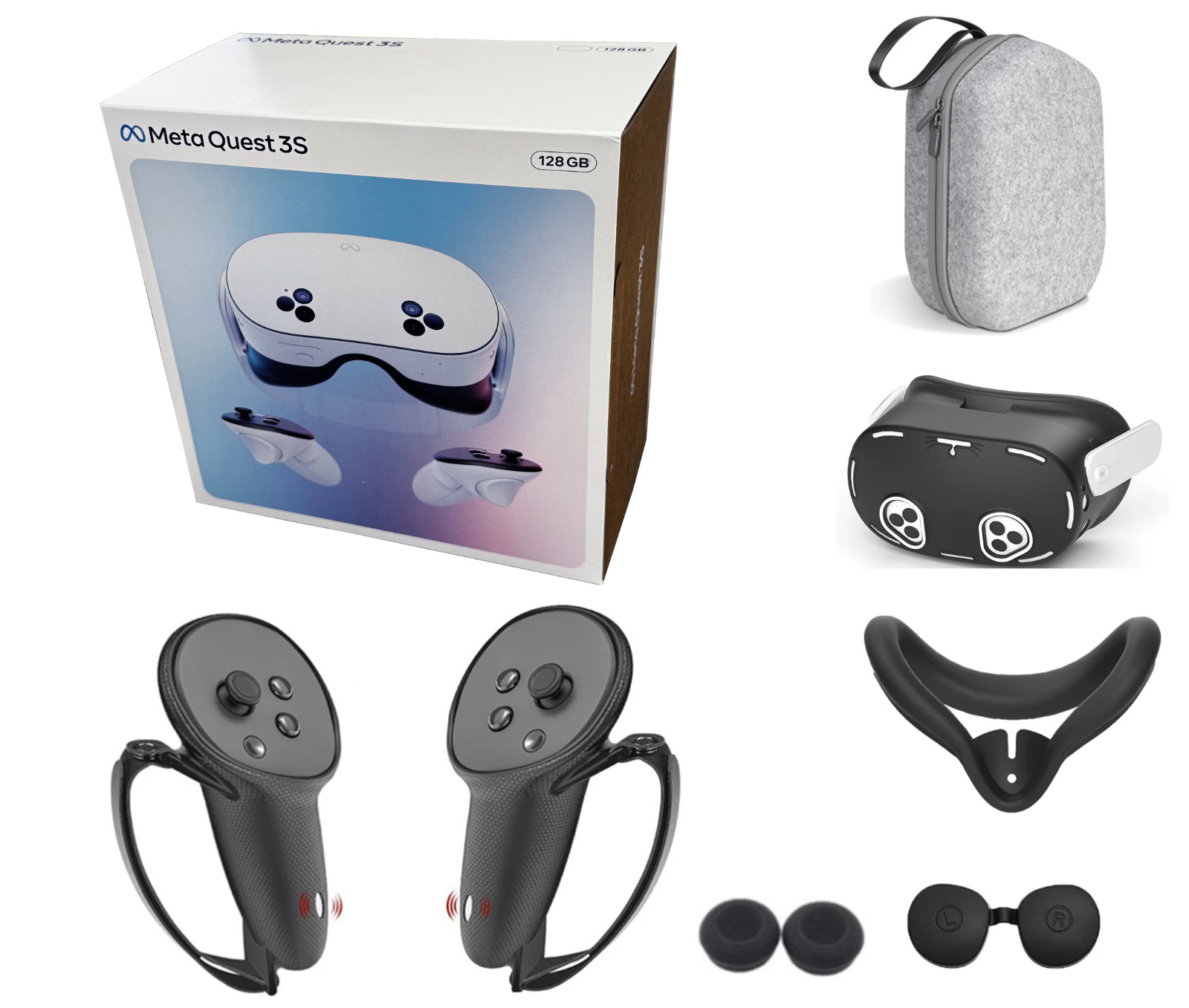 2026 Meta Oculus Quest 3S All-in-one VR Headset Holiday Bundle 128GB/256GB🔥$369.00New · Last checked Nov 22, 2026View on eBay
Highlights
- Rift S uses a PC-powered DisplayPort connection and inside-out tracking with five cameras — no external base stations required, but a VR-ready PC is mandatory.
- Quest 1 and Quest 2 are standalone Android-based headsets with onboard Snapdragon chips; Quest 2 offers higher per-eye resolution and 90 Hz support versus Quest 1's 72 Hz.
- Quest 2 ships in 128GB and 256GB storage tiers; storage affects installed game library size, not tracking or display performance.
- Rift S refresh rate is 80 Hz with a single fast-switch LCD; Quest 2 uses a similar LCD but adds optional 90 Hz and hand-tracking via software updates.
Best use cases
- Best fit for PC gamers with a VR-ready desktop: Rift S with DisplayPort and a wired connection delivers a stable, low-latency session without battery management.
- Best fit for room-scale freedom or travel: Quest 2 standalone with Touch controllers and a USB-C cable for optional PC Link — no PC needed for native games.
- Wrong fit for buyers expecting a headset-only listing to work out of the box: Rift S and Quest units require matched Touch controllers, a power adapter, and (for Rift S) a DisplayPort cable.
- Wrong fit for Quest 1 buyers seeking long-term app support: many new titles target Quest 2/3 hardware; Quest 1 is best for legacy and media use.
Buying tips
- Confirm your PC meets VR-ready specs: at least a GTX 1060 / RX 480-class GPU, 8GB RAM, and a free DisplayPort 1.2 output for Rift S.
- Choose Quest 2 storage by library size: 128GB suits casual users with 5–10 titles; 256GB suits buyers installing large AAA VR ports and media.
- Match the headset generation to accessories: Quest 1 and Quest 2 use different facial interface and controller designs — pads and covers are not cross-compatible.
- For Rift S, verify the listing includes the 5m DisplayPort cable and both Touch controllers; headset-only units require sourcing these separately.
Specs
| Architecture | Standalone (Quest) vs PC-tethered (Rift S) |
|---|---|
| Tracking | Inside-out, 4–5 cameras, no base stations |
| Refresh Rate | 72–90 Hz (Quest 2) / 80 Hz (Rift S) |
| Storage Tier | 64/128/256GB (Quest) / none (Rift S) |
Related searches
What to check before buying
- Measure your play space: Quest 2 room-scale needs at least 2m x 2m clear; seated Rift S needs roughly 1m x 1m plus cable reach.
- Check PC ports: Rift S requires DisplayPort 1.2 and a USB 3.0 port; adapters from HDMI are unreliable for VR.
- Verify power standards: Quest 2 uses a USB-C charger (15W recommended); Rift S draws power from the PC and needs no wall adapter.
- Confirm controller inclusion: both Rift S and Quest require paired Touch controllers for setup and most games — budget for replacements if missing.
FAQ
Data sources: eBay / Amazon listings and product attribute feeds. Updated Nov 28, 2026.
Some links on this page are affiliate links. If you buy after clicking one, we may earn a commission at no extra cost to you. This does not change which products appear here or their order. Affiliate disclosure.