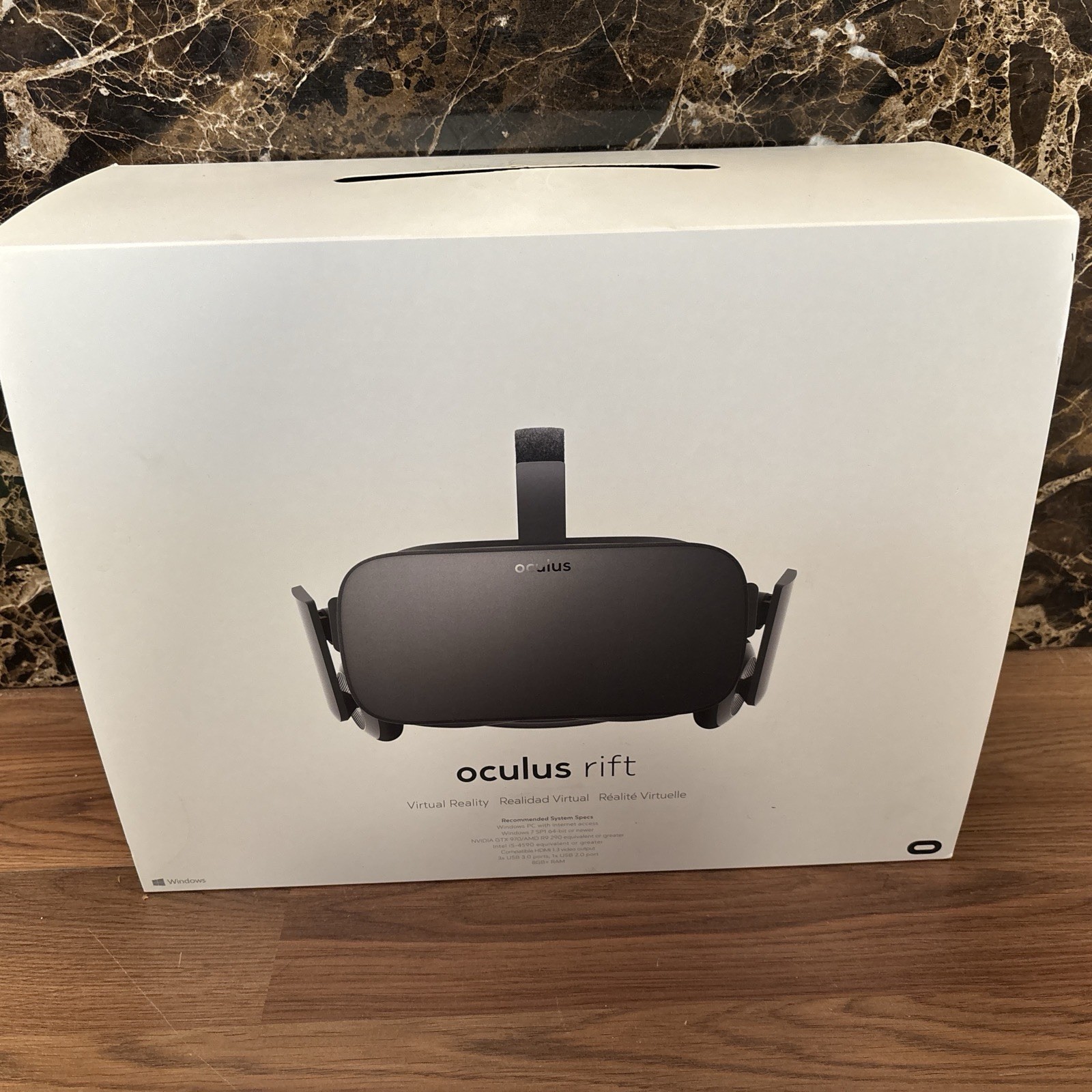

Photos from current listings. Actual item, color, and included accessories may vary.
Oculus Remote Replacement Buying Guide
The Oculus Remote is the one-handed navigation controller bundled with the original Oculus Rift CV1 and used across early Gear VR and Go-era content; replacements exist only as legacy accessories, so the real trade-off is genuine Oculus/Meta part versus third-party infrared remote. Buy a replacement only if you are staying on the CV1/Go ecosystem and need a working menu/media controller; otherwise the decision rule is to move to the Touch controllers or a current headset rather than chase obsolete IR parts.
Key takeaways
- Oculus Remote is an infrared (IR) remote, not Bluetooth: it needs line-of-sight to the Rift CV1 sensor or Go headset and will not pair or work with Quest 2/3 or any camera-tracked headset.
- Controls are minimal by design — d-pad, back, home, and volume — with no trigger, grip, or analog stick, so it cannot substitute for Touch controllers in tracked VR apps.
- Rayleigh: genuine Oculus remotes use a single CR2032 coin cell and a rubber-dome membrane keypad; worn membranes cause the common 'buttons stopped responding' failure on used units.
At a glance
- Category
- VR Gaming Hardware & Accessories
- Last updated
- Nov 28, 2026
Current offers
Highlights
- Oculus Remote is an infrared (IR) remote, not Bluetooth: it needs line-of-sight to the Rift CV1 sensor or Go headset and will not pair or work with Quest 2/3 or any camera-tracked headset.
- Controls are minimal by design — d-pad, back, home, and volume — with no trigger, grip, or analog stick, so it cannot substitute for Touch controllers in tracked VR apps.
- Rayleigh: genuine Oculus remotes use a single CR2032 coin cell and a rubber-dome membrane keypad; worn membranes cause the common 'buttons stopped responding' failure on used units.
- There are no current first-party production runs; listings are new-old-stock, refurbished, or third-party IR clones, and condition grade matters more than brand on the used market.
Best use cases
- Best fit: Rift CV1 owners who want a lightweight one-handed controller for Oculus Home, video playback, and seated menu navigation — pick a genuine Oculus-branded remote with clean buttons and a fresh CR2032.
- Best fit: Oculus Go users needing a compact media remote alongside the Go controller — verify the remote is the IR-based Oculus Remote, not a Bluetooth media remote for phones.
- Wrong fit: Quest 2/3/Pro or Rift S owners — these headsets have no IR remote support, so a replacement Oculus Remote will not pair; use Touch controllers or hand tracking instead.
- Wrong fit: buyers wanting full VR gameplay input — the remote has no trigger or tracking, so skip it and buy Touch controllers or a current headset for anything beyond menus and media.
Buying tips
- Match the remote to the headset generation: Oculus Remote works with Rift CV1 and Oculus Go (IR line-of-sight), and does not work with Rift S, Quest, or Quest 2/3.
- Prefer genuine Oculus/Meta-branded remotes over third-party IR clones; clones often ship with mismatched IR codes that fail in Oculus Home even when the hardware looks identical.
- Inspect button feel and battery contacts on used units: mushy or unresponsive d-pad and corroded CR2032 contacts are the two failure modes that make a cheap remote a false economy.
- Confirm the remote includes or accepts a standard CR2032 coin cell — some listings ship without a battery, and a depleted cell is the most common 'dead remote' complaint.
Specs
| Connection Type | Infrared (IR), line-of-sight |
|---|---|
| Compatible Headsets | Rift CV1, Oculus Go only |
| Battery | 1x CR2032 coin cell |
| Controls | D-pad, back, home, volume |
Related searches
What to check before buying
- Confirm your headset is a Rift CV1 or Oculus Go — check the model name on the headset and in the Oculus PC app before buying any IR remote.
- Verify the remote has a clear IR window and that nothing blocks the sensor-to-remote line of sight in your play space, since IR remotes need direct visibility.
- Check that your Rift CV1 sensors are connected and tracking in the Oculus app; an untracked sensor makes a working remote appear broken.
- Have a fresh CR2032 coin cell on hand — the Oculus Remote uses one, and a weak cell causes intermittent button response.
FAQ
Data sources: eBay / Amazon listings and product attribute feeds. Updated Nov 28, 2026.
Some links on this page are affiliate links. If you buy after clicking one, we may earn a commission at no extra cost to you. This does not change which products appear here or their order. Affiliate disclosure.